A:AnswerI don't know about itunes. Even my friends, who have Sandisk, don't know. We went through freemusicdownloads to upload our music to the device. It's much easier and faster than through itunes.
A:AnswerI would first copy the SD card contents into a PC for safe keeping, then remove files from the SD card itself that is not compatible with the MP3 player, then load it into the player. If it fails, then reformat the sd card, then copy just the music files into the SD card and then load into the player again. Please note that the "PLUS" version of the Sandisk Clip Sport does not take an SD card though the non-PLUS does. The one I recommended takes a micro SD card. Good Luck!
A:AnswerI had a similar issue. When you connect your SanDisk to the USB port, a screen should come up asking what you want to do. Select open folders to review files, and you should then see this device on your network. Download your MP3 files and/or playlists to the Music folder, and it should sync. If not, suggest contacting SanDisk. You can also do a wireless pairing to play your tunes on the computer sound system, but file transfer is via direct USB connection.
A:AnswerI am able to connect to my vehicles bluetooth. I have Uconnect in my 2013 Dodge Journey. Took a few tries for the car to learn, but it worked out.
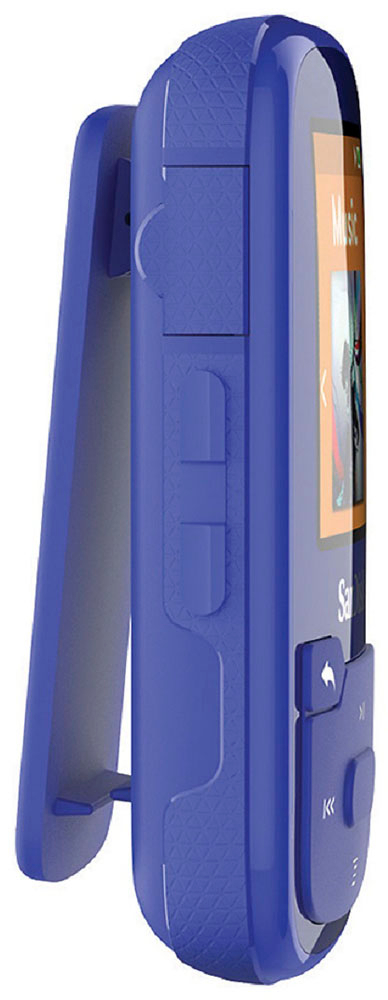
A:AnswerThe earbuds suck and kill your ears after an hour or so. Also, I don't believe the unit itself is waterproof. Sure doesn't seem like it. Also, the rubber cover for the charging port broke right off the first time I used it.
A:AnswerCopy files from your Android files to your computer, then copy them to your player. If you need to convert file extension so the player recognizes the file type, try SWITCH by NCH software.
A:AnswerNot this particular device but a previous MP3 player I really had to "jiggle" the connections before the computer recognized the device.
I'm using a desktop Mac so I'm not sure about Dell and Windows10