A:AnswerMany of the bluetooth headphones on the market will NOT work with Mp3 players as they are designed to work only with cell phones. Some require the entry of a code number to complete the pairing and that can only be done on a cell phone. Check the specs before you buy.
A:AnswerHi, we would be happy to help, but it would be best to contact us directly so that we can investigate further and provide you with an appropriate resolution. You can use the Ask form at https://kb-eu.sandisk.com/app/ask/ and there is also a phone number you can call available at https://www.sandisk.com/about/contact/customer-care.
A:AnswerHi, we would be happy to help, but it would be best to contact us directly so that we can investigate further and provide you with an appropriate resolution. You can use the Ask form at https://kb-eu.sandisk.com/app/ask/ and there is also a phone number you can call available at https://www.sandisk.com/about/contact/customer-care.
A:AnswerHi, we would be happy to help, but it would be best to contact us directly so that we can investigate further and provide you with an appropriate resolution. You can use the Ask form at https://kb-eu.sandisk.com/app/ask/ and there is also a phone number you can call available at https://www.sandisk.com/about/contact/customer-care.
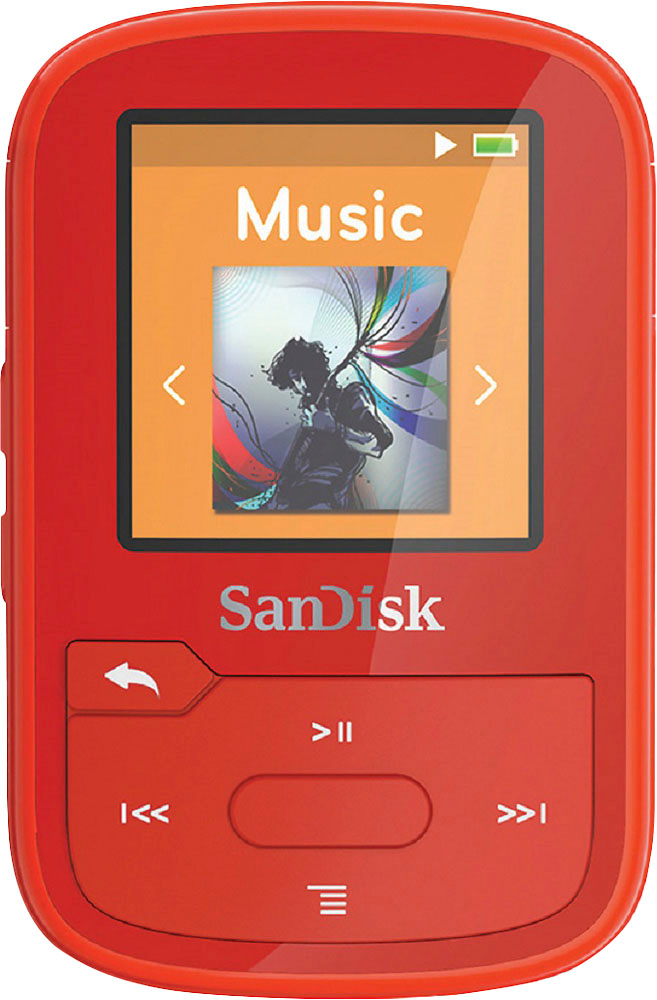
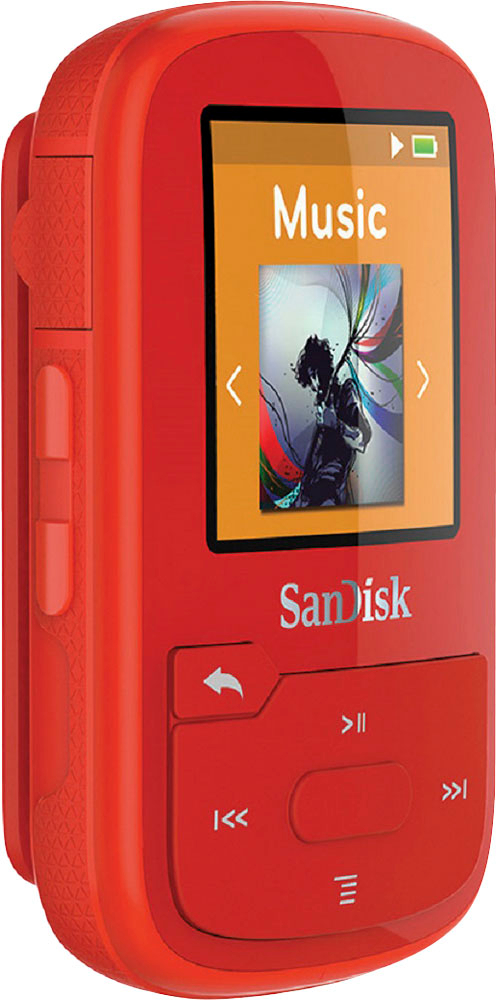
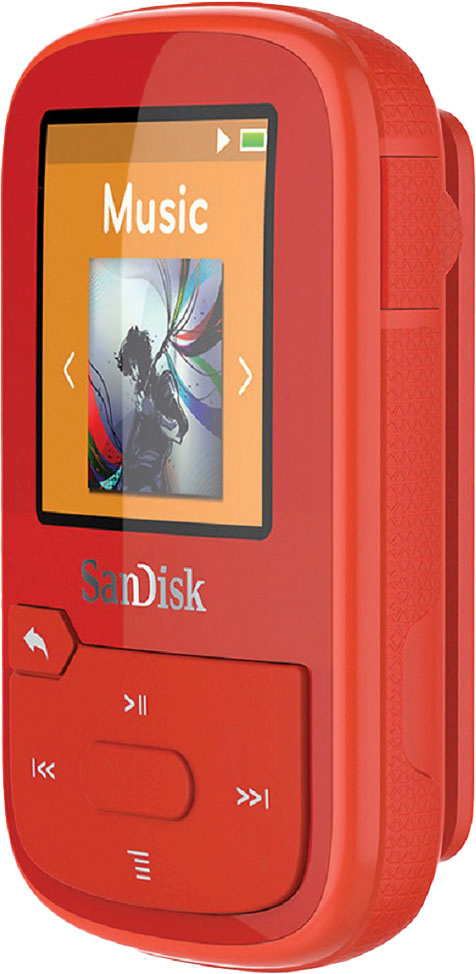
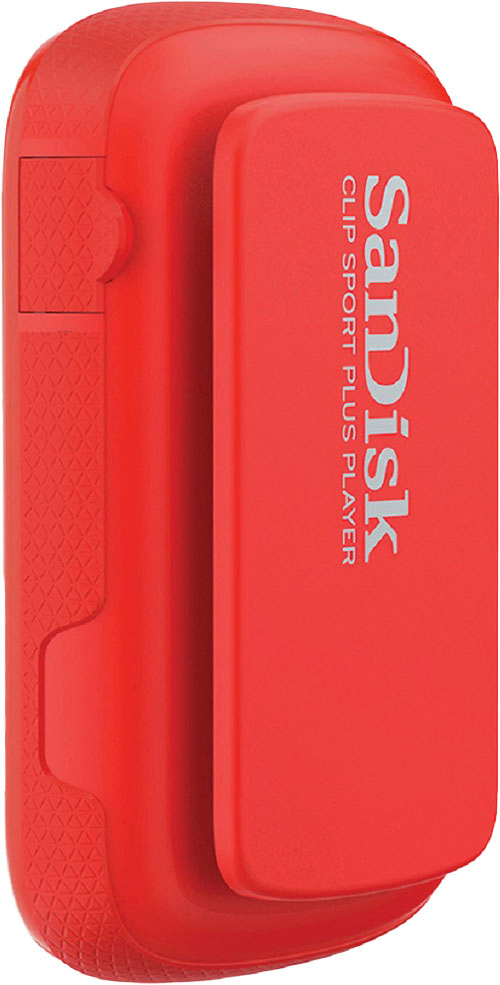
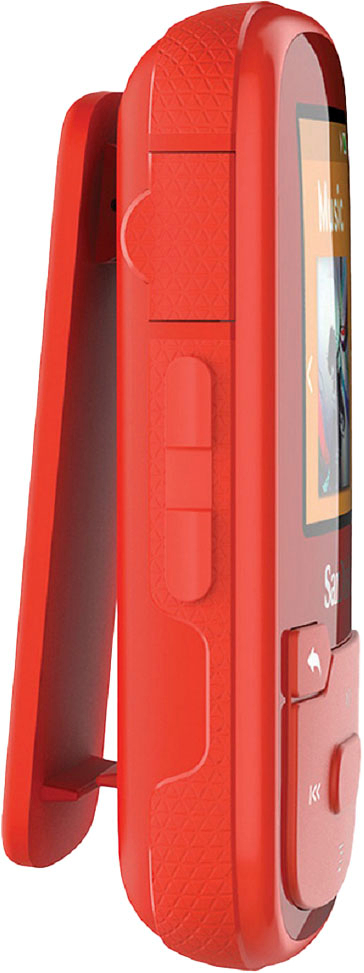
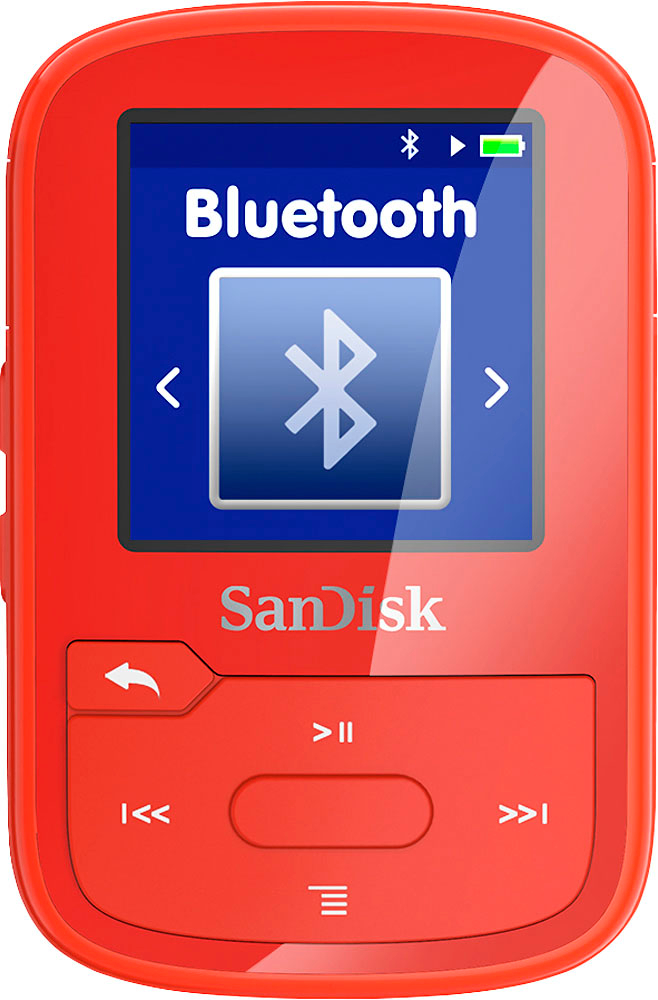
A:AnswerPlease allow us to inform you that the SanDisk® Clip Sport Plus MP3 Player comes with Bluetooth wireless technology so it pairs with Bluetooth wireless technology headsets or speakers.
A:AnswerPlease allow me to inform you that you and select you favorite music to create an album. Please refer to the user manual of this MP3 Player using the below mentioned link to know more:
-- https://kb.sandisk.com/app/answers/detail/a_id/20075
A:AnswerPlease allow me to inform you that the SanDisk® Clip Sport Plus MP3 Player supports Audiobooks. In order to know how to transfer and listen Audiobooks on the MP3 Player, please refer to the below mentioned link:
-- https://kb.sandisk.com/app/answers/detail/a_id/7320
A:AnswerPlease be informed that the SanDisk® Clip Sport Plus MP3 Player supports audiobooks. However, in order to know how/ where to download audiobook, you may do an online search.
A:AnswerYes, you can transfer files from iTunes to the SanDisk® Clip Sport Plus MP3 Player. You may also refer to the article using the below mentioned link:
-- https://kb.sandisk.com/app/answers/detail/a_id/7946
A:AnswerI found the answer... you must download the audible books in high quality. The default is set to low quality, I guess to save space. Works fine now.
A:AnswerPlease allow me to inform you that you cannot install any third-party applications on the SanDisk® MP3 Players. Hence, you cannot control it using Garmin Watch.
A:AnswerTo turn it on, if it is not in lock mode, press the center button for 3 seconds. If it is in lock mode, first press the Back Arrow button for 3 seconds, To put it in lock mode, press the Back Arrow button for 3 seconds. Or, plug it in to see if it had zero charge on the battery. The screen will light up.