A:AnswerSorry. I have never used the Bluetooth since hard wired earphones can be used. By previous experiance with units that only work with Bluetooth has been less than satisfactory, no matter what the device is.
A:AnswerI bought a VERY inexpensive wireless headphone and it works fine, not only with my sandisk but also with my macbook and samsung phone. Try contacting sandisk customer service as they are responsive to problems.
A:AnswerI recently bought the mp3 player and i have gotten all my other bluetooth speakers to pair with the sport clip but not my powerbeats3 earbuds. My main reason for the upgrade was because my other Lg ones died on me after along time of use. The guy in the store obviously did not know what he was talking about.
A:AnswerI found these suggestions on line to select the language without changing any other setting...
https://kb.sandisk.com/app/answers/detail/a_id/96/~/changing-the-sansa-clip-back-to-its-default-language
https://www.youtube.com/watch?v=M0KvCm7H5GM
http://forums.sandisk.com/t5/SanDisk-Clip-Jam/How-to-reset-Language-from-Chinese-to-English-when-you-can-t/td-p/363083
A:AnswerIf you're looking for this device to use bluetooth headphones on i would find a different player. Manufacturer promises 7 hours and it only delivers 4 hours.
A:AnswerGo to the "purple screen" with the gears (Settings) and press the center button, Select the first option, then either go down 9 menu options or up/cycle through 5 to get to the Language menu. Select the desired language and hit press the center button.
Good luck!
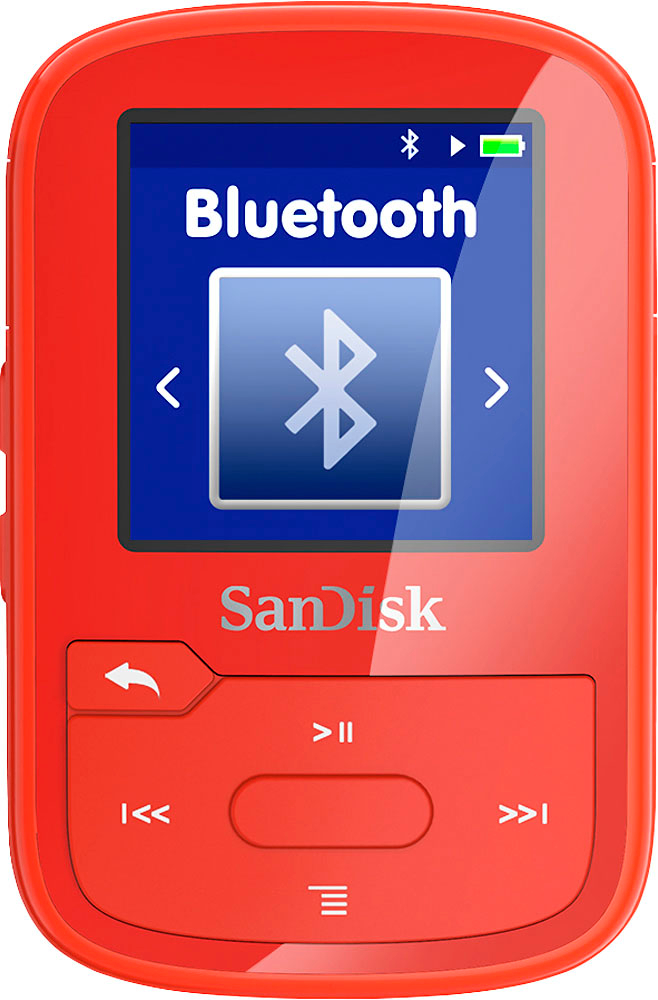
A:AnswerThe sandisk will have a menu to pair to your bluetooth in your car. Press the settings button and bluetooth will pop up. Hit the bluetooth button same as the play button, and pair.