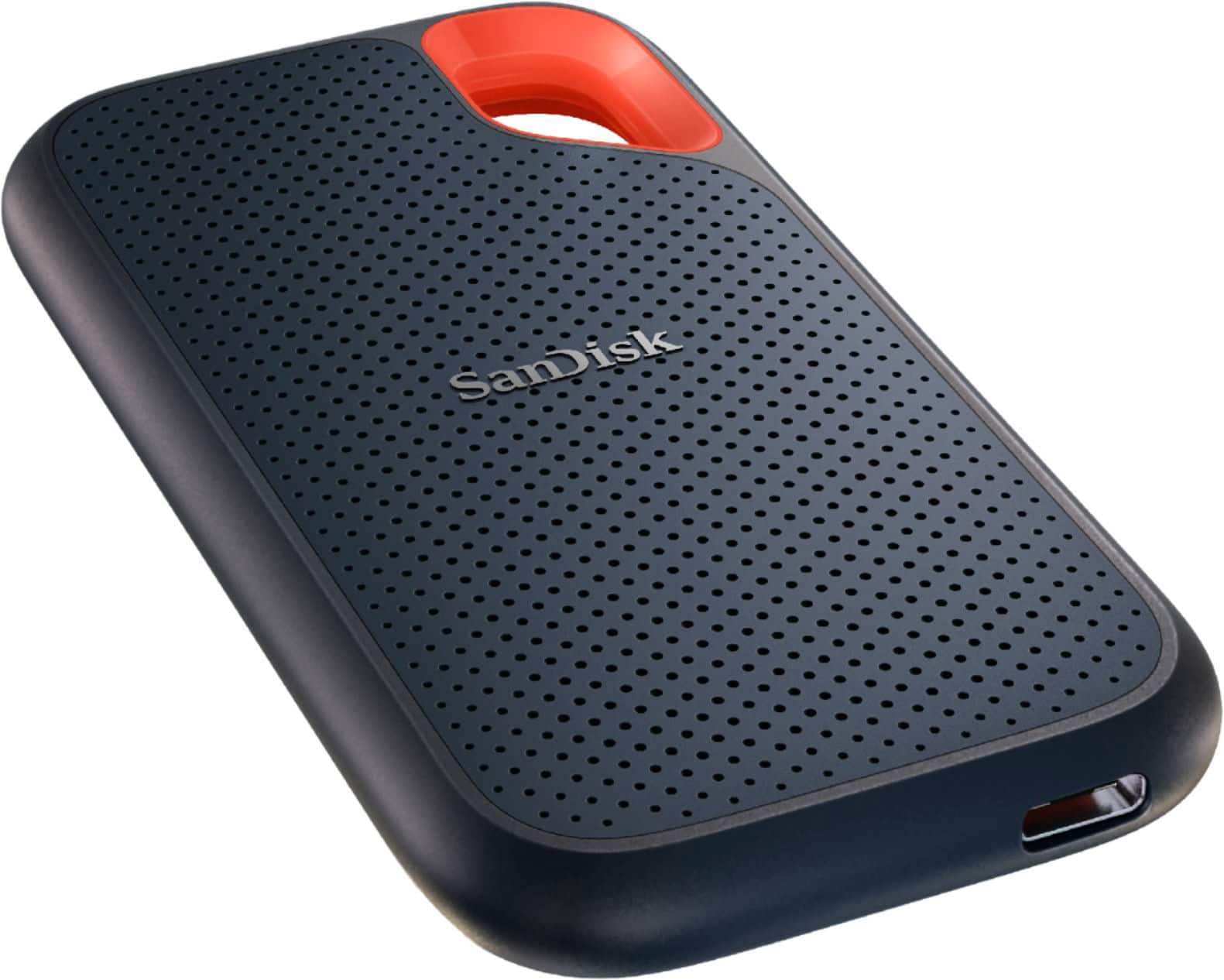
A:AnswerThis drive will work great with your MacBook. I recommend using Time Machine on your Mac to handle the backup tasks, as it makes it incredibly easy.
If you have 512GB of data (your MacBook's drive is 120% full), it could take up to 10 hours for the first time you backup. If you use Time Machine, or other good backup software, every time you backup after the first time, will be very fast. The software is smart, and only needs to backup the new files and changes to the existing data after that first backup.
Also, I doubt your Mac's drive is completely full, so the first backup will probably take less time than I estimated above.
A:AnswerIt depends on a lot of different variables, like the camera device, camera's settings, the specific picture, length, etc., so it's impossible to give you a specific answer.
This drive has 2,000GB of storage. This is likely 4-32 times the amount of storage your phone has. If your phone has 128GB (most common), this drive can store 16x more data than the maximum amount your phone can hold (including all apps, the operating system, other media like music, pictures & videos).
I hope this helps!
A:AnswerIt works flawlessly with my M1 Mac so there will be no issue using it as a Time Machine backup drive. You may want to consider a bigger and slower (cheaper) option though, I rarely need my backup drives to be this fast.
A:AnswerYes, the SanDisk® Extreme Portable SSD V2 comes with 5-years of Global SanDisk® warranty. If you face any issue while using any of the SanDisk® product, please reach out to our support available at https://www.sandisk.com/about/contact/customer-care.
A:AnswerI have this model and have not had any issues. This model is also not listed as part of the defective models, as I ran my serial number to confirm. I've owned it for over 2 years and has worked great.
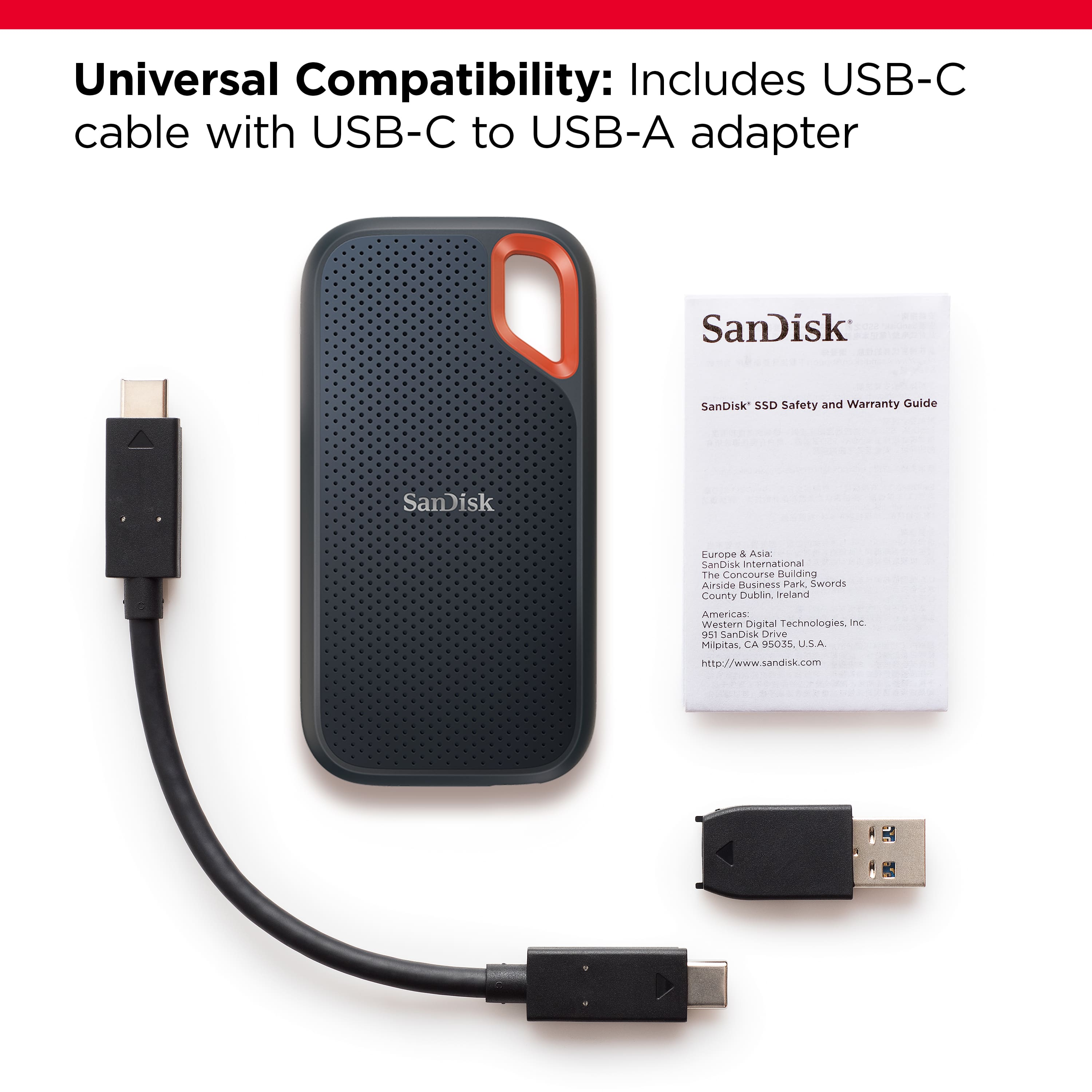
A:AnswerI know this might seem like common sense but make sure that the cable that comes with the drive is plugged in correctly to the USB-A adaptor. The USB-A part has an arrow along with the USB-C part. It can only go one way to fully mate both ends. lf that is not the case, you might have a defective drive. Sandisk have been having issues with these drives. So far, my drive is working ok for the time being.
A:AnswerPlease allow us to inform you that the amount of current required to power this portable SSD device is approximately 1.1 amps. This SSD should work with most higher-end mobile phones that do provide sufficient power. However, we would suggest you check the same with your host device manufacturer.
A:AnswerSSDs in general are said to be completely toast on drive failure unlike spin hard drives where *perhaps* you can recover something by paying a ton of cash to data recovery services.
Best to have a "Keep important stuff in 2 places policy"
A:AnswerPlease allow us to inform you that this SSD will work as regular plug and play storage device. However, the transfer speed is dependent on your hardware configuration and that advertised speeds can be obtained under optimal conditions. If you need any further assistance, please reach out to our support available at https://www.sandisk.com/about/contact/customer-care.
A:AnswerThis item comes with a USB-A adapter in the box. Yes, it will work with your laptop as long as you have standard USB ports on your MacBook Air.
A:AnswerHi, please be informed that all our external storage devices including the Portable SSD Drives are simple plug and play storage devices which you can connect to your Windows/ Mac computers using the USB Type-C/ Type-A ports. However, please note that you might not get optimal data transfer speeds when connected to a USB interface older than USB 3.1 Gen 2.