A:AnswerI have this model and have not had any issues. This model is also not listed as part of the defective models, as I ran my serial number to confirm. I've owned it for over 2 years and has worked great.
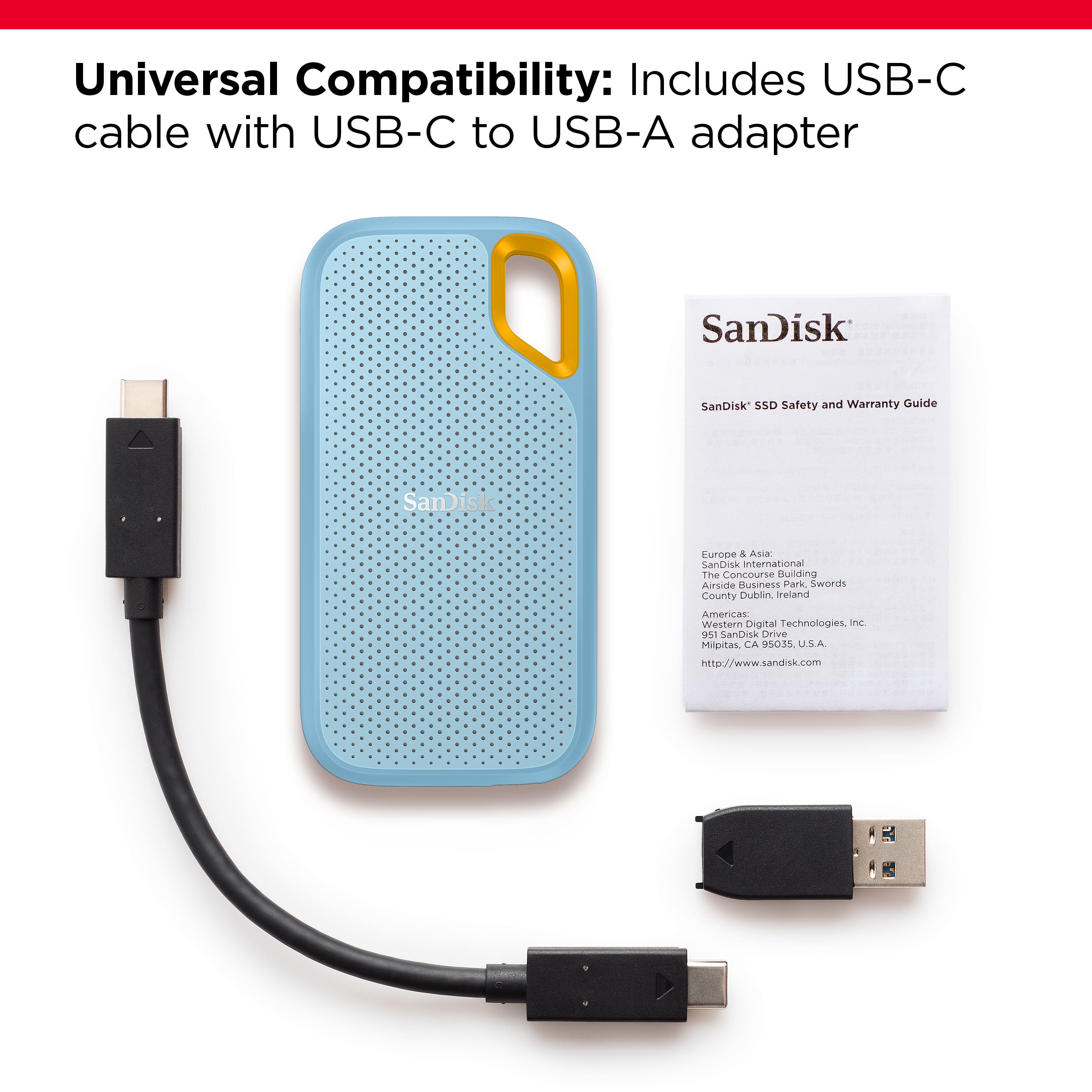
A:AnswerI had trouble keep this connected until I took a chance and bought another high-speed data cable with the proper connection port without the adapter. It solved the problem. and doubled the speed. Win-Win
A:AnswerTheoretically, yes. Look up "SanDisk Disk Not Ejected Properly MacOS" It unmounts itself when the computer goes to sleep. Mine just quit mid-Time Machine backup. Get the Samsung equivalent instead.
A:AnswerPlease allow us to inform you that all the SanDisk® Portable SSD are backward compatible with USB 2.0 port. For further assistance, please reach out to our support team available at https://www.westerndigital.com/en-in/support/international-phone-numbers.
A:AnswerWe sincerely apologize for the inconvenience this has caused. This can be best addressed by our support team. Please open a support ticket at https://support-en.wd.com/app/askweb and there is also a phone number you can call available at https://www.westerndigital.com/support/international-phone-numbers.
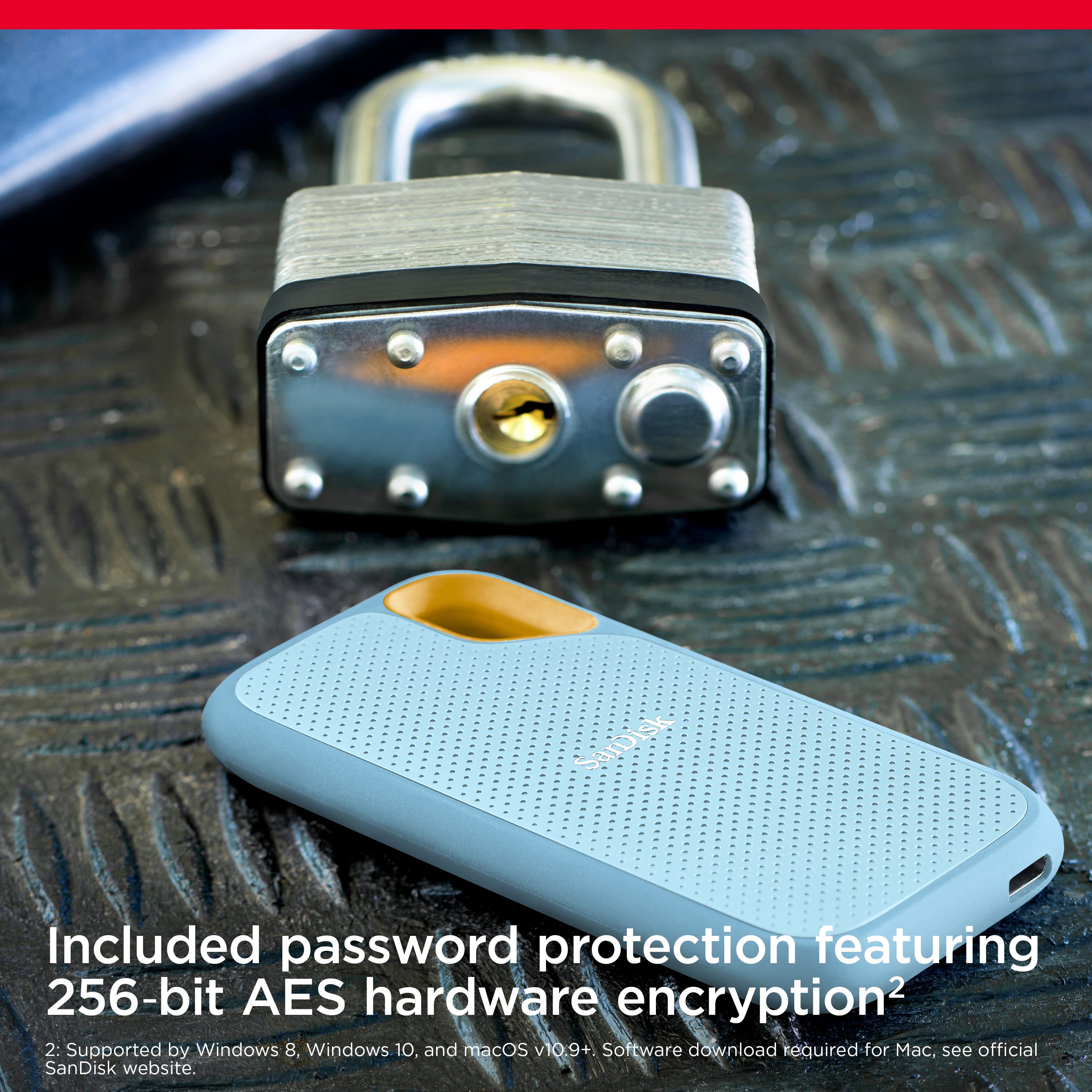
A:AnswerIm not sure if you have to but try to install the app on your computer. Once installed, it will prompt you to add a password to protect your drive but you dont have to have a password. Maybe you need the app to kick start the thing. I didnt try connecting it without installing the device. Maybe you need the app. If not, maybe a bad drive.
A:AnswerPlease allow us to inform you that the amount of current required to power this portable SSD device is approximately 1.1 amps. This SSD should work with most higher-end mobile phones that do provide sufficient power. However, we would suggest you check the same with your host device manufacturer.
A:AnswerPlease allow us to inform you that all the SanDisk® Portable SSD's are plug & play storage device and it will work as expected if the host device support USB Drives.
A:AnswerPlease allow us to inform you that we have tested this SSD with Windows and Mac computer. However, we recommend you to contact the host device manufacturer for compatibility check.
A:AnswerThis drive will work great with your MacBook. I recommend using Time Machine on your Mac to handle the backup tasks, as it makes it incredibly easy.
If you have 512GB of data (your MacBook's drive is 120% full), it could take up to 10 hours for the first time you backup. If you use Time Machine, or other good backup software, every time you backup after the first time, will be very fast. The software is smart, and only needs to backup the new files and changes to the existing data after that first backup.
Also, I doubt your Mac's drive is completely full, so the first backup will probably take less time than I estimated above.
A:AnswerIt depends on a lot of different variables, like the camera device, camera's settings, the specific picture, length, etc., so it's impossible to give you a specific answer.
This drive has 2,000GB of storage. This is likely 4-32 times the amount of storage your phone has. If your phone has 128GB (most common), this drive can store 16x more data than the maximum amount your phone can hold (including all apps, the operating system, other media like music, pictures & videos).
I hope this helps!