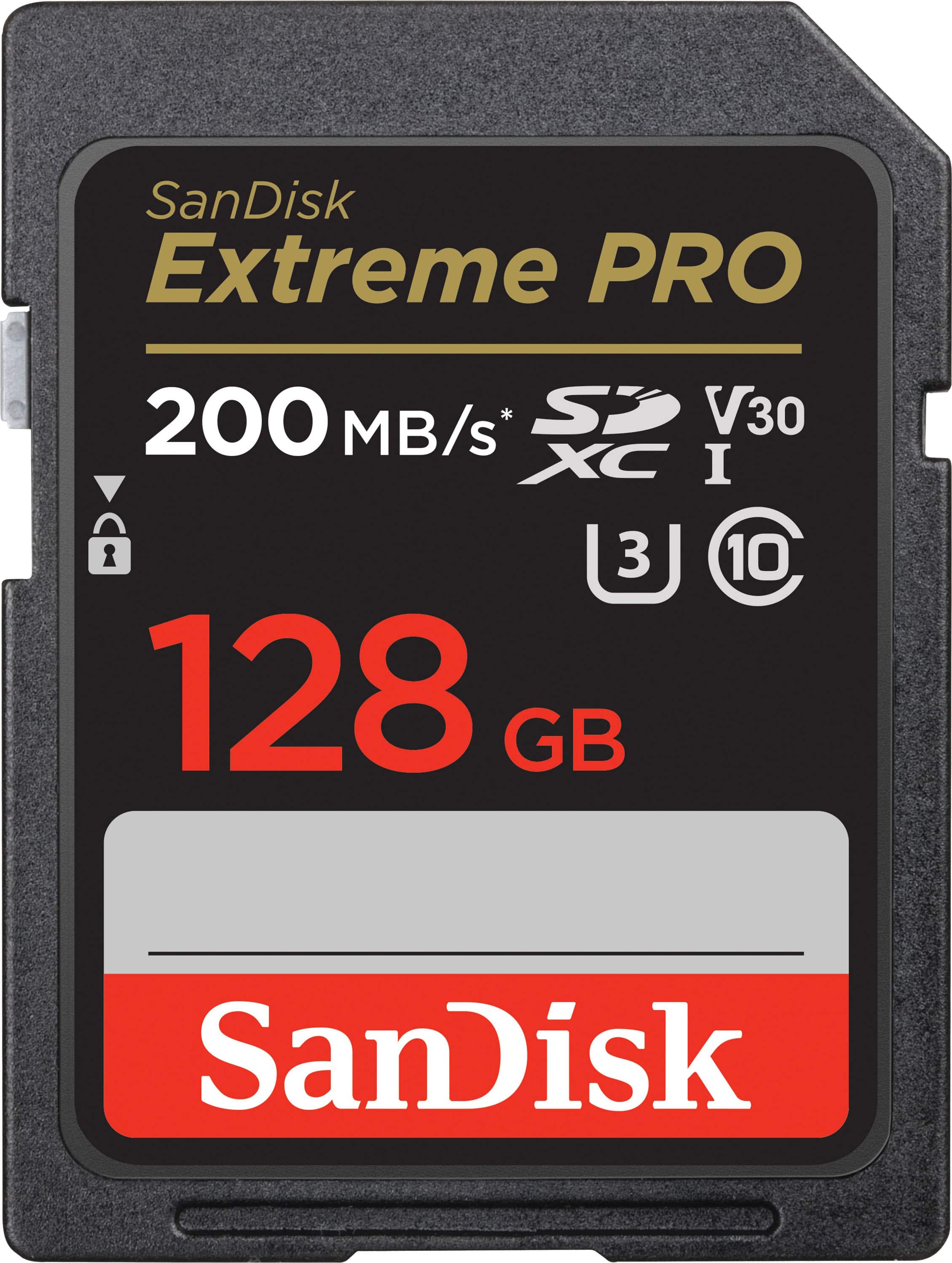
A:AnswerYes, the SanDisk® SDXC Extreme PRO 128GB Memory Card is compatible with the Canon SX720 HS as it supports SDXC Memory Card of up to 2TB capacity.
A:AnswerThe canon xs will not accept this card as it accepts the below cards
SD cards up to 16GB
SDHC cards up to 32GB
The highest captivity card the canon xs can use is 32gb
A:AnswerPlease allow us to inform you that all the SanDisk® Memory Cards with capacity 64GB and above come in pre-formatted exFAT file system. However, we do not recommend to format our Memory Cards in NTFS file system.
A:AnswerWhat ever product u using it in just has to be able to Except this large of a card and the speed in order to get the benefit of it . I use it in my DSLR Nikon camera and works great .
A:AnswerNo, the SanDisk® SDXC Extreme PRO 128GB Memory Card is not compatible with the Amazon Fire 10 as it supports microSDXC Memory Card of up to 1TB capacity. We recommend you to purchase SanDisk® microSDXC Memory Card from BestBuy or our official online store.
A:AnswerPlease allow us to inform you that this SanDisk® Memory Card comes with shot speeds up to 140MB/s which is perfect for capturing the action as it happens, without missing a beat. However, this comes with published sequential Write speed up to 90MB/s.
A:AnswerHi Kris, thank you for contacting us. Please note that the SanDisk Extreme PRO SDXC UHS-I Memory Card should be compatible with the host device as long as the device has an SD memory card slot. For more accurate compatibility information, we also recommend contacting the host device manufacturer support.
A:AnswerThank you for reaching out to us. Please allow us to you inform you that SanDisk does not have the compatibility information regarding the Sony Cybershot device. We would recommend you to contact the device manufacturer to know about the device compatibility. For any further assistance please submit a support ticket at https://support-en.wd.com/app/askweb.
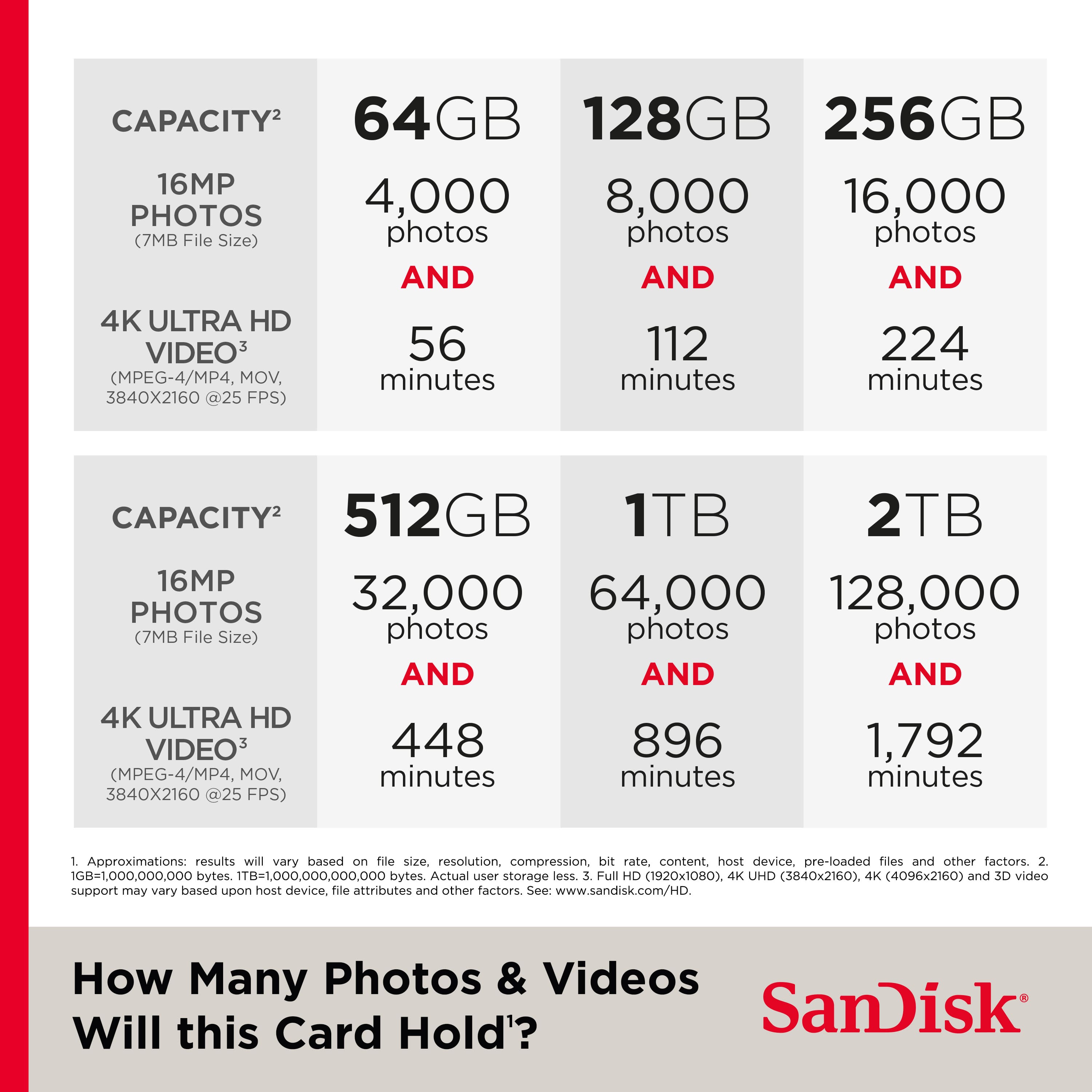
A:AnswerHello, To know the detailed information about picture storage capacity for memory cards please refer to the mentioned link : https://support-en.wd.com/app/answers/detailweb/a_id/35132/