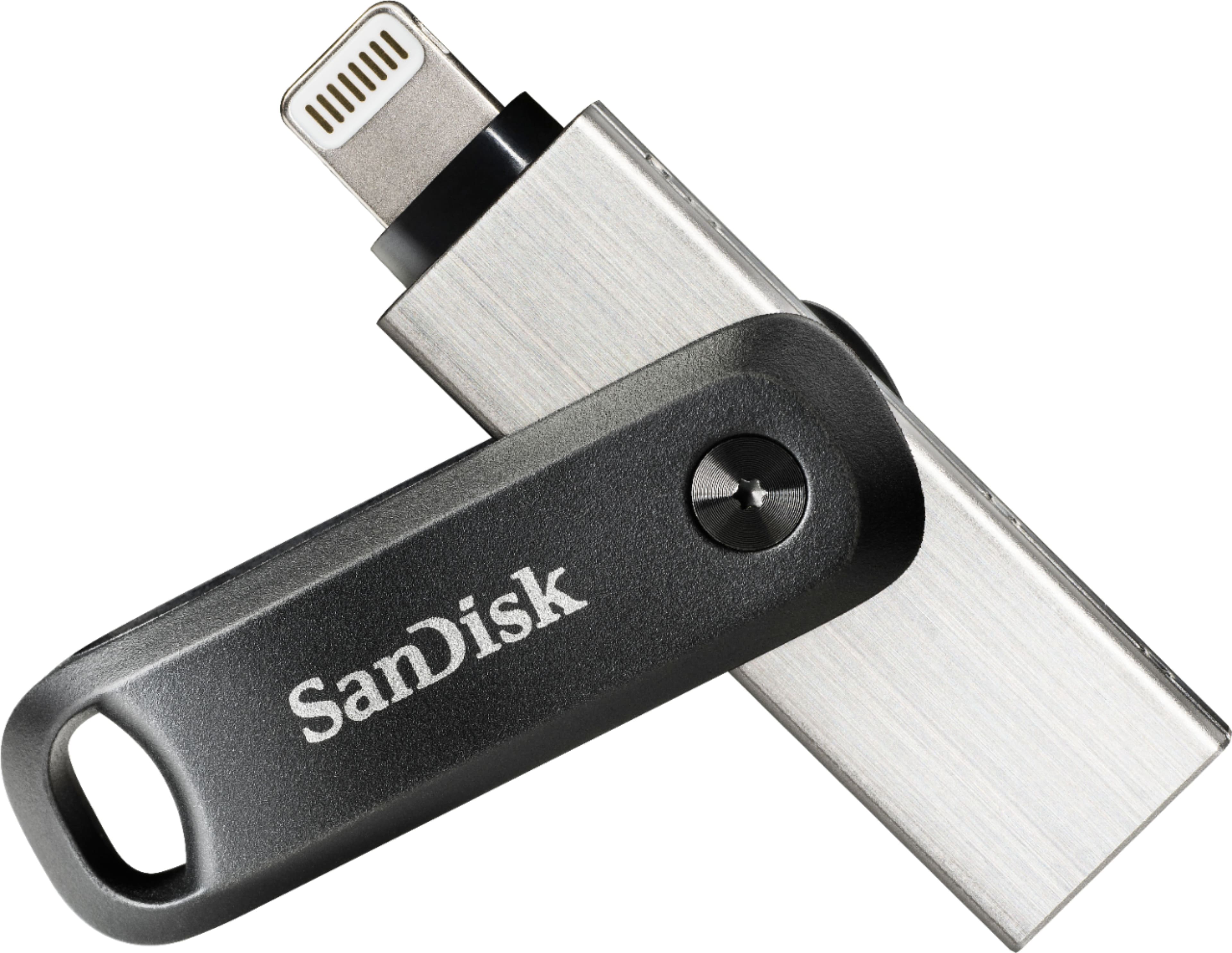
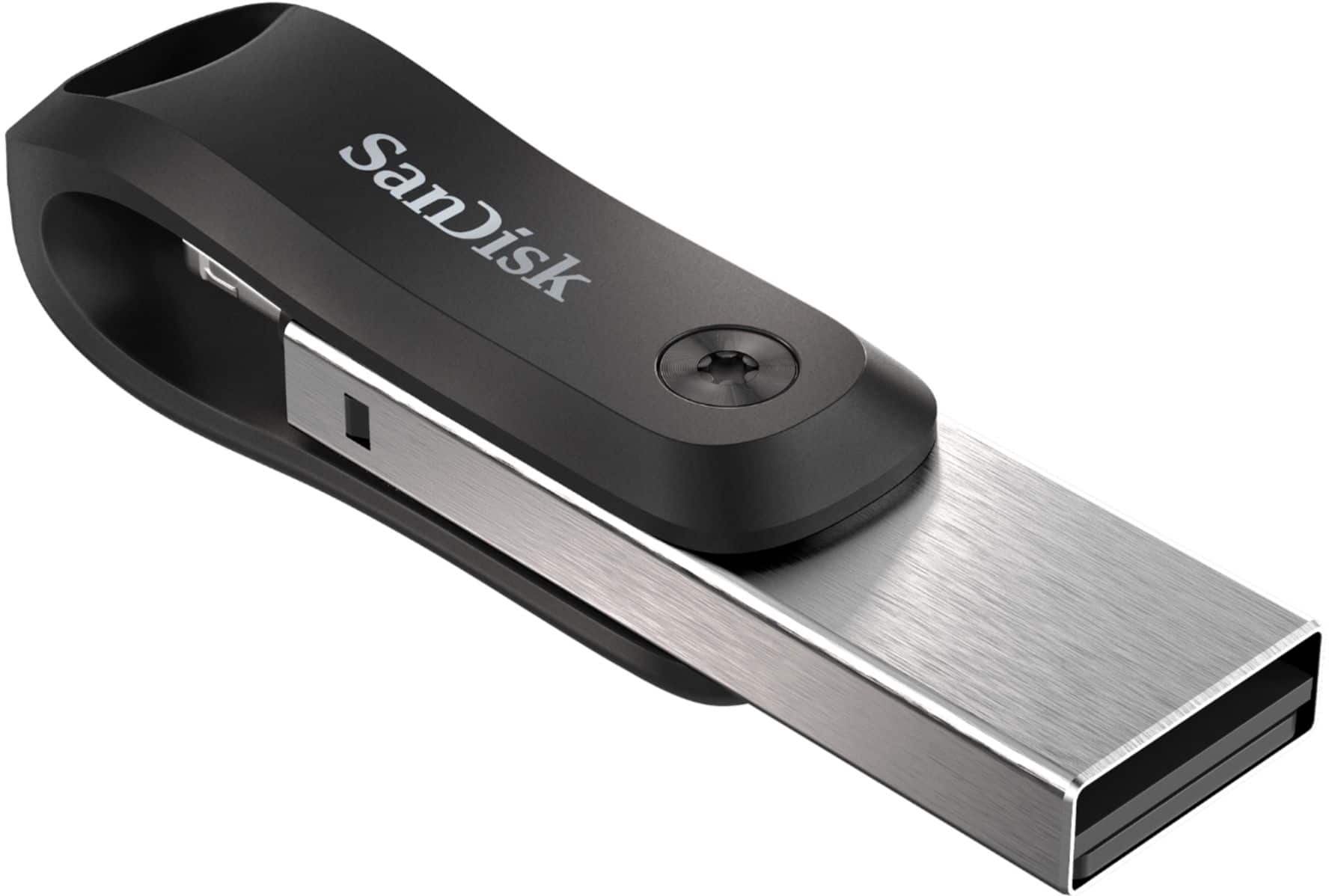
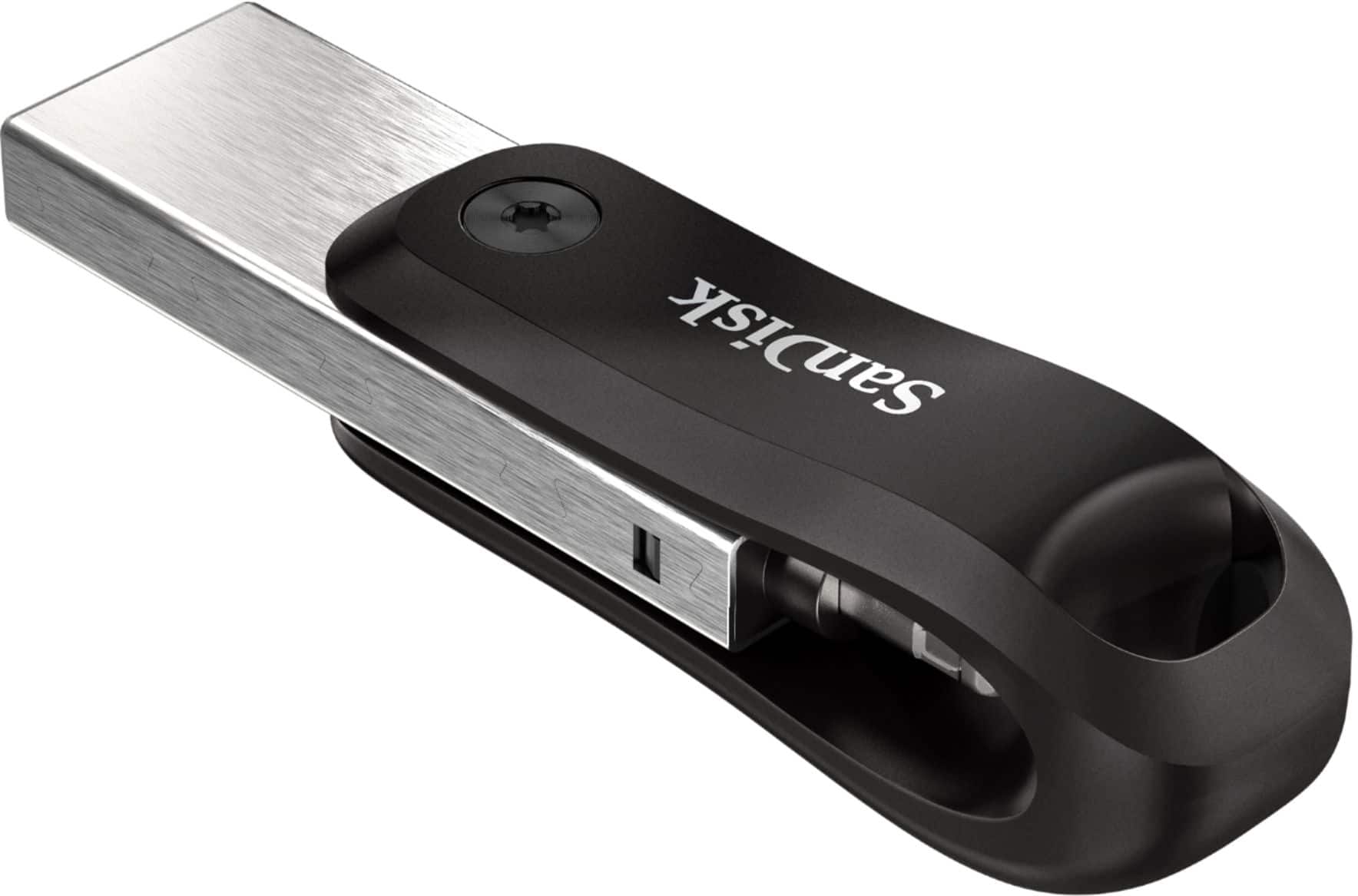
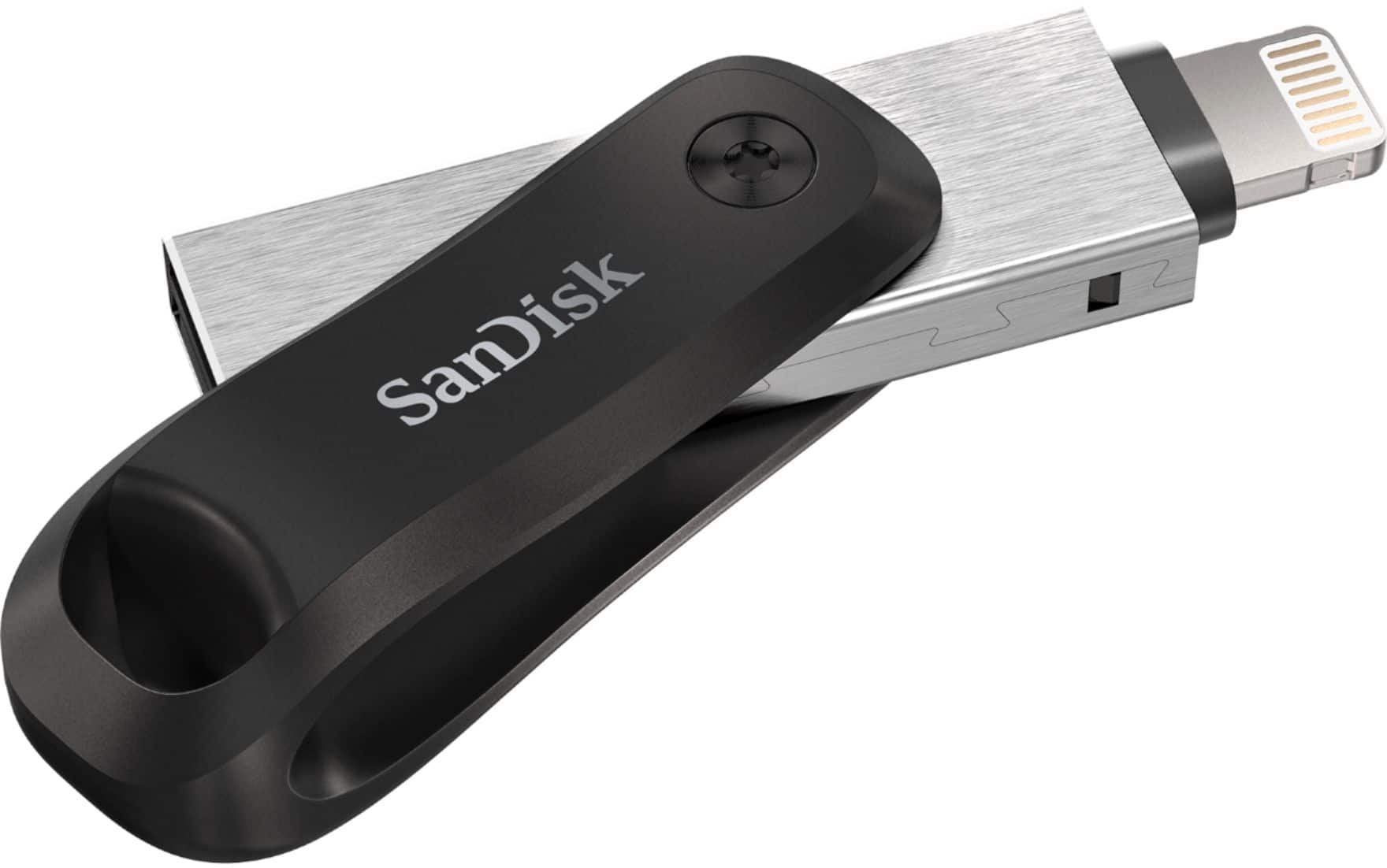
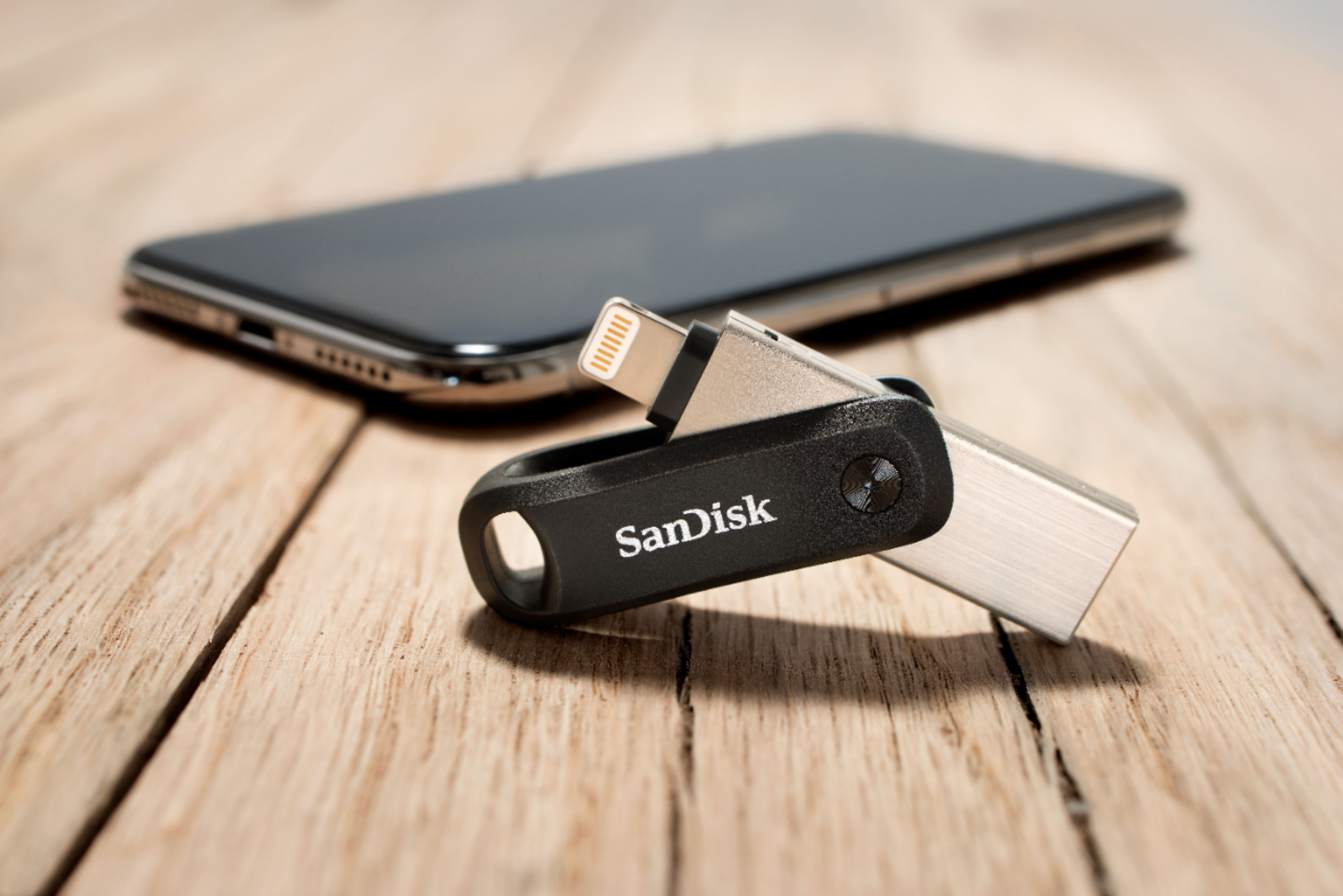
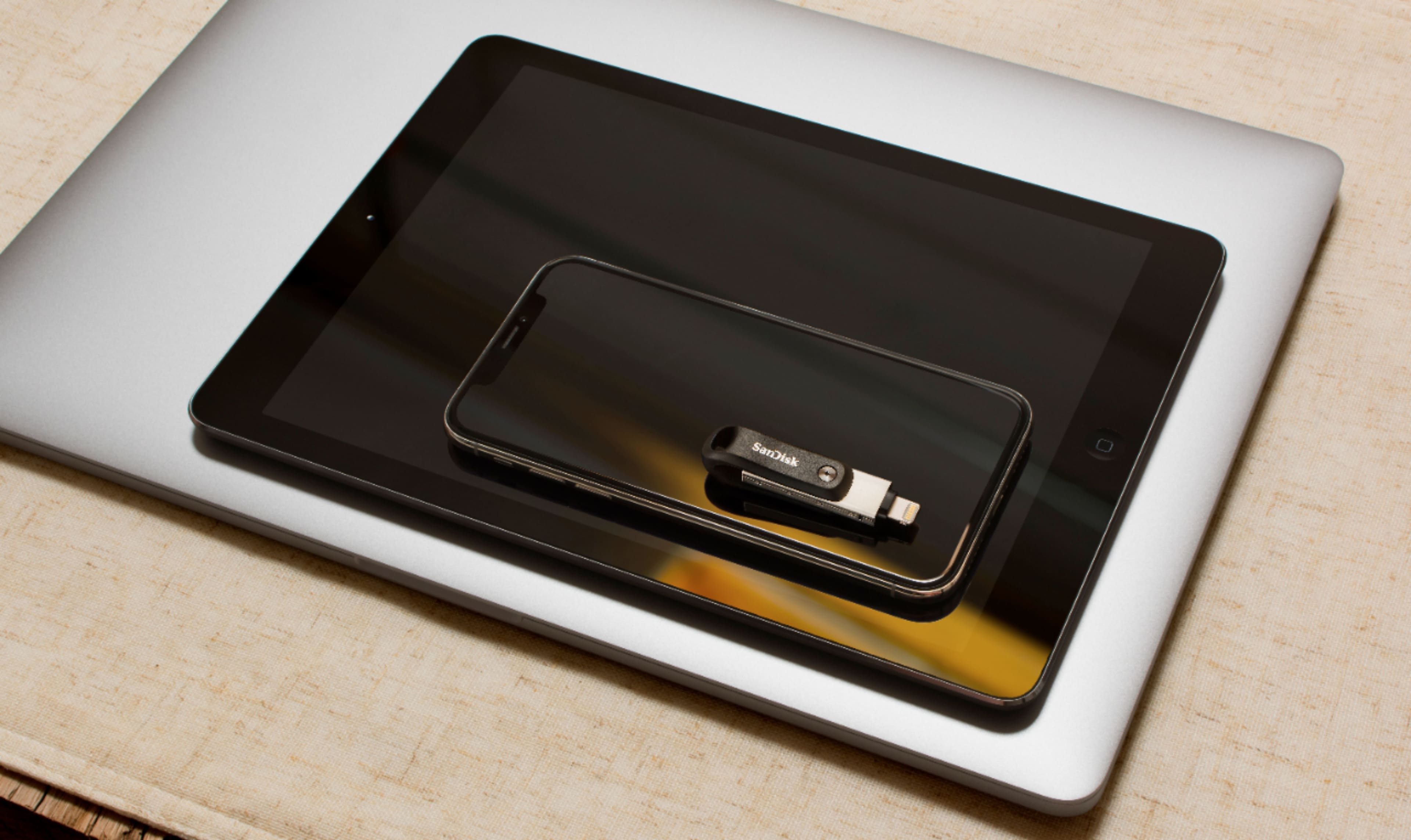
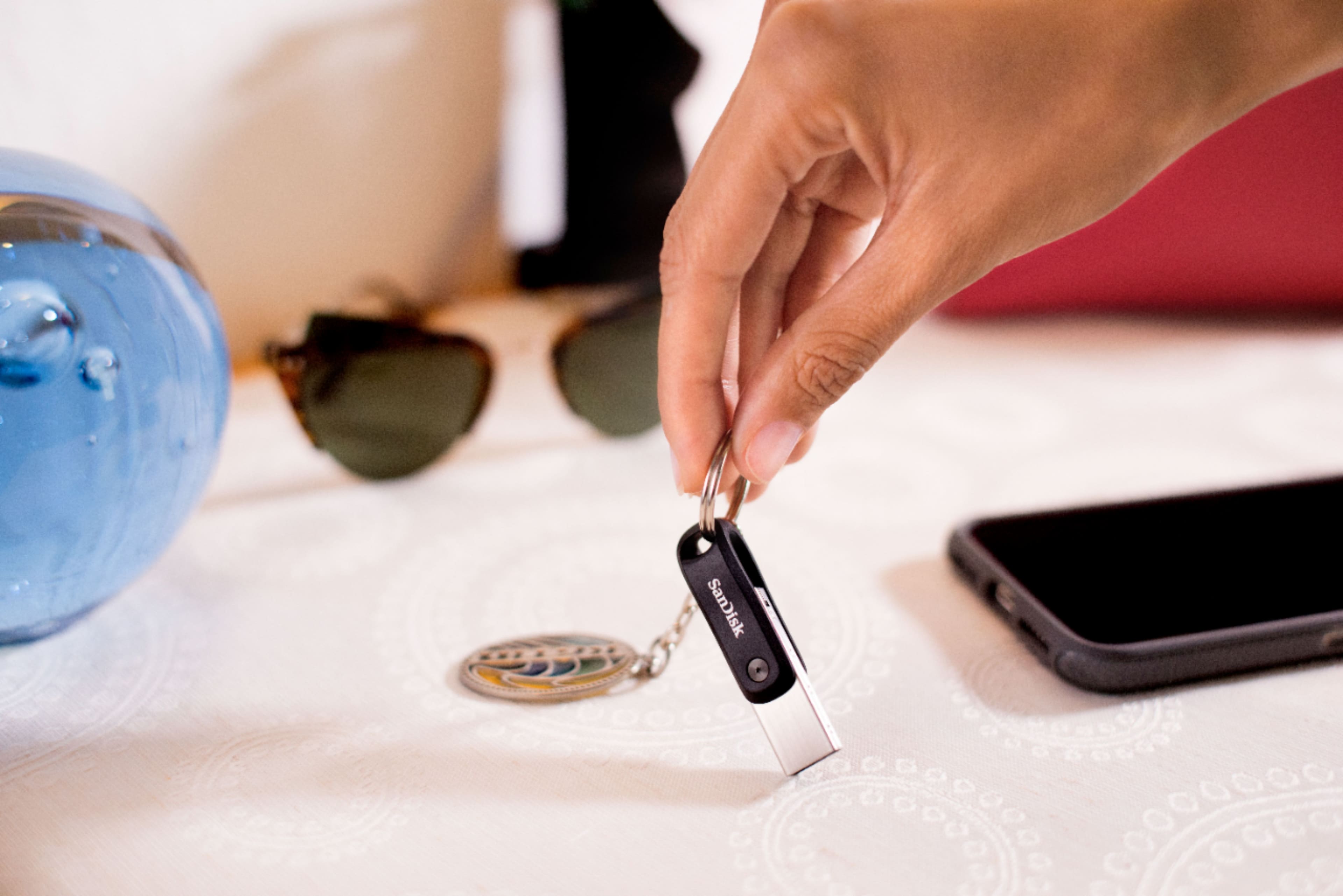
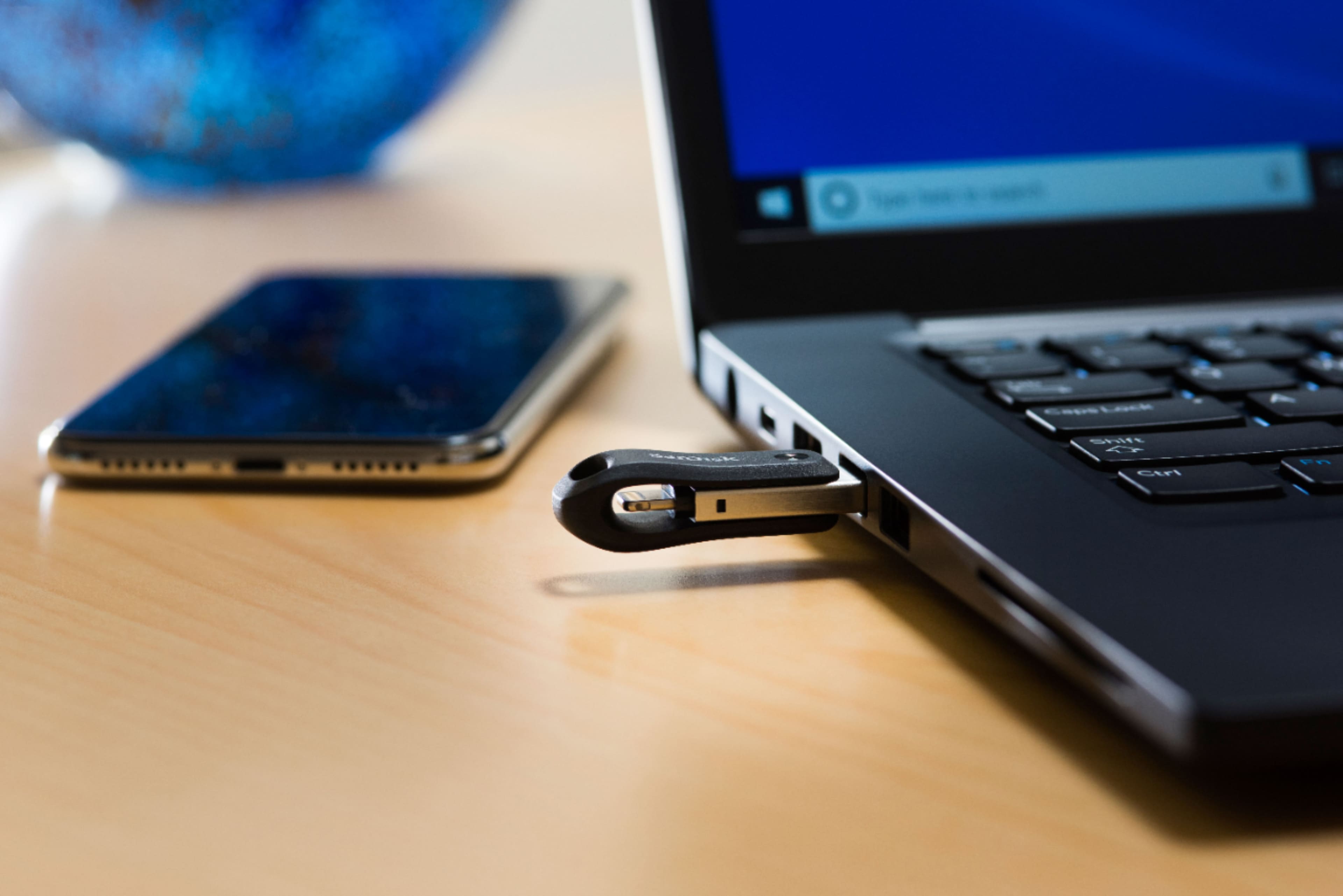
A:AnswerHi, please be informed that you can use this SanDisk iXpand Go Flash Drive with an iPhone 11 to transfer data from your iPhone to the iXpand Drive and vice-versa. In order to use this iXpand Drive with your iPhone, please install the iXpand Drive Application from the Apple App Store in your iPhone. If you wish to get help from our support staff for the same, please feel free to contact SanDisk® Support at 1-866-SANDISK and we would be glad to assist you.
A:AnswerYes, you can use this SanDisk iXpand Go Flash Drive with an iPad that has a lightning port to access data stored in the iXpand Flash Drive or to transfer data from your iPad to the iXpand Drive and vice-versa. In order to use this iXpand Drive with your iPad, please install the iXpand Drive Application from the Apple App Store in your iPad. If you wish to get help from our support staff for the same, please feel free to contact SanDisk® Support at 1-866-SANDISK and we would be glad to assist you.
A:AnswerThe android versions use either the USB C connection or the micro USB and will not work with the Lightning version due to the port differences. Please make sure that you use the most up to date version of your android device as sometimes the device will not install or allow access to devices and app if they are not updated. Please make sure that you select the proper SanDisk drive for your device to avoid frustration. Hope this helps.
A:AnswerOnce I transferred my photos from my computer to the flash drive then I could free up space on my computer for more photos, I hope this answers your question.
A:AnswerI believe it would download music but the transfer may require you to have another connector for the flash drive in order to connect the pc and iPad Air- again the people at Best Buy are super knowledgeable to address that question
A:AnswerYes, the pictures transferred using the iXpand Drive App have both the original date of capture and the date of creation of the file when it is transferred in the iXpand Drive.
A:AnswerHi, please allow me to inform you that the SanDisk® iXpand USB 3.0 128GB Flash Drive stores files in the same file format in which the files are transferred. However, you cannot edit the document files as you can only view them.
A:AnswerHello, we would be happy to help but it would be best to contact us directly so that we can investigate further and provide you with an appropriate resolution. You can use the Ask form at https://kb.sandisk.com/app/ask and there is also a phone number you can call available at https://www.sandisk.com/about/contact/customer-care.
A:AnswerHello, we apologize for the inconvenience this has caused you. This matter can be best addressed through our technical support team. Please visit our support site where you can find our customer technical support phone numbers, open a ticket, chat live or check the status of an open ticket https://www.sandisk.com/about/contact/customer-care.
A:AnswerHi, we apologize for the inconvenience this has caused you. This matter can be best addressed through our technical support team. Please visit our support site where you can find our customer technical support phone numbers, open a ticket, chat live or check the status of an open ticket https://www.sandisk.com/about/contact/customer-care.