A:AnswerHi, we would be happy to help, but it would be best to contact us directly so that we can investigate further and provide you with an appropriate resolution. You can use the Ask form at https://kb-eu.sandisk.com/app/ask/ and there is also a phone number you can call available at https://www.sandisk.com/about/contact/customer-care.
A:AnswerHi, we would be happy to help, but it would be best to contact us directly so that we can investigate further and provide you with an appropriate resolution. You can use the Ask form at https://kb-eu.sandisk.com/app/ask/ and there is also a phone number you can call available at https://www.sandisk.com/about/contact/customer-care.
A:AnswerHi, please note that we do not recommend using any USB Drives/ Memory Cards other than the SanDisk®️ High Endurance/ MAX Endurance Memory Cards to be used with devices like Dashcams, Security/ Surveillance Devices, and In-Car Recording Devices as these devices perform constant read and write operations while recording continuous videos. Please use a SanDisk®️ High Endurance/ MAX Endurance Memory Card with a USB Memory Card with such devices since these Memory Cards are specifically designed for constant Read/ Write Operations. You may purchase these Memory Cards from our official online store or from BestBuy.
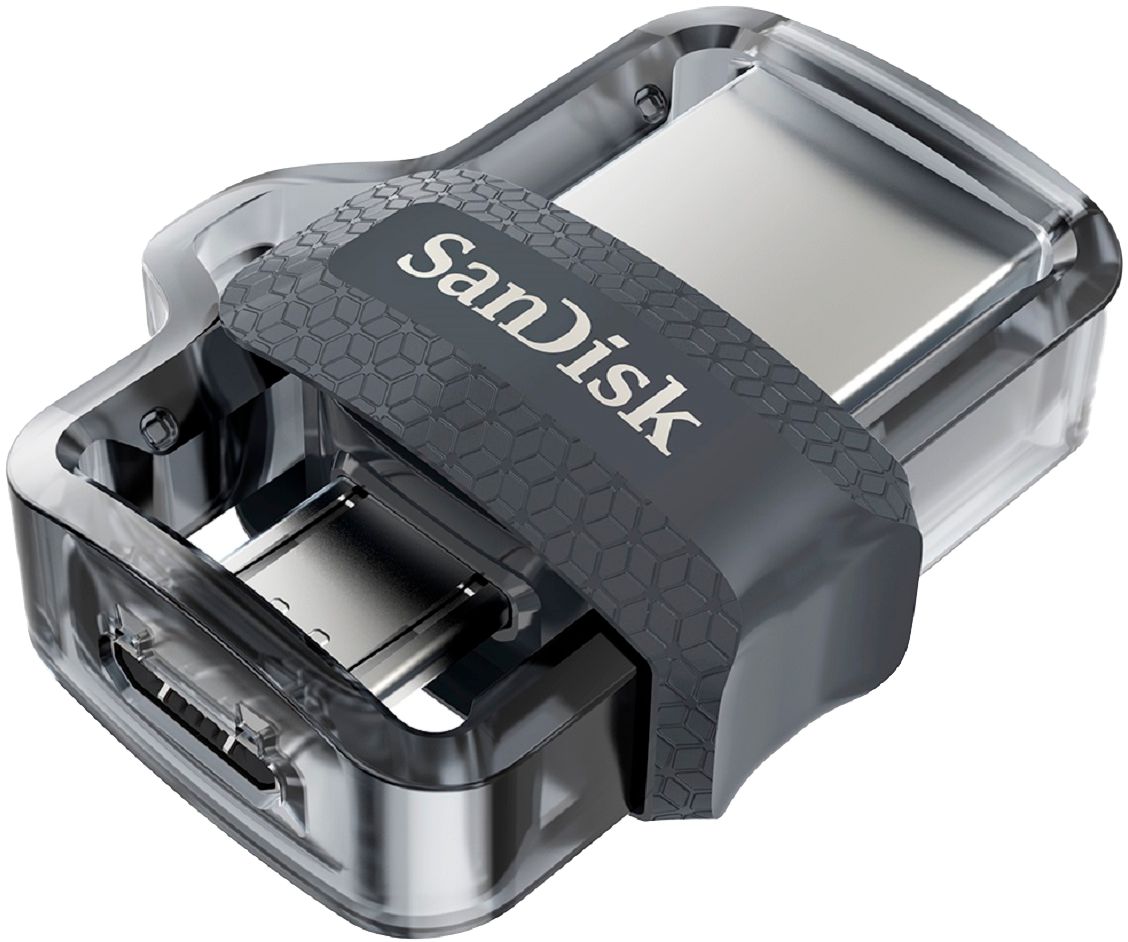
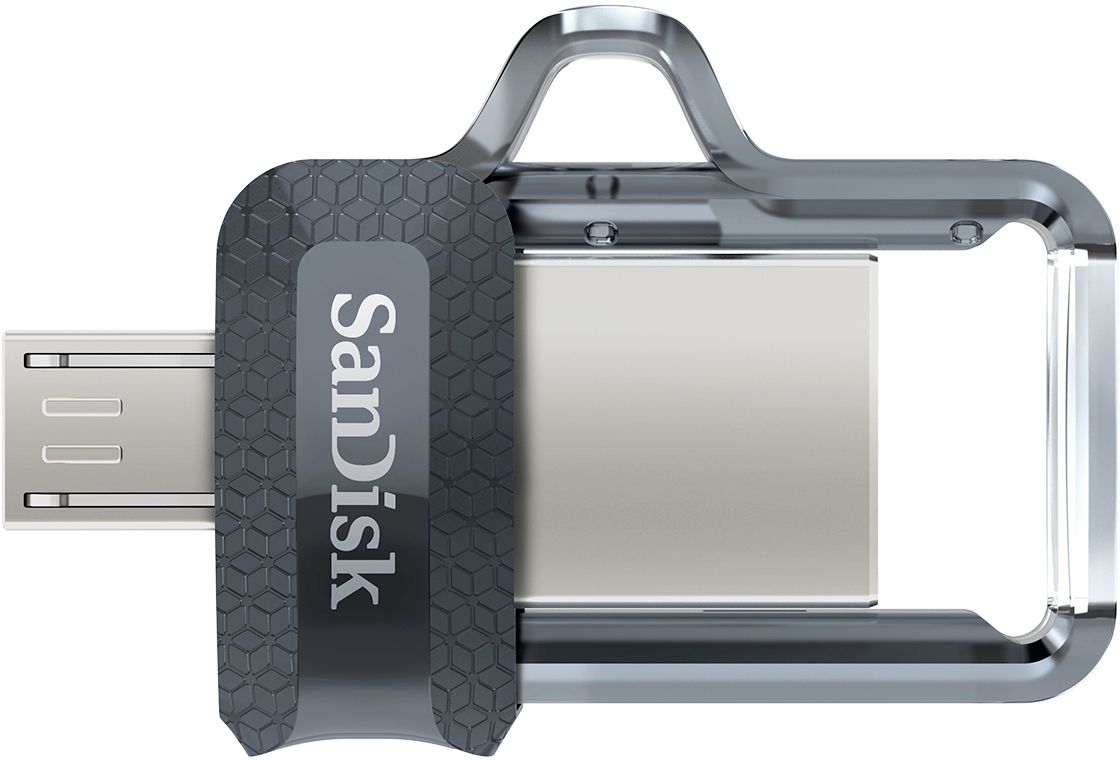
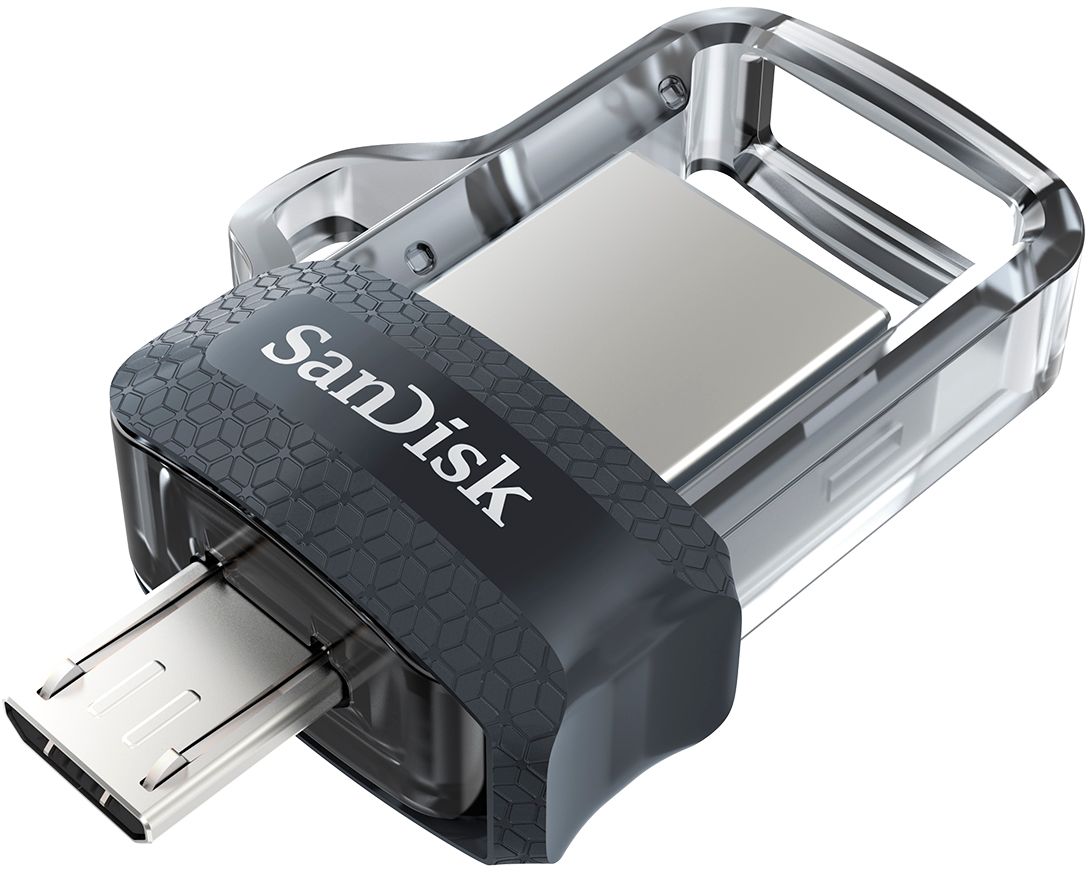
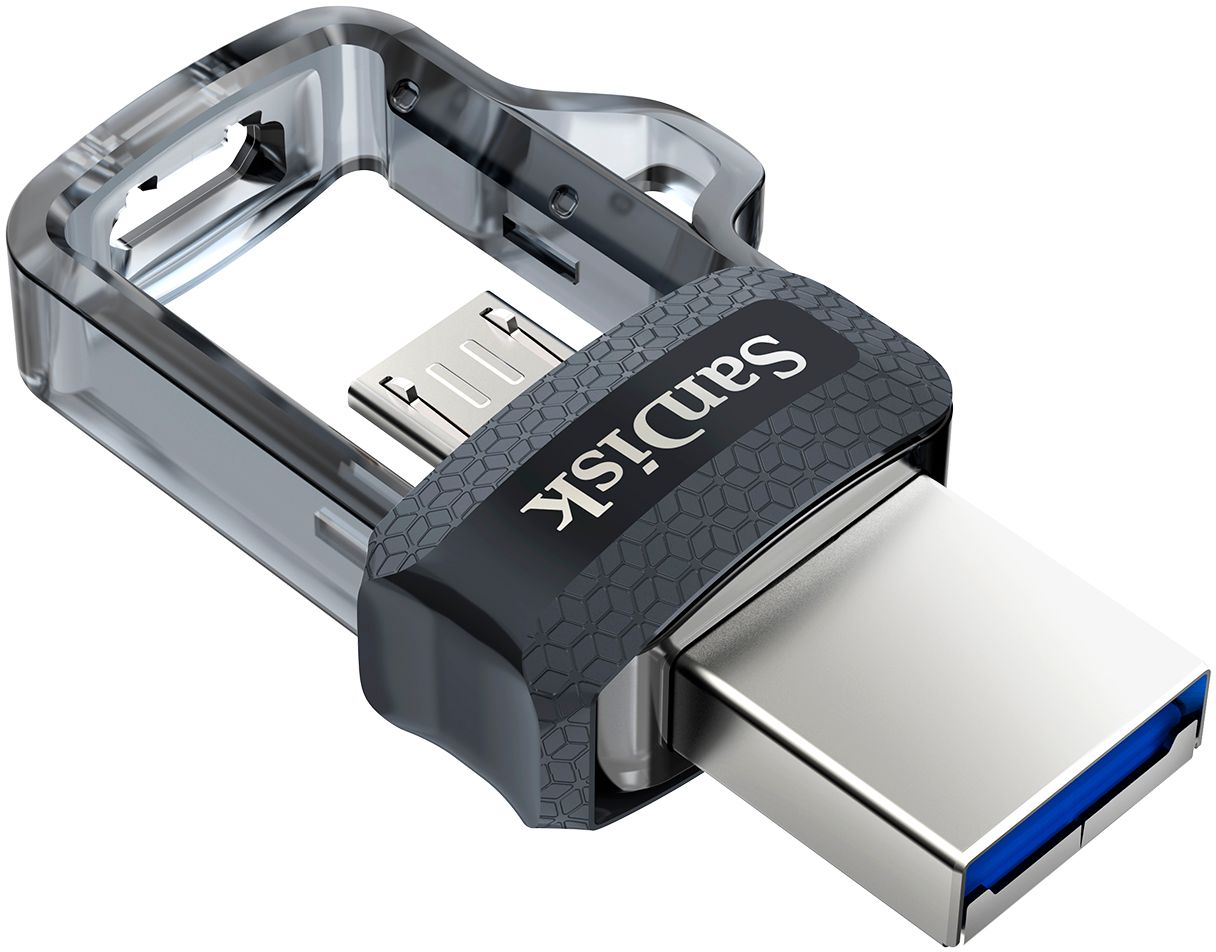
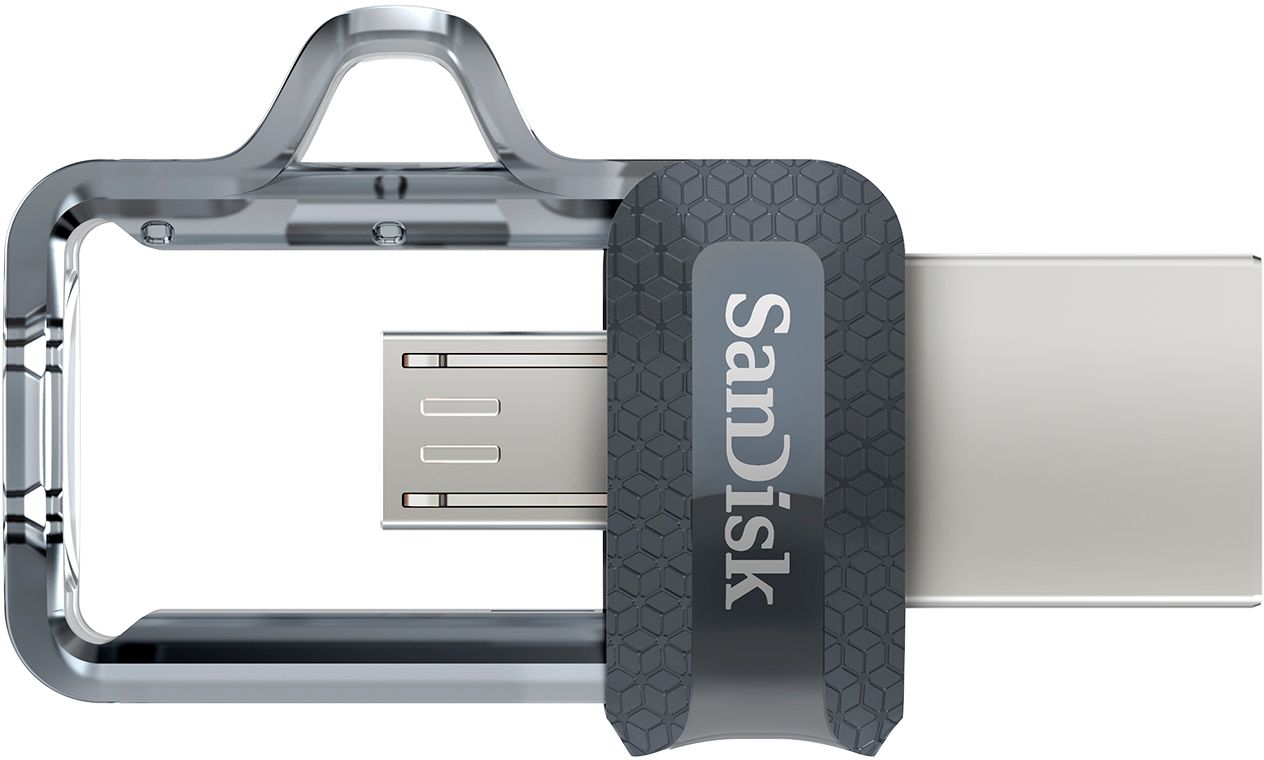
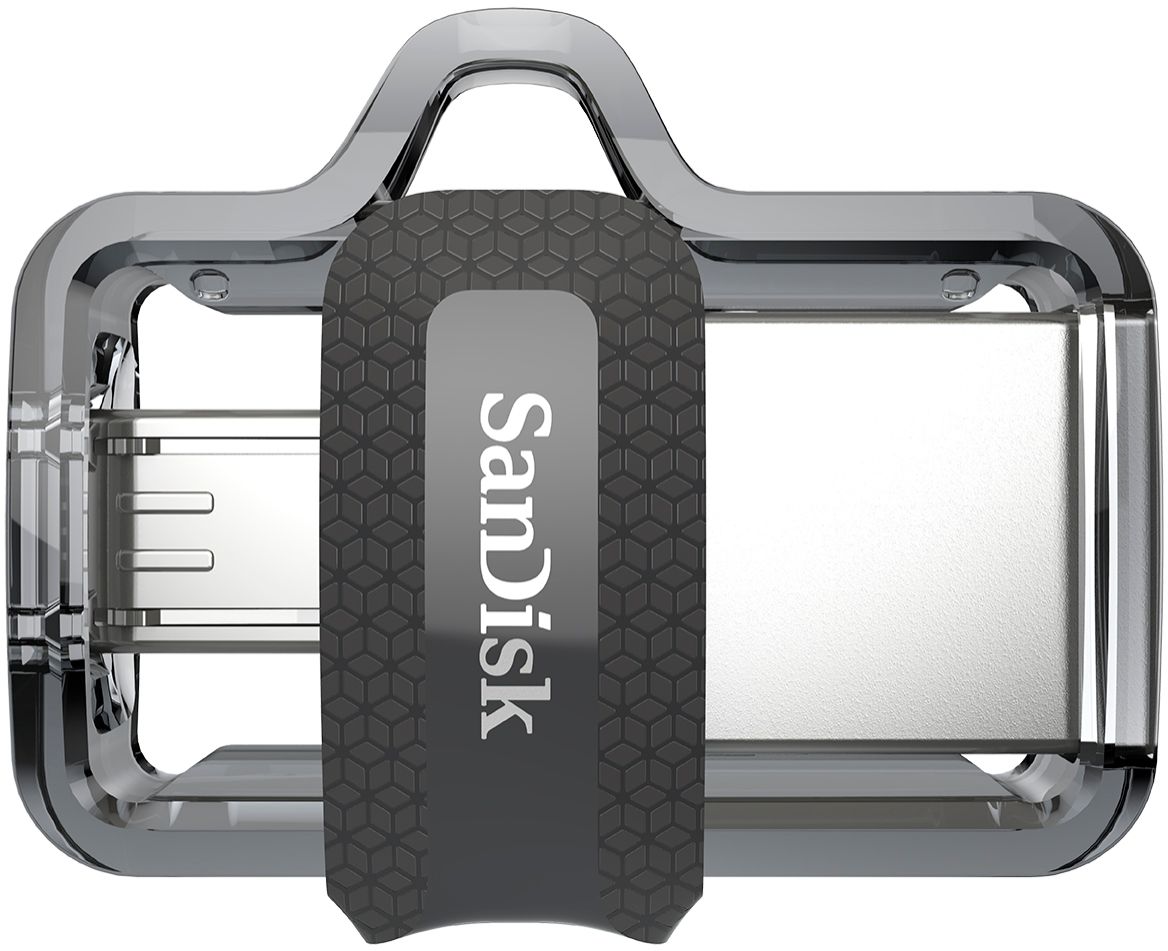
A:AnswerPlease be informed that the SanDisk® Ultra Dual Drive m3.0 128GB come with microUSB and USB Type A connector, it is compatible with computers and Android devices.
A:AnswerHi, in order to know numbers of pictures this Dual Drive can store, we suggest you to visit our official website and view the web article for the same by referring to the below mentioned link:- - https://kb.sandisk.com/app/answers/detail/a_id/69
A:AnswerHi, please be informed that the SanDisk® Ultra Dual Drive m3.0 USB Drive is supported by your Samsung Galaxy S7 mobile phone as it supports microUSB OTG (On-the-Go) USB Drives. You can connect this USB Drive directly to the microUSB port of your mobile phone and use the native file manager application of your mobile phone in order to transfer data between your mobile phone and the USB Drive.
A:AnswerHi Lexie, please be informed that this USB Drive is not compatible with iOS Devices. We have designed a special Flash Drive for iOS devices called the "SanDisk® iXpand Flash Drive" that can be connected directly to the lightning port of an iOS device and then can be used to transfer data to/ from the Flash Drive.