A:AnswerI can't prove it as I'm running a MacBook Pro at 11.6.6 and a MacBook Air on 12.4, but I've never had issues using the default FAT32 formatting on any Mac since late 2013.
A:AnswerHi, please be informed all our external storage devices including the USB Drives are simple plug and play storage devices. To answer your query, if the PS4 allows you to play games transferred to an externally connected USB Flash Drive, then you can use this USB Drive to transfer and play games while connected to a PS4. In order to know how to do the same if possible, it would be best to contact Sony Customer Support.
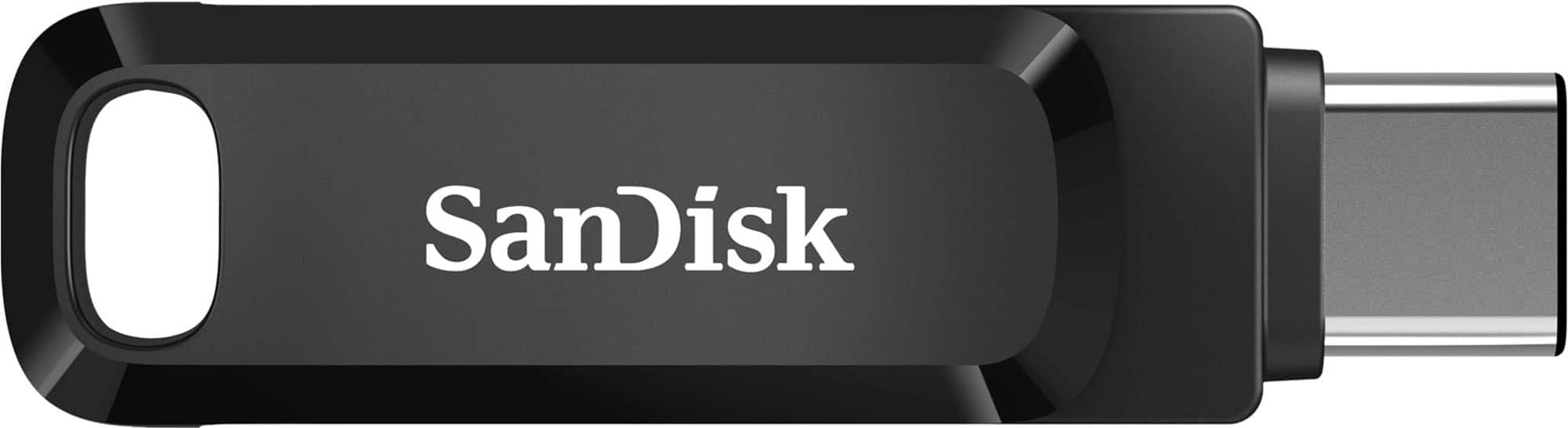
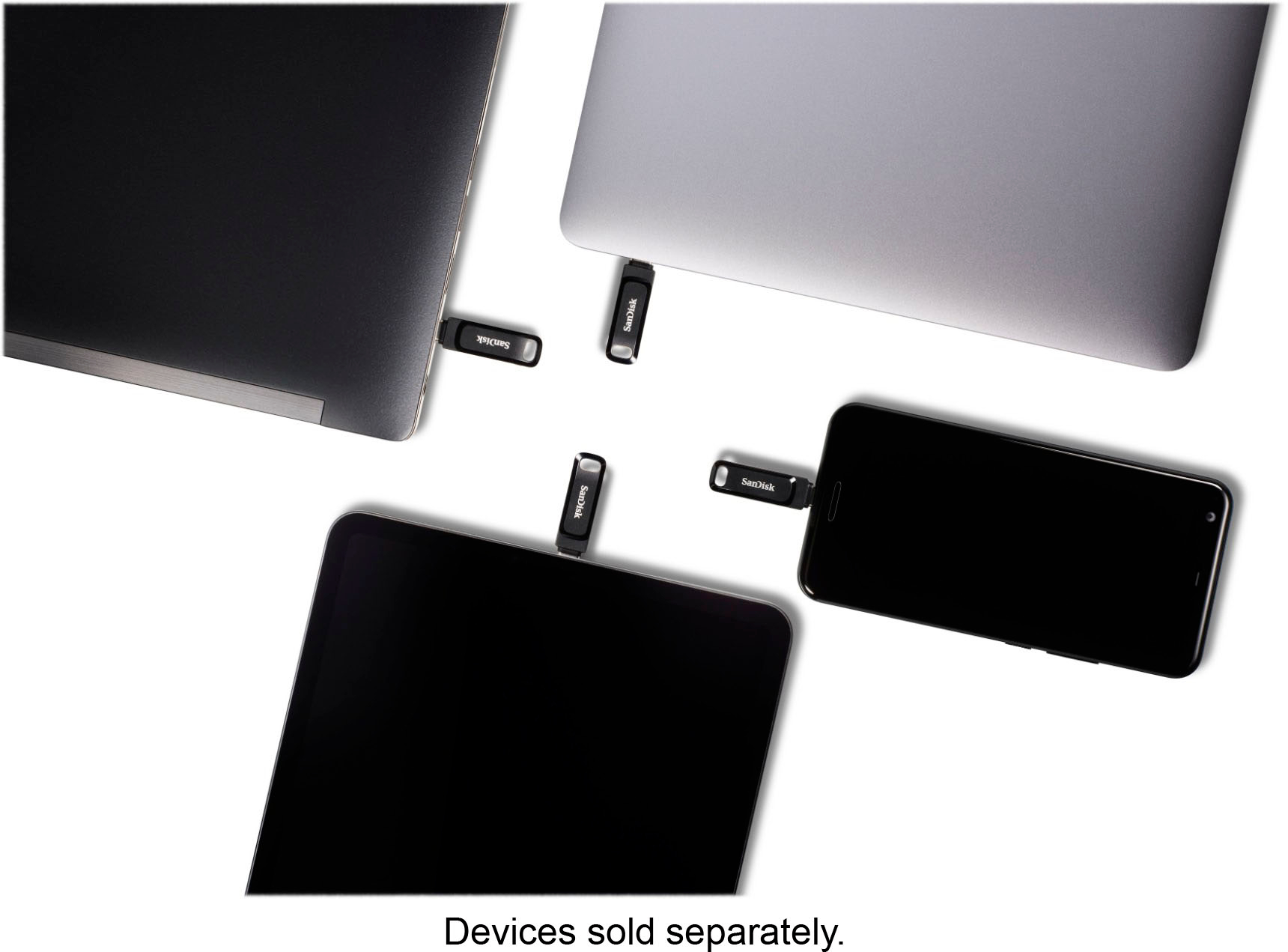
A:AnswerNo it will not work or even fit for that matter. This drive has a usb-c connector and your phone has a micro-usb connector.
I don't know if it would work using an adapter.
A:AnswerCopying a 2.6GB file
Usb3 type A - I get 30MB/s for the first 1.5GB and then it drops steadily down to 21MB/s.
USB2 type A - I get 14.7MB/s fairly steady over the whole file
This compares to my fastest drive getting 300MB/s over usb3-A and 33MB/s over the same usb2 (same exact ports)
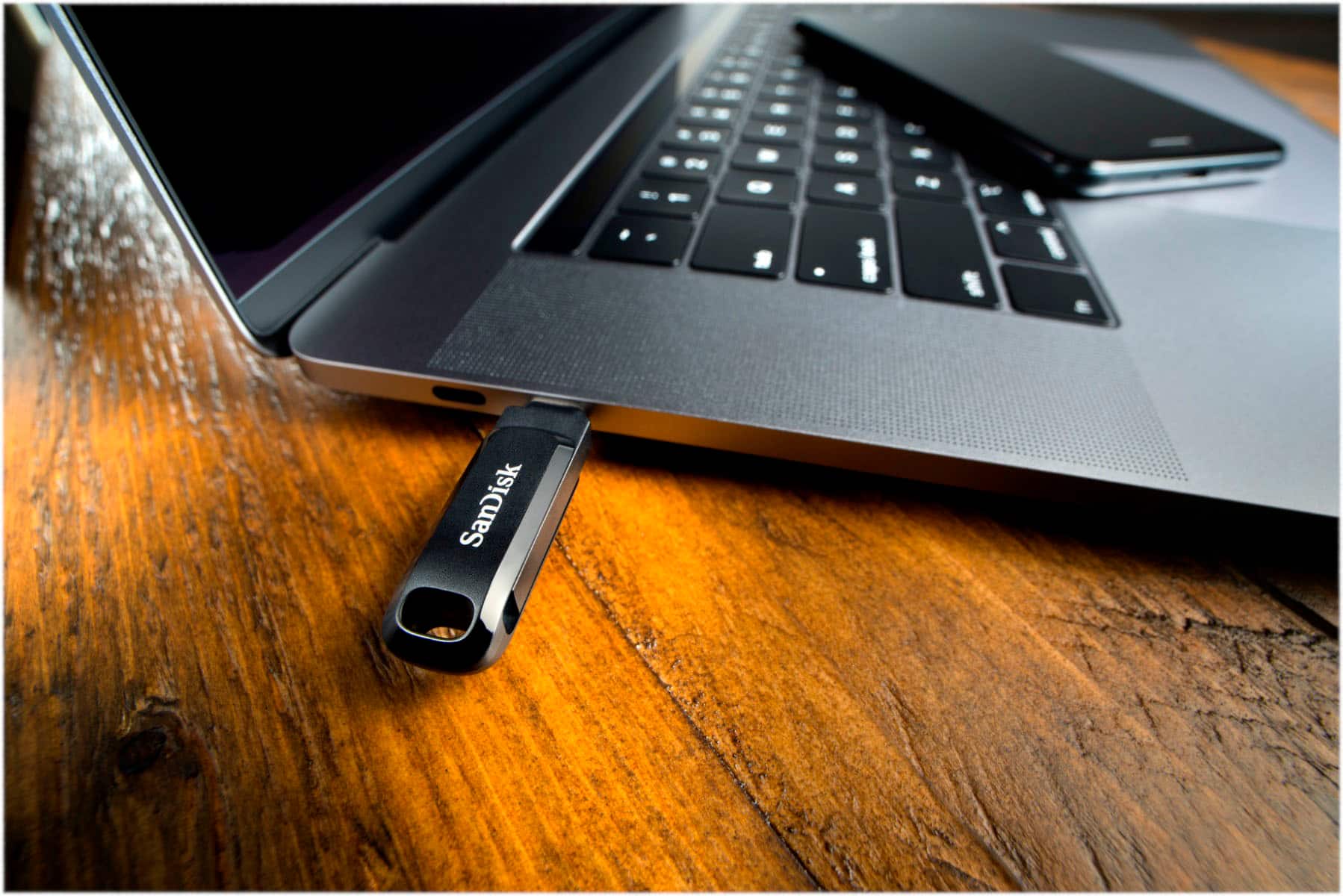
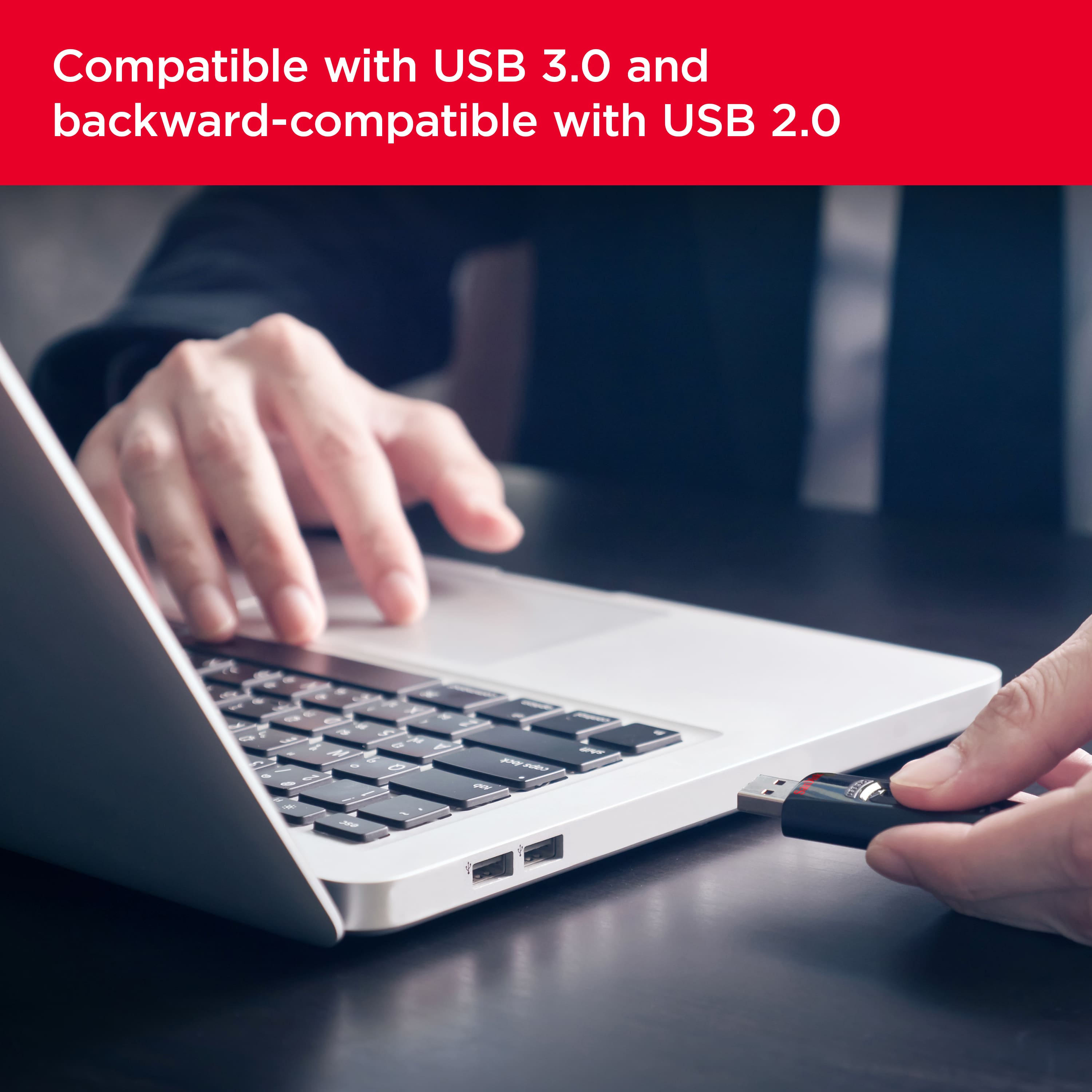
A:AnswerYes, it does work, however I wouldn't recommend it. I just purchased this memory stick and noticed that in order to plug or unplug it into/from my MacPro, I have to use waaaayy too much force, to the point of where I feel I'm risking breaking the thumb drive, which is made of plastic. I'm going to return mine without even using it and exchanging it for a thumb drive of better quality.
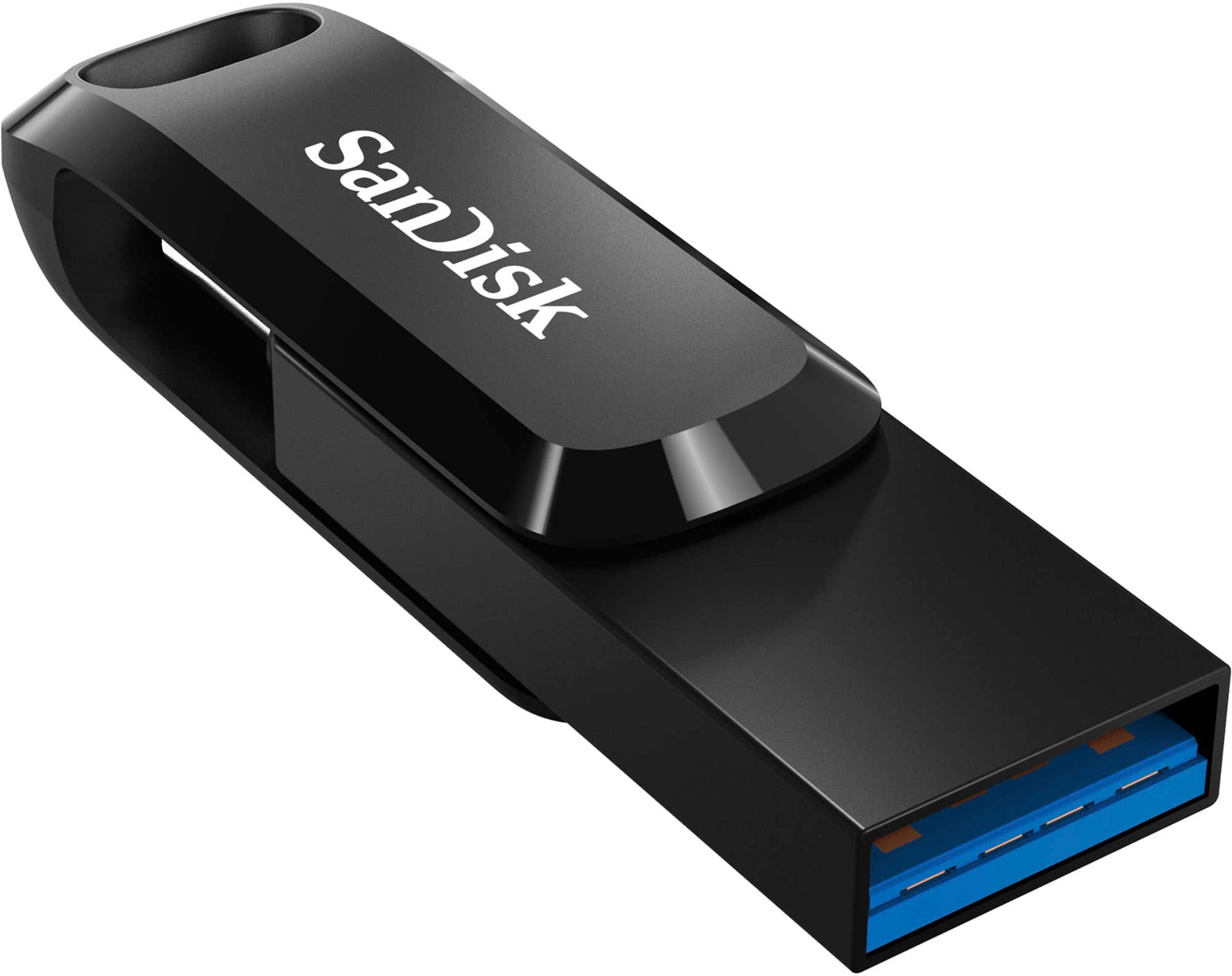
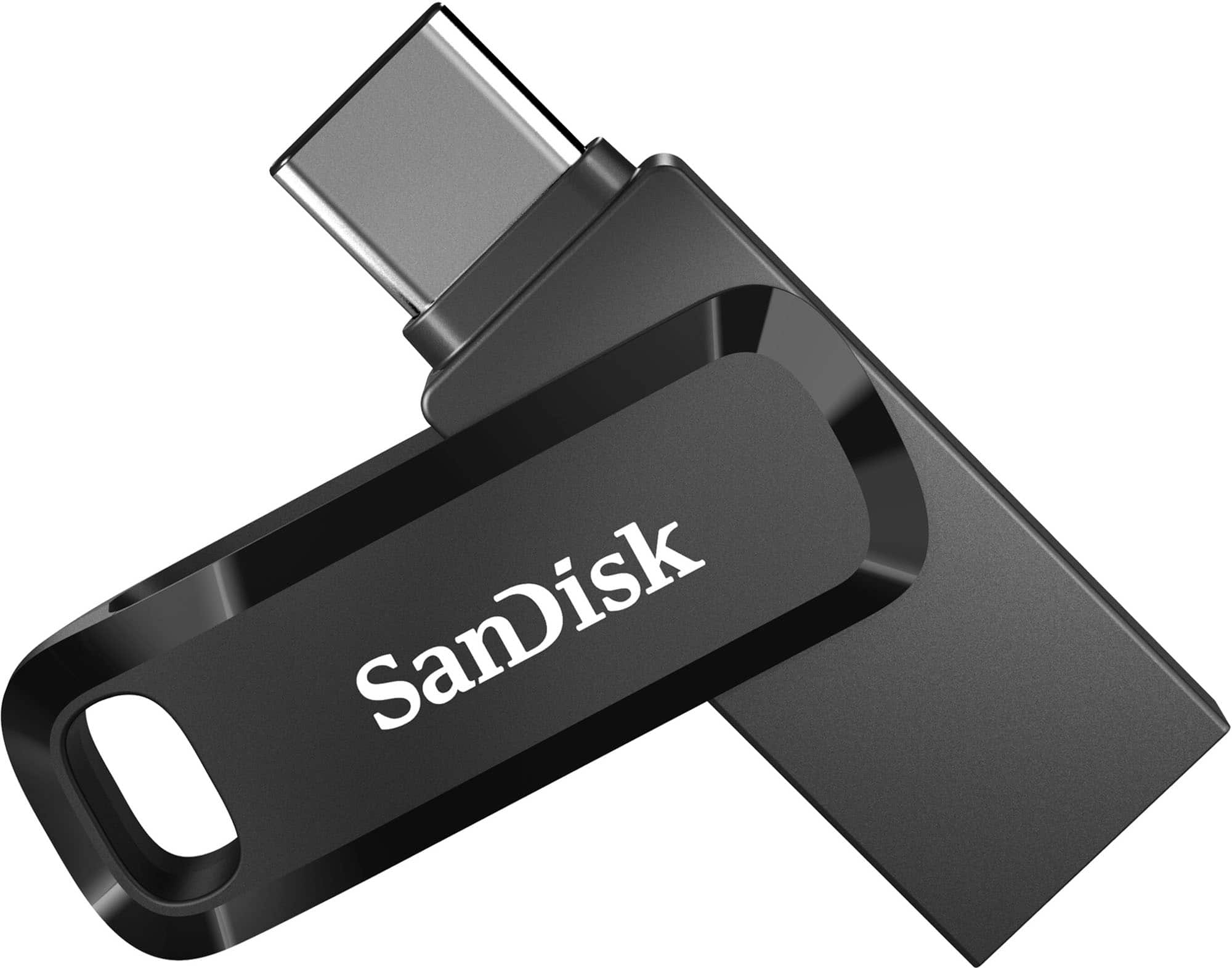
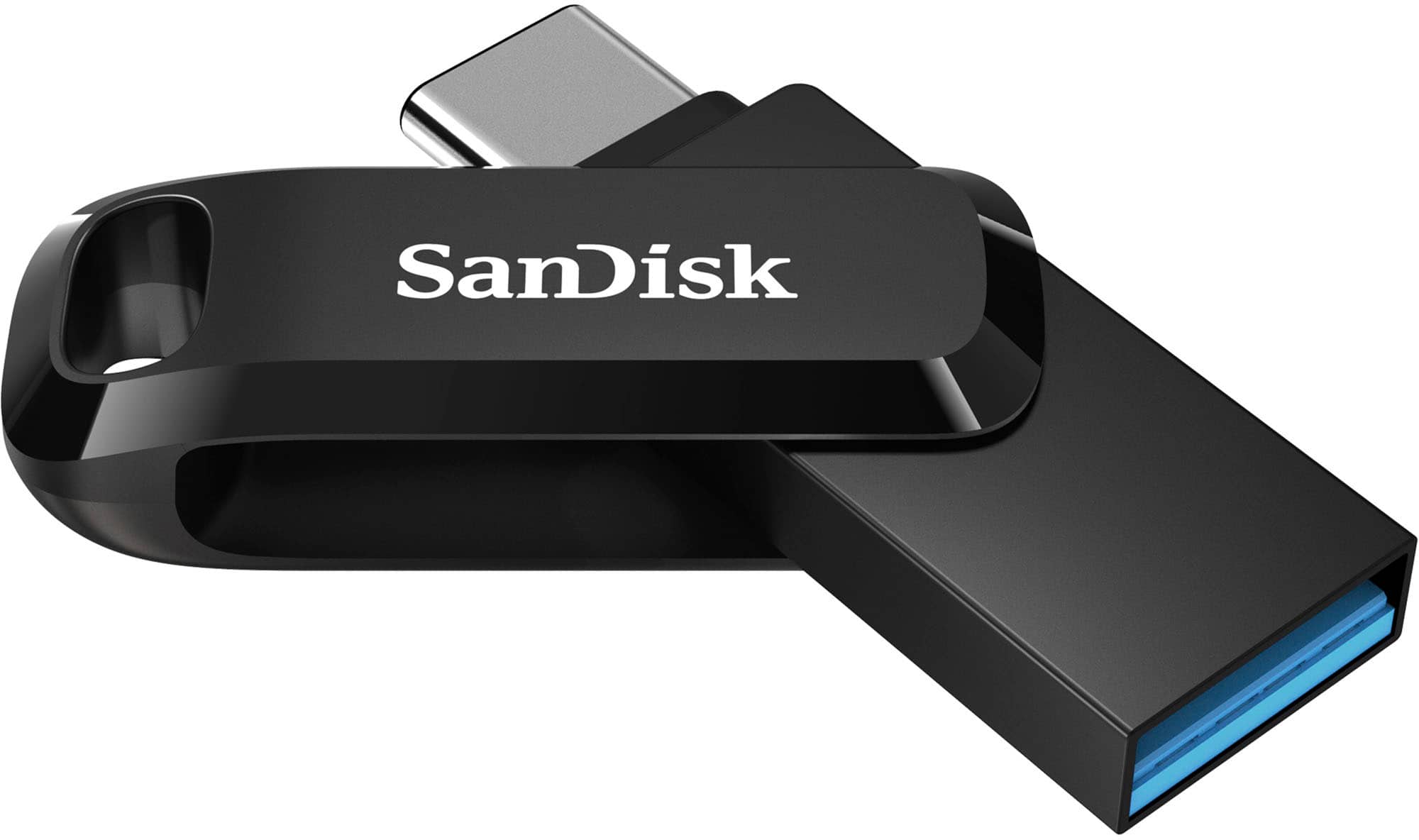
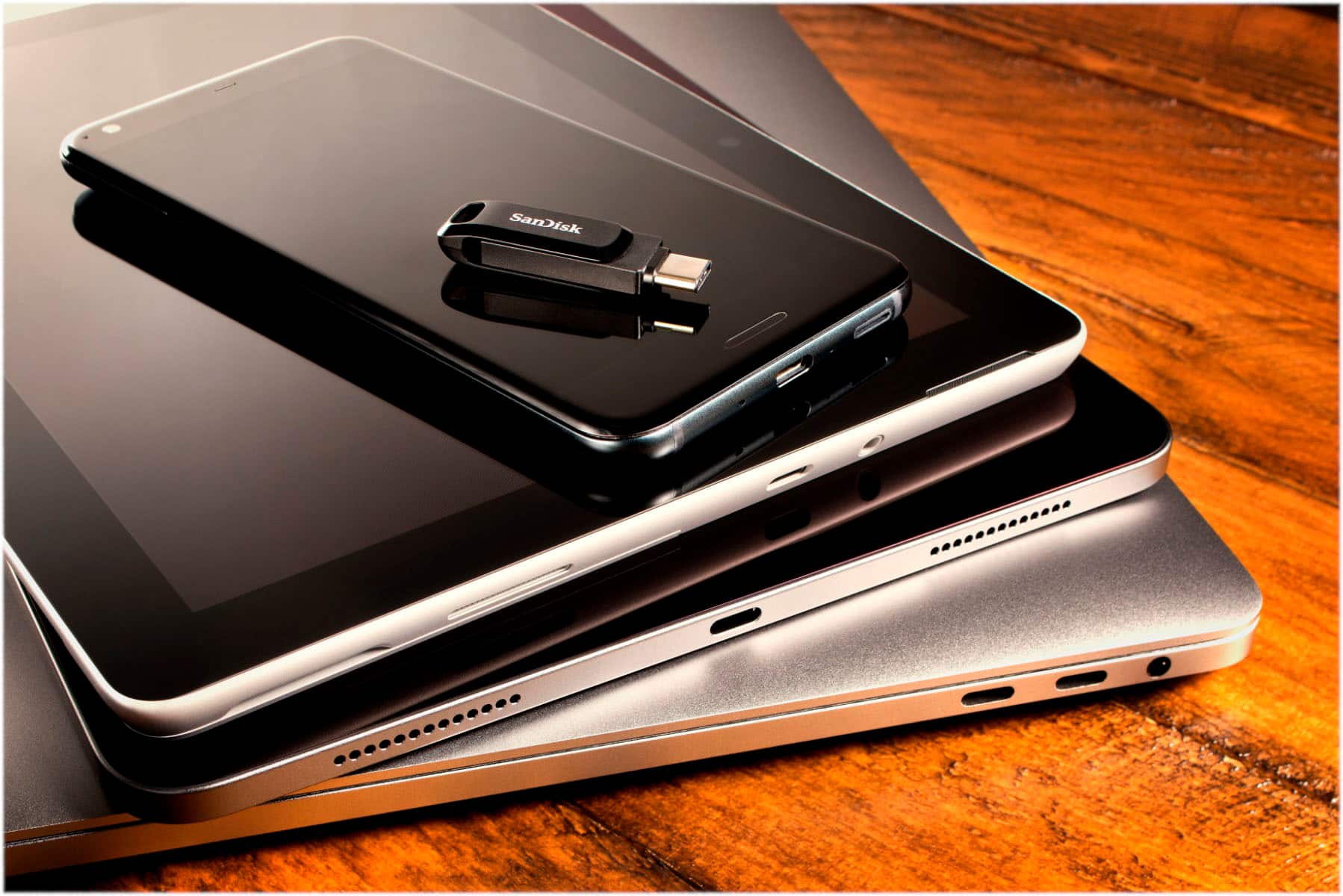
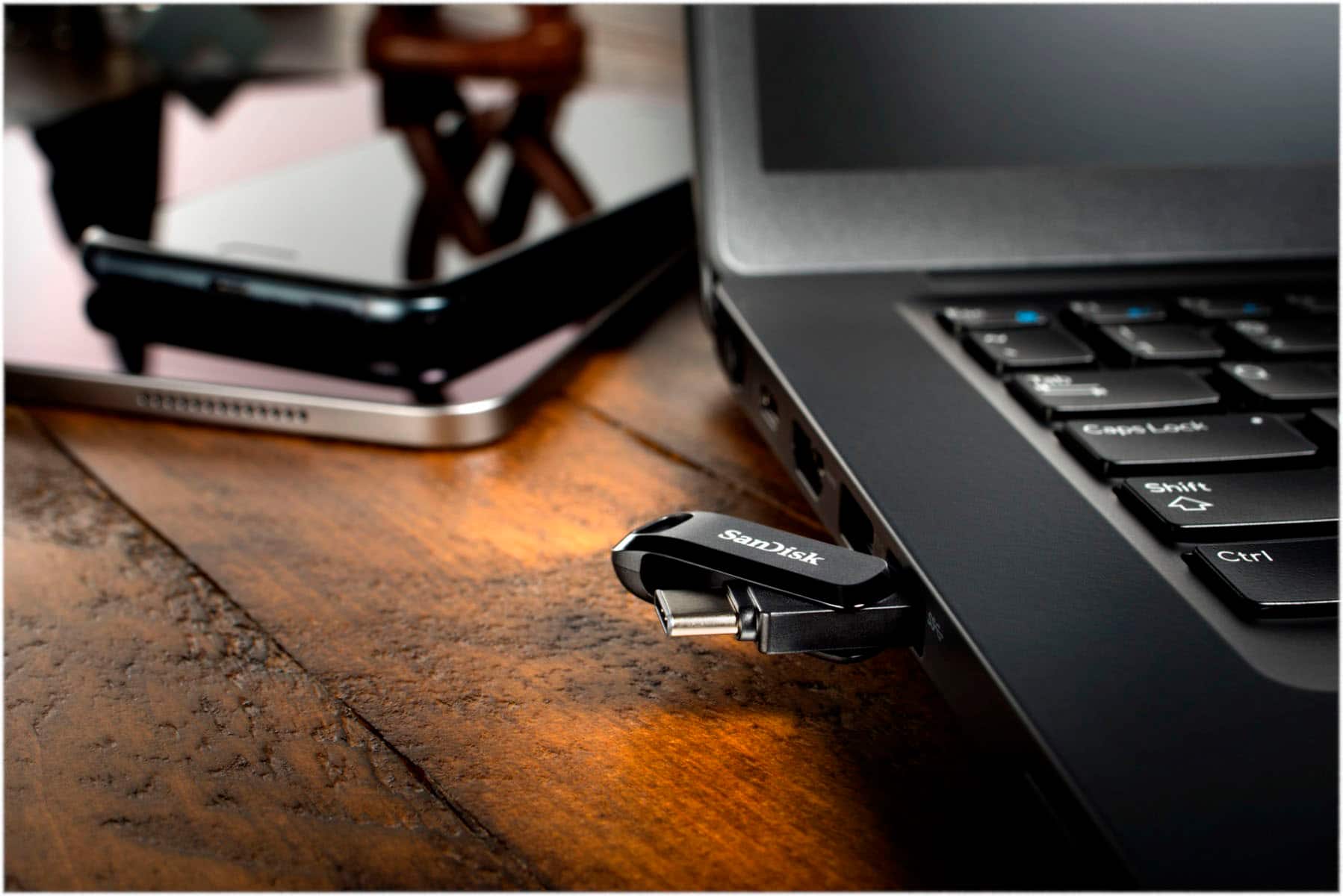
A:AnswerI couldn't tell you if it's 'the best' - but it is very fast, dependable, and has lots of space for music, plus it is dual format - USB A and USB C - for extra flexibility.