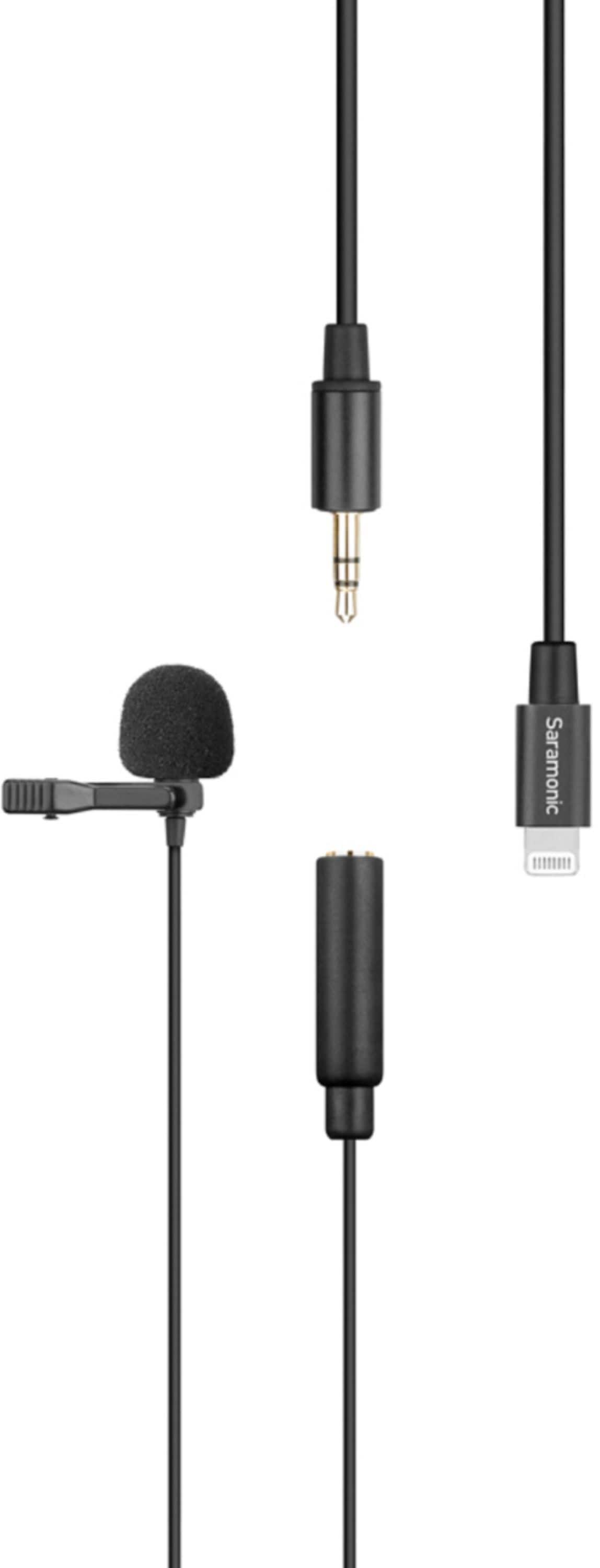
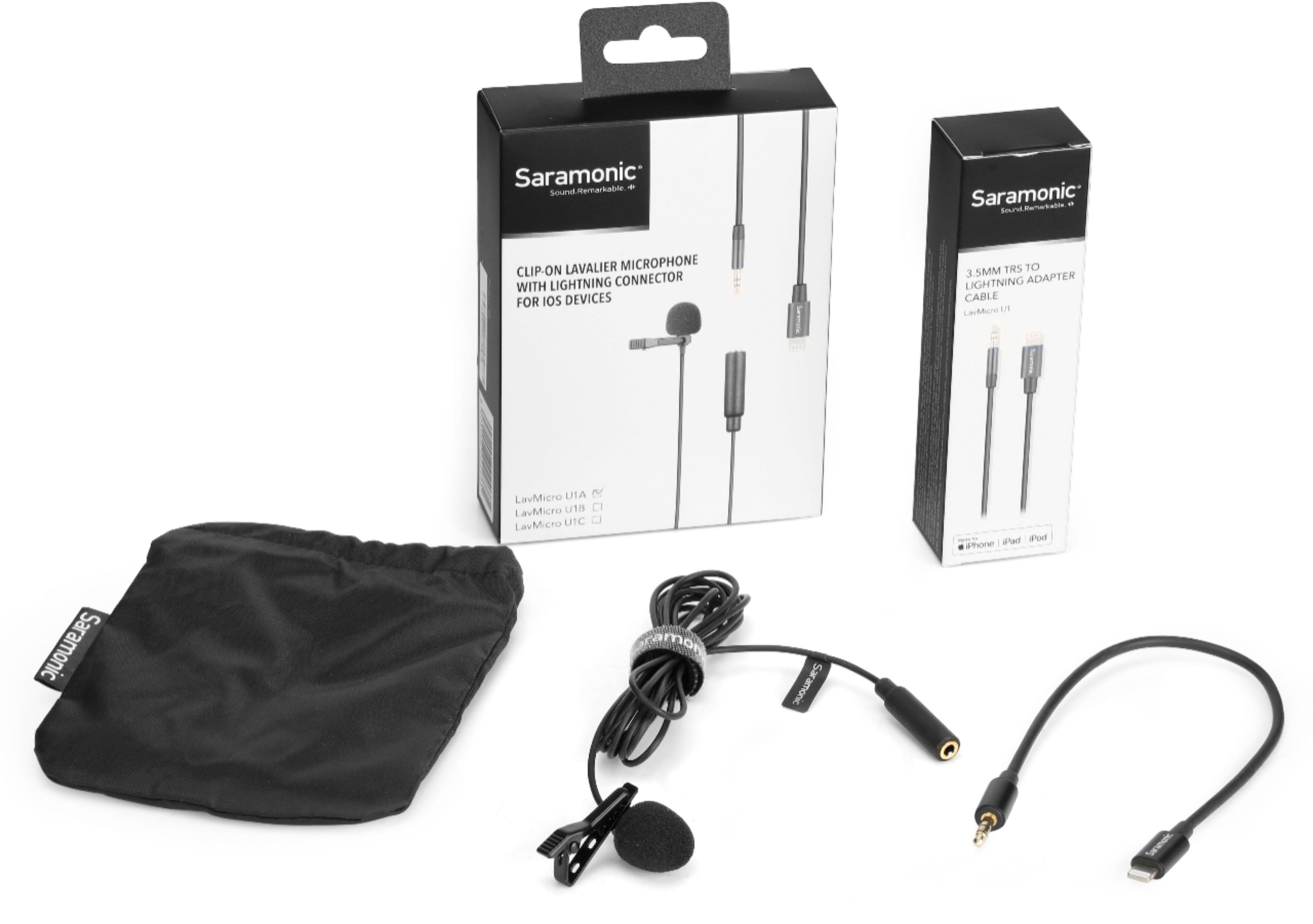
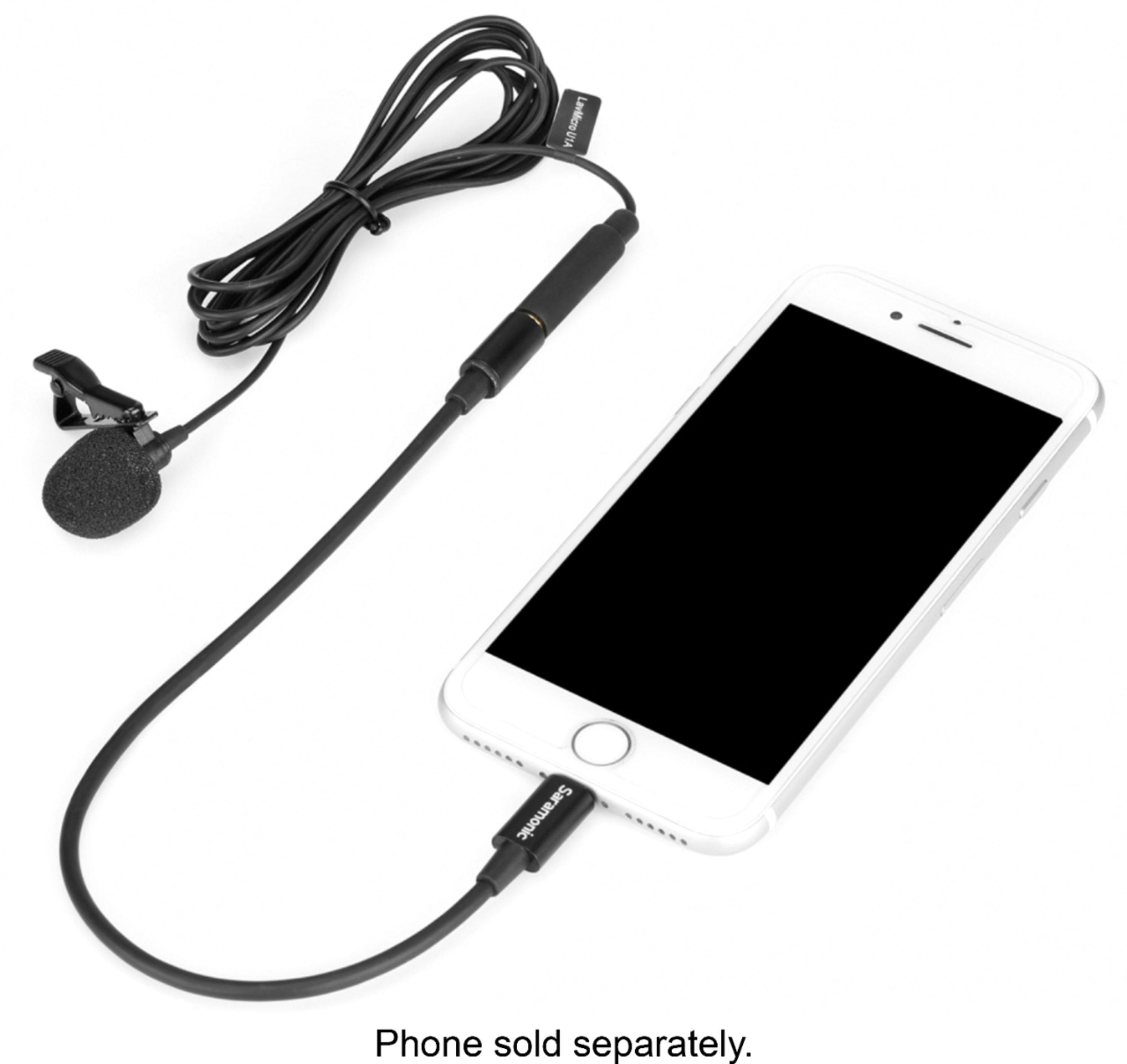
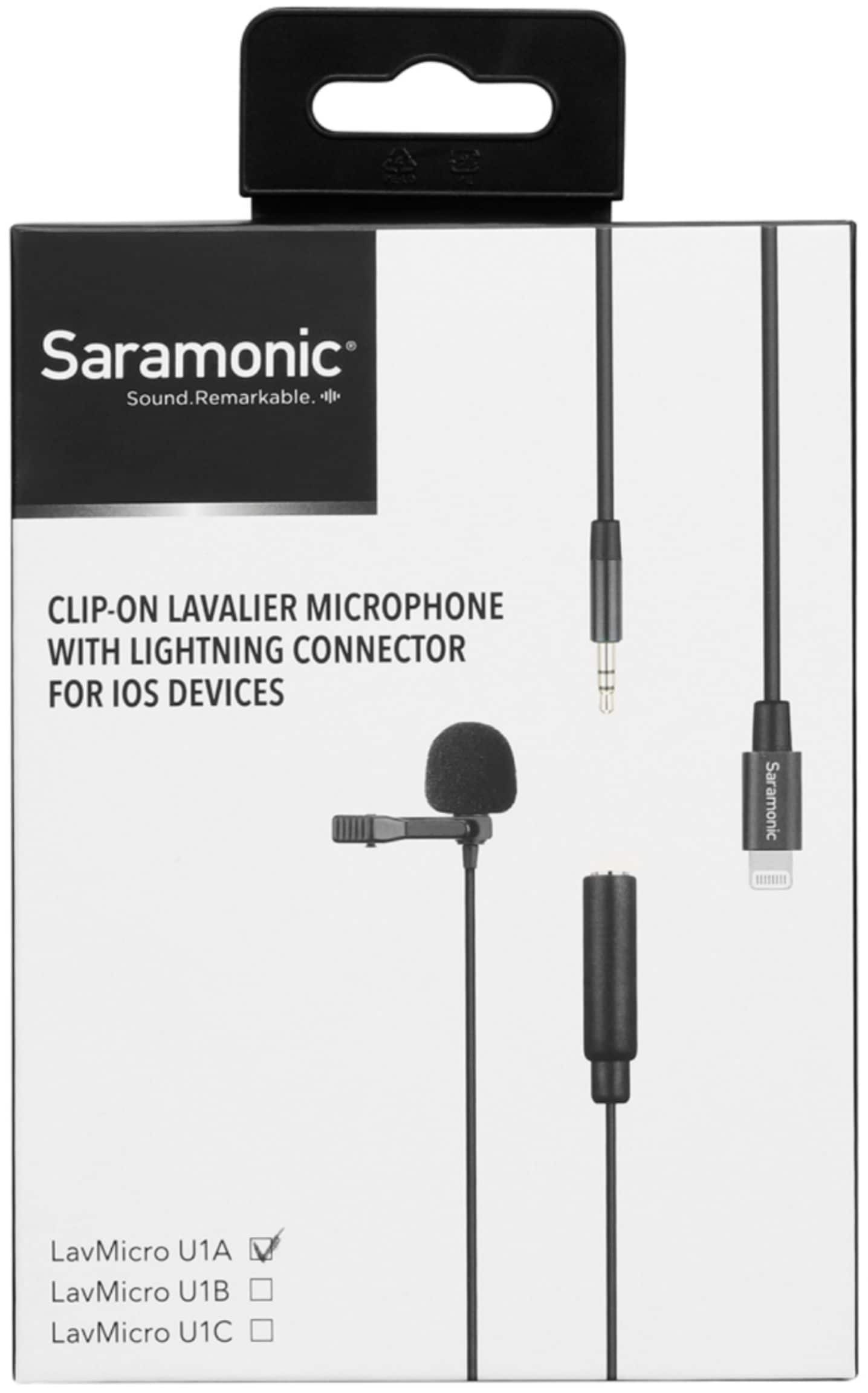
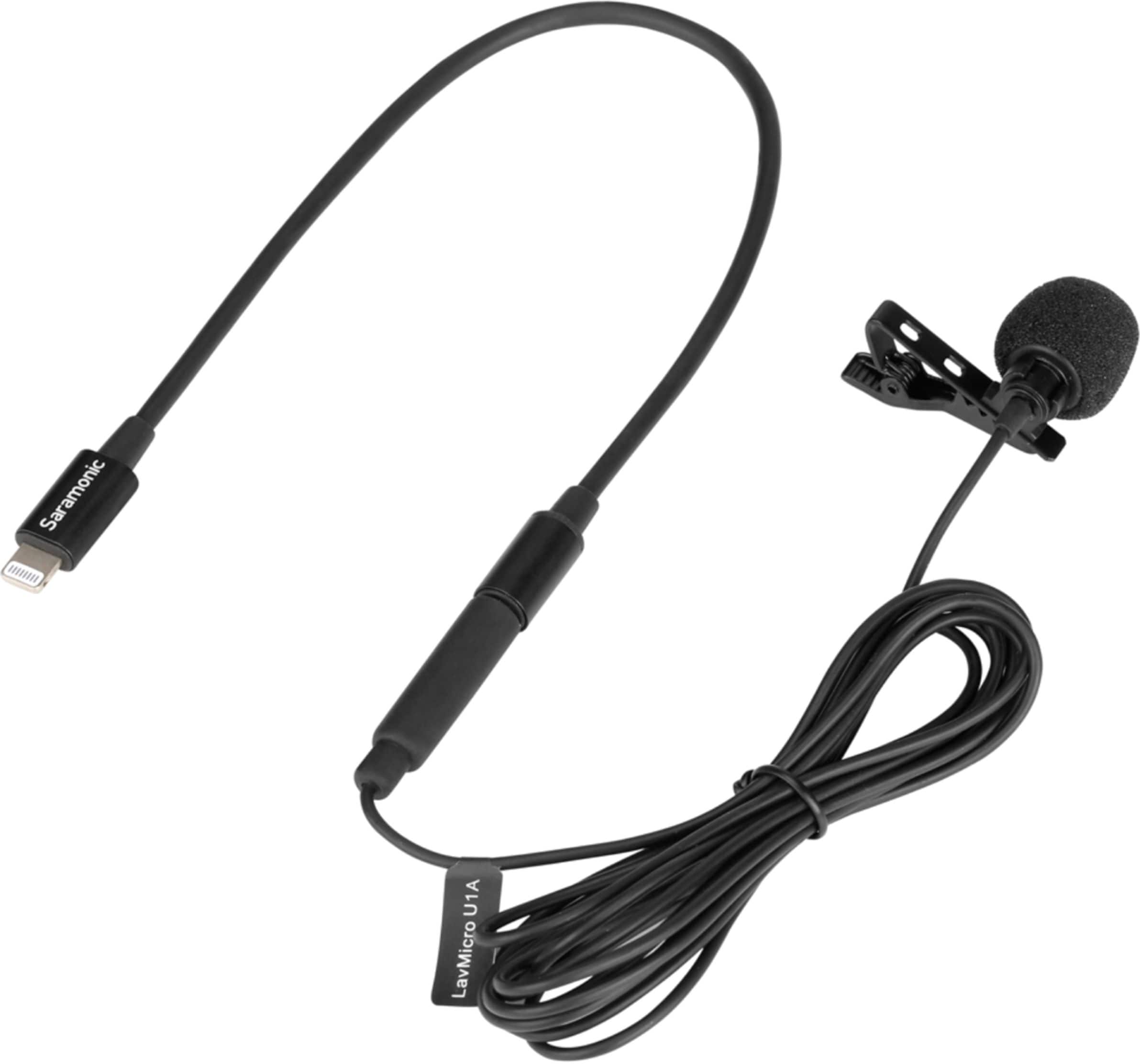
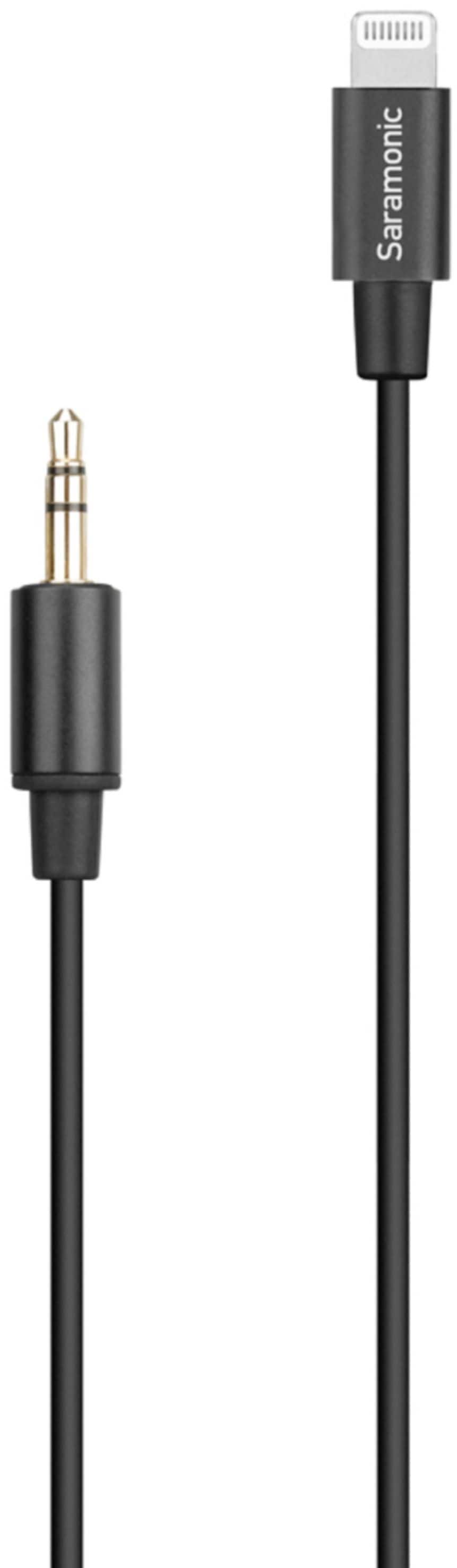
A:AnswerAbsolutely, that is what it is designed for. Make sure you plug in the microphone before you launch the app so the video app recognizes you are using an external microphone. Close the camera app completely before you plug in the microphone and then re-launch the app after it is plugged in for best results.
A:AnswerThis is a really easy fix. You need to make sure you plug in the LavMicroU1A before you launch the camera or recording app. If the app is already open, close it, plug in the LavMicroU1A and relaunch the app. Otherwise the app will not know you are using an external mic. There are also some premium apps that allow you to select external mic or internal mics, like Filmic Pro.
A:AnswerNo, This mic is not suitable for phone calls. Plus, when you connect this microphone to your iPhone it disables the microphone on the iPhone and the speaker on the iPhone. In my opinion the internal microphone on the iPhone should be suitable for her to speak into without needing an external mic. She just needs to make sure she is annunciating clearly and is close enough to the phone. If she is doing that her hearing aid will let her hear better and the person on the other side of the call should be able to hear her clearly as well. I hope that helps.
A:AnswerYes, but its a female Aux Port so you need an Aux male to Aux Male extension to plug it in. Unless you have a Lighting Port on your macbook, it wont work out of box. It you have a Lightning Port to USB A plugged into your mac, can confirm it will work that way. It also works perfectly on your Iphone.
A:AnswerUnfortunately, Not through Lighting. Apple's Lightning connector uses 2 pins for power, the same 2 pins this mic needs to power it.
BUT.... You could use a 3.5mm TRS to TRRS like the Saramonic SR-PMC2 (cheaper, but not sold at Best Buy) or Rode SC7 to plug into the LavMicroU1A and then into the iPad's headphone port for recording while using a charger. Just tested it and it works great.
A:AnswerYes, but you will need a short 3.5mm TRS cable to go in-between the female 3.5mm TRS output of the LavMicroU1A and the GoPro microphone adapter. Luckily those are very inexpensive and readily available at Best Buy.
A:AnswerNo, because this is designed for iOS lightning devices. The Alexa speaker most likely does not have a lightning connector, and even if it did I could not guarantee it would work because this is designed for iOS devices. If your Alexa speaker has a 3.5 mm microphone input, you can use a Saramonic LavMicro as a great alternative.
A:AnswerIt will work with the Saramonic SR-2001 adapter. You will need to connect the female 3.5mm from the lavalier to the male 3.5mm connector on the SR-C200.
https://www.bestbuy.com/site/saramonic-3-5mm-male-trs-to-usb-c-stereo-or-mono-microphone-and-audio-adapter-cable-9-22-86cm-sr-c2001/6425405.p?skuId=6425405
A:AnswerNo, it has a Lightning output for iPhones and iPads.
BUT... You can use an adapter cable to adapt it to any camera with a 3.5mm mic input that provides plug-in power. You will need a 3.5mm male to male TRS cable to make it work. Like the Insignia NS-LW16.
A:AnswerNo, for that you want to use the LavMicroU3A which has a USB-C output.
This mic has a Lightning output for iPhones and iPads, BUT you could adapt this with a Saramonic SR-C2001 adapter if you needed both USB-C and Lightning.
A:AnswerYes, they do work with the new Apple 2020 SE phones.
Yes, There are a few options available for extending the cable. The Saramonic SR-SC2500 8.2' extension and SR-SC5000 16.4' extension cables work very well for this. Unfortunately Best Buy does not sell them yet, but they can be found at www.saramonicusa.com.
For store availability near you, use the "See all pickup locations" link on the product page.