A:AnswerHi Big Bear,
That it not even a realistic question. This drive can be used on any Windows system, Apple system, Unix, and more. Why would you think it would have Windows 11 on it? With tax the drive is 70 dollars. WOW people like you amaze me! In my mind I have no clue what you would do with this GREAT HHD and I have no clue even if it had Windows 11 Pro or Home version. . . You would have NO clue on how to set it up when you are asking if it "comes with Windows 11 Installed.
A:AnswerThat power cord is a internal cable inside the computer case. The data cable is a SATA cable that usually comes with the motherboard for your computer.
A:AnswerYou need to look at your product manual tech spec to find out what type of hard drive that is currently installed in that dvr. No one can answer that question for you. You need to do your own research.
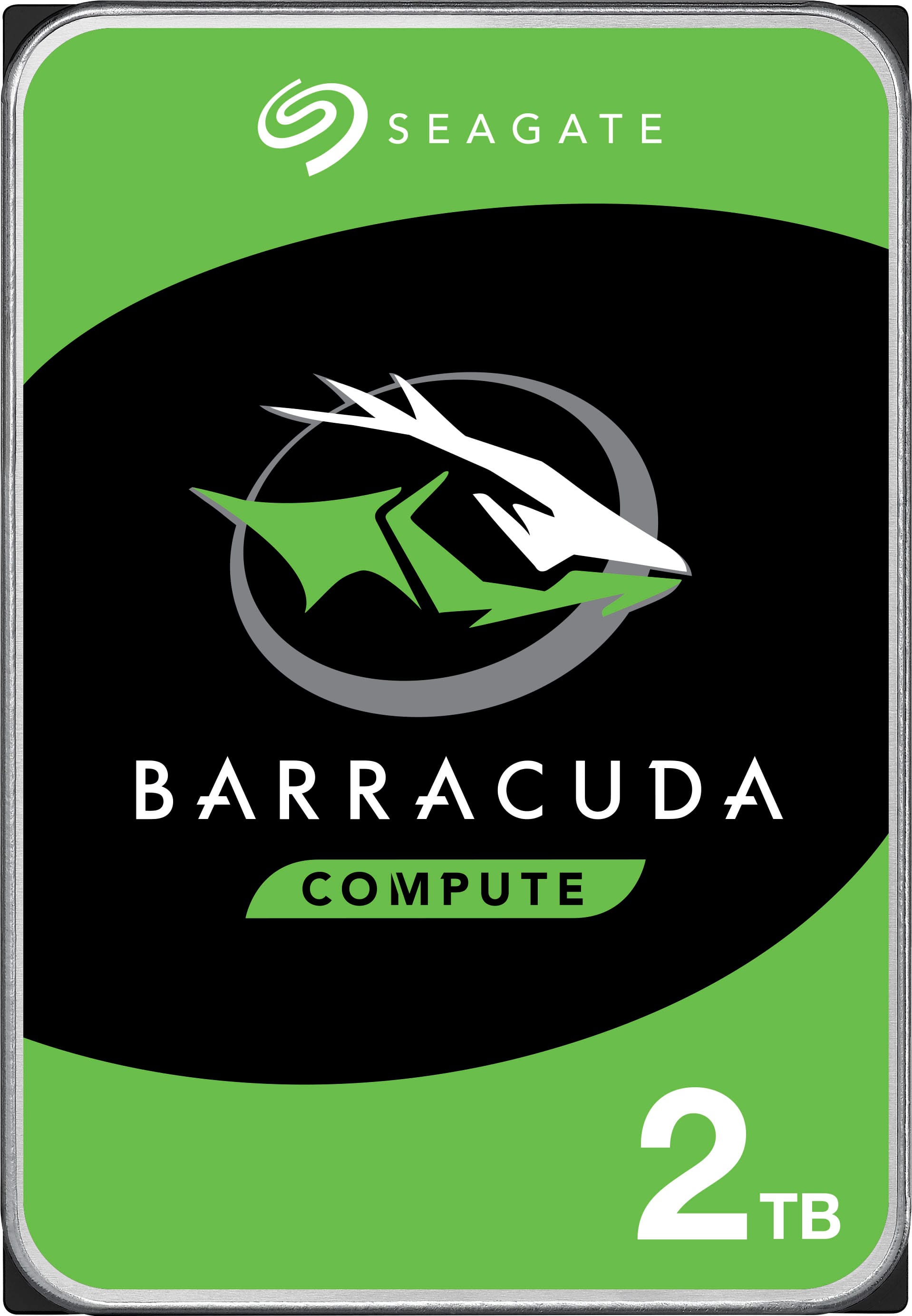
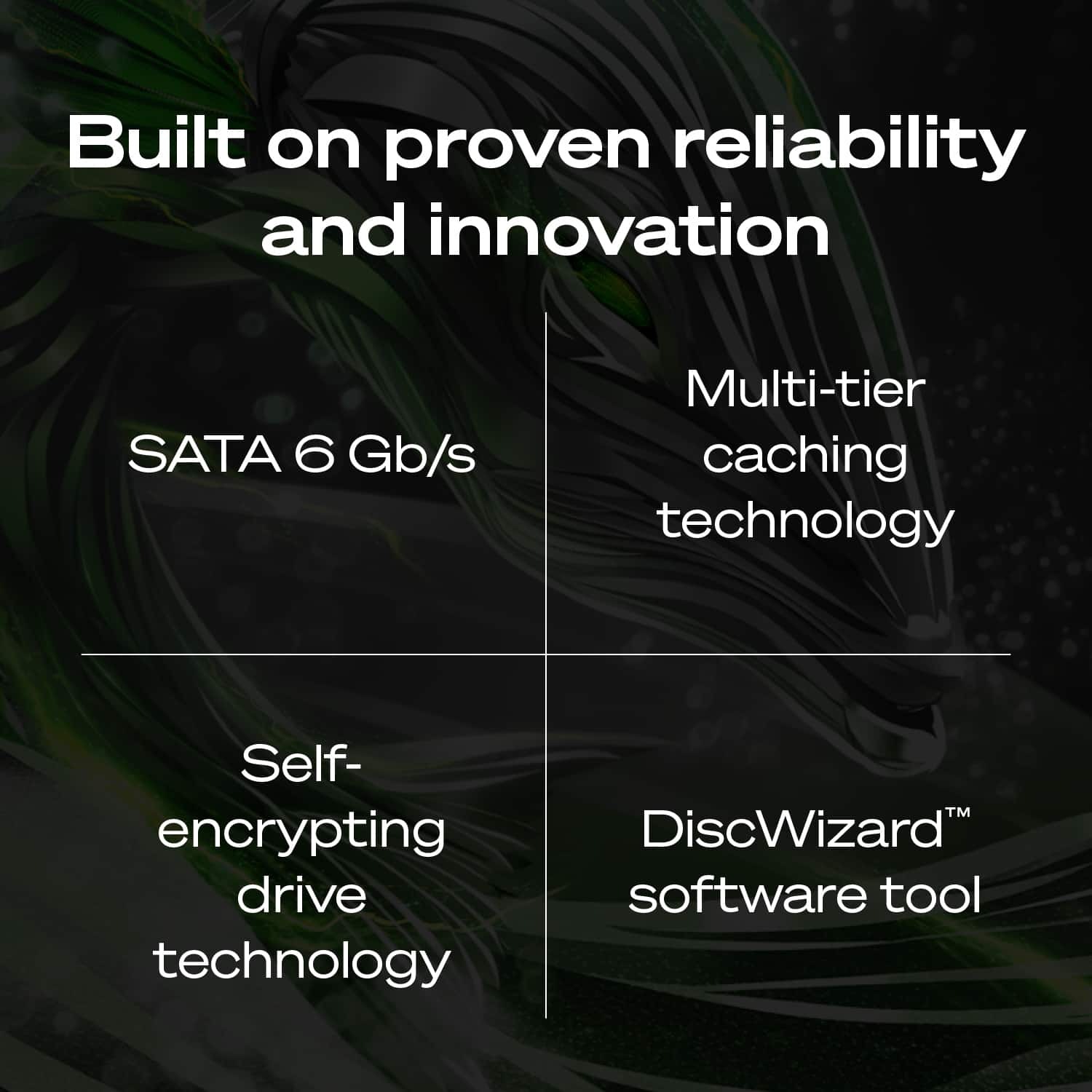
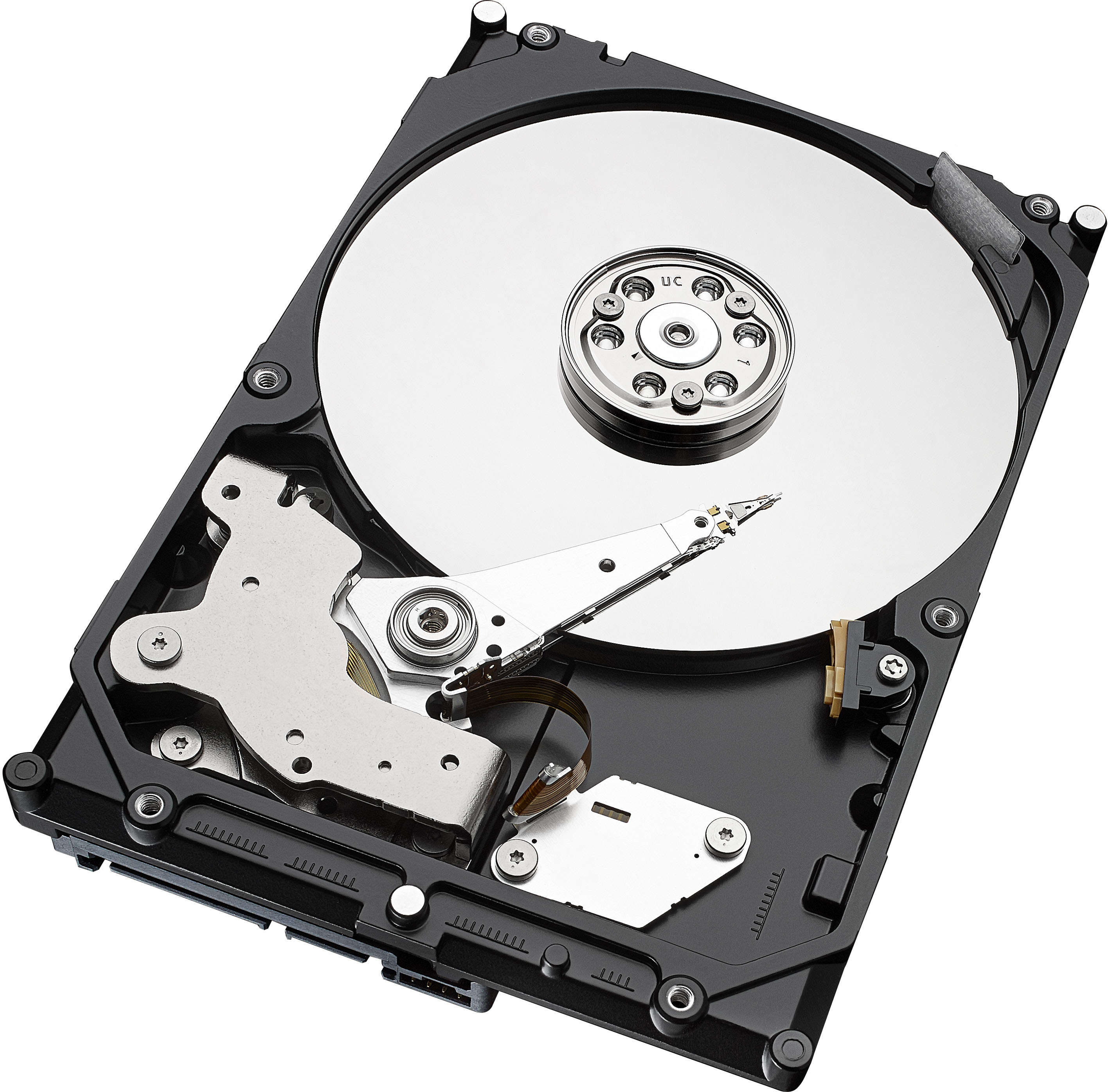
A:AnswerThis hard drive is a SATA drive and can connect too any SATA connection with a SATA cable too the mother board it does not have a PCI express connection Available on the back of the hard drive so it will not be a PCI express drive . The PCI express drives are smaller and compact and only have a PCI express connection on the drive no SATA cable connection and they are the new way of connecting To the mother board via PCI express like Video cards With the PCI express connection.
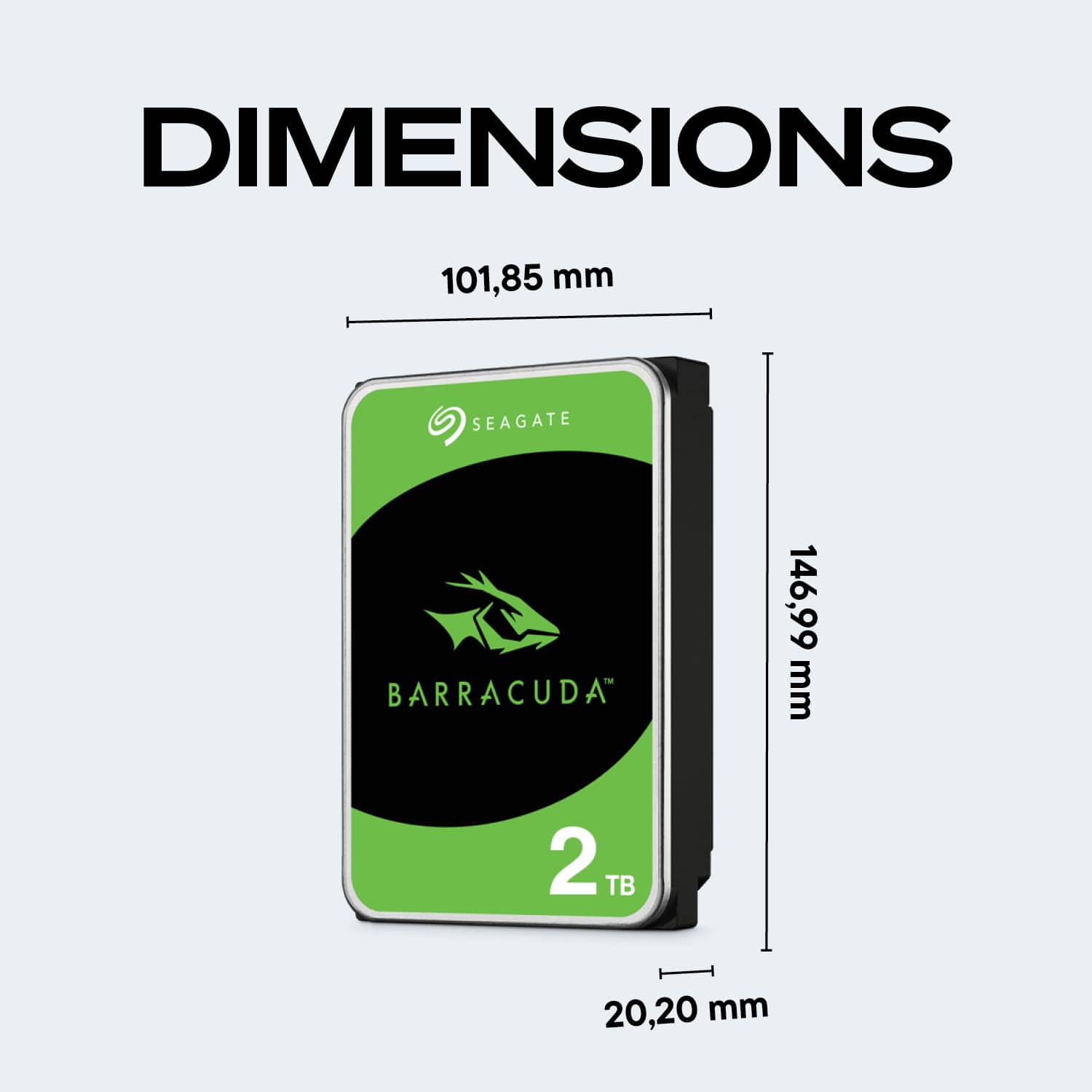
A:AnswerIt should, but you should check to make sure you have standard SATA and power connections available. the HP website can give you the specifications of your particular machine and then you can compare to the HDD to make sure they match. You will need to know your HP's actual model number not just the series. If you don't have an available connection you would have to purchase a device that can connect to the drive externally so you can clone your boot drive and then replace it. If you are just adding on you will have to make sure Windows sees the drive and then partitions it etc. You can google the instructions to do all this. Not very hard at all.
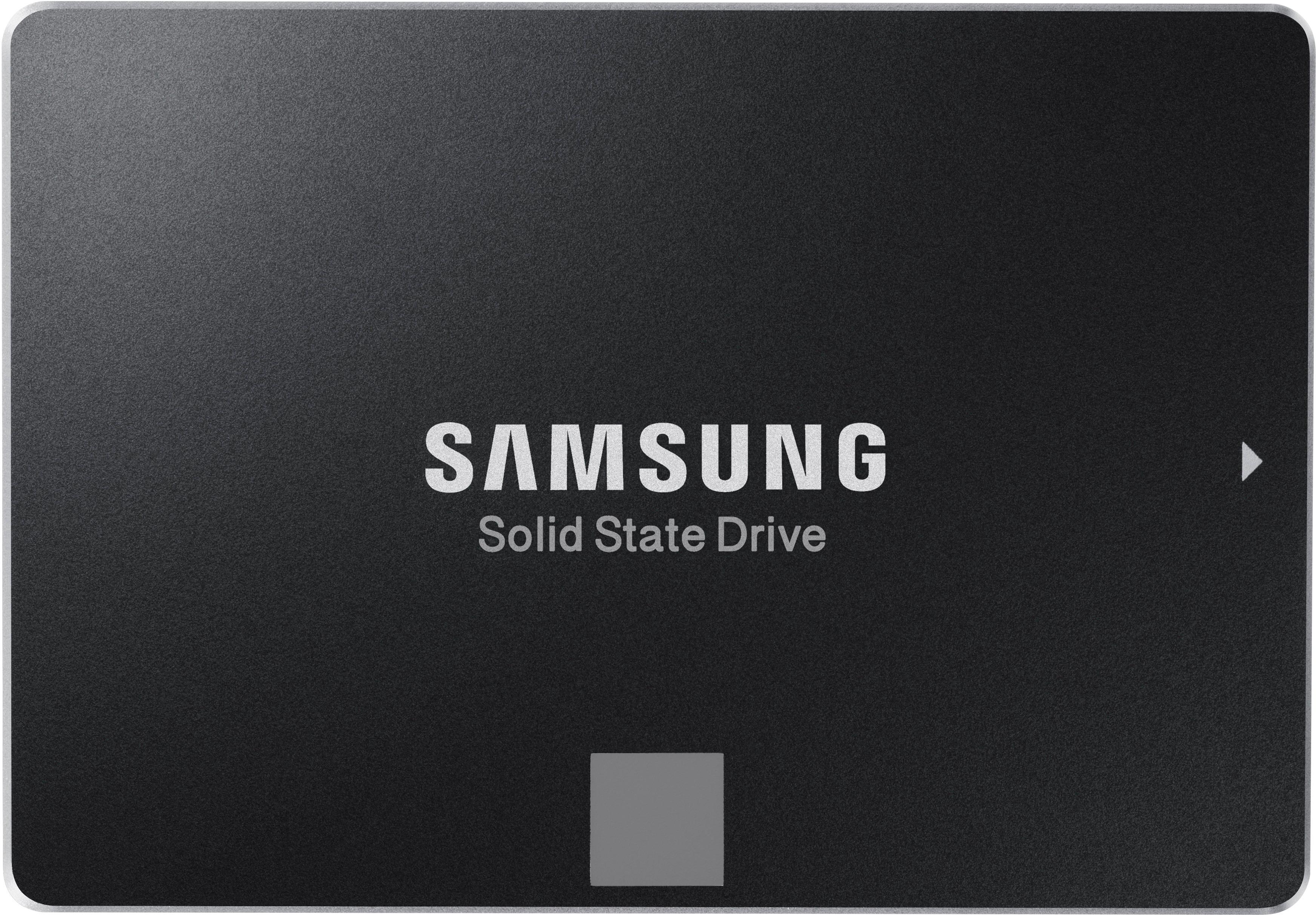
A:AnswerYou should select a 2.5" drive (same as laptop drive) but I recommend at least a 500GB SSD instead of a hard drive. Your boot times will decrease and game load times will shorten.
Here is a list of available 500GB SSDs at BestBuy- https://www.bestbuy.com/site/searchpage.jsp?_dyncharset=UTF-8&id=pcat17071&iht=y&keys=keys&ks=960&list=n&qp=category_facet%3DInternal%20Solid%20State%20Drives~pcmcat1538498095184%5Edriveinterface_facet%3DDrive%20Interface~SATA%5Eformfactormv_facet%3DForm%20Factor~2.5%20in.&sc=Global&st=500GB%20ssd&type=page&usc=All%20Categories
Here are the replacement instructions from Sony- https://www.playstation.com/en-gb/get-help/help-library/system---hardware/storage---data/upgrade-playstation-4-hdd/
Here is upgrade info from Digital Trends- https://www.digitaltrends.com/gaming/how-to-upgrade-your-ps4-hard-drive/
A:AnswerYou will need a Sata cable to plug into the mother board. Make sure you have a free sata connection on the mother board and the sata cable is the correct length. Check your power supply to make sure you have a free connector. You might need a power splitter or adapter.
A:AnswerHello MidwestMan,
Seagate drives work out of the box with Windows and Mac operating systems, however for accurate information about compatibility please contact HP.
The tech specs for the Barracuda Drives can be found on our support site: https://www.seagate.com/internal-hard-drives/hdd/barracuda/#specs-2-5
Regards,
Zac
Seagate Support