A:AnswerAccording to the literature, this computer takes a 2.5" SSD drive. If so, no. If there's room for a 3.5" full size SATA drive, which the specs don't mention, then you have to check and see if there's an open SATA connector on the motherboard and an extra power supply for it. It's doubtful based on the size of the all in one unit.
In short, probably not.
A:AnswerI definitely don't think so. If you need more storage, I'd buy an external HDD and plug it in via USB. There's good ones with different variations of storage you can buy.
A:AnswerI do not believe so if you need storage for a console i would recommend getting an external hard drive. All you do is plug it into your xbox and format it and your good.
A:AnswerYes, this hard drive will fit your Lenovo IdeaCentre 510A. Be sure that you have the SATA cable that is required to connect the hard drive to the motherboard.
A:AnswerYes, this drive would be able to fit in the Inspiron 3472. This computer also uses the M2 drives which look like memory sticks but are also storage drives. They are a bit more expensive but they are faster. Lastly, it can hold a SATA drive which is a smaller type of storage drive, similar to hard drive with no moving parts.
A:AnswerAs long as your motherboard / wiring supports SATA you should have no issues. I recently installed this drive in an old DELL Optiplex PC for my daughter as something to use for homework and had no issues. I was able to use a Windows Recovery Thumbdrive to install the operating system without issue.
A:AnswerYes it will work with a ps4. Since its an internal drive you will have to take out the old sata drive to hook it up. You are better off with external USB hdd that hooks up to USB. If you want better load speeds you would need to install a sata ssd internal drive if you looking for better performance.
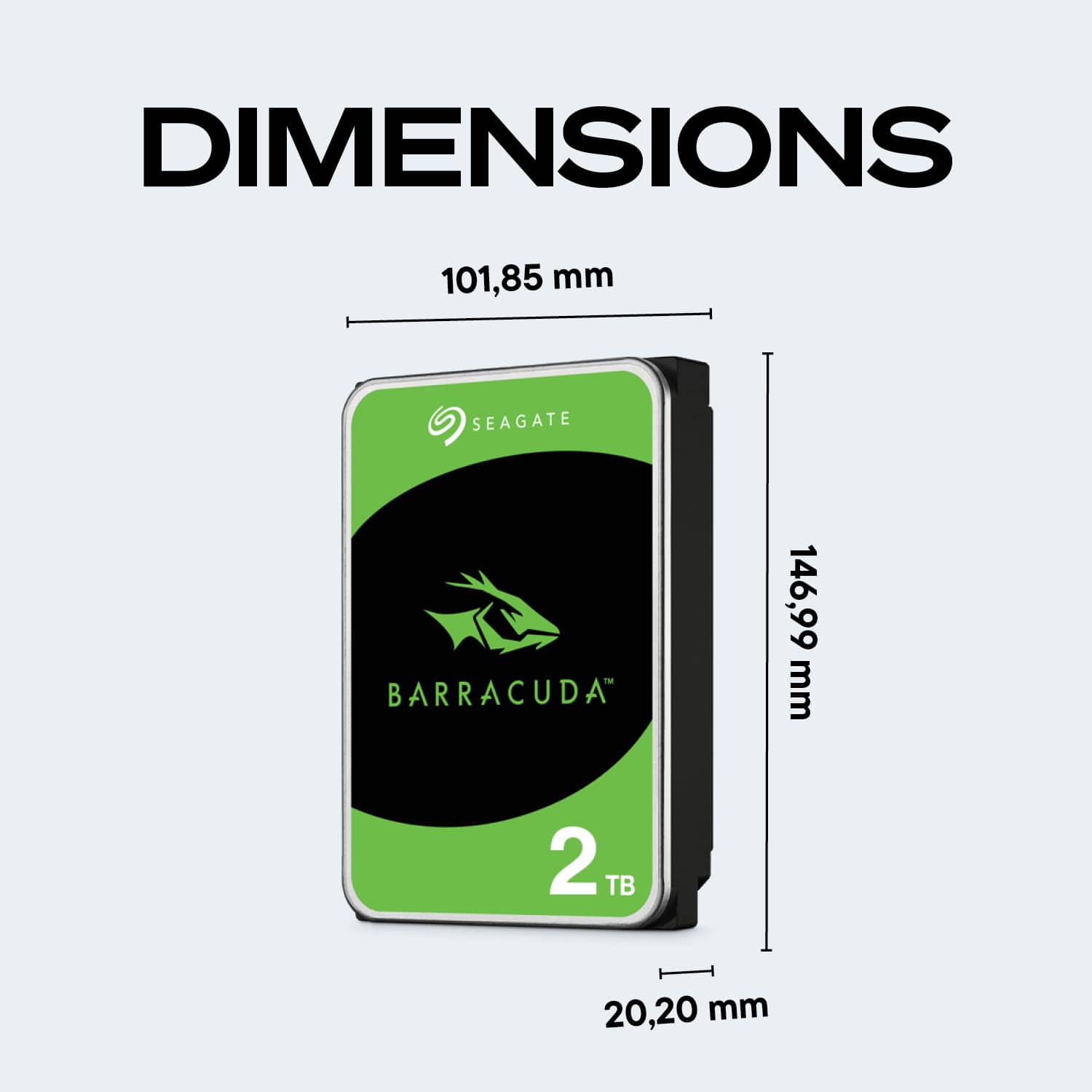
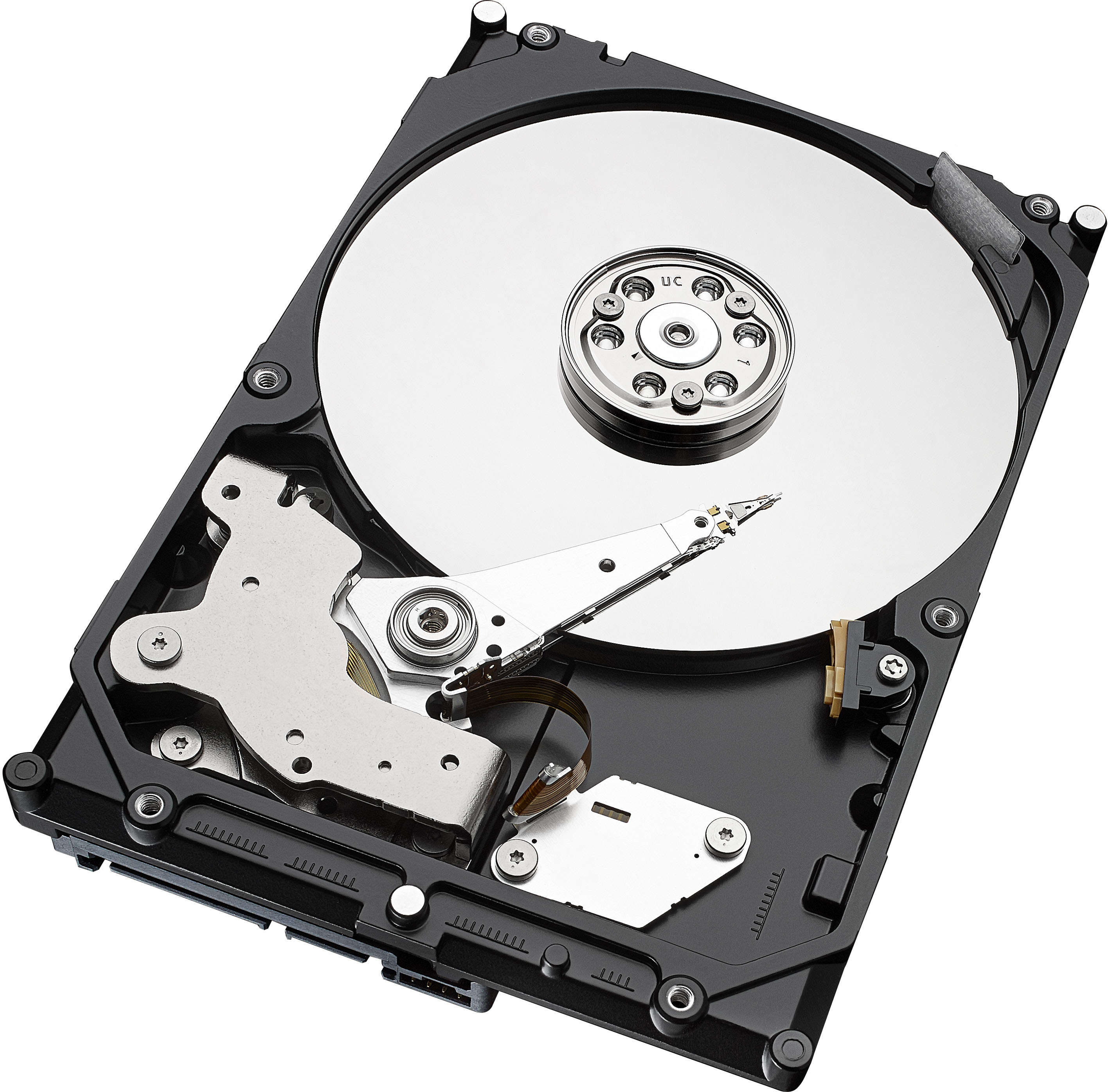
A:AnswerNo, this doesn't come with a mounting bracket. It only has the holes on the side like any other internal hdd so you can screw it on to the mounting bracket already in your case.
A:AnswerI don't know about plug and play but it can be added to an Alienware Aurora r6. It would still require some action by you for partitioning etc. You can google how to set it up if you are unsure, it comes with good instructions as well. It is not hard.