A:AnswerActually this drive will NOT work in the Drobo. After purchasing two of them and spending hours attempting to get them to mount, Drobo support came back and said no they will not work. I had to go to Seagate Ironwolf PRO. IT MUST BE THE "PRO". So I returned both Baracudas and bought 2 Seagate Ironwolf Pro's. They plugged in, mounted first time and I am off and running.
I thanked Drobo support and then complained about Drobo marketing. So bottom line is, you cannot use just any SATA drive. Get the "recomended & tested list" from Drobo support.
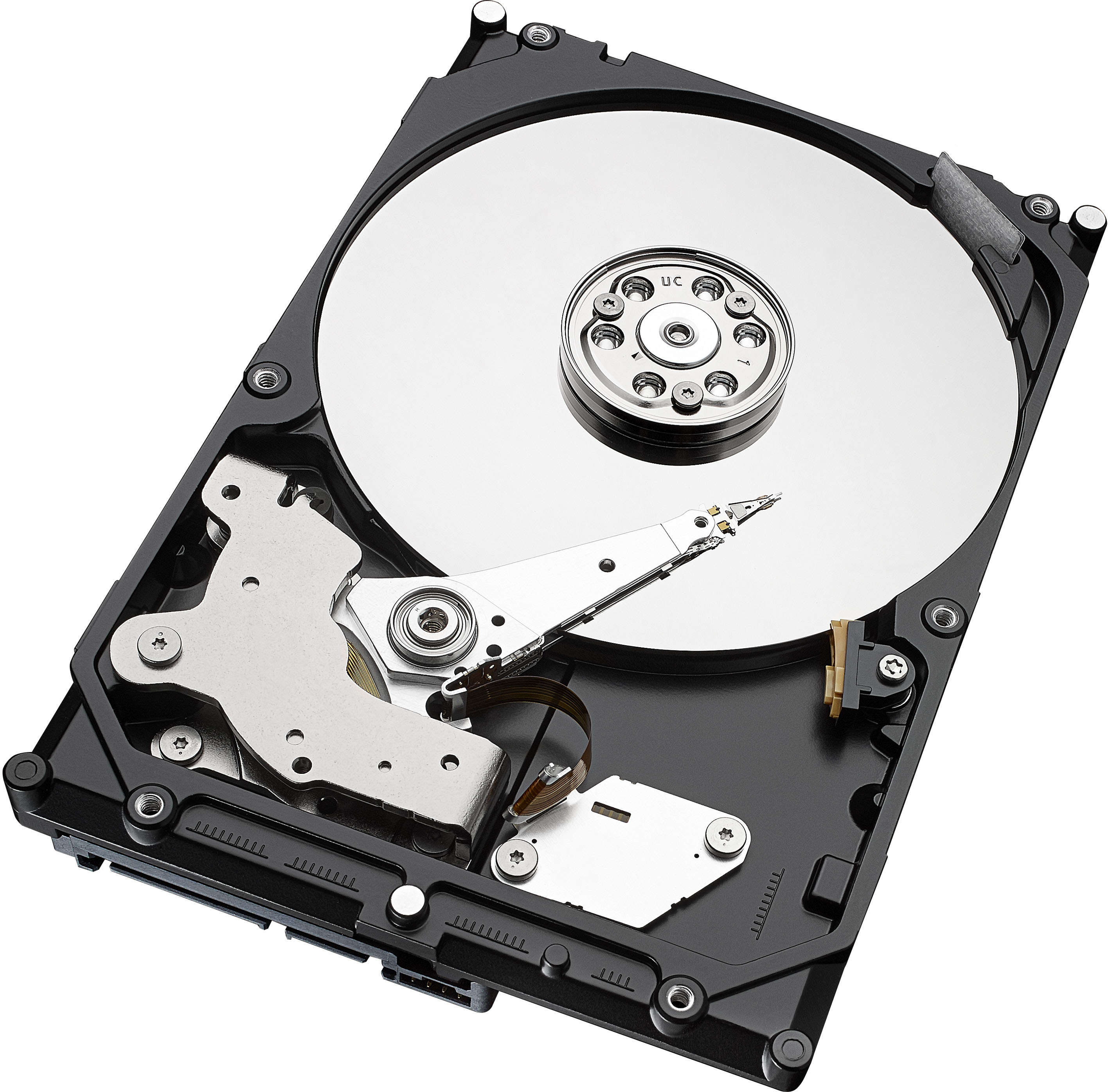
A:AnswerNo this is a SATA drive with a SATA connection on the back of the hard drive and only is used with a sata cable too the motherboard. It does not have another connection on the back of the hard drive like an external hard drive they have USB connection on them and the would work with USB ports on different device’s.
A:AnswerI purchased 3 of these HDD for 3 new machines, 2 of the 3 worked just fine. The 3rd is not responding, Best Buy Support is very frustrating! I purchased online, but have to take back to a store for exchange?? The nearest store is over 25 miles. I can't any live help, wait in quew for 40 minutes then it went to dial tone... Good Luck
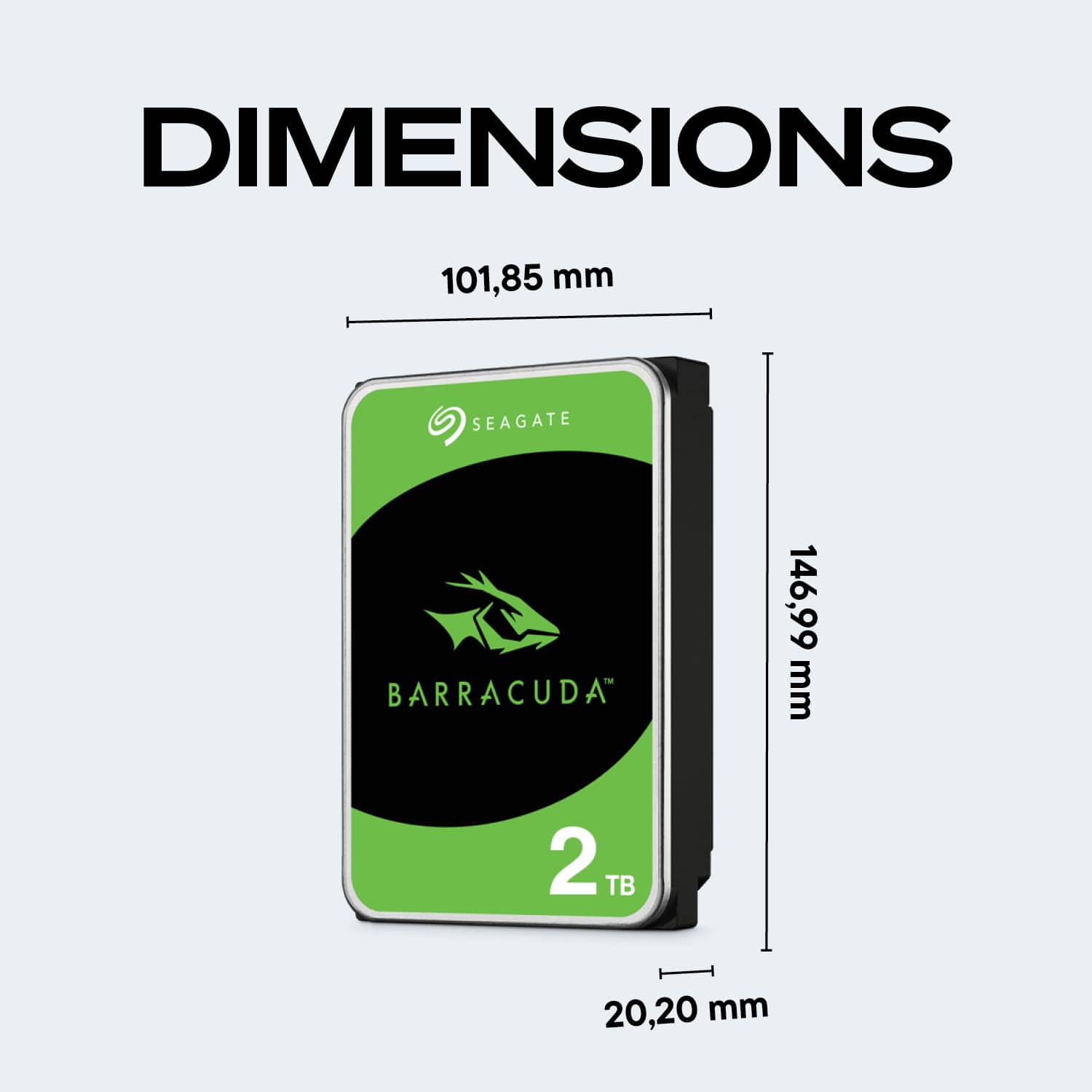
A:AnswerUnfortunately no. The PS4 uses a 2.5-inch SATA HDD and this one is a 3.5-inch SATA HDD. You can always find a smaller HDD or upgrade it a SSD which will also help with loading times.
A:AnswerUnfortunately no. The PS4 uses a 2.5-inch SATA HDD and this one is a 3.5-inch SATA HDD. You can always find a smaller HDD or upgrade it a SSD which will also help with loading times.
A:AnswerI cannot easily or accurately answer that about your unit. Some companies allow you to add a higher capacity drive, some don't. I would suggest asking the manufacturer or a user group that know more about updating/upgrading your specific unit before purchasing a higher capacity drive, like this Seagate.
A:AnswerYes, you can but you will need a USB connector. See the following link:
https://www.google.com/search?q=how+to+connect+internal+drive+using+usb&rlz=1C1SQJL_enUS831US831&oq=how+to+connect+internal+drive+using+usb&aqs=chrome..69i57j0l7.21357j0j7&sourceid=chrome&ie=UTF-8#kpvalbx=_G7ZKXv7GKuzH_QaOyIagCQ33
A:AnswerYou can use this drive with a Playstation. The easiest way to do it is by using an external hard drive reader. They are fairly cheap. They plug into the USB port on front of the Playstation.