A:AnswerTry resetting the bulbs by flipping the on/off switch 10 times to reset the bulbs into pairing mode(they will flash to let you know they are in pairing mode), and start the install process again, make sure your phone and the bridge is connected to the same WiFi.
A:AnswerUp to 64 devices can be controlled via a single hub. In theory if you seriously have more than 64 devices, then you just grab another hub.
You can connect the hub via wireless to your home router but ideally you place the hub close enough for a direct ethernet cable to get best connectivity without weird interferences. Multiple hubs again could be wirelessly connected to your router, but ideally you have available ethernet ports for direct connection.
A:AnswerProbably not at the same time. I believe you have to be on the same WiFi network to control them. Once you re-enter the network I'm sure it'll work though.
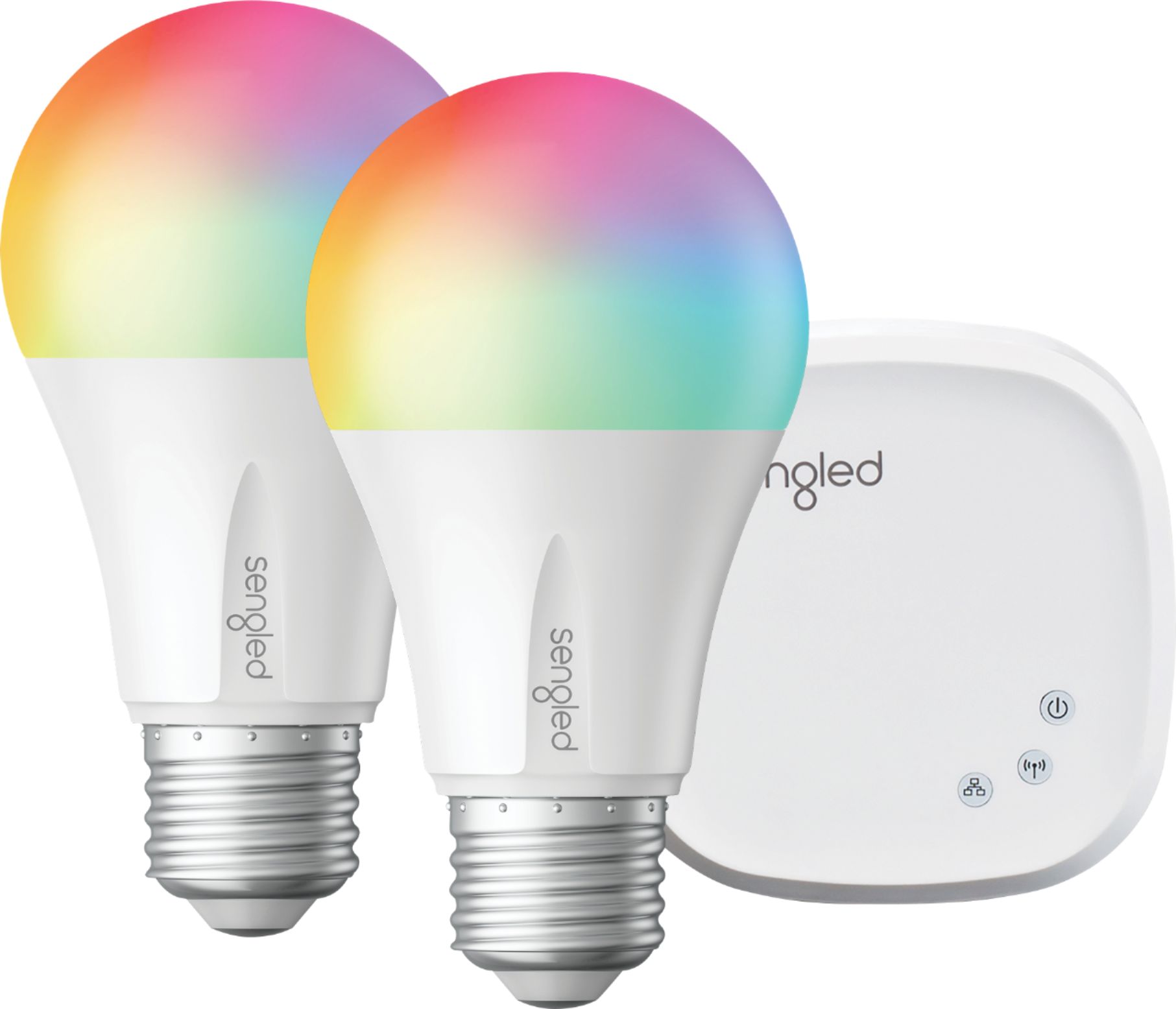
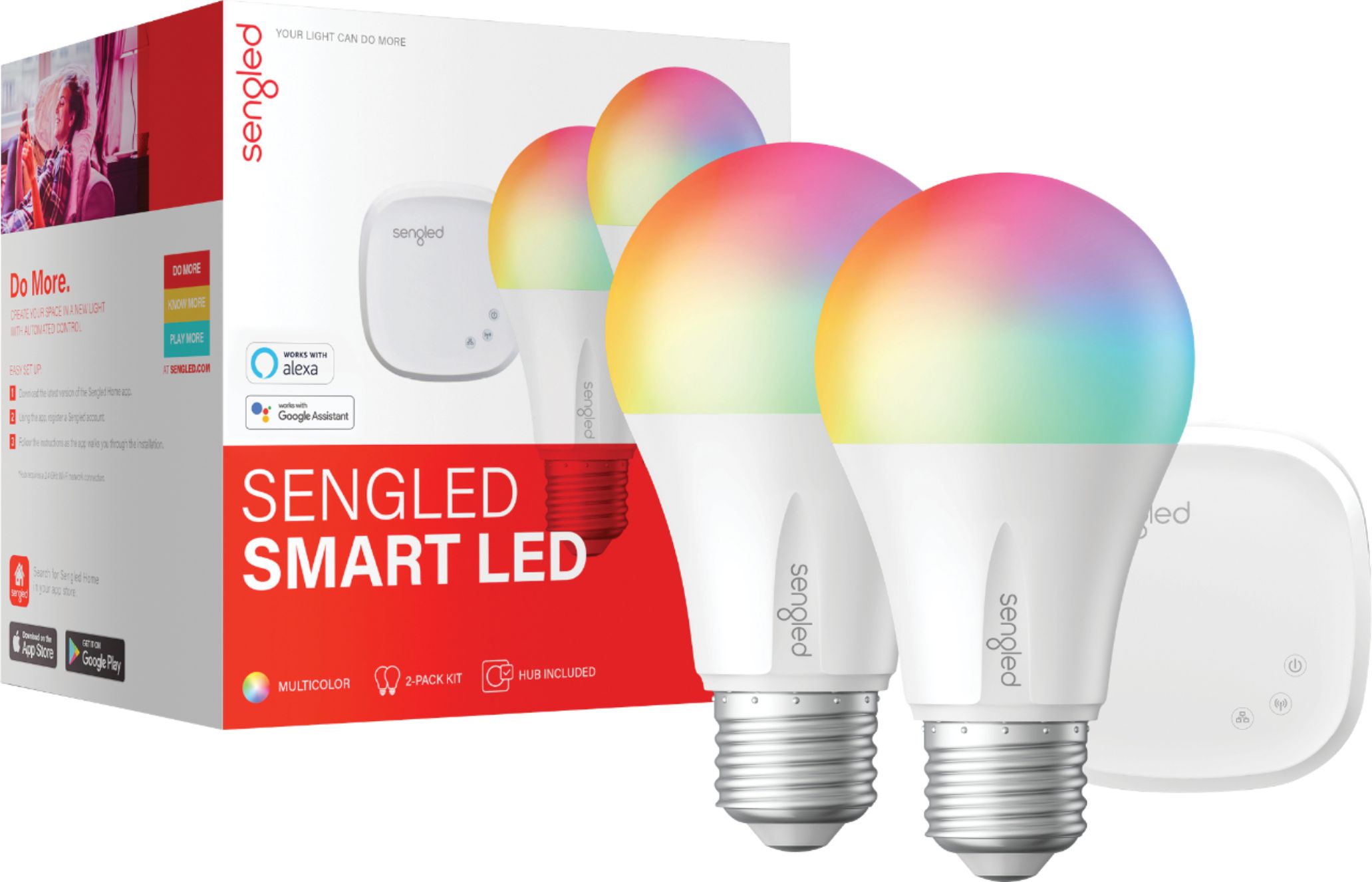
A:AnswerThe hub is what connects the lightbulbs to your WiFi or internet via Ethernet cable. It is needed to be able to have your phone or a smart voice, i.e. Alexa or google, control the bulbs.
Both lightbulbs need to be within the reach of the hub, about 40 ft, so they would both need to be in the same home.
There are version where the hub is not required and those would work in different homes