A:AnswerI don't believe that this unit was designed for outdoor elements. Constantly moving it in and out for short periods sounds like a hassle. Manual: Use speakers with an impedance of 6 ohms or more, as speakers with lower impedance can damage the unit. Consider a bluetooth connection instead with appropriate speakers.
A:AnswerHello, this unit can only connect to a phone or a tablet using the Bluetooth technology. We do apologize, for the unit we are manufacturing, they are all similar.
A:AnswerHello, we are sorry for the inconvenience. Kindly contact us at onlinesupport@sharpsec.com, please include the issue that you are having, the model number, serial number and your name and contact information in the email.
A:AnswerHello, we are sorry for the inconvenience. To set the clock press the clock button, within 10 seconds press enter, to adjust the day press the left and right 'fast forward and rewind' buttons then press enter, press the 'fast forward and rewind' buttons to adjust the display to either 12 hour or 24 hours then press enter to select, to adjust the hour press the same 'fast forward and rewind' buttons and press enter to register, to adjust the minutes press the same 'fast forward and rewind' buttons. Press the Clock button to save the settings. This can be found on page E16 of the manual.
A:AnswerWe are sorry for any inconvenience this may be causing you. Please email us at onlinesupport@sharpsec.com so we may provide troubleshooting steps and assist. Please include the model and serial number of the unit.
A:AnswerHello, we apologize for the issue you are having and we would like to help. Please email us at onlinesupport@sharpsec.com so that we may assist you further.
A:AnswerHello, all our units are tested before they leave our facility to ensure they are up to standards. In the event there is an issue, we work with our customers to get to a desired resolution with them.
A:AnswerHello, we are sorry for the inconvenience. It is suggested that you purchase a longer antenna if the signal strength is not sustainable. This is a 75 Ohm antenna which can be purchased from any electronic store.
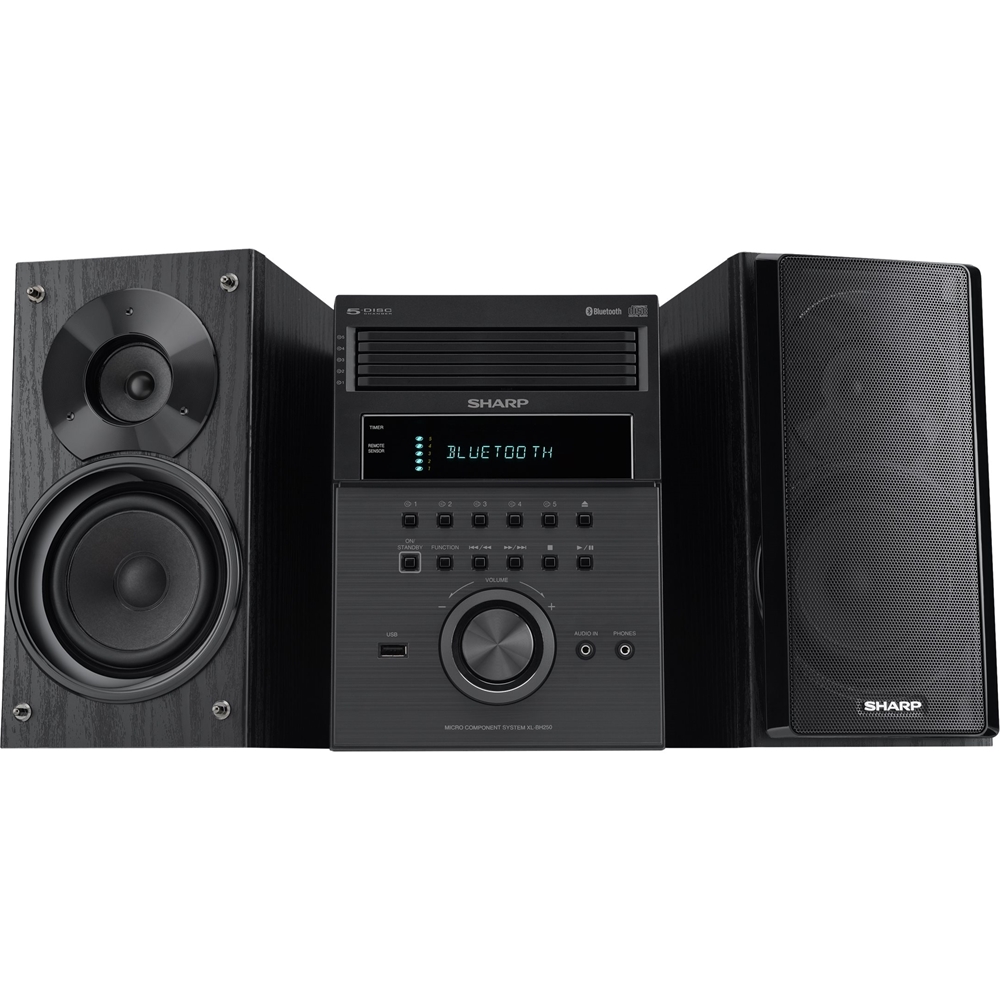
A:AnswerHello, this unit can only connected to phones and tablets using the Bluetooth technology. For other devices it is recommended to use wired connection, on this unit it is the 3.5 minijack port that is located at the front of the unit.
A:AnswerHello, we are very sorry for the inconvenience this has caused you. Unfortunately, what you are requesting cannot be done. The main unit has to be connected to the designed speakers as it only has the terminals for those speakers.
A:AnswerHello, I am very sorry for the inconvenience this has caused you. Unfortunately the Bluetooth feature is only to connect phones and tablets to the system. If you wish to connect the unit to your TV, this has to be done by using direct connection which is the audio in jack.