A:AnswerHello, we are very sorry to hear of this issue. You may try a power cycle to the unit in an attempt to resolve this. Unplug the unit from the outlet for 30 seconds then re-plug. If the issue remains, please reach out to a support representative at onlinesupport@sharpsec.com so we may look into this further.
A:AnswerHello, we are very sorry to hear of this experience and we are happy to look into this for you. Please email us at onlinesupport@sharpsec.com so we may look into what may be causing this issue and assist.
A:AnswerHello, we are very sorry to hear of this issue and we would love to assist you. Please email us at onlinesupport@sharpsec.com for further assistance.
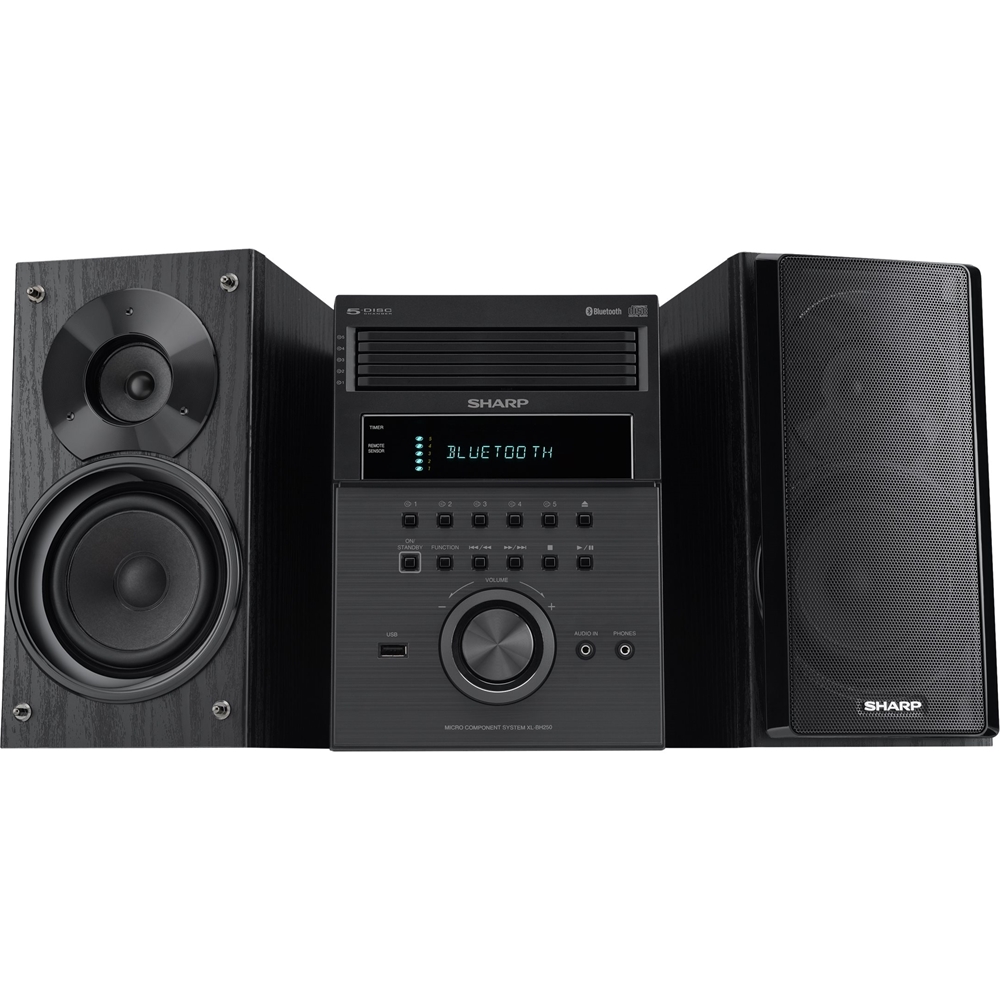
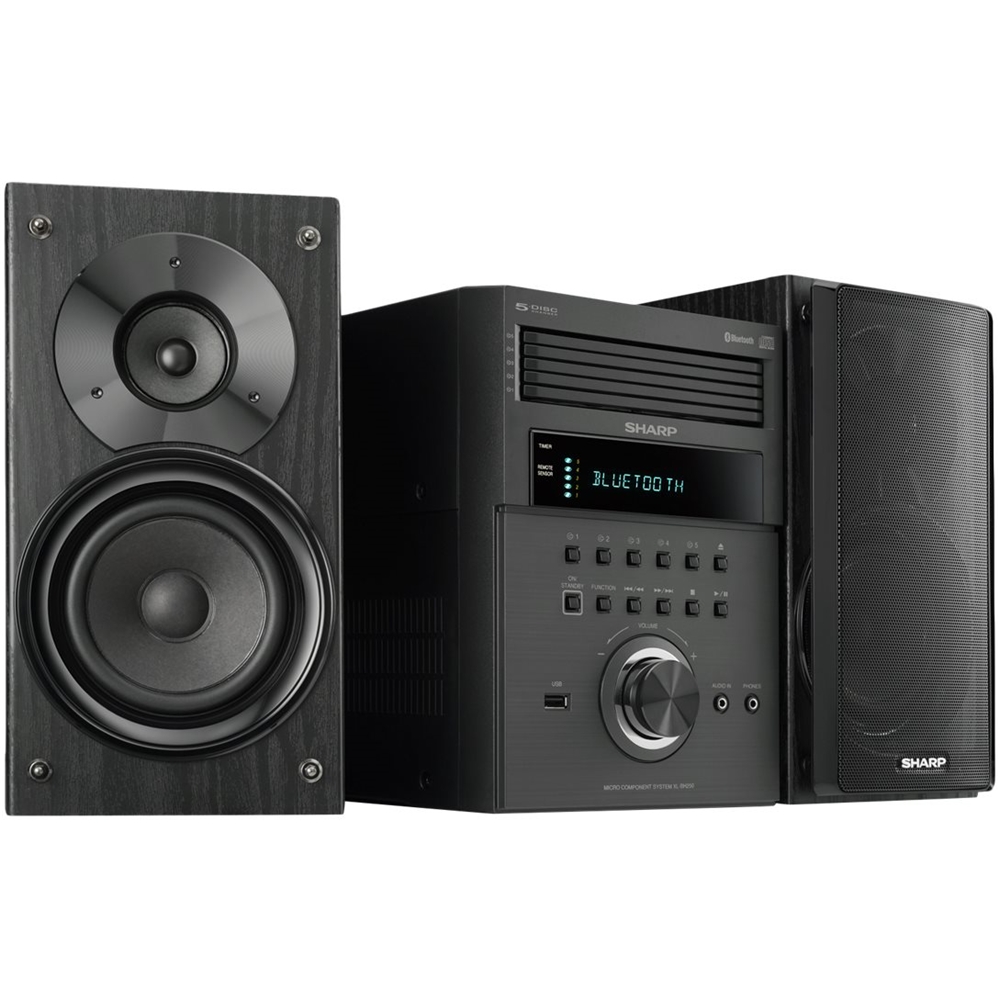
A:AnswerHello, you are able to connect an external device to the (audio in) 3.5 mini jack aux port at the front of the unit. When this is done the sound will output through the speakers of this unit.
A:AnswerHello, this unit is no compatible with a sub woofer. You are able to connect an external input device to the (audio in) 3.5 mini jack aux port at the front of the unit. When this is done the sound will output through the speakers of this unit, therefore, another output device would not be compatible.
A:AnswerHello, you are able to connect a smart phone or a tablet by using the Bluetooth technology. If you have further questions or concerns, please email us at onlinesupport@sharpsec.com.
A:AnswerHello, it is necessary to have the AM Antenna, the FM antenna and the remote control. These are provided with your initial closed box purchase of the unit.
A:AnswerHello, the unit is in the demonstration mode. To cancel the demonstration mode, press the DEMO button (remote control) once then press the ECO button (remote control). If you have further questions or concerns, please email us at onlinesupport@sharpsec.com.
A:AnswerHello, you may connect an external device to the (audio in) 3.5 mini jack aux port at the front of the unit. When this is done the sound will output through the speakers of this unit. If further assistance is needed please email us at onlinesupport@sharpsec.com.