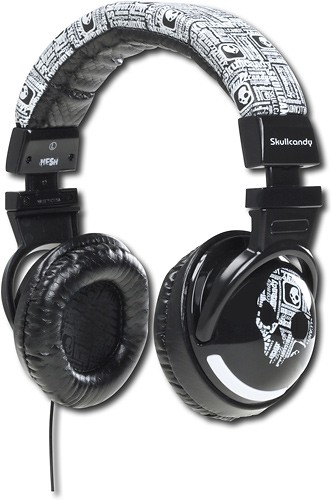
A:AnswerThey won't work with a PS3 unless you have the GMX mixer that comes with the SLYR headphones. It will connect directly to a TV if you have a 3.5mm audio jack on your TV. Most HD TVs do have a 3.5mm headphone jack on the side access next to the USB port or SD card slot. you'll need to get a 3.5mm audio extension, unless you want to sit right in front of your tv. The audio cable is only about 4ft long.
A:AnswerMy son and daughter each have their own pair. The Beats by Dre models connect via Bluetooth to their devices. They have not experienced any problems when they are in the car listening to their devices with these headphones. Note: That is the only time they actually stay in close proximity to each other.
A:AnswerWith them on you ears, turn them off. Go to your Bluetooth menu on your device you want to connect them to, now press and hold the power button on the headphones until they say, "pairing." Search with your device and they should be listed. Press the Hesh 2,you should then connect .
A:AnswerYou should expect the battery life of your iphone to last as long as it normally would while playing music. The charge of your battery doesn't make a difference when connected to these headphones wirelessly via Bluetooth or when plugged in via a headphone jack. So, no, the battery does not have to be full to use these headphones. :)
A:Answerthe mic that comes included in the box is compatible to talk to your online friends and you can use it as a mic so yeah I hoor this is the answer your looking for