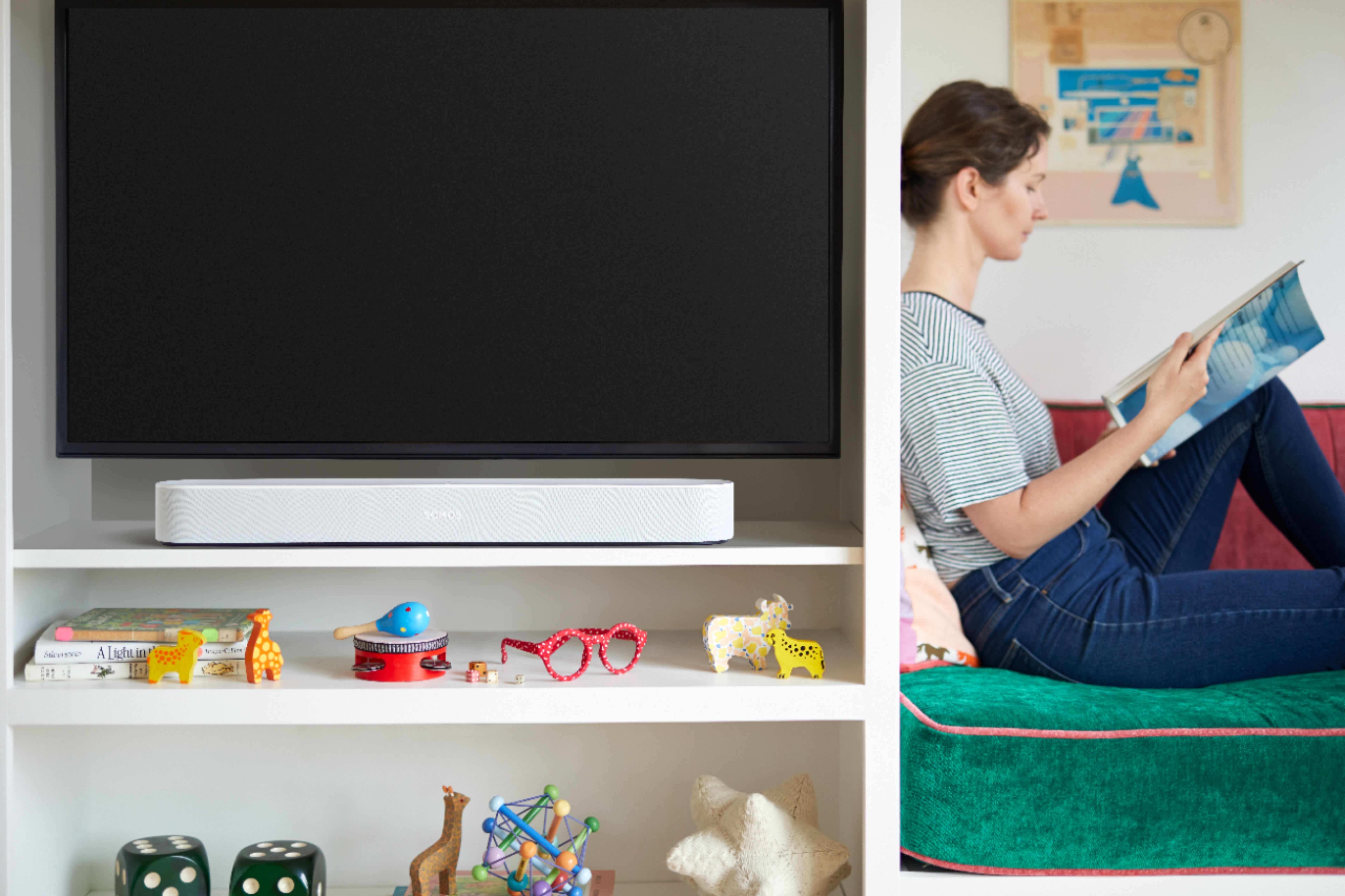
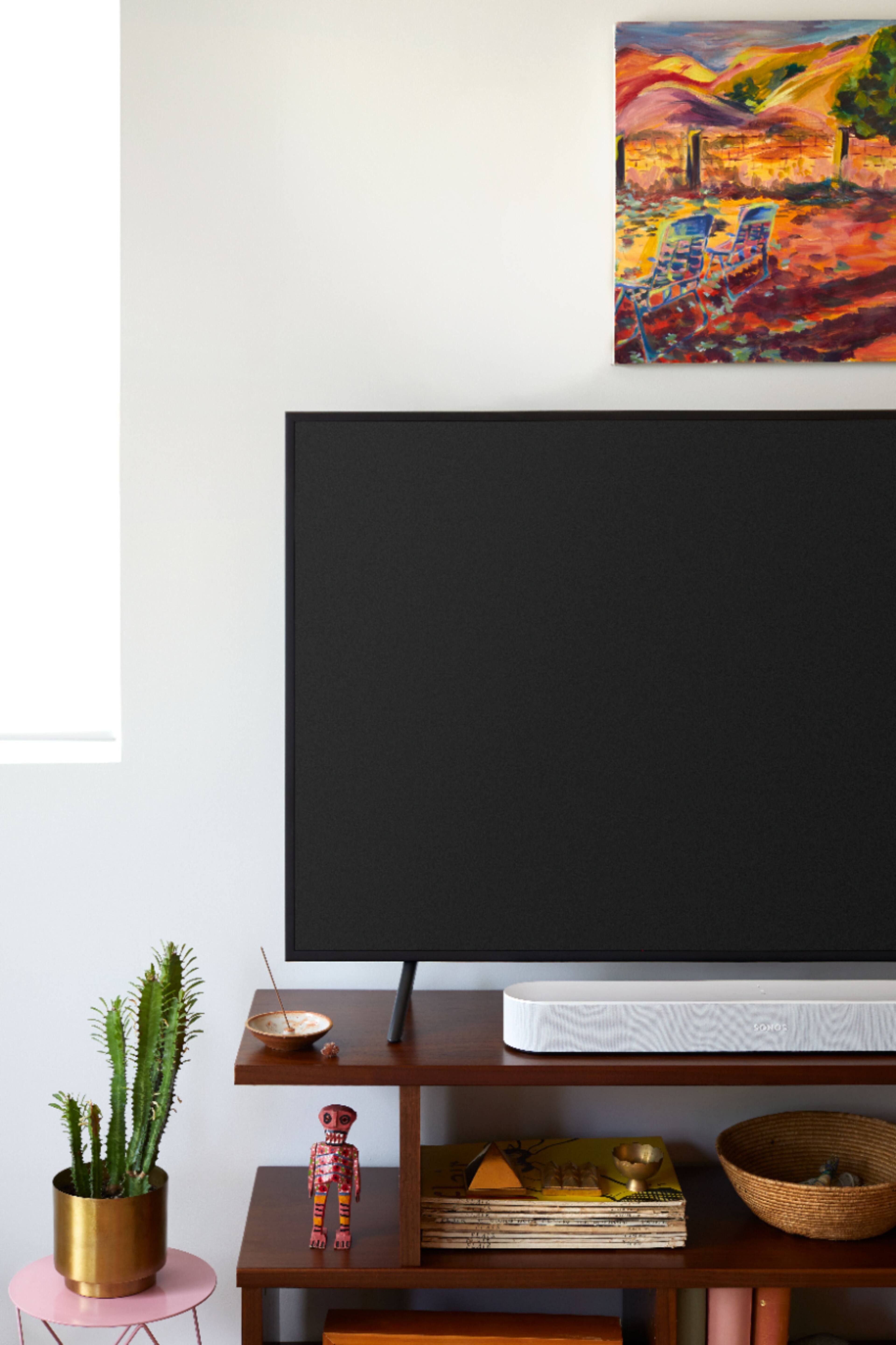
A:AnswerBEAM only supports the keyword "ALEXA", so you have to change the keyword for the other echo products to something besides "ALEXA" (like "Computer" or "Echo") or else it will not know which device you are trying to connect to. Right now, you can not change the keyword for BEAM from "ALEXA"
A:AnswerIt should work with any device with an HDMI ARC (audio return channel) input. The projector would have to have an available input for the XBox and another, separate HDMI ARC for the Sonos Beam. The HDMI ARC acts as a throughput for the audio from your XBox (and any other HDMI inputs) to the Sonos Beam. You can also very easily set up (during the setup on the sonos app) a Sonos Sub and/or rear speakers for a pretty awesome surround sound system.
Hope that helps.
A:AnswerThe Sonos beam comes with an adapter that converts the optical signal output of your TV to an HDMI signal into the soundbar. You should be fine without a receiver in this case as long as your TV has that optical audio output.
A:AnswerAccording to the Manual for your M50-E1 you can connect via ARC or Optical. I used the ARC setup for my Beam/Visio P50 installation. Works like a charm.
A:AnswerIt should work the same as any other Sonos speaker. It integrates with the Sonos app.
The built in Alexa feature is nice too. Works/plays well with other Alexa devices in house.
It’s just a bonus to have it connected with HDMI to TV. It sends and received signal from TV and, in my opinion, made the sound a lot better.
A:AnswerSpotify has it's own interface called "Spotify Connect" which you can use to stream directly from the Spotify App. BEAM doesn't support bluetooth as it's a wi-fi speaker, but if you have an iPhone, you can use Airplay 2....Alternatively, if the music is on your phone, you can access it from the SONOS app. You don't need ALEXA to do any of this.