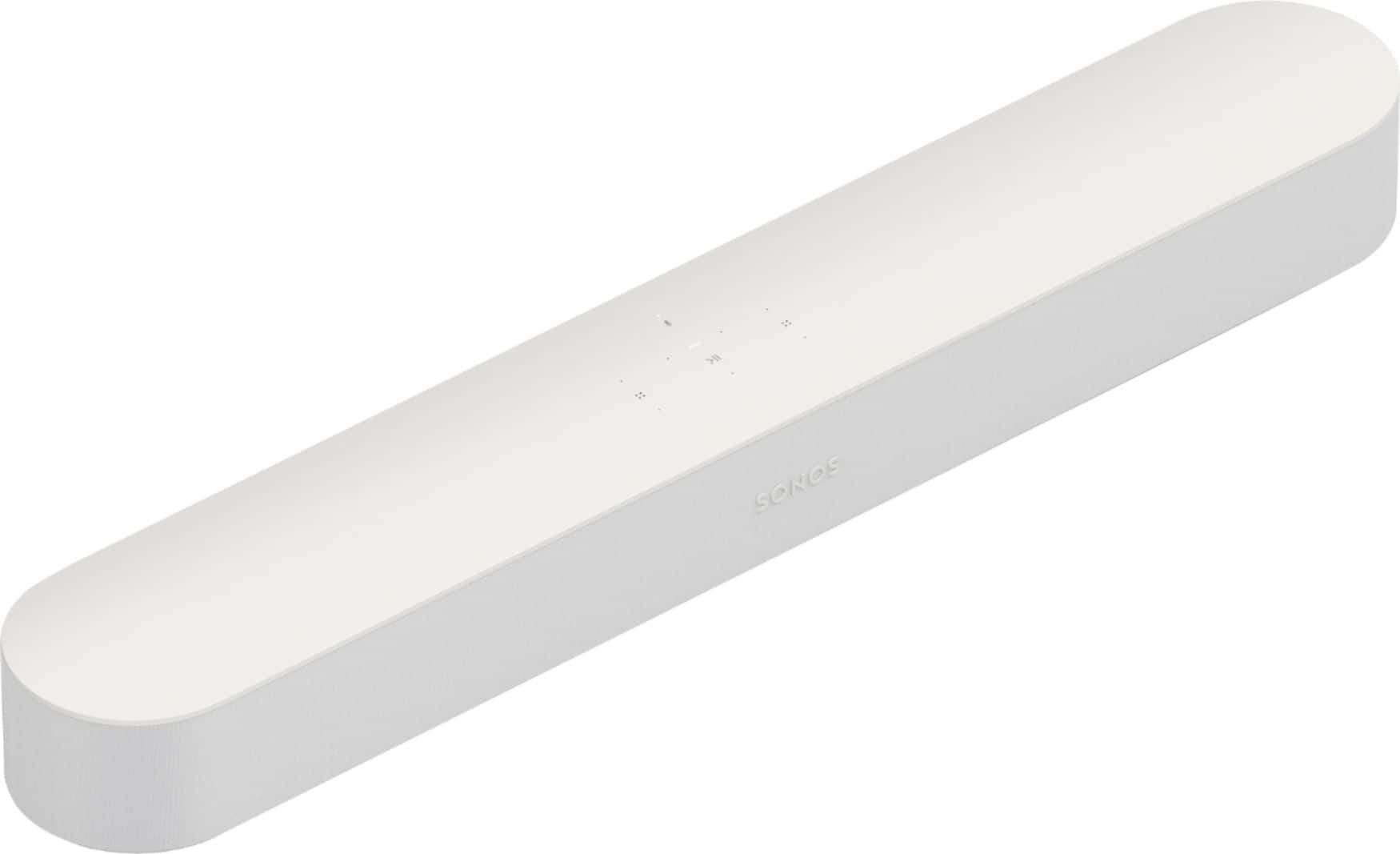
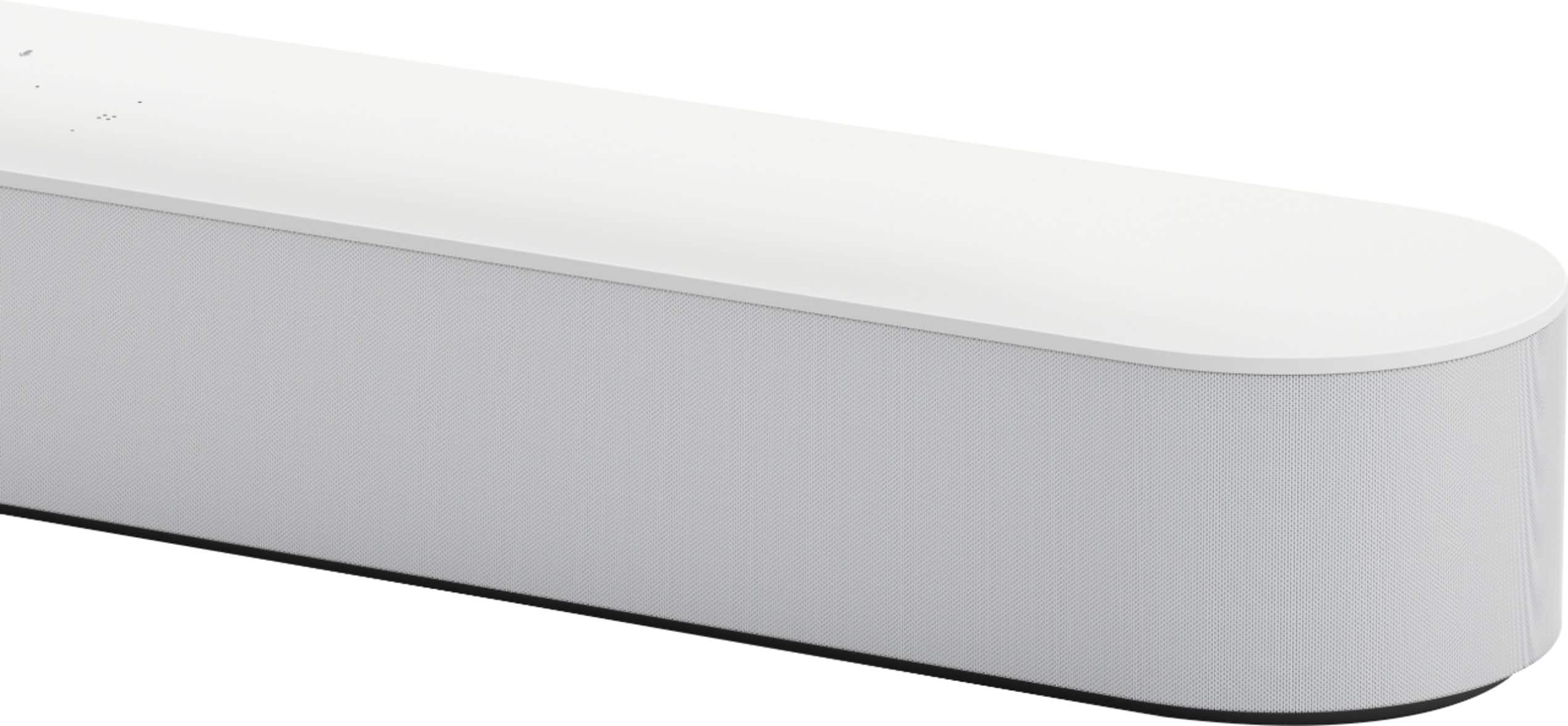
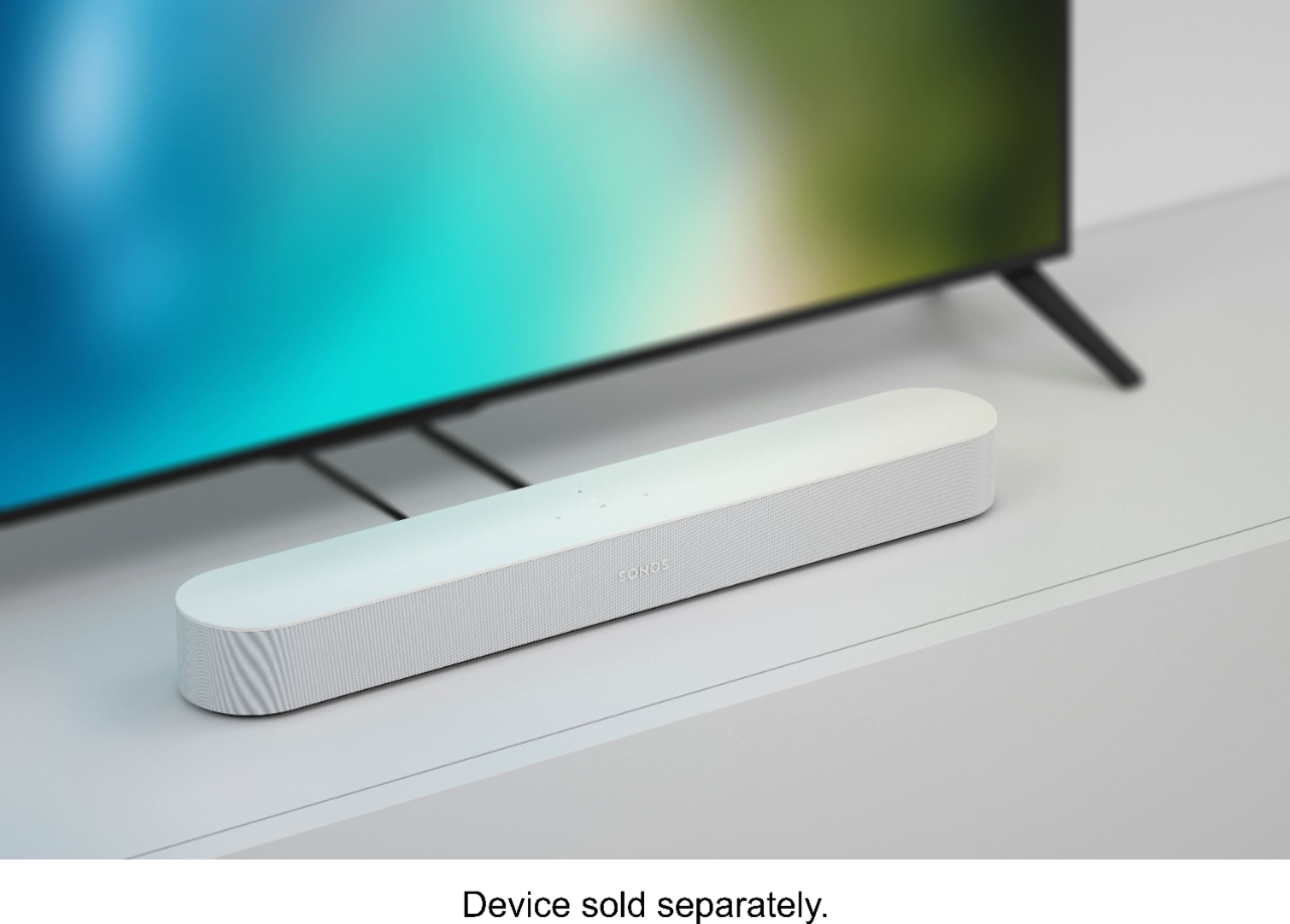
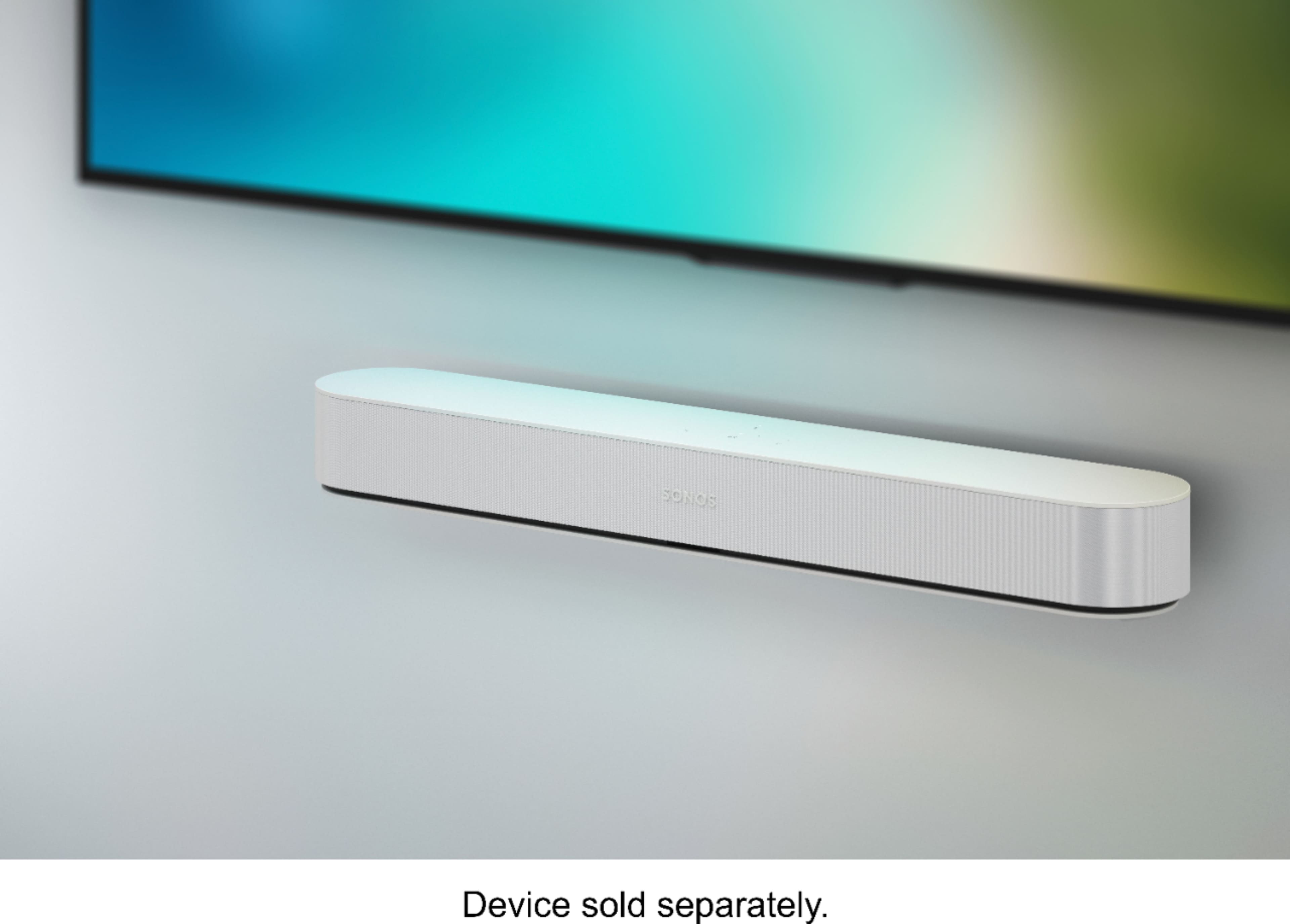
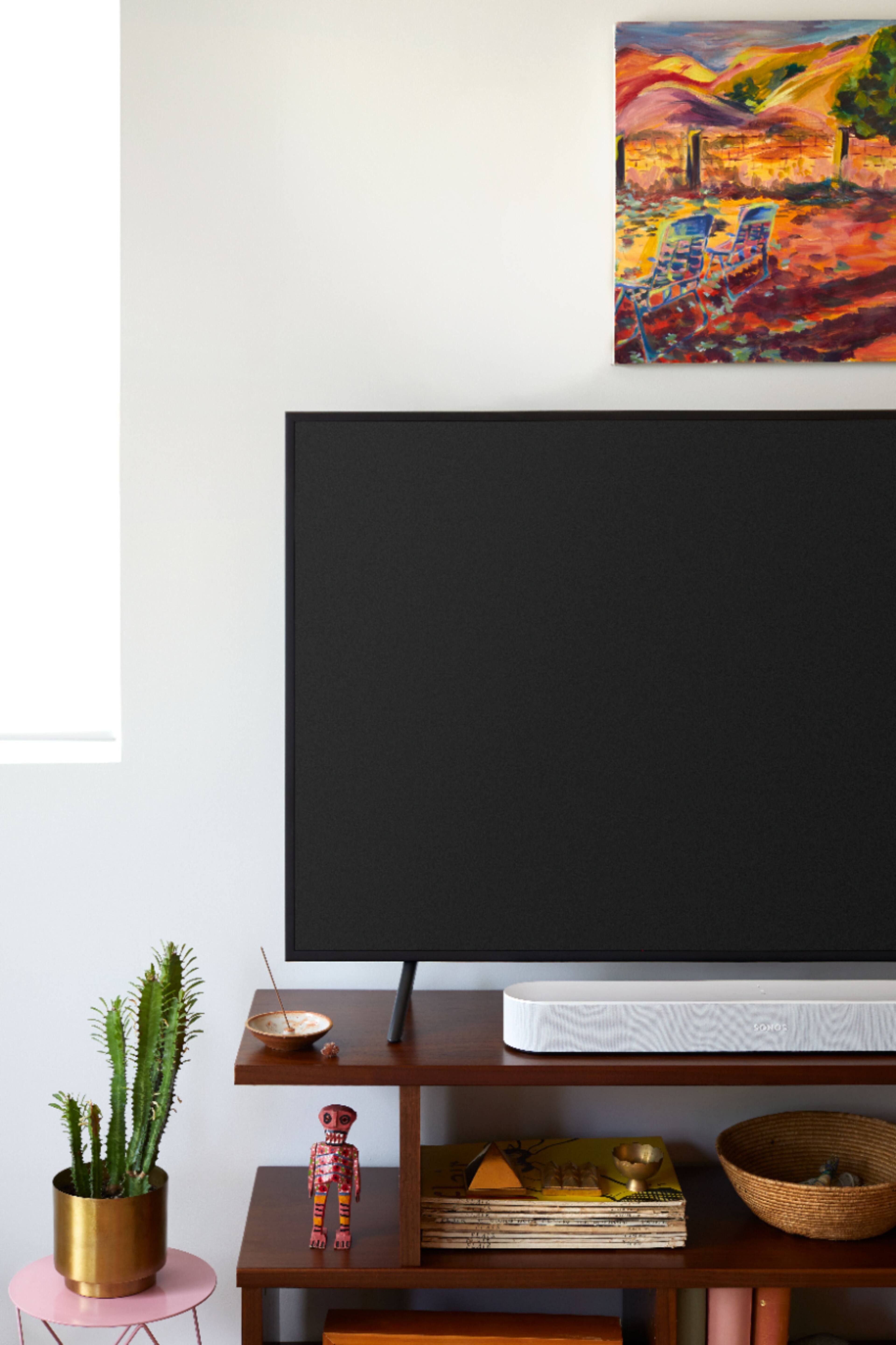
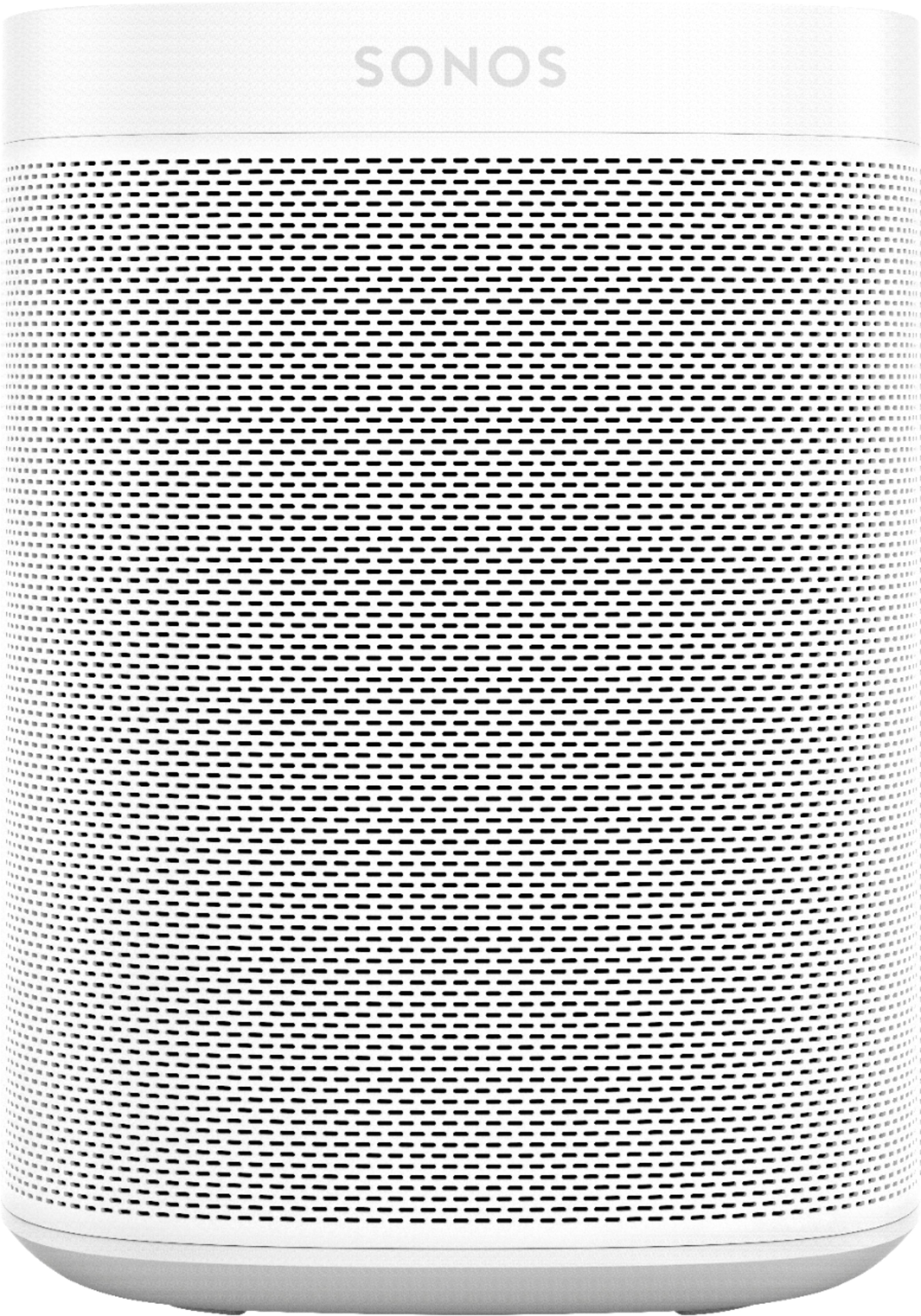
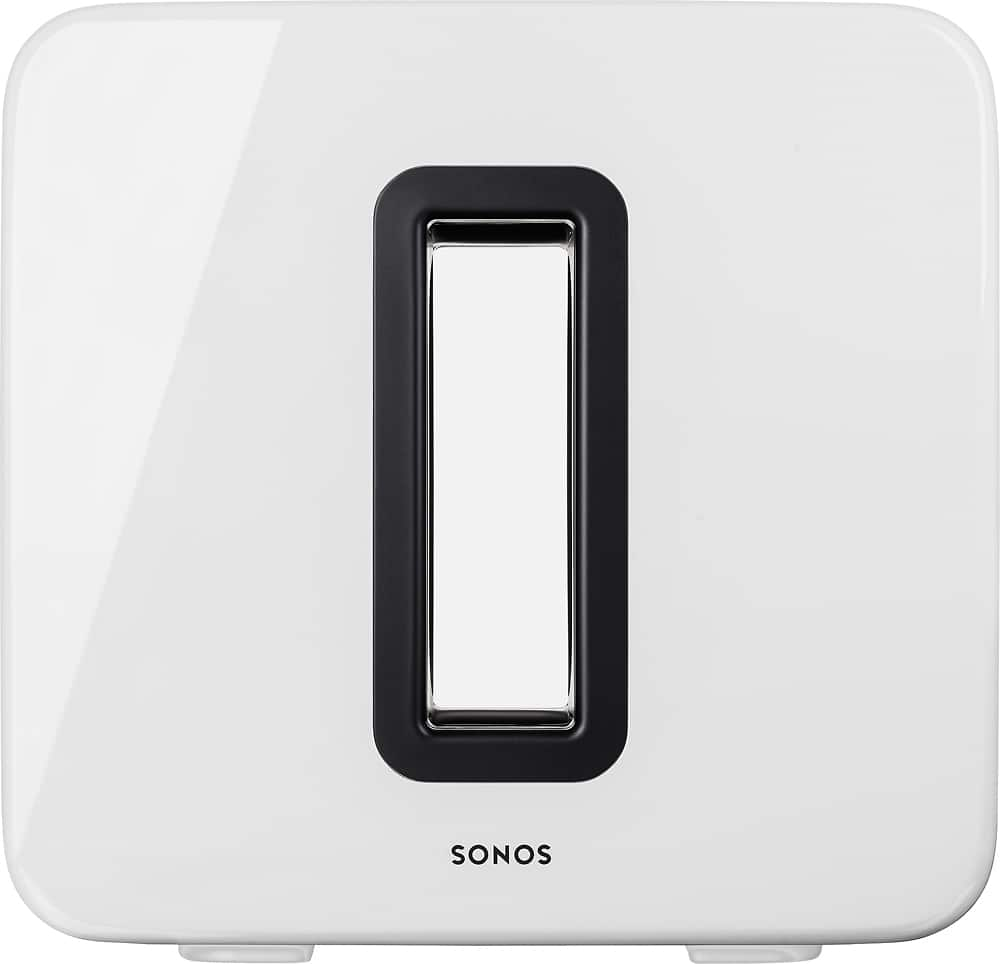
A:AnswerThe sound bar comes with an HDMI cable and power cord. It can synced with the Sonos subwoofer and the array of Sonos wireless speakers to use for rear speakers.
A:AnswerThe Sonos Beam does not include any other speakers in the box. However, the package that is a full Sonos 5.1 home theater experience includes the Beam, 2 Sonos One SLs, and a Sub.
A:AnswerThanks for your question! Sonos supports Google Assistant on the Beam and across our system. As long as your Pixel 4 is connected to the same WiFi network as your Sonos products you can control your Sonos experience through your Pixel 4. We are always working to improve our Google Assistant functionality as well so you can expect to see more and more features added over time.
A:AnswerGreat question! As long as your desktop can output sound through HDMI ARC or through digital optical (which would require the included adapter) a Beam is a great sound solution for all of your content you play on your desktop!
A:AnswerThanks for your question! The Beam has five individually amplified speakers and the Playbar has nine. Both deliver exceptional sound quality but the Playbar will have more output due to the larger size and higher number of speakers built into the product.
A:AnswerThanks for your question! In order to give a complete answer to your question more information is required. Factory resetting the sound bar would be a good first step and in order to do that you unplug it, hold the sync button, plug the sound bar back in, and continue holding the sync button until the light begins to flash amber or green. Then you can set the sound bar up just as you did initially. Alternative, feel free to contact our customer experience team through e-mail, social media, or by phone (find all the information you need at sonos.com/support) and that team can help you get your Sonos system back up and running!
A:AnswerThe Sonos Beam does not support music playback through Bluetooth. However, the Sonos app will allow you to use over 80+ music streaming services over WiFi which means your music won't be interrupted by the functions of the device you are using to control your music.
A:AnswerThe newest sound bar by sonos is the arc. The arc though is 800 dollars while the beam is only 399. You have a very large living room you will need the arc but if it is a small to midsize room the beam is fantastic!!
A:AnswerNot completely. It requires extra research not found in the instructions. It also causes my volume level display to not read. Instead of displaying volume level I get a yellow triangle stating function not available. My volume does turn up and down but I have to do it by sound as opposed to by the sound level indicators.
A:AnswerHello,
Yes, you can. That is the beauty of sonos system and why they are expensive. All speakers connected to the same network can share/stream the same content. You can group all speaker together, including the beam, playbar so they also play the same media.
Thanks
A:AnswerBeam only attaches (read: recieves TV audio signal) via HDMI ARC or TOSlink/optical. You should be able to use a quality wireless HDMI extenders (suggest: Monoprice products) to accomplish what you want. The caveat to this being that the HDMI extenders must support the HDMI protocols and transmission rates that Sonos Beam is using.
And the Beam, like the Playbar, can universally adapt to your remotes volume and mute button.