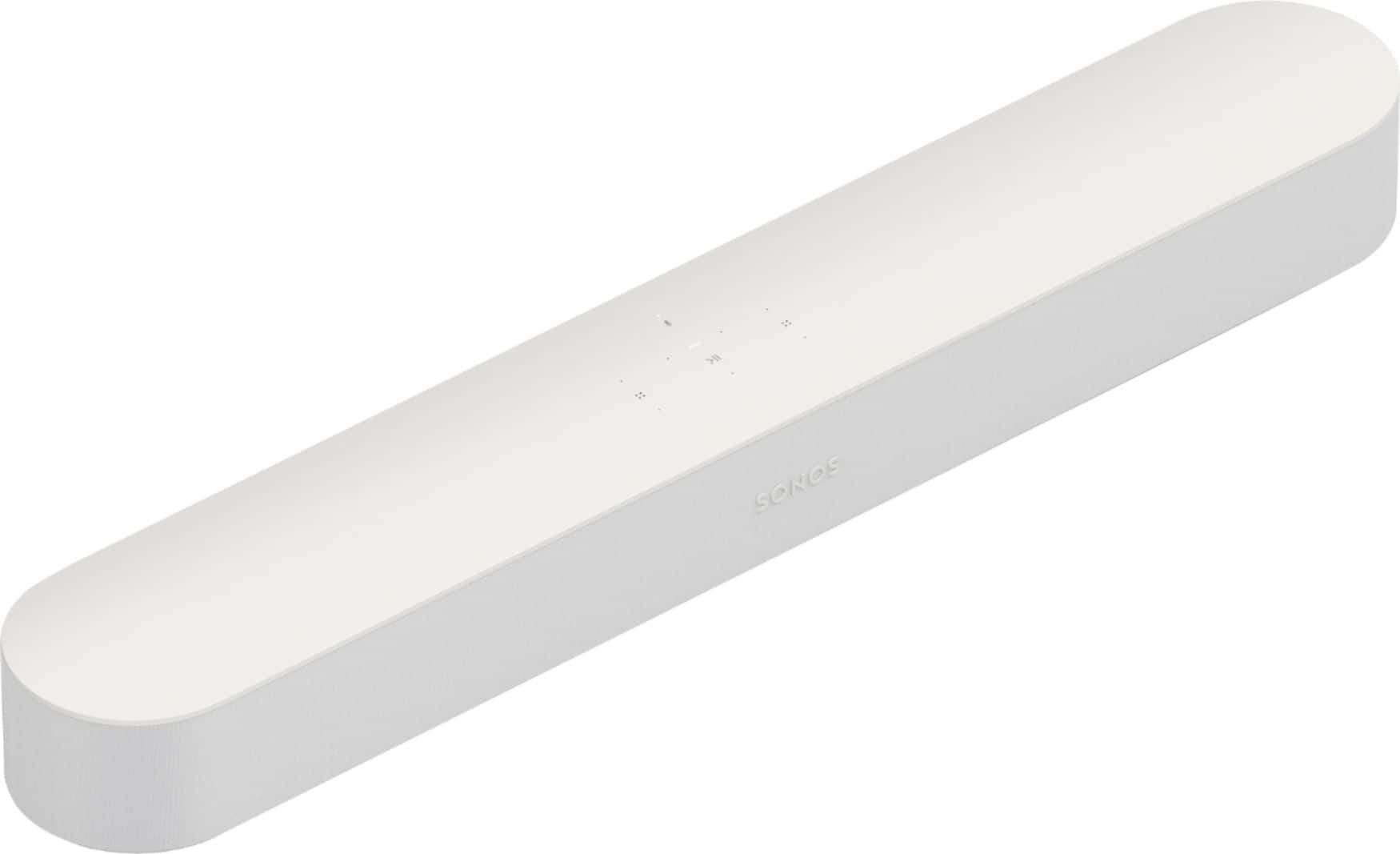
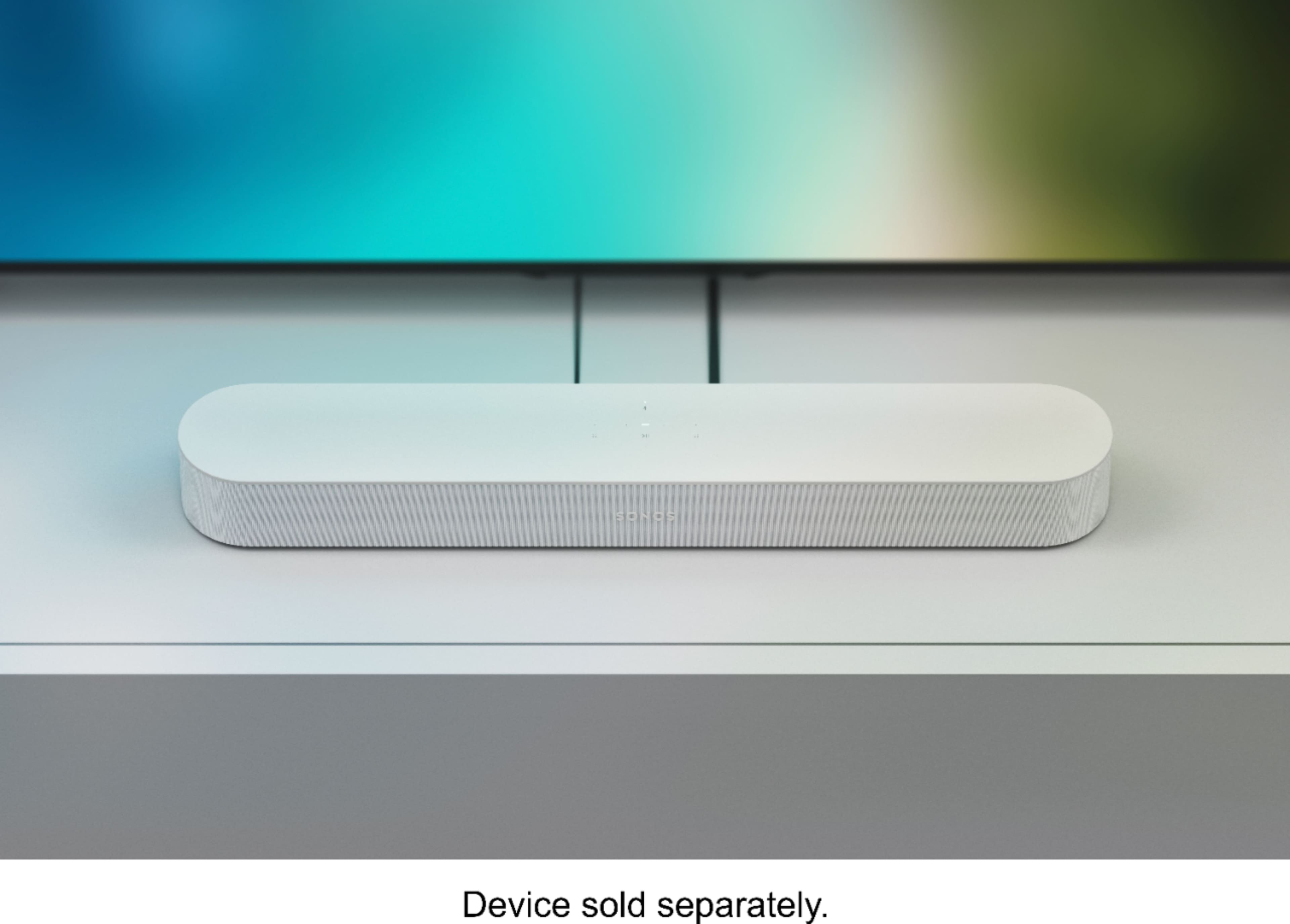
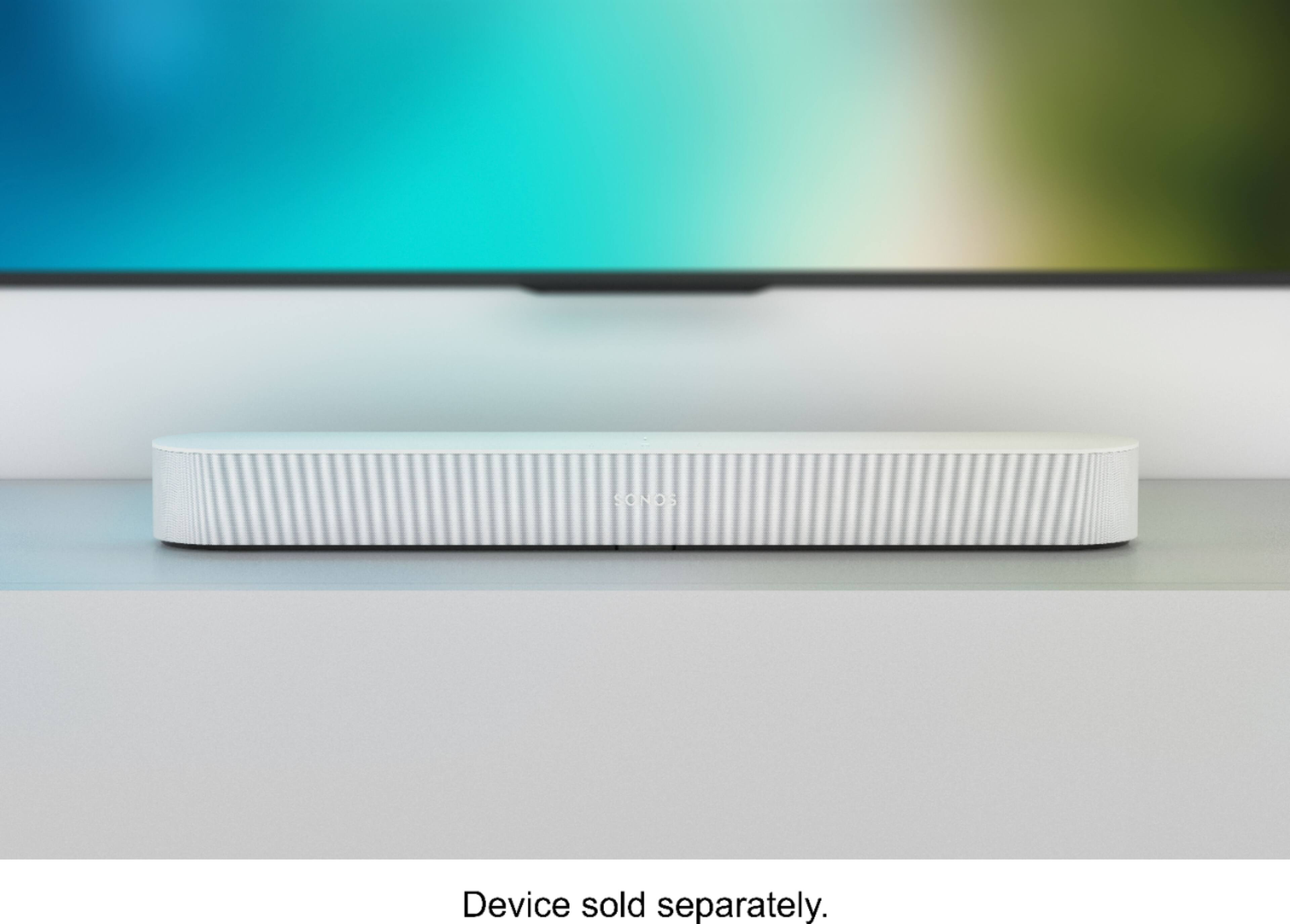
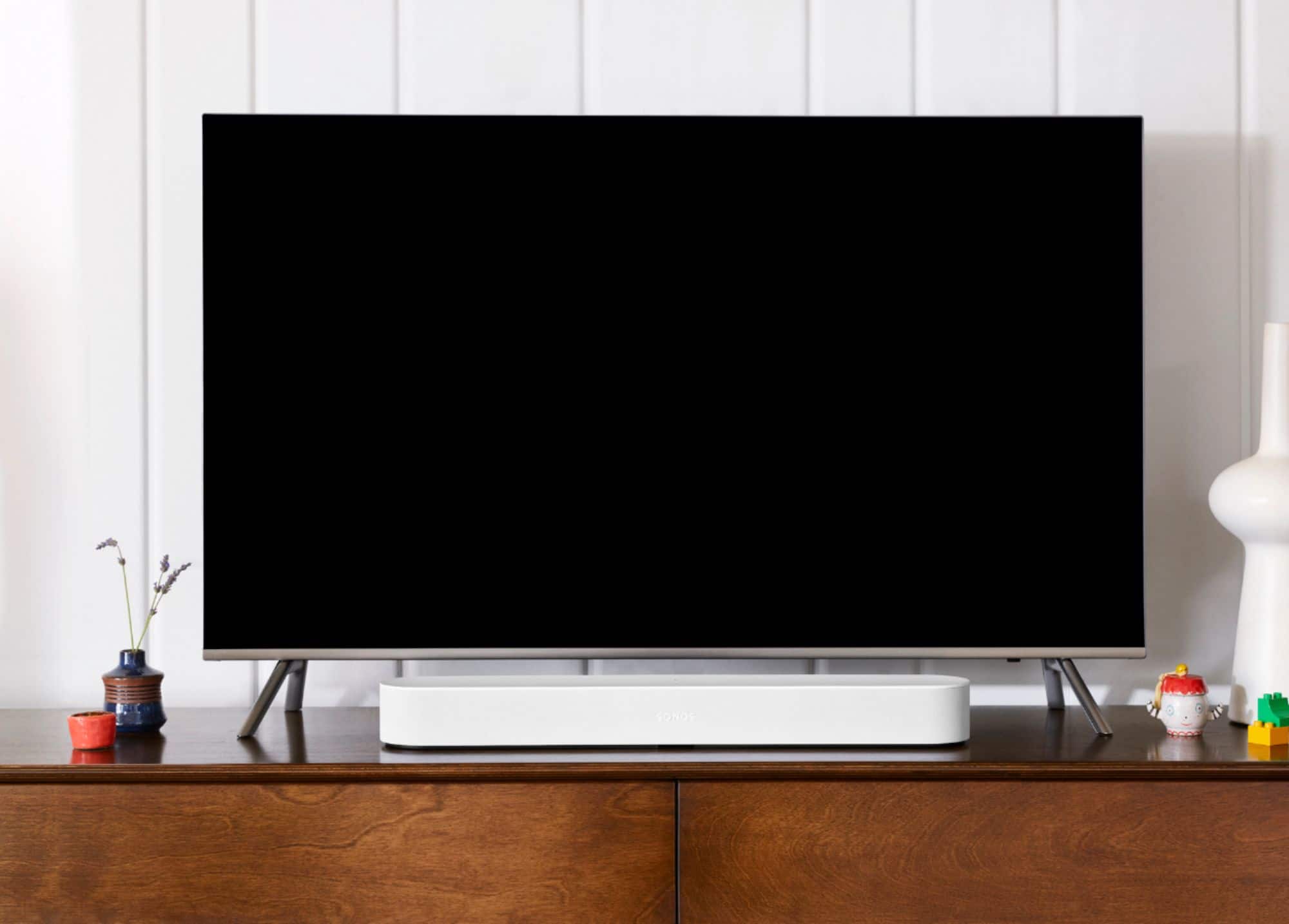
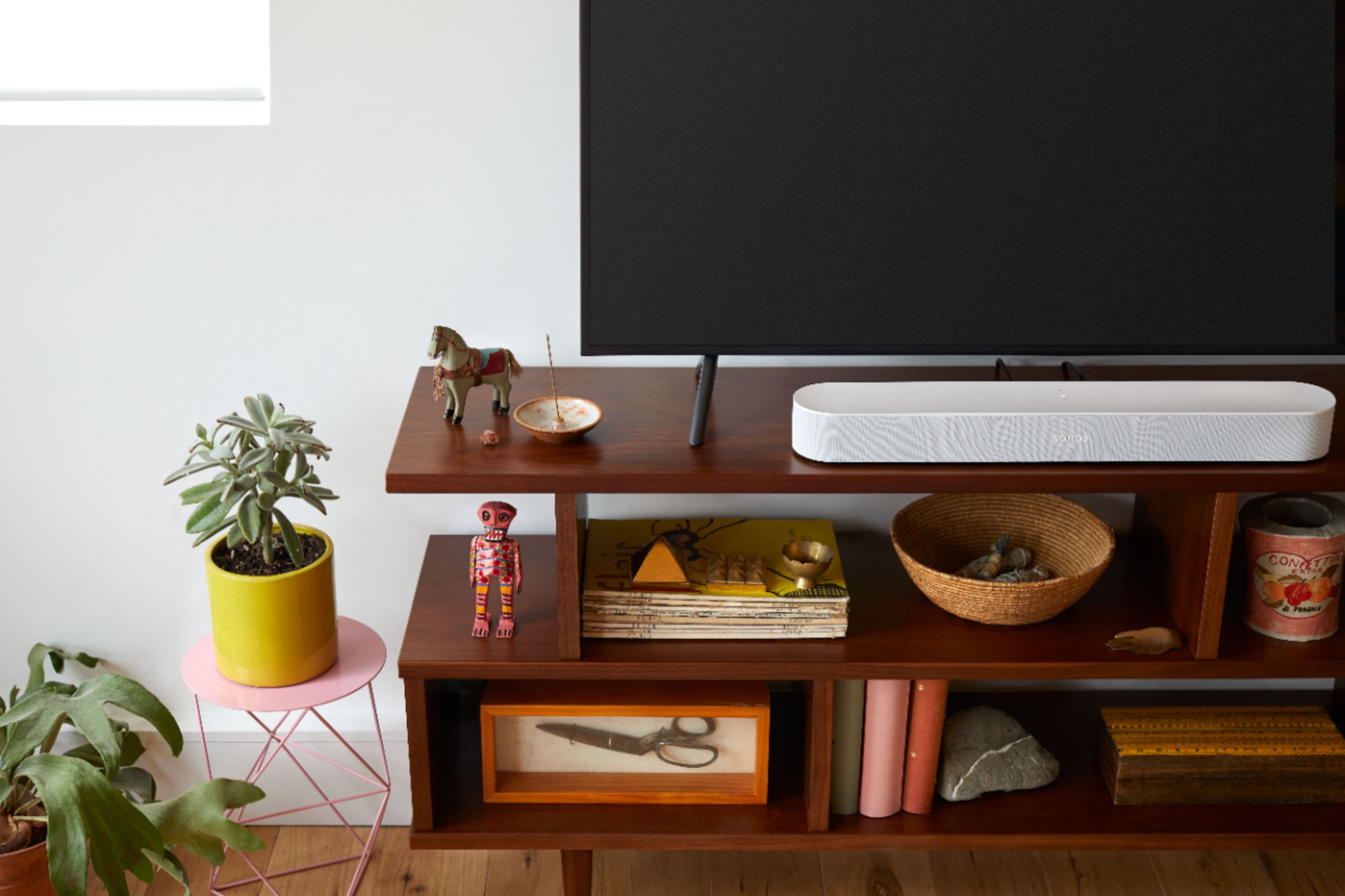
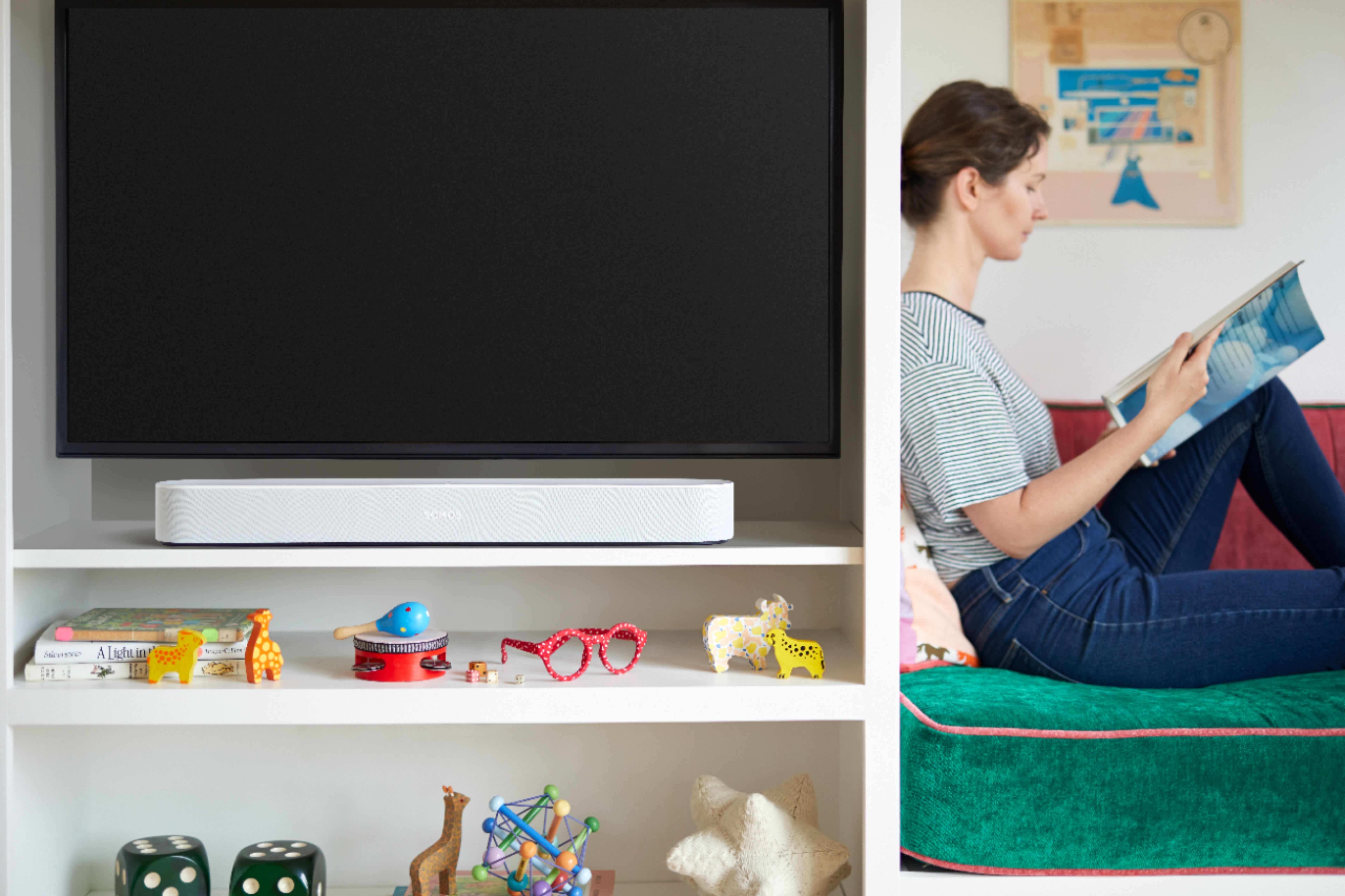
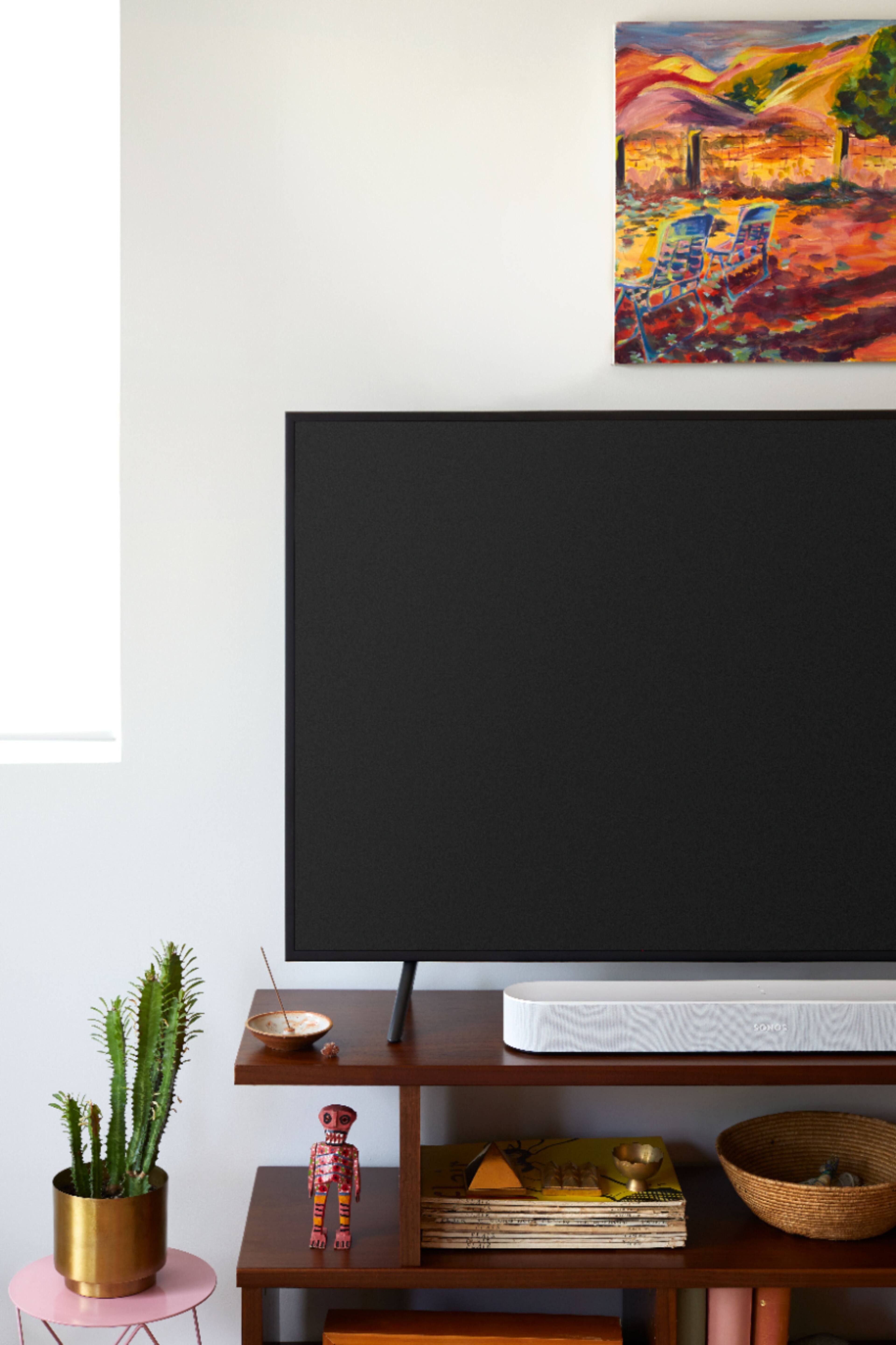
A:AnswerPersonally I would choose the Sonos beam because I think it is great. You will need to download the Sonos app so you can connect it to your WiFi and for it to update and get automatic updates. It connects to your TVs hdmi arc port so that you can use your remote for volume or with the included adapter to your TVs optical out port. You will need to download the app to set it up. If you do not like it, you can just return it and get the new Bose.
A:AnswerThe speakers are operated through the Sonos app, you’ll see each speaker individually listed. it is from this app you’ll be able to combined or separate sound, Example music on one movies playing on another or combine other speakers to the music and combine other speakers to the movie.
A:AnswerNo .. it can only be used as an LCR, however if you grouped it with a Sonos amp for your fronts you would essentially have the same sound with just more separation from your towers but the Beam would always play all 3 front channels
A:AnswerHi! Thank you so much for your question. The Sonos Beam will only work with a Sonos Sub. The Beam does not have a traditional Subwoofer-out port.
A:AnswerHi, and thanks for your question. It does require a cable ran to the tv. Tv's require a cable for external devices to connect outside of bluetooth on some models and this compromises the sound quality.
A:AnswerNot sure if that TV has an ARC out, but you can you the optical out from the TV and then use the optical to HDMI adapter that comes with the beam to connect them together
A:AnswerHi, and thank you for your question. Yes, our products will work as long as you have the appropriate adapter for your outlet style. You will also want to check what music services are supported in your area. Back end support may be complicated as we do not offer support in your country.
A:AnswerHello, and thank you for reaching out. We can't tell what the issue is from this format. We would recommend contacting us for support at 1 800 680 2345
A:AnswerHi, thank you for your question. A Sonos Beam can be grouped with a Sonos Five for simultaneous music playback, or to send your TV audio to another room. If you had two Sonos Five speakers, you could pair them with the Sonos Beam to create a surround sound experience.
A:AnswerIt has a HDMI ARC cable converter to digital optical cable, wattage is unknown but plenty loud for most rooms plus it has a great app for iPhone to adjust sound volume per room dynamics using bluetooth but is not a bluetooth speaker apple airplay works good.
A:AnswerHi, thank you for your question. When connecting a Sonos Beam to your TV, you set it up within the Sonos app. This allows the product to be a part of your overall system. Even though it is part of the system the Sonos Beam can work independently with your TV. This allows the Beam to produce TV audio without worrying about being linked to other speakers if you do not wish to.