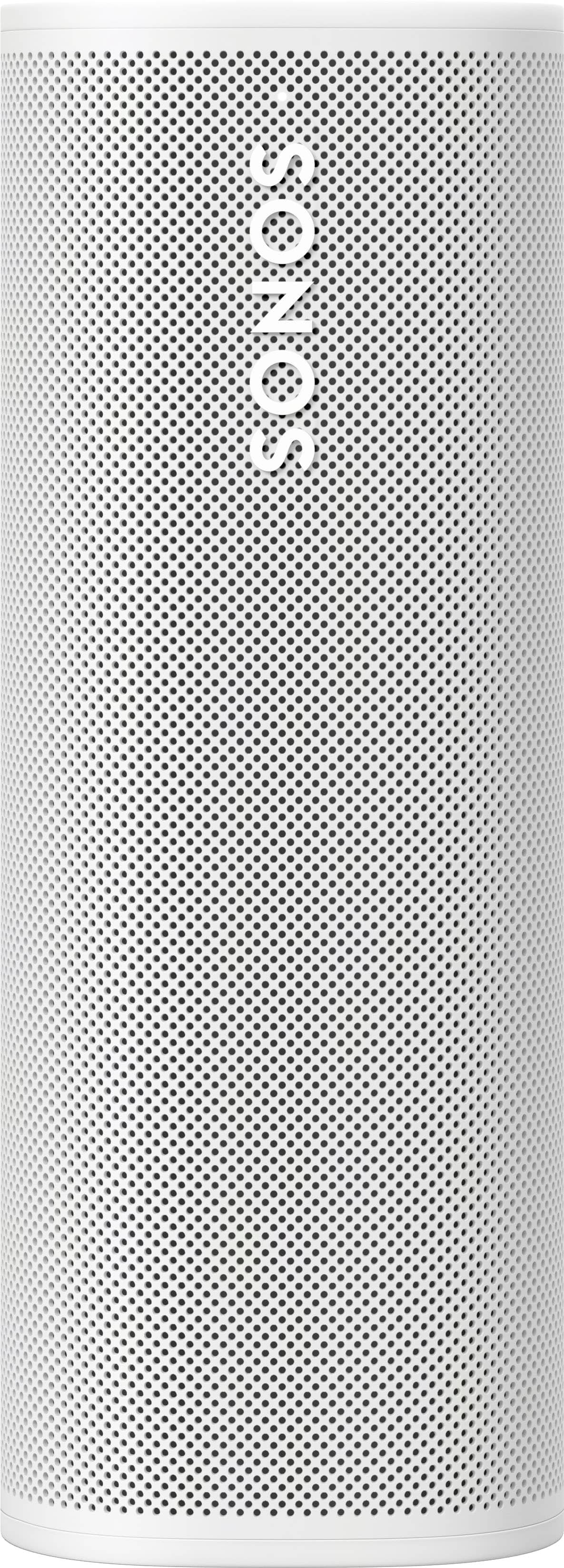
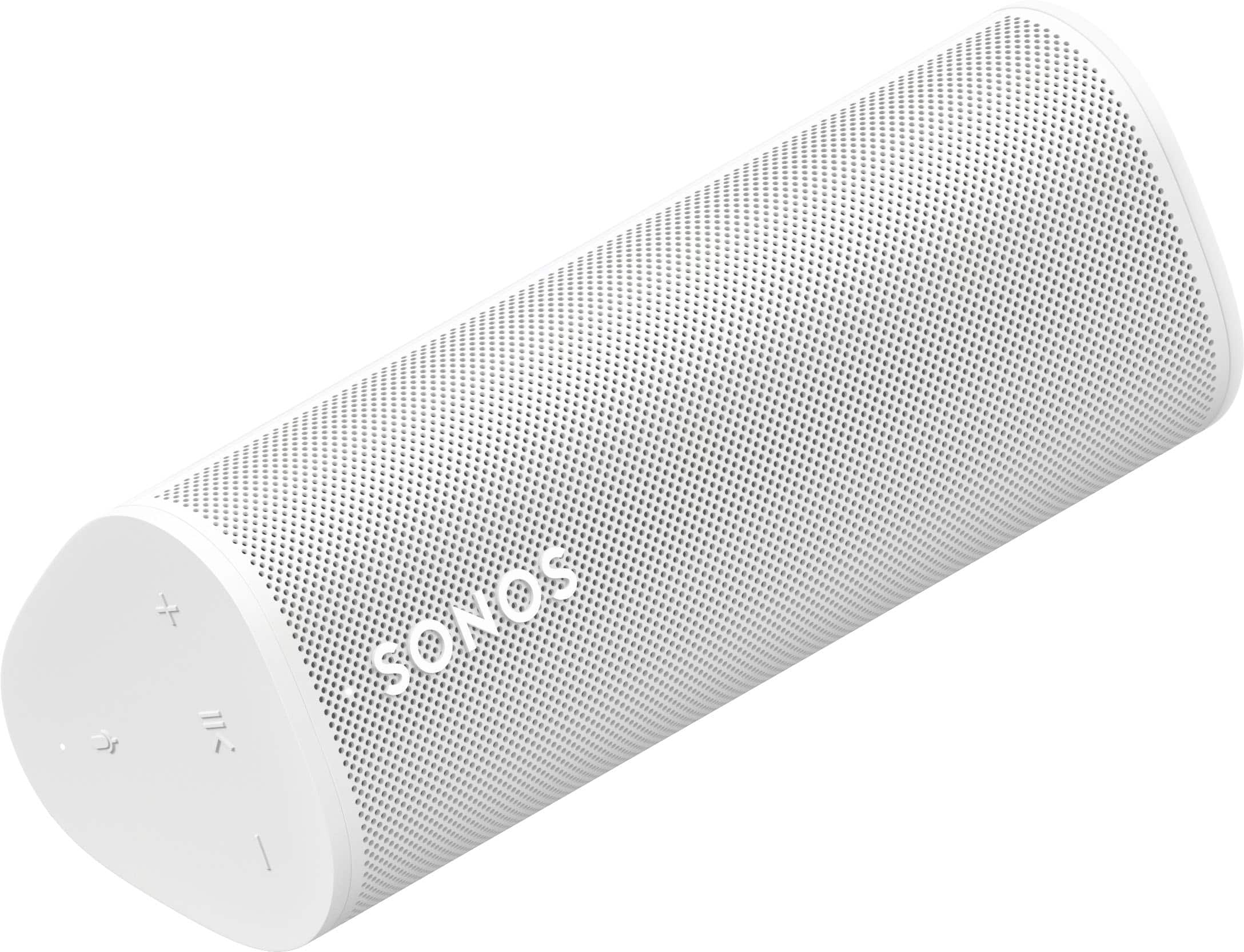
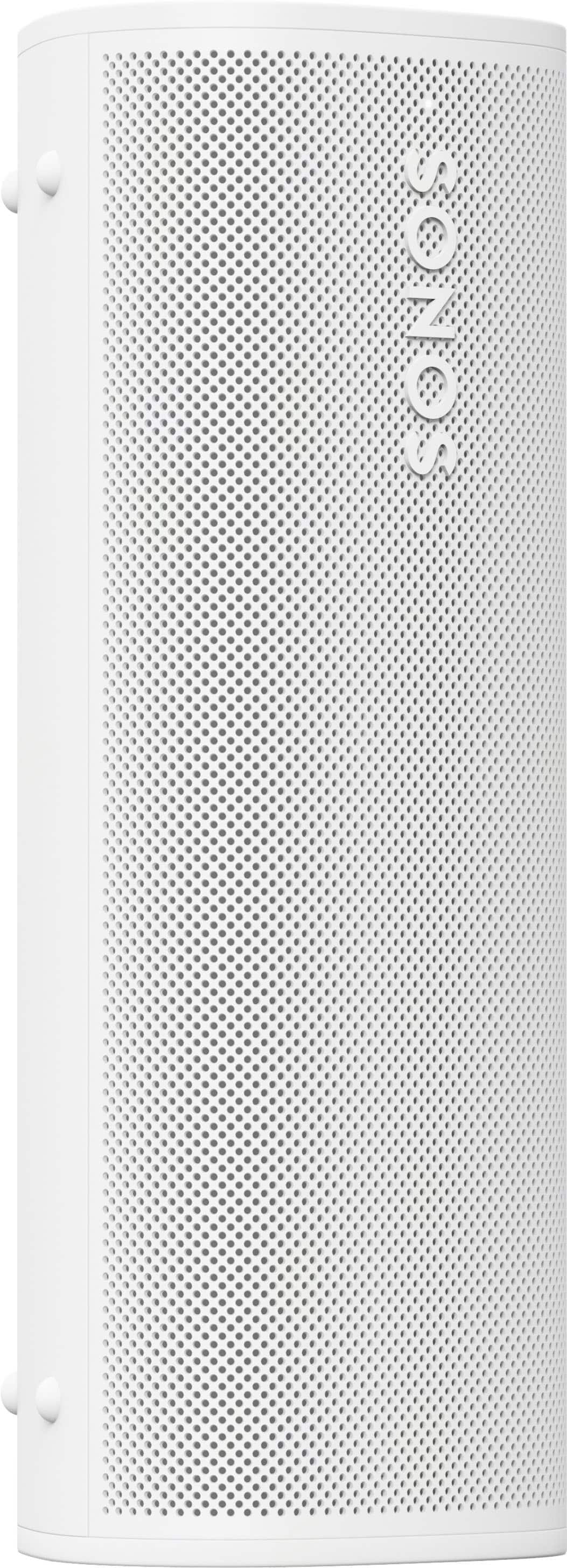
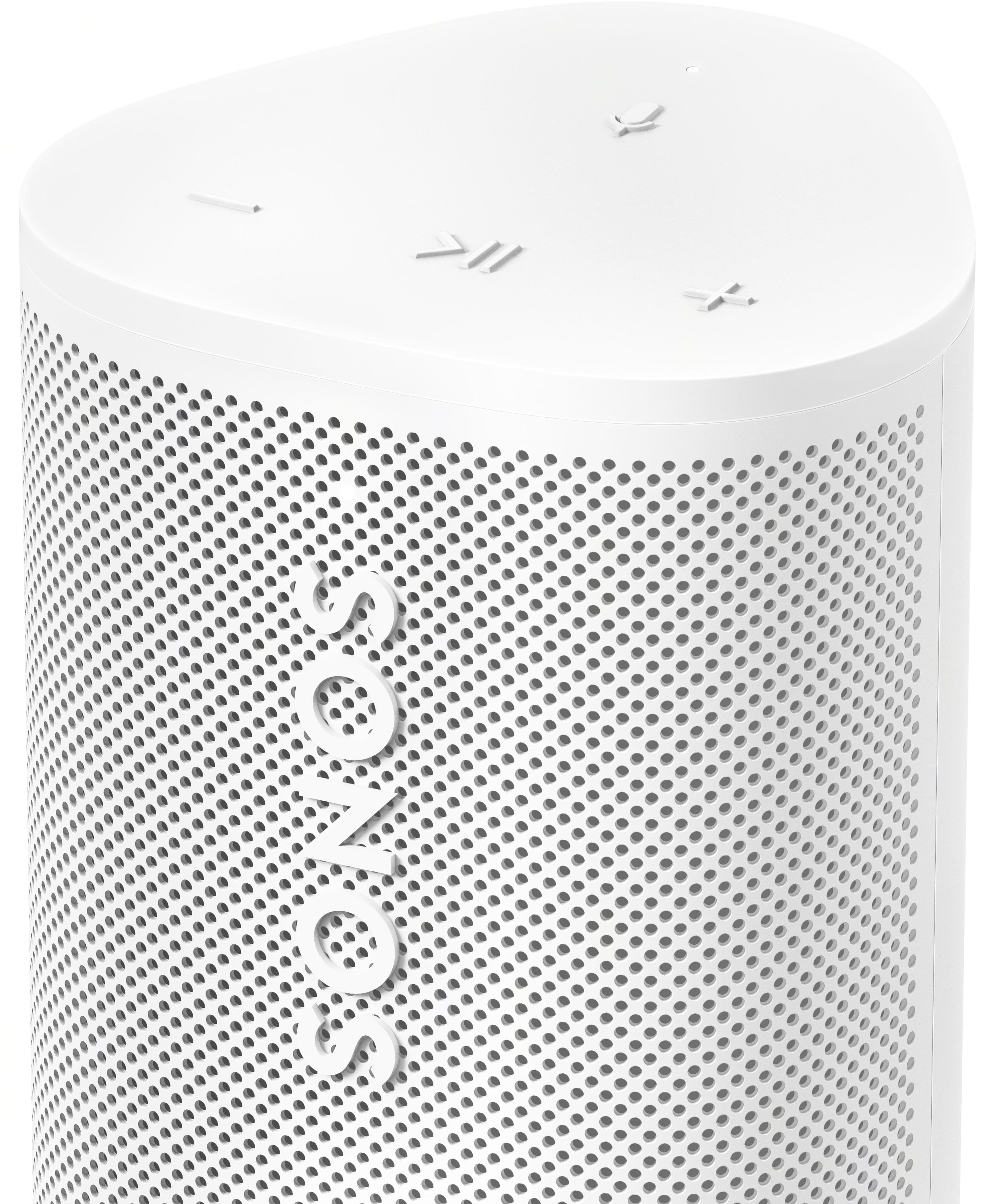
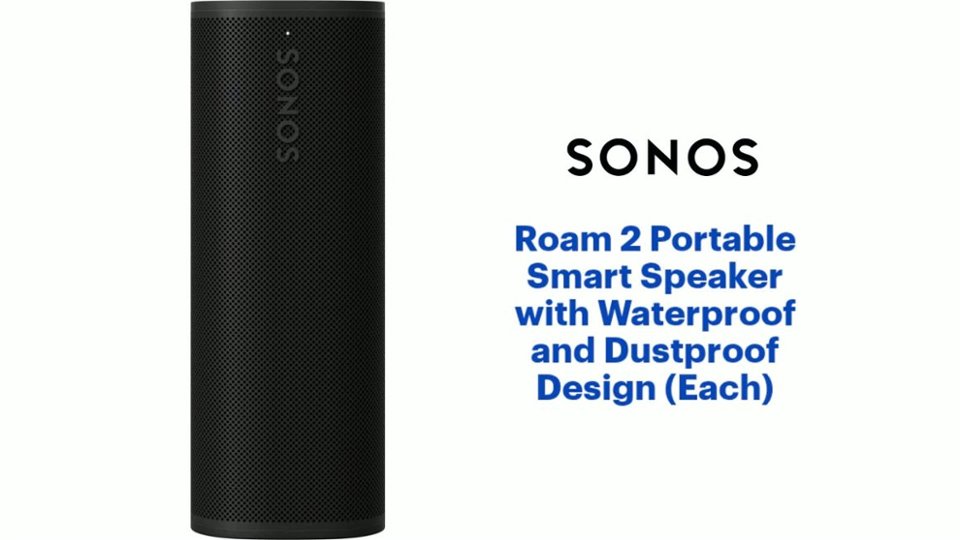
A:AnswerJust like the Roam 1, wifi is required to create a stereo pair. You cannot create a stereo pair with Bluetooth on either the Roam 1 or the Roam 2. This, kind of defeats the purpose of a portable speaker.
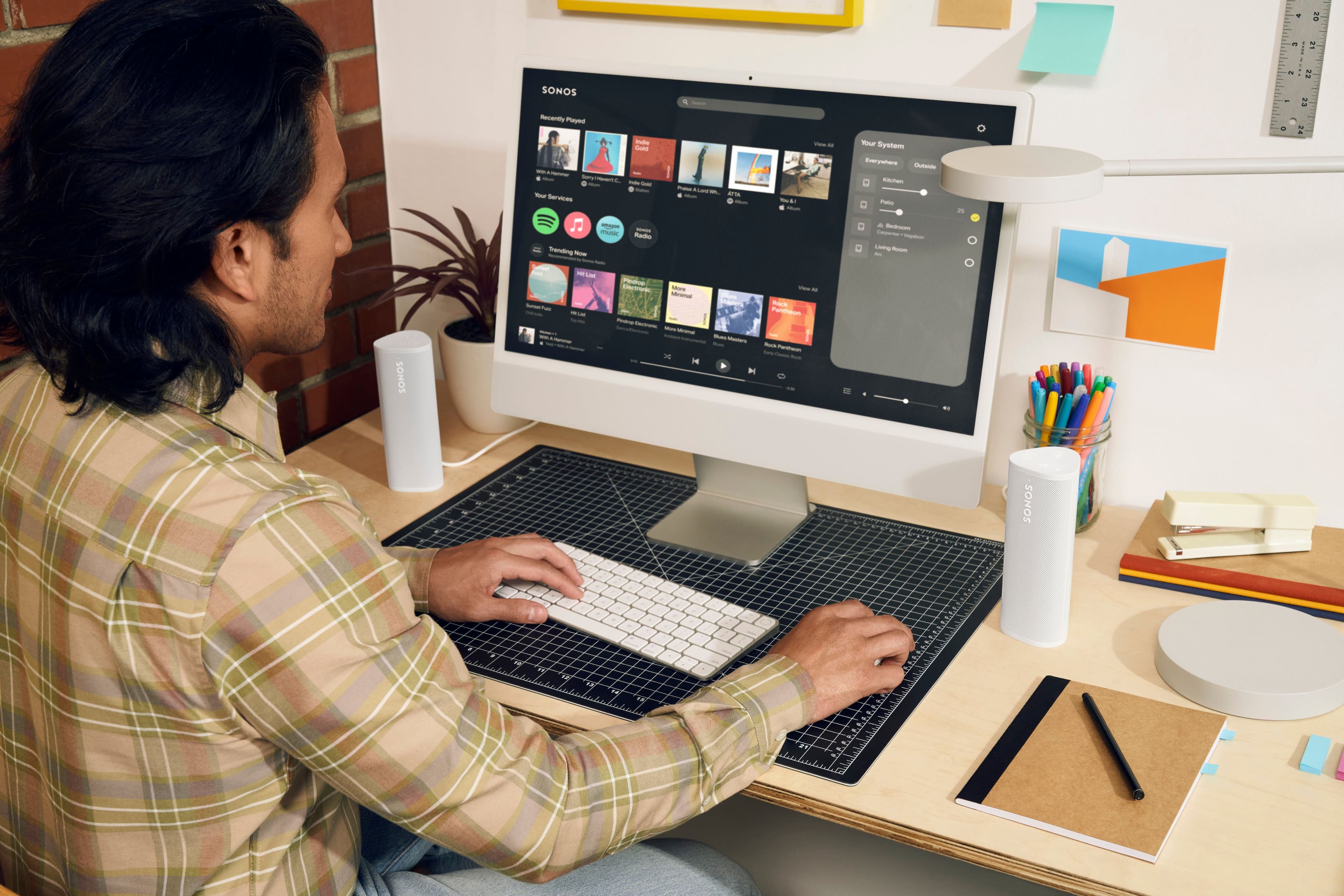
A:AnswerThe Sonos Roam 2 and Roam 1 cannot be paired together in stereo or as a group. Sonos devices, including the Roam 2 and Roam 1, can only be paired or grouped with other Sonos speakers of the same model or different models, but they need to be on the same Sonos system and app.
If you’re looking to use multiple Roam speakers together, you can use the Sonos app to group them for synchronized playback, but this will not enable stereo pairing. For stereo sound, you would need to pair two Roam 2s or two Roam 1s.
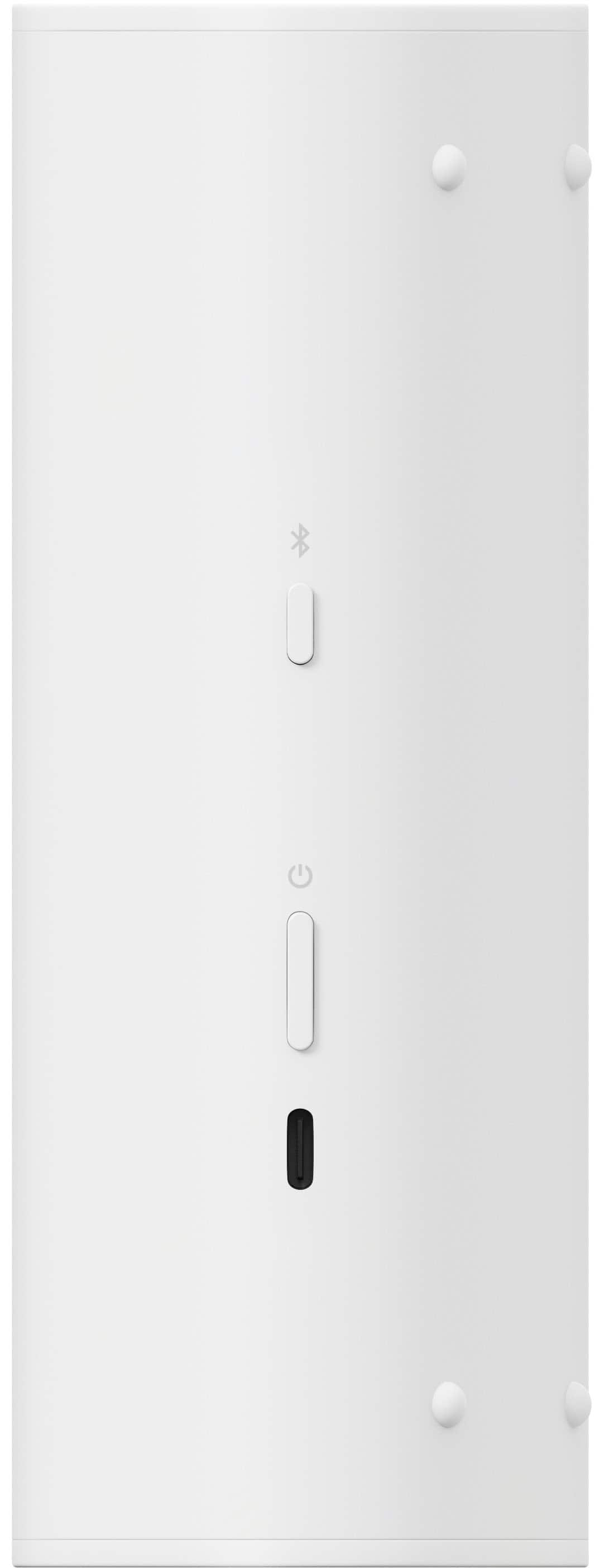
A:AnswerThank you for purchasing Roam 2! The Roam 2 is bluetooth out of the box, meaning you can turn it on, press the bluetooth button, and as long as your TV has bluetooth functionality you will be able to pair the speaker to your outdoor TV. I hope this helps!