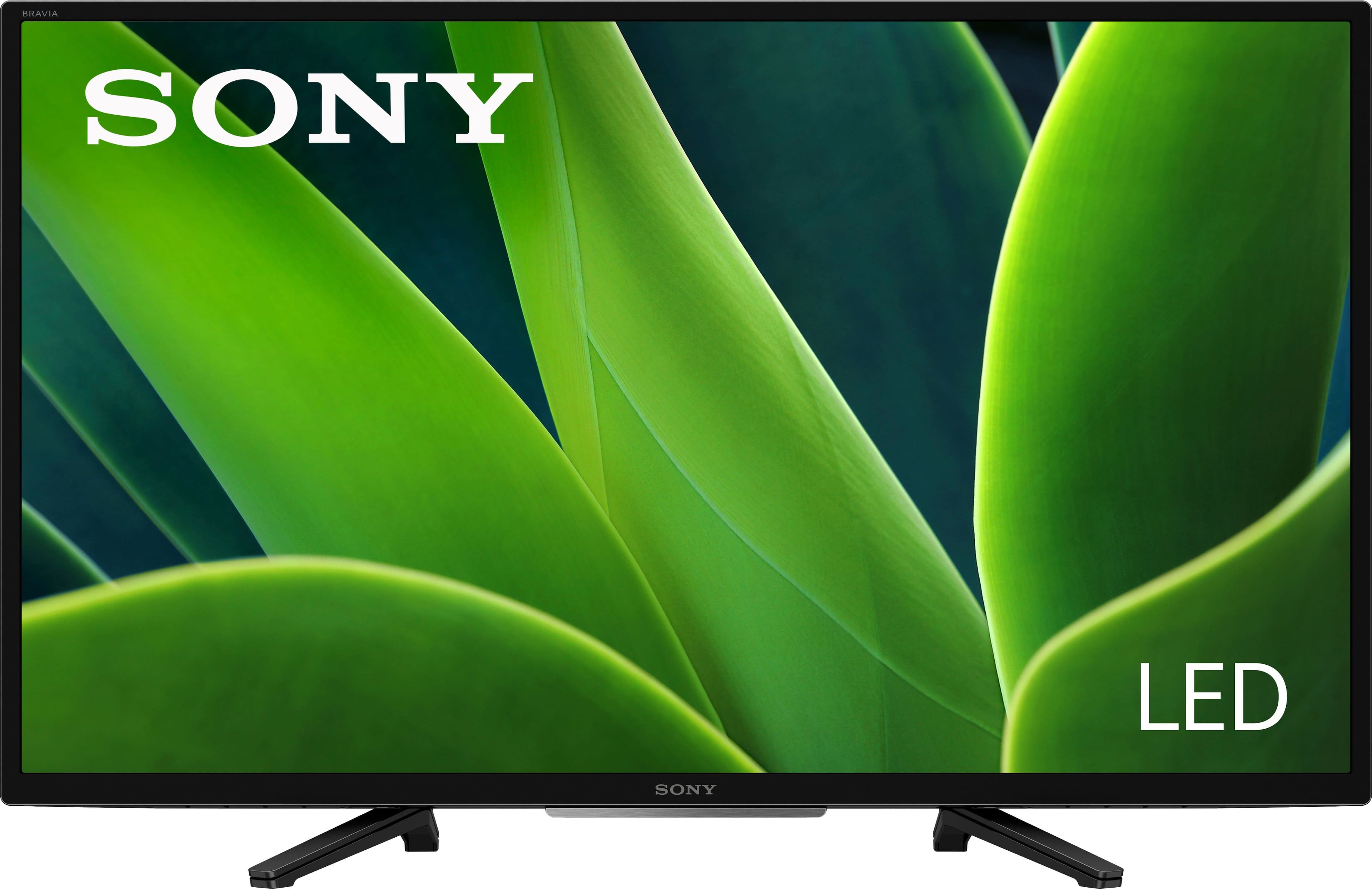
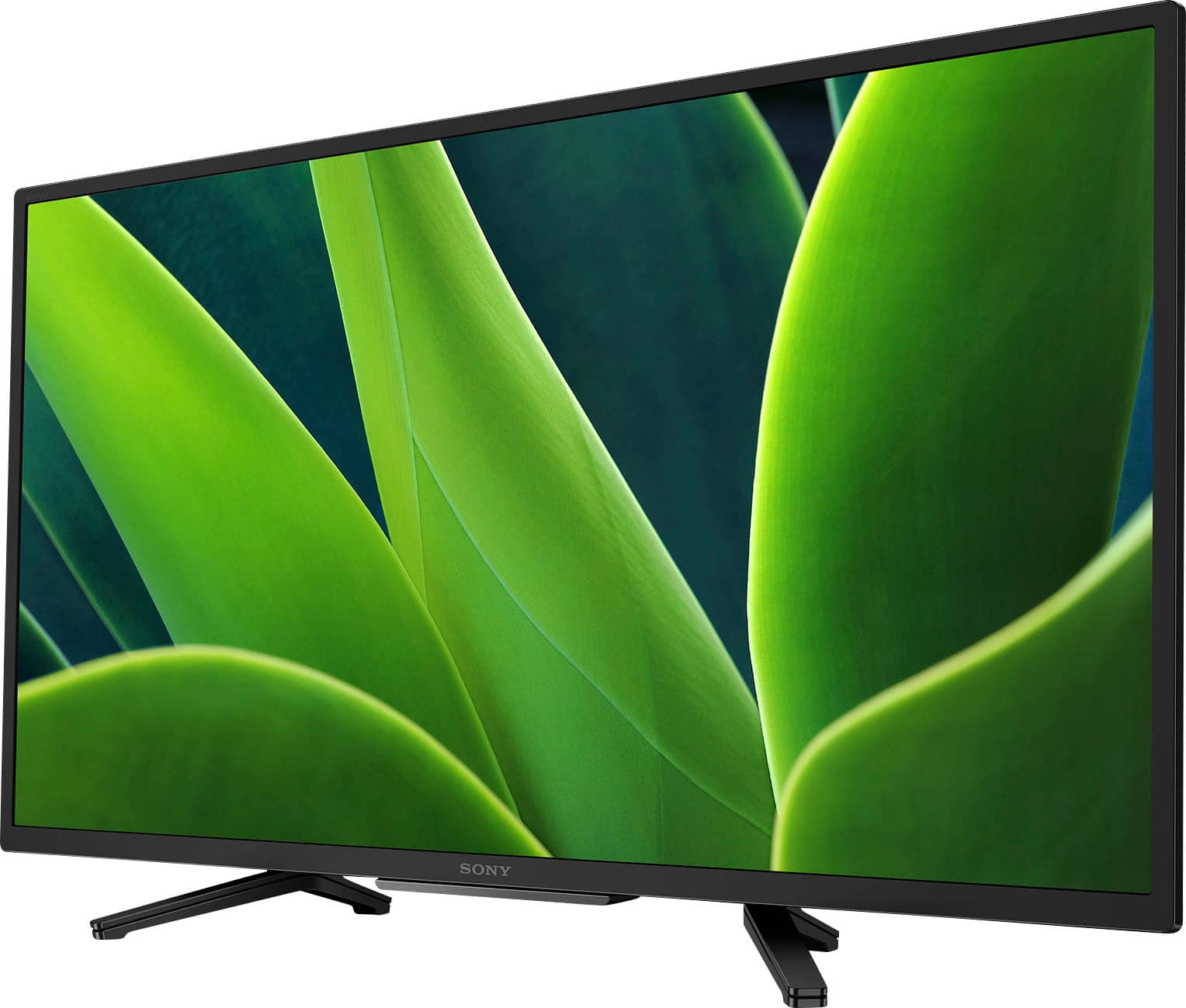
A:AnswerHi Gg, Thank you for your interest in the Sony W830K! This TV has a power range requirement of 100-240 V. Sony TV models purchased in the US/Canada has a power requirement of 120 V AC, 60 Hz and 110-240 V AC, 50/60Hz for other countries. You may need a transformer/power converter to make this TV work in a 220 or 240 V outlet. Hope this helps!
See pictures full of vivid detail and texture on this TV. X-Reality PRO upscales every pixel for exceptional clarity, analyzing frames and matching each scene with our unique database to refine images and reduce noise. Regards, Sam
A:AnswerHi Stumpy, Thank you for your inquiry! Unfortunately the only way to successfully screen mirror or cast a movie from a phone would be via Google Chromecast or Apple AirPlay 2 over WI-FI, there are third-party cable adaptors only that will allow hard wired screen mirroring. Hope this helps! With the KD32W830K, you can see pictures full of vivid detail and texture. X-Reality™ PRO upscales every pixel for exceptional clarity, analyzing frames and matching each scene with our unique database to refine images and reduce noise. Regards, Sam
A:AnswerHi Stumpy, Thank you for the question. You can use your mobile device to cast or stream movies from your smartphone to this TV using the built-in Chromecast (Google Cast) feature.
And yes, you will need to turn on the Wi-Fi function on your smartphone, since you will need both the TV and your mobile phone connected to the same Wi-Fi network. Hope this helps!
With the KD32W830K, you can see pictures full of vivid detail and texture. X-Reality™ PRO upscales every pixel for exceptional clarity, analyzing frames and matching each scene with our unique database to refine images and reduce noise. Regards, Sam
A:AnswerHi there, thank you for your question! The height of the Sony KD32W830K from the top of the TV to the bottom of the TV stand is approximately 18.38 in. (465 mm). And here is the full dimensions of this TV (W X H X D): 28.75 x 18.38 x 7.5 in. (730 x 465 x 188 mm). Hope this helps!
See pictures full of vivid detail and texture on this TV. X-Reality PRO upscales every pixel for exceptional clarity, analyzing frames and matching each scene with our unique database to refine images and reduce noise.
Regards,
Sam
A:AnswerHi Dlb, Thank you for your inquiry! Your Apple AirPods and Bose soundlink speaker will work with this TV as long as they are equipped with A2DP Bluetooth profile. The Sony X77L supports the Advanced Audio Distribution Profile (A2DP) so you can connect Bluetooth devices such as headphones, soundbars, or speakers and enjoy TV sound through those devices. Hope this helps!
See pictures full of vivid detail and texture on this TV. X-Reality PRO upscales every pixel for exceptional clarity, analyzing frames and matching each scene with our unique database to refine images and reduce noise.
Regards,
Sam
A:AnswerHi Tmun, Thank you for the inquiry! The power cord length with AC adaptor is 1.5m/4.9ft. Hope this helps!
See pictures full of vivid detail and texture on this TV. X-Reality PRO upscales every pixel for exceptional clarity, analyzing frames and matching each scene with our unique database to refine images and reduce noise.
Regards,
Sam
A:AnswerHi there, Thank you for the question. Yes, it does support MP4 (*.mp4, *.mov, *.3gp) playback via the USB. Please refer to the help guide of this TV for more details about the supported video file formats. Hope this helps!
See pictures full of vivid detail and texture on this TV. X-Reality™ PRO upscales every pixel for exceptional clarity, analyzing frames and matching each scene with our unique database to refine images and reduce noise.
Regards,
Sam
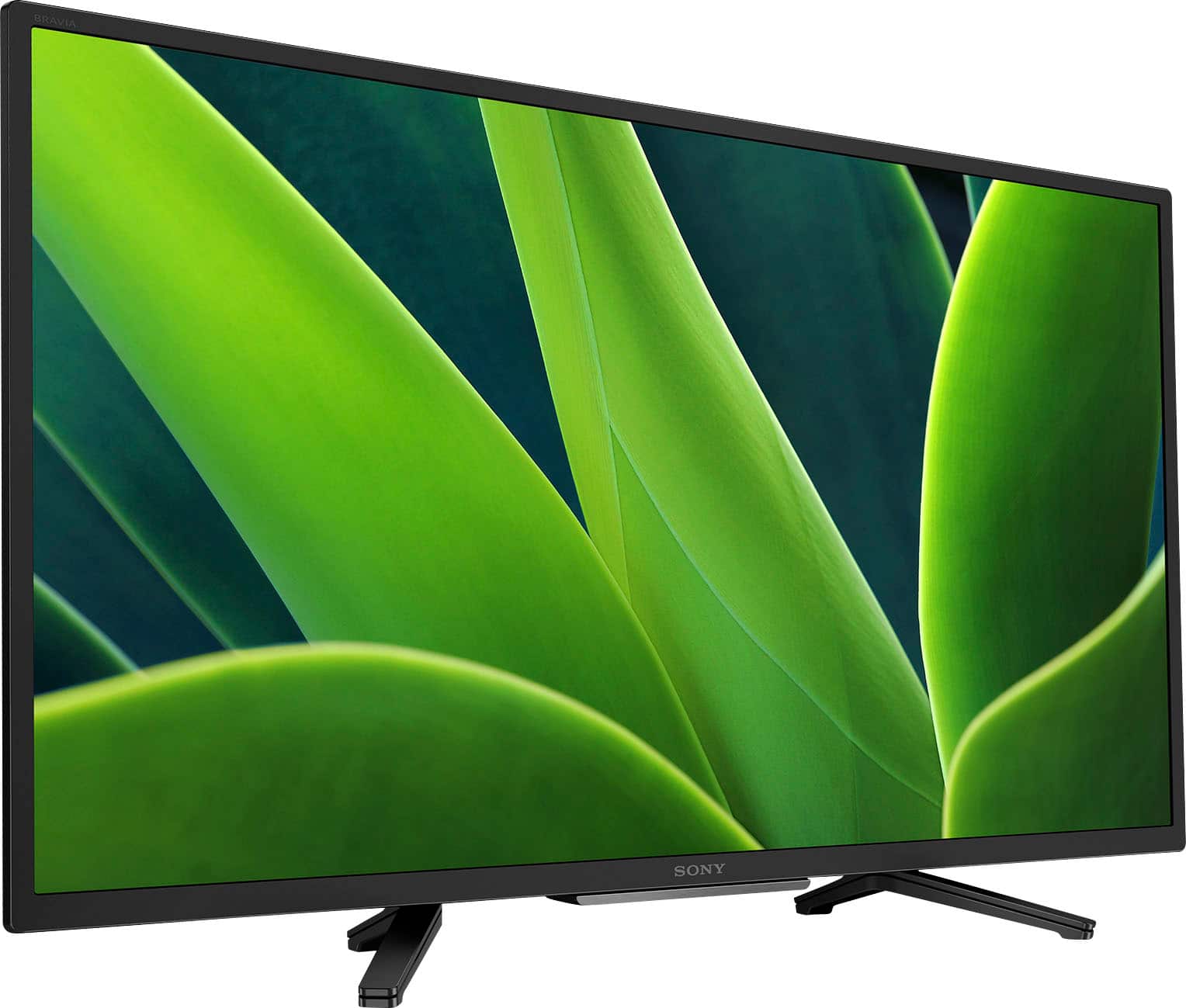
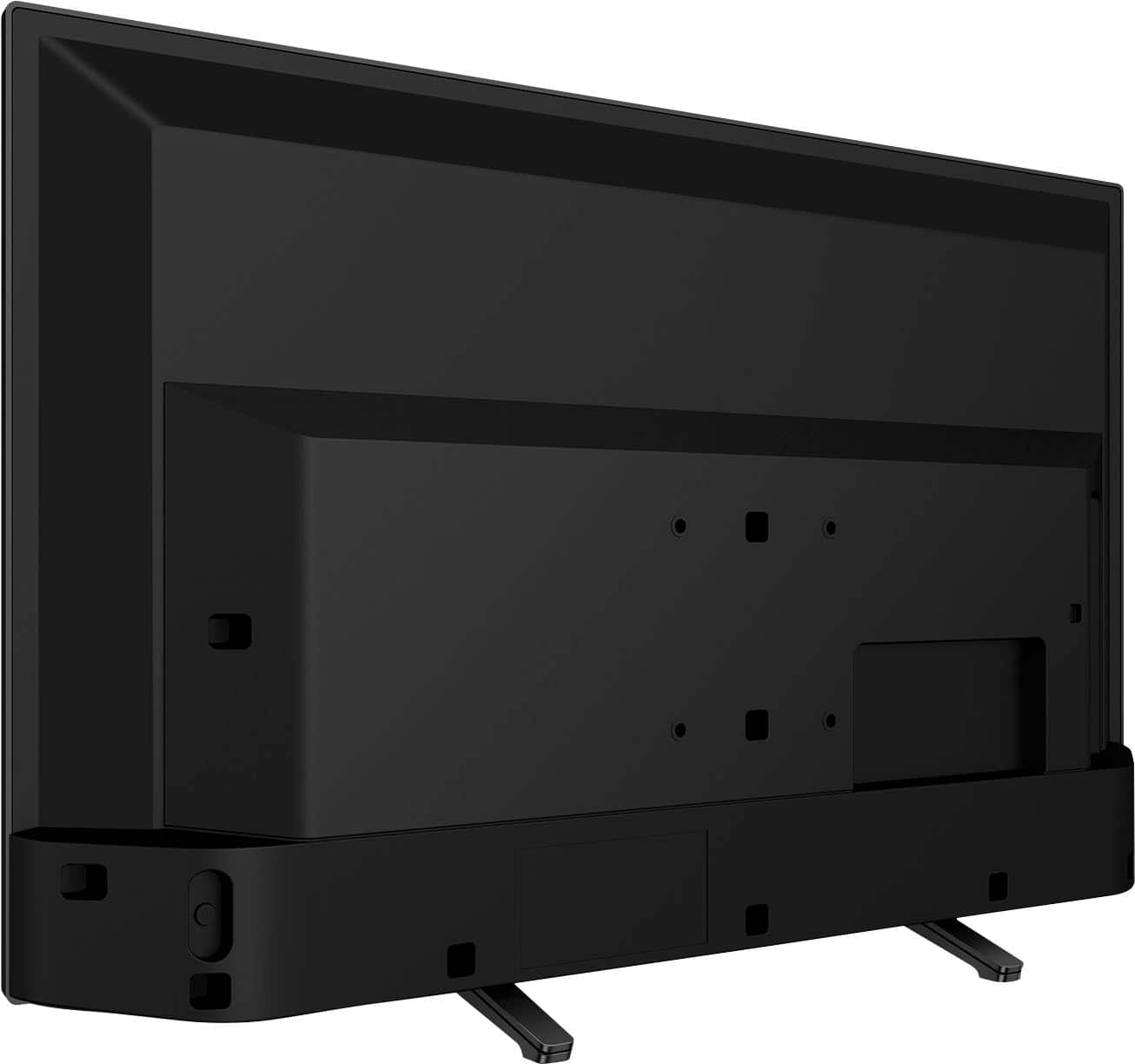
A:AnswerI had the same concerns, as my older TV also employed a "center/rear" mounted pedestal to support the TV.
With this model Sony, the issue might not be how far apart the legs are, rather that they extend forward, beyond the front of the screen.
The actual dimensions are 7" inward, from each side of the screen, and 3" forward from the front edge of the screen
A:AnswerHi there, Thank you for your inquiry! The overall dimensions of the Sony KD32W830K without the TV stand is approximately 28.75 x 17.25 x 3" (730 x 437 x 75 mm) (W X H X D), and 28.75 x 18.38 x 7.5" (730 x 465 x 188 mm) with the TV stand. For more details about the product specifications of this TV, please refer to this link: https://www.sony.com/electronics/support/televisions-projectors-lcd-tvs-android-/kd-32w830k/specifications
See pictures full of vivid detail and texture on this TV. X-Reality™ PRO upscales every pixel for exceptional clarity, analyzing frames and matching each scene with our unique database to refine images and reduce noise.
Regards,
Sam
A:AnswerHi there, Thank you for the question! Yes, it does. This TV supports the Advanced Audio Distribution Profile (A2DP) so you can connect Bluetooth devices such as headphones, soundbars, or speakers and enjoy TV sound through those devices. Hope this helps!
See pictures full of vivid detail and texture on this TV. X-Reality PRO upscales every pixel for exceptional clarity, analyzing frames and matching each scene with our unique database to refine images and reduce noise.
Regards,
Sam
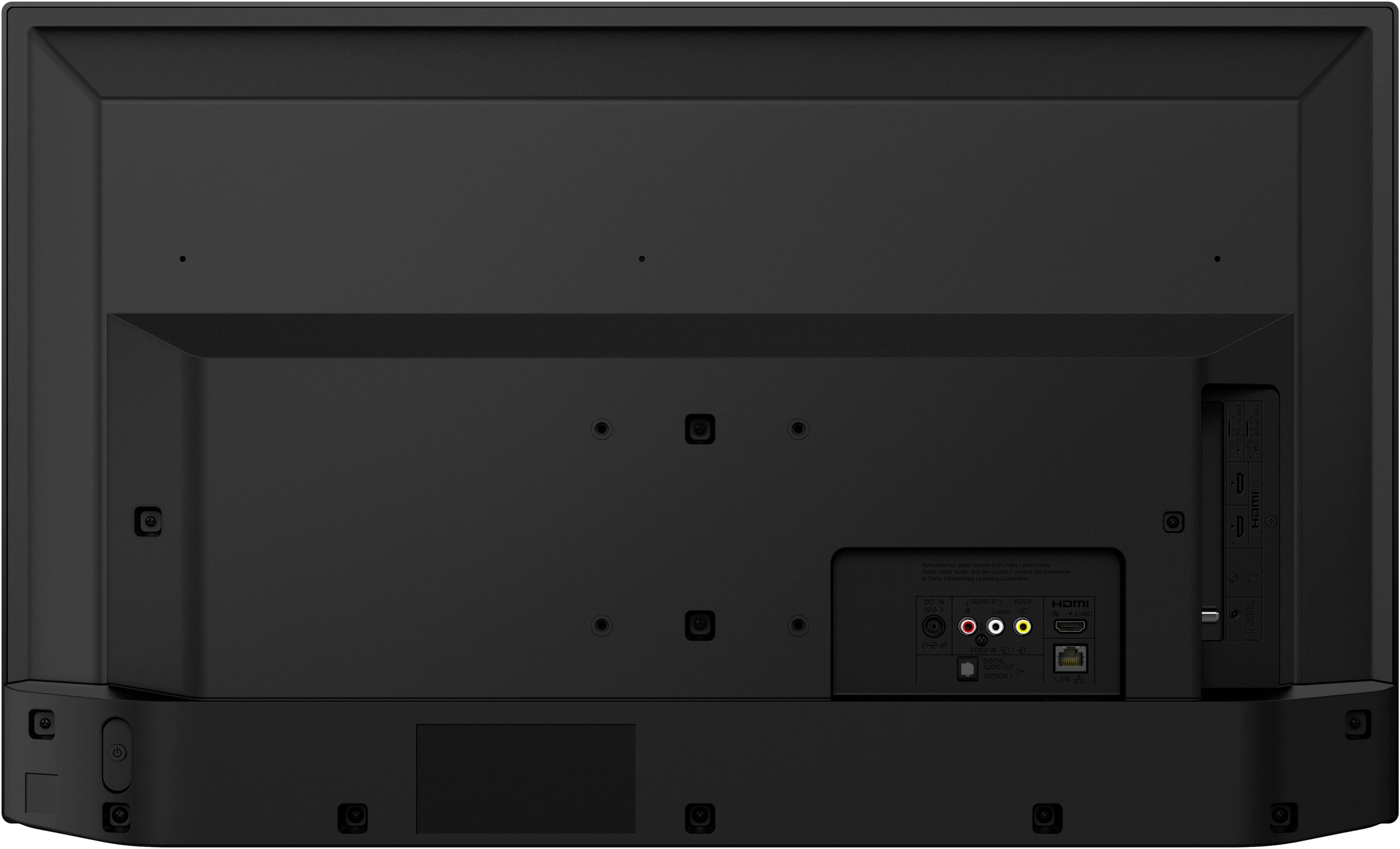
A:AnswerHi Sandy, Thank you for your inquiry! You can directly connect your Dish Cable box to one of the 3 HDMI input ports of this TV. For more detailed information, please visit Sony Support website and check the operating instructions. Should you need any assistance, feel free to contact us. Unfortunately, due to the current Bestbuy phishing protocol for your protection, we cannot provide a direct email or phone number for customer support as of now. Please find Sony Electronics' Support information: Go to our support website > click on “Support” > scroll down click on “Contact Support” > click on [Product Type] and from there you'll see different ways to reach us.
See pictures full of vivid detail and texture on this TV. X-Reality™ PRO upscales every pixel for exceptional clarity, analyzing frames and matching each scene with our unique database to refine images and reduce noise.
Regards,
Sam
A:AnswerHi there,
Thank you for your question. No, there's no pre-installed Youtube TV app in this TV but you can download it through the Google Play store on the Google TV System.
See 700,000+ movies and TV episodes, plus live TV, all in one place. Google TV™ brings your favorite content from across your apps and subscriptions and organizes them just for you. Google Play brings 7,000+ apps and games to your TV.
I hope this helps and thank you for considering Sony.
Regards,
Marco
A:AnswerHello Mannix,
Thank you for your question. Absolutely! This information is also transmitted over the air.
See pictures full of vivid detail and texture on this TV. X-Reality™ PRO upscales every pixel for exceptional clarity, analyzing frames and matching each scene with our unique database to refine images and reduce noise.
Hope this helps and thank you for considering Sony!
Regards,
Marco