A:AnswerHi, there!
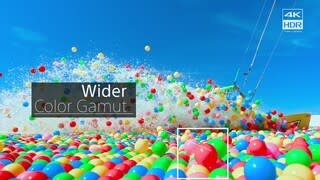
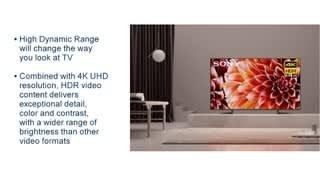
The HDR feature will only be in effect if the source e.g (comcast cable box or bluray player) also supports HDR. Hope this helps!
-Sam
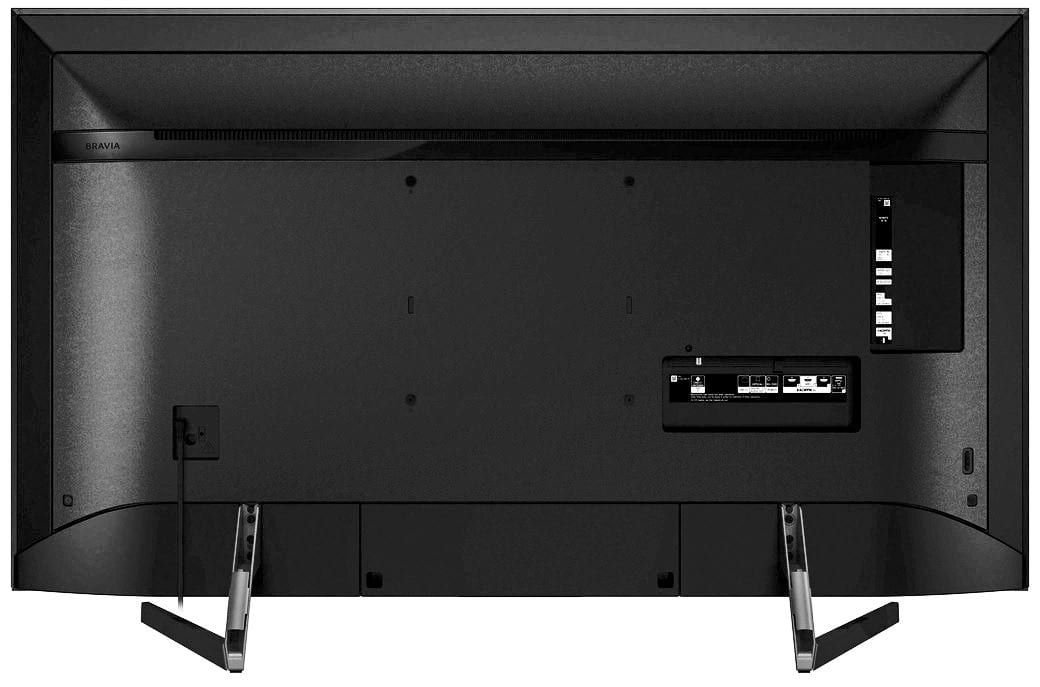
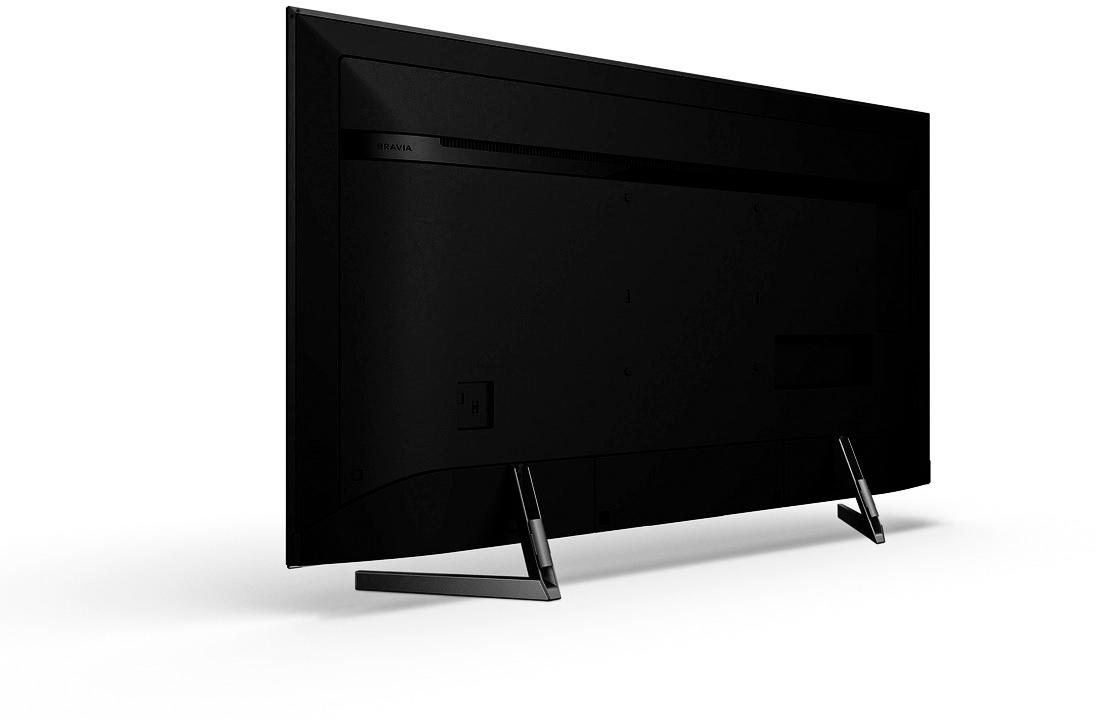
A:AnswerWall mounts are specified with hole pattern dimensions and weight.
The mount must have hole pattern dimensions: 200mm x 200mm and must support at least 30 lbs.
The 4 mounting screws are pattern M6 and must be between 8mm and 12mm long, depending on the thickness of the wall mount bracket.
A:AnswerHi FJWAG,
A pleasant day to you! The TV is capable of downloading applications through PlayStore. However, we cannot guarantee that all third party apps are supported like Dish Anywhere App. Please refer on the link below for more details:
https://www.sony.com/electronics/support/televisions-projectors/articles/00120598
Regards,
Erin
Sony Social Support
A:AnswerHi jimnap, You may refer to this link for the manual of the TV:
https://www.sony.com/electronics/support/televisions-projectors-lcd-tvs-android-/xbr-49x900f#manuals
~Ralph
A:AnswerWe have the 49 inch TV and do not notice any issues at a reasonable viewing angle. The picture is good even at nearly 180 deg but not sure who would want to view at such an extreme angle.
A:AnswerHi DJ, below is the TV dimension.
Without the Stand: 43 1/8 x 24 7/8 x 2 3/4" (1093 x 629 x 69 mm)
With the Stand: 43 1/8 x 27 3/8 x 10 5/8" (1093 x 694 x 268 mm)
For reference, please check here: https://www.sony.com/electronics/televisions/xbr-x900f-series/specifications
Regards,
Erin
A:AnswerI don't think you can. Unless you have an 120 volt outlet controlled by Alexa. The Easiest way to turn your tv off is press the off button on your tv remote!
A:AnswerTry to do a firmware update. If you have done that already, then do a hard reset by unplugging it for at least 30 seconds before reconnecting.
Just an FYI, I’ve never experienced that issue before.