A:AnswerHi RenoLady, We regret to hear about the issue you are having. If you're already tried to perform a factory reset and sound diagnostics, please make sure that the firmware version of the TV is updated to its latest version v6.4960.
REF: https://www.sony.com/electronics/support/lcd-tvs-android-xh95xx_x95xxh-series-49-85-/xbr-49x950h/downloads/00017078
If you are unable to resolve your concern, please email us at socialsupport@am.sony.com with the following details: Name: BestBuy Username: Model Number: Issue: Telephone Number: Sincerely, Sam
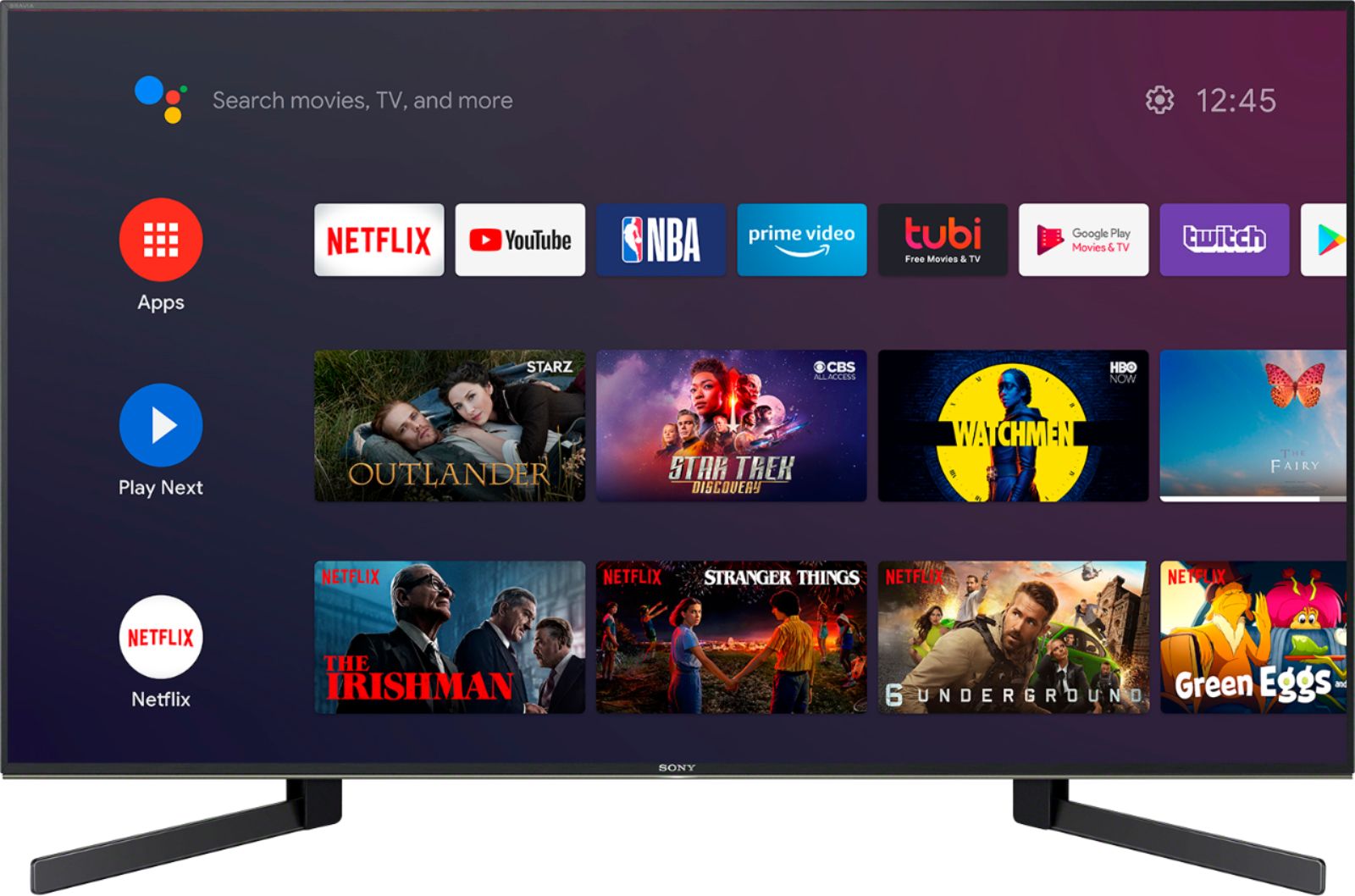
A:AnswerHi there, thanks for your inquiry. Yes, it does. The built-in Hulu app supports both on-demand and live content streaming. Hope this helps! -Sam
A:AnswerI used HDMI, although there are sever other ways to hook up. BTW....I was converting from a 43" Sony to this one. All I had to do was plug in the HDMI cable and I was set to go. Everything worked perfectly without any special hookups. including the cables remote.
A:AnswerNo, there is no web browser as you would think of from a computer. Google app is installed where you can find many programs and movies as well as YouTube so you can view everything there plus many movie and documentary apps you access like a regular TV. That I know of there is no direct access to the world wide web.
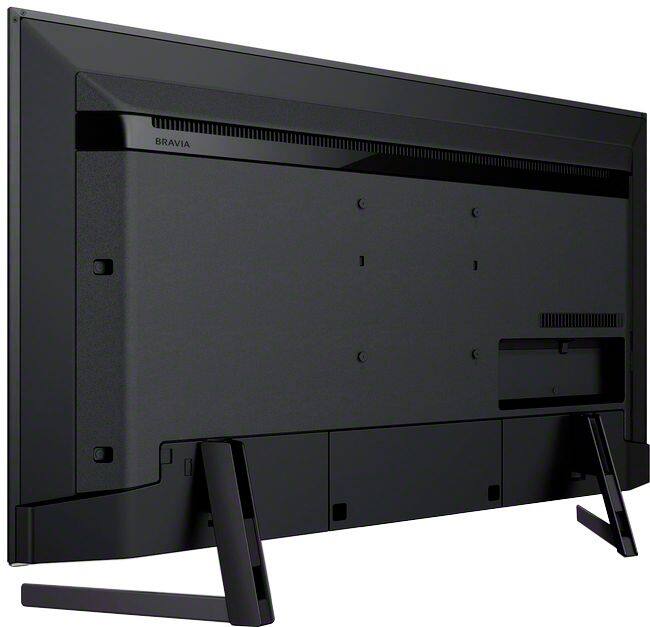
A:AnswerHello Martd, We do not recommend removing the stand of the TV when using a buffet TV stand. The stand is designed to support the weight of the TV. It is also important that the buffet can support the weight of the TV (approx. 31.8 lb (14.4 kg)). 49" is the smallest size for the X950H model. I hope this helps! -Vincent
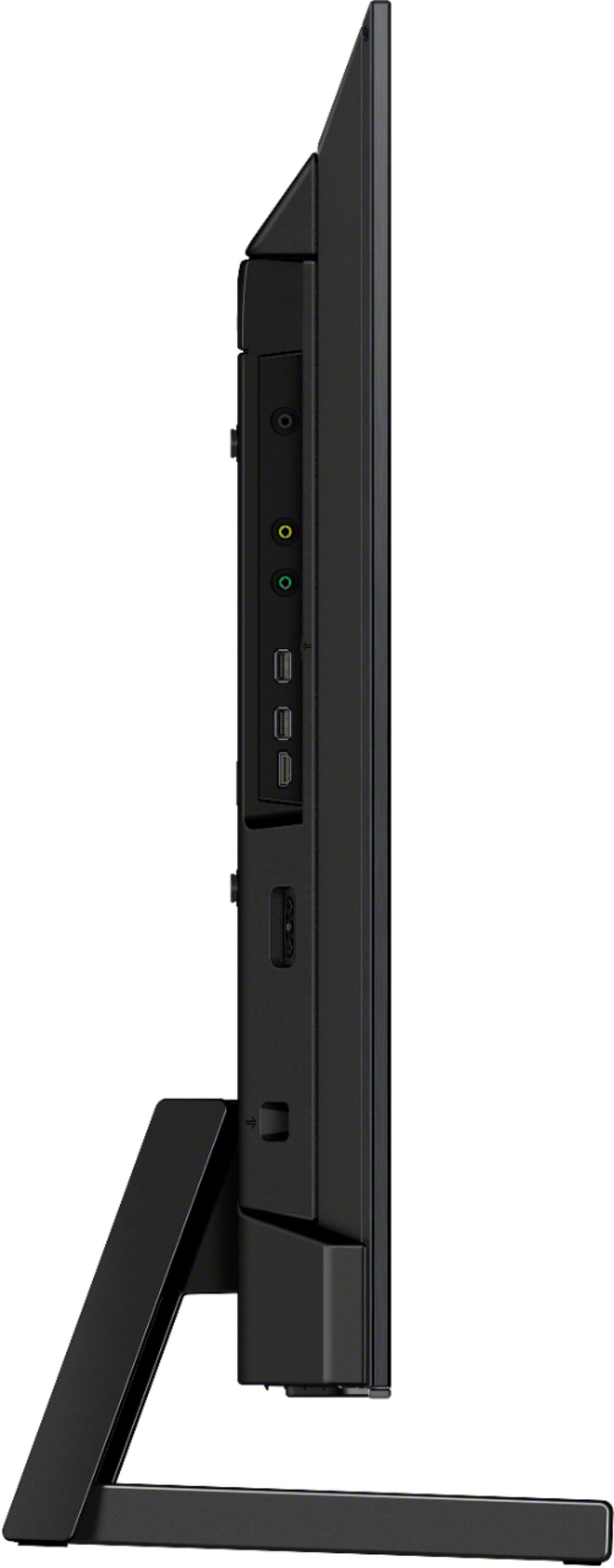
A:AnswerHi Micki33, The X950H supports the HDMI-ARC connection. We cannot guarantee if a soundbar with an ARC-HDMI connector (adapter) will work perfectly with this TV. We suggest connecting a soundbar that natively supports an HDMI-ARC connection with this TV. Thank you. -Vincent
A:AnswerHello, Thank you for your inquiry! If you are asking if you can connect them both via Bluetooth connection, unfortunately, they will not work simultaneously. We suggest checking out the links below for more details:
- https://www.sony.com/electronics/support/articles/00201347
- https://www.sony.com/electronics/support/articles/00159290
I hope this helps!
-Vincent
A:AnswerHi Mike, Unfortunately, the HT-G700 Sound bar won't fit between the legs of this TV. The distance between the legs of this TV is approximately 27 5/8 inches and the width of the Sound bar is approximately 38 5/8 inches (107.95 mm). You can use this information as a reference. I hope this helps. Thanks! -Vincent
A:AnswerHi Ferg, thank you for inquiring about our X950H 4K UHD Smart Android TV. We apologize, although this particular information is not listed as part of the product’s specifications there are reputable 3rd party reviewers that have extensively tested this product such as RTINGS.com. -Vincent
A:AnswerHi Steve, This TV uses the X-Motion Clarity technology that keeps everything smooth, bright, and clear. The X950H has a Native Refresh Rate 120 Hz. Thanks! -Vincent
A:AnswerHello Aydinmao, Thank you for your inquiry! This TV does not support both Acoustic Surface and Acoustic Multi-Audio features. The Acoustic Multi-Audio is available to X950H 55" up to 85". The speaker type of the XBR-49X950H is Bass Reflex Speaker, while the XBR-55X950H supports Acoustic Multi-Audio, Sound Positioning Tweeter, and X-Balanced Speaker feature. Thank you. -Vincent
A:AnswerHi colby, Good news! The X950H is an Android TV and you can install Disney+ using the Google Play Store app of the TV. You can also connect a cable set-top box with this TV. Thanks! -Vincent
A:AnswerHi Starr, A DVD player that supports HDMI connection should work with the TV. Connecting old players like VCR to the TV may work. However, the full operation is not guaranteed. You can always check the manuals of the TV if you need more details: https://www.sony.com/electronics/support/televisions-projectors-lcd-tvs-android-/xbr-49x950h/manuals. Thanks! -Vincent