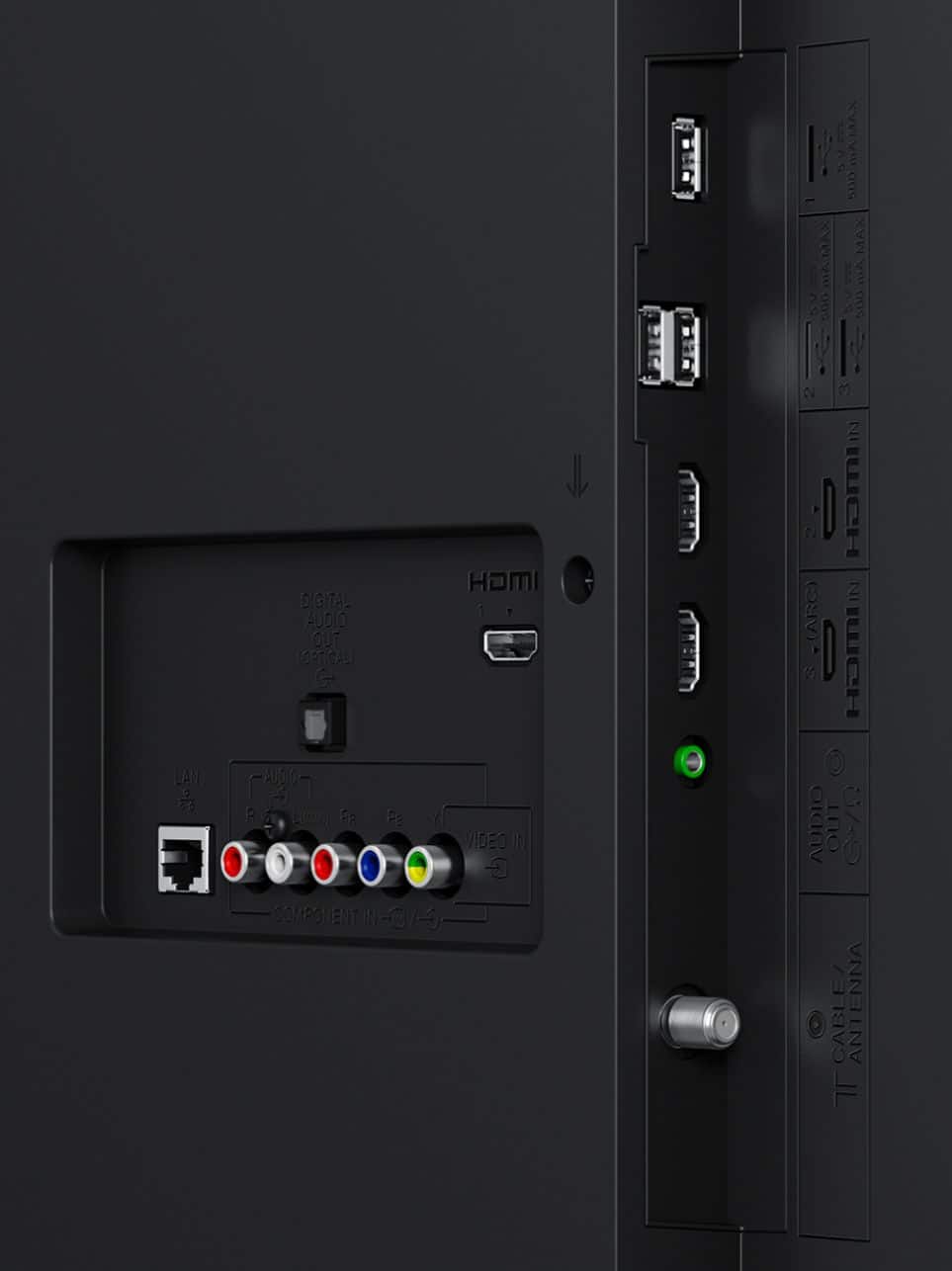
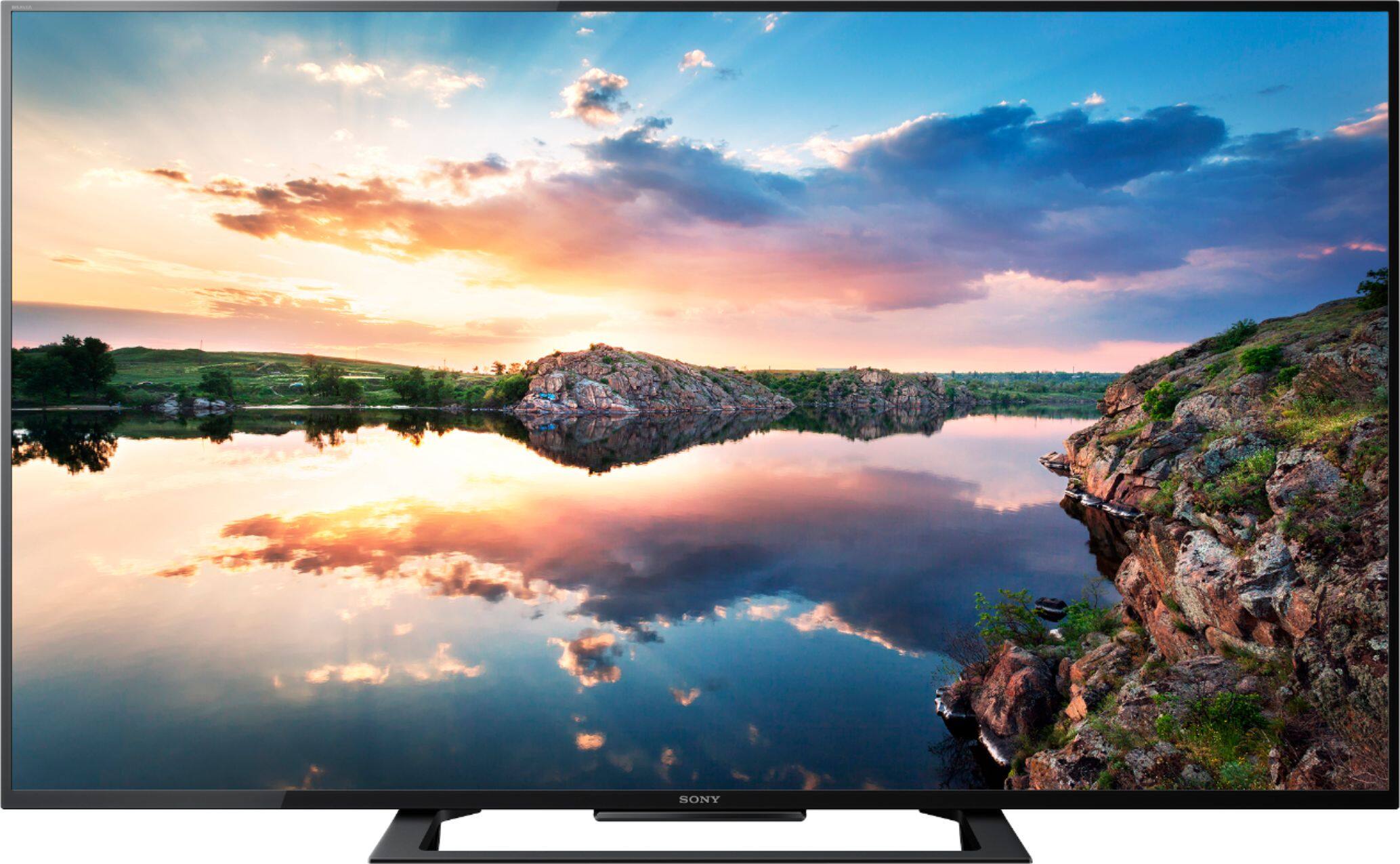
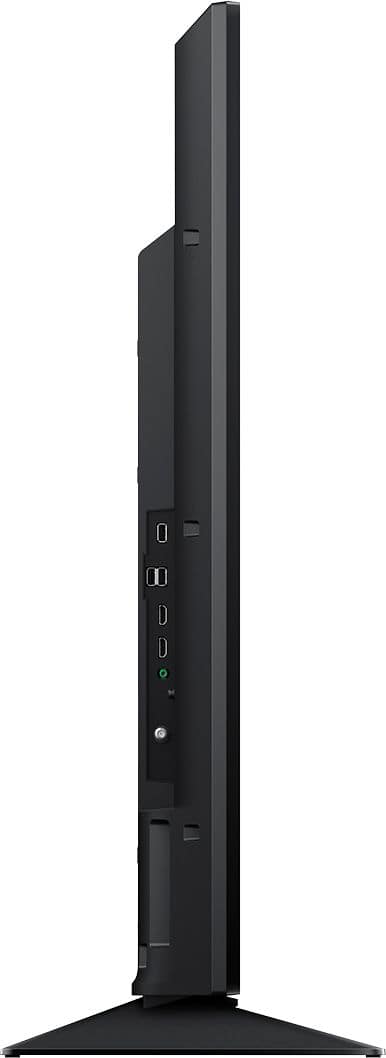
A:AnswerYes, this are very simple to connect to the TV, but to take advantage of the TV's features you should invest in a BluRay DVD player. Right now you can get an amazing Sony branded one at best buy for %50 off .
A:AnswerDepends on who your provider is (and whether they're encrypting content on the wire) and what channels you want to watch. While this TV has a tuner built into it, most cable providers have manipulated the signaling for the most common stations so that you CAN'T tune them on a TV directly. Mostly, the cable providers use the channels within the tuning capabilities of TV's for local stations at lower resolution and their own channels that are used for marketing.
End result, 99.99% chance you're still going to need your box.
A:AnswerYes. Your geographic location along with the type, quality, location, and orientation of the antenna will determine what channels you can receive and how good they look.
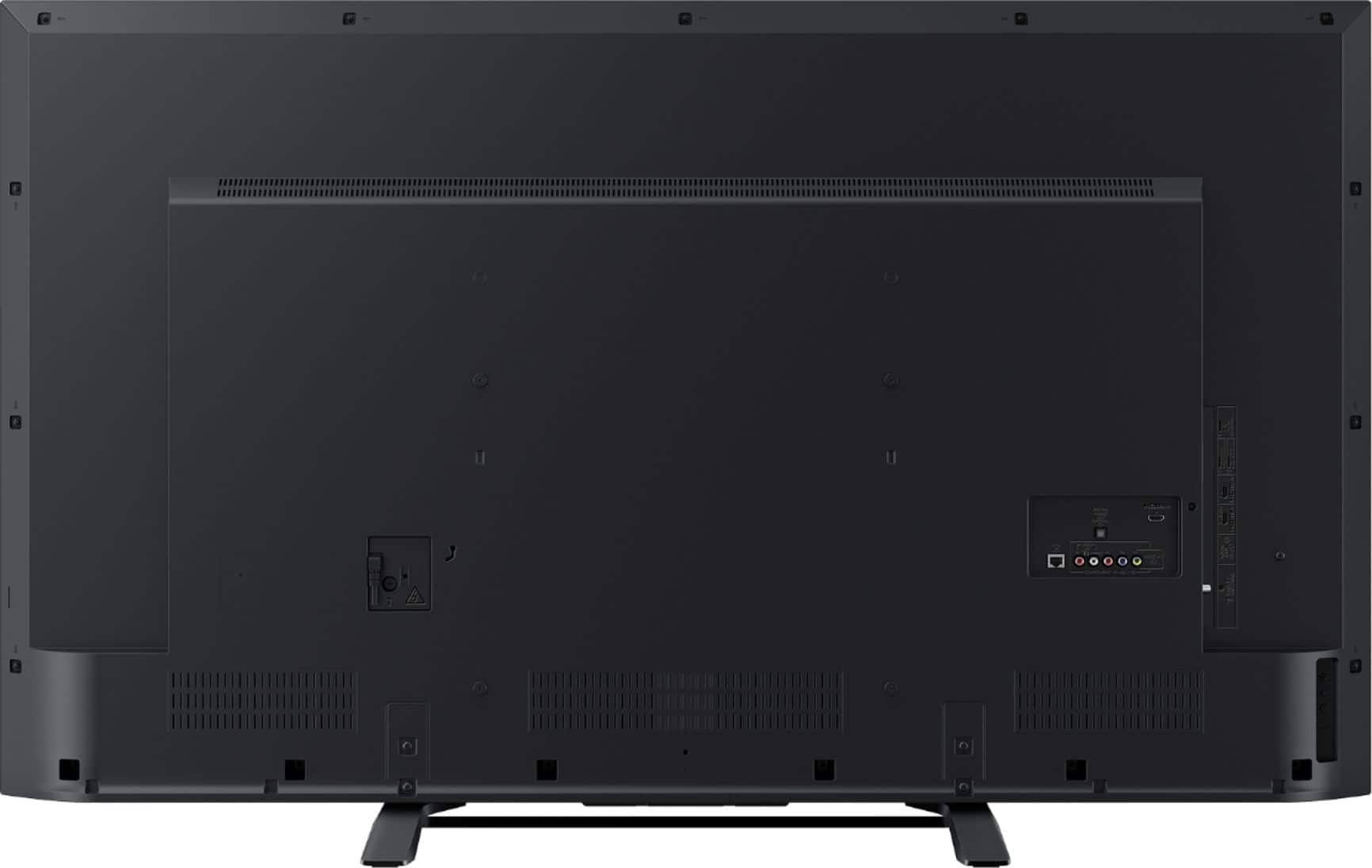
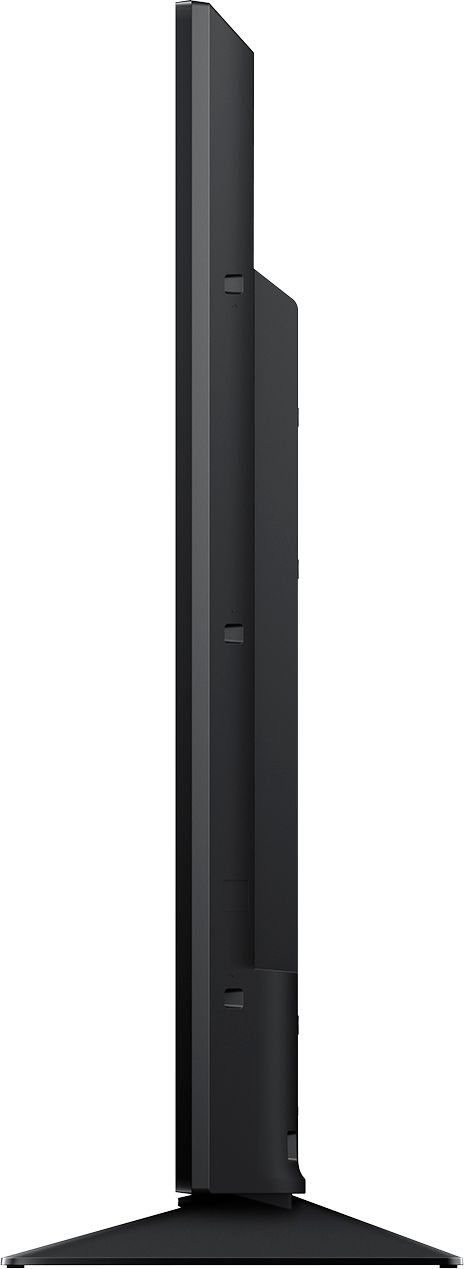
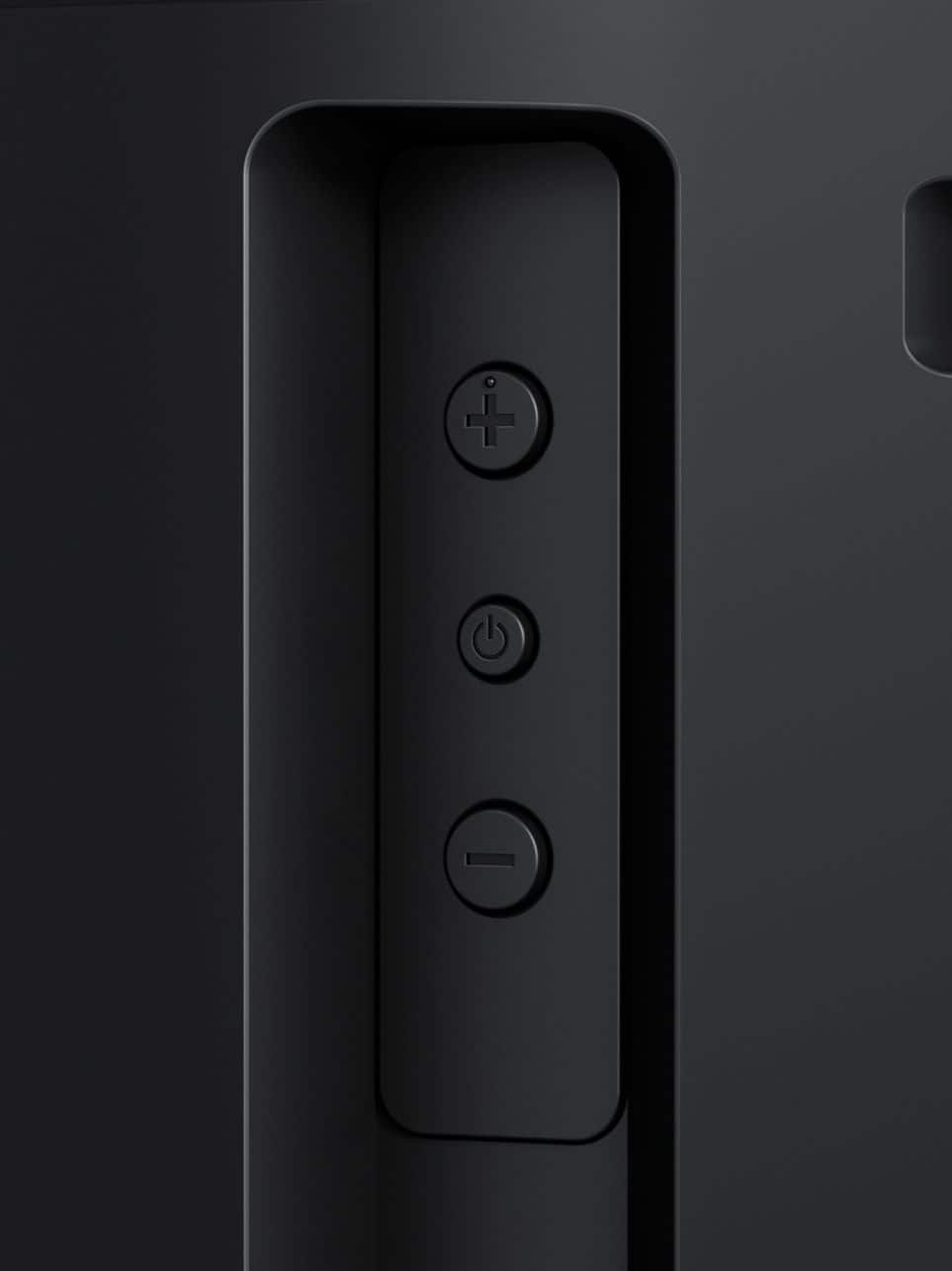
A:AnswerYes, there is still a power button on the side. With up / down buttons as well. Haven't played with them yet but figure they should still function in the same way as the normal volume / channel up / down buttons.
A:AnswerHi sweetscience, there are a lot of factors to consider when screen mirroring fails to work. Kindly check the steps and information in the link provided to address the screen mirroring issue on your TV: https://us.en.kb.sony.com/app/answers/detail/a_id/75853/p/61659,62766,97158,97230/c/65,66/kw/screen%20mirroring Thanks, -Mark
A:AnswerHi Munizah, please visit the link below for more information about the warranty of this TV. Thanks! ^Ron
https://docs.sony.com/release//Warranty_459533302.pdf
A:AnswerYes, this TV has a tuner. I just hooked up the cable from my Terk antenna to the cable in port and it picked up the over the air broadcast channels with a fantastic picture.