A:AnswerHI rbott,
The BRAVIA 8 II OLED comes with a 1-year manufacturer’s limited warranty which covers parts and labor from the original date of purchase.
Thanks for choosing Sony.
Best regards,
Eliab
A:AnswerHi XLR8,
Thank you for your question! The BRAVIA 8 II does not include a native Picture-in-Picture (PIP) feature. For Google TV™ models released in 2024 or later, these specific built-in viewing modes are no longer included.
However, you may still be able to enjoy similar functionality through other sources such as third-party apps or cable/satellite providers.
Reference: https://www.sony.com/electronics/support/articles/00271928
While the TV doesn't have a dedicated "PIP" button, its powerful XR Processor ensures that switching between your favorite apps and HDMI inputs is incredibly fast and fluid.
Thank you for considering Sony!
Best regards,
Dominick
A:AnswerHi there,
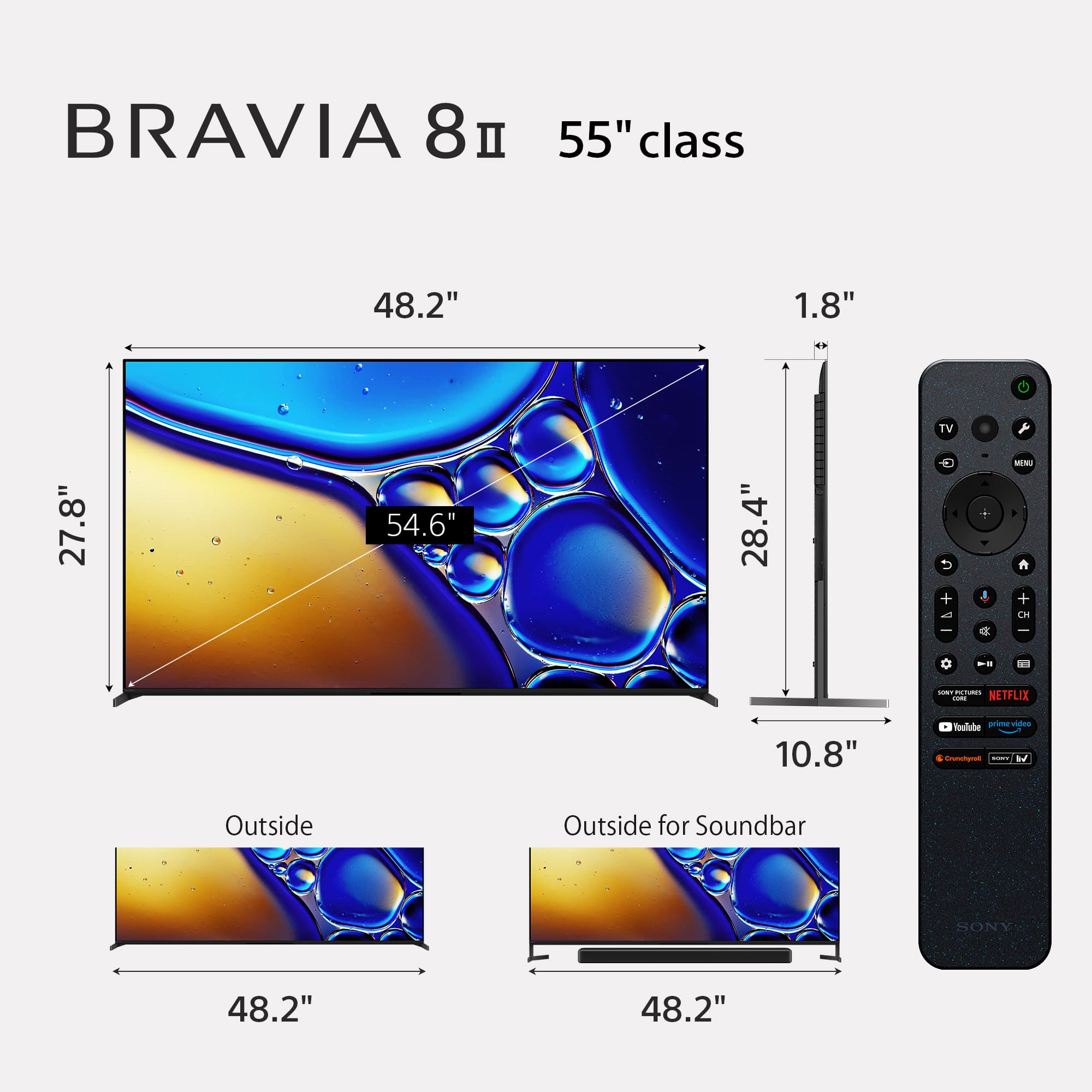
The Sony 55" Class BRAVIA 8 II OLED (2025) weighs approximately 37.9 lbs without the stand and 40.6 lbs with the stand attached.
Thanks for choosing Sony.
Best regards,
Eliab
A:AnswerHi there!
Thank you for reaching out with your question. We can certainly help you with that.
For the K-55XR80M2, the stand dimensions are:
Width: 48.2 inches
Depth: 10.8 inches
If you’d like to see a full breakdown of all the specs for this model, feel free to check out our official page here: https://www.sony.com/electronics/support/televisions-projectors-oled-tvs-android-/k-55xr80m2/specifications
We sincerely appreciate you considering a Sony TV!
Best regards,
Estefany
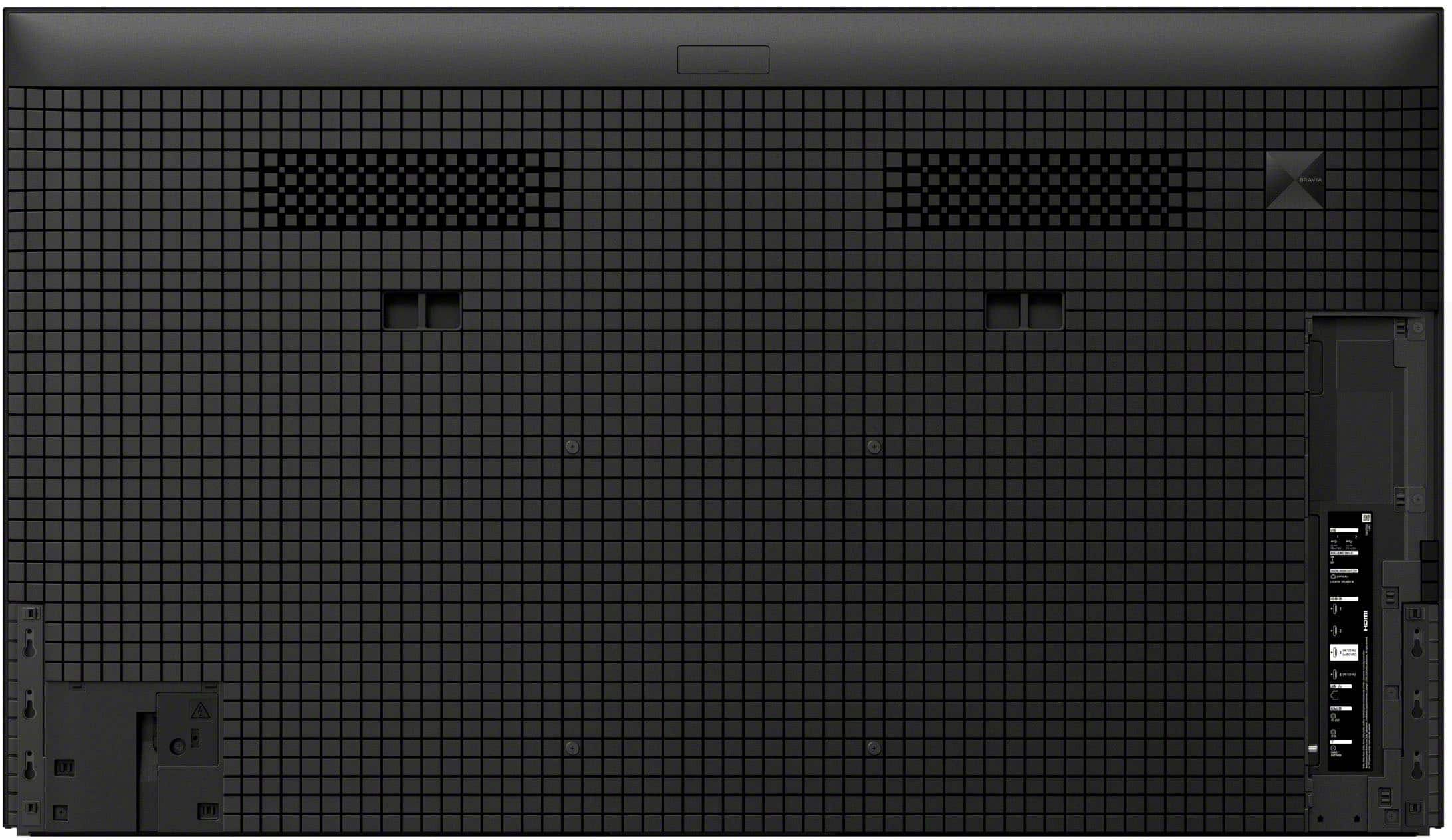
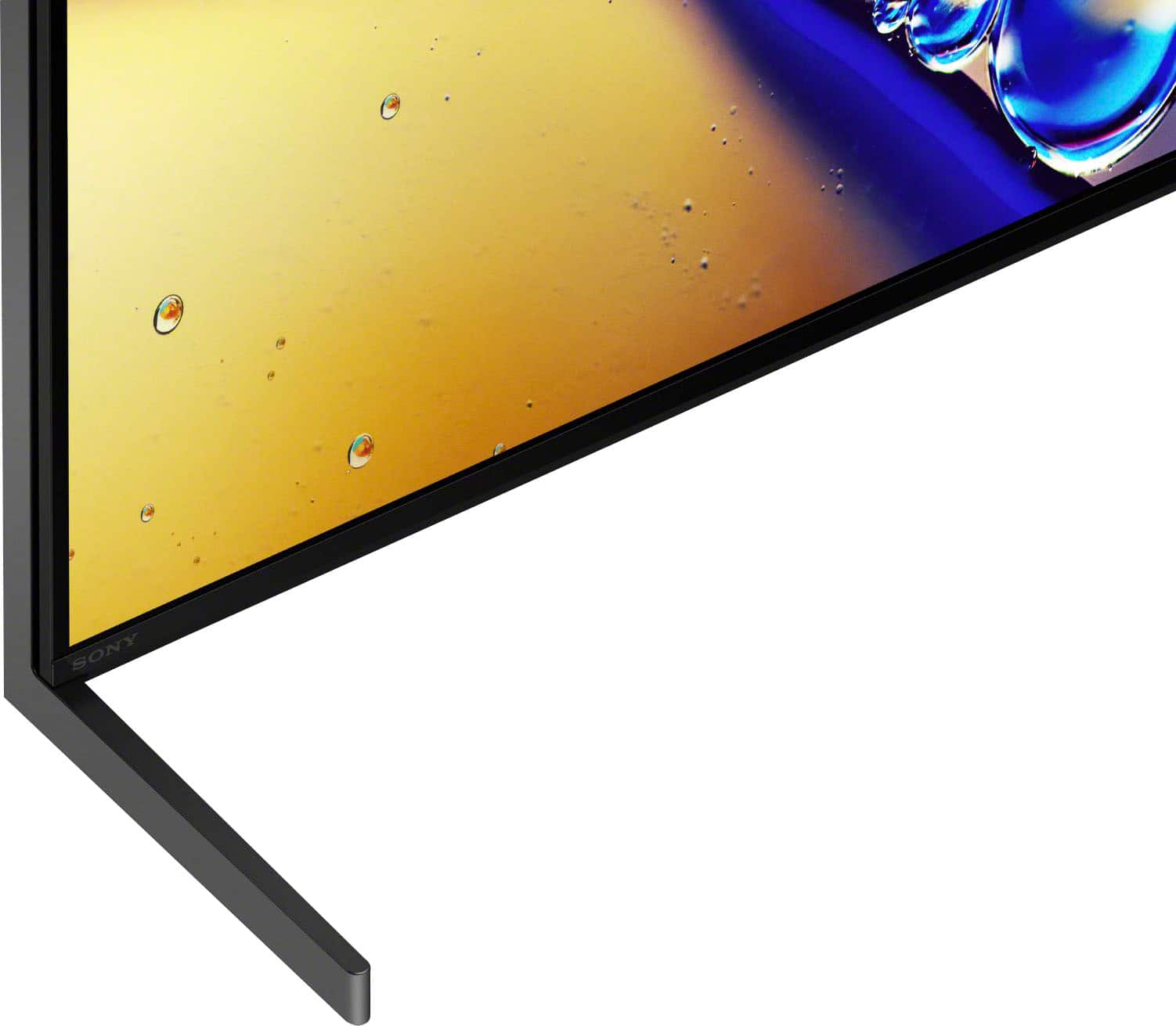
A:AnswerIt doesn’t look like it can. There are only 4 areas where a TV wall bracket can be attached to the back of the TV. There are 2 legs on the side of the TV (right side shown below)
A:AnswerHi there!
The Sony K-55XR80M2 features a versatile stand designed to accommodate different home theater configurations. The stand supports two distinct positions, allowing you to choose the height that best fits your space. In the standard position, the total height of the TV is 28 1/2 inches.
If you plan to place a soundbar in front of the display, you can use the soundbar position, which raises the TV to a total height of 30 7/8 inches.
For a complete breakdown of dimensions and other technical details, you can refer to the official specifications page here:
https://www.sony.com/electronics/support/televisions-projectors-oled-tvs-android-/k-55xr80m2/specifications
Thanks for considering Sony!
Regards,
Dominick
A:AnswerThank you for contacting Sony, Wil.
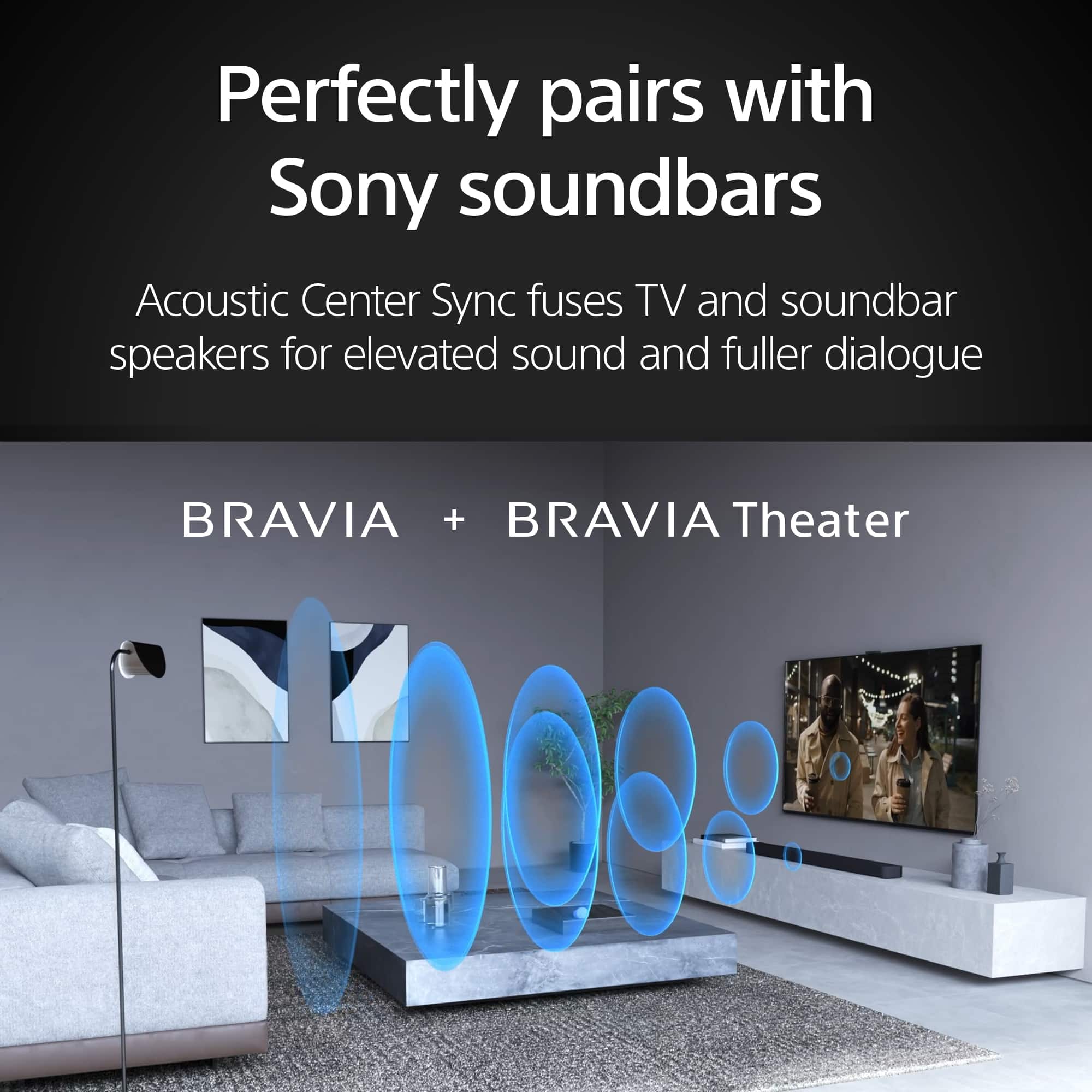
Yes, the Bravia 8 II pairs perfectly with Sonos systems. Since your TV features an HDMI eARC port, you can connect your Sonos directly for high-quality audio, including Dolby Atmos. Just remember to enable "Bravia Sync" in your TV settings to ensure your Sony remote can control the Sonos volume.
We appreciate your interest in Sony products. Should you require any further assistance, please don't hesitate to reach out for support here:
https://us.esupport.sony.com/support/s/support-contact?language=en_US&category=tv
Best regards,
Gus, Sony North America Customer Support
A:AnswerHello JimDandy,
Thank you for considering Sony products!
We appreciate your inquiry and are happy to assist. The Sony K55XR80M2 TV does include an Ethernet (LAN) port, enabling you to connect directly to your network via a wired connection for a stable and reliable internet experience. Additionally, this model supports Wi-Fi 6E, offering advanced wireless connectivity options for your convenience. You can find more detailed specifications here:
https://www.sony.com/electronics/support/televisions-projectors-oled-tvs-android-/k-55xr80m2/specifications
Best regards,
-Fred
A:AnswerThank you for contacting Sony.
The K-55XR80M2 features a versatile two-way adjustable design that allows you to customize the height of the display. If you are looking for the shortest possible profile, you can set the legs to the Standard position, which sits lower to your furniture. The other option is the Soundbar position, which raises the screen to provide extra clearance for an external audio system. Both of these setups use the original parts included in the box.
If the built-in low-profile setting is still taller than you’d like, the TV is fully VESA compatible with a 300 x 300 mm hole pattern. This allows you to attach a third-party universal table-top stand or a wall mount to achieve the exact height and placement you need for your space.
We appreciate your interest in Sony products. Should you require any further assistance, please don't hesitate to reach out for support here:
https://us.esupport.sony.com/support/s/support-contact?language=en_US&category=tv
Best regards,
Gus, Sony North America Customer Support
A:AnswerThank you for contacting Sony.
A mismatch between sound effects/dialogue and the action on screen is called an A/V Sync or lip-sync issue. It is typically caused by a delay in processing the audio signal, especially when using external speakers (soundbars, AV receivers).
We can suggest you to:
1. Power cycle & Connections
Unplug all HDMI devices from the back of your TV.
Unplug your TV from the wall outlet for at least 2 minutes.
Plug the TV back in, wait for it to power on completely, and then plug the HDMI devices back into the TV.
Check All Cables: Ensure all HDMI and optical cables are securely seated in their ports (especially the ARC/eARC ports). Try replacing your HDMI cable with a newer High-Speed (2.0 or 2.1) compliant cable, as outdated cables can sometimes introduce sync issues.
2. Audio Format Configuration
Go to Settings → Display & Sound → Audio Output.
Select Digital audio out and change the setting to PCM.
3. Software updates
Ensure your TV's firmware is up to date, as Sony frequently releases updates that improve audio processing and A/V sync stability.
Go to Settings → System → About → System software update.
We appreciate your interest in Sony products. Should you require any further assistance, please don't hesitate to reach out for support here:
https://us.esupport.sony.com/support/s/support-contact?language=en_US&category=tv
Best regards,
Gus, Sony North America Customer Support
A:AnswerHi HUgh,
Unfortunately, the Sony 55" Class BRAVIA 8 II OLED TV does not support connecting two independent Bluetooth headphones simultaneously. While you can easily connect a single Bluetooth audio device (like headphones or a hearing aid) to the TV, the software is designed to output audio to only one Bluetooth device at a time. If you wish to use two sets of headphones for private listening, you would need to connect an external third-party Bluetooth audio transmitter to the TV's optical digital audio output or HDMI eARC port, as many of these transmitters are specifically designed to support dual headphone connections.
Thanks for choosing Sony.
Best regards, Eliab
A:AnswerHi JY,
We are sorry to hear you are experiencing this issue with your new 55" BRAVIA 8 II OLED TV. The behavior of the TV switching itself on and off while flashing monochrome colors typically indicates that the TV is performing an internal diagnostic, an automatic OLED Panel Refresh cycle (which can show different test patterns), or it is encountering a software issue or a component error. Since the TV is new, we recommend performing a Power Reset first: simply unplug the TV's power cord from the wall outlet for two minutes, then plug it back in and turn it on. If the issue persists, please ensure your TV's software is updated to the latest version, or contact us directly so we can gather more details on the exact sequence of flashes and colors for specific troubleshooting.
Thanks for choosing Sony.
Best regards, Eliab
A:AnswerThank you for contacting Sony, Kris.
Yes, you absolutely can. The K-55XR80M2 is equipped with a Digital Audio Out (Optical) port. You will simply need a standard optical cable (also known as a TOSLINK cable) to connect the TV's optical out port to your older Bose sound bar's optical input port.
Your new BRAVIA 8 II features four modern HDMI inputs. If your DVD/VCR player uses legacy analog connections like composite (red, white, yellow) or component jacks, you will need a simple, external Composite/Component-to-HDMI adapter to bridge the technology gap. This small device will convert the analog signal into a digital one that your TV can easily display.
The K-55XR80M2 has excellent, advanced built-in audio technology, but whether it is "good enough" depends on your personal preference and viewing environment.
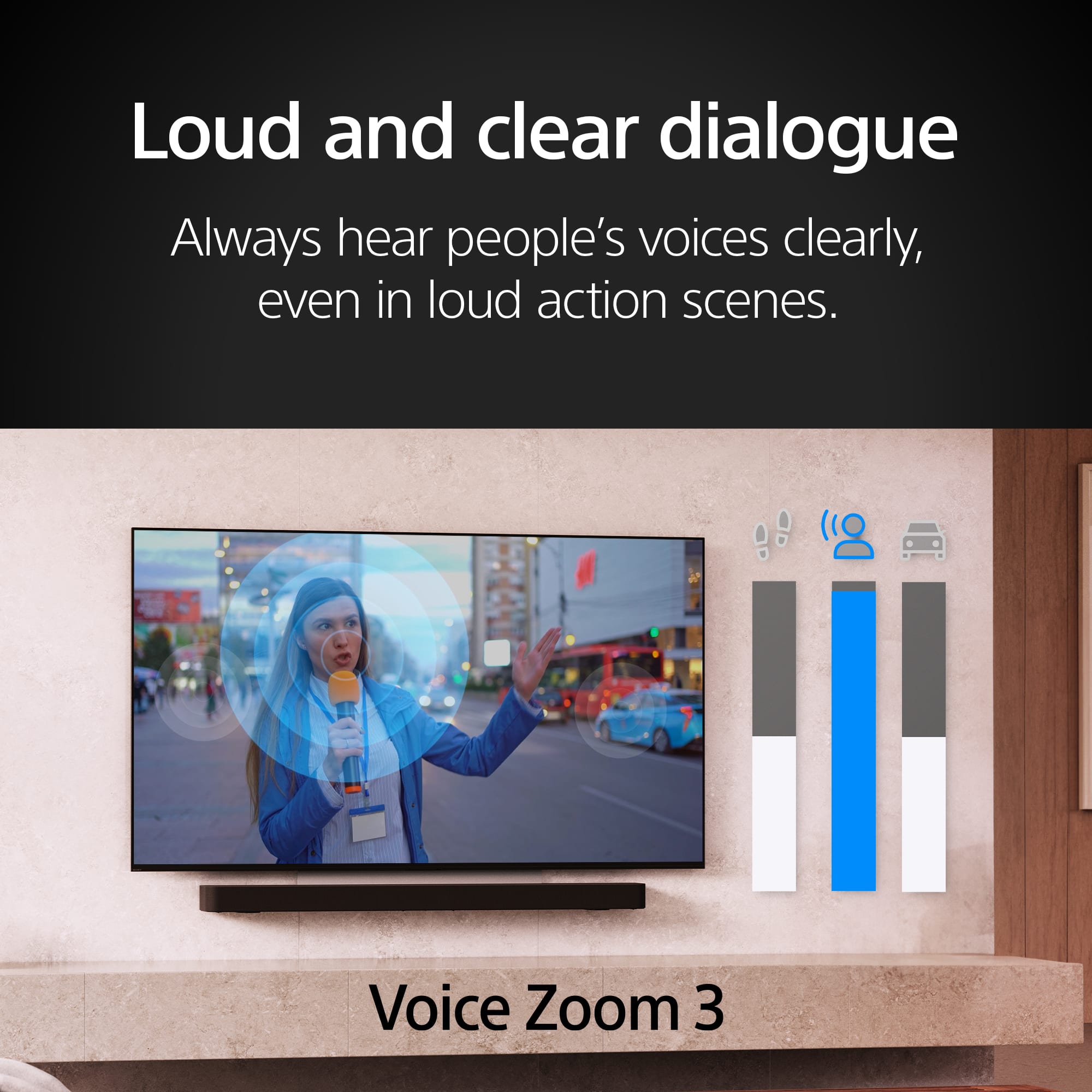
This model features Acoustic Surface Audio+™, where actuators vibrate the screen itself to project sound. This creates an immersive experience where dialogue and sound effects come directly from where the action is happening on the screen. It also supports virtual 3D surround sound with features like Voice Zoom 3™ for clear dialogue.
We appreciate your interest in Sony products. Should you require any further assistance, please don't hesitate to reach out for support here:
https://us.esupport.sony.com/support/s/support-contact?language=en_US&category=tv
Best regards,
Gus, Sony North America Customer Support
A:AnswerHi bien,
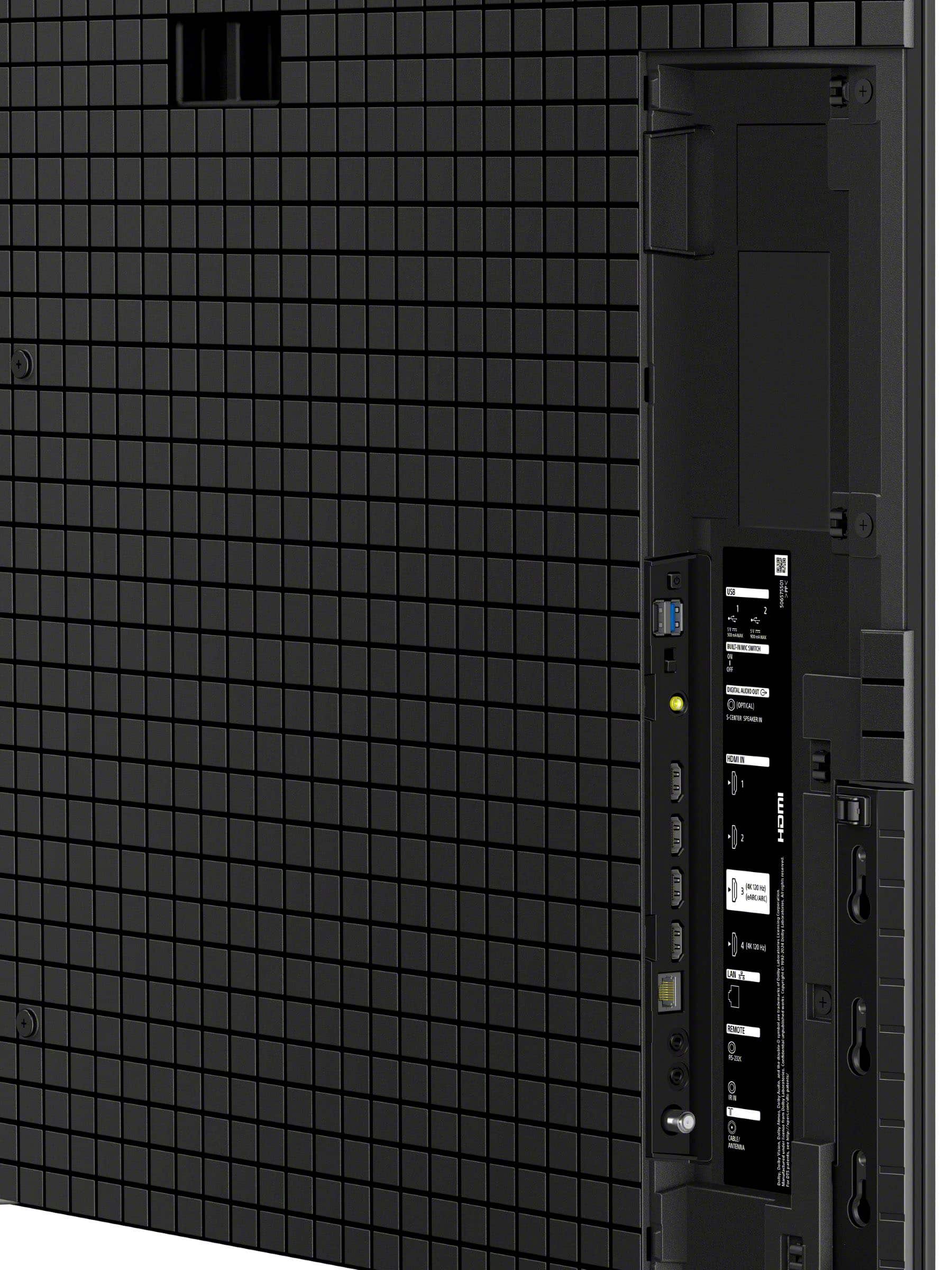
The Sony BRAVIA 8 II OLED TV has two USB ports, and they are both USB-A ports (the standard rectangular type). Typically, one port is a USB 3.0/SuperSpeed (often blue) for faster data transfer, and the other is a USB 2.0 (often black). You would connect flash drives, hard drives, and other compatible USB devices to these ports.
Thanks for choosing Sony.
Best regards, Eliab
A:AnswerHi Maddi,
Thanks for your interest in our television. We can certainly assist you with that!
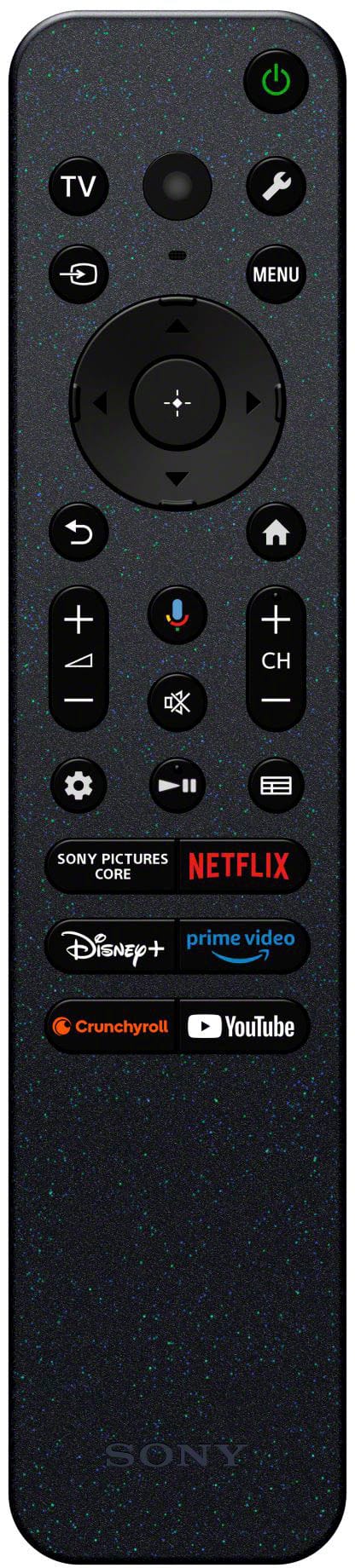
The K-55XR80M2 TV does come with a physical remote control in the box. While the TV has voice control capabilities built-in, it's not strictly voice-activated. You'll have both options available to you, so you can switch between using the remote and giving voice commands, whichever you prefer.
If you’d like to learn more about this, feel free to check out the following link, we put together extra details there that might be helpful: https://helpguide.sony.net/tv/musltn1/v1/en-003/contents/TP1001690180.html
We really appreciate you thinking of Sony for your purchase!
Best regards,
Estefany