

Skip to contentGo to Product Search
Main Content

Questions & Answers

Page Showing 1-20 of 51 questions
  • QuestionWhat is the refresh rate of this Sony TV?

    • Answer The refresh rate is 120Hz.
    This question and answer was generated by AI based on customer and product data.

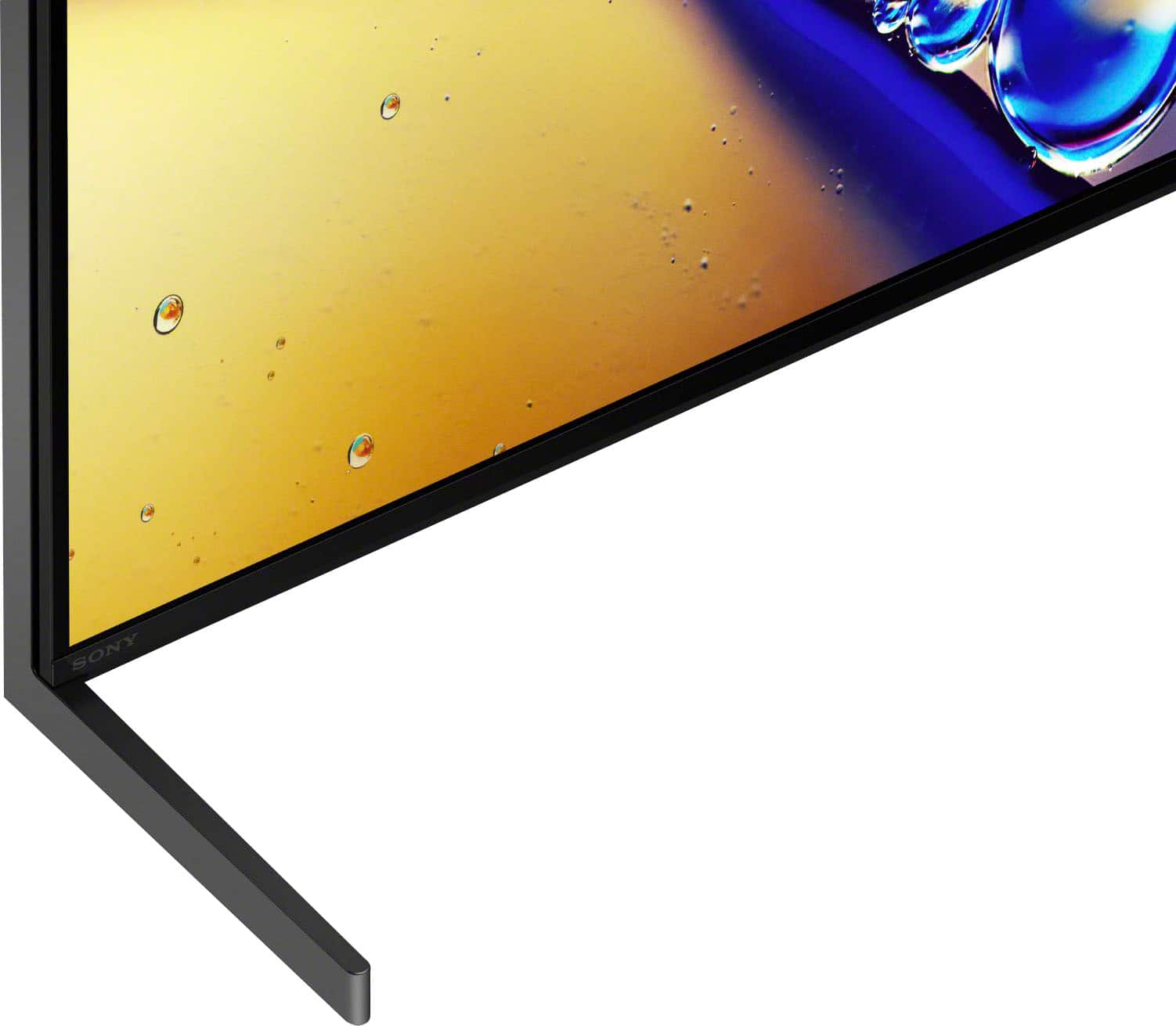
  • QuestionWhat type of stand does this TV come with?

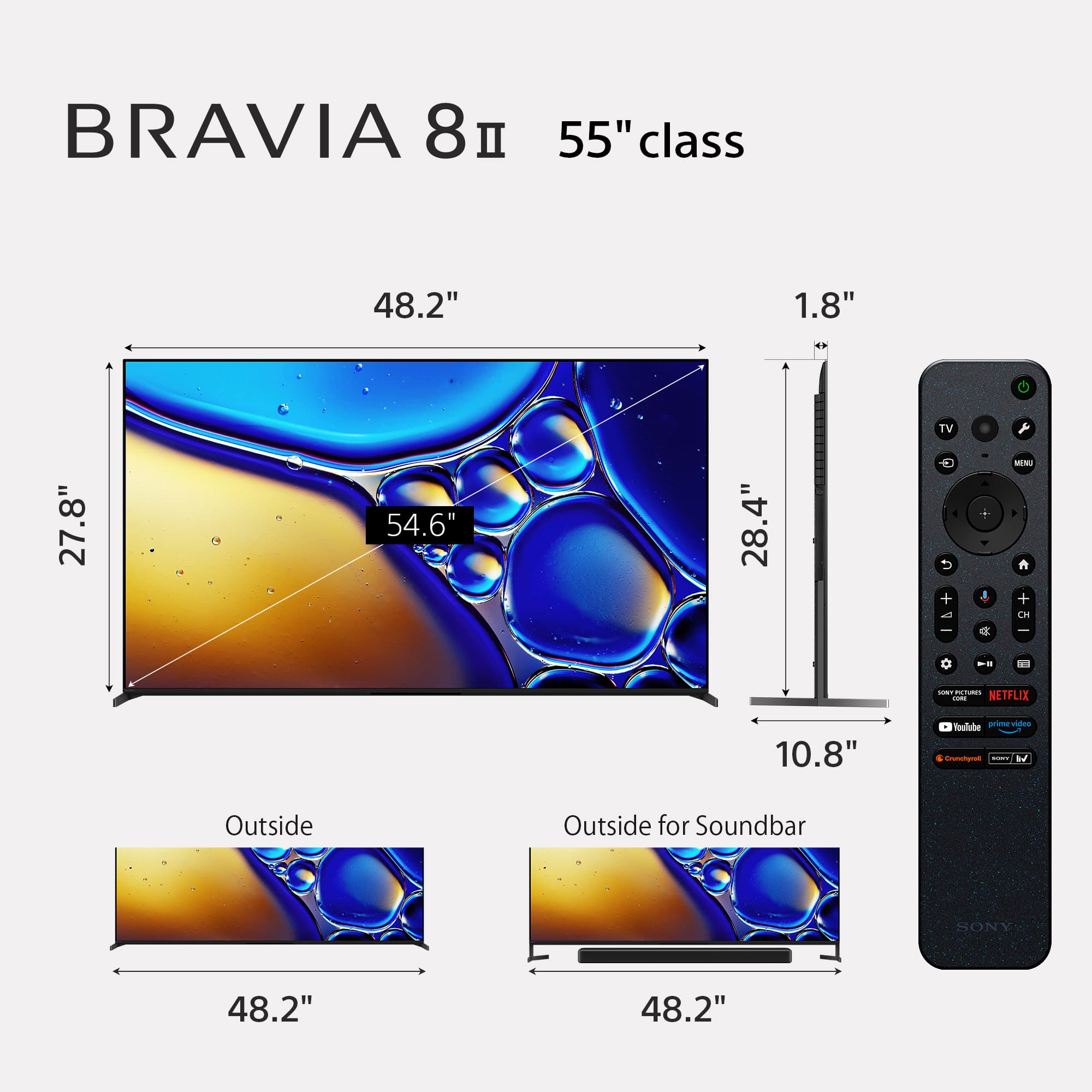
    • Answer It comes with a premium two-way stand that can be positioned low-profile or raised to accommodate a soundbar.
    This question and answer was generated by AI based on customer and product data.
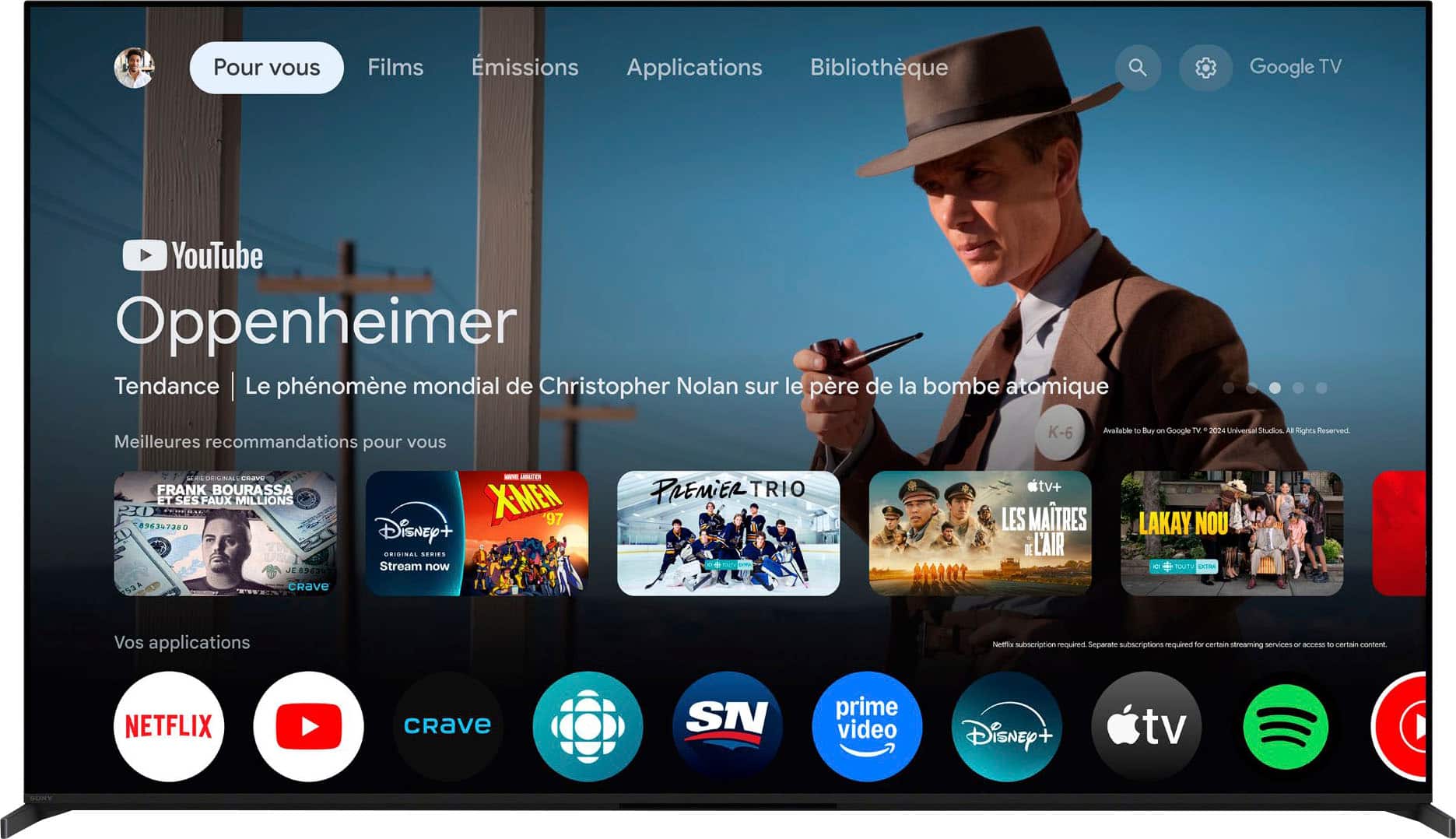
  • QuestionWhat smart platform does this Sony TV use?

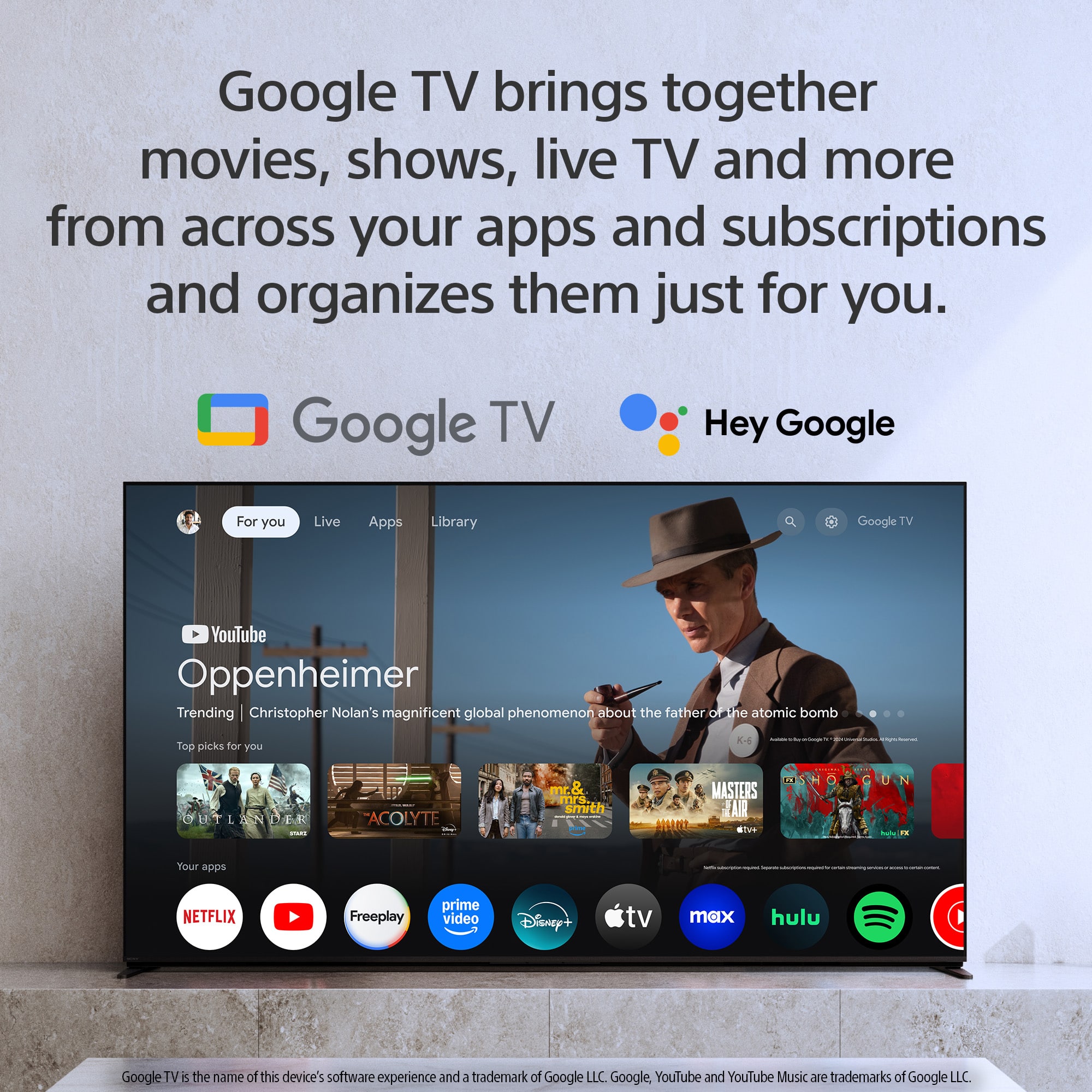
    • Answer This Sony TV uses the Google TV platform.
    This question and answer was generated by AI based on customer and product data.
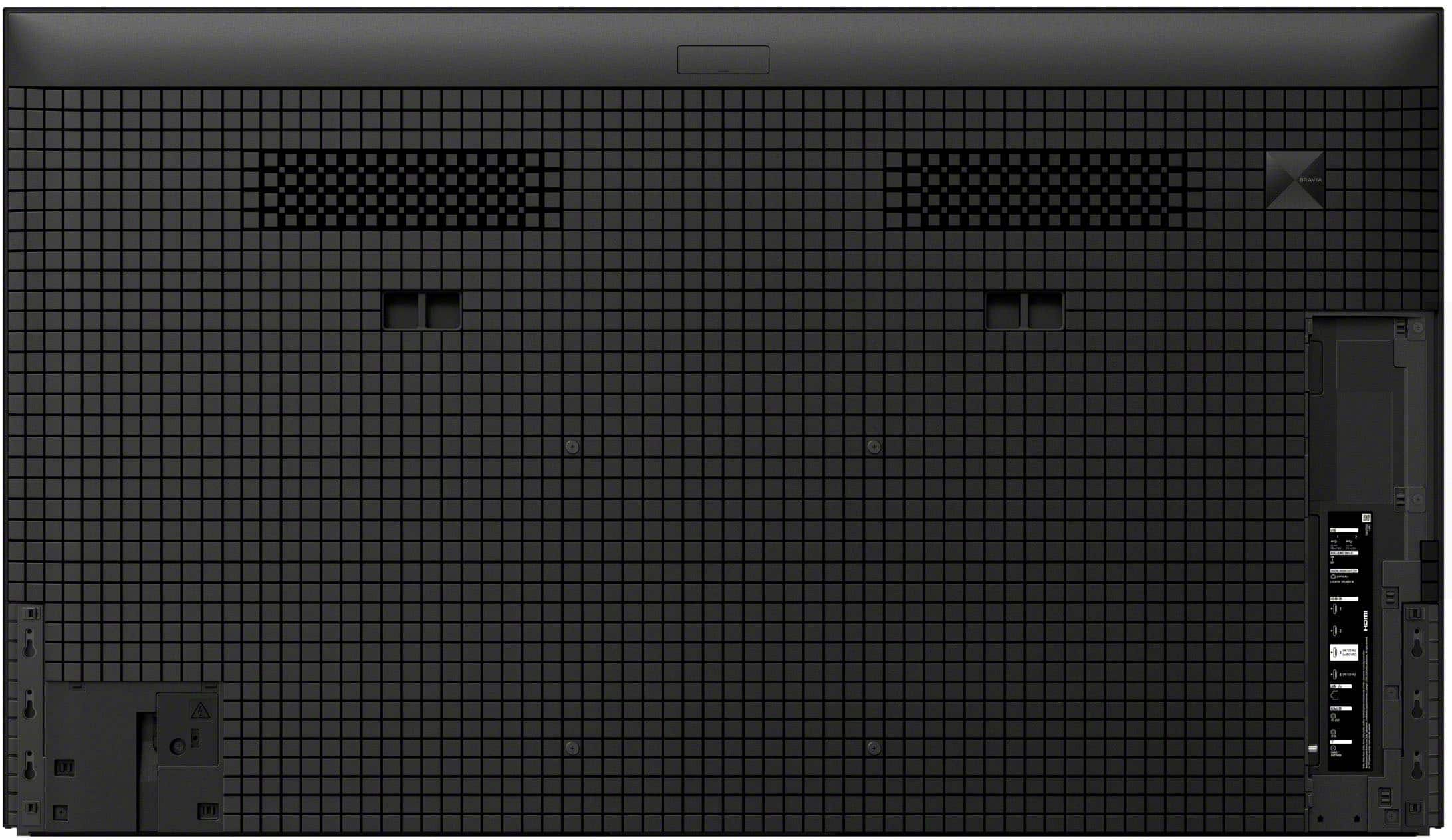
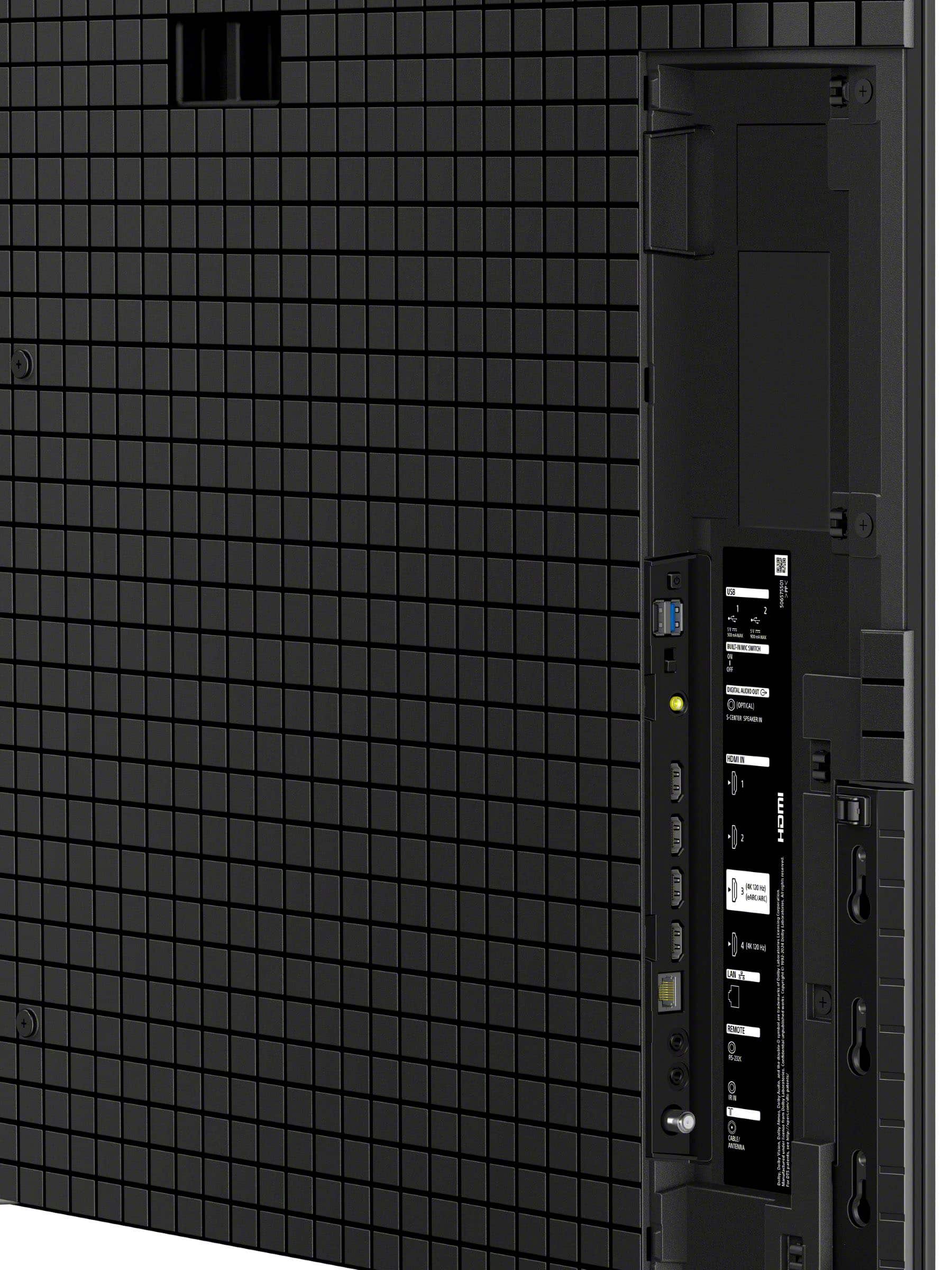
  • QuestionHow many HDMI inputs does this TV have?

    • Answer This TV has 4 HDMI inputs.
    This question and answer was generated by AI based on customer and product data.
  • QuestionDoes this Sony TV support Dolby Vision?

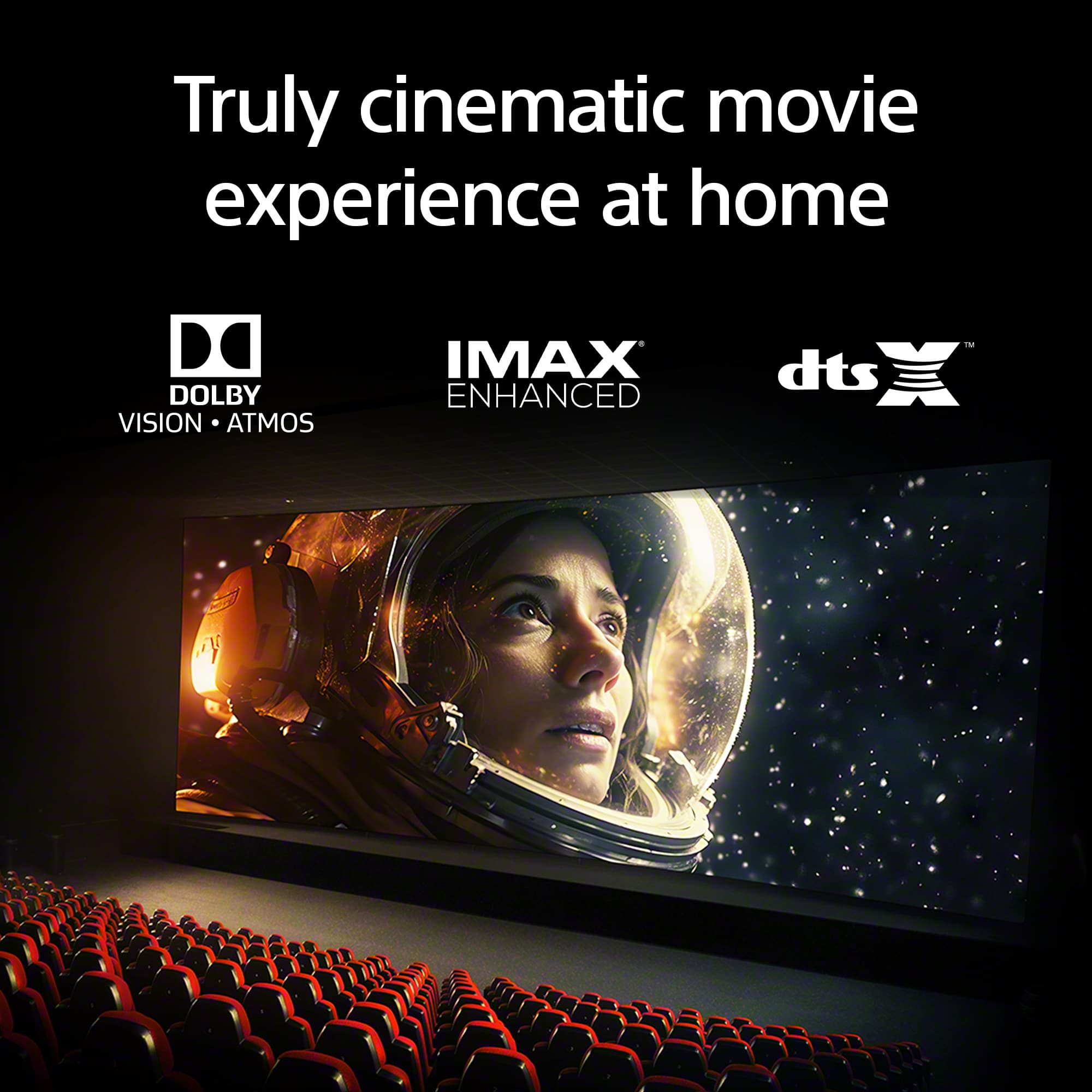
    • Answer Yes, it supports Dolby Vision and Atmos, IMAX Enhanced, and DTS:X for a cinematic experience.
    This question and answer was generated by AI based on customer and product data.
  • QuestionCan I use Apple AirPlay with this TV?

    • Answer Yes, this TV supports Apple AirPlay 2 for easy streaming.
    This question and answer was generated by AI based on customer and product data.
  • QuestionDoes this TV have built-in speakers?

    • Answer Yes, this TV has built-in front-firing speakers.
    This question and answer was generated by AI based on customer and product data.
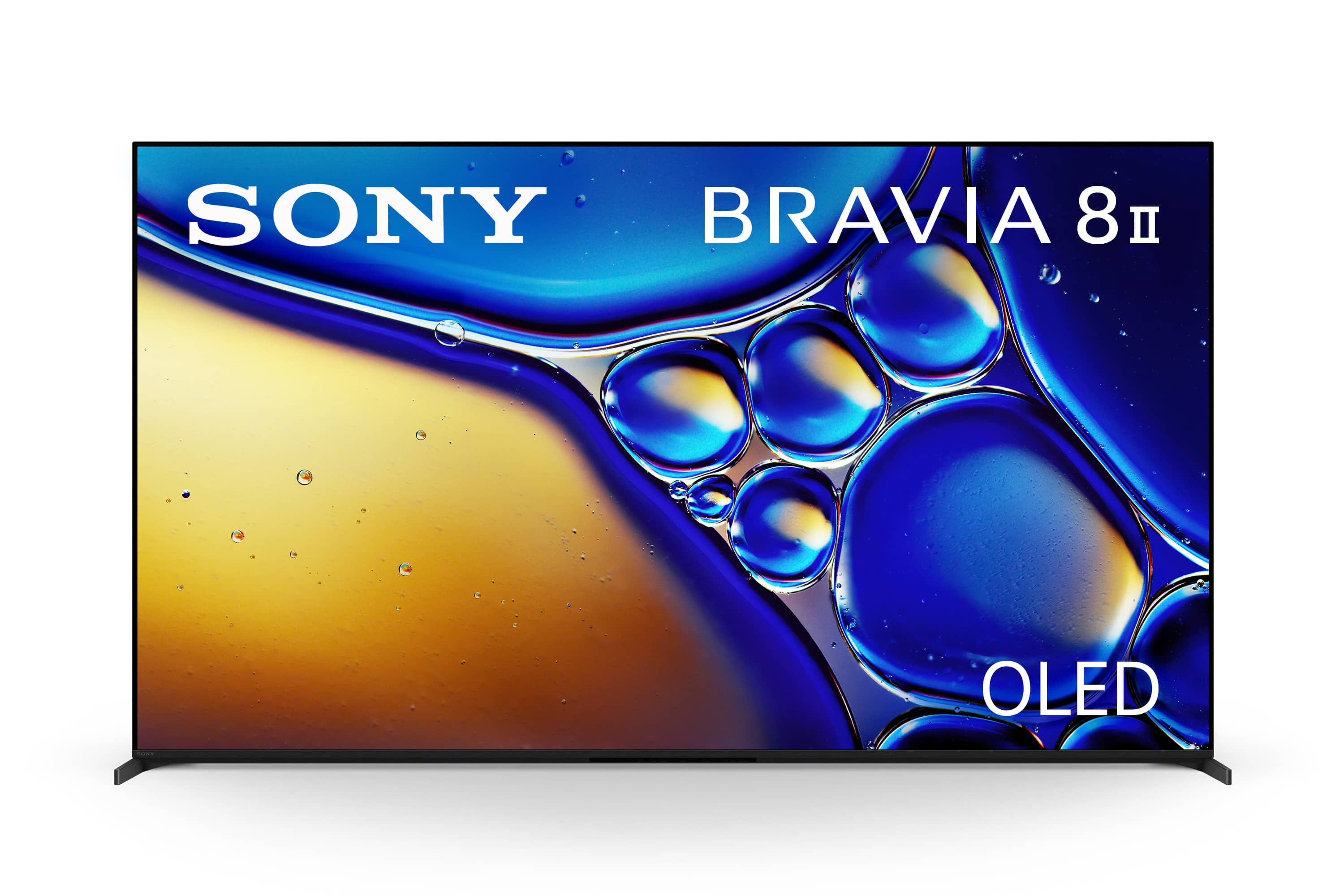
  • QuestionWhat are differences between "55" Class BRAVIA 8 OLED 4K UHD Smart Google TV (2024)" and this one: "55" Class BRAVIA 8 II OLED 4K UHD Smart Google TV (2025)"? Looking into Specification I don't see many. Current price difference is about $800. (50% more).

    Asked by Andrey657.

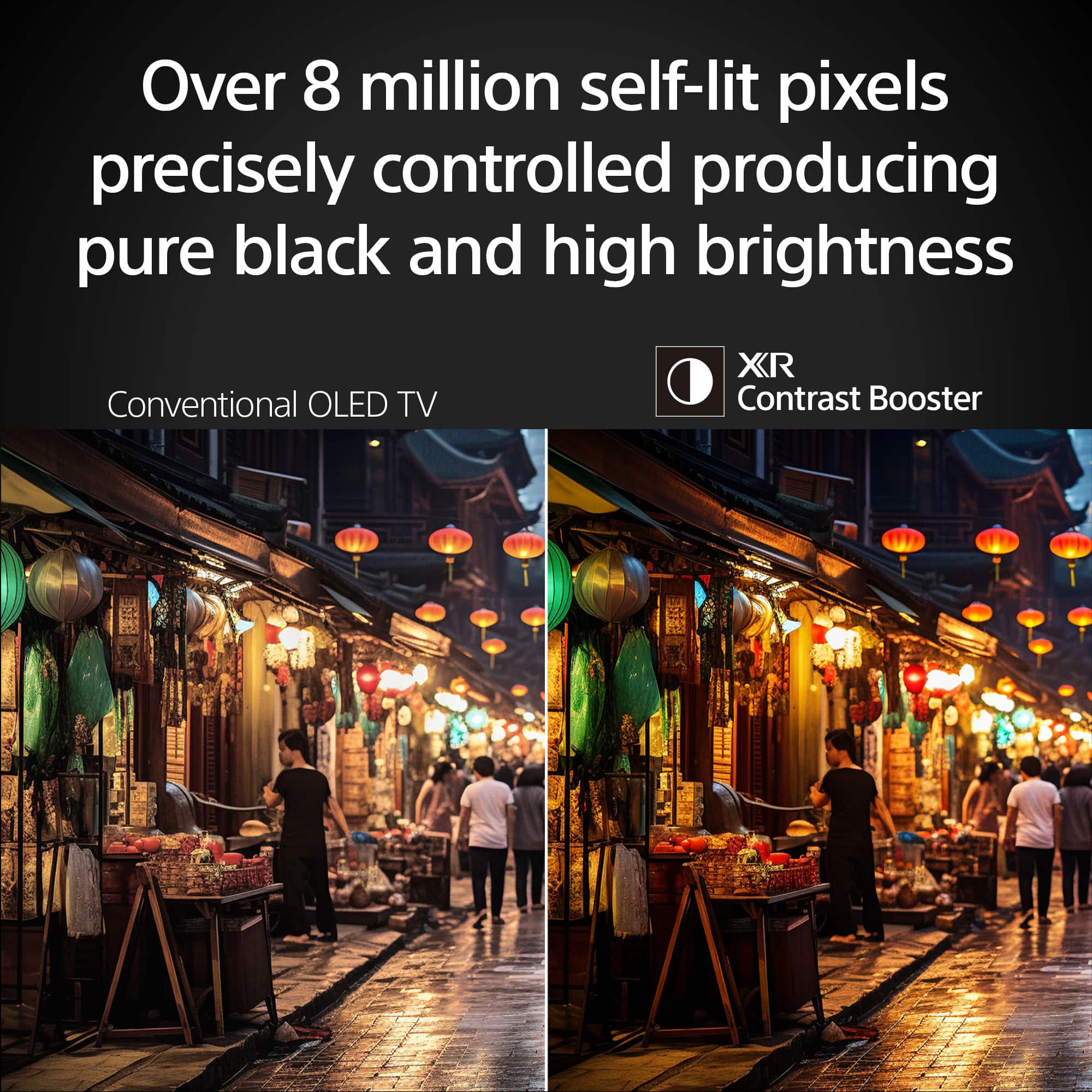
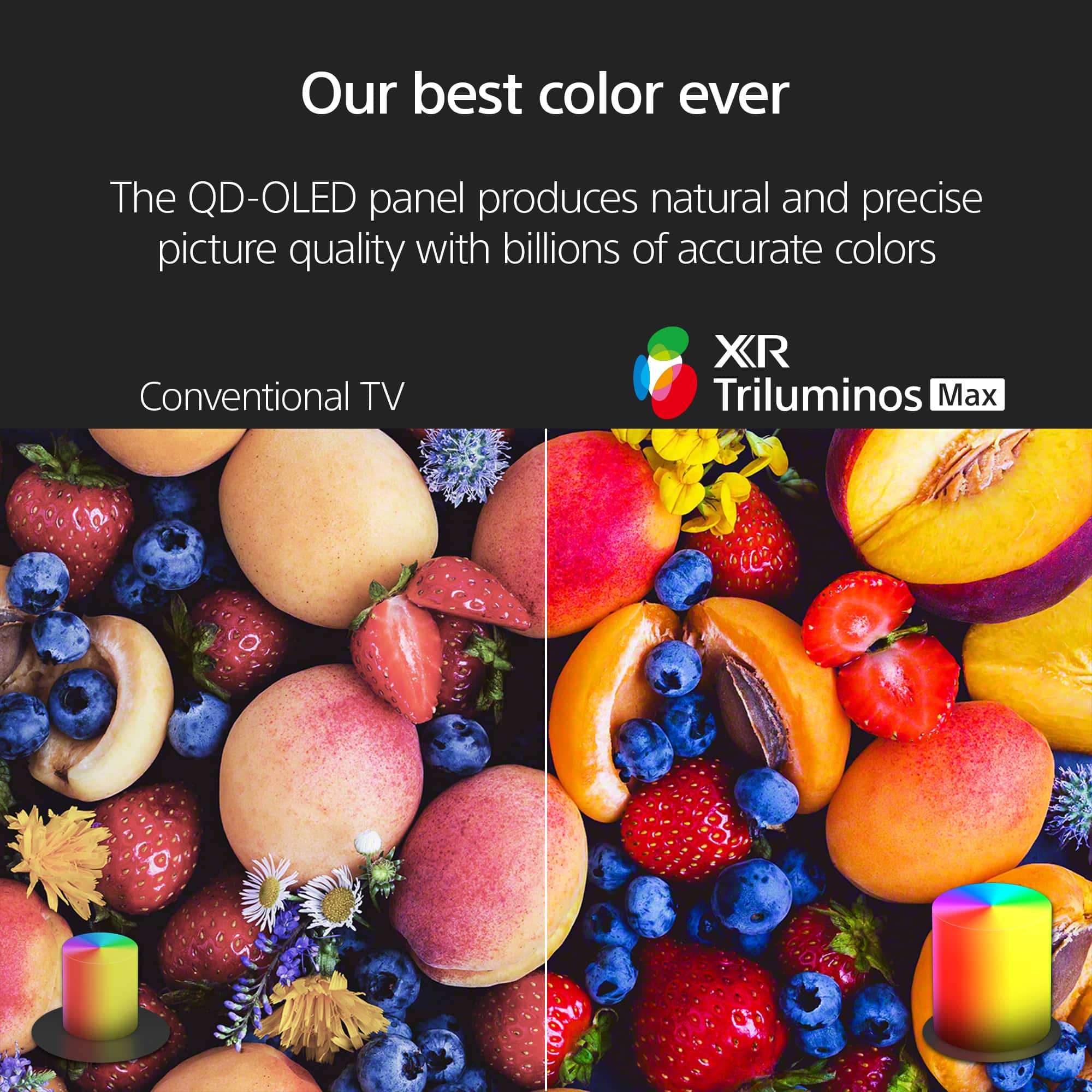
    • Answer Hi Andrey657, Thank you for your question. The key difference between the Sony - BRAVIA 8 (55") and the BRAVIA 8 II (55") lies in the panel technology. The BRAVIA 8 uses a traditional OLED panel, while the BRAVIA 8 II features a QD-OLED (Quantum Dot OLED) panel. QD-OLED combines the perfect blacks of OLED with the added benefit of quantum dots, which deliver higher peak brightness, a wider color range, and more vivid, lifelike images. In addition, the BRAVIA 8 II includes Sony's AI Scene Recognition system powered by the XR processor. This technology analyzes each scene in real time and optimizes brightness, contrast, and color for a more natural and immersive picture. In short, the BRAVIA 8 offers excellent OLED picture quality, while the BRAVIA 8 II takes it a step further with greater brightness, richer colors, and advanced AI processing for an enhanced viewing experience. We hope this answers your question, and thank you for considering Sony products! Regards, Dominick

      Answered by SonyListens

  • QuestionAre all 4 HDMI ports 2.1, or just a certain amount of them?

    Asked by Nvm4.

    • Answer Thank you for contacting Sony, Moe86. That's a great question about the HDMI ports on your K55XR80M2 television. On this model, the HDMI 3 and HDMI 4 ports are the ones that support HDMI 2.1. These ports are designed to provide the best performance for next-gen gaming and high-frame-rate content. We appreciate your interest in Sony products, if you need further assistance, don't hesitate and reach us for support! You can find contact options on the link below: https://us.esupport.sony.com/support/s/support-contact?language=en_US&category=tv Best regards, Gus, Sony North America Customer Support

      Answered by SonyListens

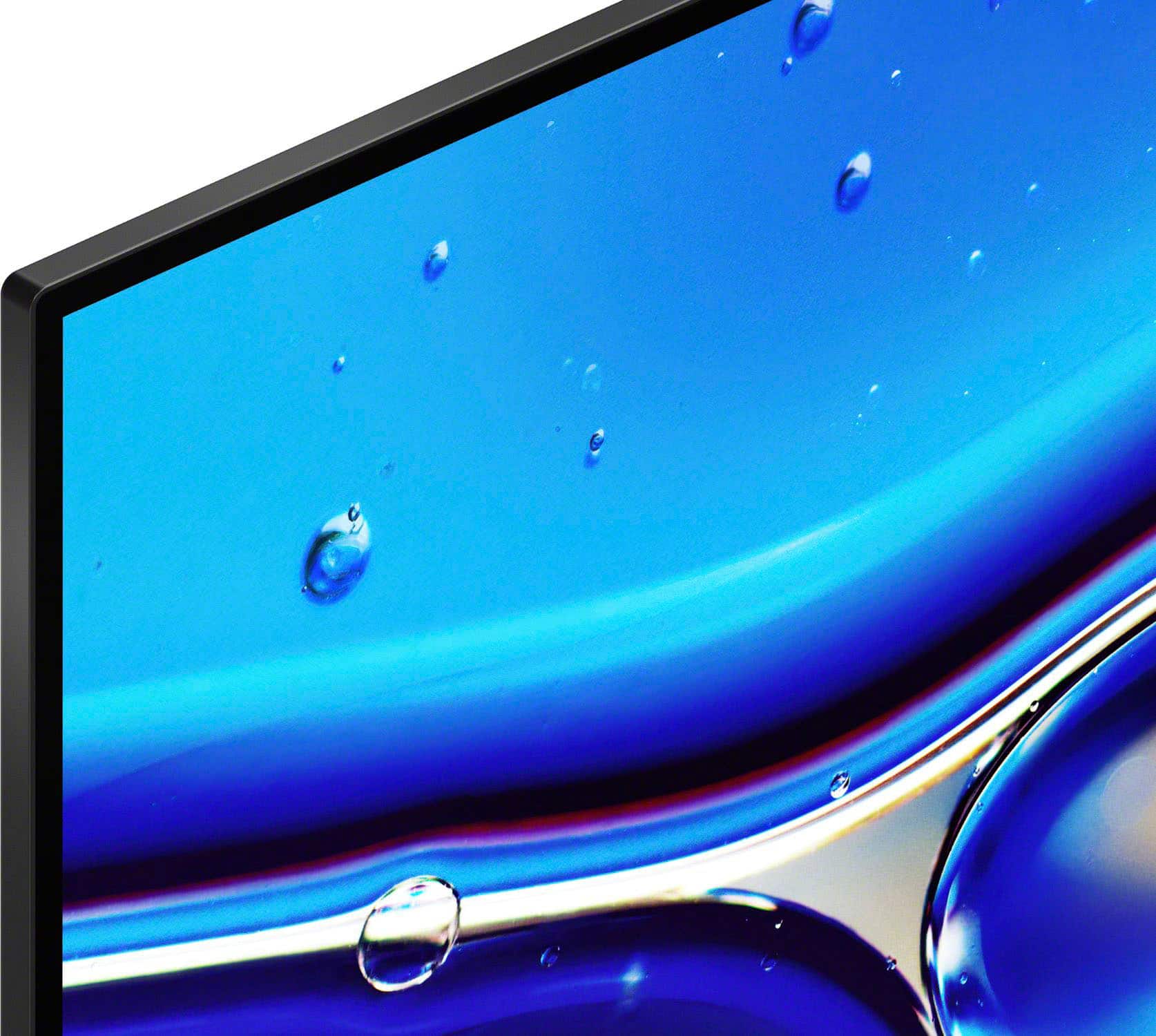
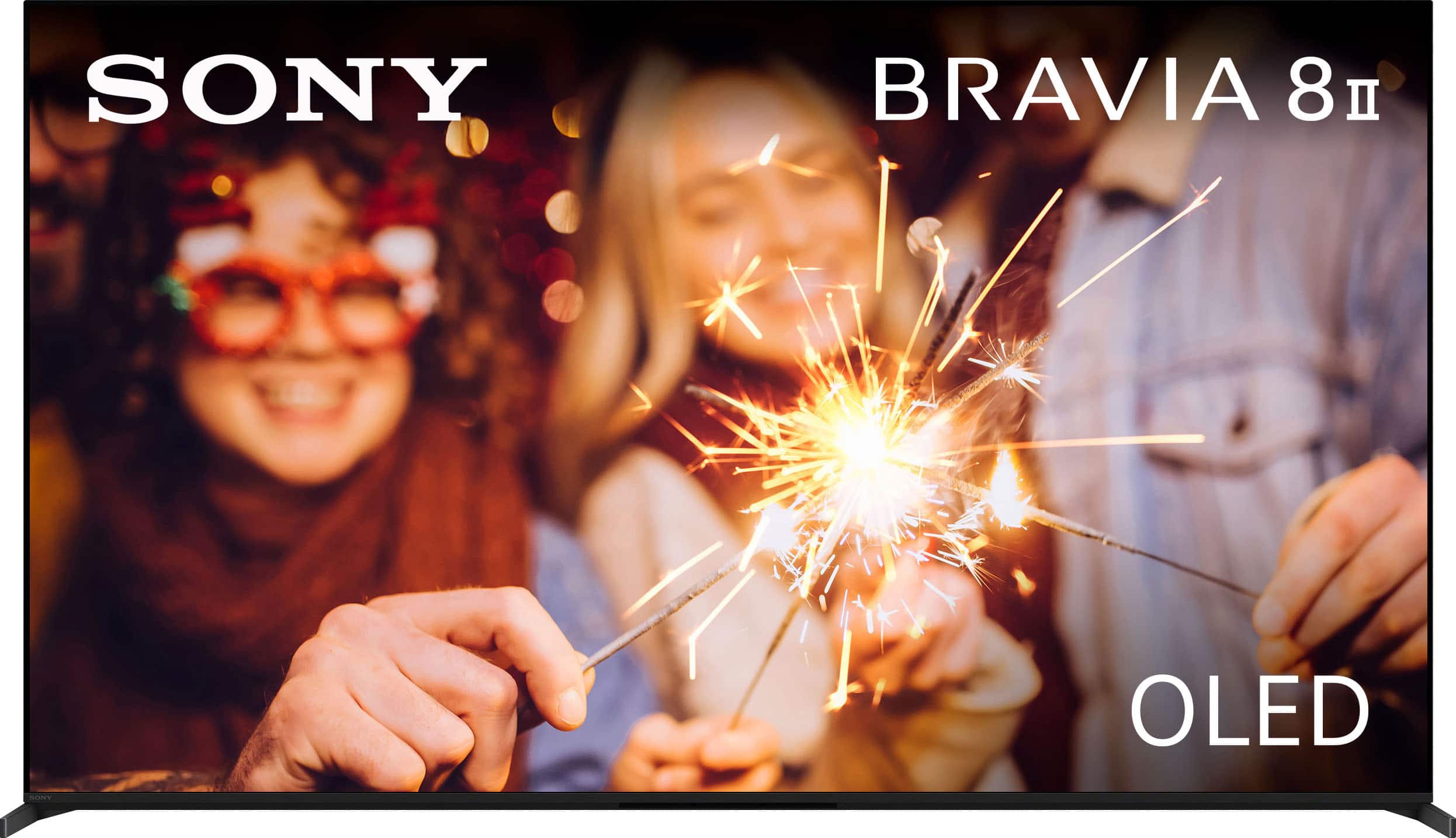
  • QuestionDoes the bravia 8 ii come with an anti reflection coating like semi gloss?

    Asked by AAAjani.

    • Answer Hi AAjani, The BRAVIA 8 II features a glossy screen with an anti-reflective coating designed to reduce glare from indoor light sources. This helps to maintain the picture quality, allowing you to enjoy the deep blacks and vibrant colors of the QD-OLED display even in a brightly lit room. Thanks for choosing Sony. Best regards, Eliab

      Answered by SonyListens

  • QuestionIs this tv good for bright rooms?

    Asked by Mbigatc.

    • Answer Hi Mbigatc, thank you for your question and interest in the Sony - 55" Class BRAVIA 8 II! While this TV and its QD-OLED technology is known for delivering pure blacks and stunning contrast, it also performs impressively well in bright rooms. Thanks to its advanced panel technology and high peak brightness, it maintains excellent picture quality even in well-lit environments. Plus, it offers customizable settings such as brightness and black levels, so you can fine-tune the image to your liking for the best possible viewing experience in any lighting condition. Thank you for considering Sony products! Best regards, -Dominick

      Answered by SonyListens

  • QuestionDoes this 55” Bravia 8 include the new speaker built into the screen technology that the Sony Bravia 9 has ?

    Asked by Anonymous.

    • Answer Hi there, Thank you for reaching out! Yes, the 55” Sony BRAVIA 8 II does feature this incredible technology. It utilizes Acoustic Surface Audio+™, which uses actuators behind the panel to vibrate the screen itself, turning the entire display into a speaker. Just like in a movie theater, this allows sound to come from exactly where the action is happening on screen, meaning you'll hear dialogue come straight from the actors' mouths. We really appreciate your interest in Sony products! Regards, Dominick

      Answered by SonyListens

  • QuestionIs this model sony the best for clear, understandable speech or is there a better model?

    Asked by Anonymous.

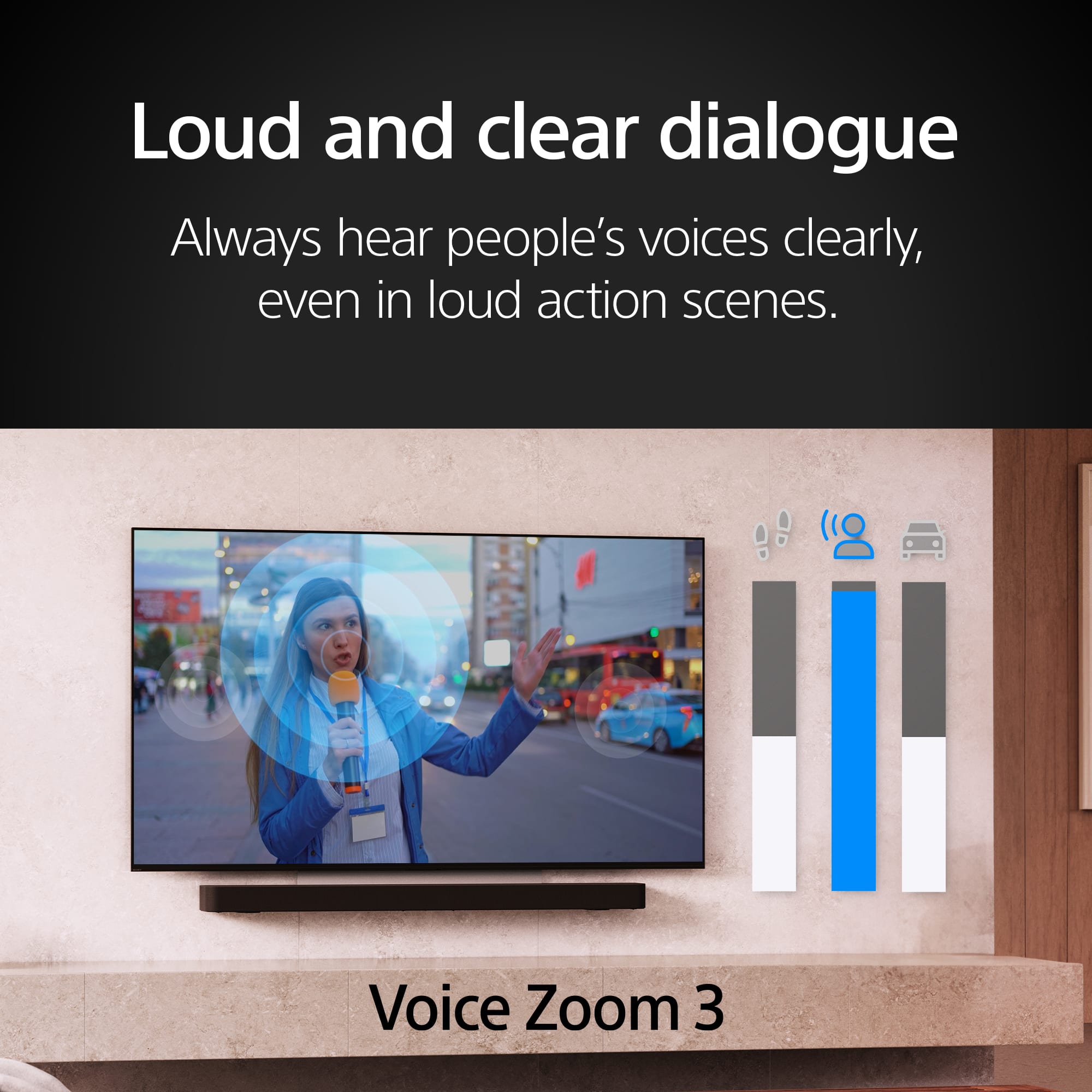
    • Answer Thank you for contacting Sony. The BRAVIA 8 II is an excellent choice for dialogue. It features our new Voice Zoom 3™, which uses AI to specifically enhance human speech. Combined with Acoustic Surface Audio+™, where the sound comes directly from the screen, it delivers some of our clearest and most understandable dialogue. We appreciate your interest in Sony products. Should you require any further assistance, please don't hesitate to reach out for support here: https://us.esupport.sony.com/support/s/support-contact?language=en_US&category=tv Best regards, Gus, Sony North America Customer Support

      Answered by SonyListens

  • Questiondoes it upscale 480p to 1080p?? Other brands fail.

    Asked by Charlie.

    • Answer Hi charlie33, Yes, the BRAVIA 8 II OLED uses the powerful XR Processor and its advanced XR 4K Upscaling to effectively convert lower resolutions, like 480p, up to the screen's native 4K resolution. This process is designed to deliver a high-quality, clean image. Thanks for choosing Sony. Best regards, Eliab

      Answered by SonyListens

  • QuestionCan this TV be set up as a non smart TV and used without an internet connection?

    Asked by Mike.

    • Answer Hi Mike, Thank you for reaching out with your question. We can certainly help you with that! The K-55XR80M2 can absolutely be set up and operated without an internet connection if you want to use it as a "non-smart" TV for basic functions like watching content via HDMI, antenna or other physical input sources. Thanks for considering Sony products! Best regards, Estefany

      Answered by SonyListens

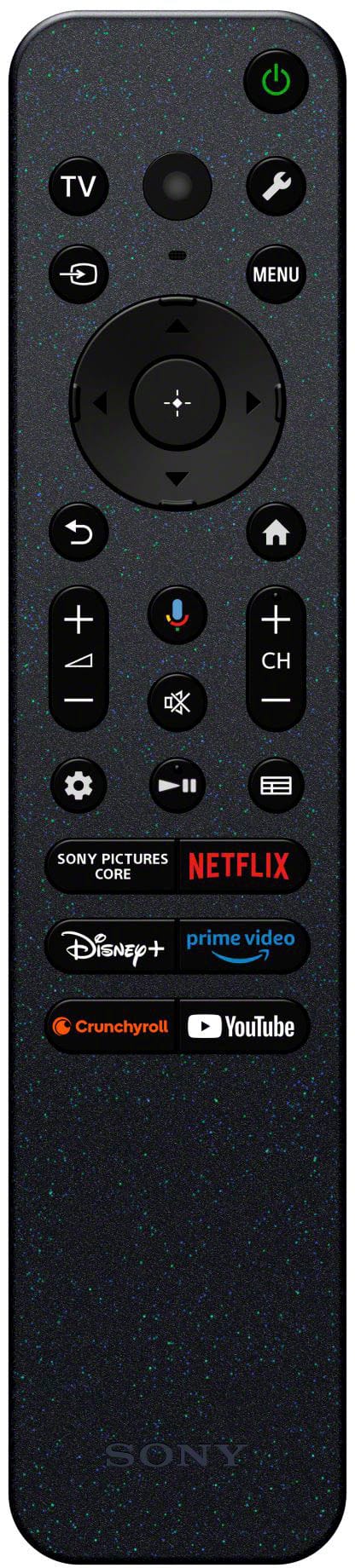
  • QuestionCan I program the Sony remote for a YouTube TV App button?

    Asked by YoutubeTV.

    • Answer Hi YoutubeTV, It's not possible to program a specific physical button on the remote to launch the YouTube TV app. The pre-assigned app buttons on the remote for your Sony BRAVIA 8 II are fixed and cannot be changed. However, there are a couple of other ways you can quickly access YouTube TV: Google Assistant: Press the Google Assistant button on your remote and simply say, "Open YouTube TV." Home Screen: You can rearrange the apps on your TV's home screen to place the YouTube TV app in a more prominent position for easy access. Thanks for considering Sony products. Best regards, Eliab

      Answered by SonyListens

  • QuestionIs there a floor stand available

    Asked by Jct.

    • Answer Thank you for contacting Sony, Jct. Sony doesn't make an official floor stand for the BRAVIA 8II, but the TV does come with a versatile two-way table-top stand right in the box. If you prefer a freestanding setup, any third-party universal VESA floor stand will work great as long as it fits a 300mm x 300mm hole pattern and handles about 40 pounds. We appreciate your interest in Sony products. Should you require any further assistance, please don't hesitate to reach out for support here: https://us.esupport.sony.com/support/s/support-contact?language=en_US&category=tv Best regards, Gus, Sony North America Customer Support

      Answered by SonyListens

  • QuestionDoe-this Sony Bravia 8 ll pair well with Apple HomePods

    Asked by Jct.

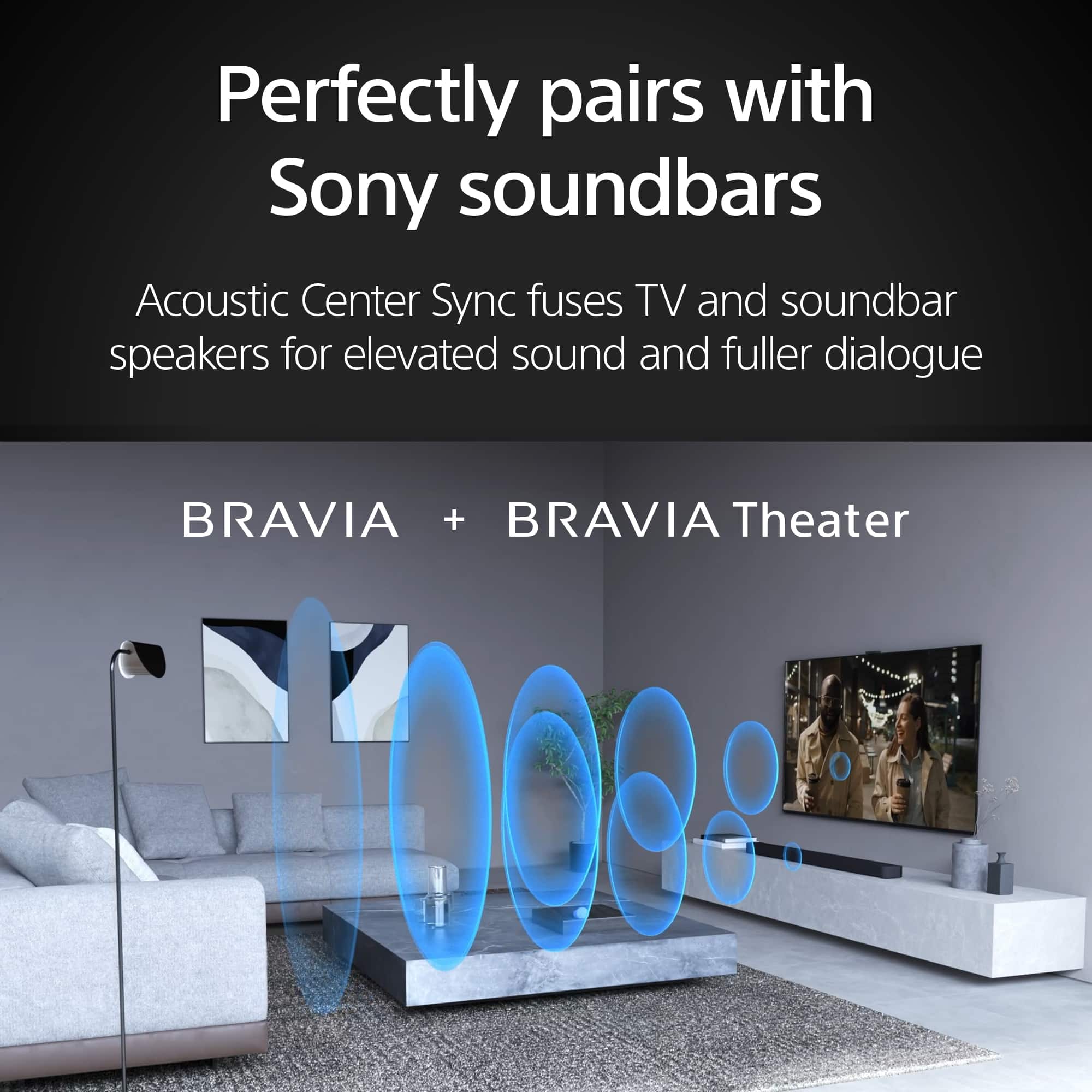
    • Answer Hi Jct, Yes, the Sony BRAVIA 8 II OLED TV pairs very well with Apple HomePods, though you will need an Apple TV 4K connected to the TV's HDMI eARC port to route all television audio to the speakers. We have also built Apple AirPlay 2 and HomeKit directly into the TV so you can easily stream content and control the display right from your Apple devices. Thanks for choosing Sony. Best regards, Eliab

      Answered by SonyListens

  • QuestionWill the Bravia 8 I be able to to use a wall mount bracket 100 or 200 or 400 lam can’t find 300

    Asked by Anonymous.

    • Answer Thank you for contacting Sony. No, the 55" BRAVIA 8 II uses a 300 x 300mm VESA pattern. We appreciate your interest in Sony products. Should you require any further assistance, please don't hesitate to reach out for support here: https://us.esupport.sony.com/support/s/support-contact?language=en_US&category=tv Best regards, Gus, Sony North America Customer Support

      Answered by SonyListens

  • QuestionI have a new Sony Bravia 8 ll 55” and am very unhappy. The tv is set to VIVID because all the other settings are way, way too dim. THe problem is the picture keeps dimming and then returning to the very crisp colors and brightness. This is not OK!

    Asked by Mellie.

    • Answer Hi Mellie, We are sorry your new BRAVIA 8 II is dimming unexpectedly. This fluctuation is usually caused by active light sensors or power-saving modes reacting to on-screen content. To fix this, turn off the Light Sensor and Eco settings in your system menu, and adjust your picture mode away from Vivid for a more consistent display. Please visit Sony Support: https://us.esupport.sony.com/support/s/support-contact?language=en_US for further help. Thanks for choosing Sony. Best regards, Eliab

      Answered by SonyListens