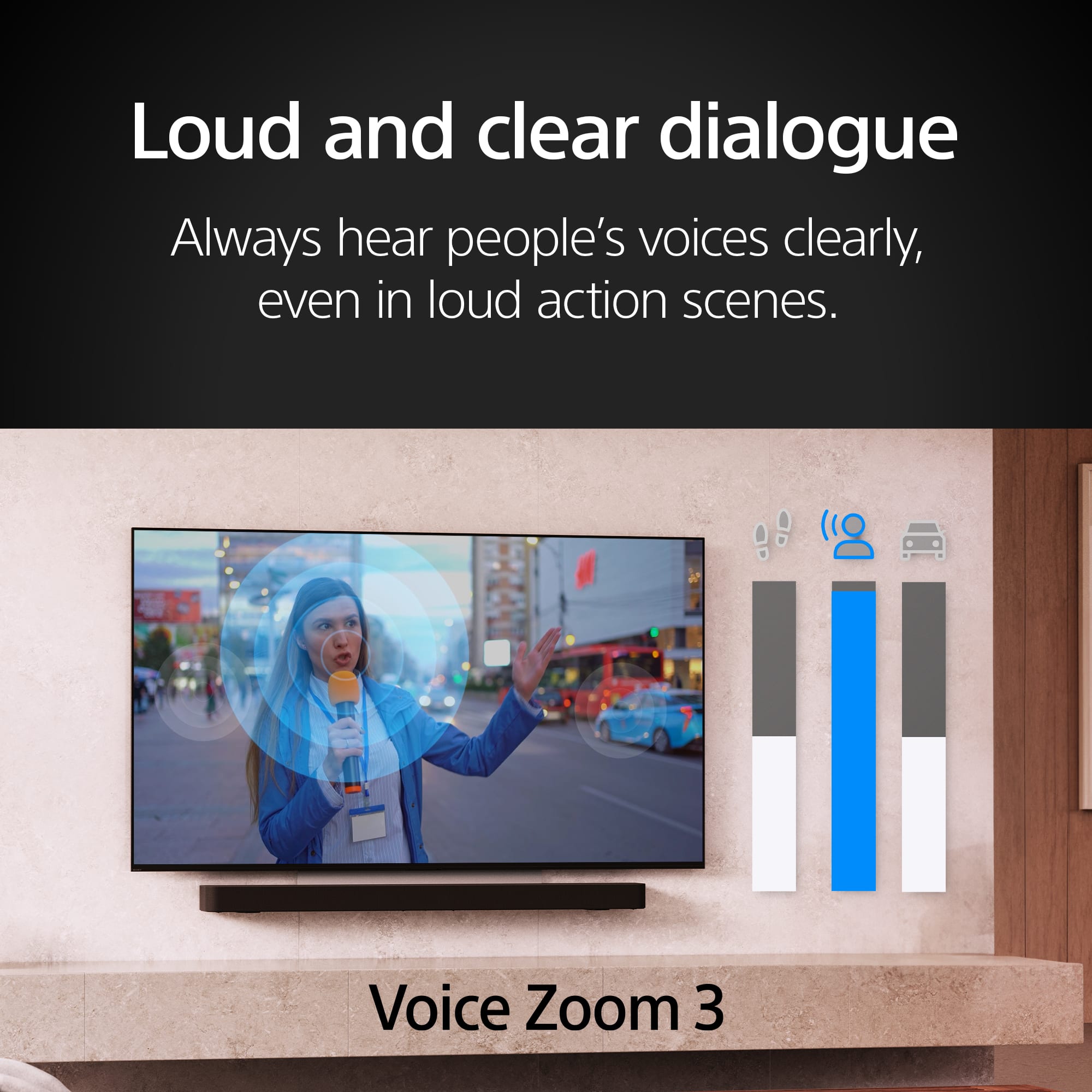
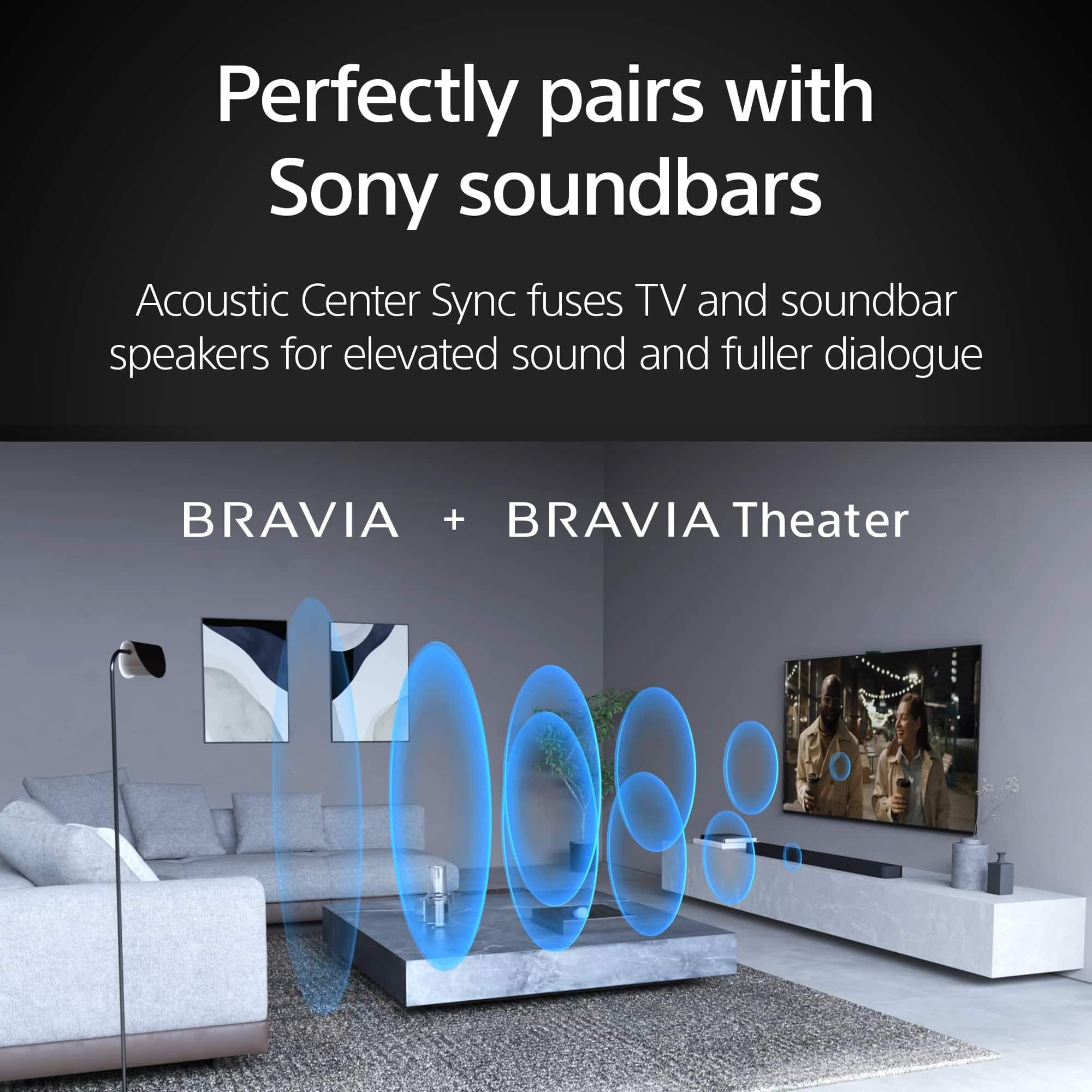
A:AnswerHi Serge, Thank you for your interest with Sony BRAVIA 8 TV! Regarding your question, BRAVIA 8 has a speaker configuration: Actuator x2, Tweeter x2, Subwoofer x1. Unfortunately, we are unable to disclose specific information about the speaker wattage. For more detailed specifications and comparisons, you may refer to third-party websites that specialize in electronics reviews and specifications. Thank you for your understanding.
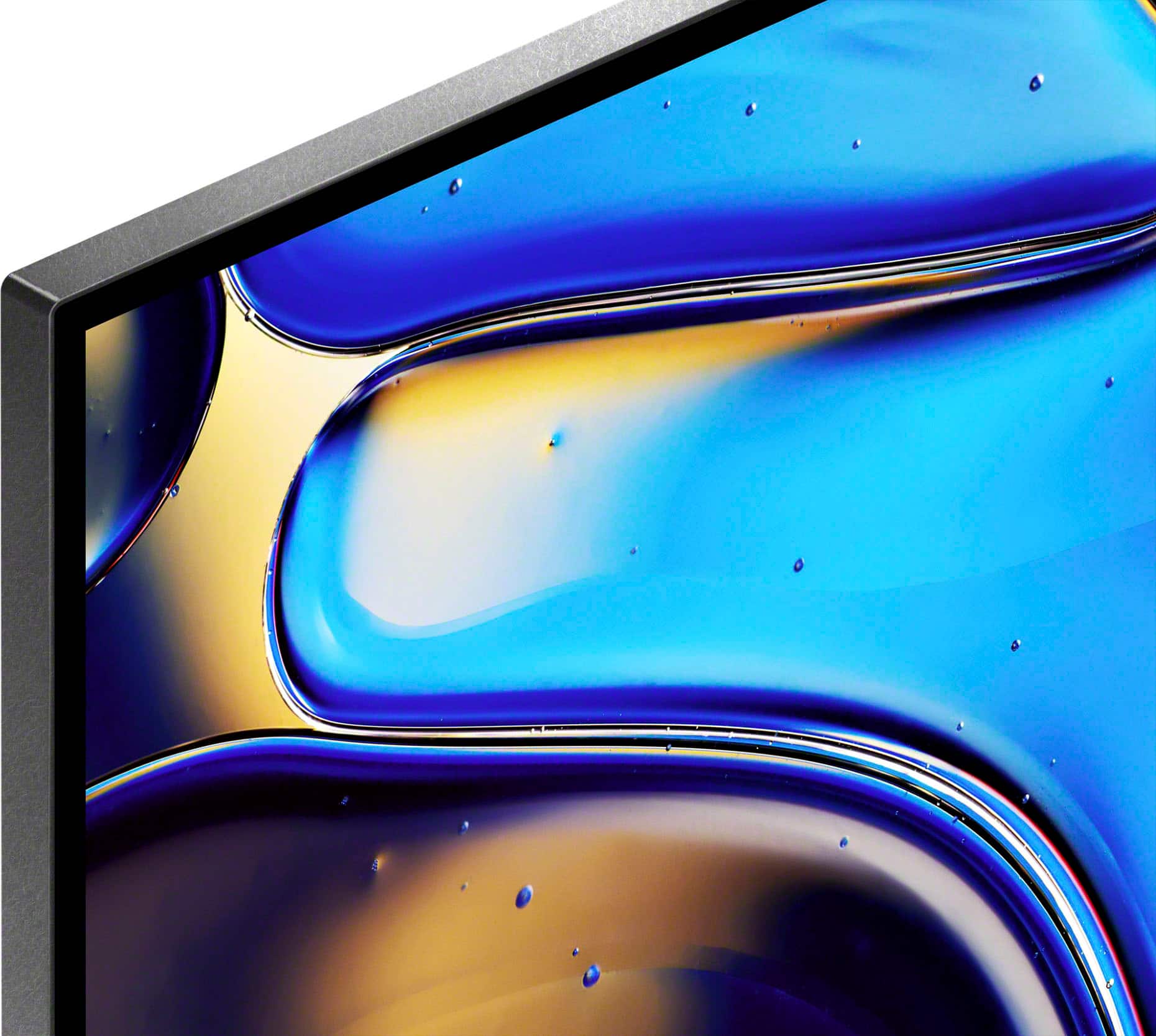
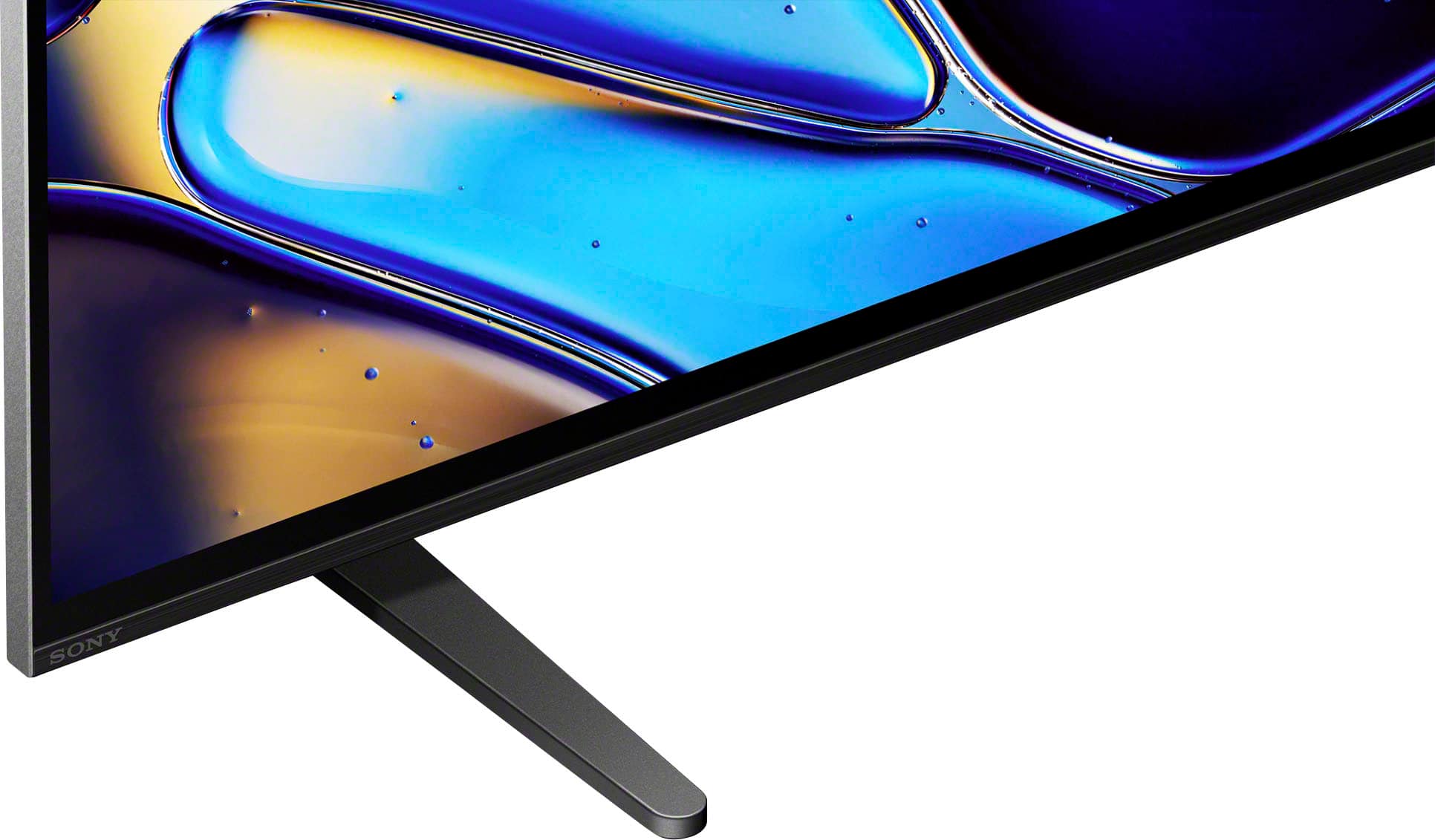
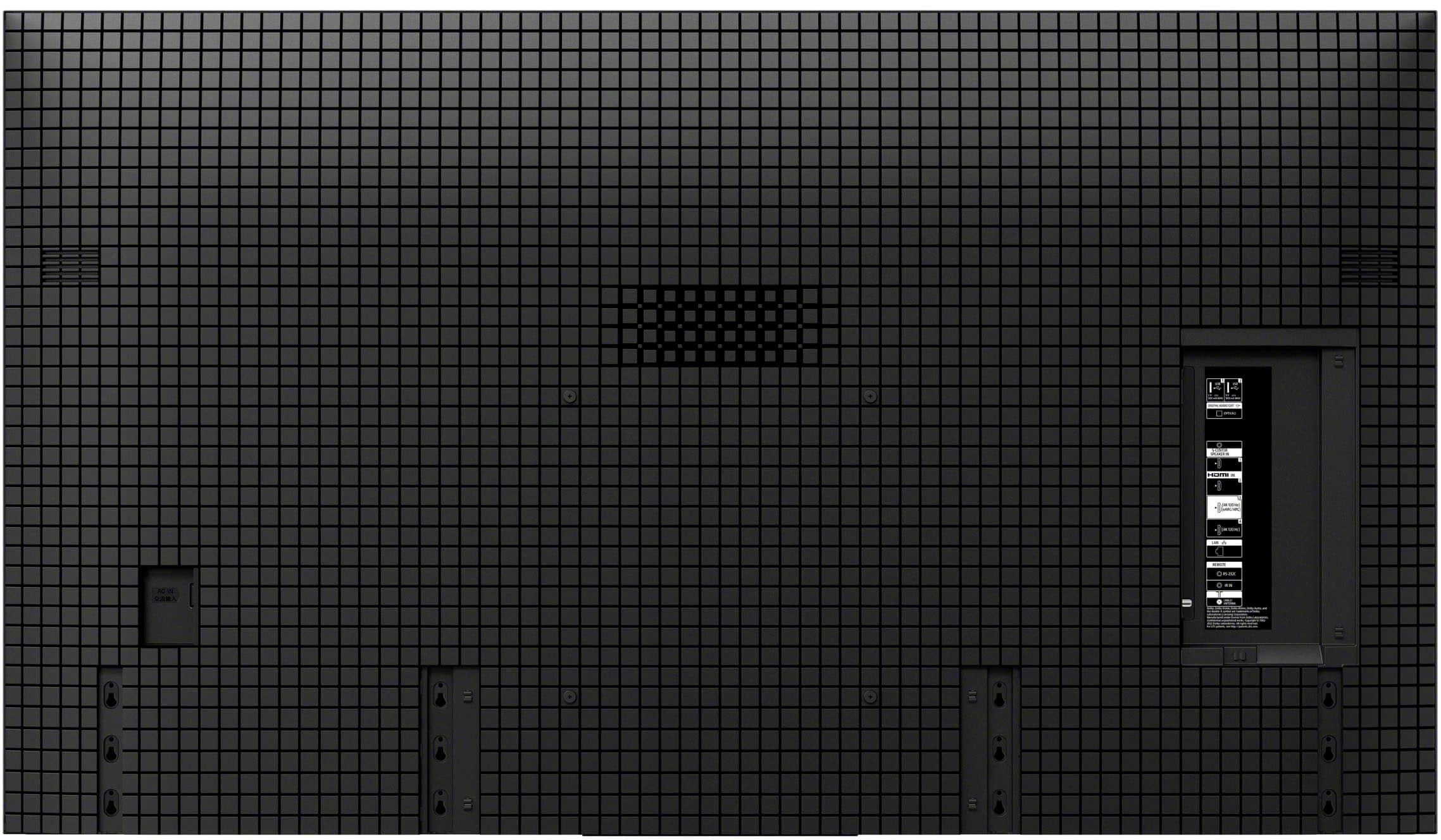
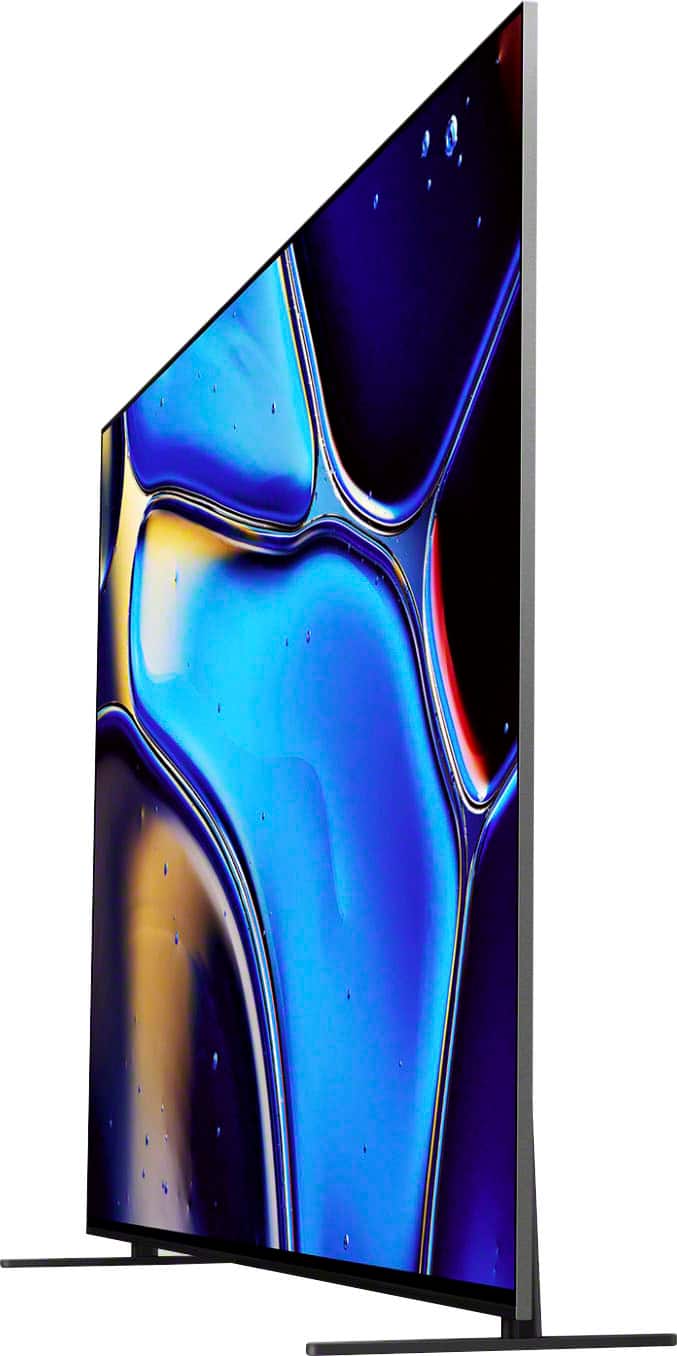
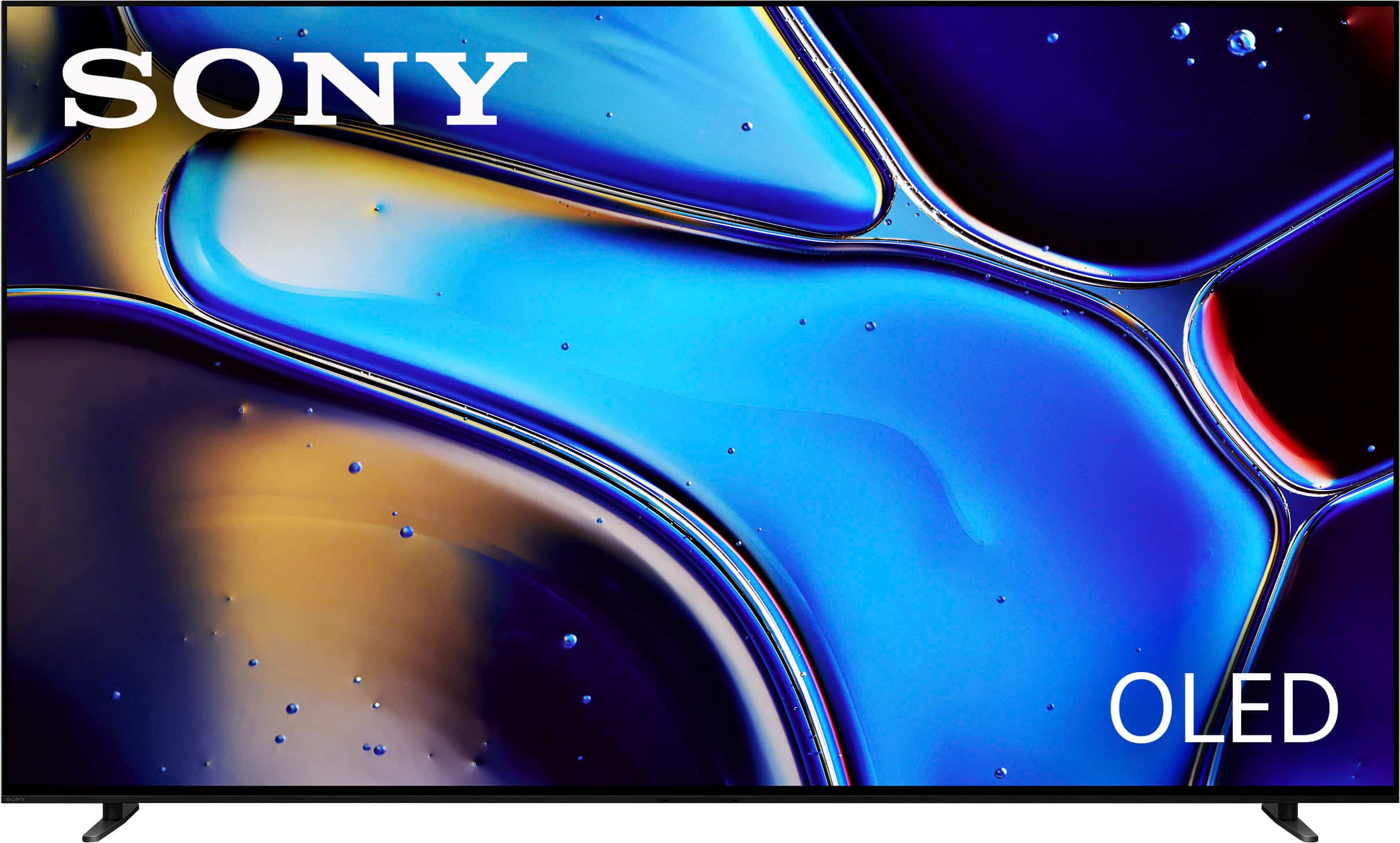
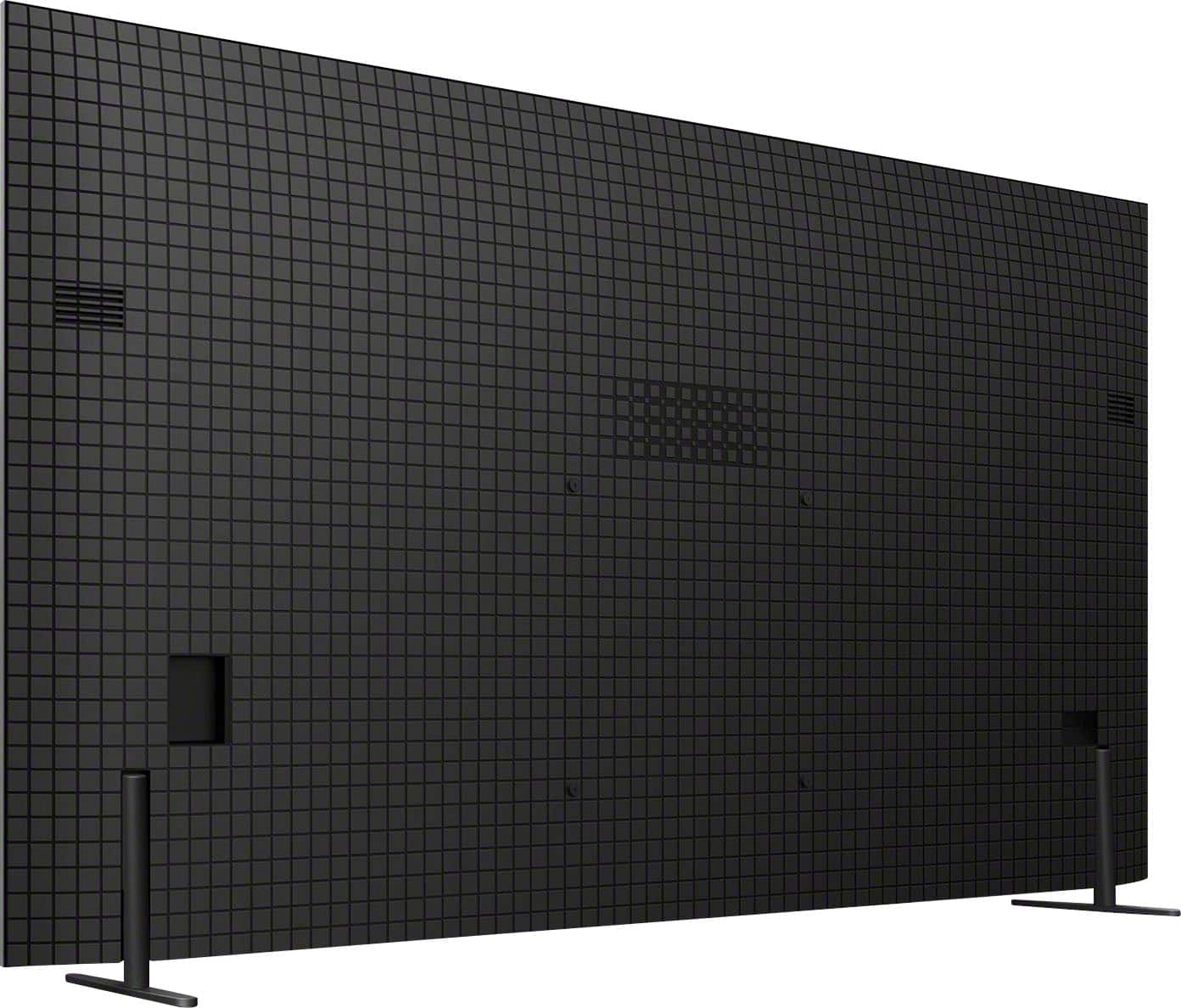
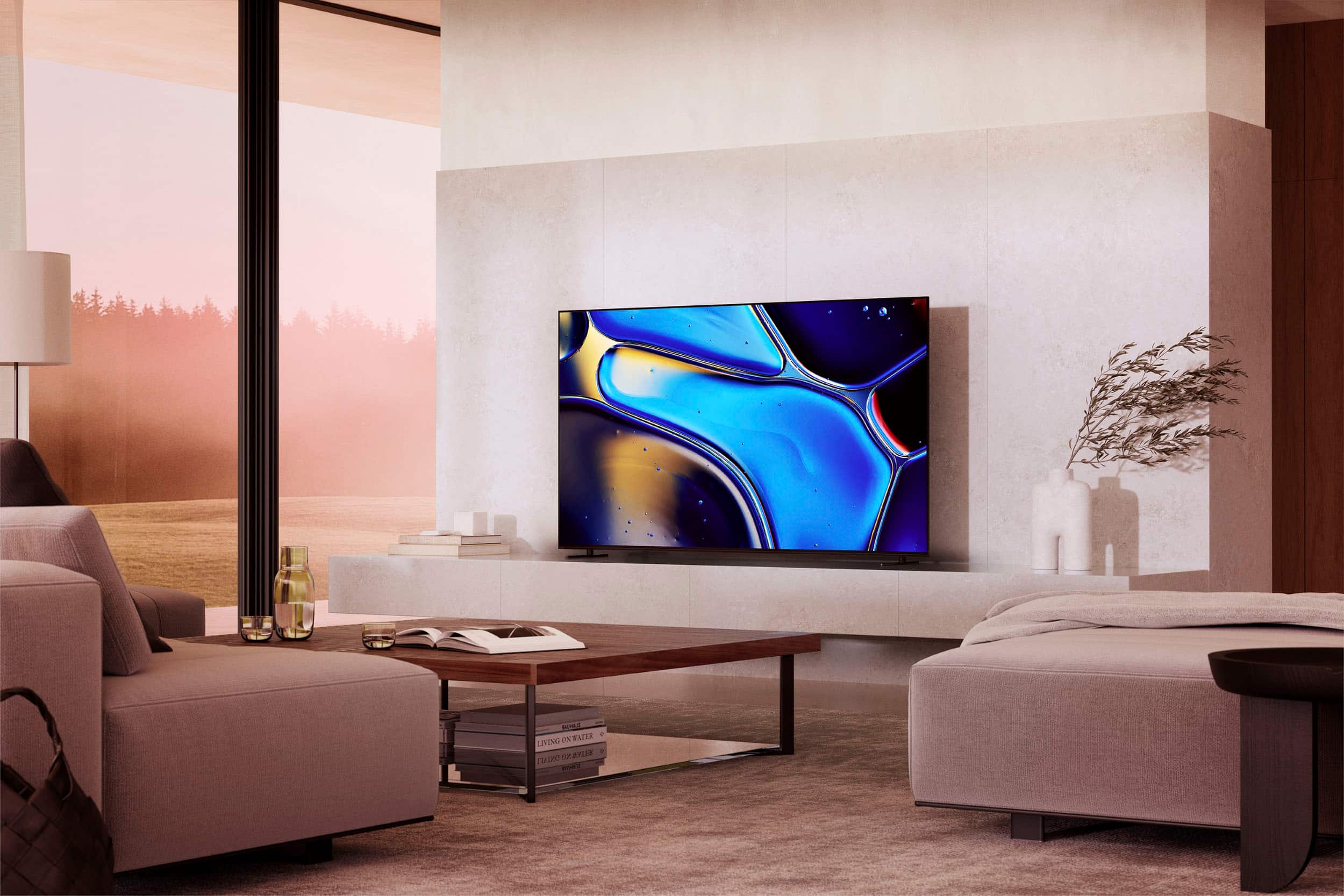
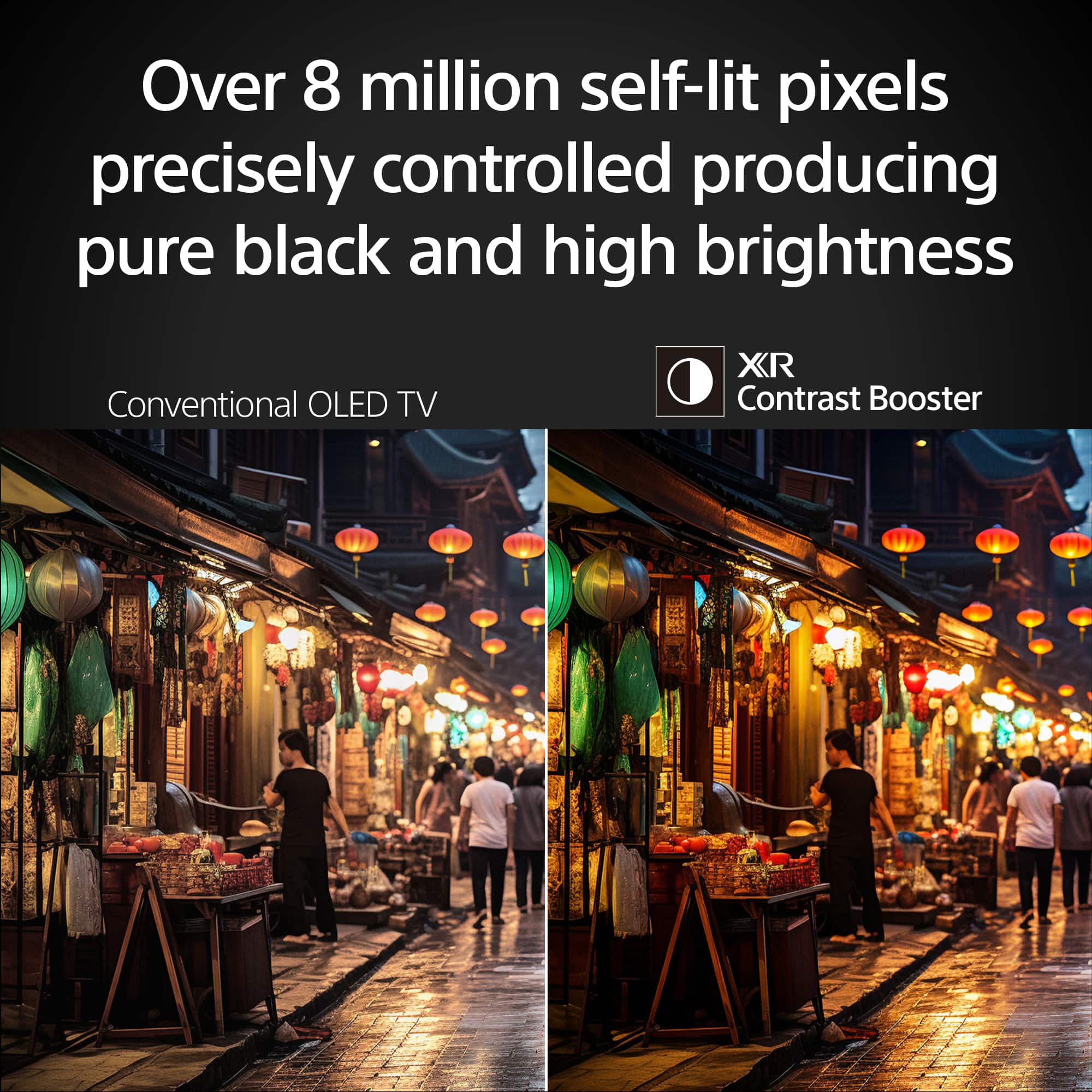
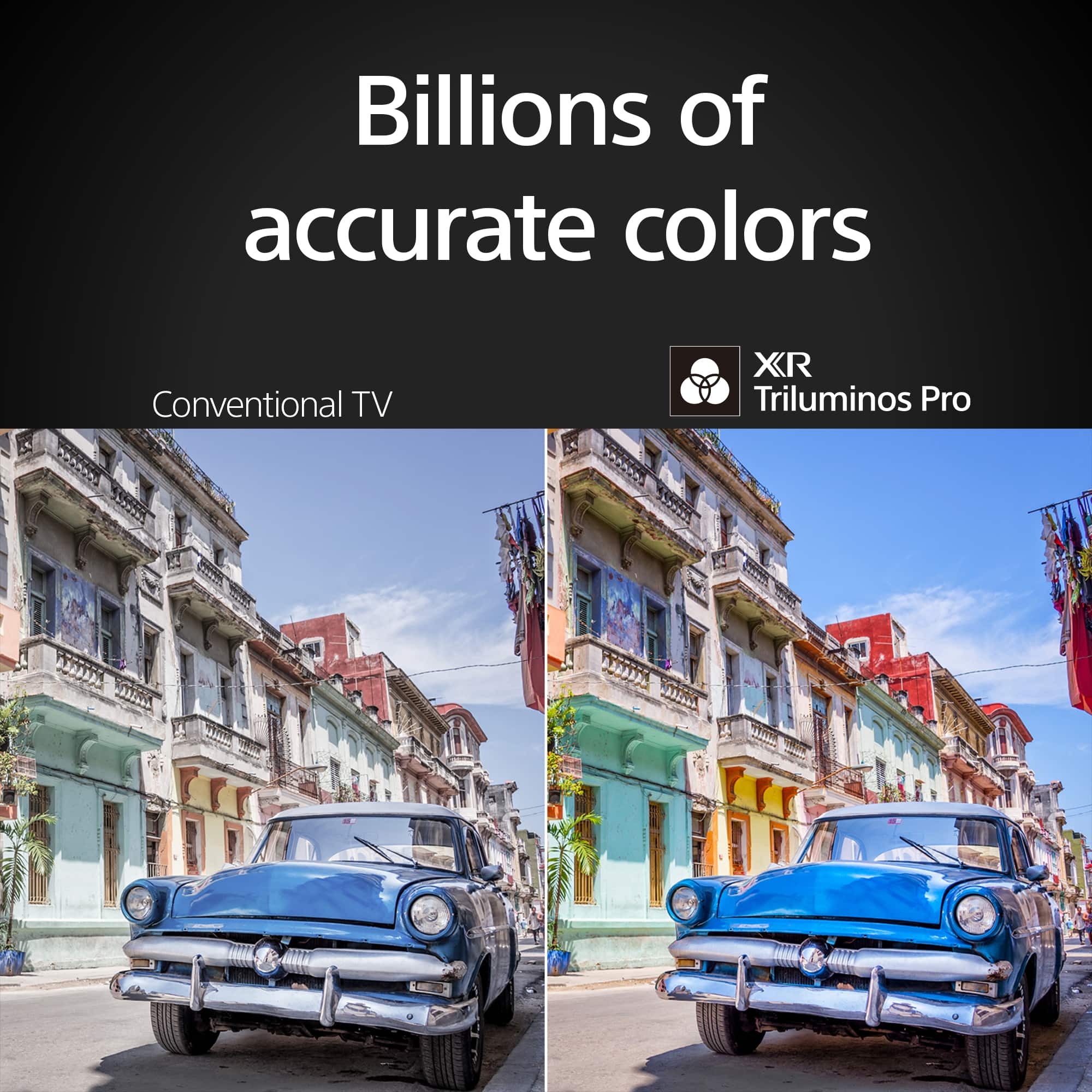
With a sleek design, cinematic audio, and stunning visuals, the Sony BRAVIA 8 K65XR80 65" 4K HDR Smart OLED TV makes the perfect centerpiece for your main TV viewing area. An incredibly accurate picture is created by millions of self-lit pixels, precisely controlled to produce pure black, with high brightness, and billions of shades of color. Regards, Sam
A:AnswerHi there!
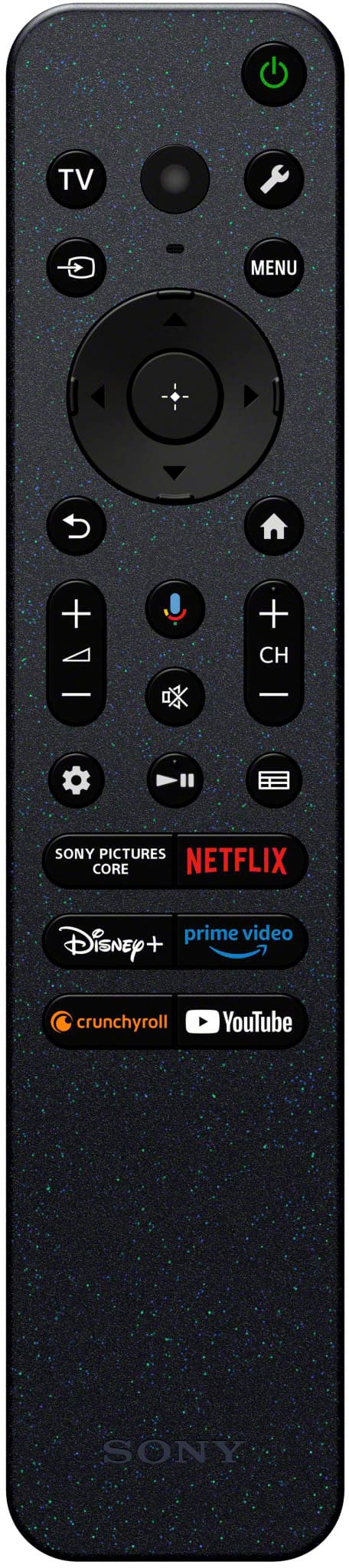
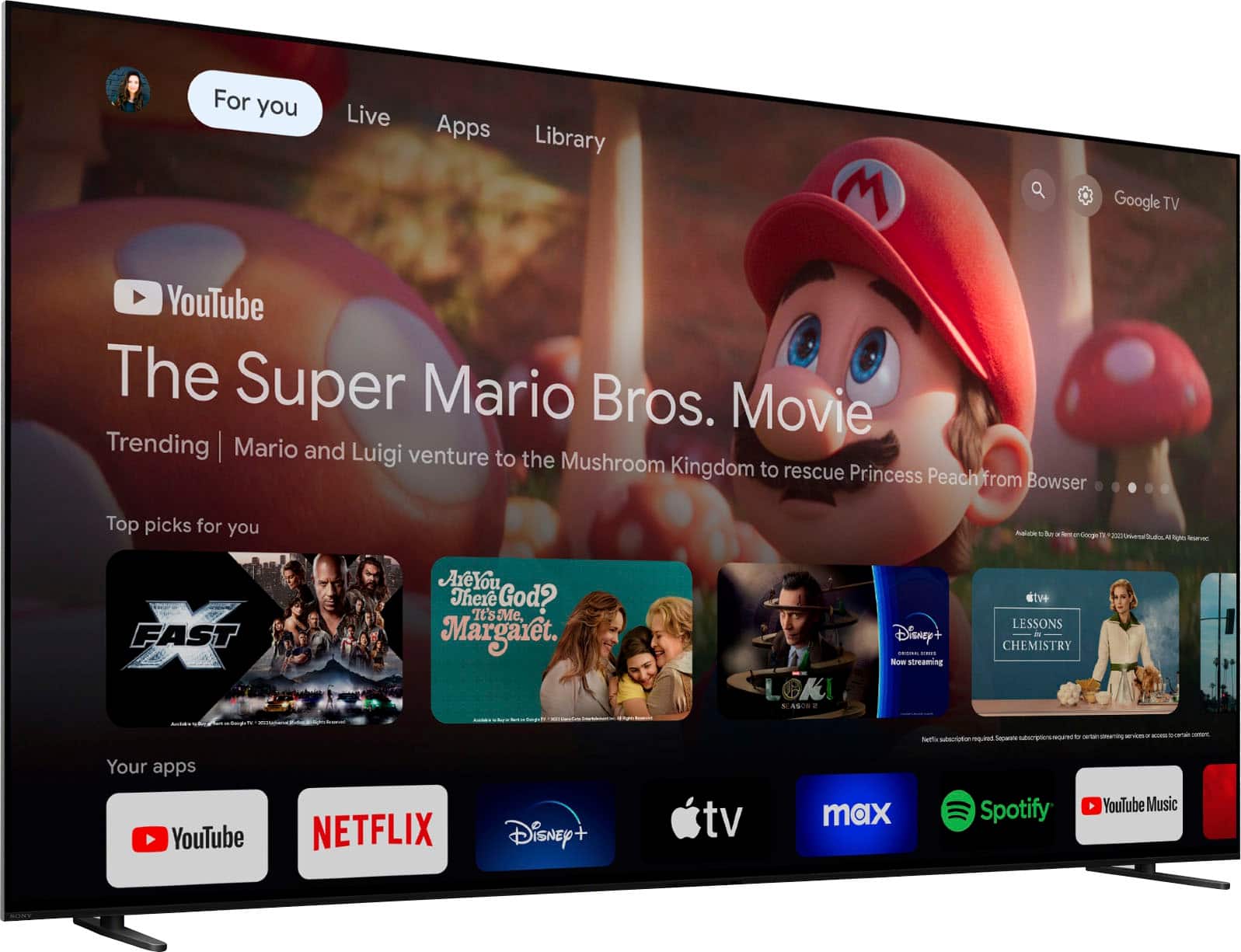
Thanks for your question! To install apps on your BRAVIA TV, navigate to the Google Play Store. You can usually find it on your TV's home screen or on Apps. Once in the Play Store, use the search function to look for the desired app. After finding it, you should see a prompt to install the app.
You can find more information on how to do it on the following link as well: https://www.sony.com/electronics/support/articles/00279172?utm_source=glean
It is possible that the app might not be available, which depend on the developer, the app or the region. In that case, you can use a firestick or streaming device to get the app!
We hope this information comes in handy!
Thanks for choosing Sony.
Best regards,
DiegoV