A:AnswerHello there,
Thank you for considering Sony products!
We appreciate your inquiry about the warranty on the K75XR70 TV and are happy to assist you. The K75XR70 comes with a standard 365-day limited warranty. For more detailed information about warranty coverage and terms, you can visit this link: https://www.sony.com/electronics/support/res/manuals/BL79/60bde36090366474708b1240edfb57f7/BL791001M.pdf
Best regards,
-Fred
A:AnswerThank you for contacting Sony.
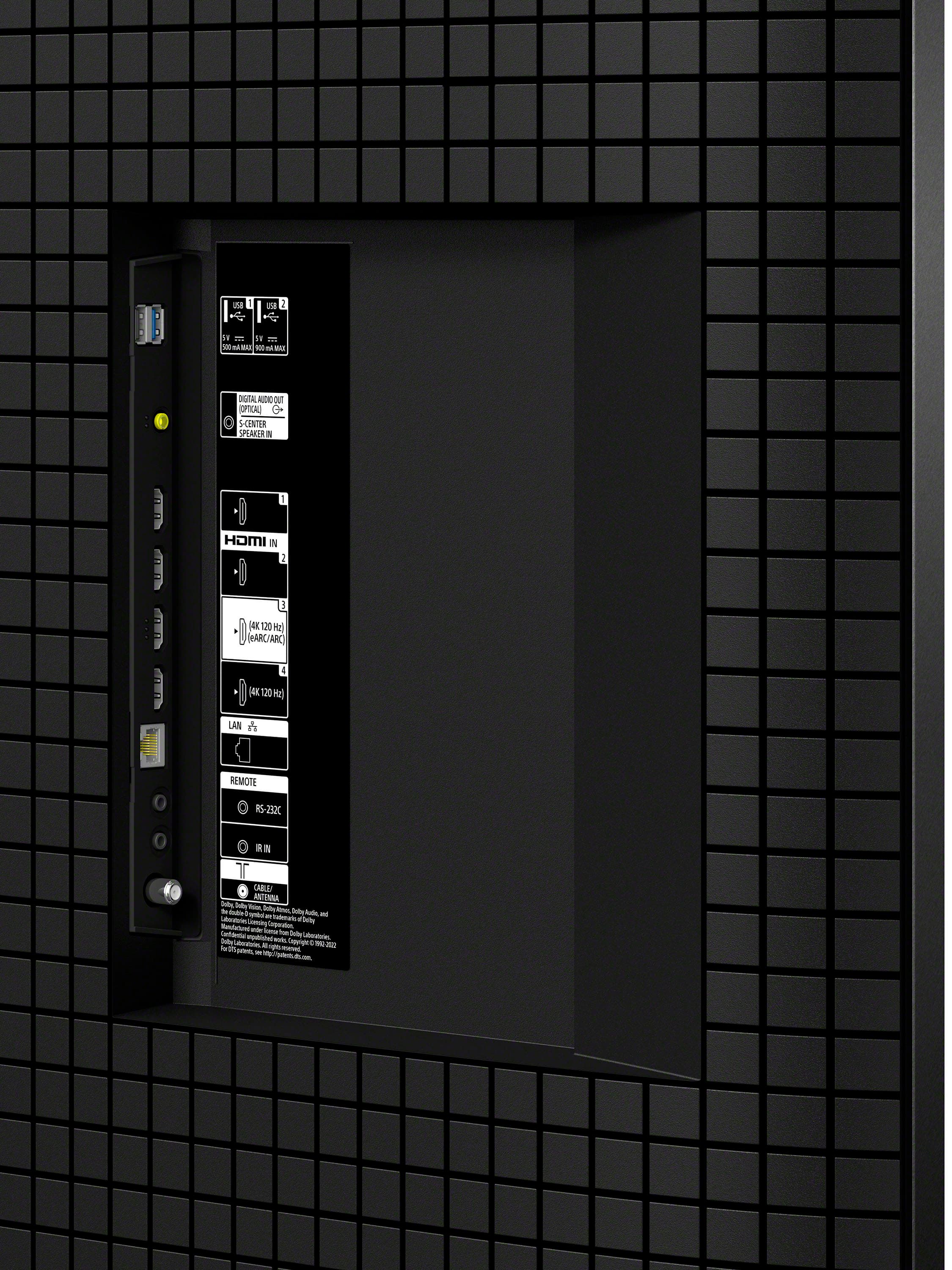
The Sony Bravia 7 supports both ARC and eARC.
You will find this specific functionality on HDMI Input 3. While all four HDMI ports support standard features, HDMI 3 is the dedicated port for connecting your soundbar or receiver to take advantage of high-bitrate audio formats like Dolby Atmos and DTS:X.
We appreciate your interest in Sony products. Should you require any further assistance, please don't hesitate to reach out for support here:
https://us.esupport.sony.com/support/s/support-contact?language=en_US&category=tv
Best regards,
Gus, Sony North America Customer Support
A:AnswerHi Mack1973,
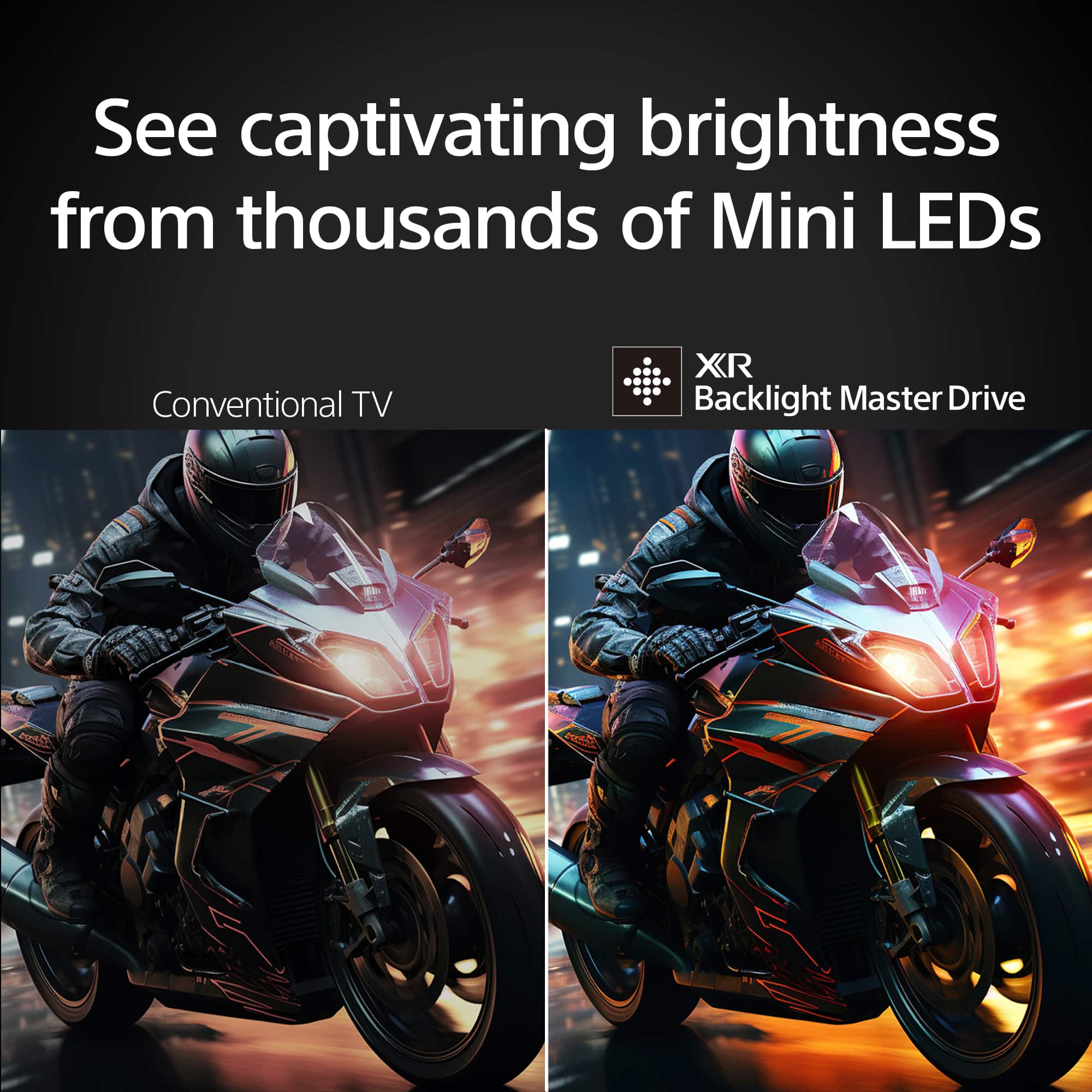
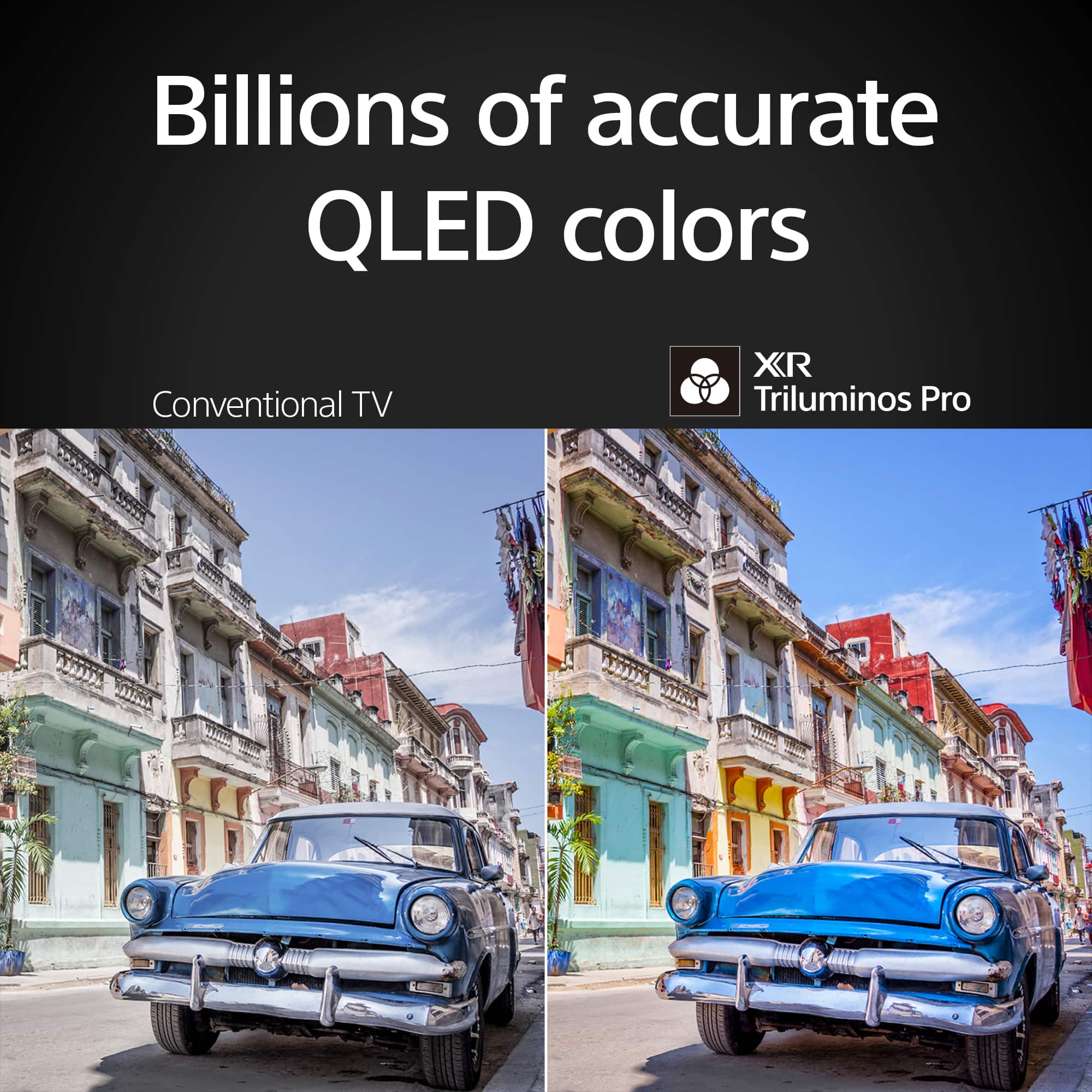
Yes, the BRAVIA 7 supports Vivid mode. This picture mode is specifically designed to emphasize the contrast and color saturation, taking full advantage of the Mini LED brightness and XR Triluminos Pro technology. You can easily select it by pressing the Quick Settings button on your remote and navigating to the "Picture mode" menu.
Thanks for choosing Sony.
Best regards,
Eliab
A:AnswerHi Webbenchjason,
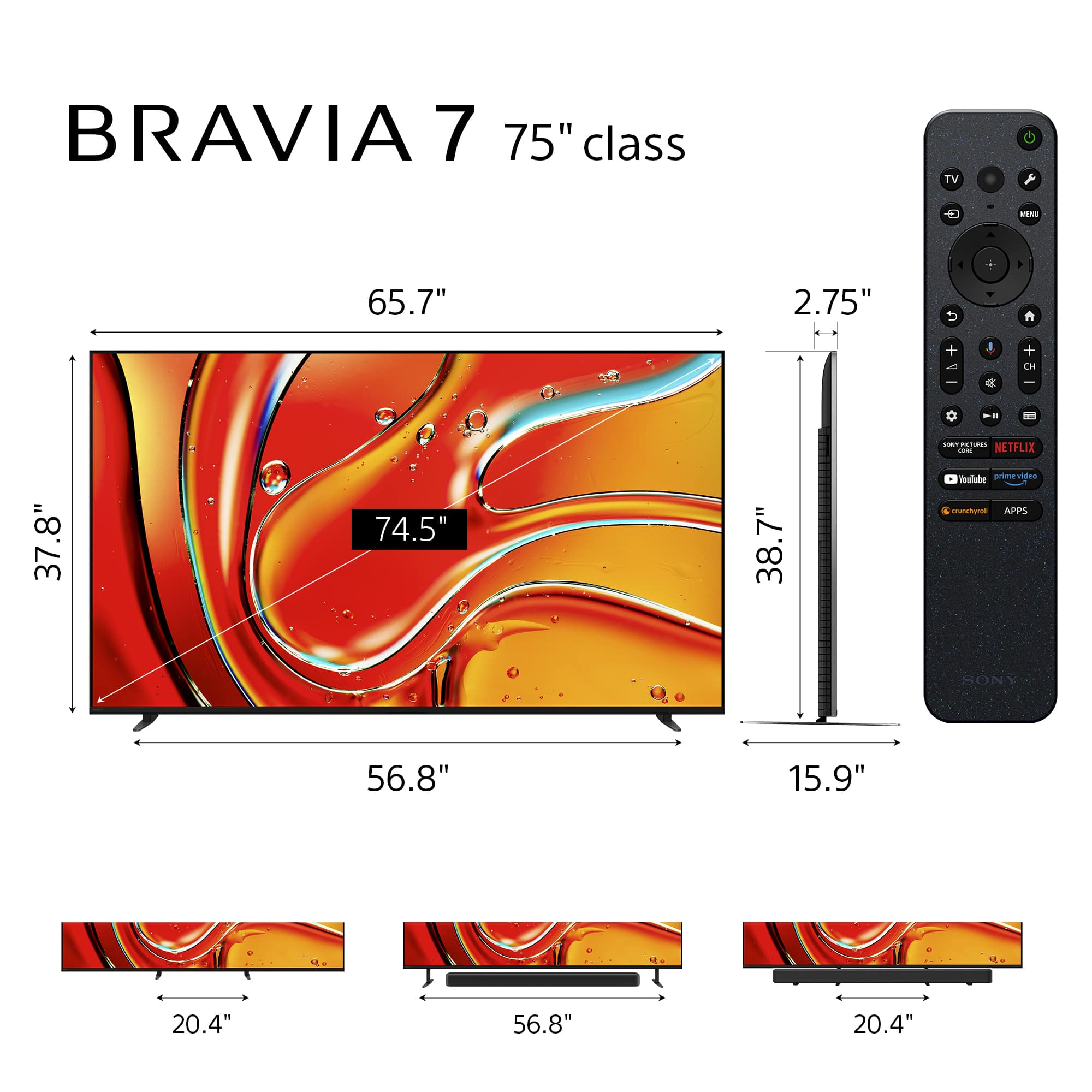
Yes, the Sony BRAVIA 7 (K-75XR70) is fully compatible with VESA wall mounting standards. It utilizes a square 300 x 300 mm (11.81 x 11.81 inches) hole pattern, which is a standard configuration for most heavy-duty wall mounts.
When selecting a bracket, simply ensure it supports this specific 300 x 300 mm pitch and is rated for the TV's weight (38.3 kg). Most modern articulating or fixed mounts within this size range will accommodate these specifications perfectly.
Thank you for considering Sony!
Best regards,
Dominick
A:AnswerHi Jason2024,
Yes, the Sony BRAVIA 7 is fully compatible with standard VESA wall mounts. To ensure a secure installation, please use a mount that meets the following specifications:
VESA® Hole Pitch (W x H): 11.81 x 11.81 inches (300 x 300 mm)
TV Weight (Without Stand): 84.4 lbs (38.3 kg)
We hope you find this information helpful, and thanks for considering Sony!
Best regards,
Dominick
A:AnswerThank you for contacting Sony.
The TV is designed with slots and openings for necessary ventilation. To ensure reliable operation and to protect it from overheating, these slots and openings must never be blocked or covered. As a general guideline, the rear of the TV should be 2 to 6 inches away from the wall and the sides of the TV should have about 4 inches of ventilation space.
WARNING: There is a risk of hardware damage. Never place the TV in a confined space, such as a bookcase or built-in cabinet, unless proper ventilation is provided.
We appreciate your interest in Sony products. Should you require any further assistance, please don't hesitate to reach out for support here:
https://us.esupport.sony.com/support/s/support-contact?language=en_US&category=tv
Best regards,
Gus, Sony North America Customer Support
A:AnswerHi Rift,
For the best experience with your 75" BRAVIA 7 Mini LED, we recommend a viewing distance of approximately 7.5 to 9.5 feet. Sitting within this range ensures you can appreciate the 4K detail and Mini LED brightness without straining your eyes or seeing individual pixels. For a more "cinematic" and immersive feel, you can comfortably sit as close as 6.3 feet, while a distance of 10 feet is ideal for casual mixed usage like sports and news. Thanks for choosing Sony.
Best regards,
Eliab
A:AnswerThank you for contacting Sony, Svereb.
Yes, the Bravia 7 is excellent at upconverting (upscaling) content. It uses our powerful XR Processor and a feature called XR Clear Image to analyze lower-resolution signals (like HD or digital broadcasts) and intelligently upscale them to near-4K quality.
We appreciate your interest in Sony products. Should you require any further assistance, please don't hesitate to reach out for support here:
https://us.esupport.sony.com/support/s/support-contact?language=en_US&category=tv
Best regards,
Gus, Sony North America Customer Support
A:AnswerHi Webbenchuser2026,
Yes, the Sony BRAVIA 7 (K-75XR70) fully supports VESA wall mounting.
To help you choose the correct mount, here are the specific hole pattern measurements:
VESA® Hole Pitch (W x H): 11.81 x 11.81 inches (300 x 300 mm)
For more detailed technical specifications for this model, you can visit the following page: https://www.sony.com/electronics/support/televisions-projectors-lcd-tvs-android-/k-75xr70/specifications
Thank you for considering Sony!
Regards,
Dominick
A:AnswerHi Sidney,
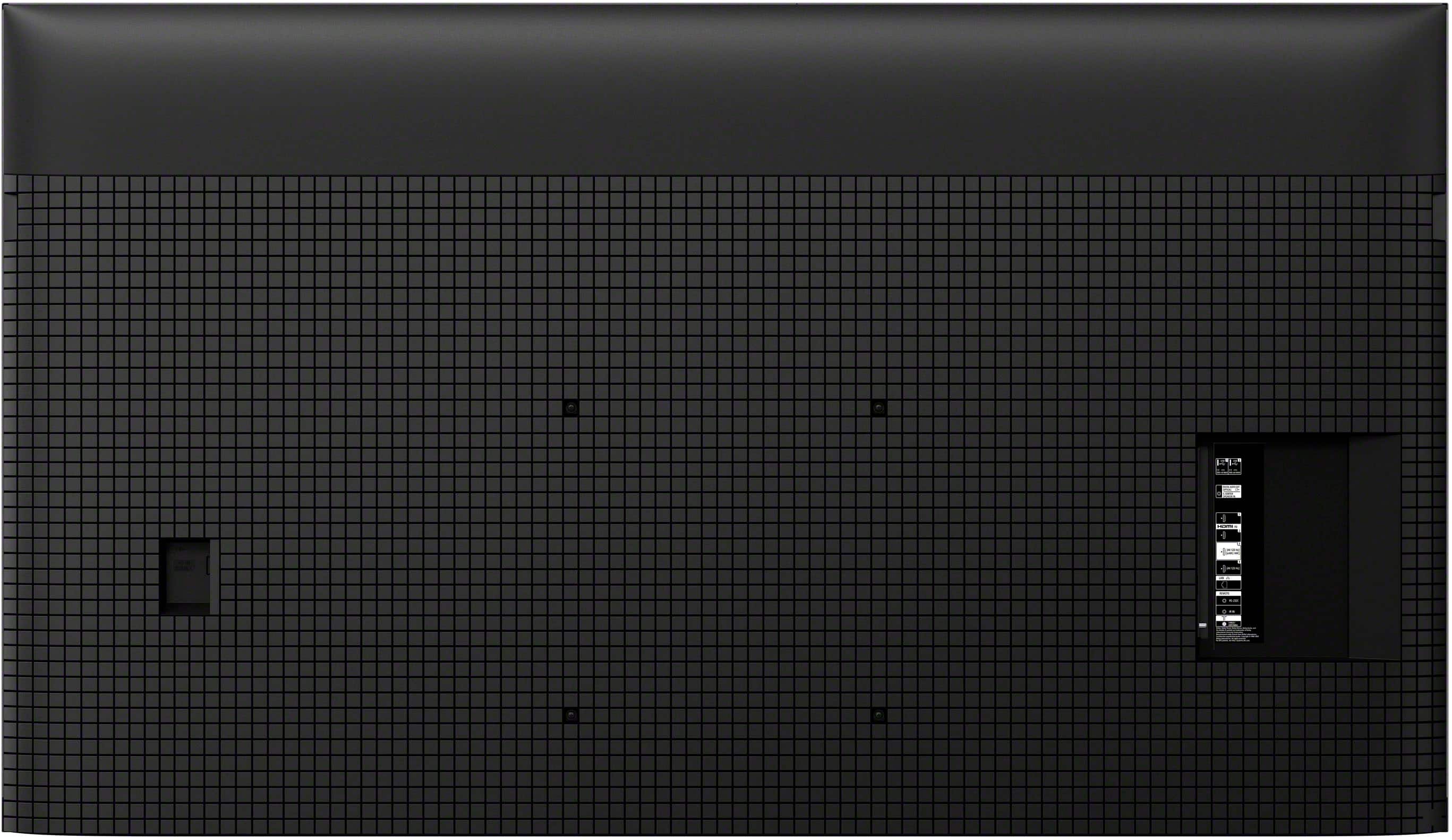
The mounting holes on the back of the Sony 75" BRAVIA 7 are off-set toward the bottom of the chassis rather than centered.
To help with your installation planning, here are the precise placement measurements:
Vertical Offset: The distance between the bottom row of the mounting holes to the bottom of the TV is 6.22 inches.
VESA Pattern: 300 mm x 300 mm.
TV Dimensions: The TV height is 37.76 inches (959 mm) without the stand.
Because the holes are positioned lower than the midpoint of the TV, you will need to account for this vertical shift when positioning your wall bracket to ensure the screen sits at your desired height.
Thank you for considering Sony!
Regards,
Dominick
A:AnswerHello there,
Thank you for considering Sony products!
We appreciate your inquiry regarding the K75XR70 TV and its compatibility with Bluetooth audio devices. We are happy to confirm that this model supports the Advanced Audio Distribution Profile (A2DP).
This means you can easily pair compatible wireless headphones—like your Bose headphones—to enjoy high-quality sound without disturbing those around you.
For step-by-step instructions on how to pair your devices, please visit our online Help Guide: https://helpguide.sony.net/tv/musltn1/v1/en-003/contents/TP1001675603.html
Best regards,
-Fred
A:AnswerHello Sneaky,
Thank you for considering Sony products!
We appreciate your inquiry about casting from your Samsung phone to the Sony K75XR70 TV and are happy to assist you.
The Sony K75XR70 supports Google Cast, enabling you to easily stream content from your Samsung phone to the TV. Just make sure both devices are connected to the same Wi-Fi network, open a compatible app like YouTube on your phone, and tap the Cast icon to select your TV.
Most Sony TVs with Google Cast functionality will also be compatible with your Samsung phone. However, we recommend checking the specific model’s features to confirm casting support.
For more details, please visit: https://www.sony.com/electronics/support/televisions-projectors-oled-tvs-android-/articles/00295266
Best regards,
-Fred
A:AnswerHello there,
Thank you for considering Sony products!
We appreciate your inquiry and are pleased to assist you. The Sony K75XR70 TV comes with a total warranty period of 365 days (1 year) from the date of purchase. This warranty covers manufacturing defects and hardware malfunctions under normal usage conditions. Please note that the warranty does not cover damage resulting from accidents, misuse, unauthorized repairs, or external factors.
For complete details on the warranty terms, coverage, and claim procedures, please refer to the official Sony limited warranty document here:
https://www.sony.com/electronics/support/res/manuals/BL79/60bde36090366474708b1240edfb57f7/BL791001M.pdf
Best regards,
-Fred
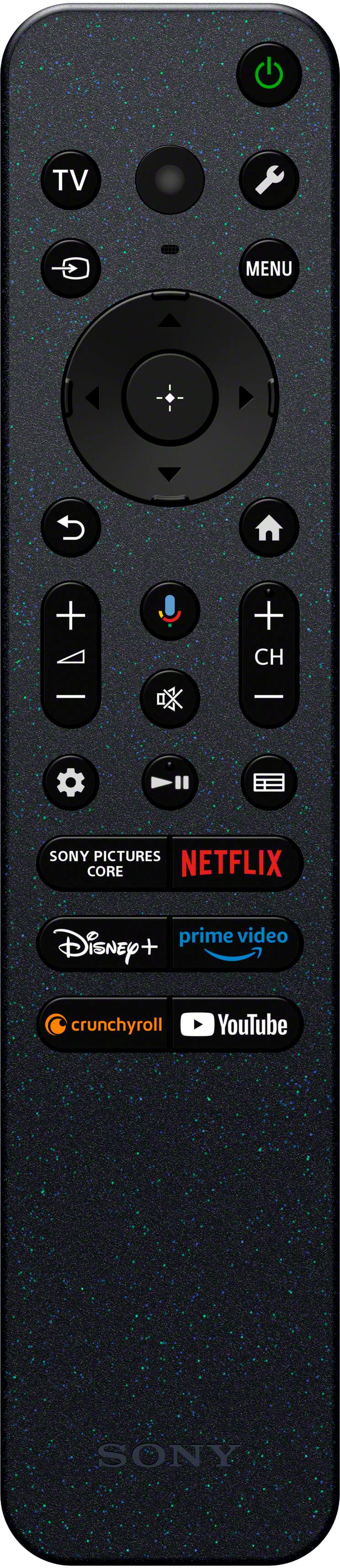
A:AnswerHi T!
Thanks for reaching out about your Sony K-75XR70. We can certainly point you in the right direction to get a replacement remote control.
The best way to purchase the official remote is through our supplied parts partner, Encompass.
They have the specific one you need and you can contact them directly by giving them a call at 1-866-779-5153.
You can also order it online by visiting this link, which goes straight to the product page on their website: https://encompass.com/item/14910976/Sony/1-019-559-11/
We hope this helps!
Thanks for considering Sony products!
Best regards,
Estefany
A:AnswerHi Dave,
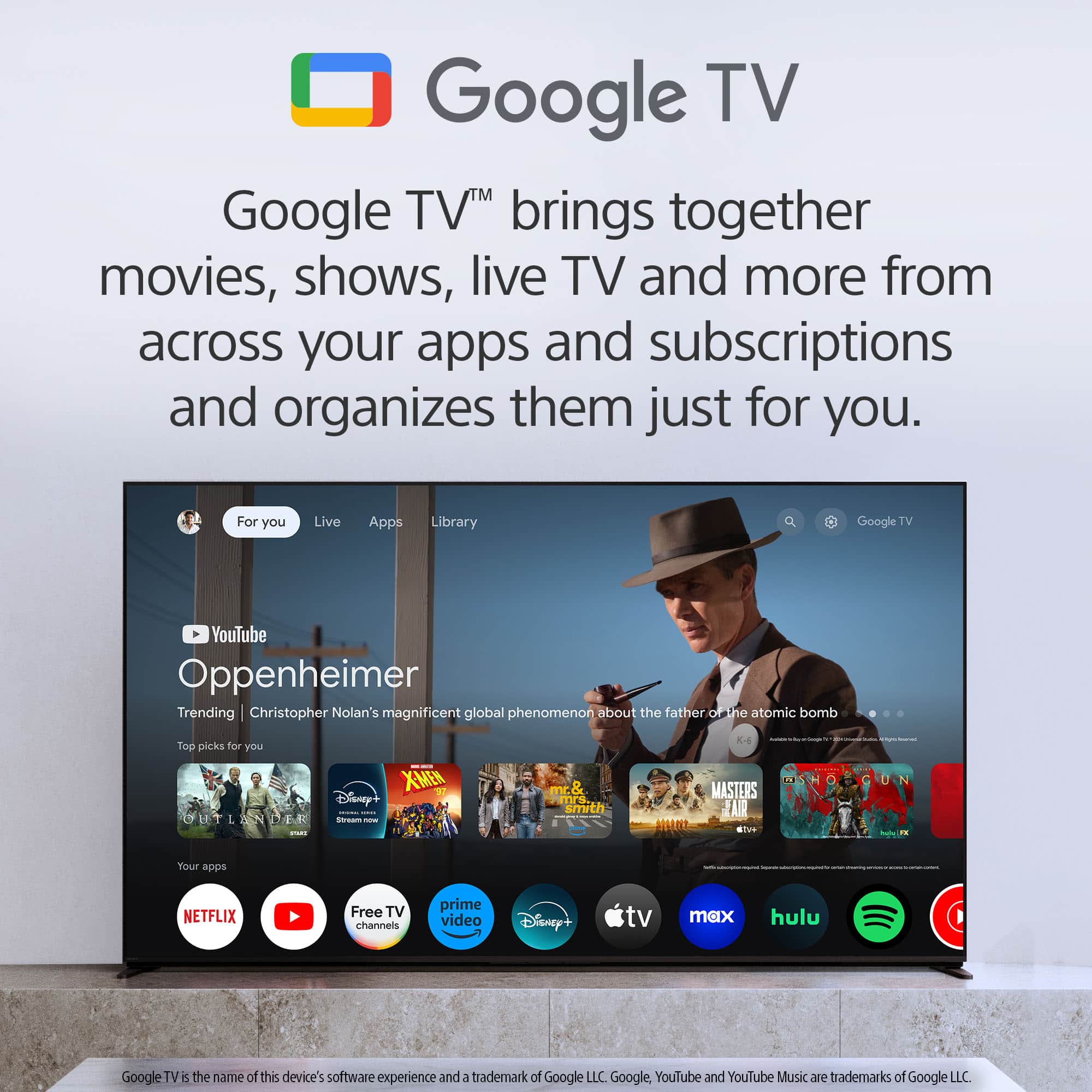
We appreciate you reaching out! You can easily set your BRAVIA 7 TV to return to the last-used input (channel, HDMI, etc.) instead of the Google TV home screen.1 Simply go to Settings - System - Power and Energy - Power on behavior, and change the selection from "Google TV home screen" to "Last used input."
Thanks for choosing Sony.
Best regards,
Eliab