A:AnswerHi Rich,
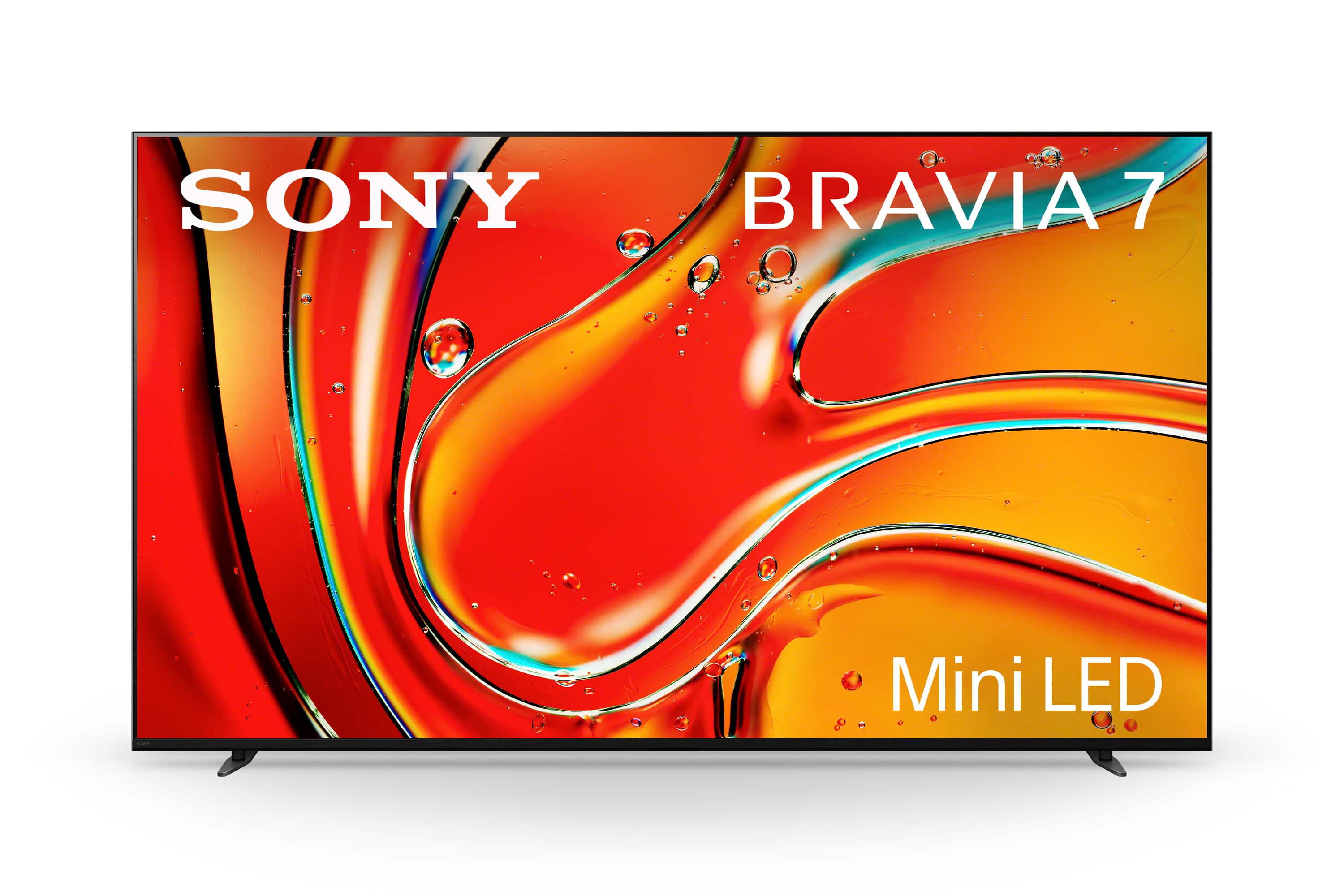
Thank you for reaching out. We appreciate your inquiry about our Sony Bravia 7!
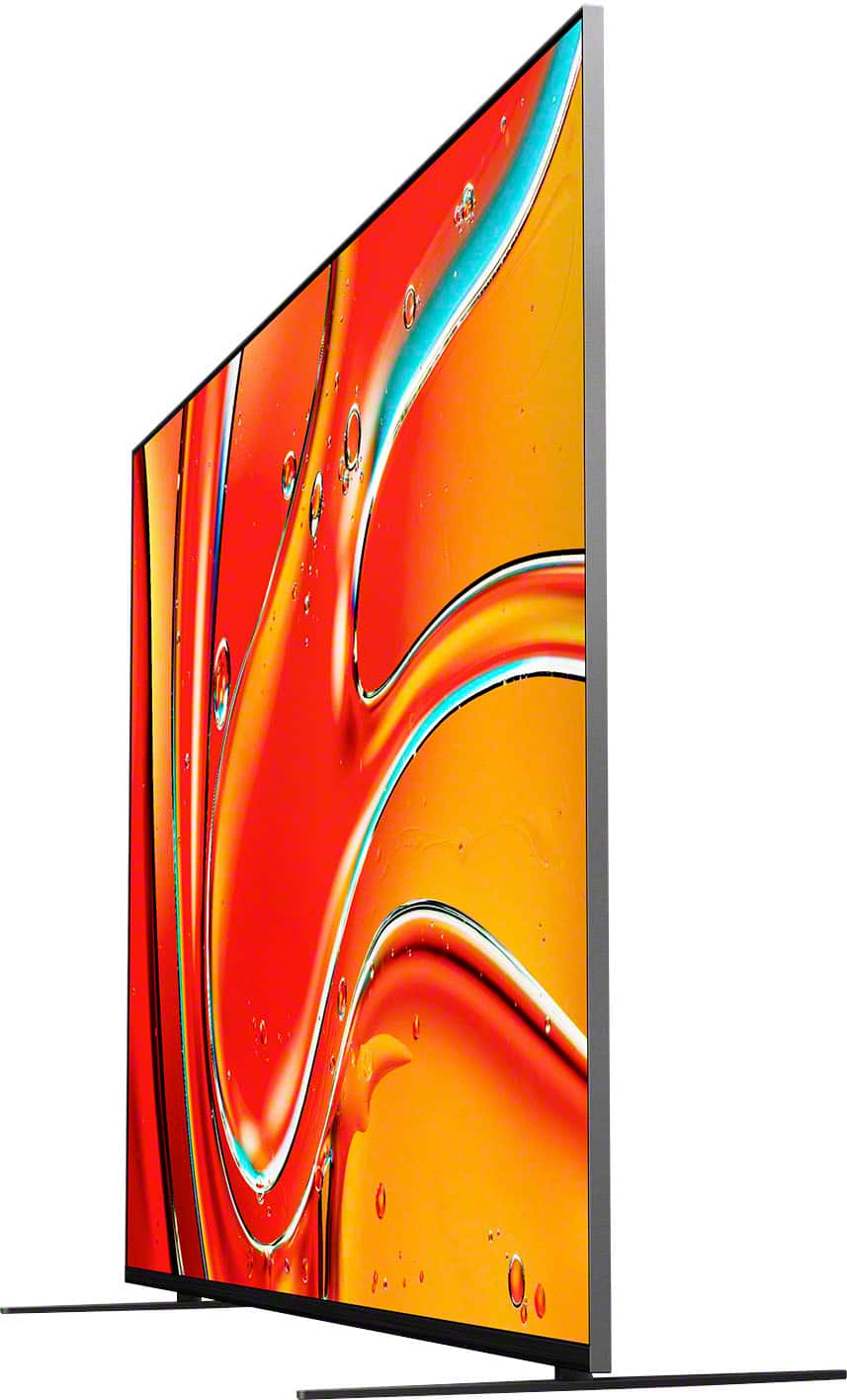
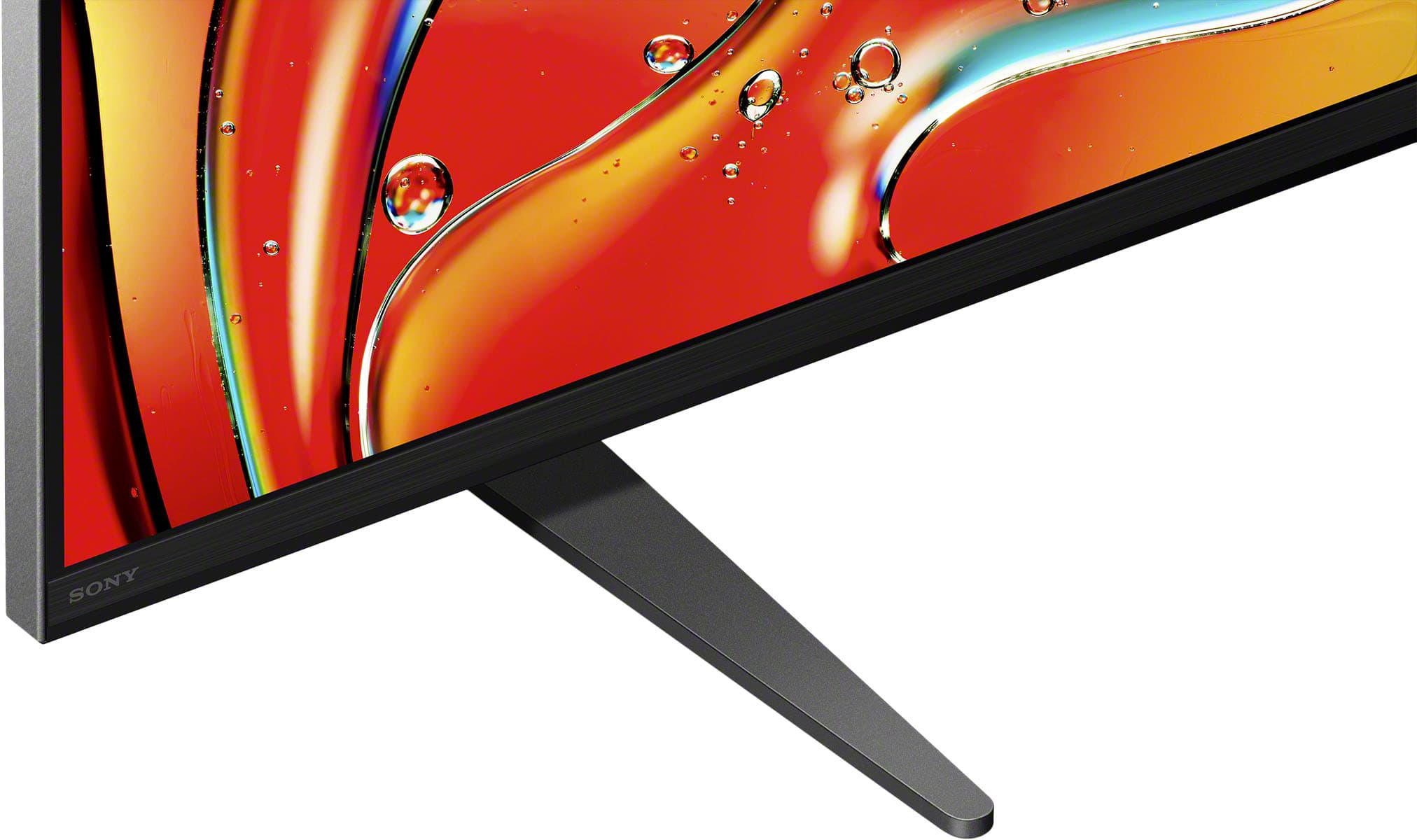
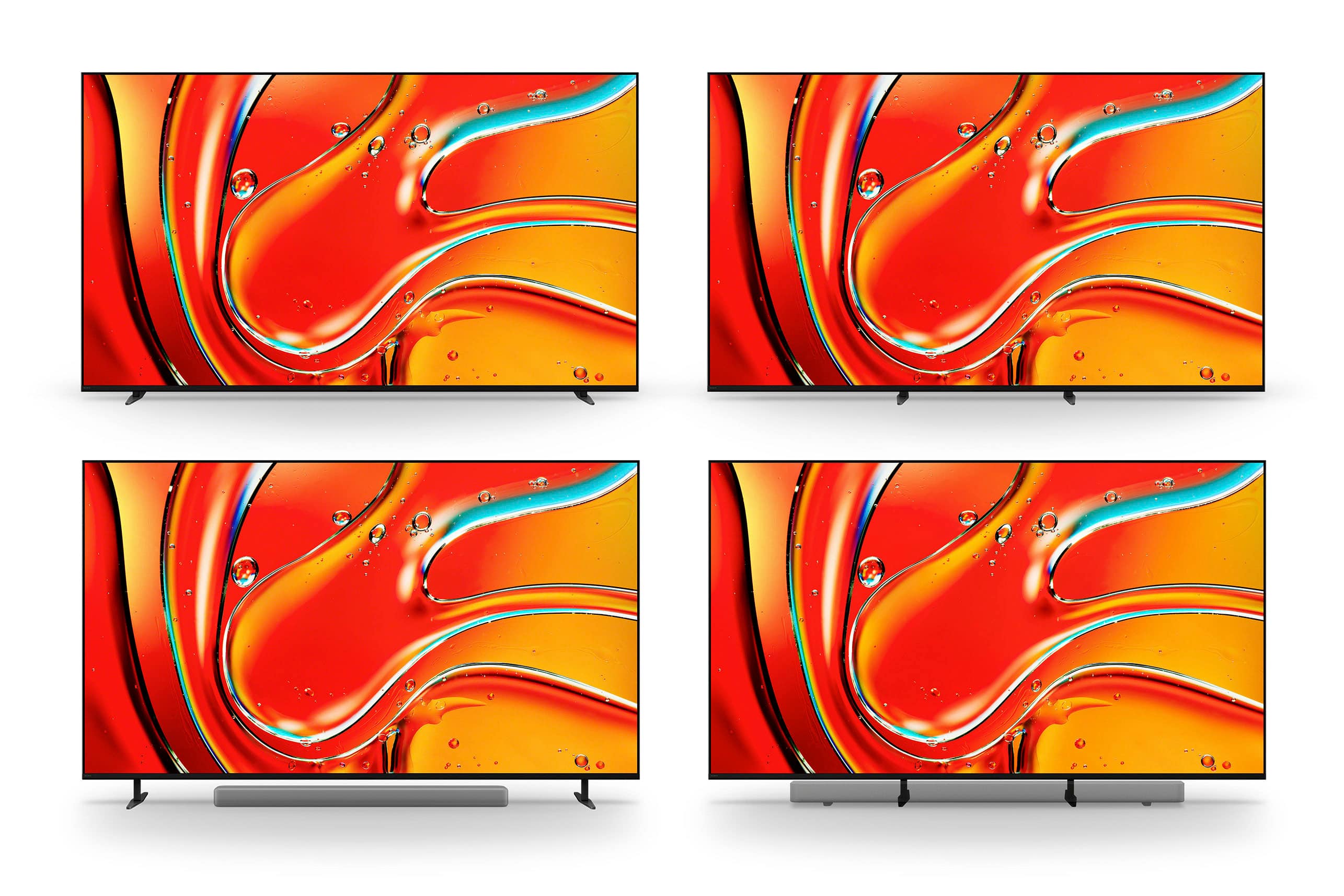
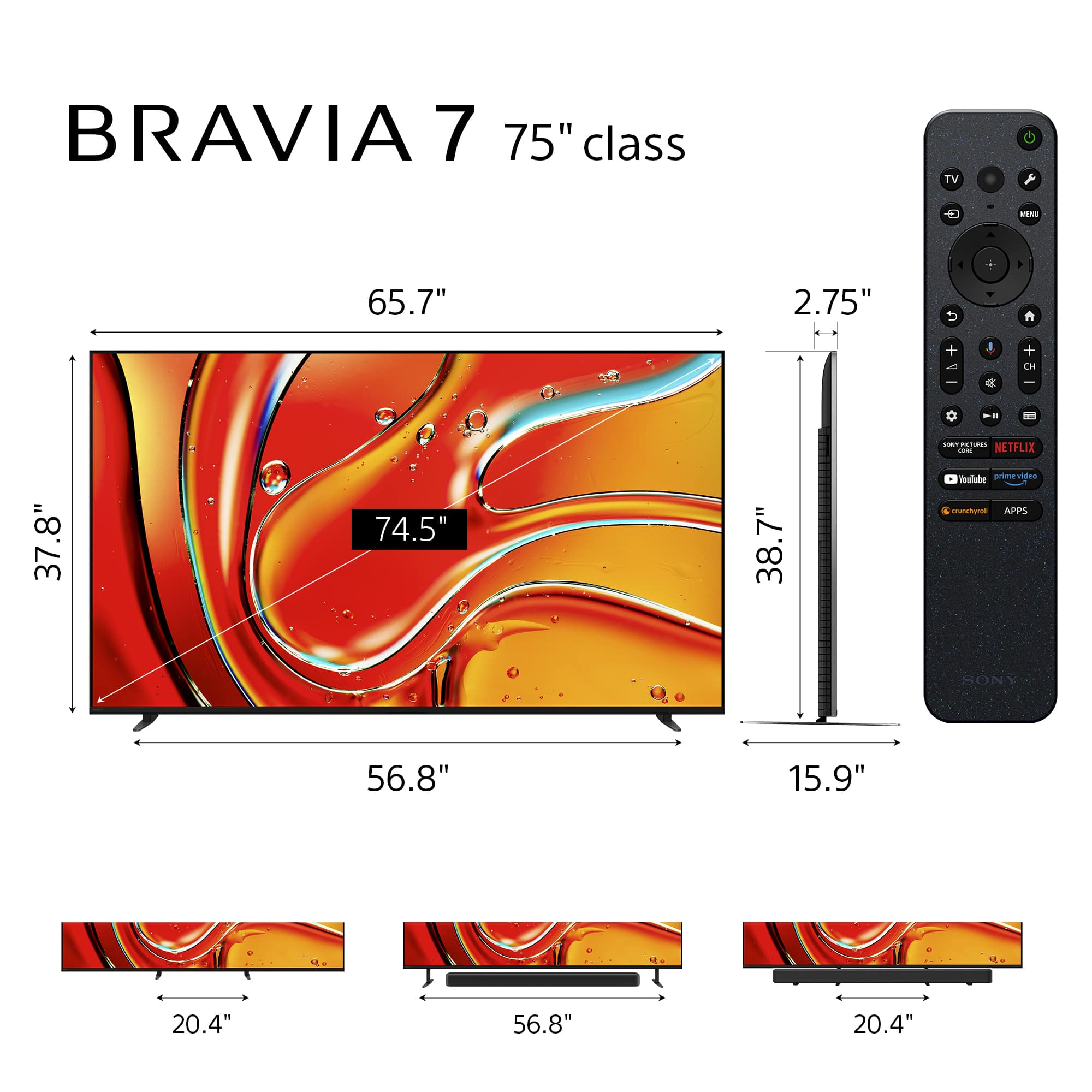
To answer your question, the width of the feet on the K75XR70 is 21 1/2 inches in the inner position and 15 3/4 inches deep.
We hope this helps!
Thank you for considering Sony products.
Best regards,
Stephanie
A:AnswerHi ToledoTom, Thank you for your inquiry! The Sony BRAVIA 7 does not support connecting more than one pair of Bluetooth headphones at the same time. Only one Bluetooth audio device can be connected to the TV at a time.
For your 2nd question, yes, you can simultaneously output TV sound from the TV speakers and headphones or an audio device and headphones. For details, please refer to the step-by-step procedure on this link: https://www.sony.com/electronics/support/articles/00049501
Hope this helps!
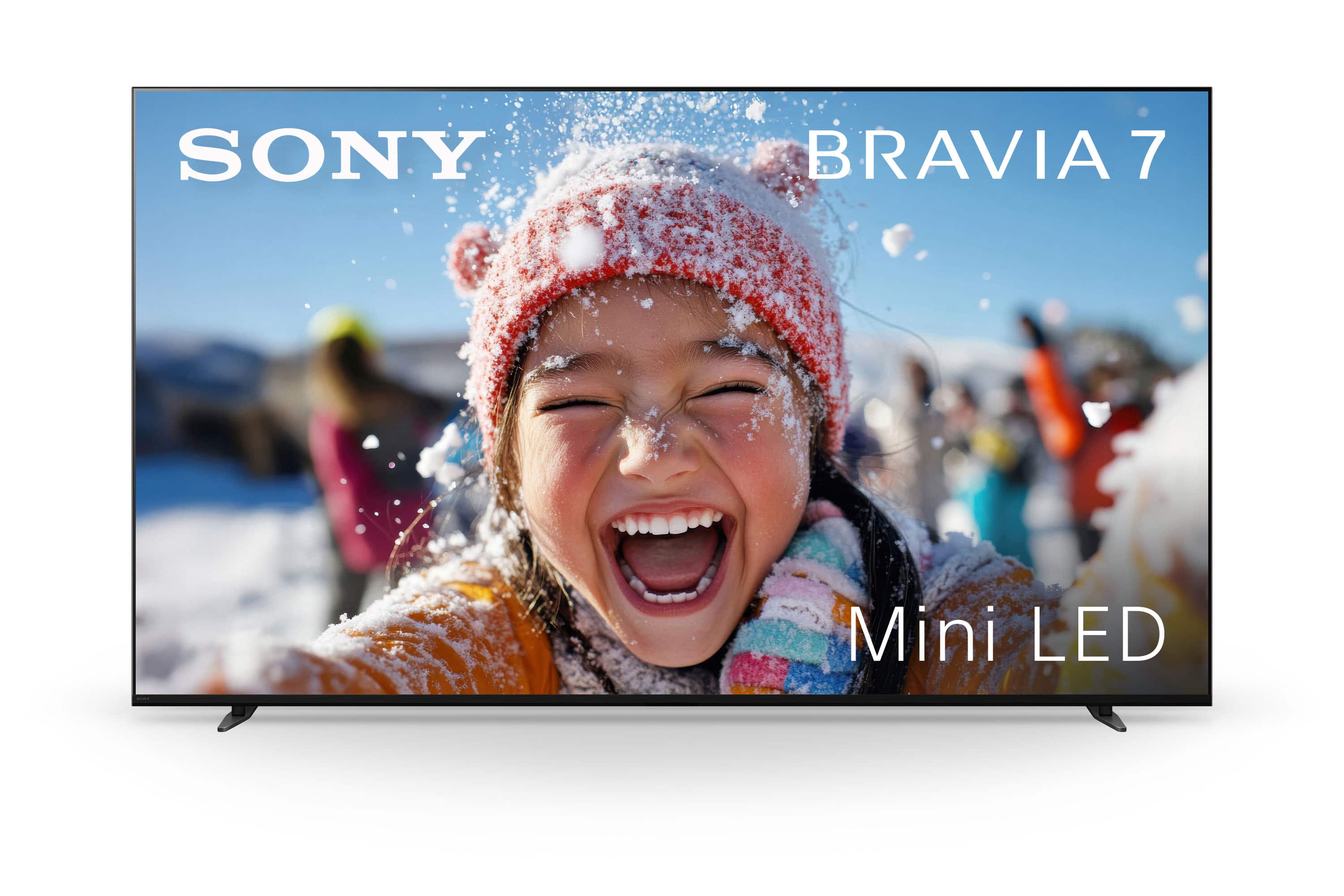
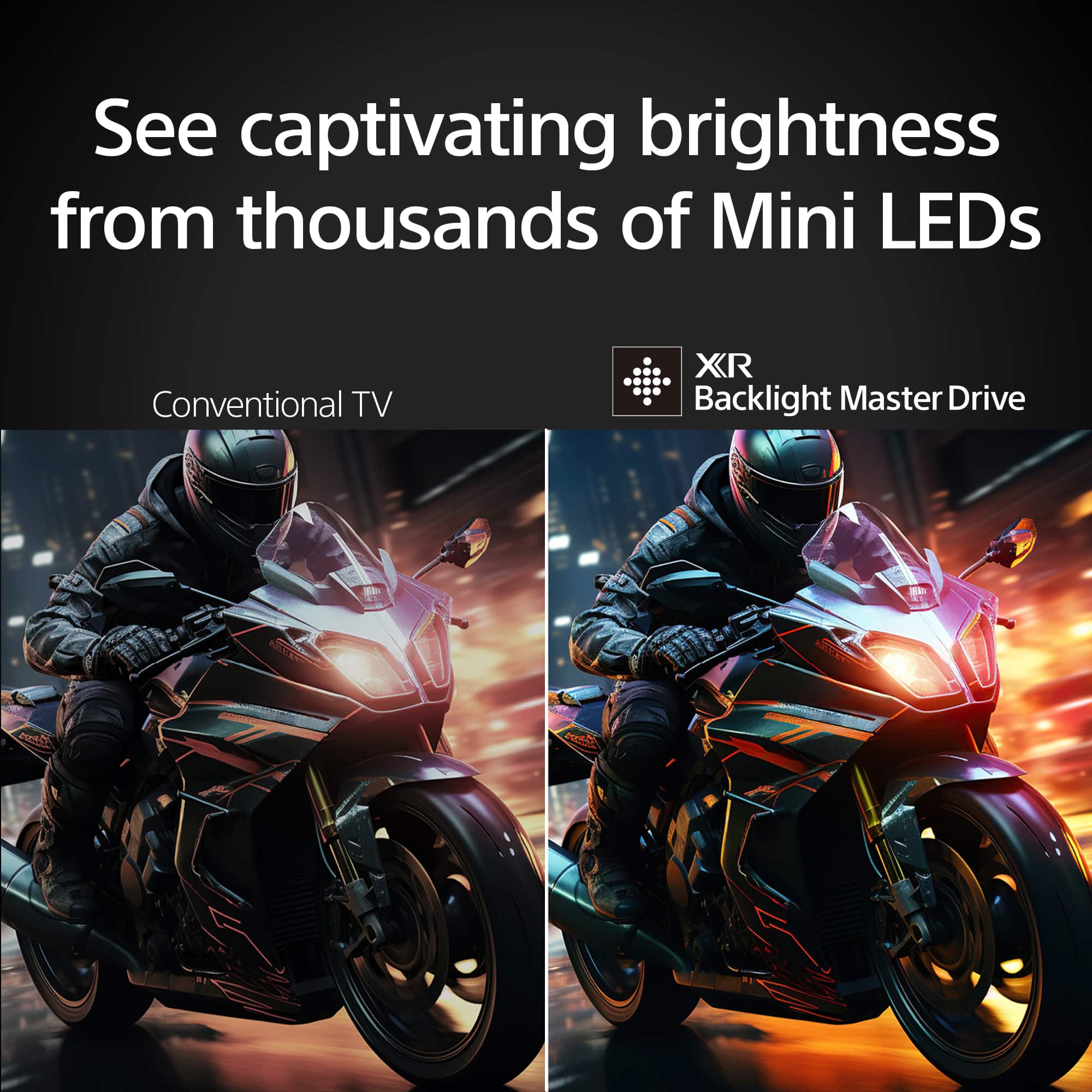
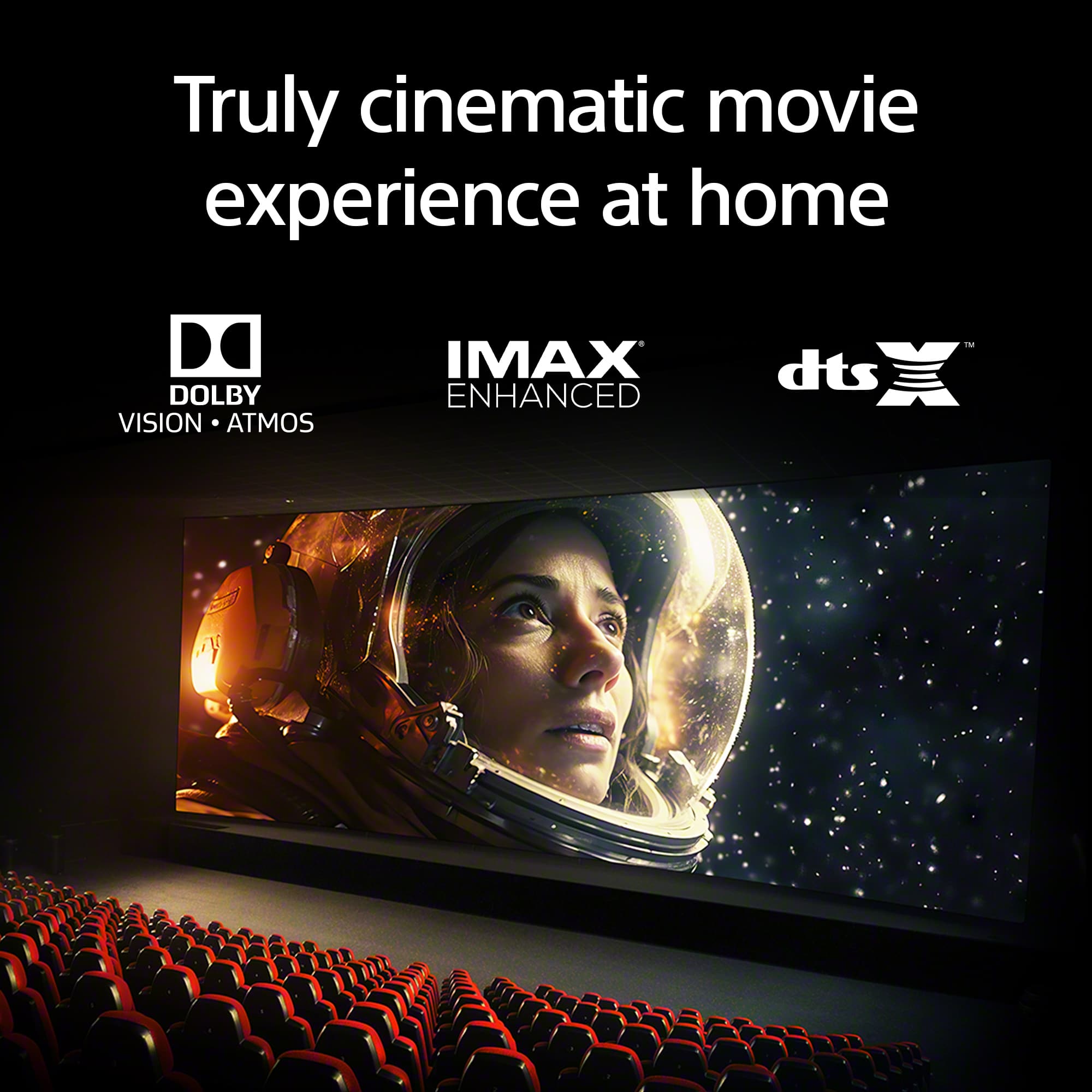
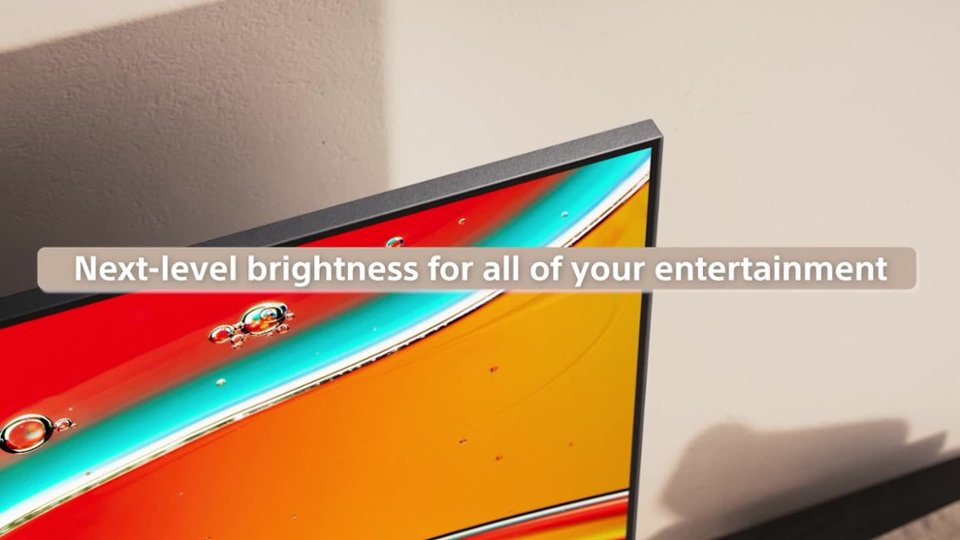
The BRAVIA 7 brings out the depth and detail in every scene. With extreme brightness and astonishing contrast, our TV delivers truly exhilarating pictures that are sure to entertain and delight all. Experience a new era in contrast. With a unique local dimming algorithm, XR Backlight Master Drive precisely controls thousands of Mini LEDs for truly authentic contrast.
Regards,
Sam
A:AnswerHi Julio,
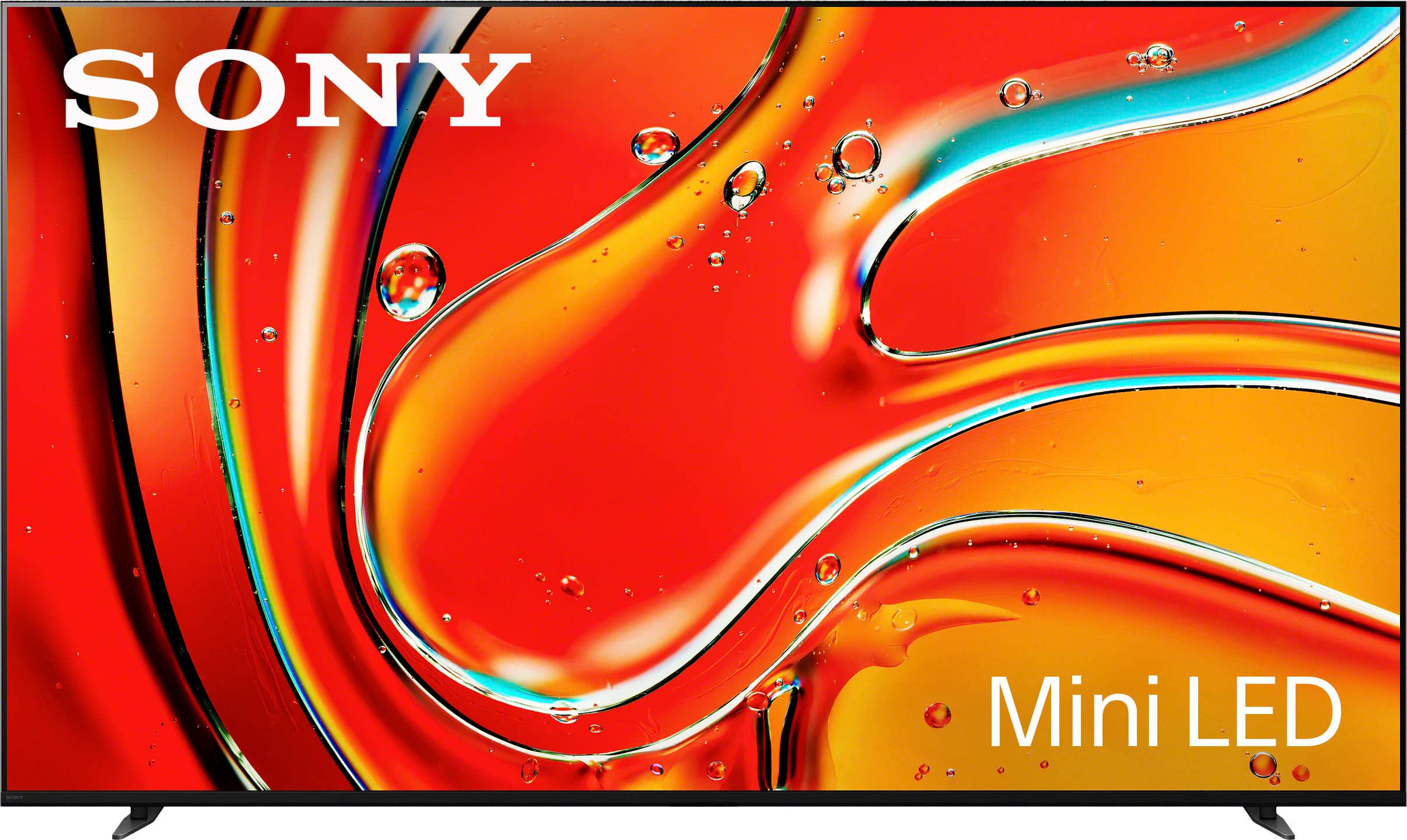
Thank you for your interest in the BRAVIA 7. Mini LED technology is an innovative advancement combining some of the strengths of OLED and LED technologies. Mini LEDs use hundreds or thousands of tiny LEDs for backlighting, allowing for more precise and localized brightness control. This results in improved picture quality, with deeper blacks, brighter whites, and enhanced color accuracy.
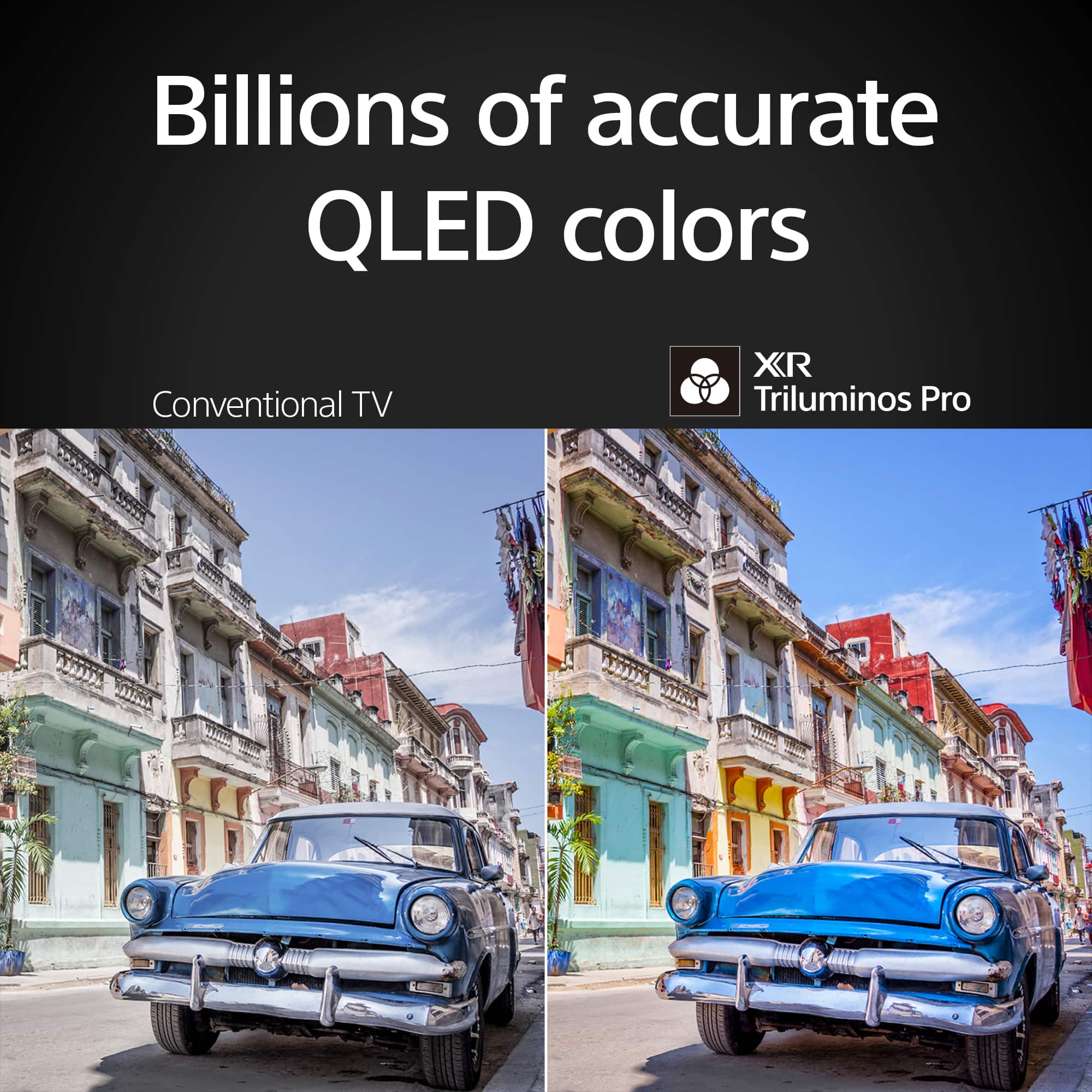
Our latest Mini LED TVs control areas of the backlight, so both dark and bright subjects are presented clearly. Because Mini LEDs are much smaller and denser than conventional Full Array LEDs, they need far more precise control. Our Mini LED TVs have highly accurate backlight control that’s unique to Sony – XR Backlight Master Drive. This is why you’ll see the best and most accurate contrast possible, without flare. Scenes are full of dazzling lights, deep blacks and natural mid tones.
The BRAVIA 7 brings out the depth and detail in every scene. With extreme brightness and astonishing contrast, our TV delivers truly exhilarating pictures that are sure to entertain and delight all. Experience a new era in contrast. With a unique local dimming algorithm, XR Backlight Master Drive precisely controls thousands of Mini LEDs for truly authentic contrast.
Regards,
Jess
A:AnswerHi there,
Thank you for your inquiry. The TV has an on-board storage of 32 GB. However, the available capacity will vary depending on the OS and installed software requirements. The shared storage includes Apps, Photos & videos, Audio, Downloads, Cached data, etc.
If the internal storage size of your TV is insufficient, delete unused downloaded apps, demo content (applicable models only), or cached data to increase the storage free space. You can also move downloaded apps to an optional USB storage device to increase the memory space. Please note that some apps can't be moved to a USB storage device.
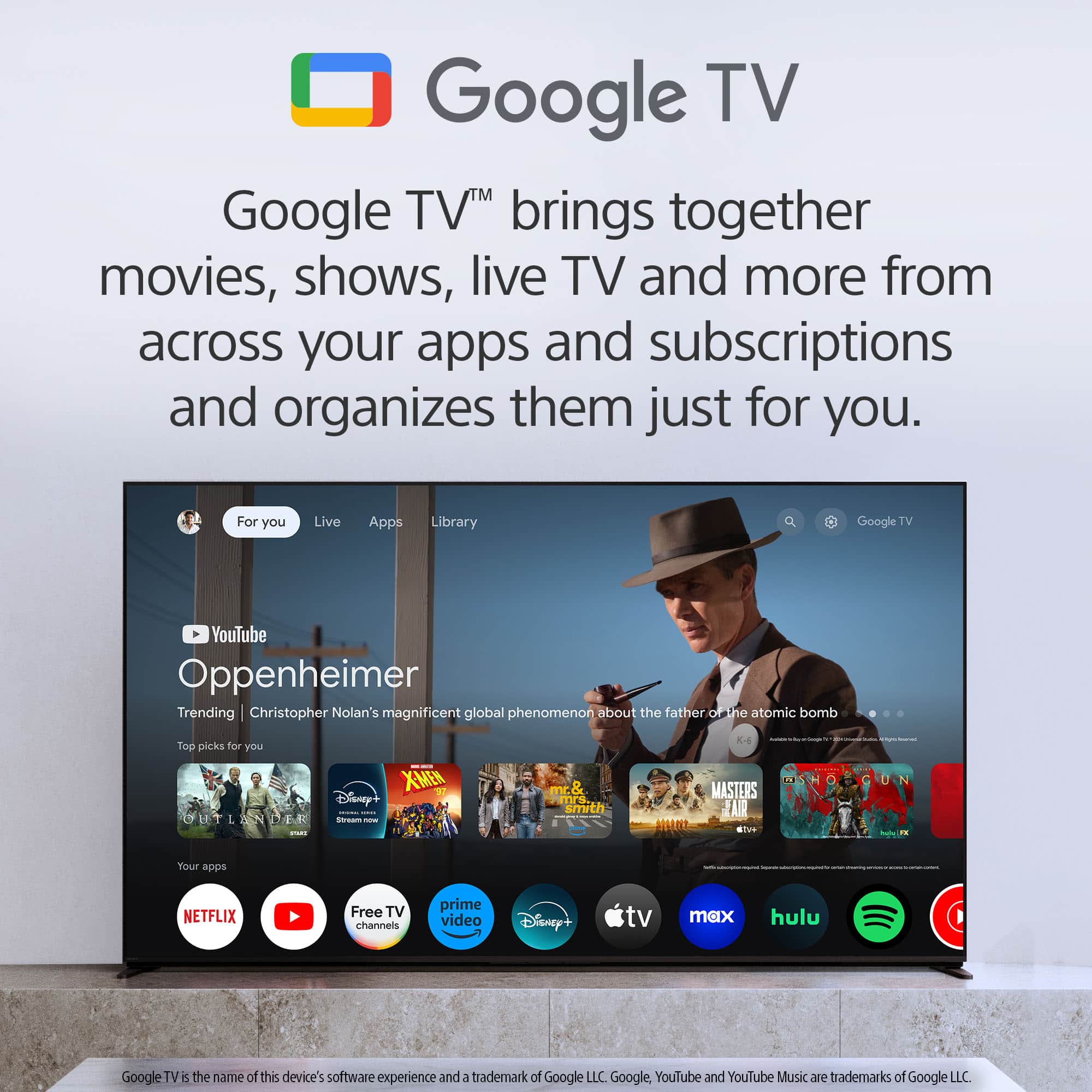
You can find everything you need to know about managing apps on your Sony TV on our Support website. Sony Google TVs go beyond the capabilities of ordinary smart TVs – with over 7,000 apps available with access to over 700,000 movies and TV episodes. Hope this helps.
Regards,
Jess
A:AnswerHi Questiontime,
Good question! Powered by the intelligent XR Processor, the BRAVIA 7 can bring back lost detail with reduced noise and see all your HD and digital content upscaled to near-4K resolution with XR Clear Image. See the authentic features of people’s faces, identify every blade of grass, and marvel at the precise texture of buildings and scenery.
Note:
Upscaled, simulated, and enhanced 4K images will vary based on source content.
If you are watching from an external output like a cable box, depending on the maker and model of your cable box, you may have a variety of output jacks available to connect it to the television. To take full advantage of the high-quality picture available with a digital or high-definition cable signal, use the highest-quality connection jacks available. HDMI will provide the best quality picture.
We have some good information on how to enjoy 4K and HDR content depending on the content source in this helpful article link: https://www.sony.com/electronics/support/televisions-projectors-lcd-tvs-android-/k-75xr70/articles/00245141
Regards,
Jess
A:AnswerHi Brucelee,
Thanks for inquiring about the TV. The Photo picture on the TV is designed to optimize picture quality for still images, providing a more balanced brightness, color depth, and edges. While you technically can use it to watch movies and shows, it's not ideal for that purpose. For most movies and TV shows, the Standard or Vivid picture modes might be more suitable. These modes are designed to enhance video playback.
You can also set the picture quality according to the [Content type]. For details, refer to Selecting the Content type based on the current content here: https://helpguide.sony.net/tv/lusltn1/v1/en-003/01-11_03.html
The best picture mode for your will depend on your personal preference and the specific content you're watching. You can experiment with different modes to find the one that best suits your viewing style. For more information, please visit the link here:
https://www.sony.com/electronics/support/televisions-projectors-lcd-tvs-android-/k-75xr70/articles/00190409
Regards,
Jess
A:AnswerHi Jimmy,
Thank you for your question. Technically, yes. But it will carry no warranty for commercial use.
The BRAVIA 7 brings out the depth and detail in every scene. With extreme brightness and astonishing contrast, our TV delivers truly exhilarating pictures that are sure to entertain and delight all. Experience a new era in contrast. With a unique local dimming algorithm, XR Backlight Master Drive precisely controls thousands of Mini LEDs for truly authentic contrast. Hear sound from exactly the right place. Not from beneath the screen but seemingly straight from the screen itself. With Acoustic Multi-Audio™, what you see and what you hear are perfectly matched.
-Ralph
A:AnswerHi Tracy,
Thank you for your question. The power cord is 6.6 ft.
The BRAVIA 7 brings out the depth and detail in every scene. With extreme brightness and astonishing contrast, our TV delivers truly exhilarating pictures that are sure to entertain and delight all. Experience a new era in contrast. With a unique local dimming algorithm, XR Backlight Master Drive precisely controls thousands of Mini LEDs for truly authentic contrast. Hear sound from exactly the right place. Not from beneath the screen but seemingly straight from the screen itself. With Acoustic Multi-Audio™, what you see and what you hear are perfectly matched.
-Ralph
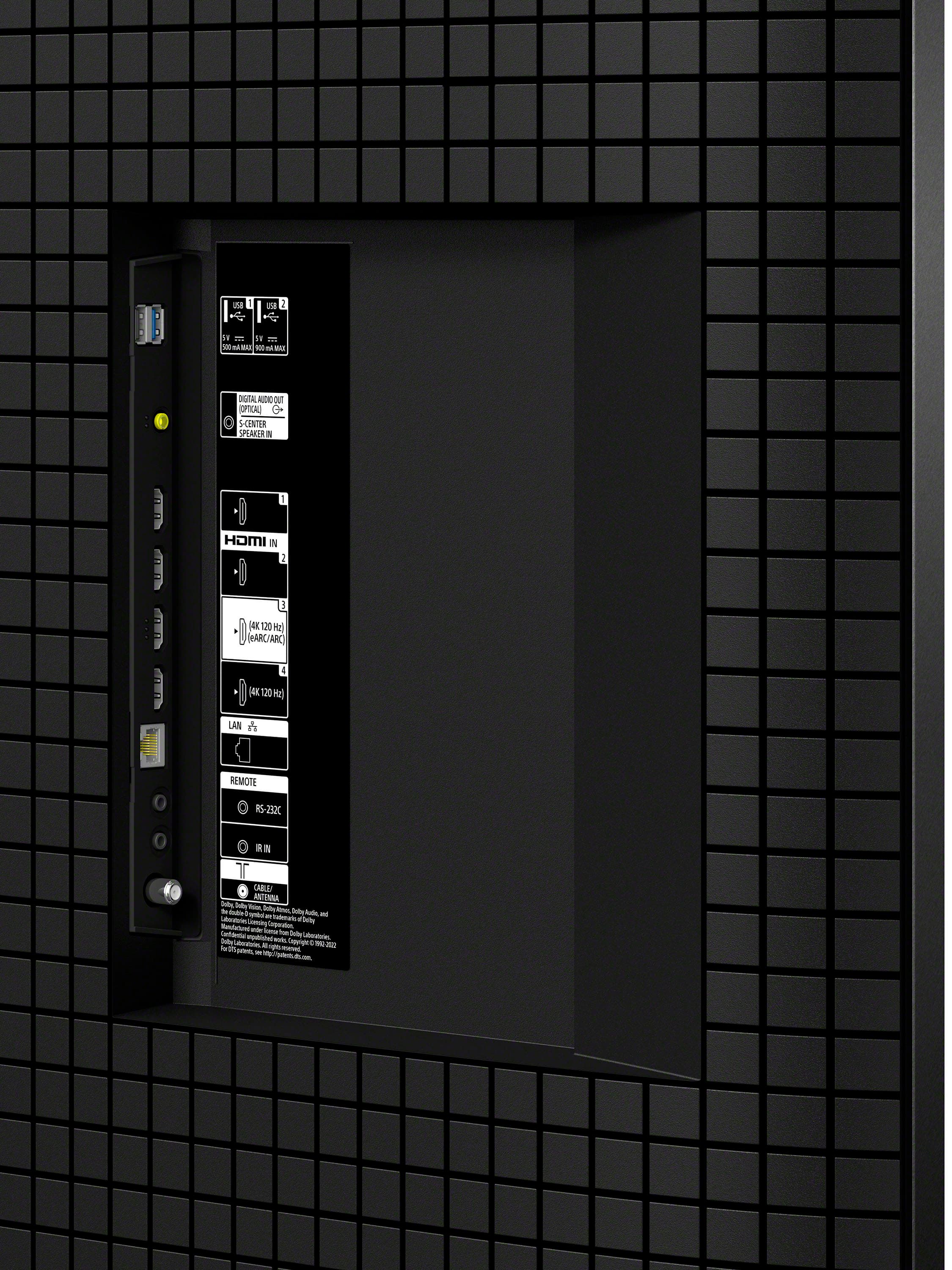
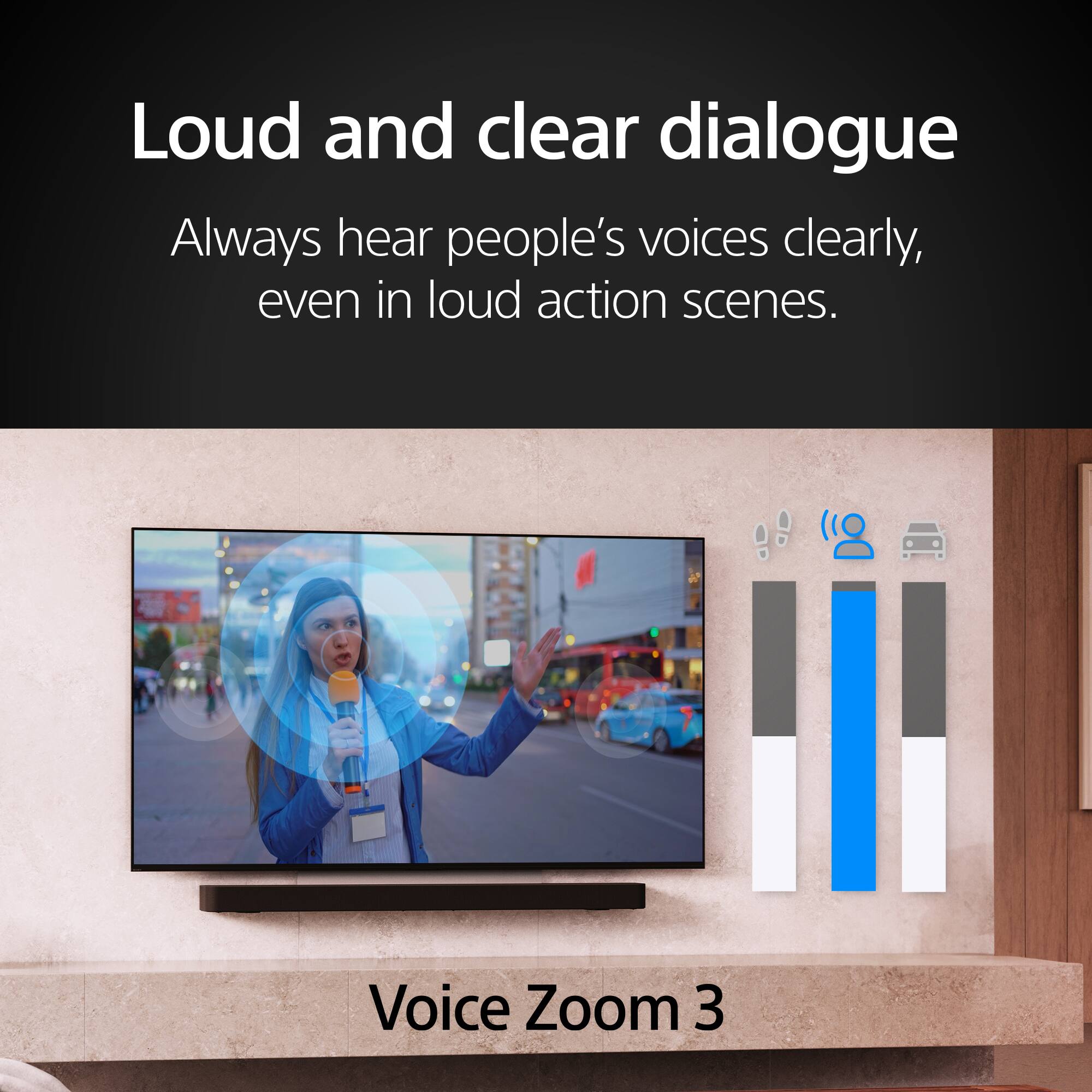
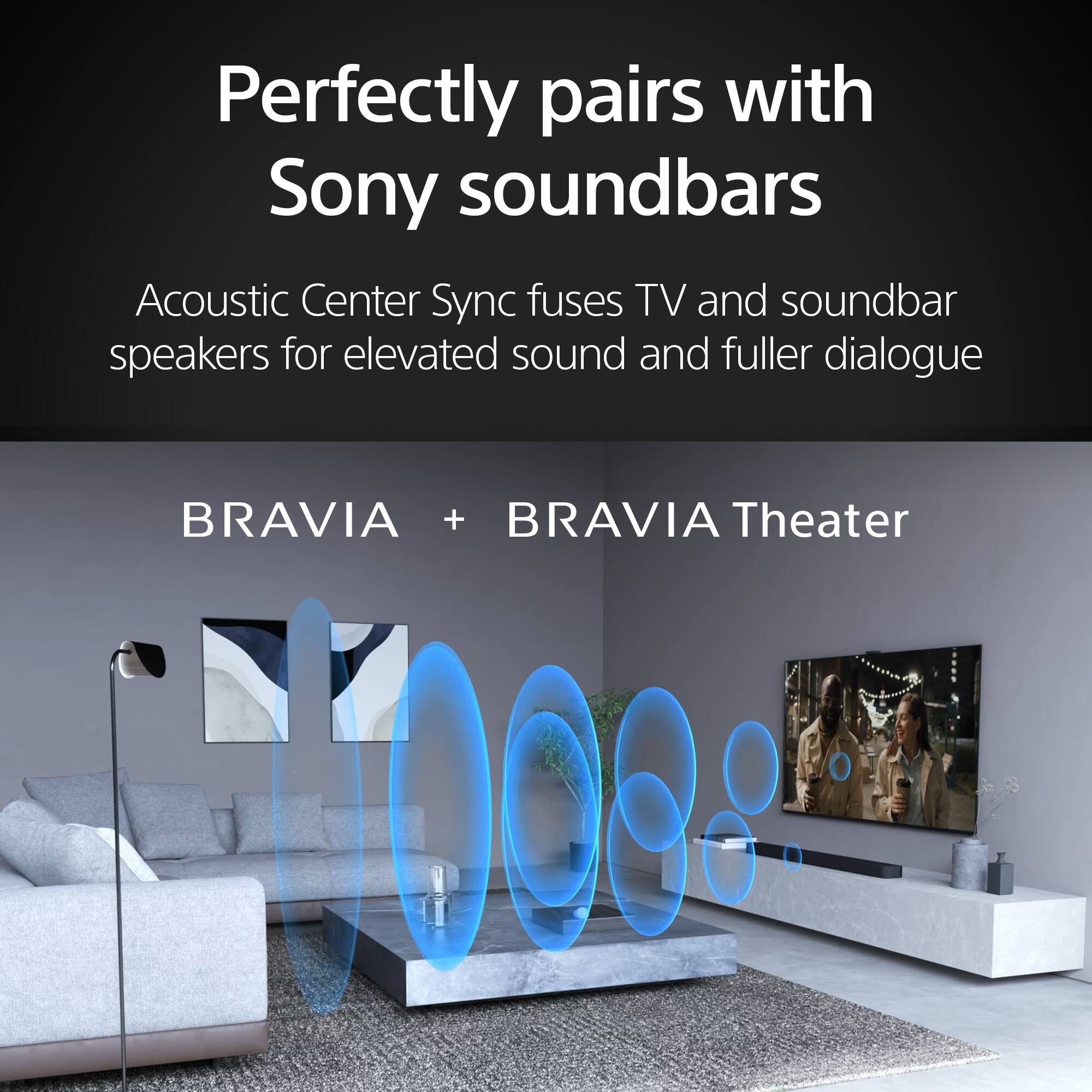
A:AnswerHi there, Thank you for your interest in the Sony BRAVIA 7! This TV is compatible with a variety of Sony audio systems, including Soundbars, Home Theater Systems, and AV Receivers. These audio systems offer exclusive BRAVIA TV features like Acoustic Center Sync and Voice Zoom 3, which significantly enhance the audio experience when used with this TV. To view the list of audio system models that are most compatible with the Sony BRAVIA 7, please visit the link and click on "applicable products.": https://www.sony.com/electronics/support/articles/00285416
Hope this helps!
The BRAVIA 7 brings out the depth and detail in every scene. With extreme brightness and astonishing contrast, our TV delivers truly exhilarating pictures that are sure to entertain and delight all. Experience a new era in contrast. With a unique local dimming algorithm, XR Backlight Master Drive precisely controls thousands of Mini LEDs for truly authentic contrast.
Regards,
Sam
A:AnswerHi Bogey,
We understand you're seeking information about operating your TV with a backlit remote. If having a backlit remote is a priority for you, we recommend purchasing the Sony RMF-TX920U online. This rechargeable remote features backlit buttons for your convenience.
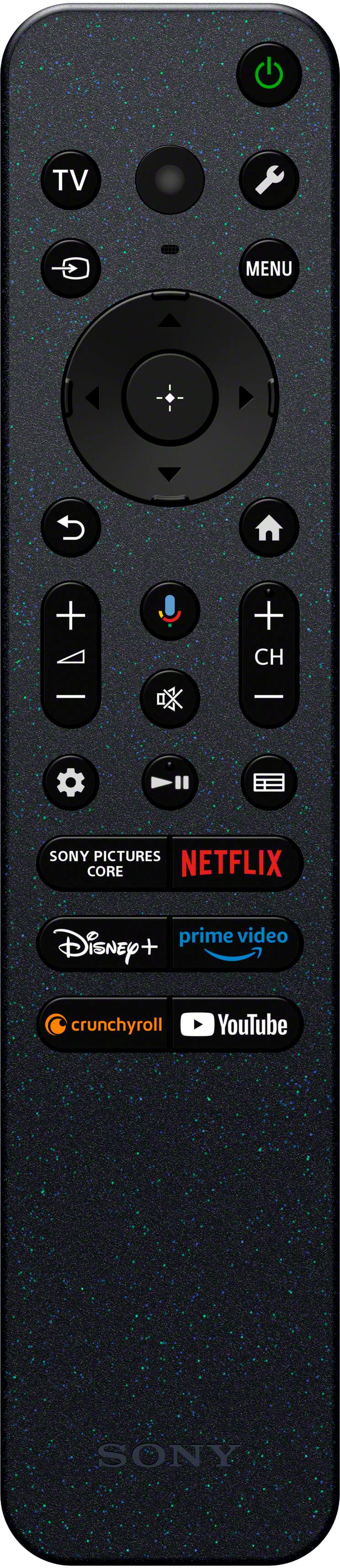
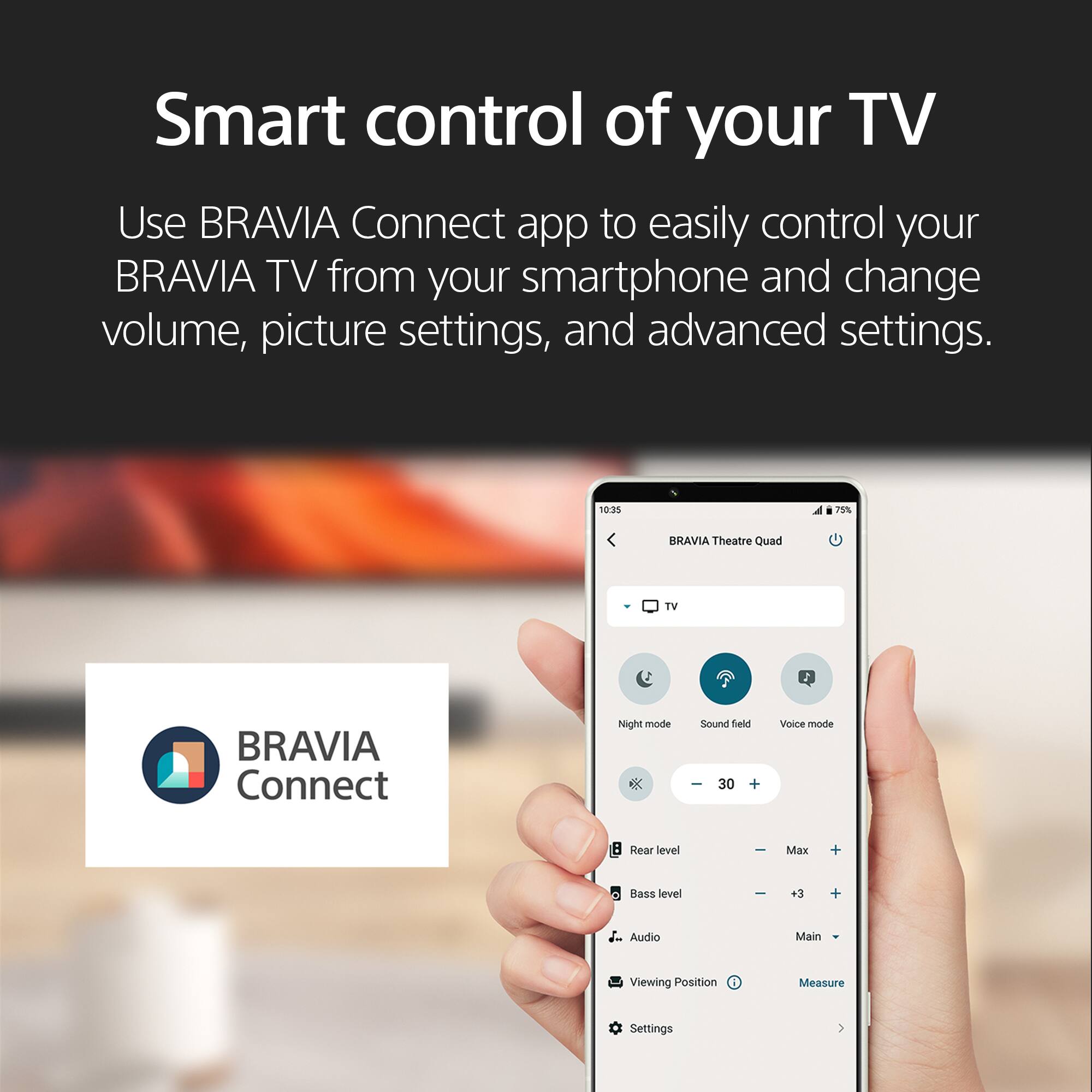
The BRAVIA 7 model does not include a backlit remote. It comes with the Standard Eco remote (RMF-TX820U) which features a simple, easy-to-use design that is effortless to clean. Additionally, you can also control your BRAVIA TV from your smartphone. With the BRAVIA Connect app, you can adjust volume and settings and even check your set up without using the remote or on screen menu.
Hope this information helps!
Regards,
Jess