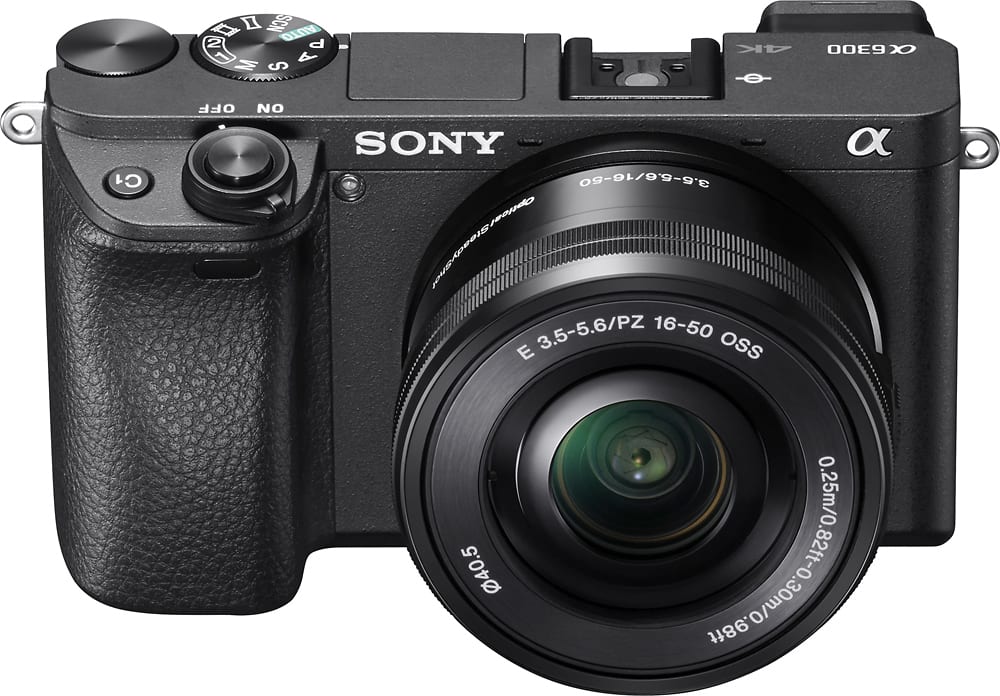
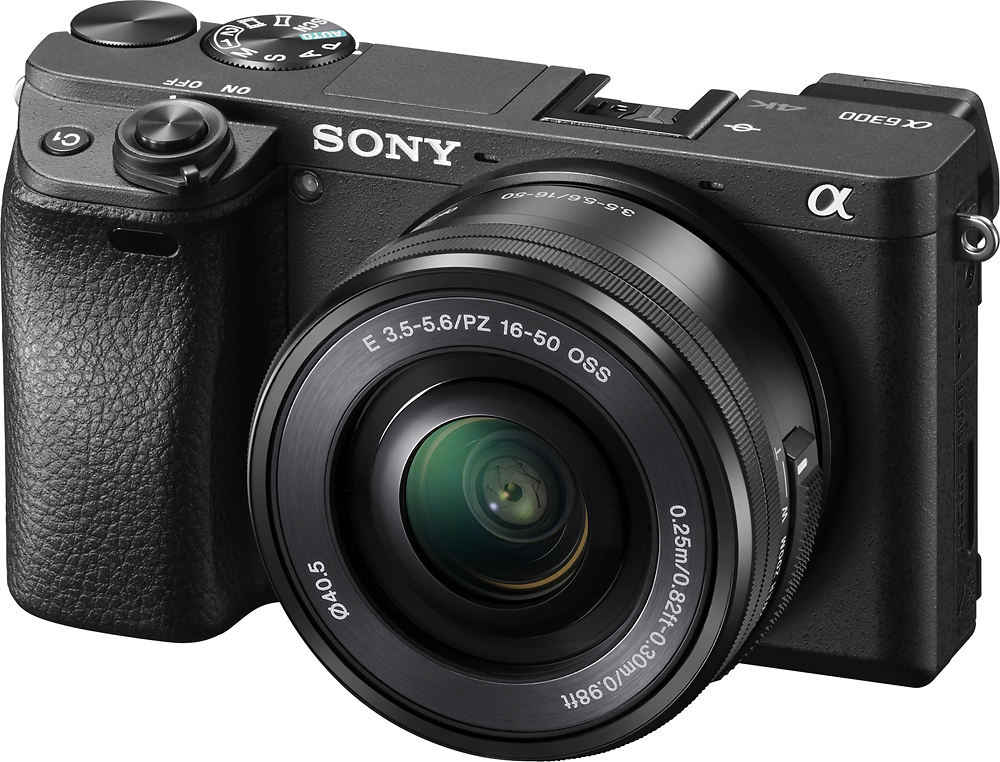
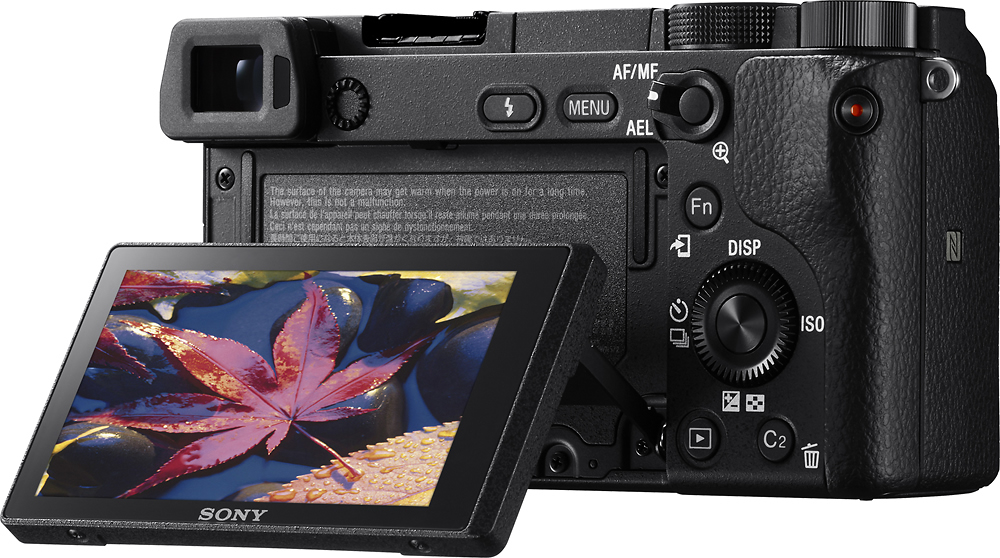
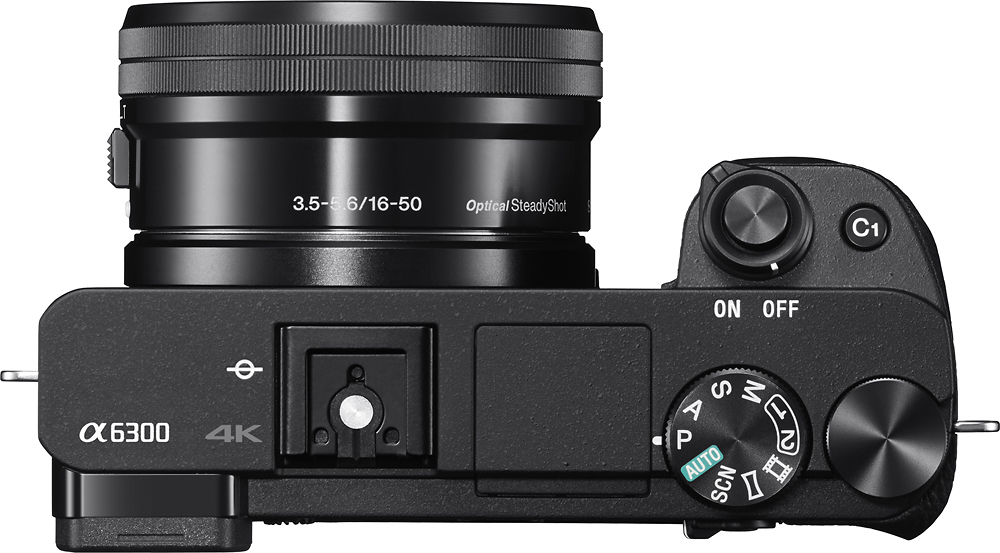
A:AnswerThere are native Sony lenses but they will be approximately 1500 and up. Another option is to buy an adapter for canon or nikon and get a 300mm zoom lens. A good canon lens is the usm is 70-300mm if you get the one w/ image stabilization that will be the best. The only problem that some lenses don't work with all canon lenses I recommend you buy the adapter and try a local camera store for a inexpensive canon lens you could test on location. Typically newer ones work best.
A:AnswerThe manual is silent with regards to IP level. But, this camera is not meant to have water / dust protection as of an action cam. I wouldn't expose mine to any intentional water splashes or severe dust. The operating temperature is 32-104F
A:AnswerI can't attest to sports photography, but you can get bokeh if you set the camera to the lowest aperture while at the highest zoom. There may be other ways to get this done, but that one should definitely work.
A:AnswerHi HugeNuts, we recommend using a compatible SDXC with U3 or greater speed class memory card. Here are some recommended cards that can be used with the Sony ILCE-6300:
- SF-UZ series ( Max.read speed 95MB/s & Max. write speed 90MB/s )
- SF-UX2 series ( Max.read speed 94MB/s & Max. write speed 70MB/s )
I hope this helps! Dave
A:AnswerIf you have the pc to edit 4k . Its amazing. If not , the 1080 still looks better than any camera ive handled. Plus u get 120fps if needed and almost no quality loss at thAt frame rate beside a slight crop. And i mean SLIGHT
A:AnswerYou would only be able to finance this camera for 1 year.
There is a break down.
199.99. 6 months financing storewide
399.99. 12 months financing. Storewide
599.99. 18 months financing. APPLIANCES ONLY
799.99. 24 months financing. HOME THEATER ONLY.
ALTHOUGH IF YOU ARE NICE AND PATIENCE during the check out process you can ask about a term change.
This is where the sales person decides if they should call the bank and ask them to extend your financing time period. This cost the store money so if your sales person does this for you , your lucky they are so determined to get you a deal
A:AnswerRolling shutter is a distortion your video, where objects tend to look slanted when you move your camera quickly. Not to get to technical, but it has to do with how fast the camera can get the information from the sensor to the processor. Cameras will read the sensor bottom to top, so if an object is changing quicker than the camera can process the image, this can make the object come out distorted. For example, common test camera reviewers use to measure rolling shutter issues is to film a telephone pole out of a moving car. The more slanted the telephone poles look, the worse the rolling shutter.
Now the a6300 has very bad rolling shutter. Panning the camera quickly will cause the scene to take on an almost jello effect. This is not an issue if you do not move the camera too fast, but that depends on your needs.
Check out this link for more info.
https://www.youtube.com/watch?v=bQU1Jylk3jQ
A:AnswerYeah it will continue recording and I believe you can choose whether or not you want to review the photos on the back screen while still taking video.