A:AnswerHello Don,
Thank you for considering Sony products!
We appreciate your inquiry about how to reset your Sony HT-A8000 soundbar and are happy to assist you. Performing a reset is an effective way to ensure your system is running at peak performance or to clear previous settings if you are starting a new configuration.
To reset the speaker system, please follow these simple steps:
Hold the Power Button: Press and hold the power button on the bar speaker for more than 10 seconds.
Watch the Indicators: The main status indicator will flash white and blue alternately, signaling that the reset has begun. The process is complete once the flashing stops.
Power Cycle: After the flashing finishes, disconnect the AC power cord from the wall outlet. Wait for the status indicator to turn off completely, then reconnect the power cord.
This reset will restore the soundbar to its factory default settings and may help resolve operational issues. For further details, please refer to the following support page: https://helpguide.sony.net/ht/208283c/v1/en/contents/117ResettingtheSpeakerSystem.html.
Best regards,
-Fred
A:AnswerThank you for contacting Sony, Bluegirl.
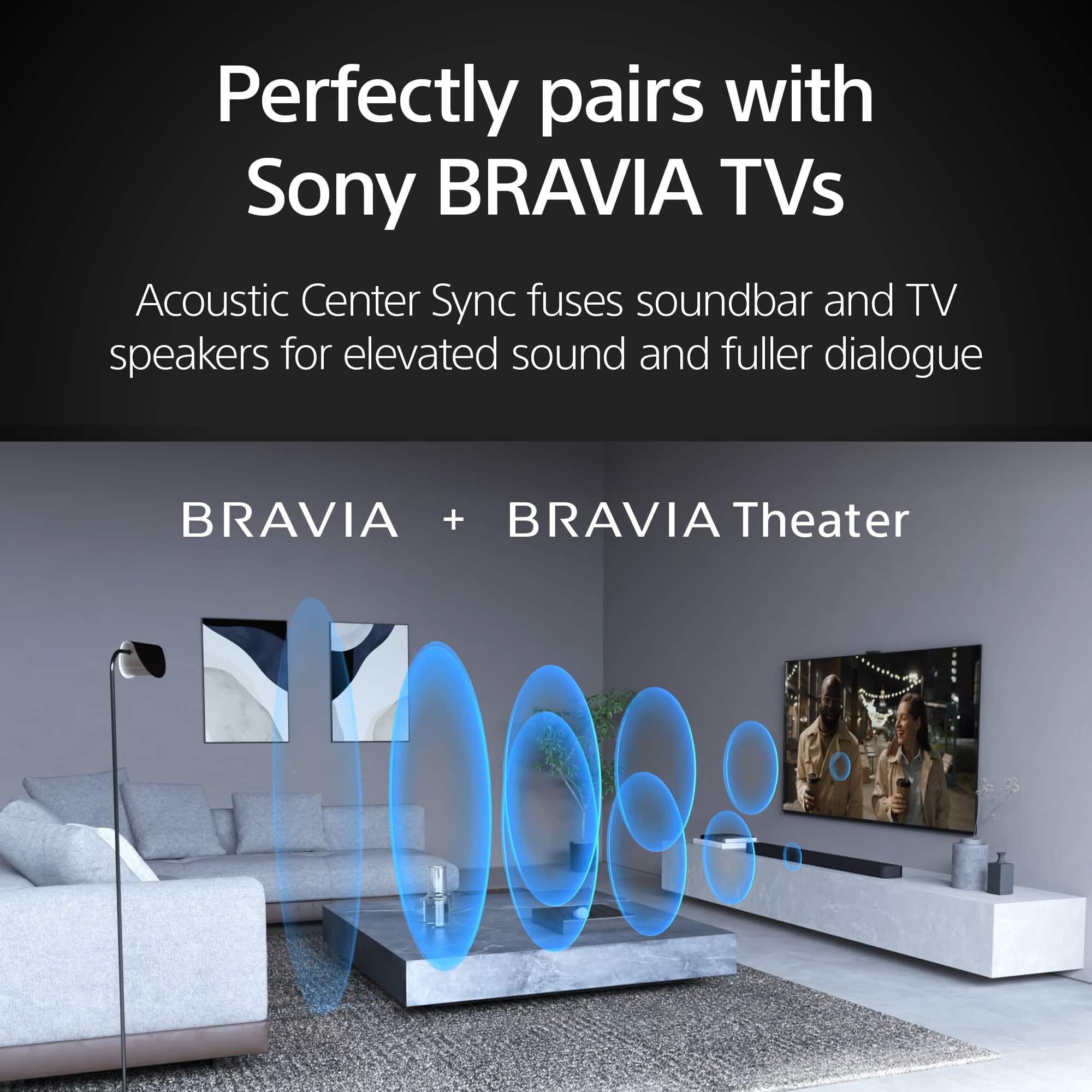
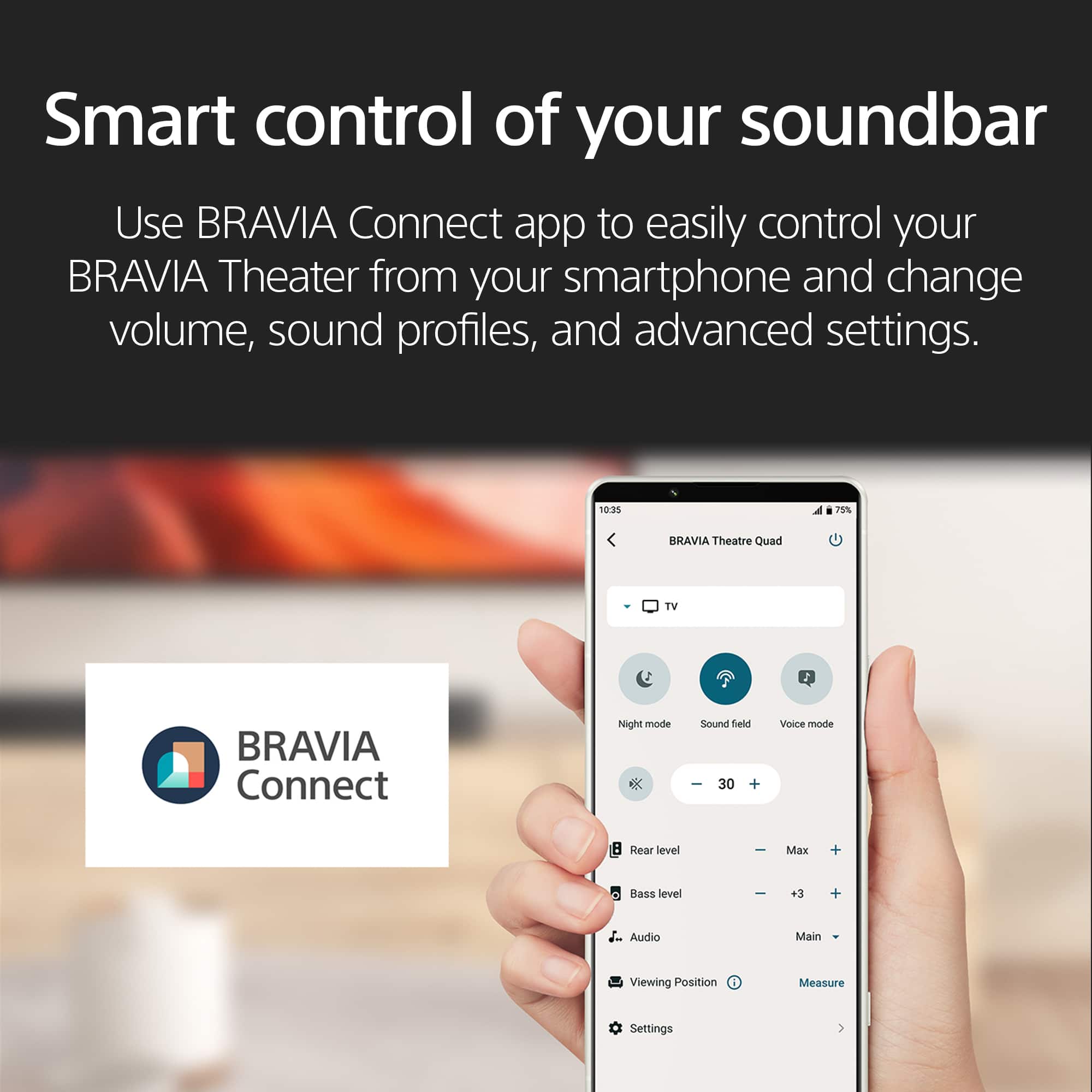
You do not need Wi-Fi to enjoy the full audio performance of the BRAVIA Theatre Bar 8 or 9 with your X90L TV. While Wi-Fi is required for the initial Bravia Connect app setup and firmware updates, the soundbar will deliver premium cinema sound via the HDMI (eARC/ARC) connection alone.
If you can't access Wi-Fi for the update, the bar will still function perfectly as a high-end speaker system.
We appreciate your interest in Sony products. Should you require any further assistance, please don't hesitate to reach out for support here:
https://us.esupport.sony.com/support/s/support-contact?language=en_US&category=HT
Best regards,
Gus, Sony North America Customer Support
A:AnswerThank you for contacting Sony.
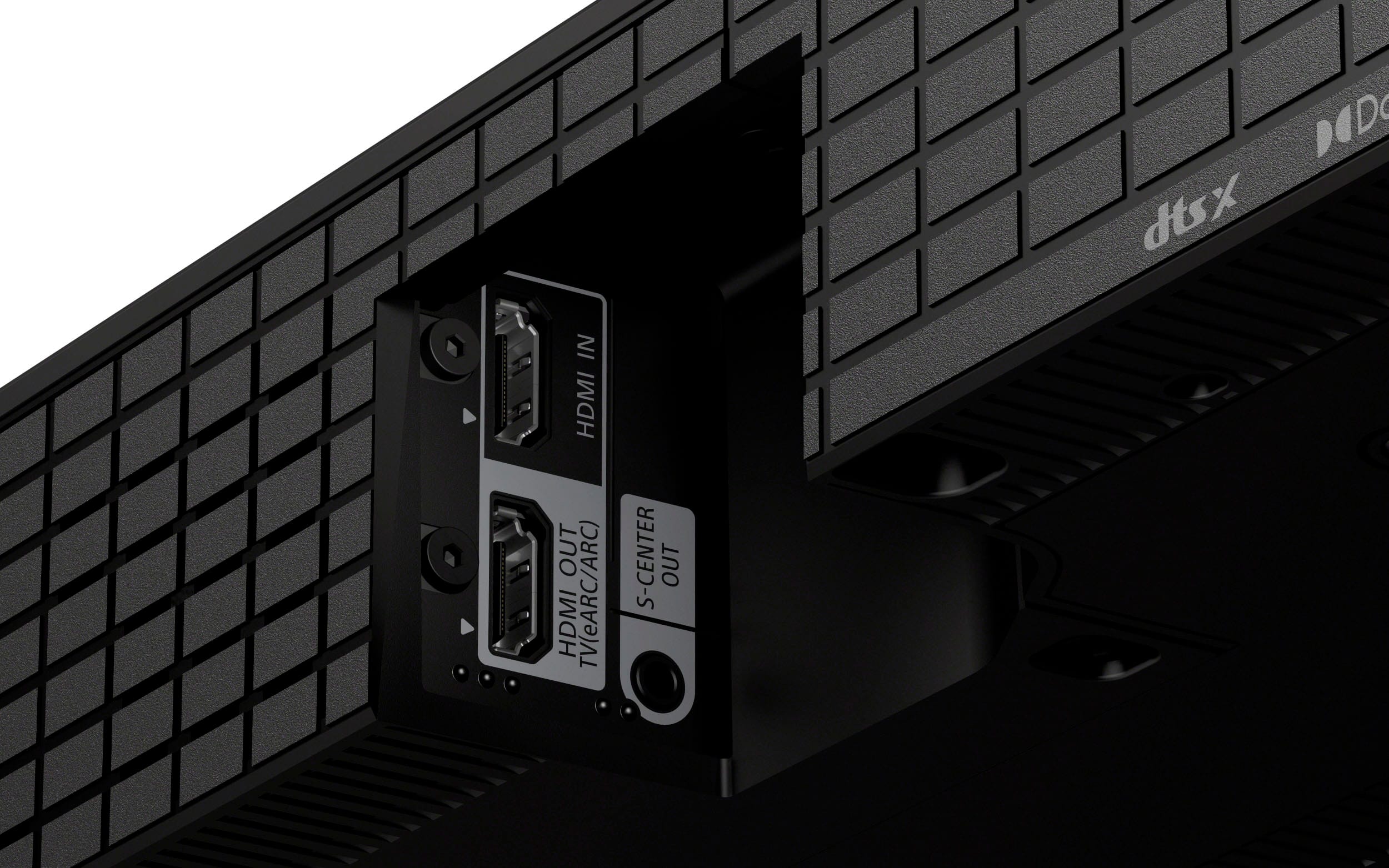
Yes, you can absolutely hook up a Roku to your HT-A8000. You can plug the Roku directly into the HDMI IN port on the back of the soundbar for the best audio quality, or plug it into your TV and let the sound travel to the bar via the HDMI eARC/ARC connection. Both methods work perfectly!
We appreciate your interest in Sony products. Should you require any further assistance, please don't hesitate to reach out for support here:
https://us.esupport.sony.com/support/s/support-contact?language=en_US&category=ht
Best regards,
Gus, Sony North America Customer Support
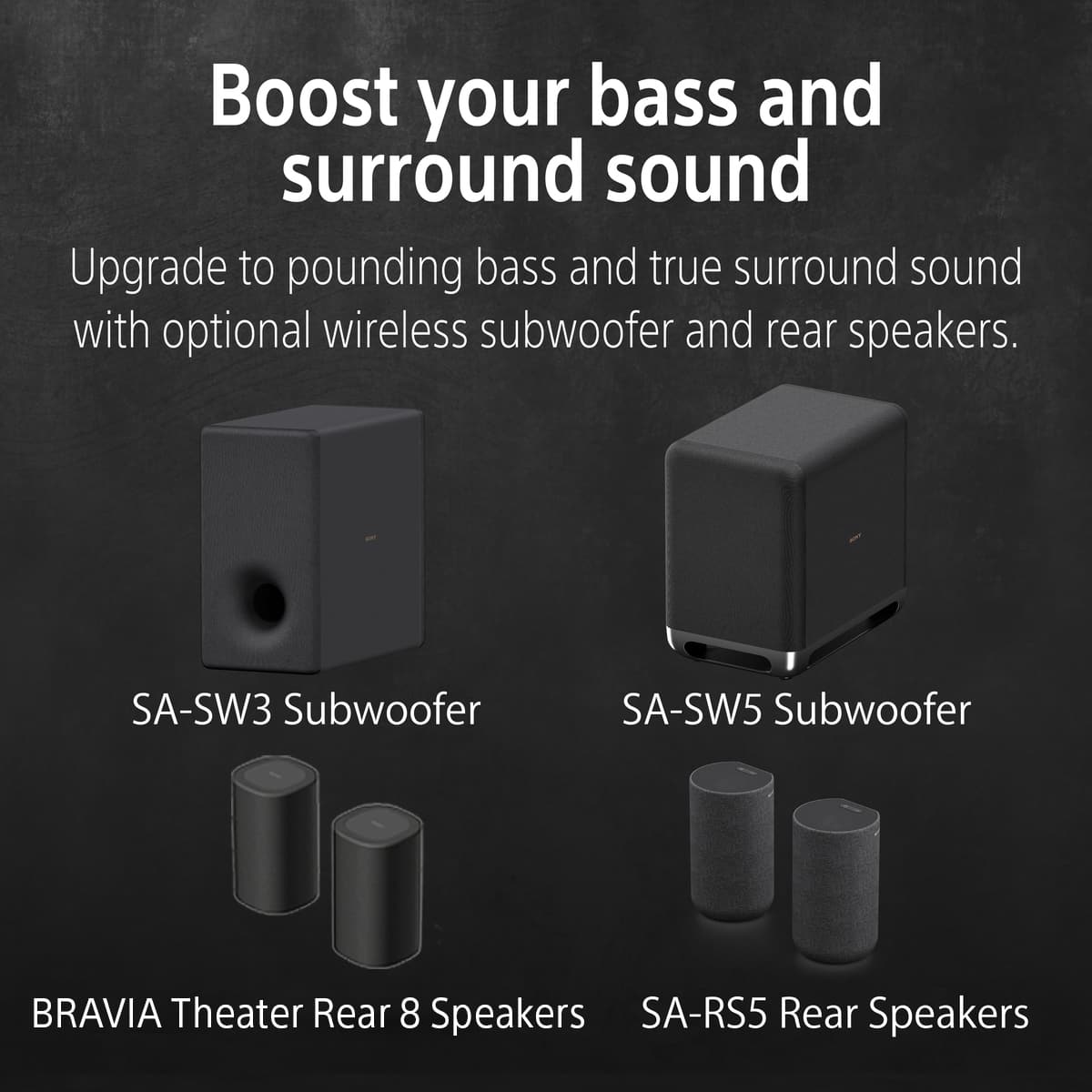
A:AnswerYes the Bar 8 has limited bass capabilities based on its size and purpose. I added the wireless SW-5 Subwoofer to offload all the bass duties and it was a Gamechanger for my sound system. Good luck.
A:AnswerHi Rich,
While we cannot confirm the compatibility of third-party hardware, the BRAVIA Theater Bar 8 is designed with standard wall-mounting points on the rear, spaced 876 mm (34.5 inches) apart. The soundbar weighs approximately 10.4 lbs and includes its own wall-mount brackets and a template for precise installation. For integrated setups, this model is also specifically compatible with the Sony SU-WB1 soundbar mount.
Thanks for choosing Sony.
Best regards, Eliab
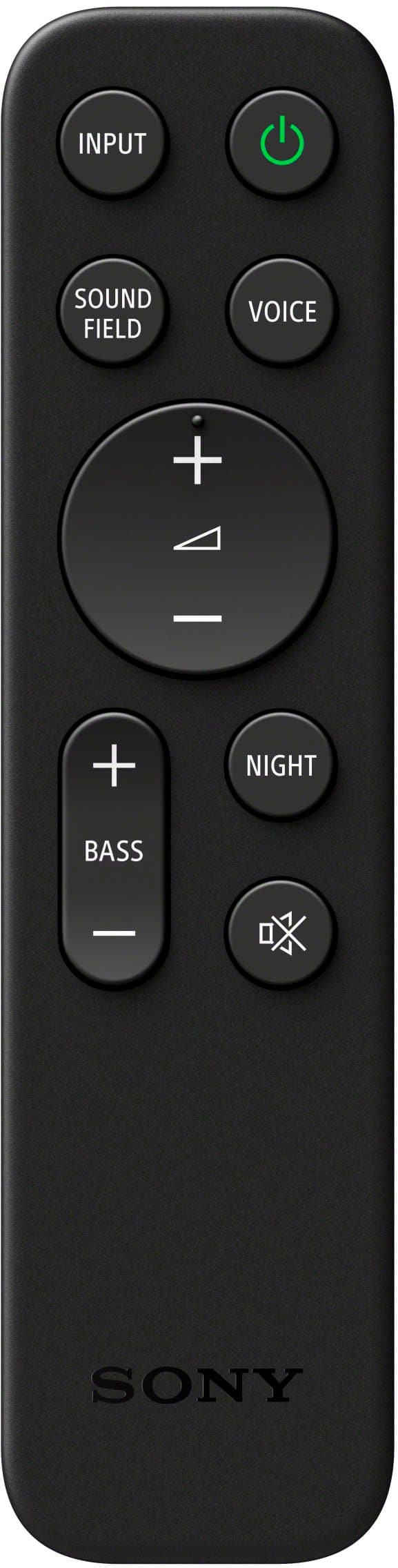
A:AnswerYes, you could either use your tv remote or Firestick/Roku remote to control volume on your Bar 8 system. It is all controlled through the HDMI cable that you connect to it. Good luck.
A:AnswerHaving ONLY one HDMi port instead of multiple HDMi ports that would make it easier to connect other devices directly to soundbar instead of TV.
A:AnswerYes if you have a right soundbar wall mount that would connect with your existing TV wall mount. Sony has a sound bar mount to be attached with Sony wall mount but it’s so hard to find that it’s best to ask home theatre expert at Best Buy. Try to match soundbar bracket with matching brand of your TV wall mount is your second choice.
A:AnswerHi!
Thank you for reaching out! We understand you're looking to adjust the treble on your HT-A9000.
The HT-A9000 does not have a dedicated, user-adjustable treble control. The system is designed to automatically optimize the sound field based on its environment and the content being played.
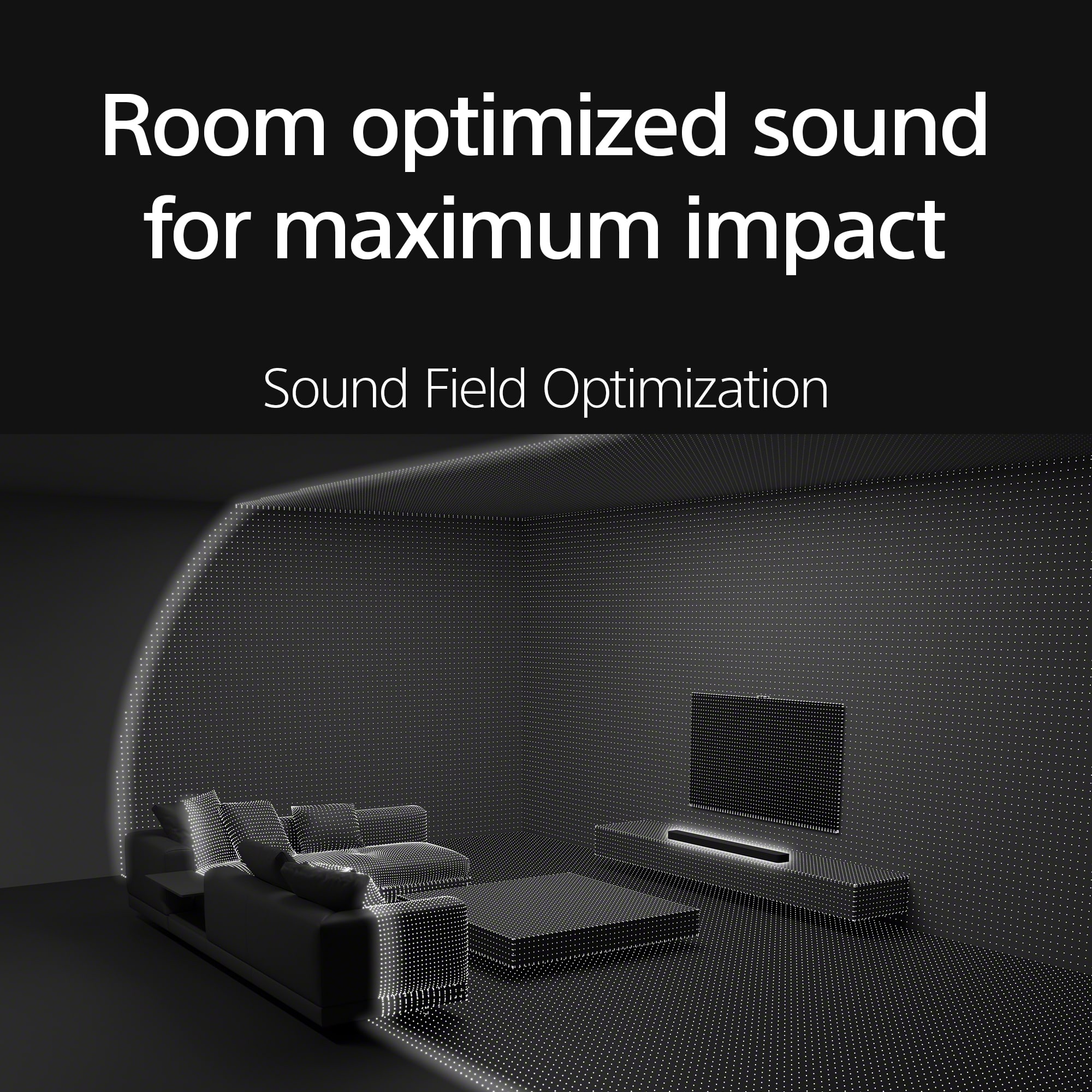
While there isn't a direct treble knob, you might find that exploring the different sound modes or optimizing the sound field through the "Sound Field Optimization" feature can help fine-tune the audio to your preference.
For additional information, please visit the following link:
https://helpguide.sony.net/ht/208283c/v1/en/contents/022_Adjusting_Sound_Quality.html
Thanks for considering Sony products!
Best regards,
Estefany
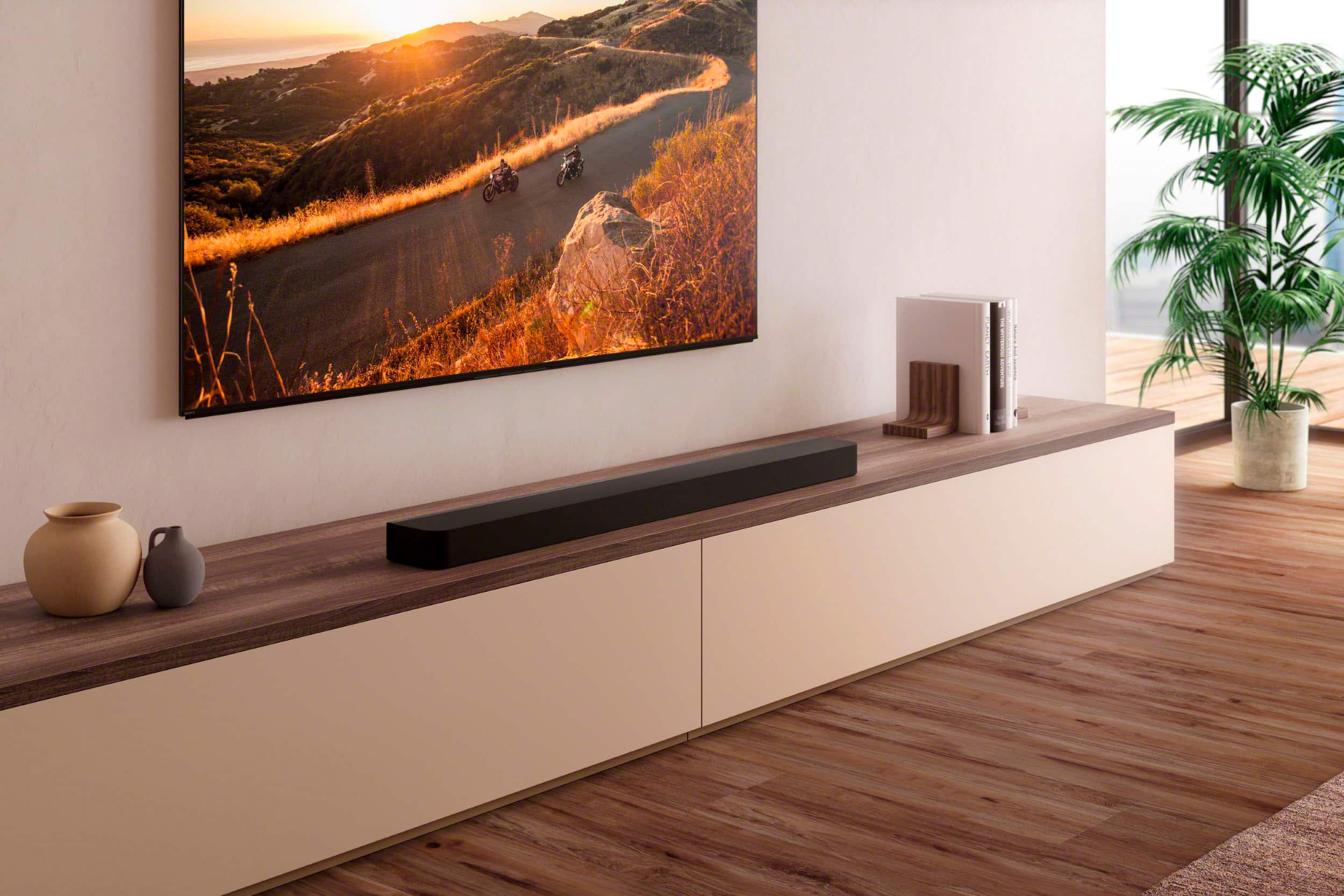
A:AnswerThe Bar 8 comes with wall mount brackets which allows you to mount the Bar 8 at any height or distance below your tv on the wall. Mine looks great.
A:AnswerI have the same setup. Plug your Blueray player into HDMI 1,2,4 ports and the use the ARC 3 HDMI port to connect to your Bar 8 system. Works great with amazing sound.
A:AnswerHi Barry, thanks for question and interest in the Sony - BRAVIA Theater Bar 8! You can mount this soundbar to the bottom of the Sony - 65" Bravia 8 using the Soundbar Bracket Model: SU-WB1, just keep in mind you will also need to use the Ultra-slim TV Wall Mount Bracket Model: SU-WL905 to complete the entire setup. We hope you find this information useful and thanks for considering Sony! Best regards, -Dominick
A:AnswerHi Mayrae, thanks for your question! The Sony - BRAVIA Theater Bar 9, unfortunately cannot connect to a Bose Subwoofer and Bose rear speakers. The ones that are compatible for this Sound bar are the Sony Subwoofers SASW3 and SASW5. For rear speakers you can use the Sony SARS3 and SARS5. We hope you find this information helpful and thanks for considering Sony! Regards, -Dominick
A:AnswerThere are no screws for the feet; you have to purchase them at a hardware store. Pennies on the dollar. Copy and paste the name of the soundbar into internet exployer or google or whatever you use. And put instructions/operation for; It should have come with the HDMI cable. Mind did, you can either snap a cell phone photo of your purchase off the box or the Best Buy website from your purchase on my account. Take it to Best Buy, and they may give you a new one free. Or purchase one off Amazon.com, they are very cheap to very expensive, which will work for this. Make sure you tell Best Buy that it didn't come in the box, and you didn't want to return the entire heavy box, simply because of that. I hope what I told you can help you out in some way, good luck.
A:AnswerHi dog1, Thank you for your inquiry. Yes, you can use the Sony Theater 8 soundbar with a Samsung TV via HDMI. You can connect one end of an HDMI cable to the HDMI OUT (TV eARC/ARC) port on the Theater 8 to the HDMI IN (eARC/ARC) port on your Samsung TV. Hope this helps!
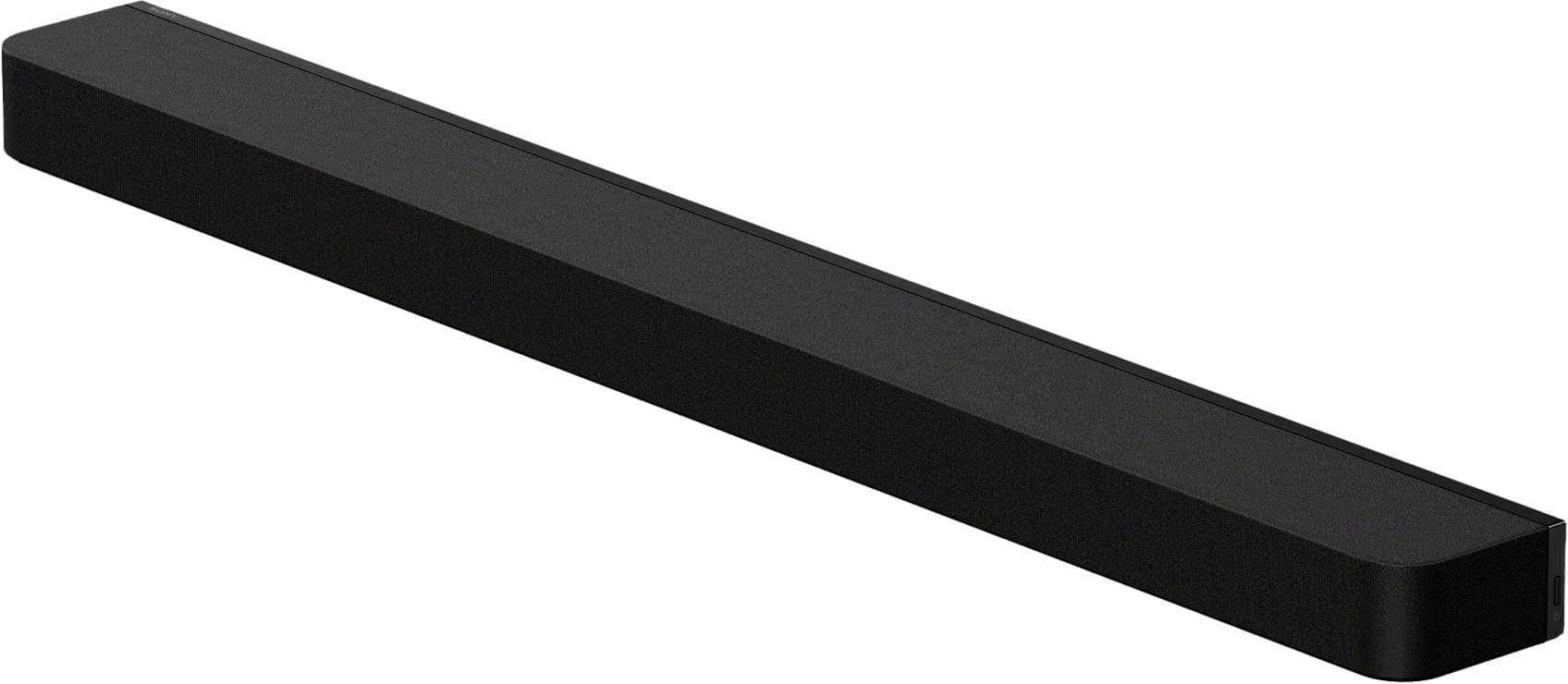
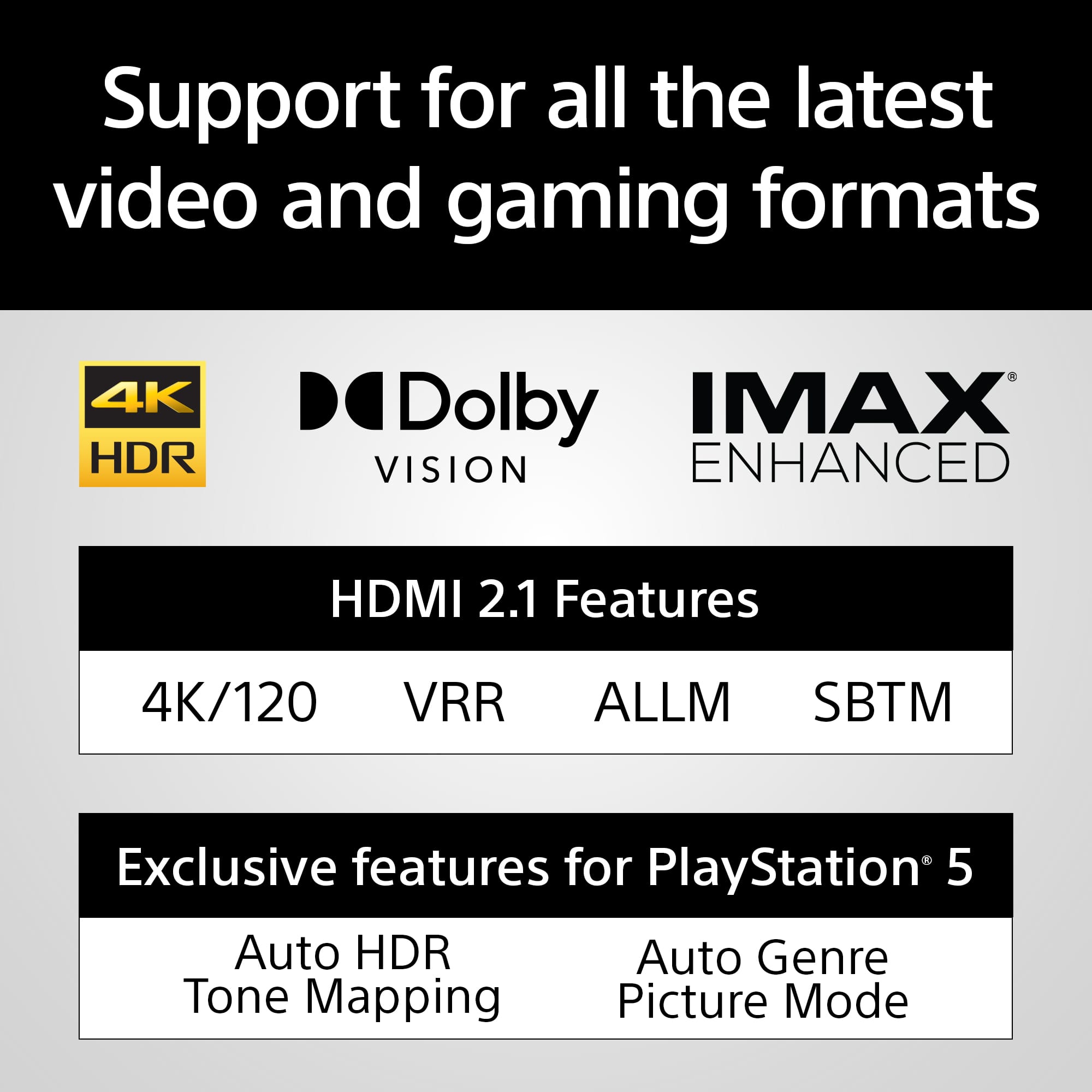
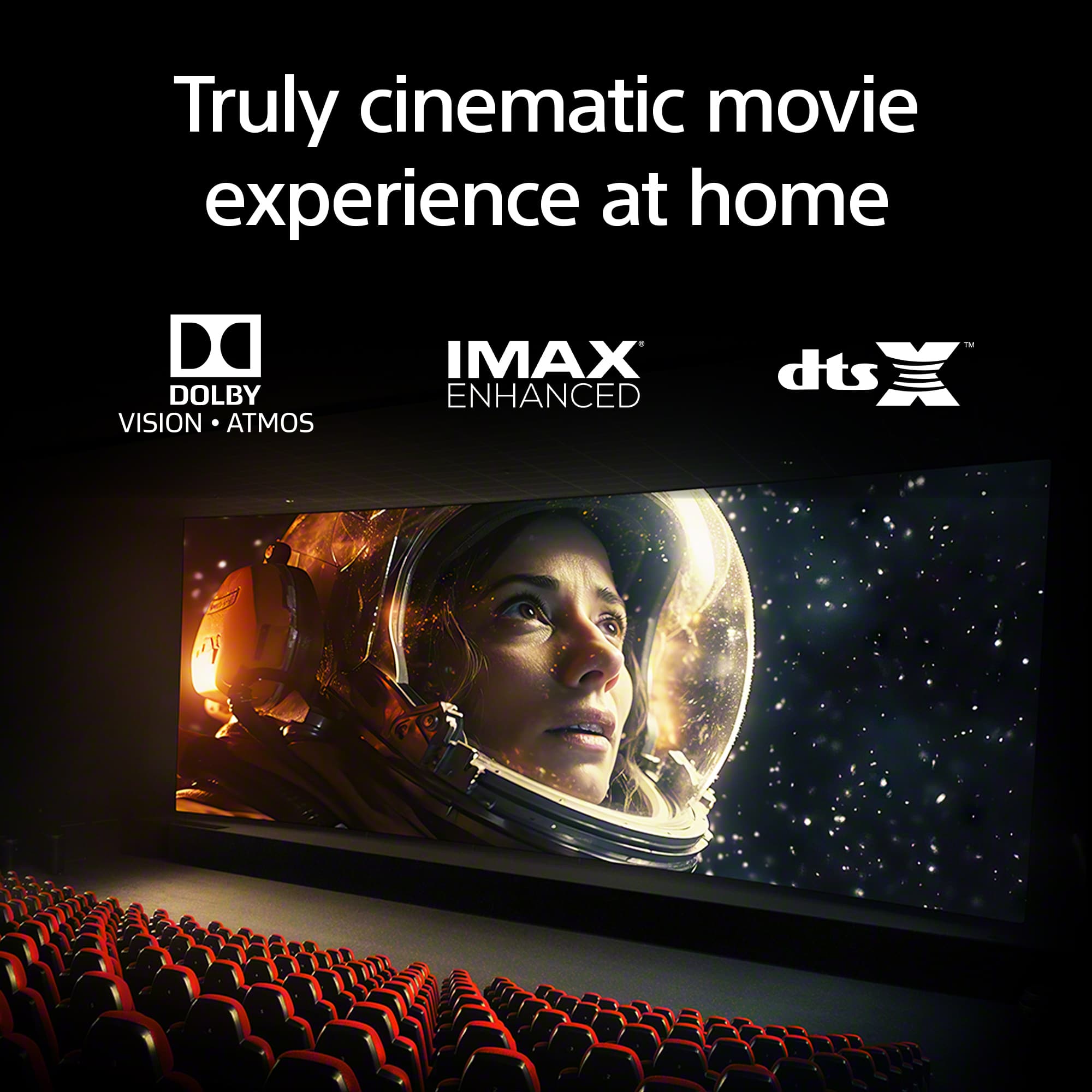
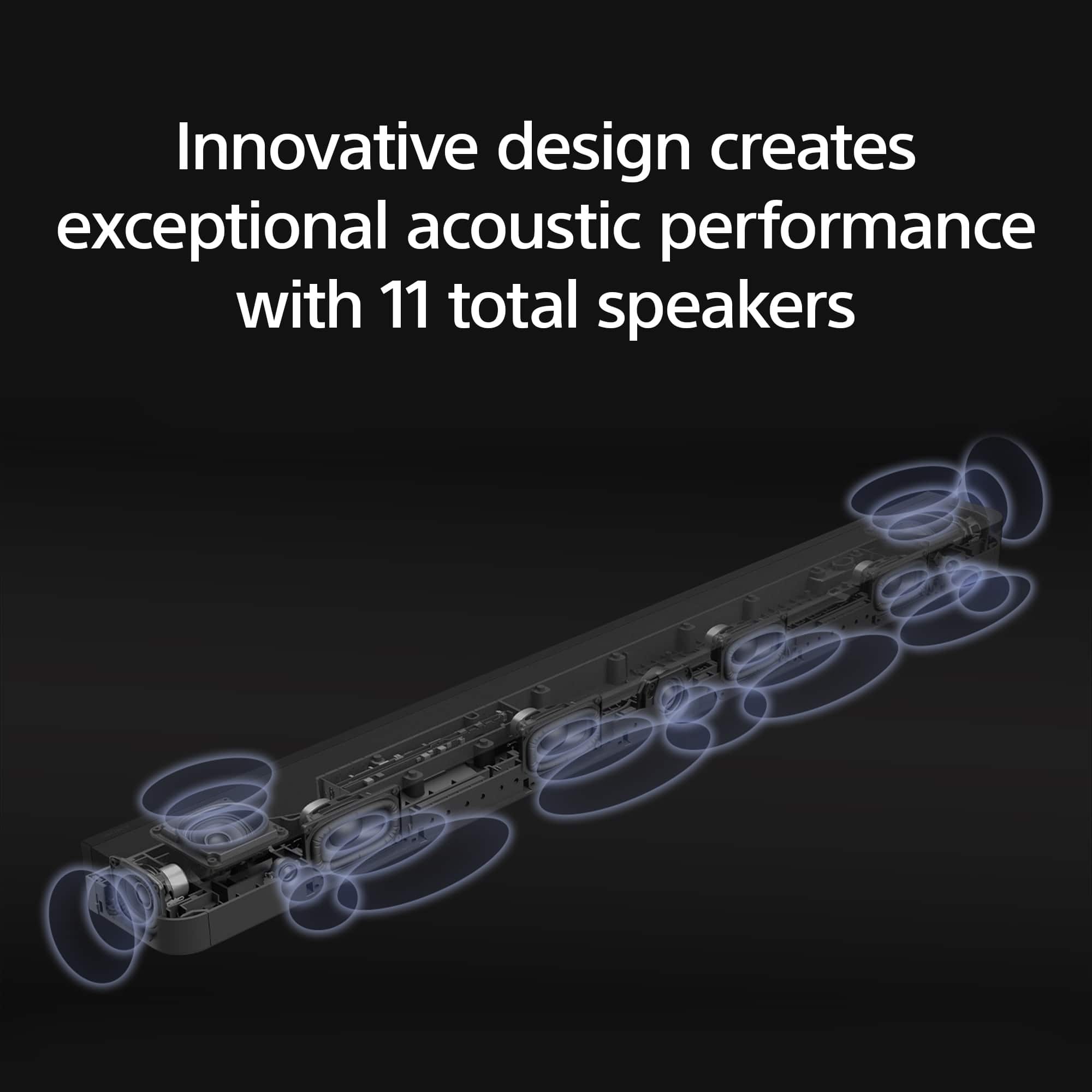
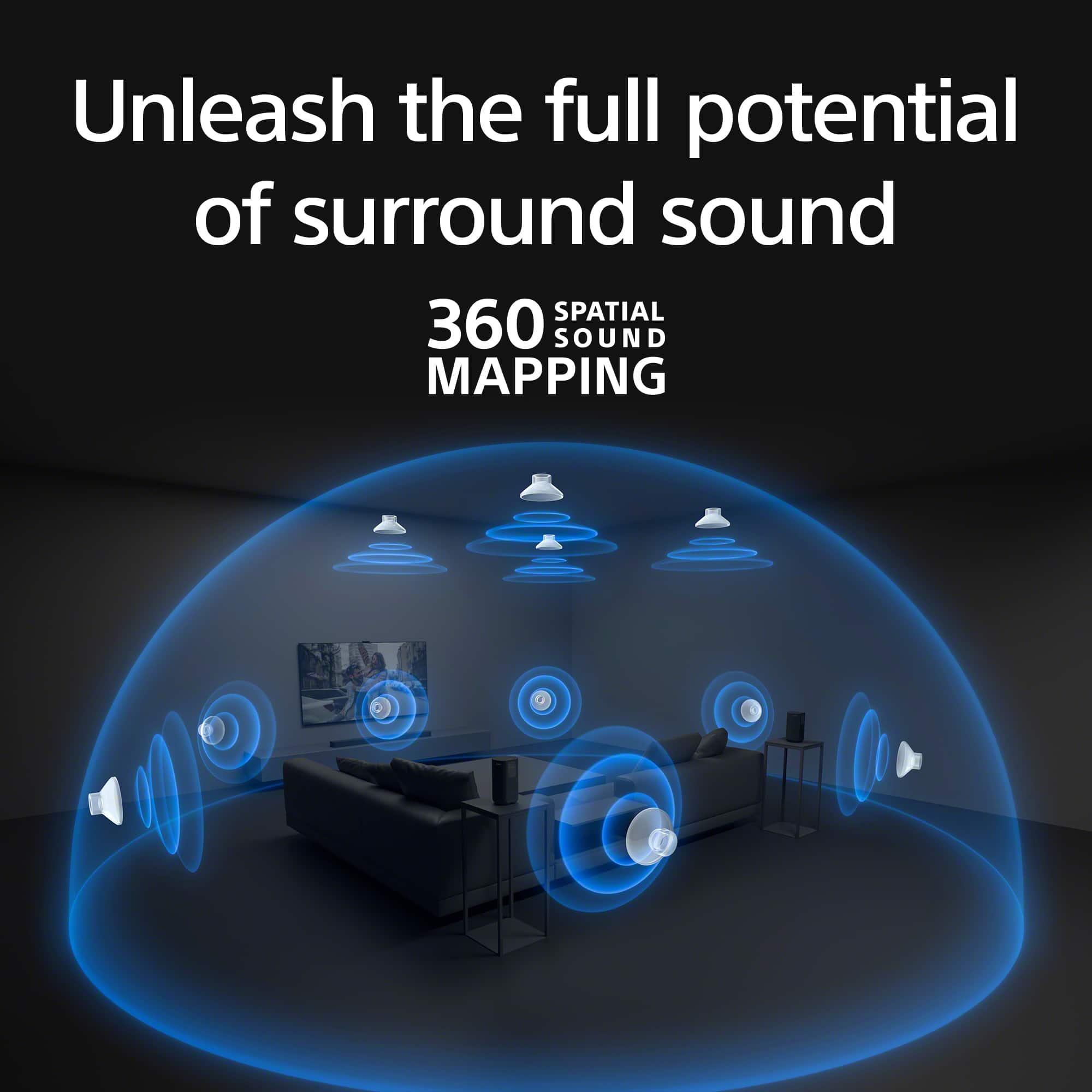
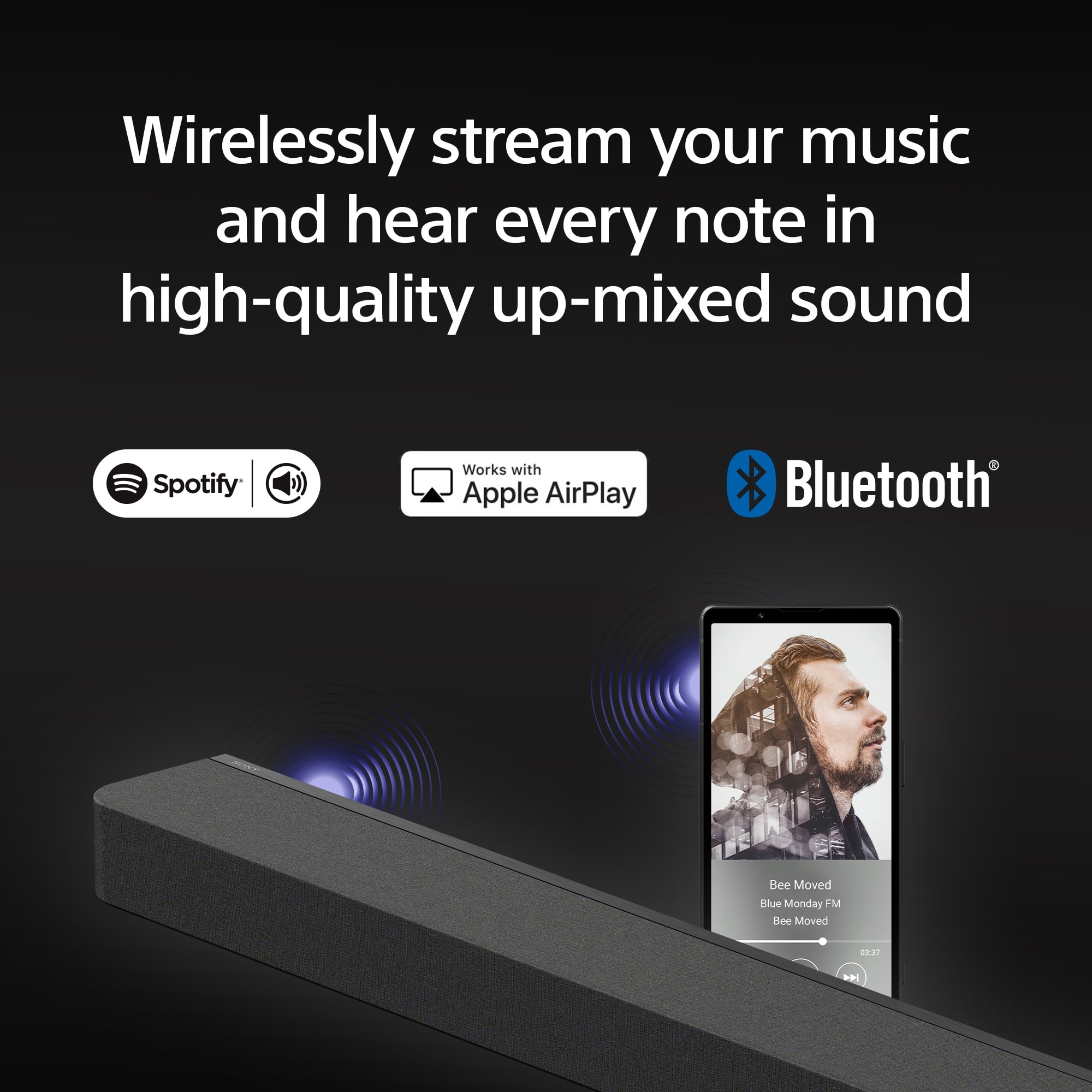
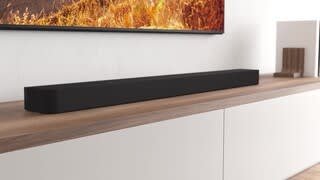
Enjoy a theater-like experience in your home when using the Sony HT-A8000 BRAVIA Theater Bar 8 495W 11-Channel Dolby Atmos Soundbar. The Bar 8 combines industry standard sound profiles, such as Dolby Atmos, DTS:X, and IMAX Enhanced, with Sony's 360 spatial sound mapping technology. A total of 11 built-in drivers create a lifelike experience by generating phantom speakers that surround you in sound. In addition to enhancing TV and movies, the BRAVIA Theater Bar 8 is also great for music and video games. Stream high-resolution audio or up-mix low-res content using DSEE Ultimate, and experience smooth, low latency gameplay with 4K120 video support.
Regards,
Sam
A:AnswerHi DC, Thank you for your question. In order to have the best experience we recommend connecting HTA8000 (Theater Bar 8) soundbar to TV using an HDMI cable. this will give you full support of Dolby Atmos audio as well as 360 special audio.
Hope this helps! Enjoy a theater-like experience in your home when using the Sony HT-A8000 BRAVIA Theater Bar 8 495W 11-Channel Dolby Atmos Soundbar. The Bar 8 combines industry standard sound profiles, such as Dolby Atmos, DTS:X, and IMAX Enhanced, with Sony's 360 spatial sound mapping technology. A total of 11 built-in drivers create a lifelike experience by generating phantom speakers that surround you in sound. In addition to enhancing TV and movies, the BRAVIA Theater Bar 8 is also great for music and video games. Stream high-resolution audio or up-mix low-res content using DSEE Ultimate, and experience smooth, low latency gameplay with 4K120 video support. Regards, Sam