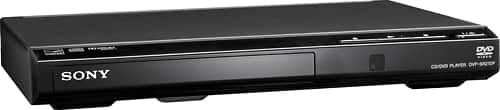
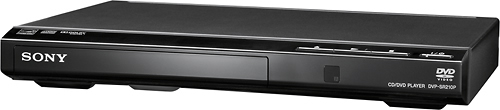
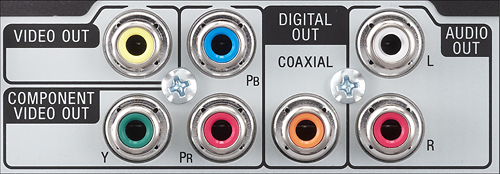
A:AnswerYes it can. In fact, we bought it because we needed something inexpensive to play cd's on our old stereo system. You just need traditional RCA cables; there are L and R audio outputs on the back. The only issue with playing audio cd's this way is that you won't see a display of which track is playing as it would have to be hooked up to a TV for display. However, you can use the remote to choose individual track or to skip forward or backward.
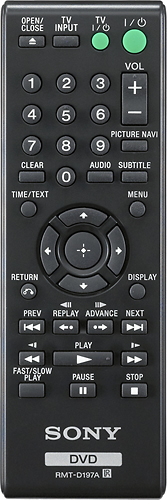
A:AnswerIf you can handle a remote to any other device, you can quickly learn to use this remote as well. It has the basic play, fast forward or backward, and move to next track or previous track buttons, plus the stop, pause, and on/off buttons. That's all you really need to know!
A:AnswerIn a word, no. The Reference Guide lists Audio Out (L/R: Phono Jack); Component Video Out (Y, Pb, Pr; Phono Jack); and a Video Out; Phono Jack. It also lists a Digital Out (Coaxial); Phono Jack but I see no Coaxial plug in, which the Startup Guide references on the right side of the player, but it's not there! So I would say no.
A:AnswerSupported Discs: DVD, DVD+RW/+R/+R DL (+VR mode), DVD-RW/-R/-R DL (VR mode/video mode, Music CD/Super VCD, CD-R/-RW
That is from the Instructions, and it probably will play what you are describing.