A:AnswerHi, Tranard!
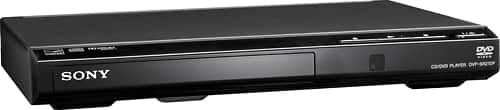
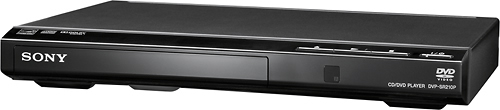
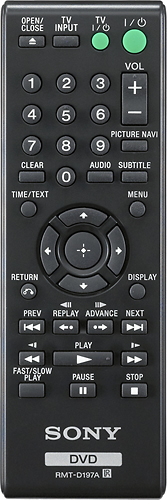
We don't have an app to control this unit. We strongly recommend using the supplied remote of the DVD player.
Happy to help,
David
A:AnswerHi Frustrated,
Kindly follow the steps provided on this link to fix this issue. https://www.sony.com/electronics/support/articles/00178241
Regards, Sam
A:AnswerHi there, No, it doesn't have network streaming capabilities. You may want to consider checking our Blu-ray players since these devices support network streaming:
https://www.sony.com/electronics/blu-ray-dvd-players/t/blu-ray-disc-players
~Ralph
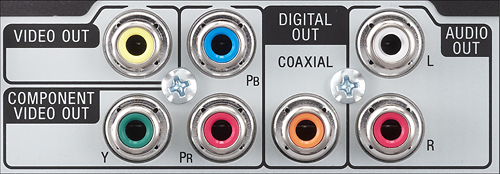
A:AnswerAs long as you have component (red, green and blue input) or composite (yellow input) you will be good with any TV manufacturer. Note that this player does NOT have an HDMI output.
A:AnswerHi SonyVizio, Unfortunately, there's no code for a Vizio TV. You may try to use all of the codes listed. However, we cannot guarantee full compatibility. Thanks! ^Ron