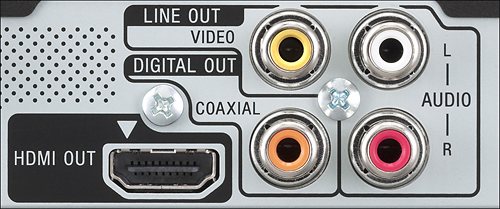
A:AnswerIt does upscale DVD's to 1080p if using an HDMI cable (not 4K, you will have to get a 4K Blu-Ray player for that).
As far as the "repeat" question, I'm not sure. These have often been options in the past, but I'm not sure.
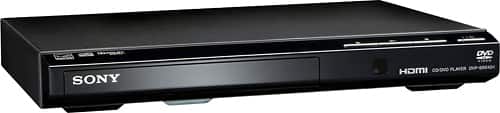
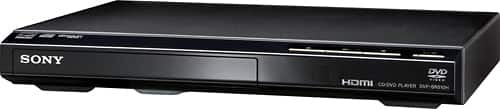
A:AnswerNo, it does not work vertically. If you try to put a disc in the tray with it standing vertically it just falls out. It does not have tabs to hold it in place.
A:AnswerNo, you would need an external dvd drive for your computer. Assume your computer does not have a dvd drive. You can pick one up at Best Buy for around $30.
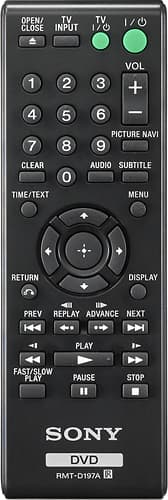
A:AnswerThere is no LED display on the front of this recorder. However, if you use the display key on the remote it will provide all of the information you need.
A:AnswerHello Bigbob1, that depends on the disc that you're trying to play. The supplied remote control has the "Fast/Slow Play" function that may be useful for you.
Regards, _Bob
A:AnswerHello Arashi, it should work with your TV and we recommend connecting it with an HDMI cable for best display. This model is designed to be used inside the US and it's a region 1 DVD player.
Regards, _Bob