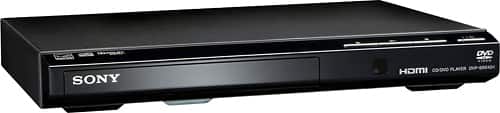
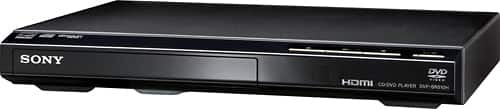
A:AnswerUpconverting means scaling a standard-definition image to fill the screen of an HDTV. It doesn't make it HD but helps fill the screen without making the image look too pixilated.
A:AnswerHi Roy, please refer to pg.2 of the link below to know more about the power requirements of this unit. It can play MP3 (except for mp3PRO), WMA(except for WMA Pro), AAC, LPCM,WAVE. However, it doesn't support MP4 format. Thanks! ^Ron
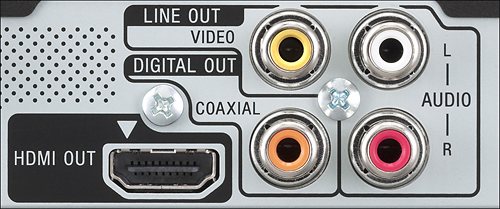
A:AnswerHi there, Yes, as long as the computer monitor has an HDMI or composite connection. You may refer to this link for more information (Inputs and Outputs):
https://docs.sony.com/release//specs/DVPSR510H_mksp.pdf
~Ralph
A:AnswerI hope you have an answer by now!
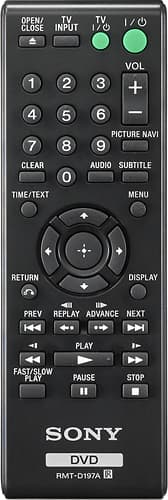
What I do is use the TV remote to move the TV to AV.
Then I activate the DVD player.
Hope this helps or makes it easier from what you have been doing for 2 months.
A:AnswerThe accessories are: the remote and cables to attach to DVD and TV (yellow, red, white). Cable attachment is clear by the holes on each appliance.