A:AnswerNot sure about Airpods, but it will connect with bluetooth devices. I'm using my Bose soundwear and it works flawlessly, and connects automatically very quickly.
A:AnswerHi LocoDiablo,
Thanks for your inquiry. Great news! The A9G TV will work well with the soundbar. To use the TV speakers with the soundbar setup, you'll need to add an optical cable aside from the HDMI cable. For more information, please refer to this link:
https://helpguide.sony.net/tv/gusltn2/v1/en-003/08-05_09.html
-Ralph
A:AnswerHi i have same question, i own ht-a5000 and xr90k, i don't see this as cinema option and don't see soundbar settings when scrolling around with remote. If you can explain how you get cinema mode in setting realy would appreciate. Only way i get cinema is if disconnect soundbar and go to bravia tv as a sound speaker option. Thanks
A:AnswerHi Andrii,
If trying you are trying to use Tidal for Dolby Atmos, we recommended using the Bluetooth function since HT-A5000 supports LDAC.
Regards,
-Ralph
A:AnswerHi Steve,
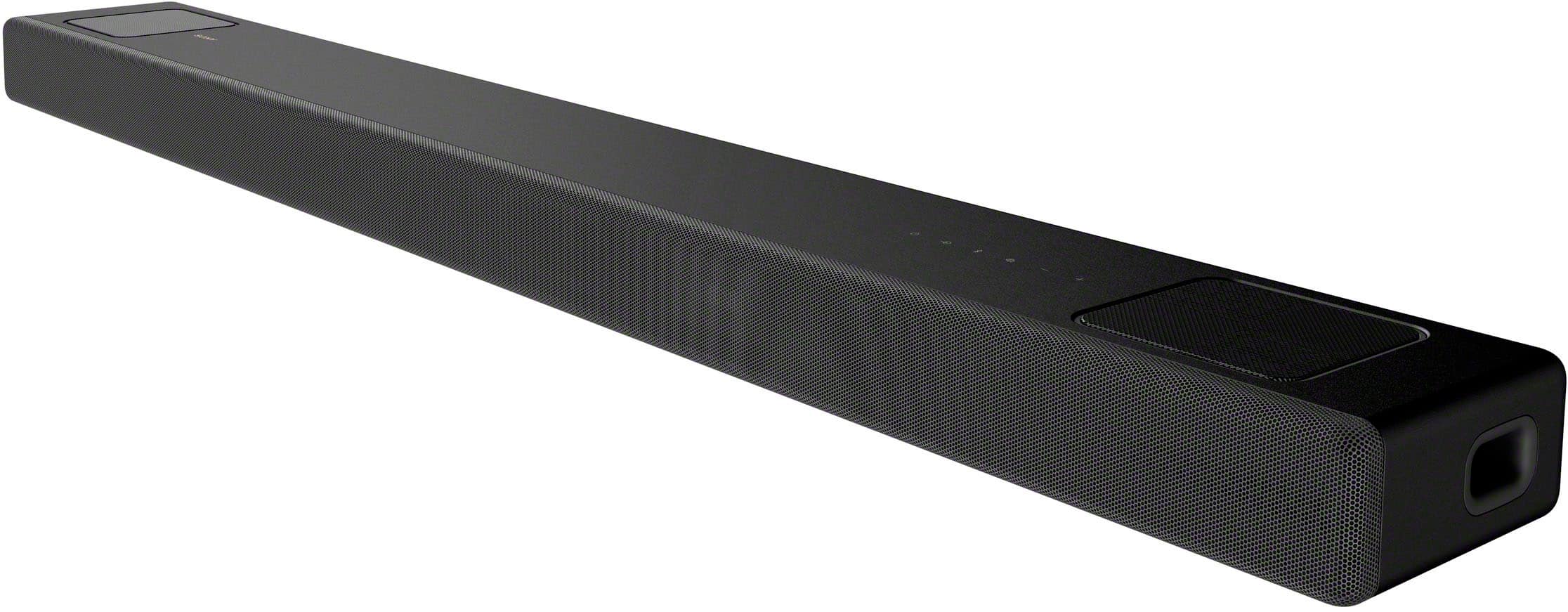
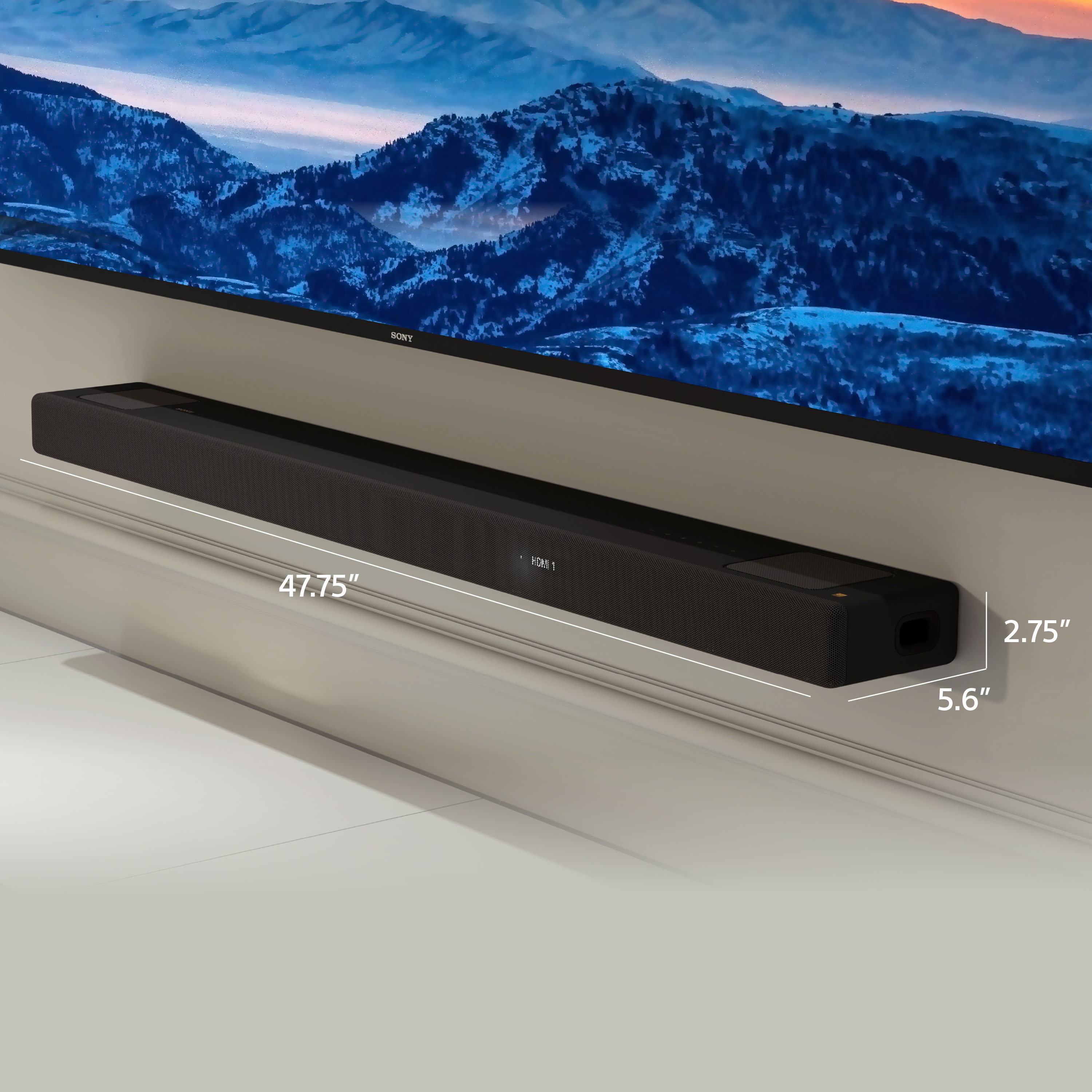
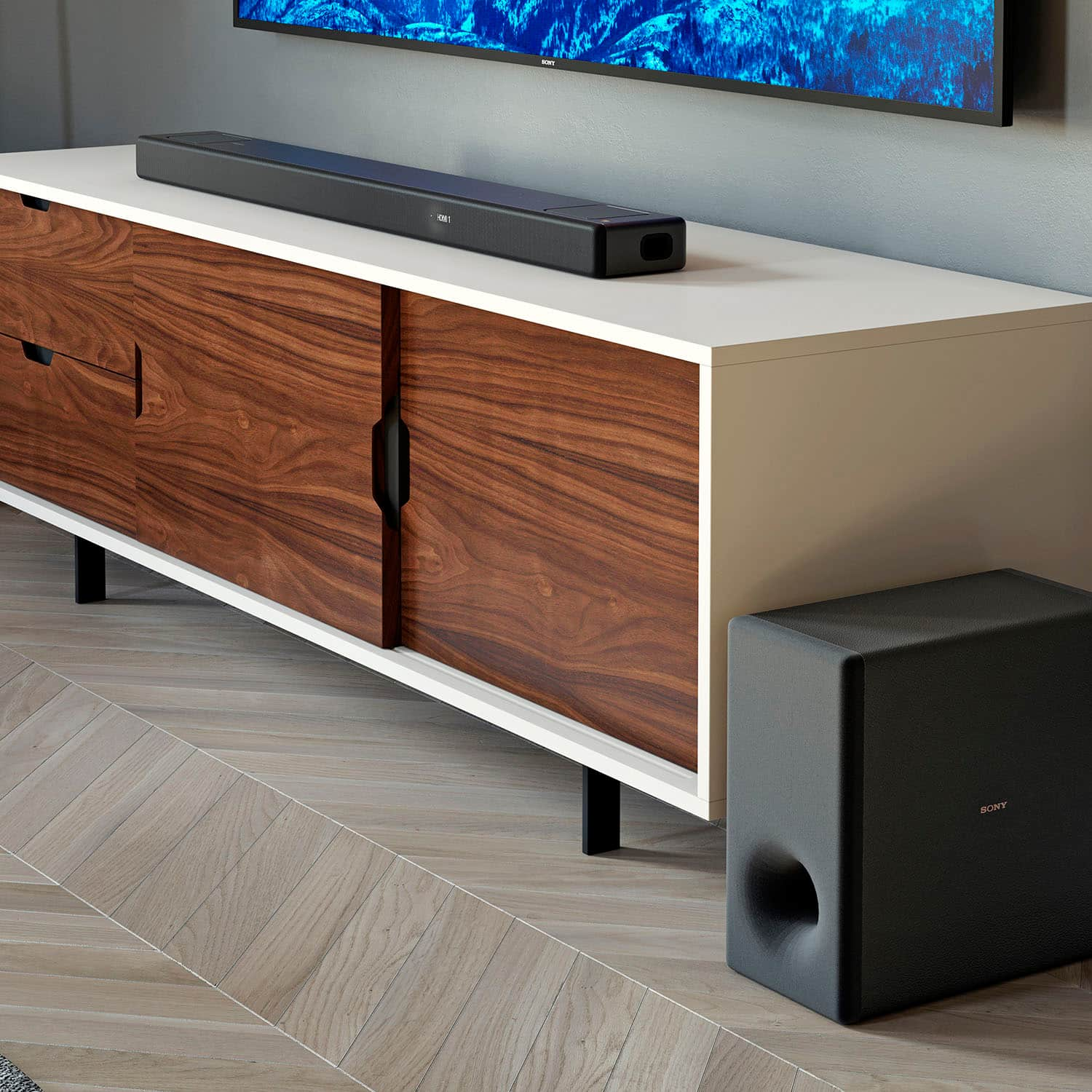
Thanks for your inquiry. The soundbar can be placed on a TV stand or cabinet if it supports these dimensions: 1210 × 67 × 140 mm (47 3/4 × 2 3/4 × 5 5/8 inches) (WxHxD) and a weight of 6.1 kg (13 lb 8 oz). Please also refer to the specifications of the TV stand or cabinet.
Additional information:
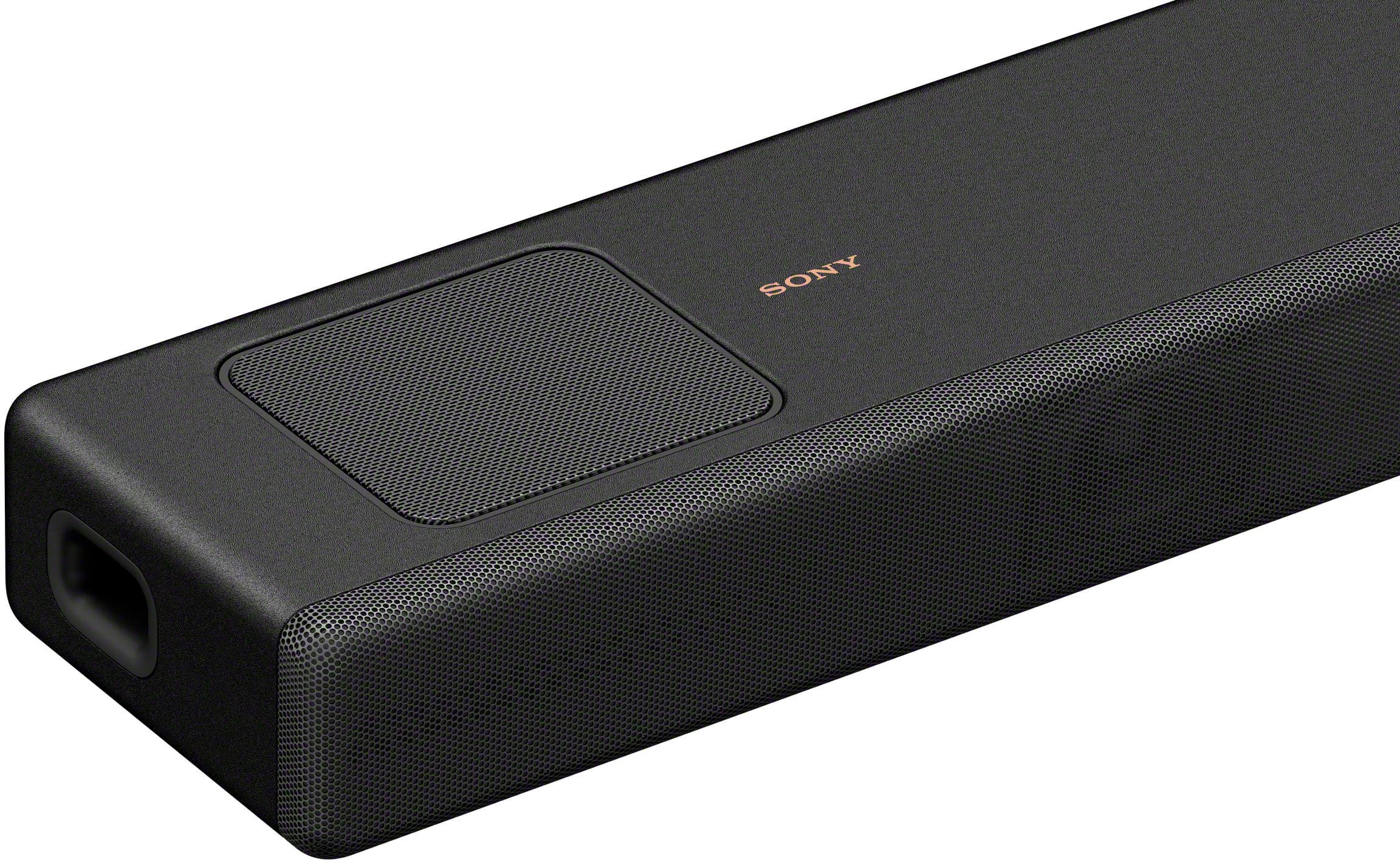
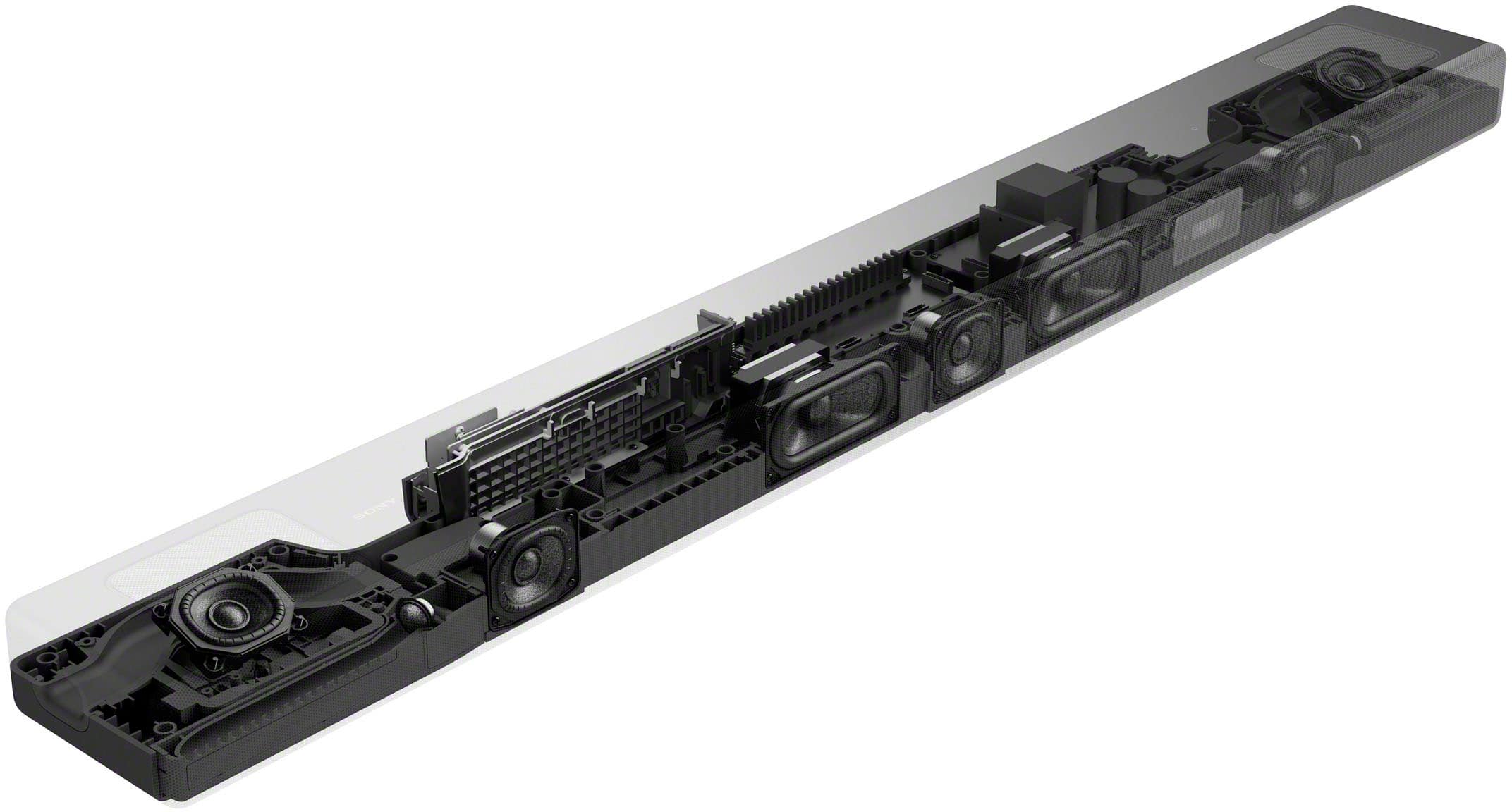
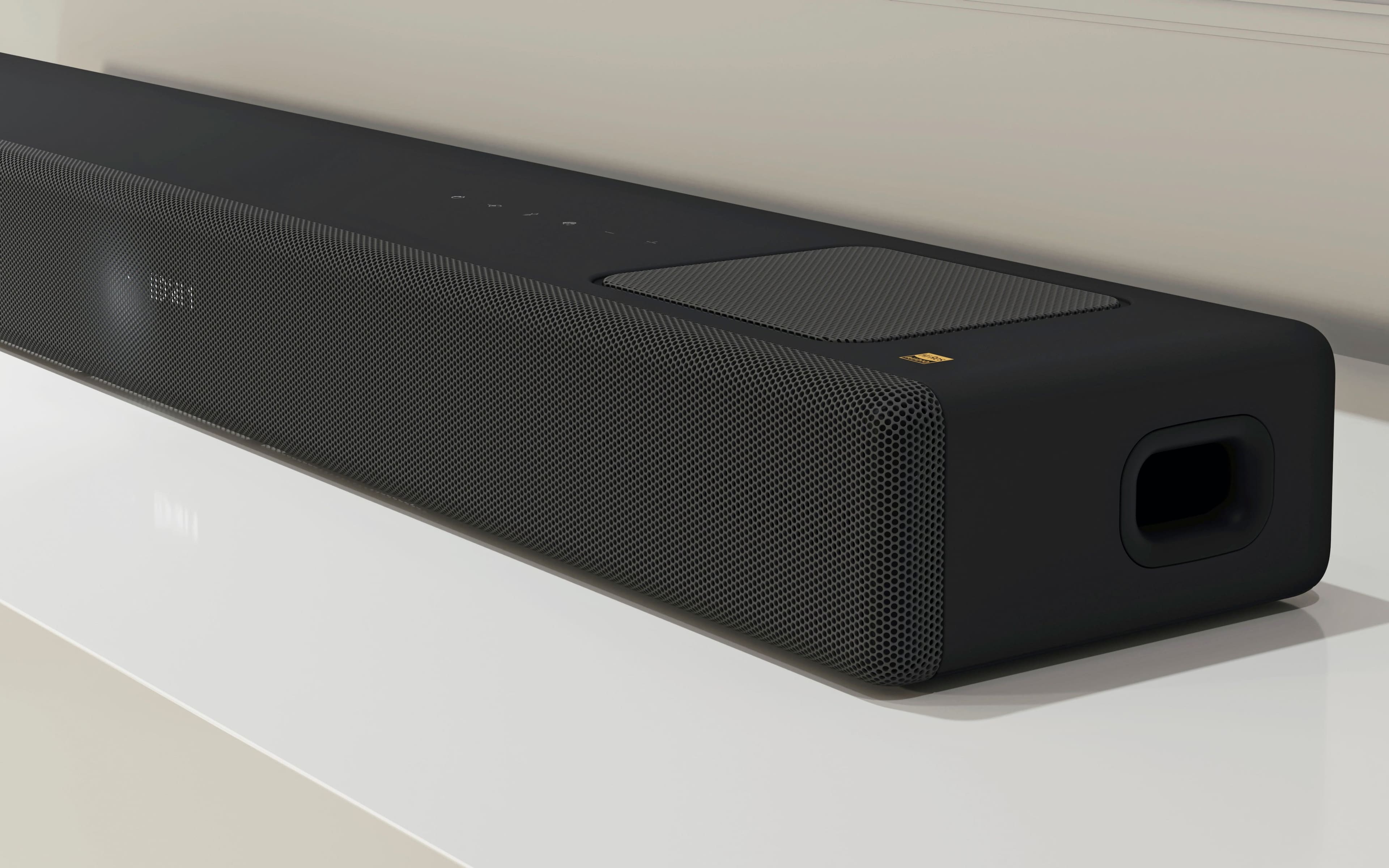
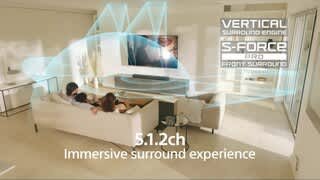
Take your entertainment to a new realm of audio immersion. The HT-A5000 has 5.1.2 channels and X-Balanced speaker units minimize distortion while the up-firing speakers and beam tweeters fill the room to give an ultra-immersive listening experience. Built-in subwoofers provide an additional boost to low end frequencies. Vertical Surround Engine and S-Force Pro Front Surround creates immersive sound from all around, while Dolby Atmos® and DTS:X® lend a more realistic, multi-dimensional sound to your content.
-Ralph
A:AnswerHi Steve,
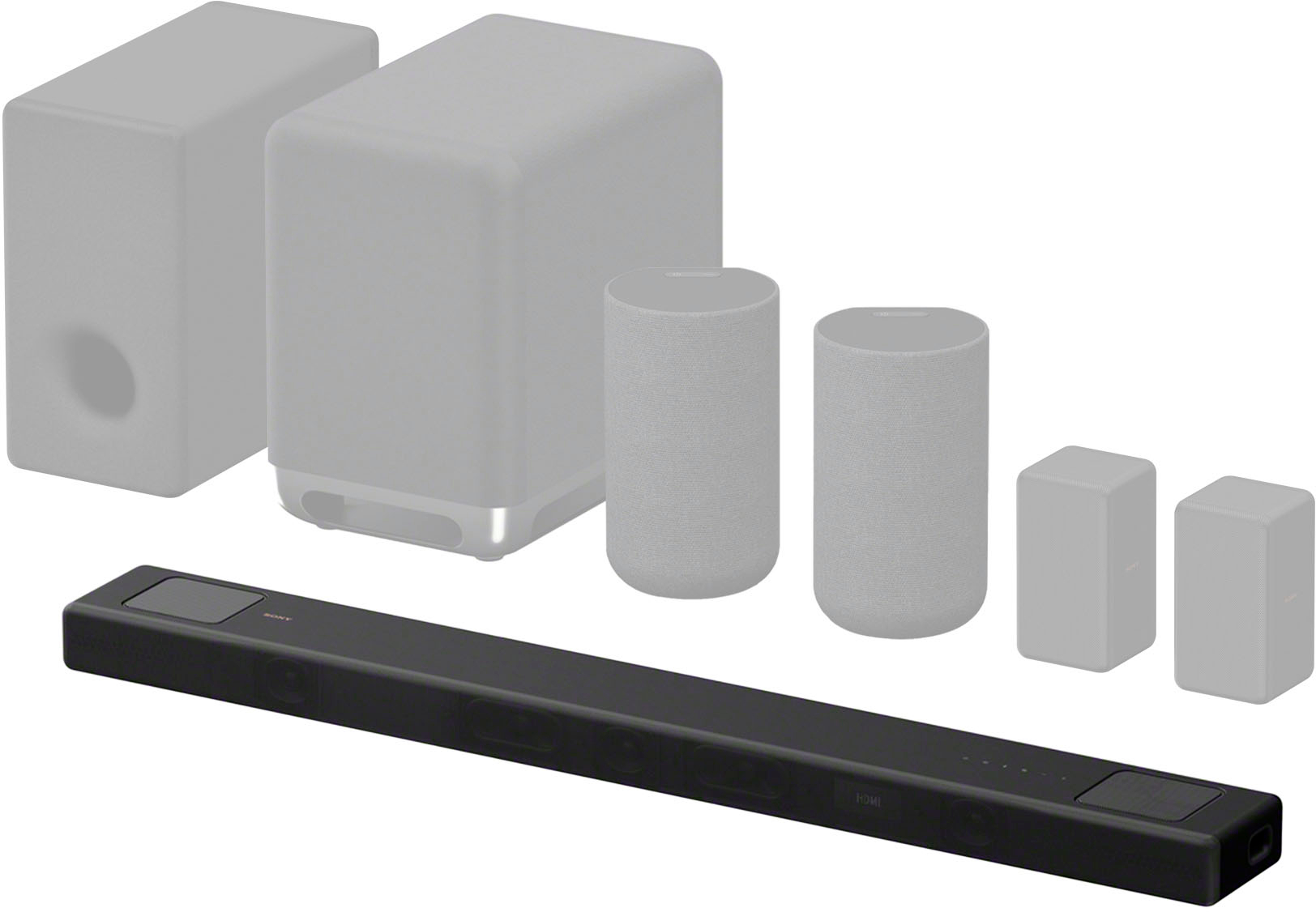
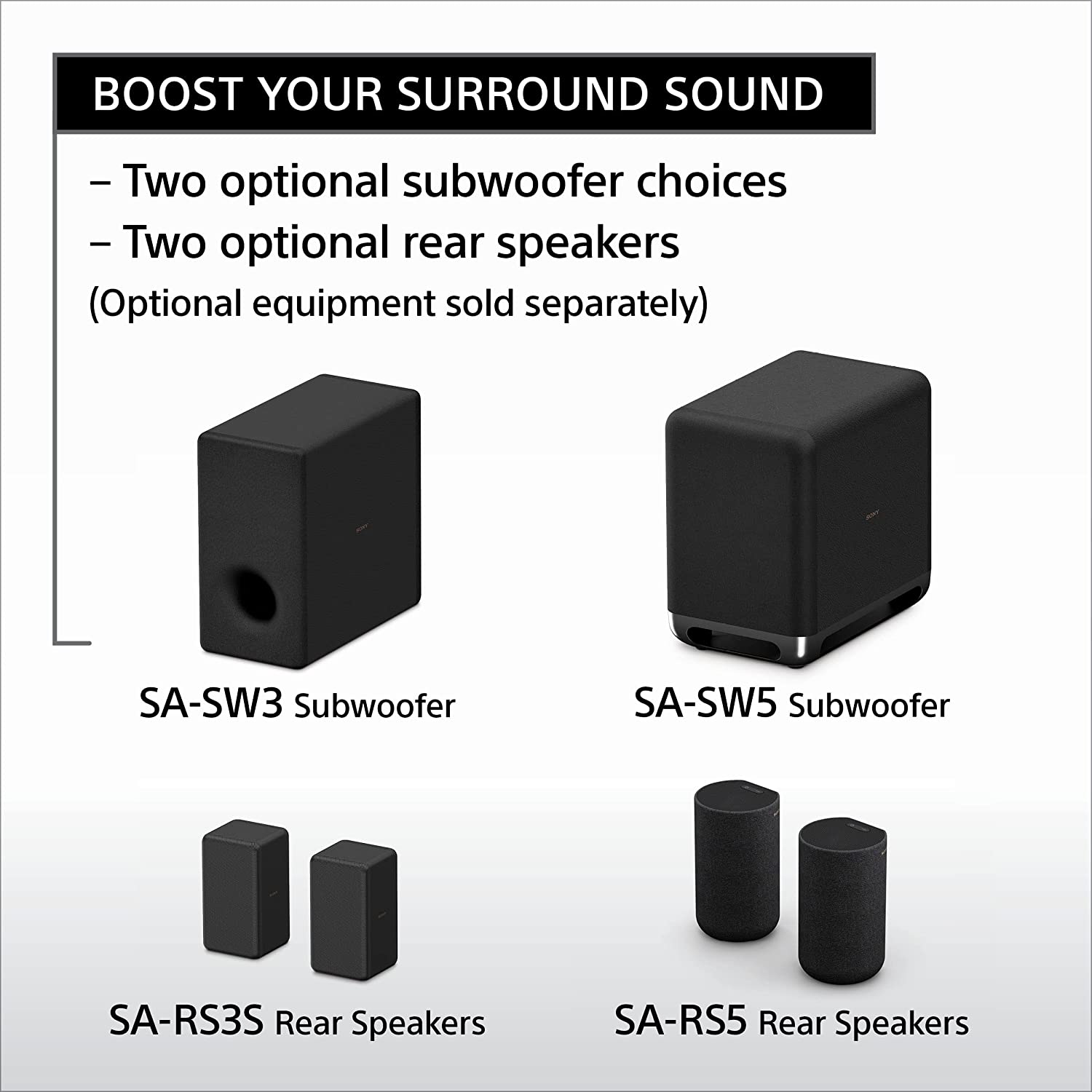
Thank you for the inquiry! Compatible rear speakers (SA-RS3S, SA-RS5) and a software update on the soundbar are required to enjoy 360 Spatial Sound.
https://www.sony.com/electronics/support/sound-bars-home-theater-systems-sound-bars-surround-speakers/ht-a5000/articles/00257728
Regards,
David
A:AnswerHi Frank,
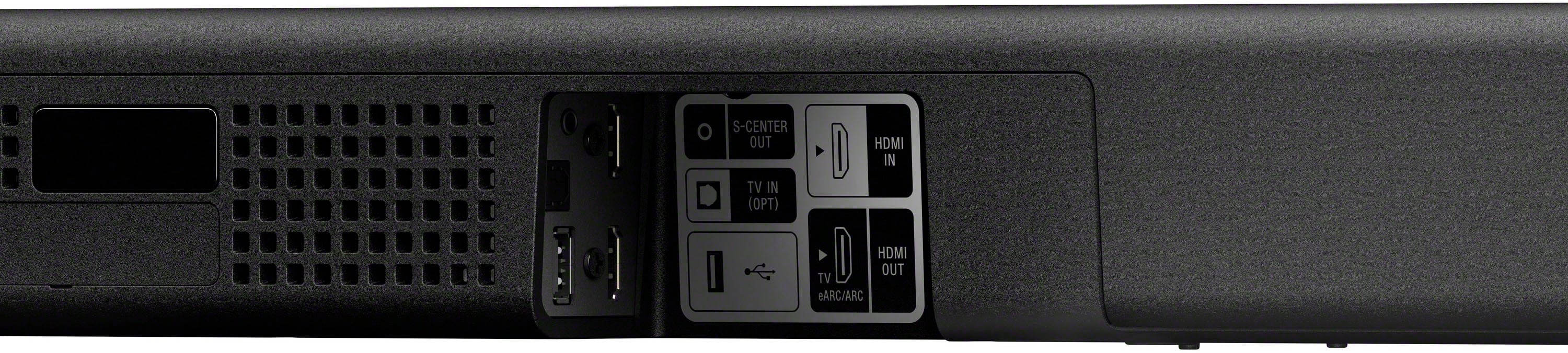
Thank you for the inquiry! The optical digital output of the soundbar is dedicated for television. So for example if your television doesn't support ARC/eARC, you can connect it using optical cable. We do not recommend connecting any speaker to the optical digital output of the soundbar.
Regards,
David
A:AnswerWas chatting with sony product support, soundbar CANNOT play sound and connect to theatre u at the same time. Can only be done with addition devices.
A:AnswerHi Sonyuser,
The system becomes a 5.1.4. The rear speakers add 2 height channels but are a duplicate of channels 4 and 5 that are in the soundbar.
The HT-A5000 envelops you in authentic 5.1.2ch surround sound with up-firing speakers, side beam tweeters, built-in subwoofers, and advanced technologies that bring you Dolby Atmos® and DTS:X® audio as well as 8K and 4K video passthrough. And with rear speakers it supports 360 Spatial Sound Mapping, taking movies, TV and music into a whole new realm.
-David
A:AnswerWe just got the HT-A5000 and sub (small house) and the sound is excellent, when you switch to TV speakers the sound is 1k better than standard speakers.
A:AnswerHi Wayne,
Thank you for the inquiry! We're sorry to hear what happened with your soundbar. Power reset both soundbar and TV, simply unplug the unit and wait 1-2 minutes then plug the device back in and power on. Make sure to turn on the BRAVIA sync to resolve your issue. Here's the link on how to.
https://www.sony.com/electronics/support/articles/00161073
If you need further assistance, please email us at socialsupport@am.sony.com with the following details:
Name:
Best Buy Username:
Model Number:
Issue:
Telephone Number:
-David