A:AnswerInventory and restocks are handled entirely by Best Buy's store systems and can vary wildly by location. Your best bet is to check the local store availability on the product page or ask a customer service representative directly, as normal users cannot see real-time warehouse restock schedules.
A:AnswerYes, both iPadOS and tvOS support connecting multiple DualSense controllers via Bluetooth at the same time. You can pair up to 4 controllers for local multiplayer games, as long as the specific Apple Arcade game you are playing includes support for multi-controller local multiplayer.
A:AnswerYes, you can play Fortnite on PC with this controller. To set it up wired, simply connect the controller to your PC using a USB-C to USB-A (or USB-C to USB-C) cable. Windows and the Epic Games Launcher will automatically detect it, and Fortnite has native support for the DualSense controller layout.
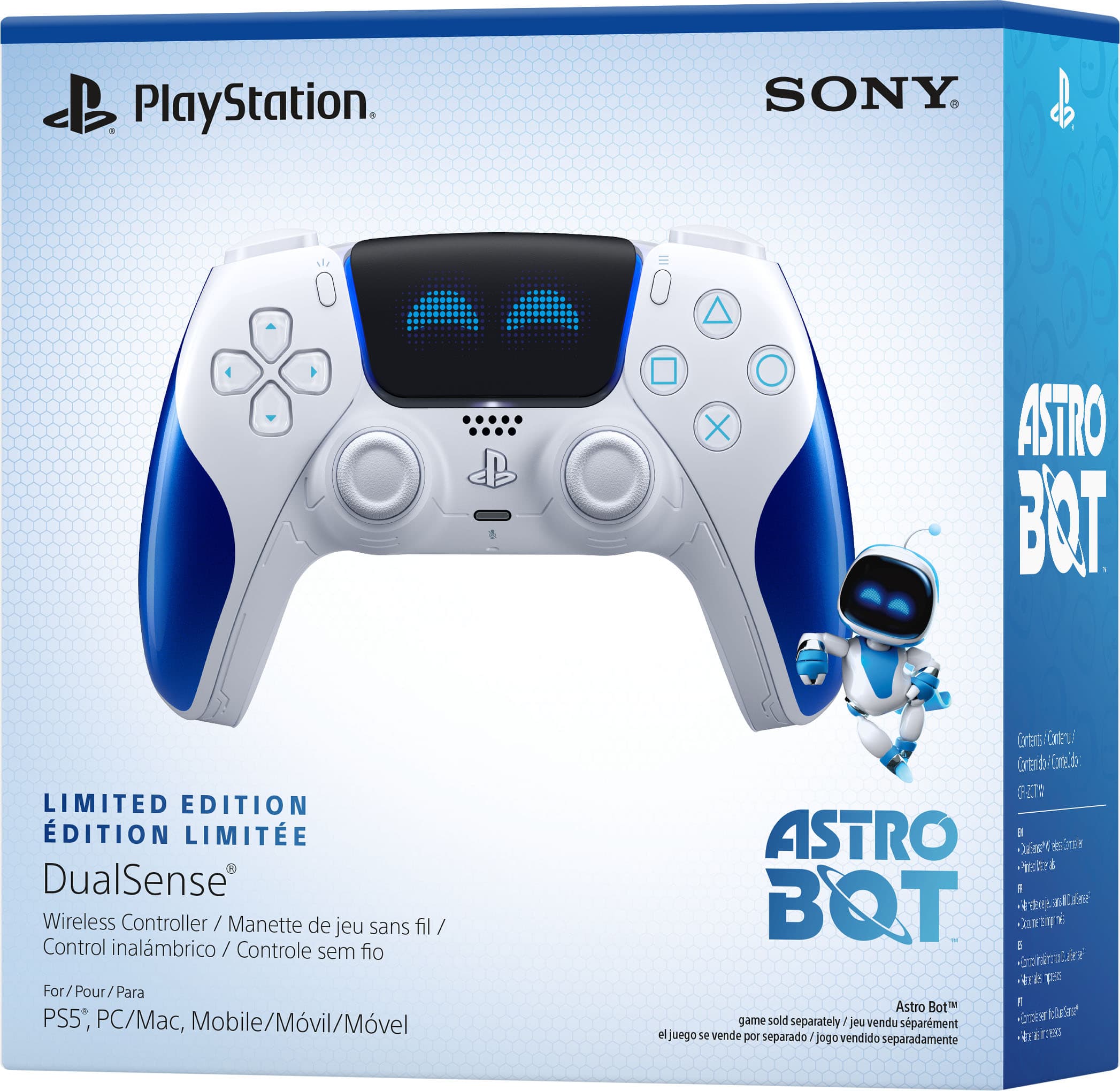
A:AnswerNo, standalone DualSense controllers do not include a USB-C charging cable in the box. Sony expects you to use the cable that came with your PS5 console. If you need one, you will have to purchase a USB-C cable separately.
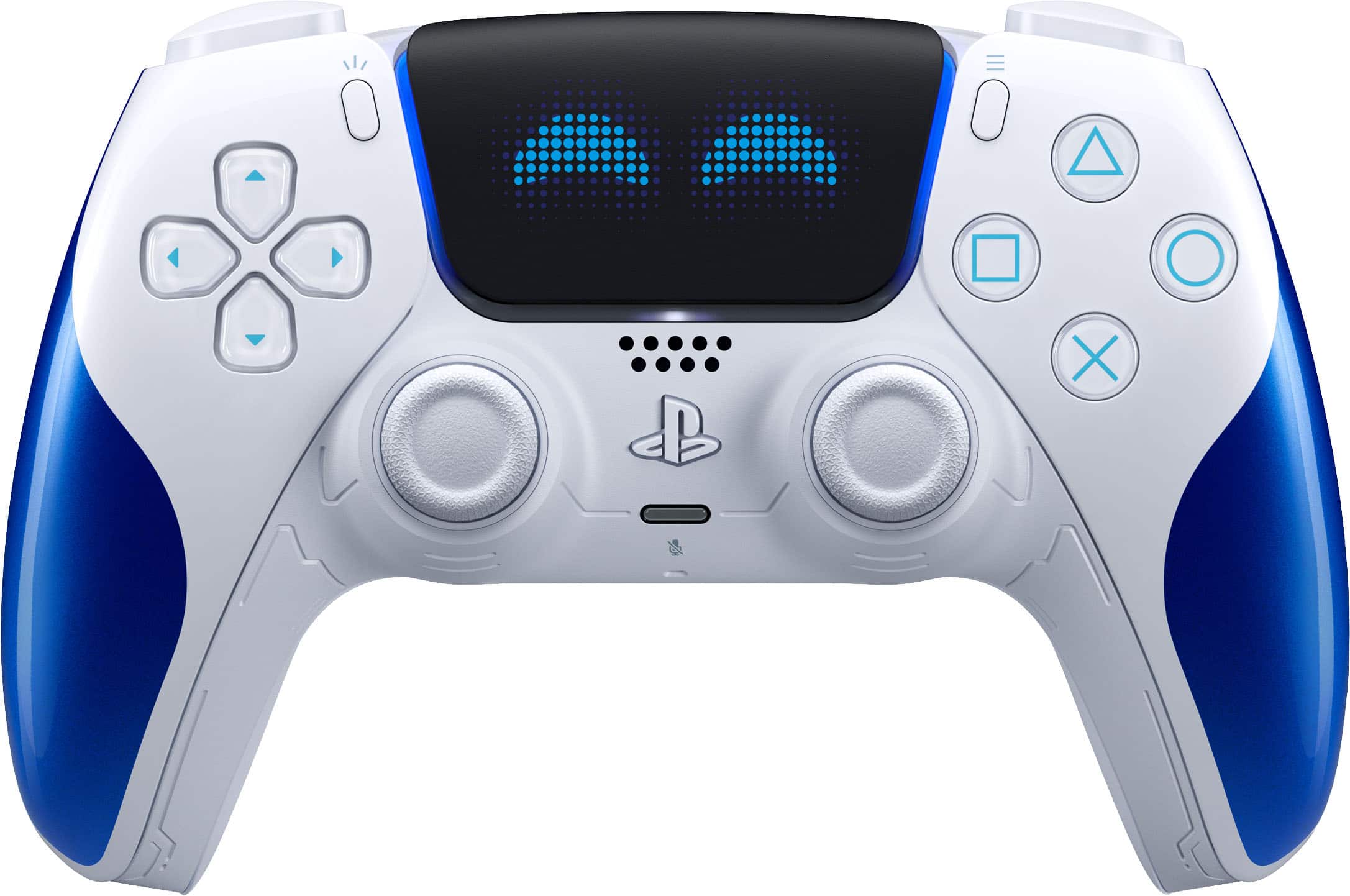
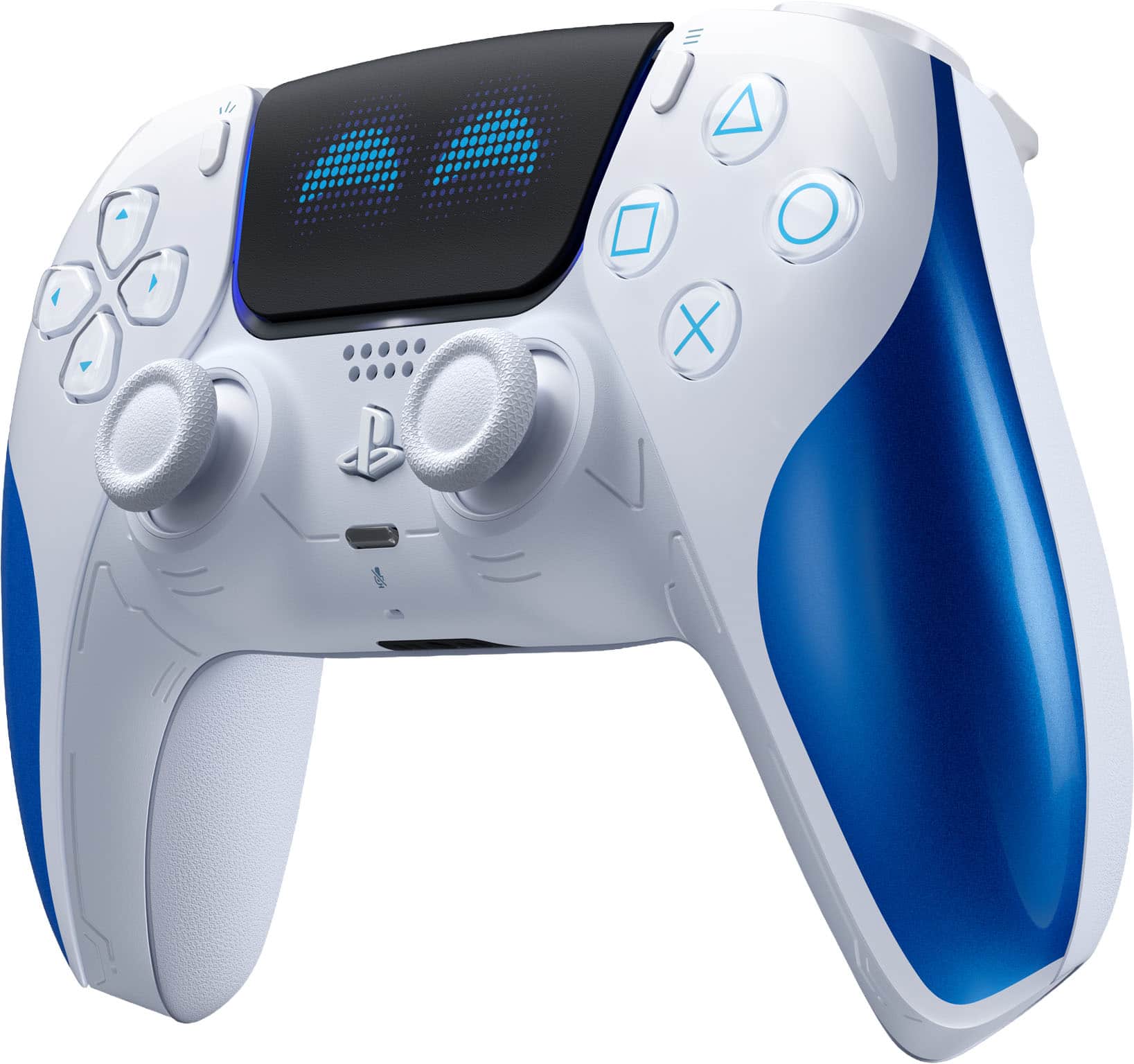
A:AnswerNo, there is no screen on the DualSense controller. In the center, it features a large clickable touchpad, similar to the one found on the PS4 DualShock 4 controller, but it is not a display screen.