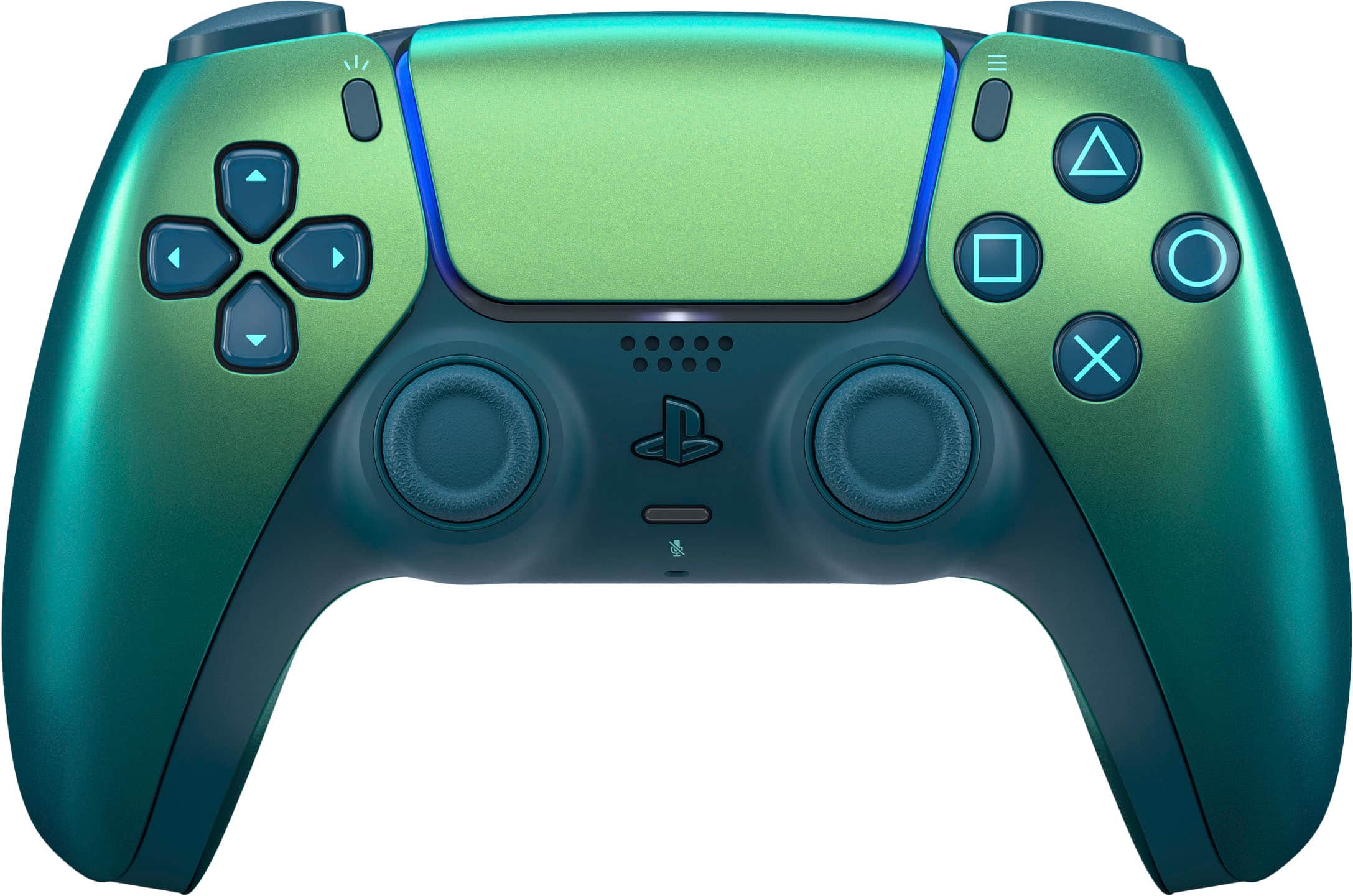
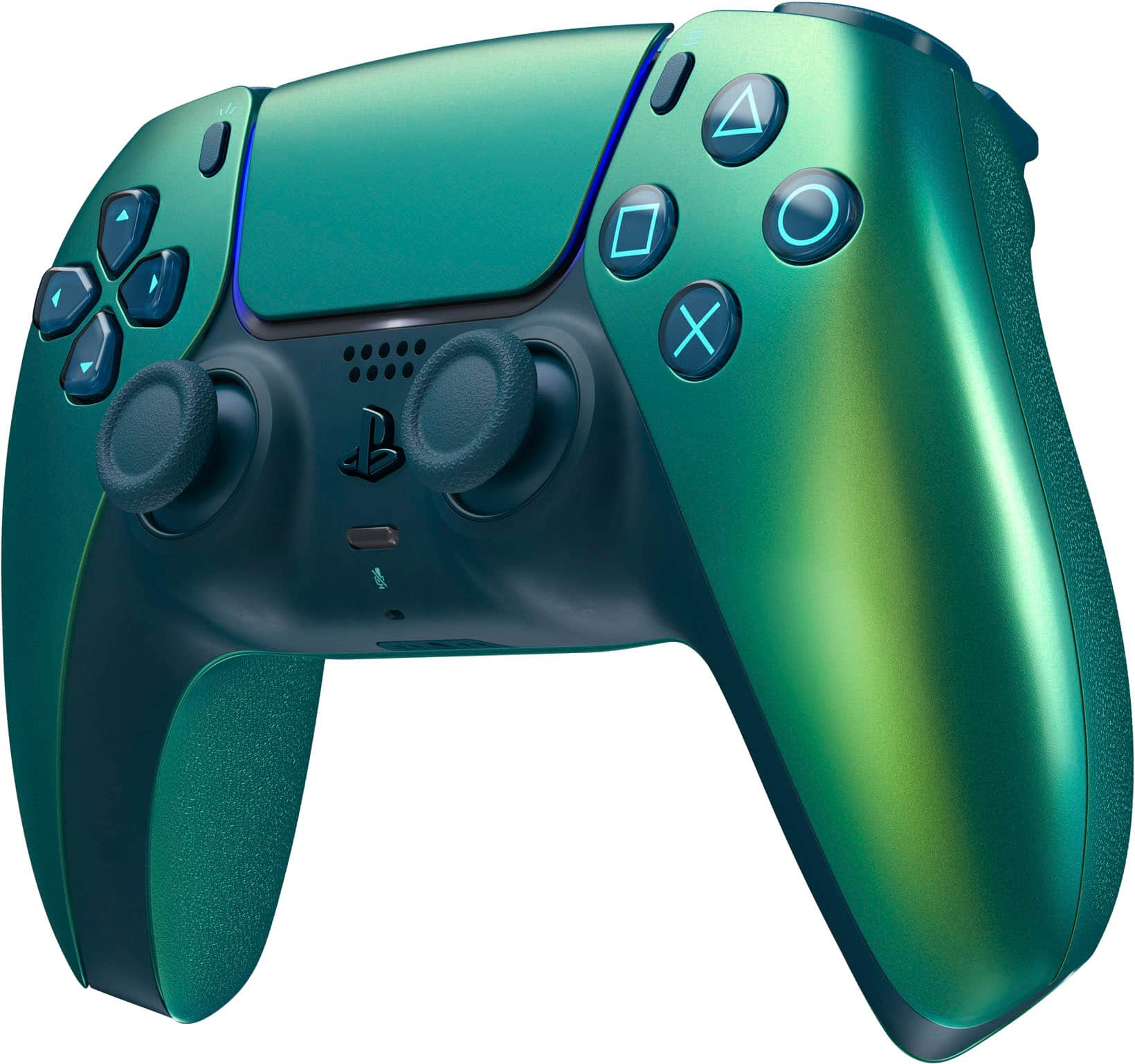
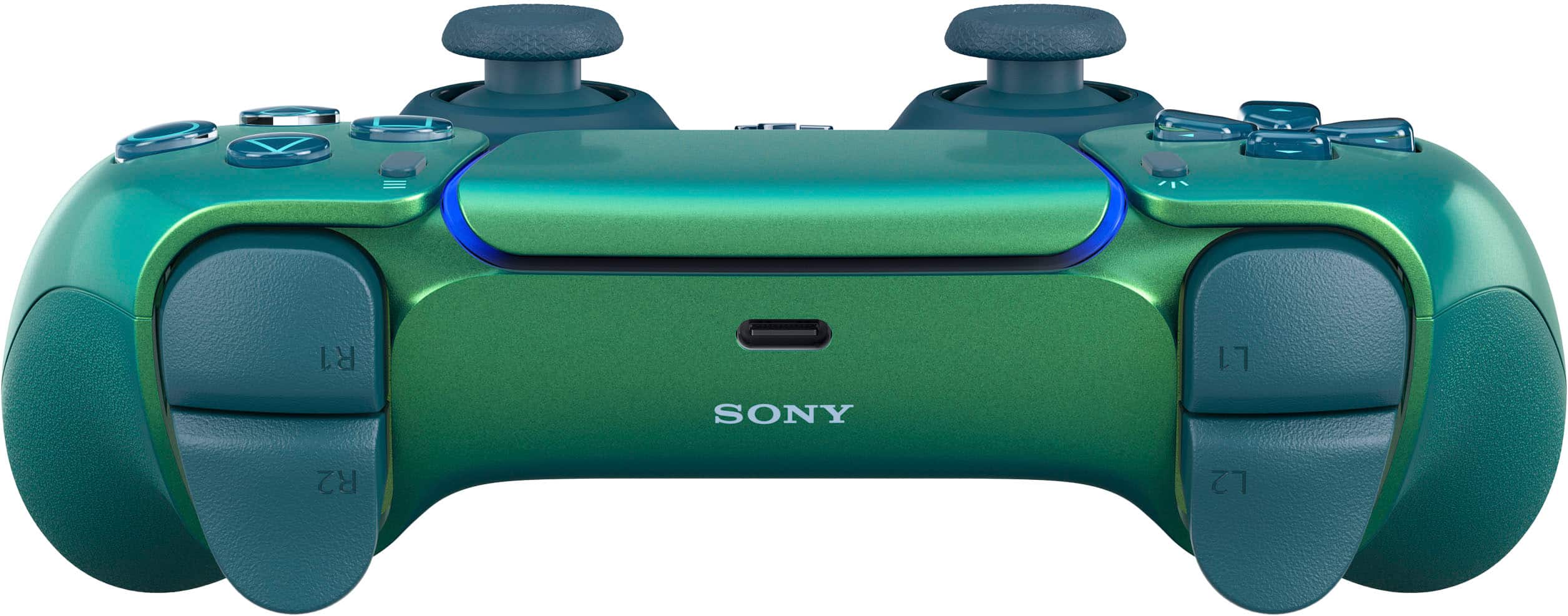
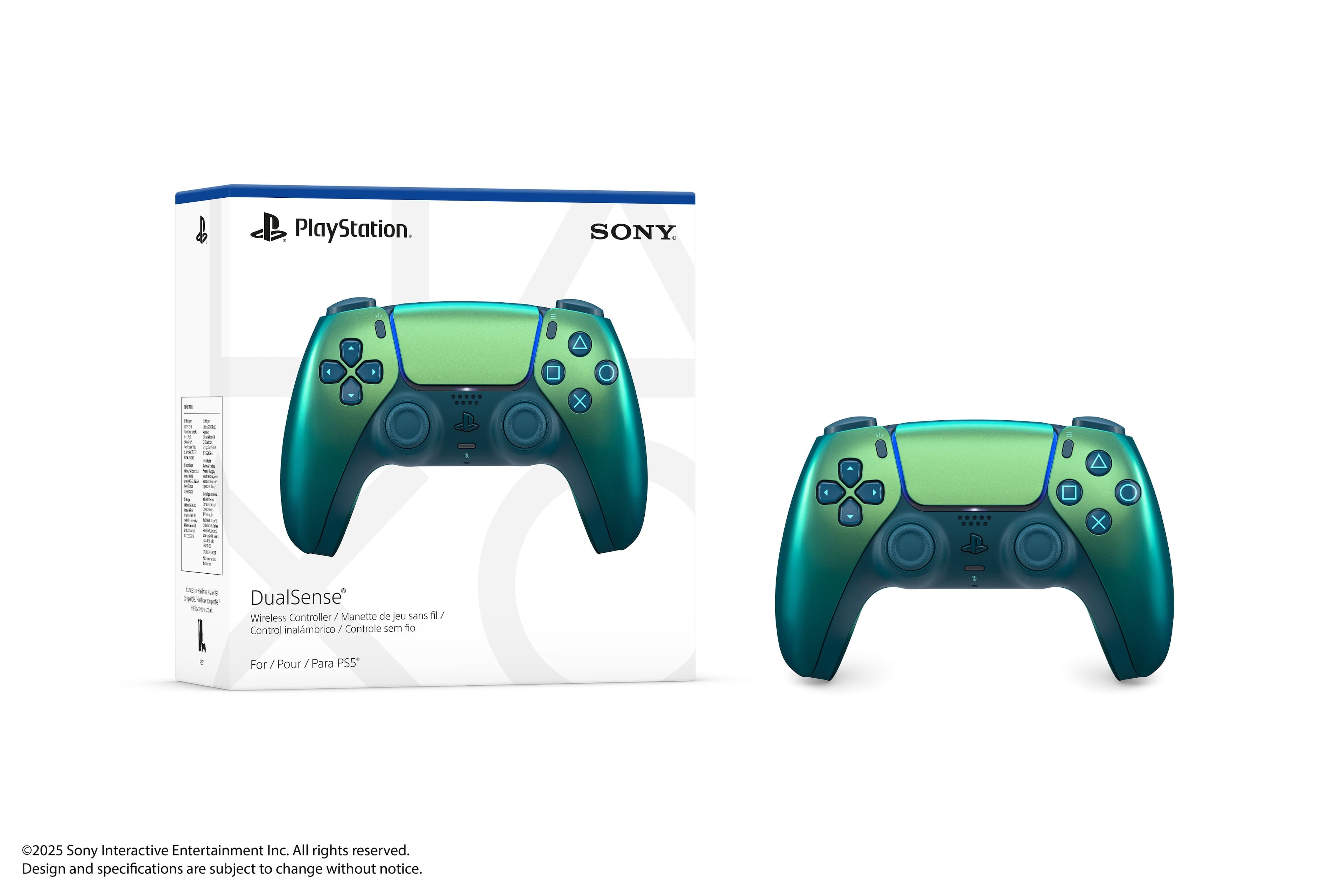
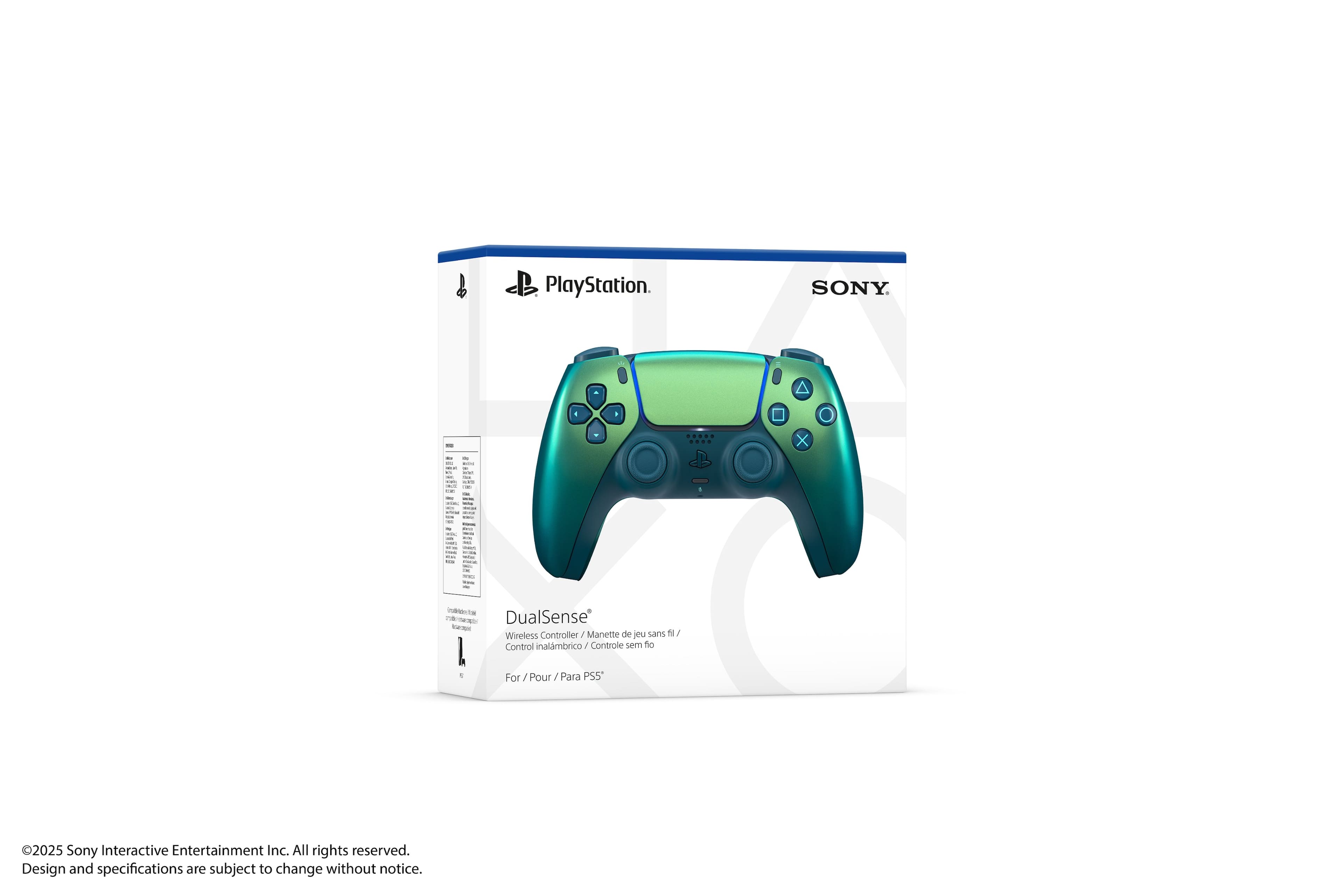
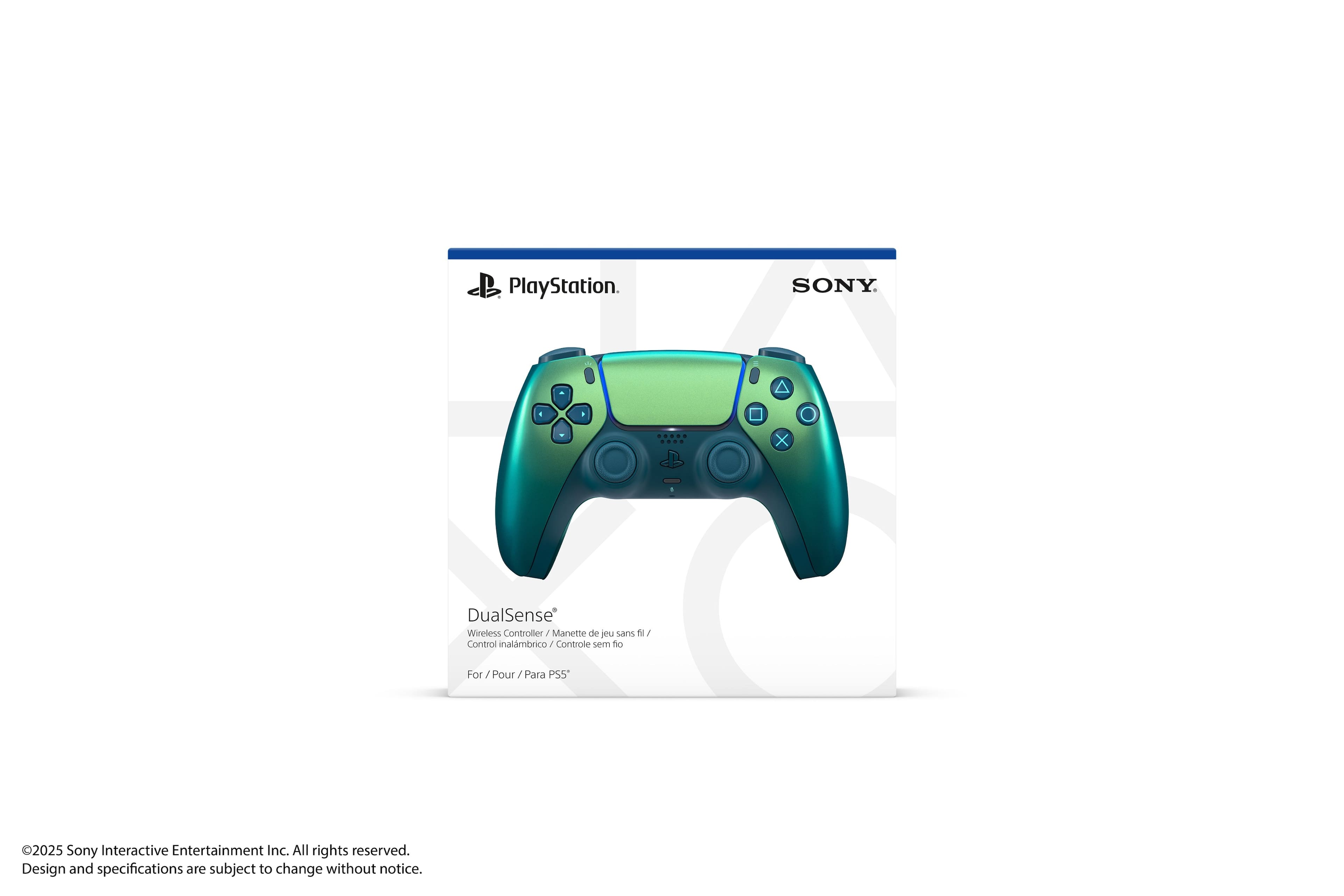
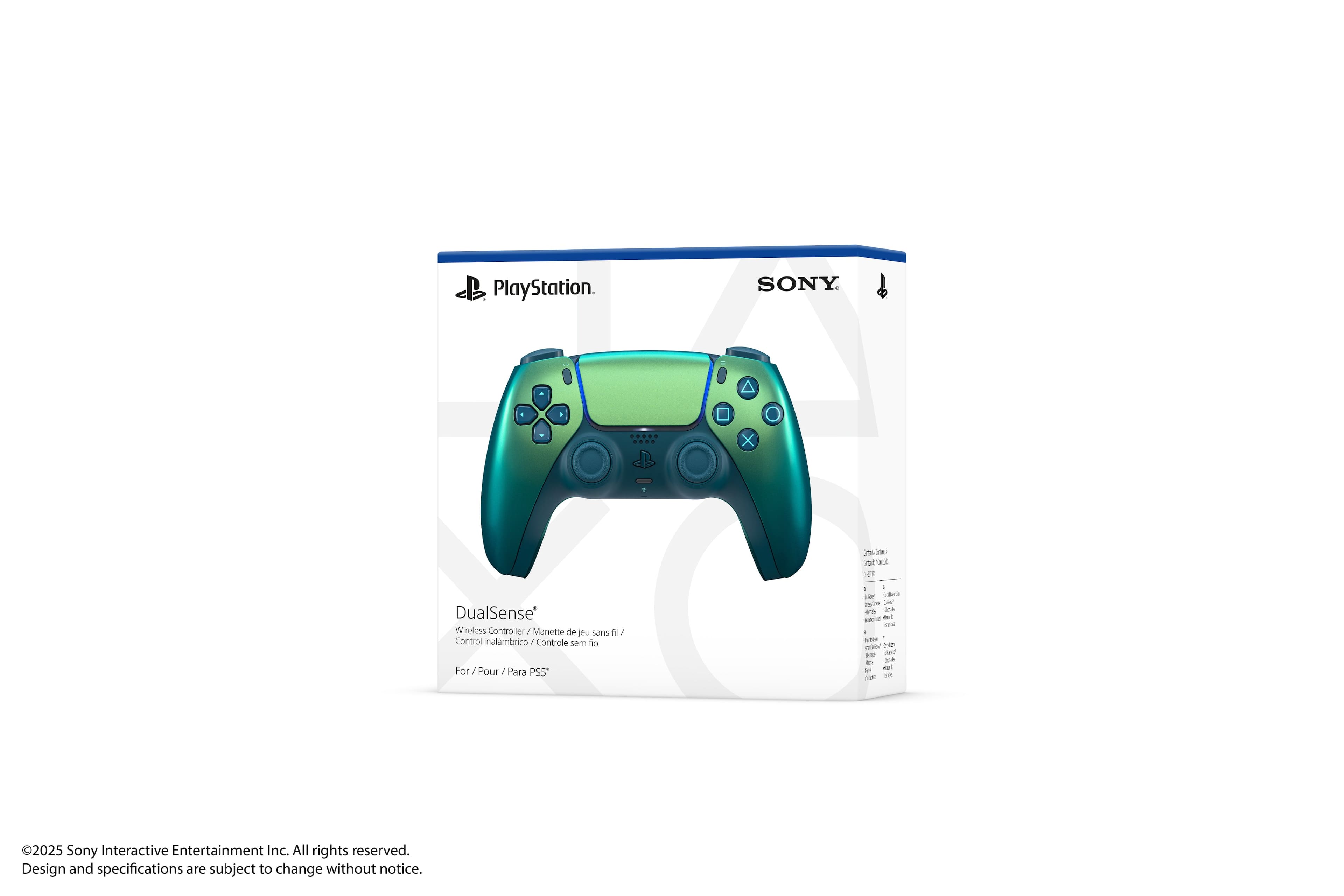
A:AnswerI use my PS5 controller on my PC. I have the option to use headset microphone or the PS5 controller microphone. To do this on PC go to SETTINGS, SOUND. On SOUND page there is INPUT with a drop down menu, choose which input device you want to use, mine says Headset Microphone (DuelSense Wireless Controller), and choose that.
A:AnswerThere is a microphone as well as a speaker in the controller. So your controller will play sounds associated with the game, and you can speak through it to other players. It does pick up a lot of ambient sound, so for most situations I would recommend getting a headset of some type, but in the meantime it will serve its purpose.
A:AnswerAsk Best Buy employees to make sure. Bring the receipt and within 30 days or so to get it refunded or exchange for another same item. Hope it helps. :)
A:AnswerYes you can use it, but sometimes had problems with the compability, but if you use the DSX app from Steam, you'll never going to have problems.