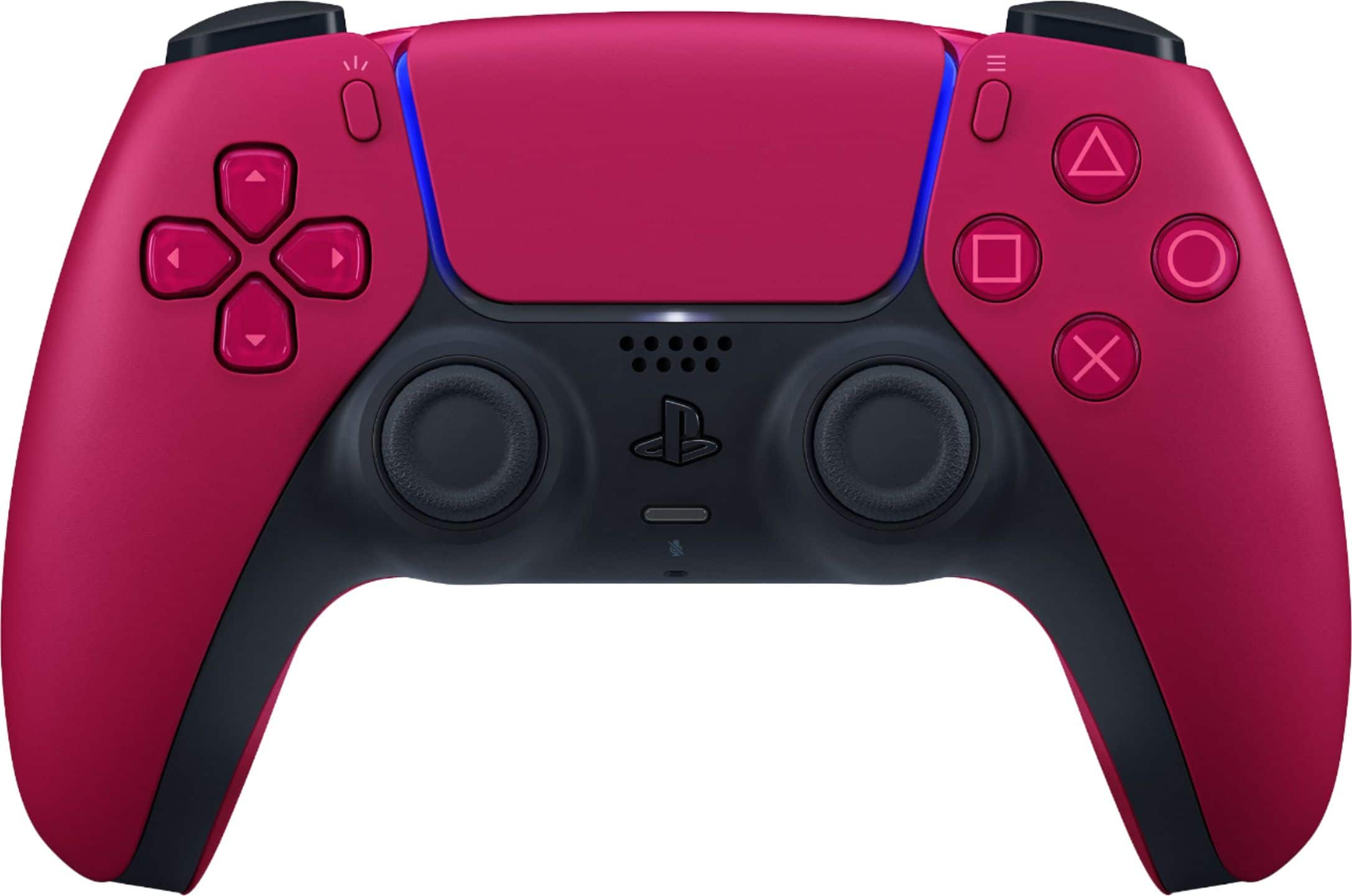
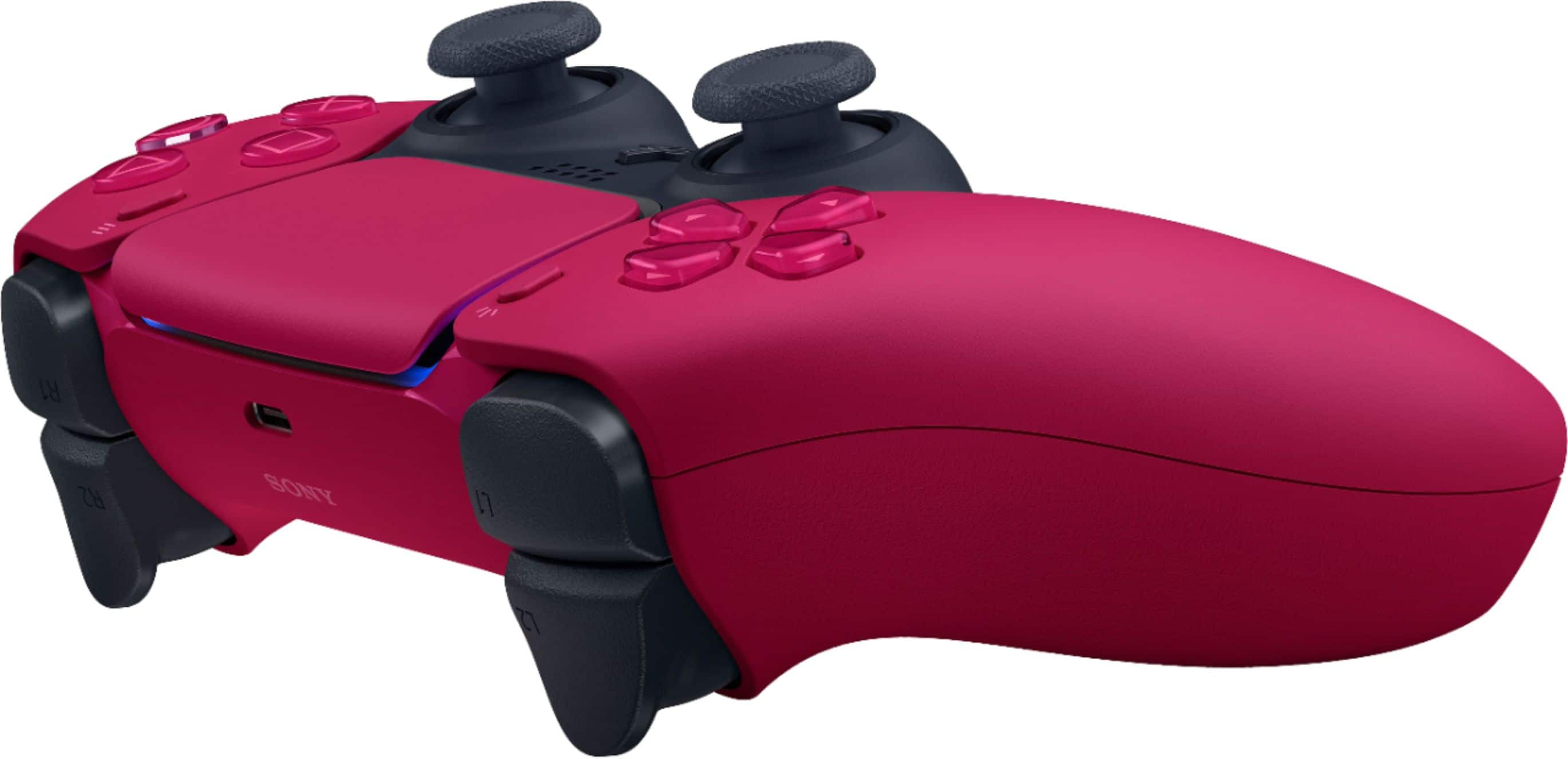
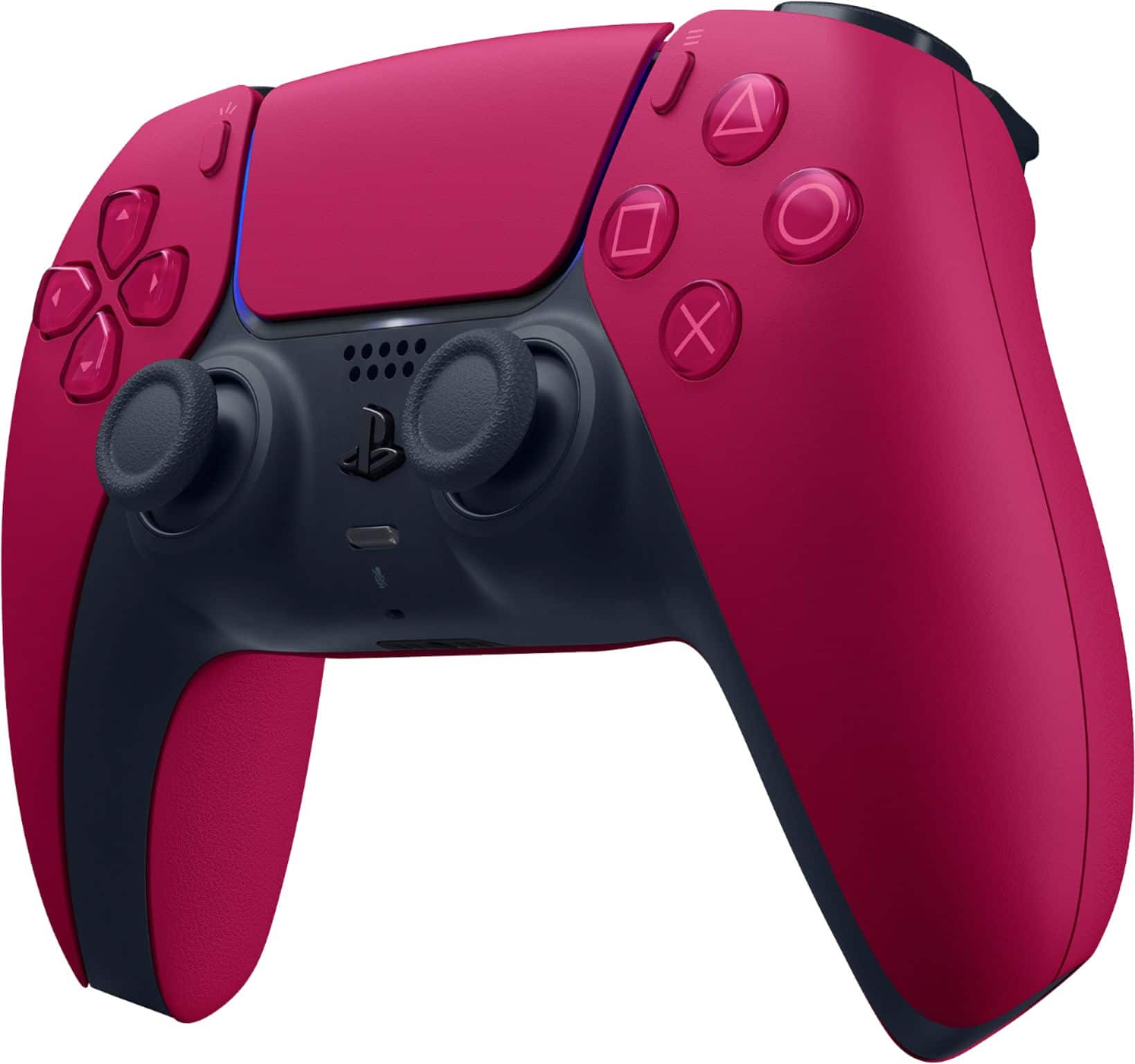
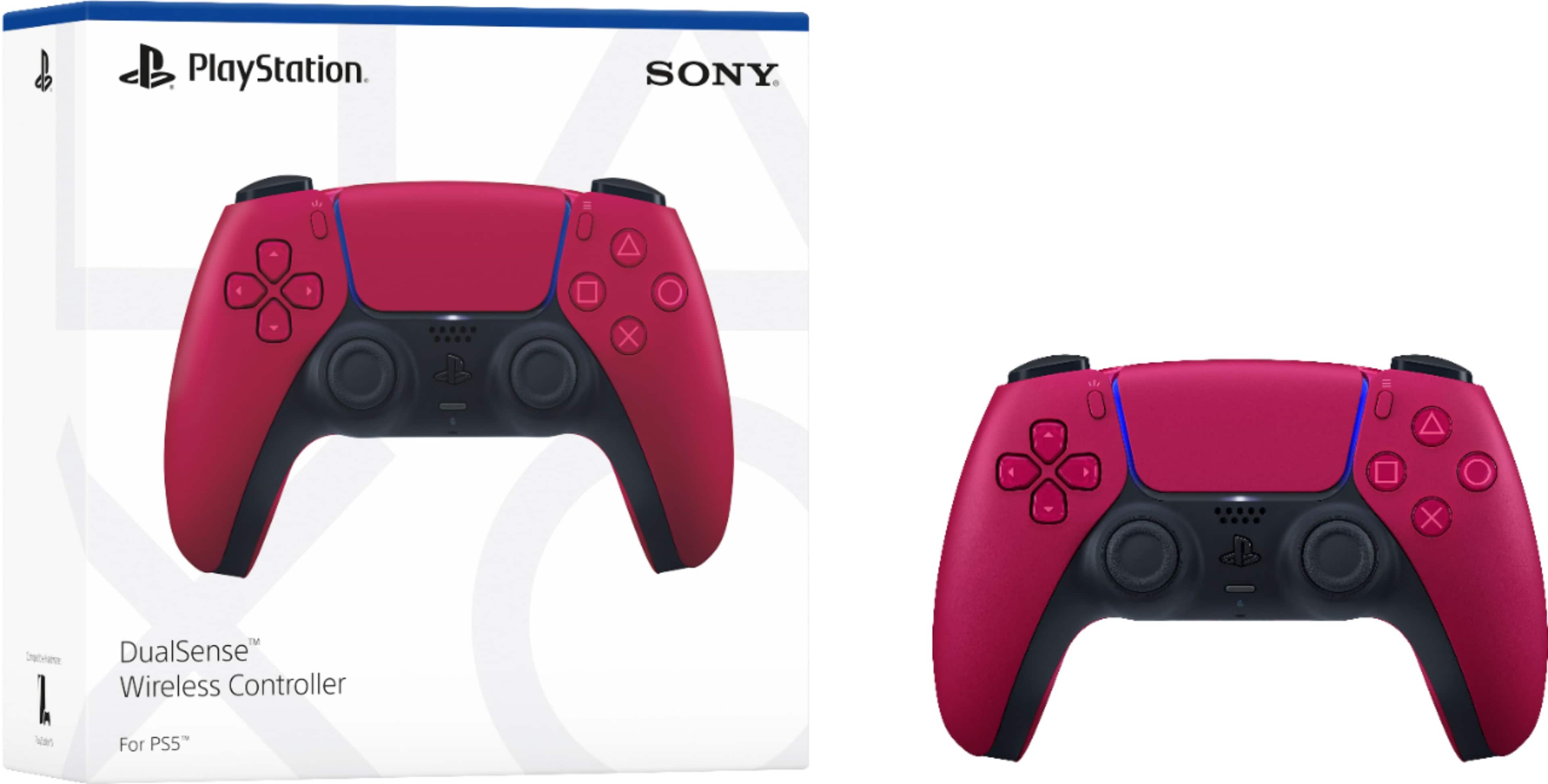
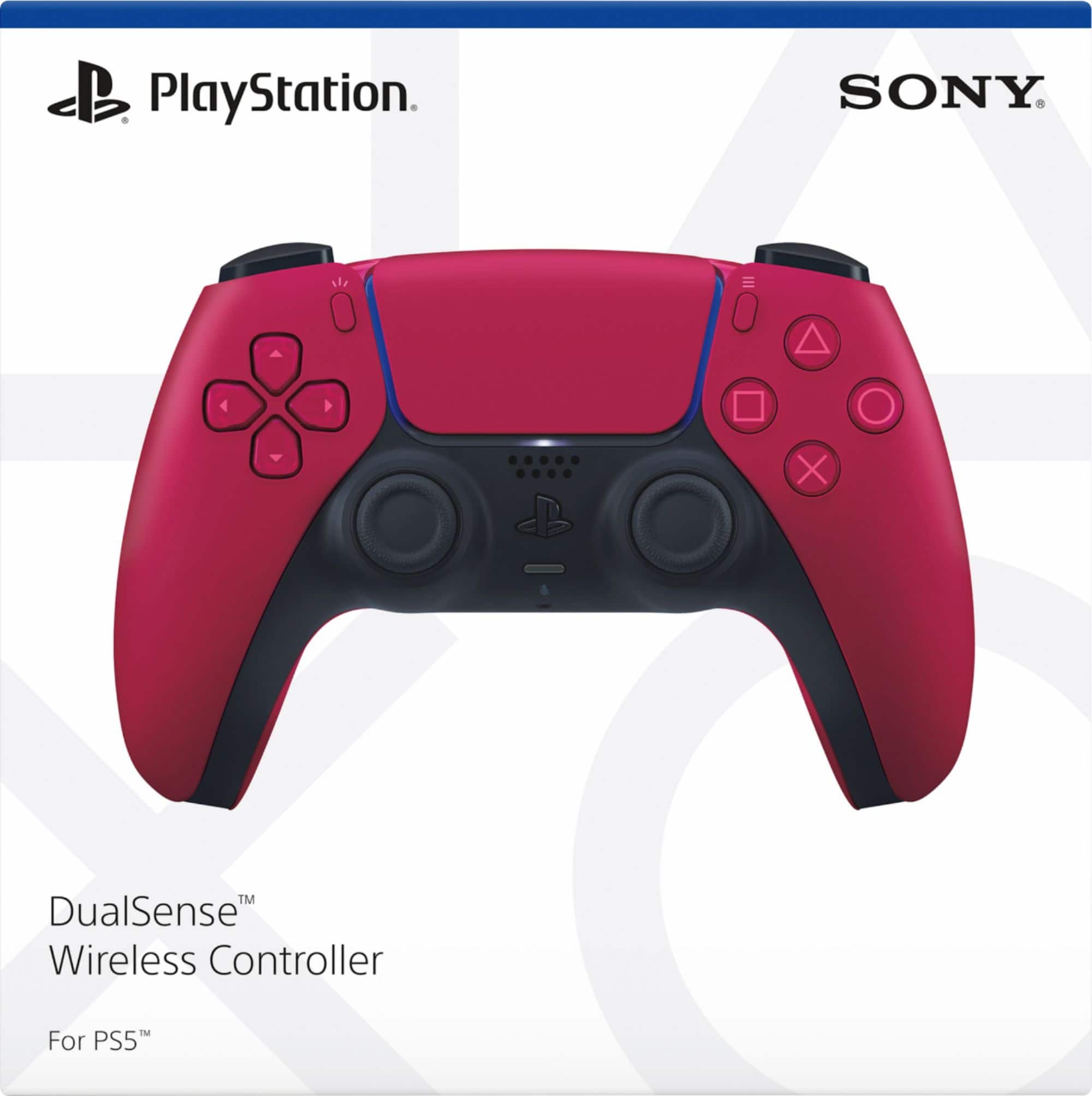
A:AnswerGo with the PlayStation docking charger it’s accurate on its charge. It looks good matches your PlayStation 5. Also, you can mod your own docking charger like have it a different color but you have to do it yourself. Other chargers with different brands are not universal. They’re just one color.
A:AnswerYea it’s simple too. Just hold the PlayStation button and share button at the same time until it starts blinking, then connect in your Bluetooth settings
A:AnswerWhen your controller is done charging the indicator light around the touchpad will turn off. When it is still charging that indicator light will be orange, and when you are playing a game it will be red, blue, green, or purple depending on which player number you are. Also, you can usually check charging status by going to Accessories in the control center as well (when you push but don’t hold the PS button).
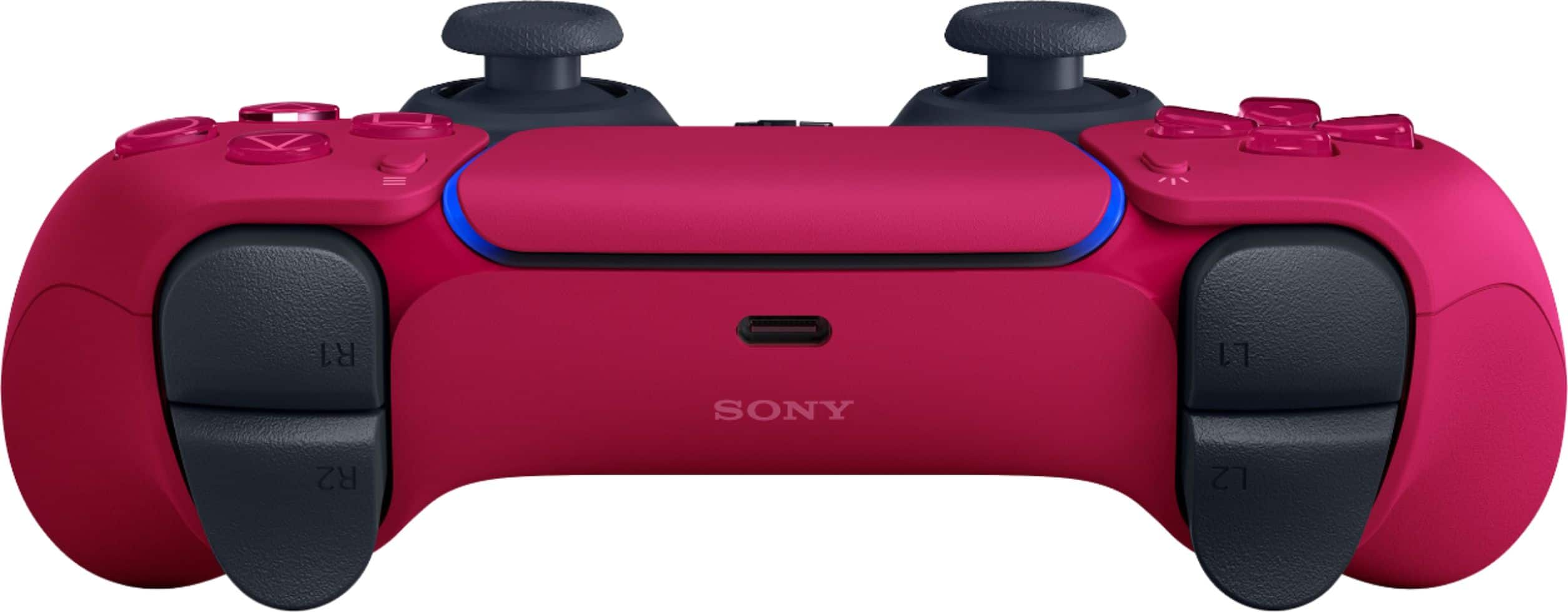
A:AnswerIf u want to sit 3 feet from your console. Or just buy a 10ft cord n plug it in ....the end connector is USB c not the old school micro USB as before FYI
A:AnswerA Dualshock 4 will work with a PS5 but only for playing PS4 backwards compatible games. Some features of dualshock 4 like the share button and others have limited functionality on PS5.