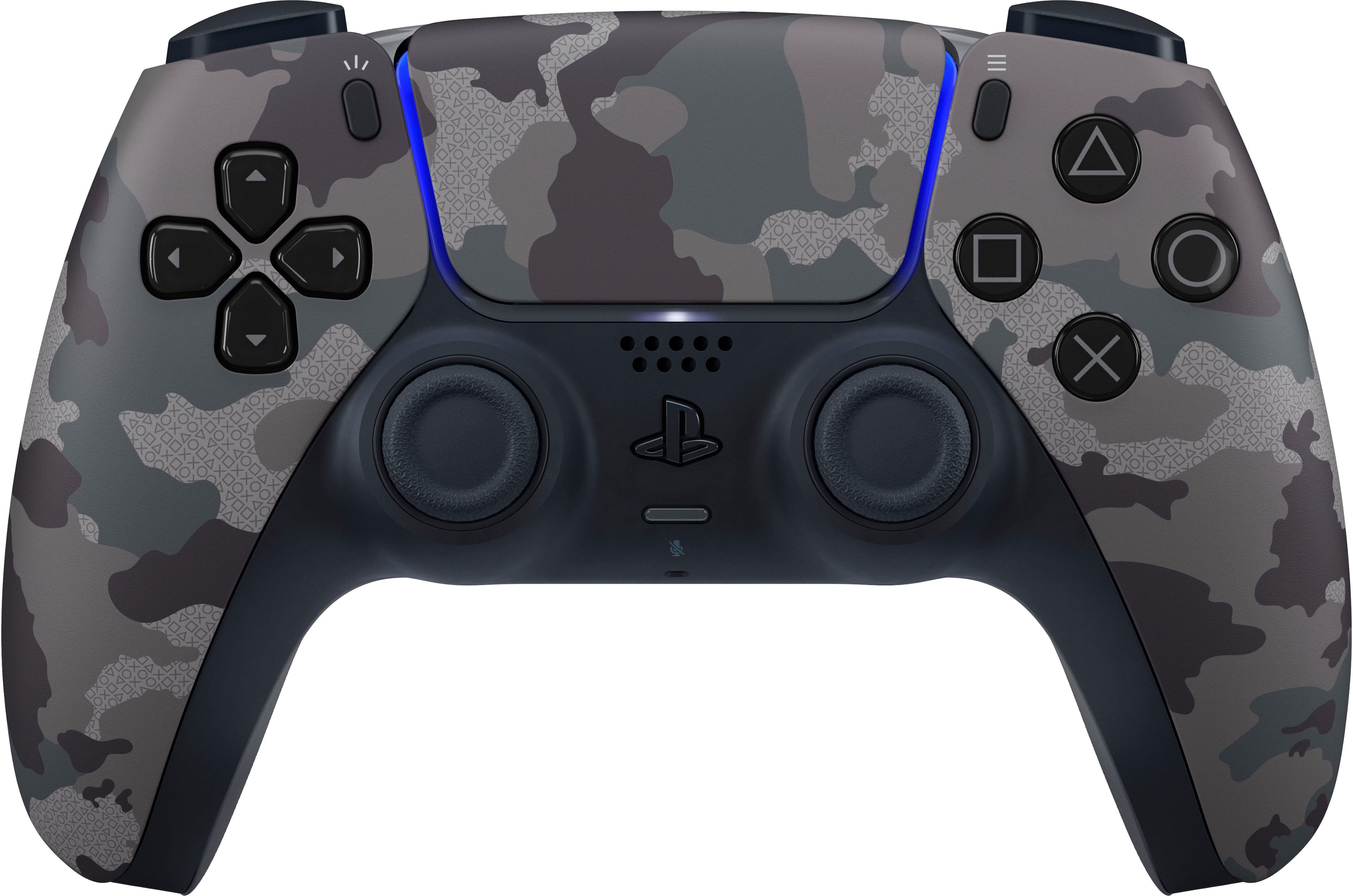
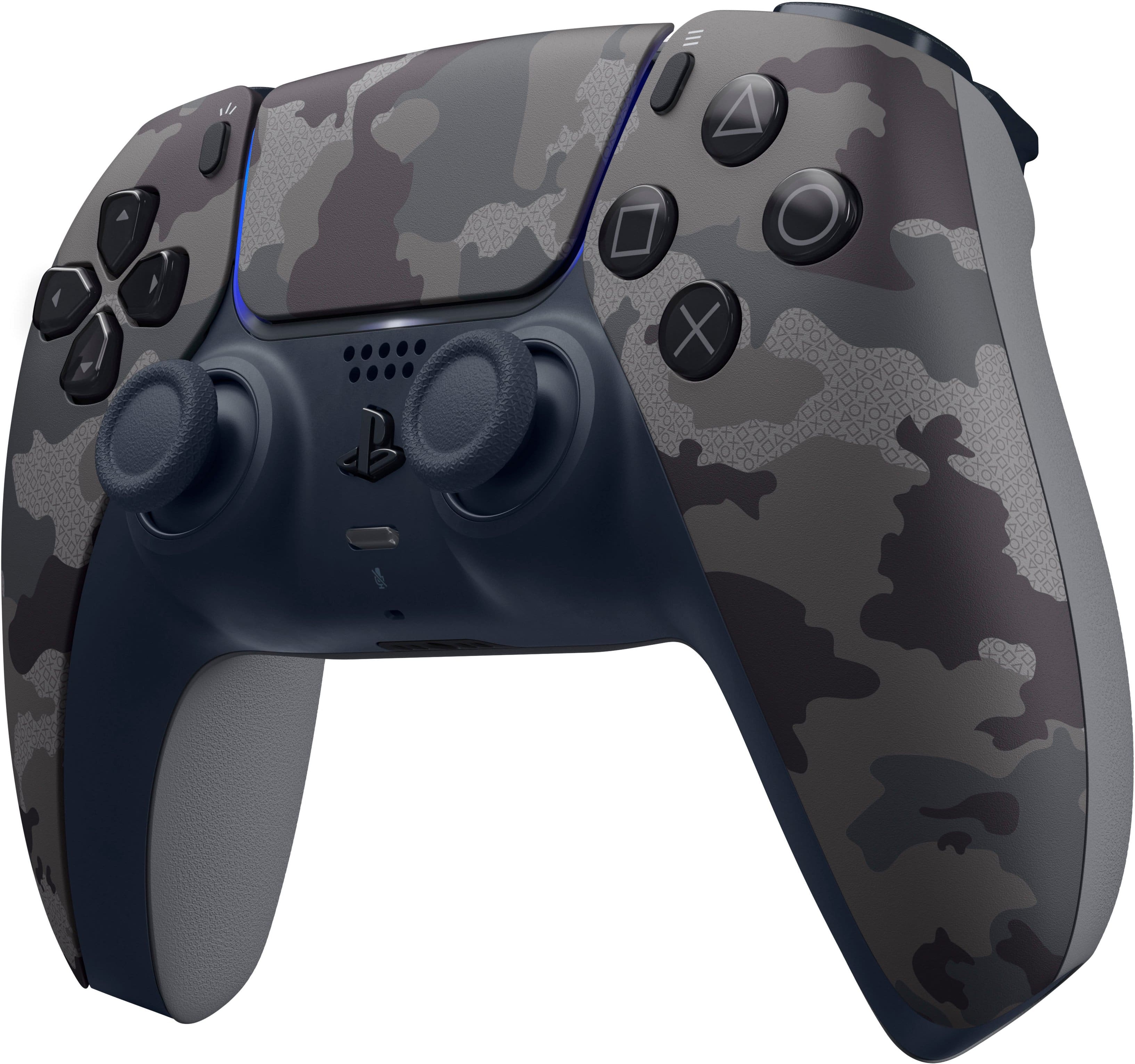
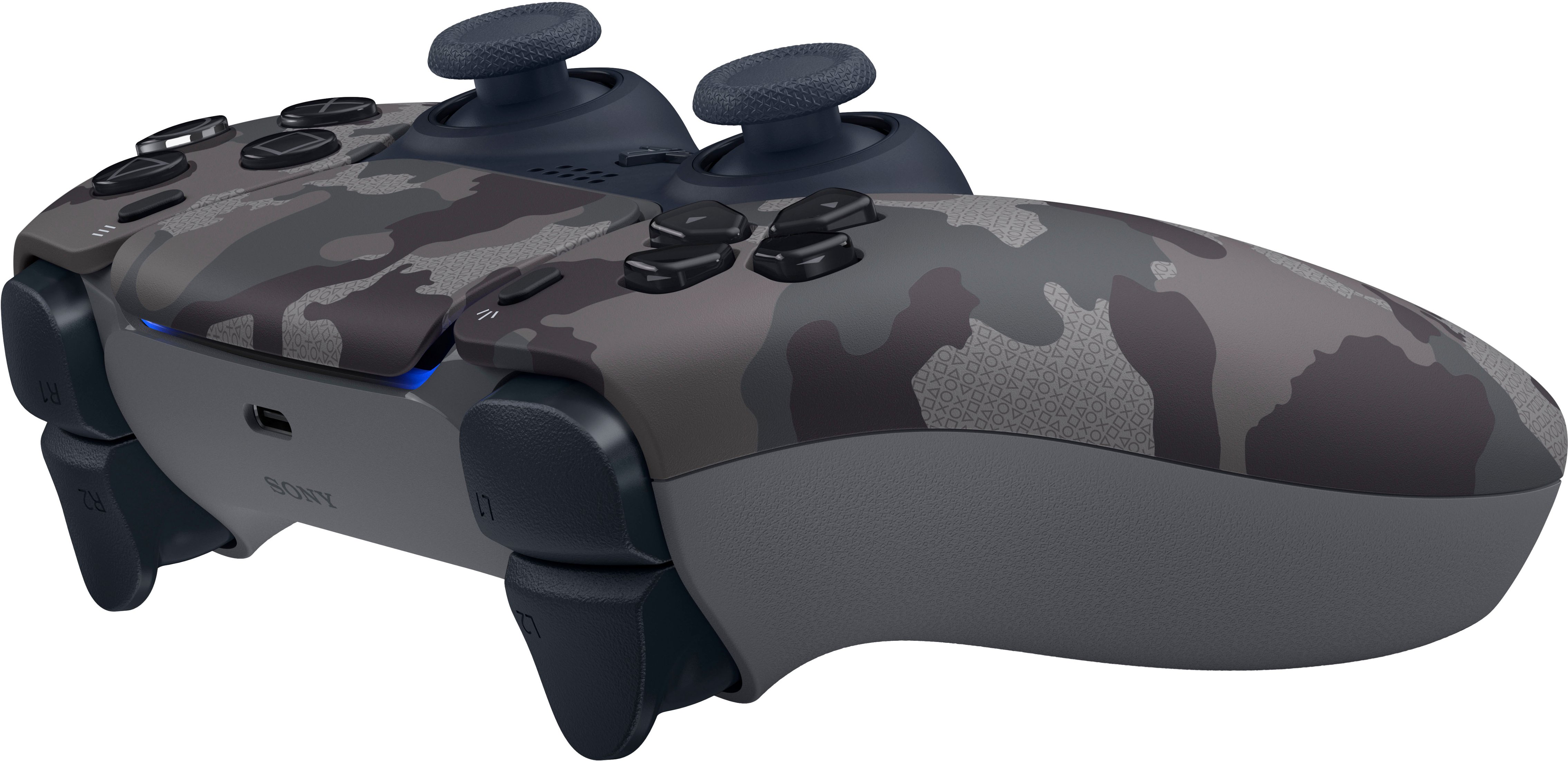
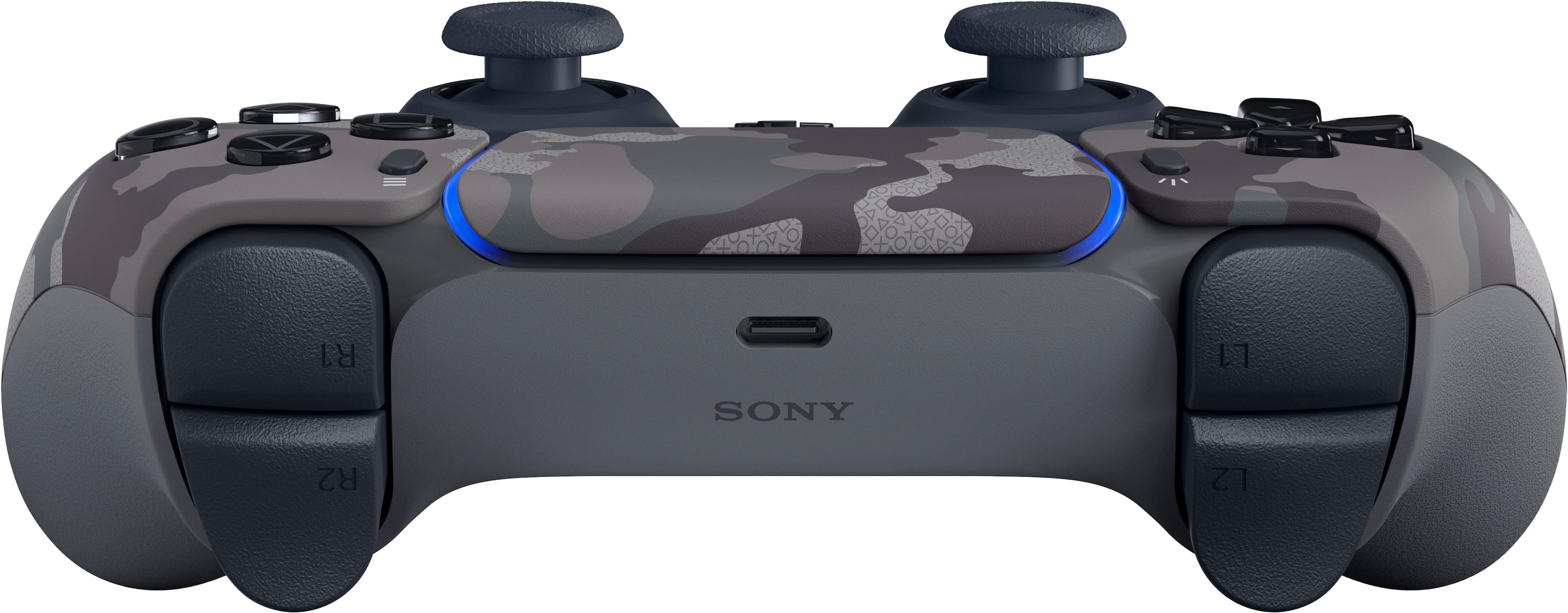
A:AnswerThe only time this needs to be plugged in besides the initial sync is to charge it with a usb c cable. The two new controllers DO NOT COME WITH A CABLE.
A:AnswerNo, the controller does not come with a cable. Yes, you can buy a USB-C cable you would need to charge/connect the controller from Best Buy or any store that sells USB cables.
A:AnswerI would not recommend putting the PS5 in an enclosed space such as an entertainment center with a closed door. These new consoles are basically PCs and need plenty of ventilation. Both the X and PS5 have great heat dispersement but you’re playing with fire if you put it in such a small space.
A:AnswerThey will be using the exact same components in this controller as they will any other Dualsense, or modern analog stick controller. The rate of "stick drift" will vary per manufacturing tolerances and how the product is used and cared for, or not cared for. Your mileage may vary, in other words. They have warranties for a reason.
A:AnswerIt’s says 6/18 for all retailers. This was probably a decision by Sony to release a full week before 3rd party retailers on their website to drive business to themselves.
A:AnswerYes. This is confirmed. The accessories for PS5 are released today and available for purchase. I ordered a remote and extra controller for in store pickup. They had both ready to go for me.
A:AnswerNope, just had my less than 1 year start drifting about 10 months in. Its the new rumble feature. Turn your vibration lower on the controller. I will possibly be buy the 2 year warantee since both of my controllers started drifting before a full year.
A:AnswerGo with the PlayStation docking charger it’s accurate on its charge. It looks good matches your PlayStation 5. Also, you can mod your own docking charger like have it a different color but you have to do it yourself. Other chargers with different brands are not universal. They’re just one color.
A:AnswerYea it’s simple too. Just hold the PlayStation button and share button at the same time until it starts blinking, then connect in your Bluetooth settings