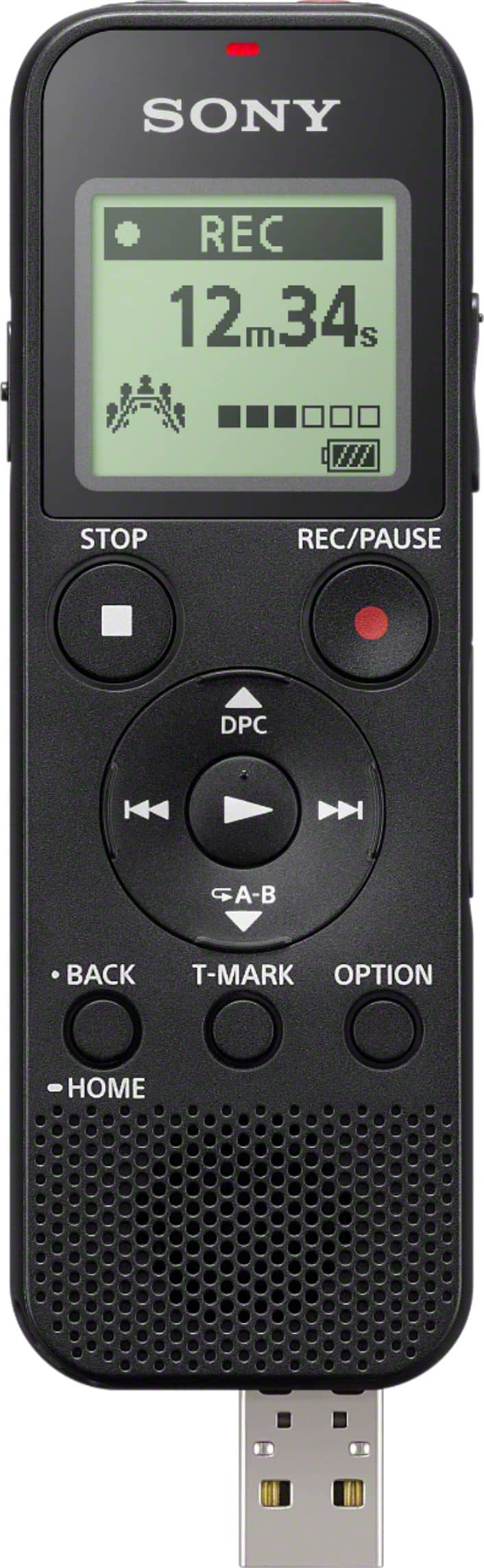
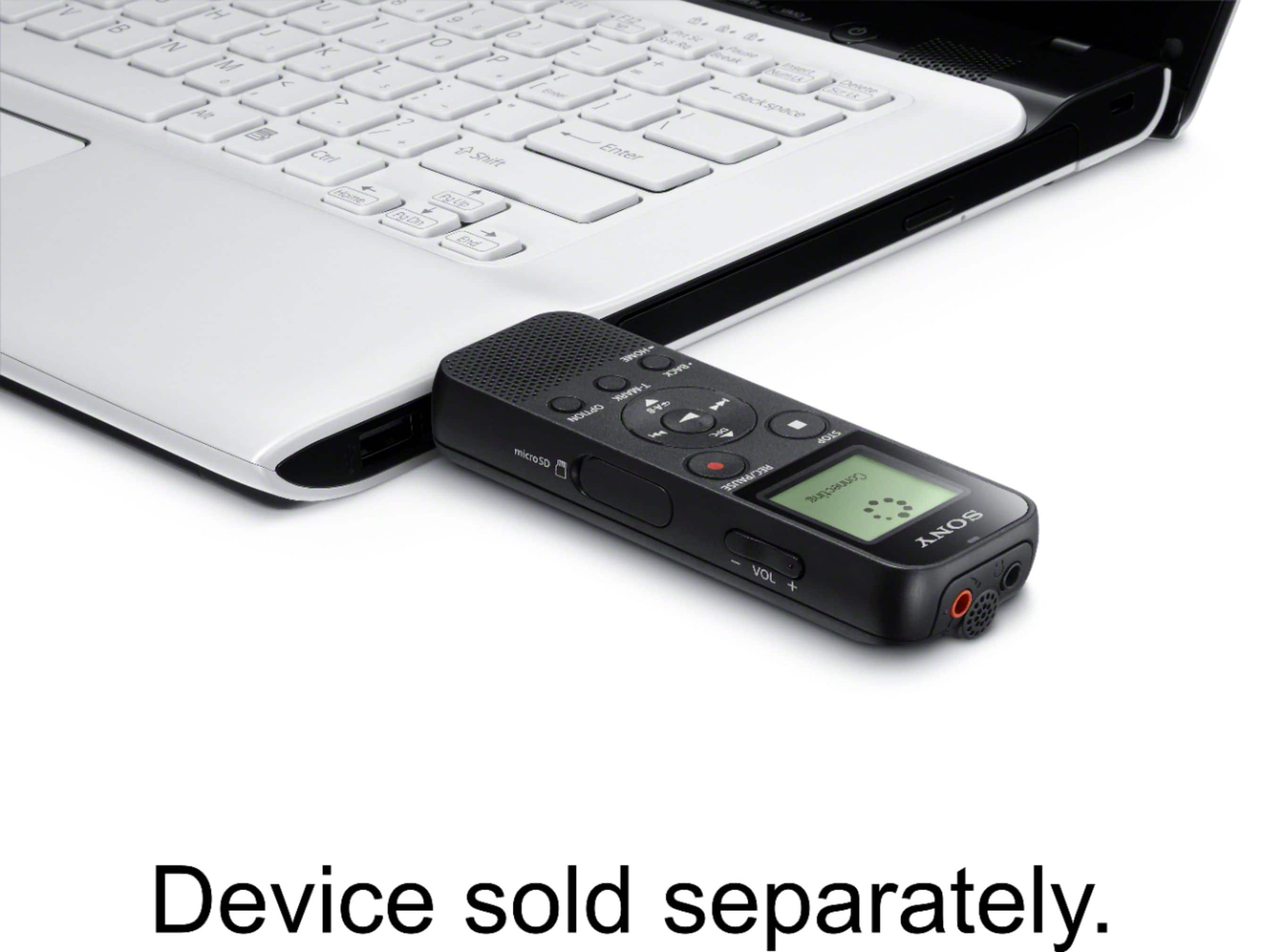
A:AnswerHi, PRODUCEPETE! Yes, you can transfer the recording from the voice recorder to a computer. You may refer to this link for more information:
https://helpguide.sony.net/icd/p37/v1/en/contents/TP0001272016.html
~Ralph
A:AnswerHi, Tony!
Thank you for your interest in our SONY products! Yes, you also capture noise. This unit has a "Scene Select" function for any type of recording that you prefer. Please check the link below:
https://helpguide.sony.net/icd/p37/v1/en/contents/TP0001271997.html
~Earl
A:AnswerHi, rabbit! Yes, you can record the audio from external devices. Please refer to this link for more information:
https://helpguide.sony.net/icd/p37/v1/en/contents/TP0001272002.html
~Ralph
A:AnswerVoice activated pauses recording when decibels are below threshold
How to turn off voice activated recording.
The Select “ Settings” - “Recording Settings” - “VOR” from the HOME menu, and then press . Press or to select “ON,” and then press . “VOR” is set to “OFF” by default. Press REC/PAUSE
For more detailed information follow link to Sony’s Help Guide. https://helpguide.sony.net/icd/p37/v1/en/contents/TP0001272000.html
A:AnswerHi, Gma! It will depend on the recording condition. You may refer to this link for more information:
https://helpguide.sony.net/icd/p37/v1/en/contents/TP0001272021.html
~Ralph
A:AnswerForward or backward search begins at a slow speed, which helps you check the file word by word. If you keep holding either button, forward or backward search will continue at a faster speed. Or, you can turn on the EASY SEARCH function, when ON, pressing fast-forward button fast-forwards by 10 seconds and pressing fast-rewind button fast-rewinds by 3 seconds. Please refer to this link for additional information: https://helpguide.sony.net/icd/p37/v1/en/contents/TP0001155306.html Regards, Sam
A:AnswerHello, Dcn! The maximum recording time is estimated, provided that all the folders in the memory are used.
Built-in memory
MP3 192kbps - 39 hours 45 minutes
MP3 128kbps - 59 hours 35 minutes
MP3 48kbps(MONO) - 159 hours
For more information, please visit https://helpguide.sony.net/icd/p37/v1/en/contents/TP0001272021.html.
Thank you! - Romeo
A:AnswerHello, Pam! No, you need to press the "Record/Pause" button to start a recording. For reference, please visit this link https://helpguide.sony.net/icd/p37/v1/en/contents/TP0001271993.html. Thank you! - Romeo
A:AnswerHello, michi!
No, this recorder doesn't have a voice activation feature, you will need to press the record button to start recording. Happy to help!
~Zac