A:AnswerHi Miriam, Yes, it can. For more information, please visit the link below. Thanks! ^Ron
https://helpguide.sony.net/icd/p37/v1/en/contents/TP0001272017.html
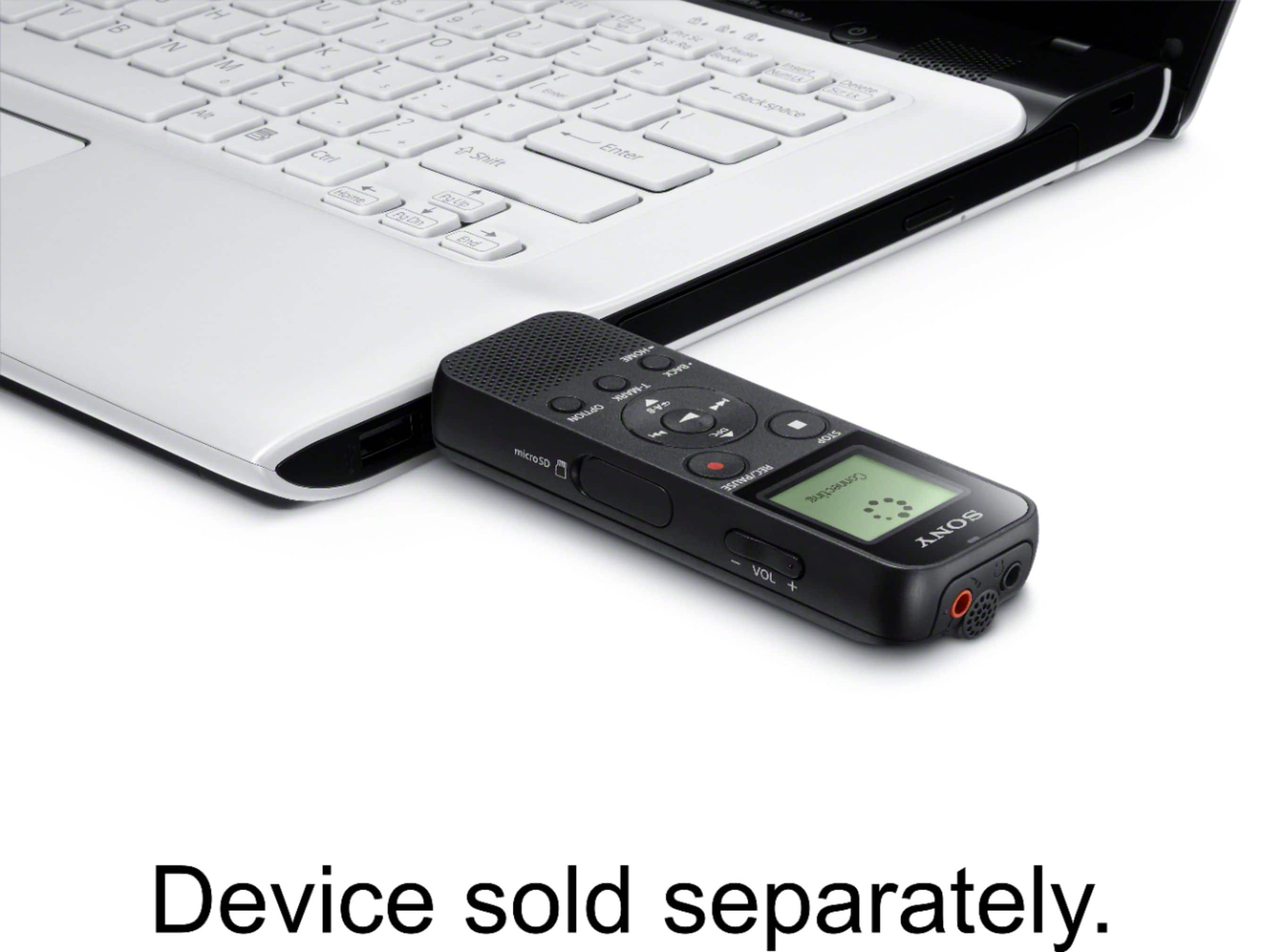
A:AnswerHello Dan, the Sound Organizer 2 application that will allow you to transfer files via USB will only work with Windows computers only. Kindly visit the link below for reference:
https://www.sony.com/electronics/support/res/manuals/4595/45955461M.pdf
Regards, _Bob
A:AnswerYes, if it has been synced/saved onto your computer. You can add/delete recordings whenever you want and restore any you have deleted on accident as long as it has been synced!
A:AnswerYou can mark a portion and then go to that point. I use it for transcription, so I start from the beginning, mark where I’m up to, next time I can just start at the mark
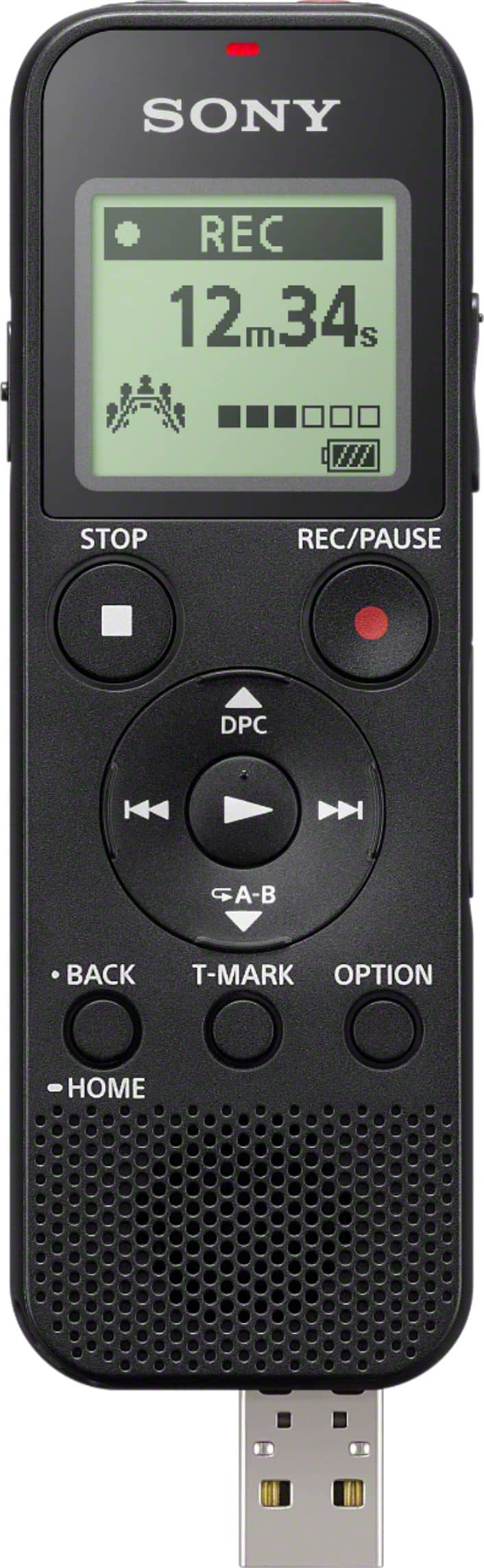
A:AnswerYes. I use the slide-out USB attachment to hook it up to a USB port on my Windows 10 desktop. Windows 10 recognizes it and I copy the MP3 files to my computer, save them on my computer and rename them. You need to have the recorder turned on when you plug it in to the USB port. Also, when you are finished you need to properly remove/eject the recorder, in the same way as you would remove any other USB device. I can play the MP3 files on my computer.
A:AnswerHi, ericpaul, This unit does not come with an external storage or memory card. It compatible with microSDHC cards (4 GB to 32 GB). Check here for more information: http://helpguide.sony.net/icd/p37/v1/en/contents/TP0001272019.html
Regards,
Vincent