A:AnswerHi JM, thank you for your question. This unit requires the A2DP (Advanced Audio Distribution Profile) Bluetooth profile for Bluetooth playback. You need to check the specificaitons of your SONY TV if it supports the said profile to connect this speaker. Or may check the TV list on this link for more details:
https://www.sony.com/electronics/support/televisions-projectors/articles/00159290
Hope this helps. ~Earl
A:AnswerHi SOM, thank you for your question. This speaker requires the A2DP Bluetooth profile for Bluetooth audio playback. You may check the specifications of your device if it supports the same profile. If your Apple product has an AUDIO OUT, you may consider checking the model SRSXB43 instead (with the same A2DP Bluetooth profile). Hope this helps. ~Earl
A:AnswerI believe so. if you have the ability to search up Bluetooth devices on the smart tv, and its not an Apple tv (they have strange interaction on theirs) then it should work!
A:AnswerHi VH,
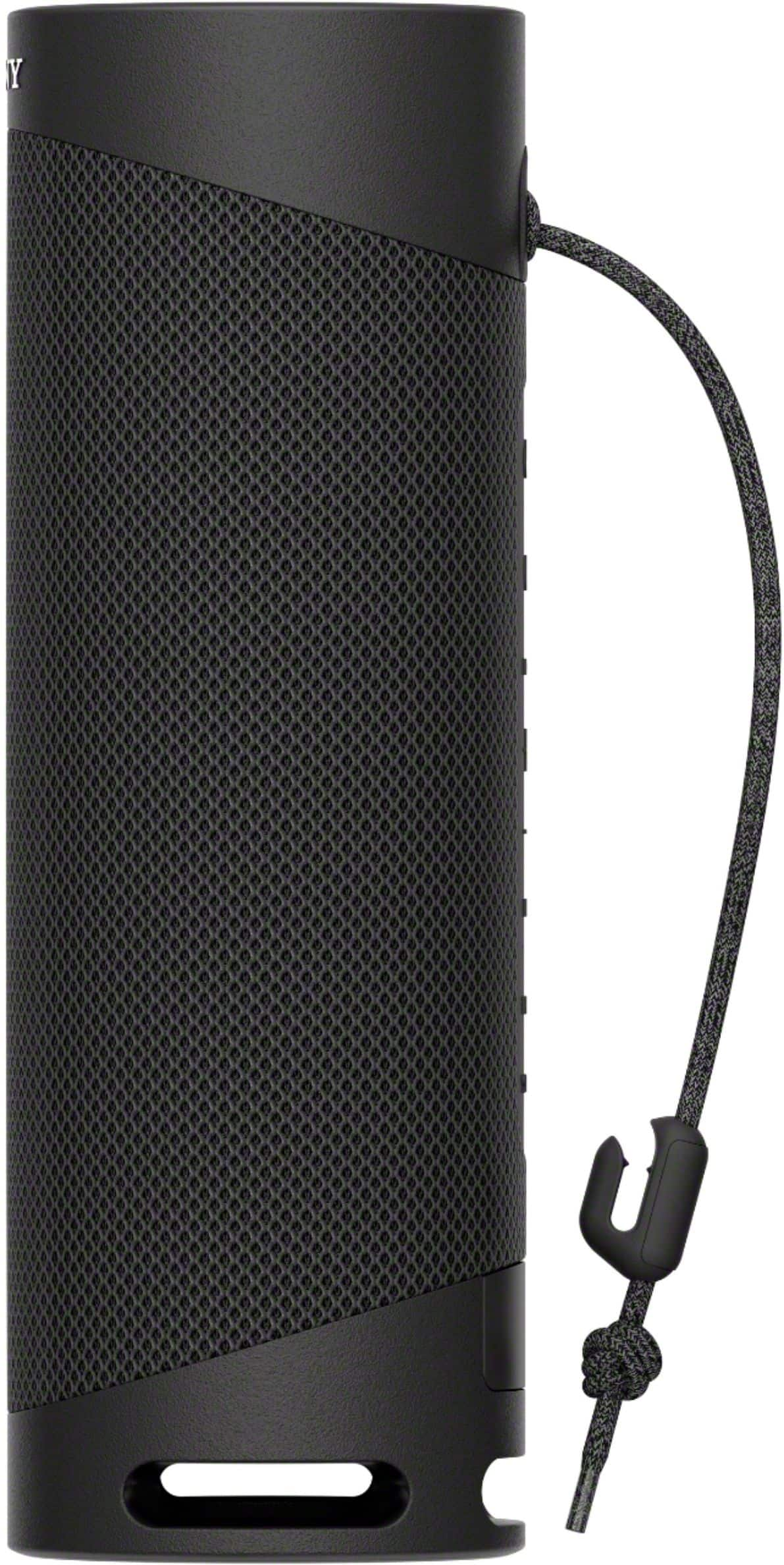
Thanks for inquiring about the SRS-XB23. Unfortunately, there are no mounting brackets on the speaker. The XB23 is supplied with a convenient strap that allows for mounting options.
Regards,
Jess
A:AnswerHi Sophie,
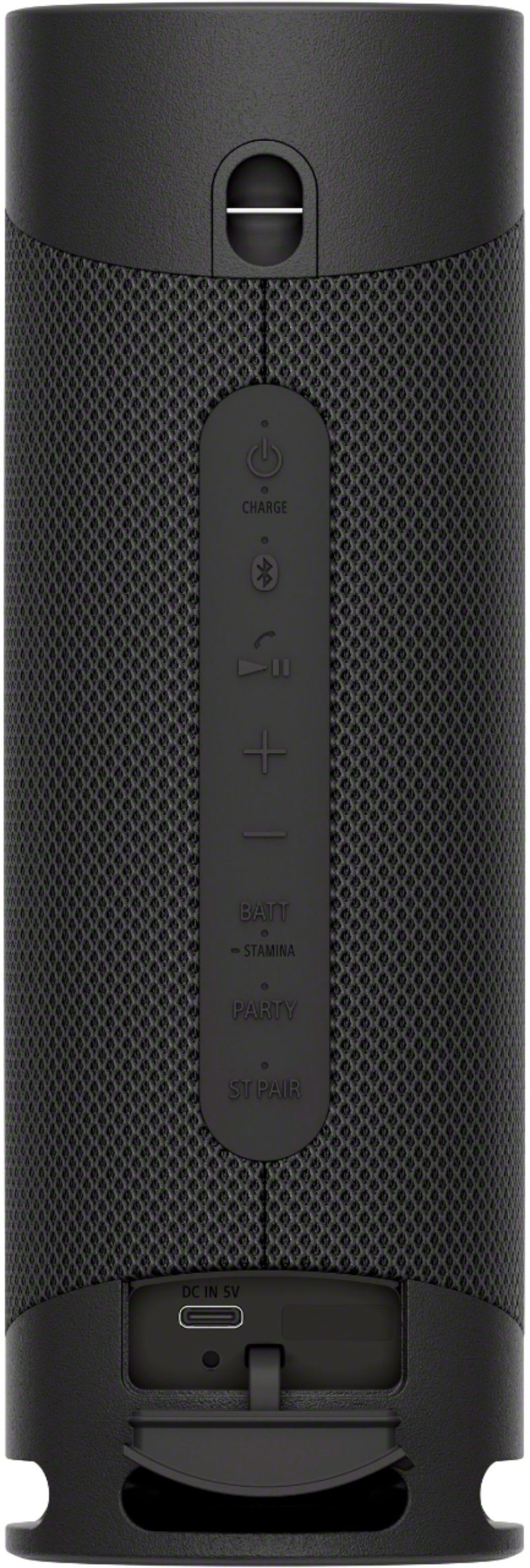
Thank you for your inquiry. As long as the speaker is connected to an AC outlet by a USB AC adaptor (commercially available) or to a computer that comes equipped with a USB charging port, the speaker's built-in battery is capable of charging itself even while music playback from the speaker is in progress. However, it may take a long time before charging completes depending on the usage of the speaker. For more information about charging the speaker, please refer to this link: https://helpguide.sony.net/speaker/srs-xb23/v1/en/contents/TP0002800281.html. Hope this helps. - Kris
A:AnswerHi Annie,
Thank you for purchasing our SRS-XB23. We're sorry you've been running into difficulty. The XB23 can skip to the next song by pressing the “Play/Pause” button twice quickly. It will play the previous track by pressing the same button 3 times quickly during playback. If your Bluetooth device support the AVRCP (Audio Video Remote Control Profile), you can operate it by the speaker via BLUETOOTH connection. For more information, please refer to the link below.
https://helpguide.sony.net/speaker/srs-xb23/v1/en/contents/TP0002
Regards,
Jess
A:AnswerHi Chavalo, Thank you for your inquiry and feedback.
Great news! This unit is compatible with Samsung phones, as well as most other Android and IOS devices via Bluetooth connection.
Hope this helps! -Jess
A:AnswerYes, it can be. Use the Alex app with the speaker turned on and search for blue tooth devices, when you see the speaker listed select it to connect.
A:AnswerHi bella, Thank you for your inquiry with the XB23 Portable Bluetooth Speaker. Yes, the speaker's built-in battery is capable of charging itself even while music playback from the speaker is in progress as long as the speaker is connected to an AC outlet by a USB AC adaptor (commercially available) or to a computer that comes equipped with a USB charging port. However, it may take a long time before charging completes depending on the usage of the speaker. It is recommended that you turn off the speaker before battery charging. I hope this helps. Regards, Kris
A:AnswerNot sure, but it should be. We paired it very easily with a Samsung Note 10 and a Motorola z3. I would imagine anything with Bluetooth would be compatible.
A:AnswerHi Bill,
Thanks for your inquiring about the XB23. The Sony SRS-XB23 and the Sony SRS-XB33 are similarly performing speakers. The SRS-XB23 is smaller and has a 360-degree design, so its soundstage is perceived as wide. However, the SRS-XB33 can get slightly louder with fewer compression artifacts. Its battery also lasts longer, and it has customizable lighting, which some users may prefer. Hope this helps.
Thanks for considering Sony!
Regards,
Jess