A:AnswerHi LALA,
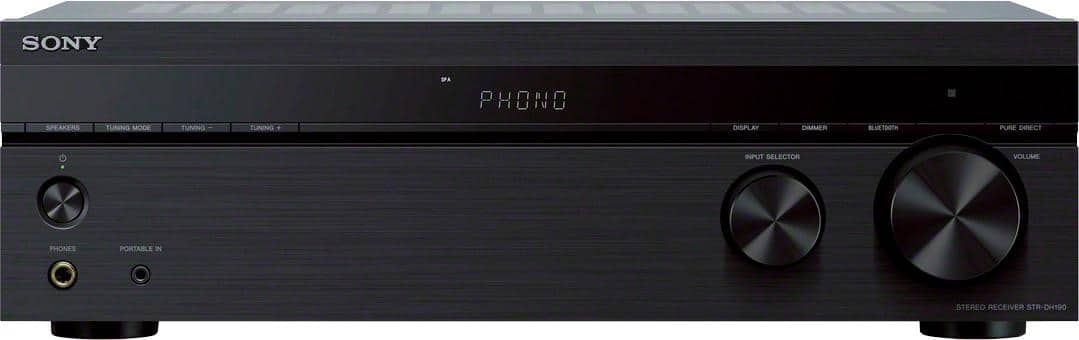
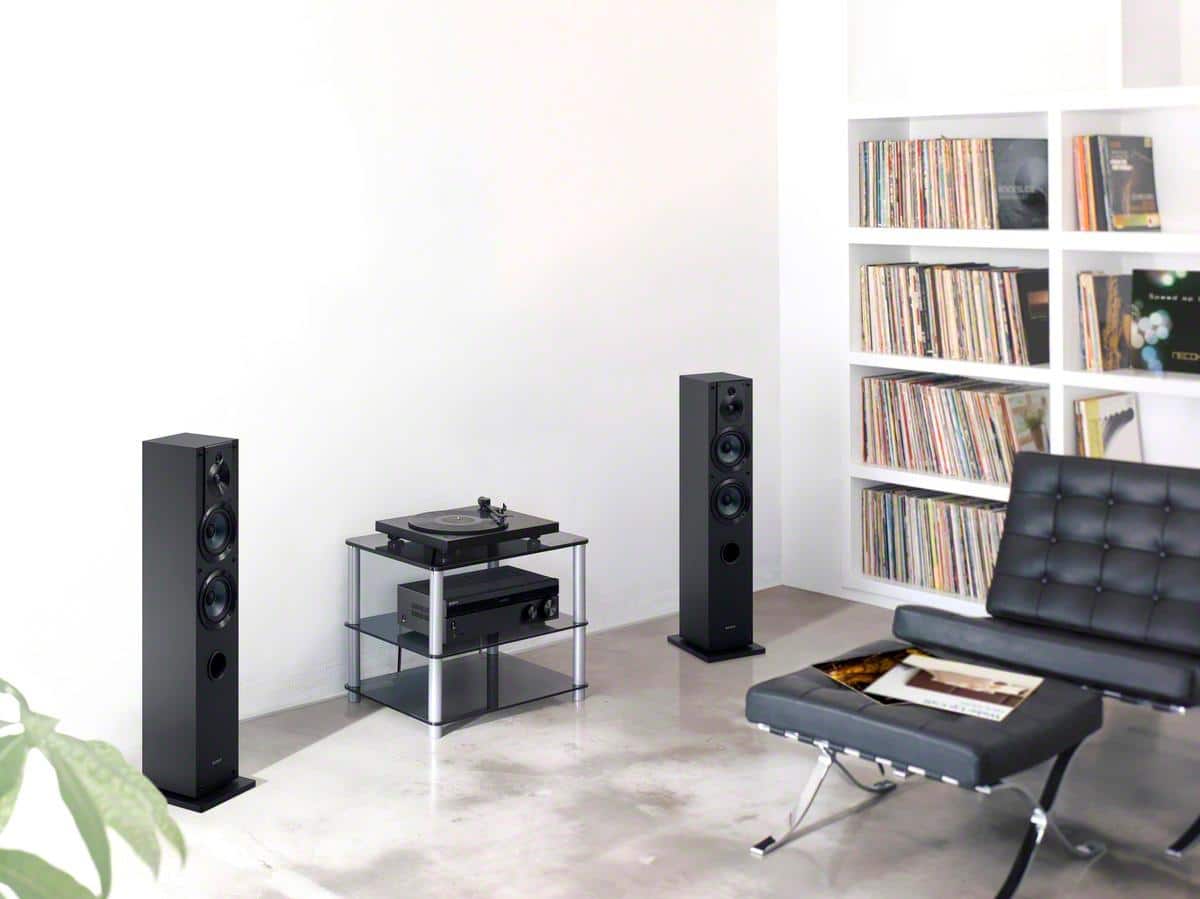
Yes, you can connect a turntable to this AV receiver.
https://www.sony.com/electronics/support/audio-components-receivers-amplifiers/str-dh190/articles/00029093
Regards,
David
A:AnswerHi Patty,
This AV receiver supports FM radio stations. You can store up to 30 FM stations as your
favorite stations as preset stations. See page 25 for more details.
https://www.sony.com/electronics/support/res/manuals/4726/f63b8edb2b154409daa55875111f95e4/47269071M.pdf
Regards,
David
A:AnswerHi Customer,
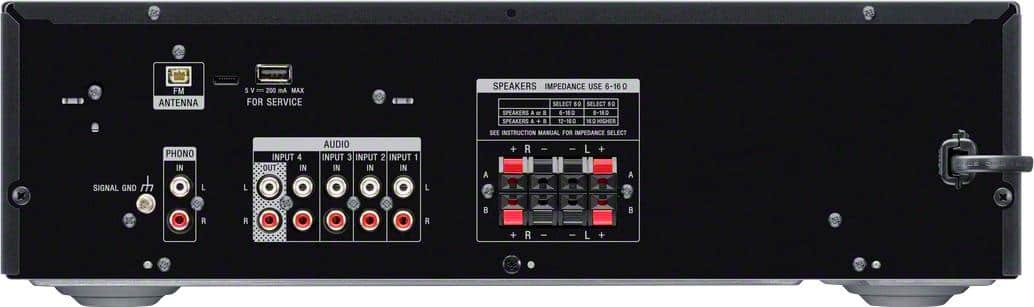
Thank you for the interest! We recommend connecting wired speakers with a nominal impedance of 6 ohms to 16 ohms. We also recommend using speaker wires that are anywhere between 12 to 16 gauge. These are most commonly used for connecting speakers to an amplifier or an Audio/Video (A/V) receiver
Regards,
David
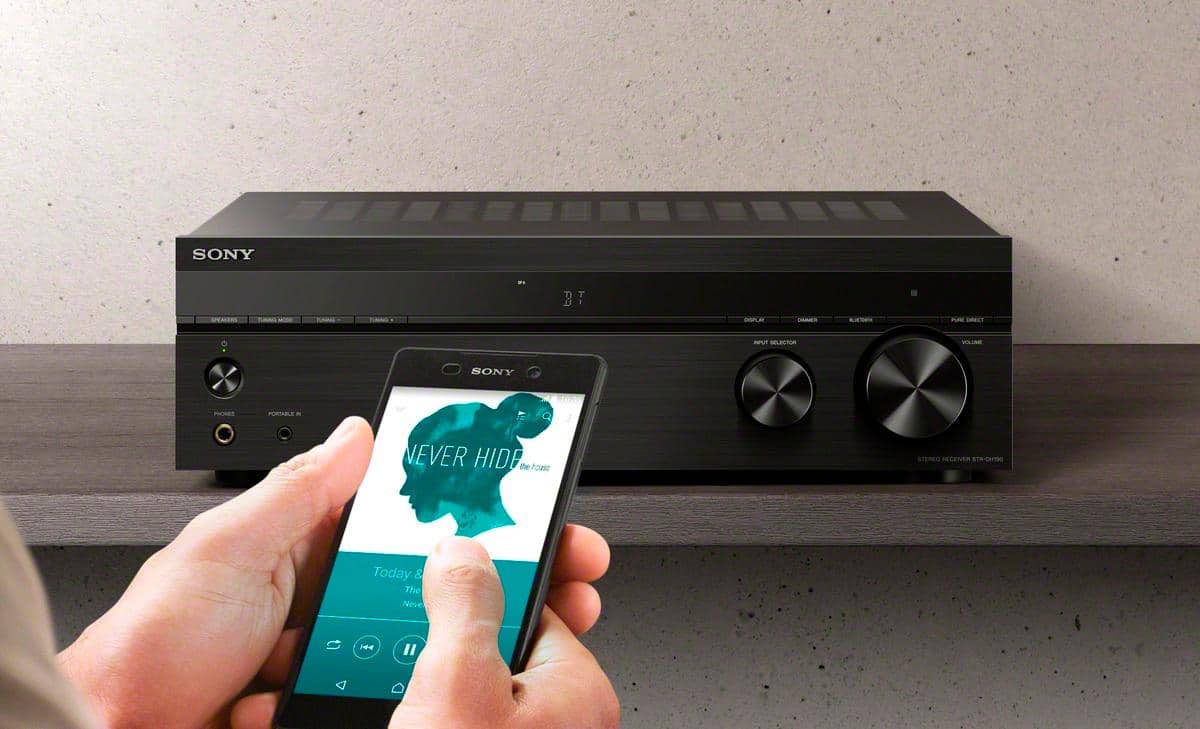
A:AnswerHi Dick, Thanks for your inquiry. Unfortunately, no. This receiver is designed to receive a Bluetooth signal from a smartphone or tablet. It is not capable of transmitting one to a Bluetooth device such as wireless headphones, TV, or speakers. As a suggestion, you can connect your TV to this receiver via an RCA connection.
Hope this helps! -Sam
A:AnswerI think any decent receiver does, including legacy receivers.. The only difference between this receiver and a legacy receiver is the addition of a Bluetooth port, which coincidentally, I don't use.
A:AnswerHi barriet, thank you for your question. This unit mainly supports Analog Audio Input connection. You may check the specifications of your TV if it supports the said connection. ~Earl
A:AnswerHi FASTLIKEJUDY, Thank you for your inquiry. An equalizer/preamp needs to be connected to the tape monitor loop on an AV receiver in order to operate. The current line of Sony receivers does not have a tape monitor loop. For this reason, it is not possible to connect an add-on equalizer/preamp to current Sony AV receivers. Most Sony receivers feature a built-in Digital Signal Processing (DSP) Equalizer. The addition of an equalizer is not needed and would provide no additional benefit to the overall sound output of the receiver. Hope this helps! -Sam
A:AnswerHi Dancindawgz, We regret to hear about what happened. If the words PROTECTOR and PUSH POWER appear in alternating sequence on the display of your home audio device, or if the word PROTECT or PROTECTOR appears, there may be an external speaker issue or connection issue that is triggering the protection circuit. Try following the troubleshooting steps on this link to resolve this issue:
https://www.sony.com/electronics/support/audio-components-receivers-amplifiers/str-dh190/articles/00025095
Regards,
Sam
A:AnswerIt's difficult unless you use very thin (small gauge ) wire. however, I did exactly that by connecting one wire at the connection and splicing other wires onto that lead. weird but it worked fine. They should re-design the speaker connections to accept thicker or multiple wires. So yes it can be done with ingenuity.
A:AnswerHi Jay, Thank you for your inquiry. Unfortunately, no. There is no subwoofer out port on this receiver to connect a passive subwoofer. Hope this helps! -Sam
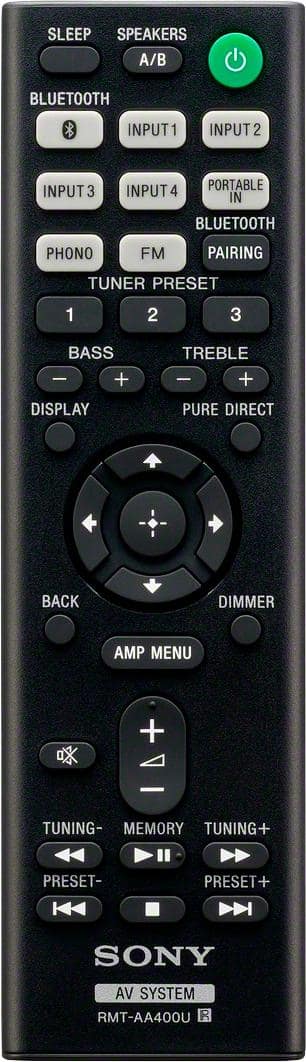
A:AnswerConnect the 2 RCA jacks from the CD Player to the RCA inputs on back, either 1-4, they should be color coded red/ white. Then when playing make sure you have that input selected via remote of on the front panel, the same number you placed the RCA jacks into the back. Make sure you turn up volume. It should work then.
A:AnswerHi Kathy, Thank you for your inquiry. No, it does not. You will have to connect speakers to the speaker ports of the unit in order to get sound. Hope this helps! -Sam
A:AnswerHi there, Thanks for your inquiry. Unfortunately, no. You cannot connect this to another receiver. We suggest checking out the Sony STRDN1080 for the multizone feature. Hope this helps! -Sam
A:AnswerHi tuna, Thanks for your inquiry. Unfortunately, no. There is no option to add another amplifier to this receiver. You can connect up to 2 sets of left and right speakers for a total of 4 speakers to this receiver. Hope this helps! -Sam