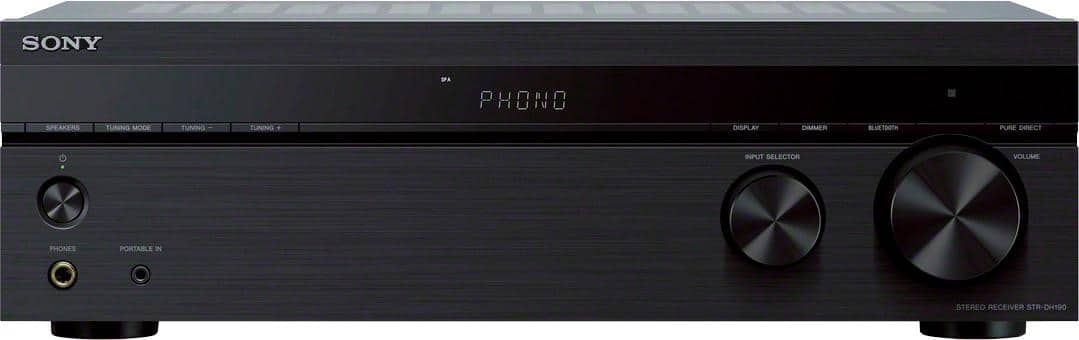
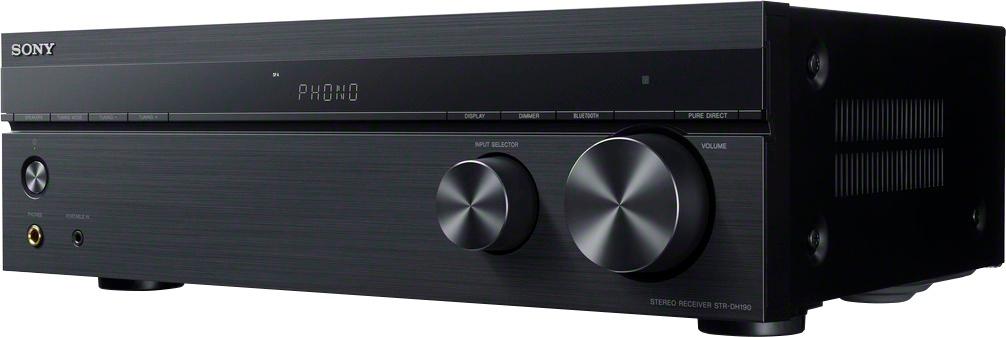
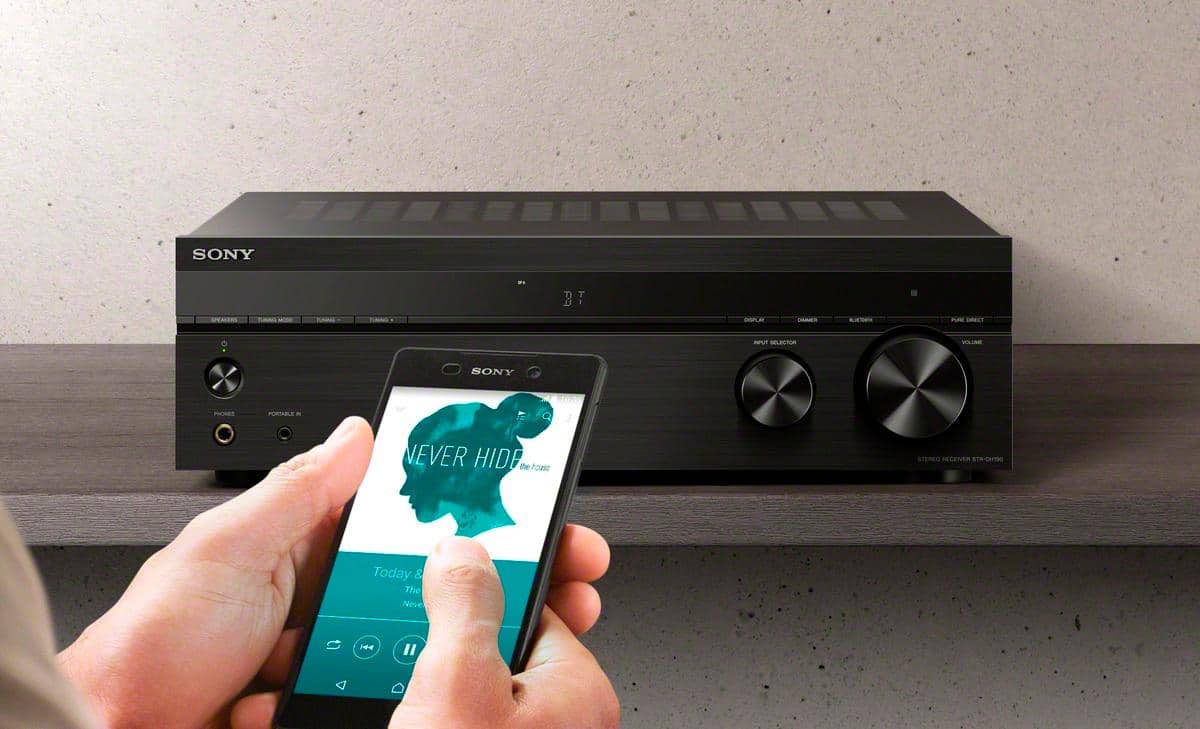
A:AnswerHi tom, Thank you for your inquiry. Yes, you can definitely connect your Android phone to this receiver. You can either connect it via Bluetooth connection or connect it to the PORTABLE IN jack via 3.5mm headphones cable connection. Hope this helps! -Sam
A:AnswerHi SWARTZ, We regret to hear you're having a power-related and no screen issue with your receiver. Let's try to isolate and resolve these issues by following the troubleshooting steps on the link below:
https://www.sony.com/electronics/support/audio-components-receivers-amplifiers/str-dh190/articles/00032091
If you are unable to resolve your concern, please email us at socialsupport@am.sony.com with the following details:
Name:
Bestbuy Username:
Model Number:
Issue:
Telephone Number:
Sincerely,
Sam
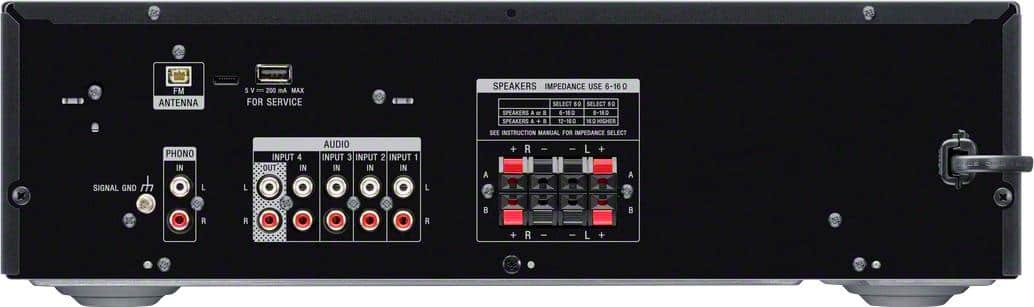
A:AnswerHi soundsystem, Thanks for your inquiry. Yes, this receiver supports audio output on line 4. The other 4 audio input ports can only receive an audio signal from an audio device. Hope this helps! -Sam
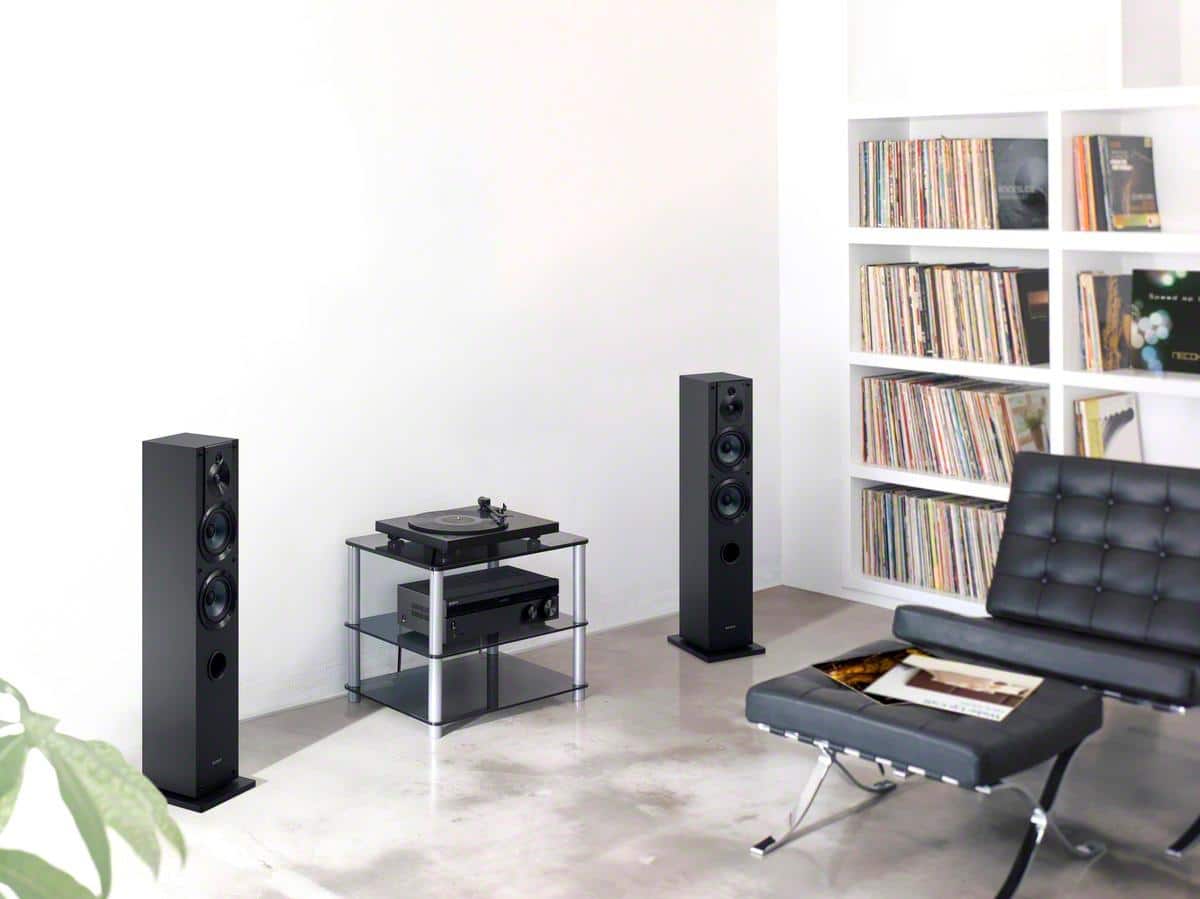
A:AnswerHi Wilson, Thanks for your inquiry. Yes, it will. This receiver is equipped with 4 RCA audio input ports so you can connect your old audio devices and 1 phono input port for a turntable. Hope this helps! -Sam
A:AnswerHi Windle, Thanks for your inquiry. This receiver has a supplied FM antenna to plug into the antenna port. If you no longer have the FM antenna, please email us at socialsupport@am.sony.com with the following details:
Name:
BestBuy Username:
Model Number:
Issue:
Telephone Number:
Sincerely,
Sam
A:AnswerI have not tried transmitting to Bluetooth speakers. I have connected my iPhone to the RX via Bluetooth.
To transmit to Bluetooth speakers, you will probably need to get a Bluetooth audio transmitter. They are pretty inexpensive and plug into the headphone jack.
A:AnswerHi there, We regret to hear you're having static sound issue on your speakers. If all you hear from the speakers is static or distorted sound, there could be an incorrect setting or there may be a problem with the speakers. Follow the steps on this link to try to resolve this issue.
https://www.sony.com/electronics/support/audio-components-receivers-amplifiers/str-dh190/articles/00032183
Pure Direct function allows you to enjoy higher fidelity sound from all inputs.
And, yes. You can download the operating manual on our Sony Support website at https://www.sony.com/electronics/support/. You can also refer to the link below for the direct link for your manual:
https://www.sony.com/electronics/support/res/manuals/4726/f63b8edb2b154409daa55875111f95e4/47269071M.pdf
Regards,
Sam
A:AnswerHi Chiswick, thank you for your question. When two speaker systems are connected
to the receiver, you can select the speaker system you want to operate. “8 OHM”: The default setting. Select this when you connect all speakers with a nominal impedance of 8 ohms or higher.
“6 OHM”: Select this when you connect all speakers with a nominal impedance of lower than 8 ohms. ~Earl
A:AnswerHi there, Thanks for your inquiry. For STRDH190, it has a 2.0 channel which means it gives a left and a right speaker effect. Hope this helps! -Sam
A:AnswerHi BS, Thanks for your inquiry. Yes, you can enjoy the high-quality sound of a turntable by connecting it to the phono input of the receiver. Unfortunately, you cannot use Bluetooth speakers. This receiver is designed to receive a Bluetooth signal from a smartphone or tablet. It is not capable of transmitting one to a Bluetooth device such as wireless headphones or speakers. Hope this helps! -Sam
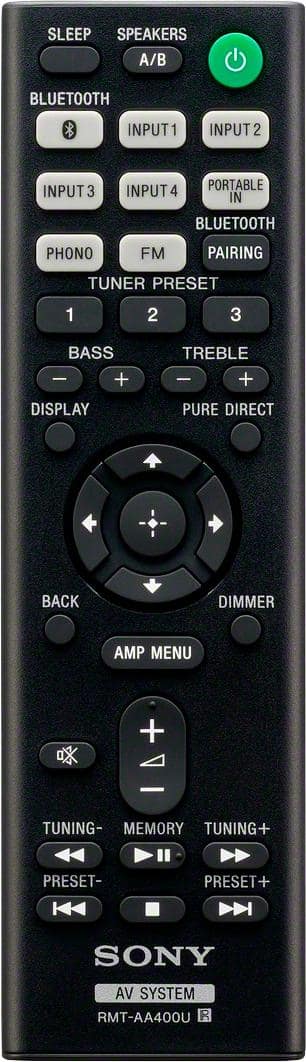
A:AnswerHi Mike, Thanks for your inquiry. Yes, you can get all four speakers to play the same sound if you select the SPK A+B option. You can press the SPEAKERS A/B button and each time you press this button, the display changes cyclically as follows. SPK A> SPK B> SPK A+B> OFF SPEAKERS. Hope this helps! -Sam
A:AnswerHi tom, Thanks for your inquiry. Unfortunately, the Bluetooth name of the receiver cannot be changed. However, when the Bluetooth connection is established, the paired device name appears on the display panel. Hope this helps! -Sam
A:AnswerHi Gary, Thank you for your inquiry. Yes, unfortunately, there is no bass and treble adjustment buttons on the receiver itself. You can only adjust it using the supplied remote control. Hope this helps! -Sam
A:AnswerHi Greg, Thanks for your inquiry. Unfortunately, you cannot connect active/powered speakers to the receiver. Also, connect speakers with a nominal impedance of 6 ohms to 16 ohms. Hope this helps! -Sam
A:AnswerHi Debbie, Thanks for your inquiry. The best way to get optimal sound is to strip the jacket to 10 mm (13/32 in) at each end of the speaker cables and then tightly twist the speaker wire strands. Also, connect speakers with a nominal impedance of 6 ohms to 16 ohms. Hope this helps! -Sam
A:AnswerHi KG, Thanks for your inquiry. Depending on the power requirements of the country, you may need a transformer to make the STRDH190 work since US models will require its 120 V AC, 60 Hz. Hope this helps! -Sam