A:AnswerHi KevinCucumber, Thanks for your inquiry. Most Sony receivers feature a built in amplifier. The addition of an external amplifier is not needed, and would provide no additional benefit to the overall sound output of the receiver. -Sam
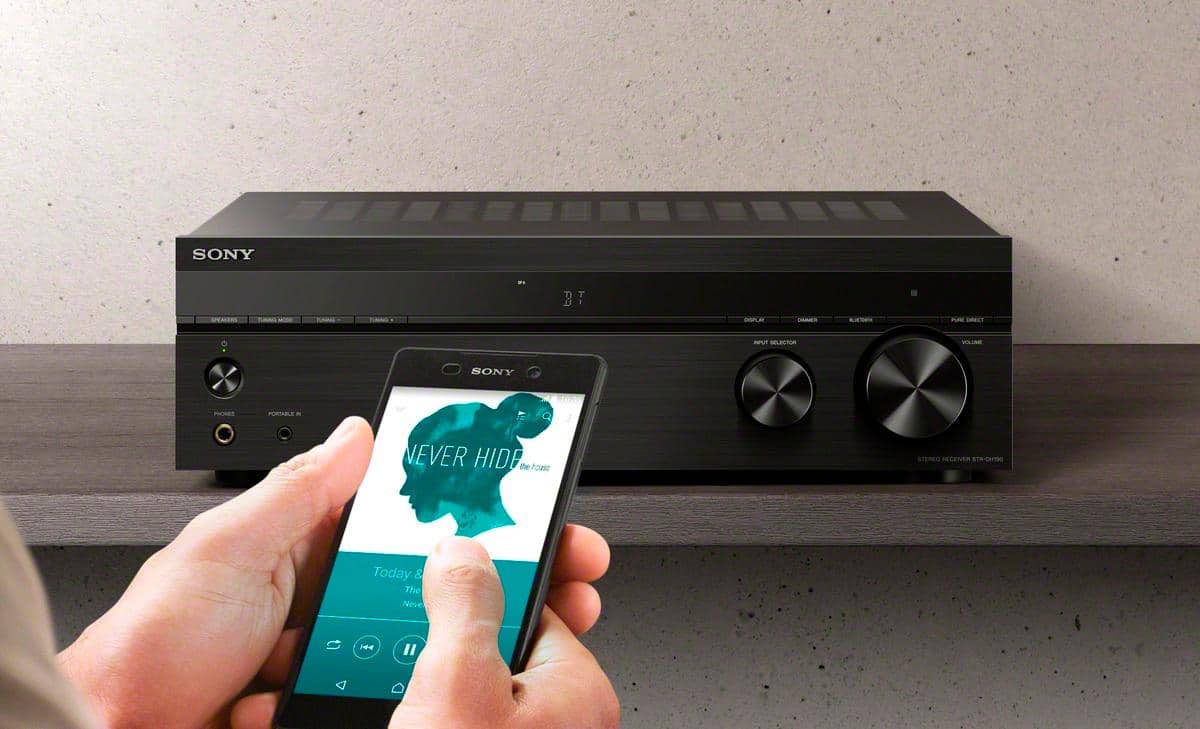
A:AnswerHi there, Thank you for your interest in the STRDH190. Unfortunately, you cannot connect a wireless speaker to this unit. You can only receive audio content from a Walkman, smartphone or tablet that has a Bluetooth function and listen to it via this receiver. -Sam
A:AnswerHi there, Thanks for your inquiry. Unfortunately, no. You can only receive audio content from a
Walkman, smartphone or tablet that has a Bluetooth function and listen to it via this receiver. -Sam
A:AnswerHi CaitSStaiano, Thanks for your inquiry. Unfortunately, you cannot connect Bluetooth speakers via a Bluetooth adapter/repeater to this receiver. I would recommend connecting your speakers directly to the speaker input of the unit and listen to your music from your mobile device via Bluetooth. -Sam
A:AnswerHi rob, Thank you for your interest in the STRDH190. Unfortunately, you cannot connect a 4 zone channel speaker switch to this unit. We recommend connecting your speakers directly to the speaker inputs of this receiver. Hope this helps! -Sam
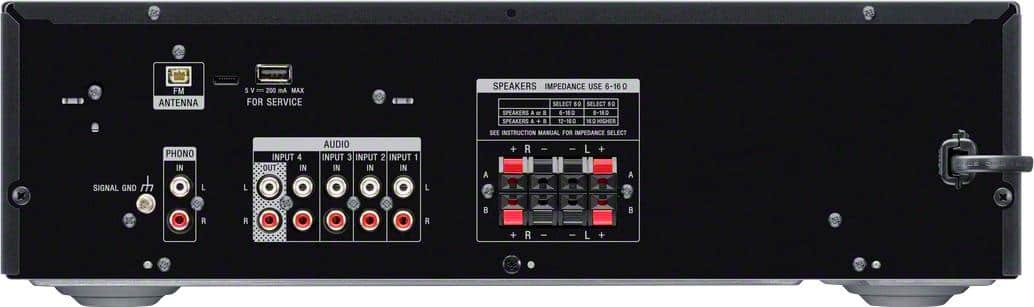
A:AnswerHi HA, Thank you for your interest in the STRDH190. Yes, as long as your speakers are within the impedance rating of 6 - 16 ohms then they should definitely work. -Sam
A:AnswerHi Chaz, Thanks for your inquiry. This unit doesn't have an auto on/off feature but it does support auto-standby which lets you set the receiver switch to standby mode automatically when you do not
operate the receiver. -Sam
A:AnswerHi eldiener, Thank you for your interest in the STRDH190. Unfortunately, you cannot hookup a Bluetooth transmitter and wireless speakers to this unit. -Sam
A:AnswerHi wayne, We regret to hear about what happened. If your audio system turns off by itself or if it doesn't turn on any longer, please follow the troubleshooting steps on the link below:
https://www.sony.com/electronics/support/audio-components-receivers-amplifiers/str-dh190/articles/00032599
Your unit comes with a 2-year limited manufacturer's warranty. We’d like to know more information and understand how your device has stopped working so we can better assist you. Please email us at socialsupport@am.sony.com with the following details:
Name:
Bestbuy Username:
Model Number:
Issue:
Telephone Number:
Sincerely,
Sam
A:AnswerHi Debol, Thank you for your inquiry. Yes. Make sure you're connecting from the AUDIO OUT of your projector to the AUDIO IN port of the receiver. And also, try pressing the input button on the
remote control or turning INPUT SELECTOR on the receiver to select the input to which you want to listen. -Sam
A:AnswerHi 8Ohmspeakers, Thank you for your interest in the STRDH190. Yes, this unit can power your 2 sets of 8 ohms speakers. This unit can handle speakers with an impedance rating of 6 to 16 ohms. -Sam
A:AnswerHi EdMill, Thank you for your interest in the STRDH190. Unfortunately, this unit doesn't have a digital coaxial port. For digital coaxial port, you might want to check out the STRDH590. -Sam
A:AnswerHi RhoAle01, We can offer assistance on how to operate the unit by visiting our Sony Support website to download the help guide and look for additional information about your product. Also, you can chat with one of our agents who would be glad to help. For product return, please refer to your authorized dealer. -Sam
A:Answeryes, because you hook all of your inputs to the eq and only use the receiver to amplify the signal and drive speakers. 19.5" No clue on cm. i'm american :)
A:AnswerHi gmehtaster, Thank you for your inquiry in the STRDH190. Yes, this unit can power your 2 speakers. Make sure you connect speakers with an impedance rating of 6 to 16 ohms. And yes, you can connect your headphones to the unit via the headphone jack (3.5mm)
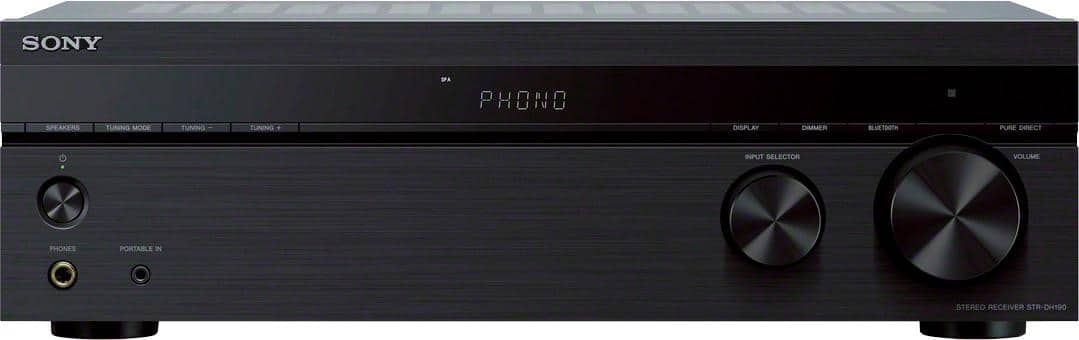
A:AnswerHi Tiff45, Thank you for your interest in the STRDH190. Unfortunately there is no HDMI input on this receiver, it is designed for audio components, I recommend taking a look at our STR-DH590 which supports the PS4 as well as other Audio/Video devices.. -Sam
A:Answeri fingers, We regret to hear about this. Have you tried switching to different stations? To further isolate the issue, please try to follow these steps:
Make sure the VOLUME or MASTER VOLUME knob of your AV Receiver is not set to VOL MIN.
Make sure headphones aren't connected to your receiver or input device.
Press the SPEAKERS button on your receiver and select a setting other than OFF SPEAKERS.
Try switching to a different input source.
If you are unable to resolve your concern, please email us at socialsupport@am.sony.com with the following details:
Name:
Bestbuy Username:
Model Number:
Issue:
Telephone Number:
Sincerely,
Sam