A:AnswerHi Brad, Unfortunately, this unit doesn't support HDTV video pass-through. We recommend taking a look at our amazing STR-DH590 for the feature you are looking for plus so much more.--Sam
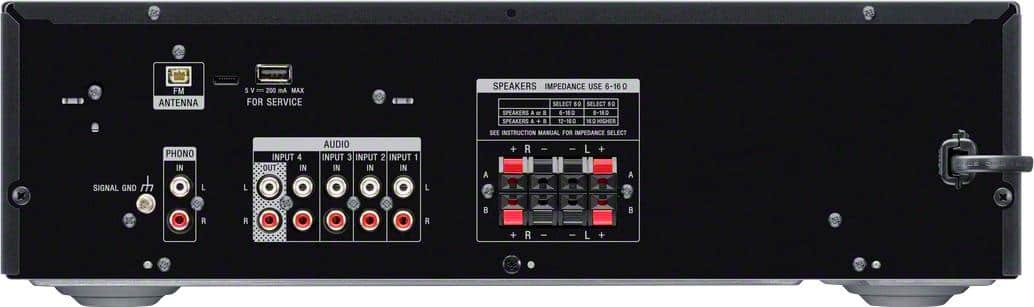
A:AnswerHi Mj, Audio cables are sold separately. You don't need to have coaxial cables or red/white cables to connect the unit to your home speakers. You can directly connect your home speakers to this unit using speaker wires. Please refer to the link below for further details. Thanks!
Ref:https://www.sony.com/electronics/support/res/manuals/4726/f63b8edb2b154409daa55875111f95e4/47269071M.pdf (page 13) -Sam
A:AnswerHi Pigeonman, Unfortunately, An equalizer needs to be connected to the tape monitor loop on an AV receiver in order to operate. The current line of Sony receivers does not have a tape monitor loop. For this reason, it is not possible to connect an add-on equalizer to current Sony AV receivers. -Sam
A:AnswerHi Bee, You can connect 2 sets of stereo speakers for a total of 4 speakers. Please refer to this link for further details: https://www.sony.com/electronics/support/res/manuals/4726/f63b8edb2b154409daa55875111f95e4/47269071M.pdf (page 14) -Sam
A:AnswerHi Bee, Yes, you can connect your Sony SAVA-500 speakers to this unit. As long as your speakers are within the nominal impedance of 6 to 16 ohms then they should work. -Sam
A:AnswerHi robinsonbythesea, Yes, there are two sets of speakers that you can connect to this unit. You can also choose between A, B, and A+B speaker configuration. -Sam
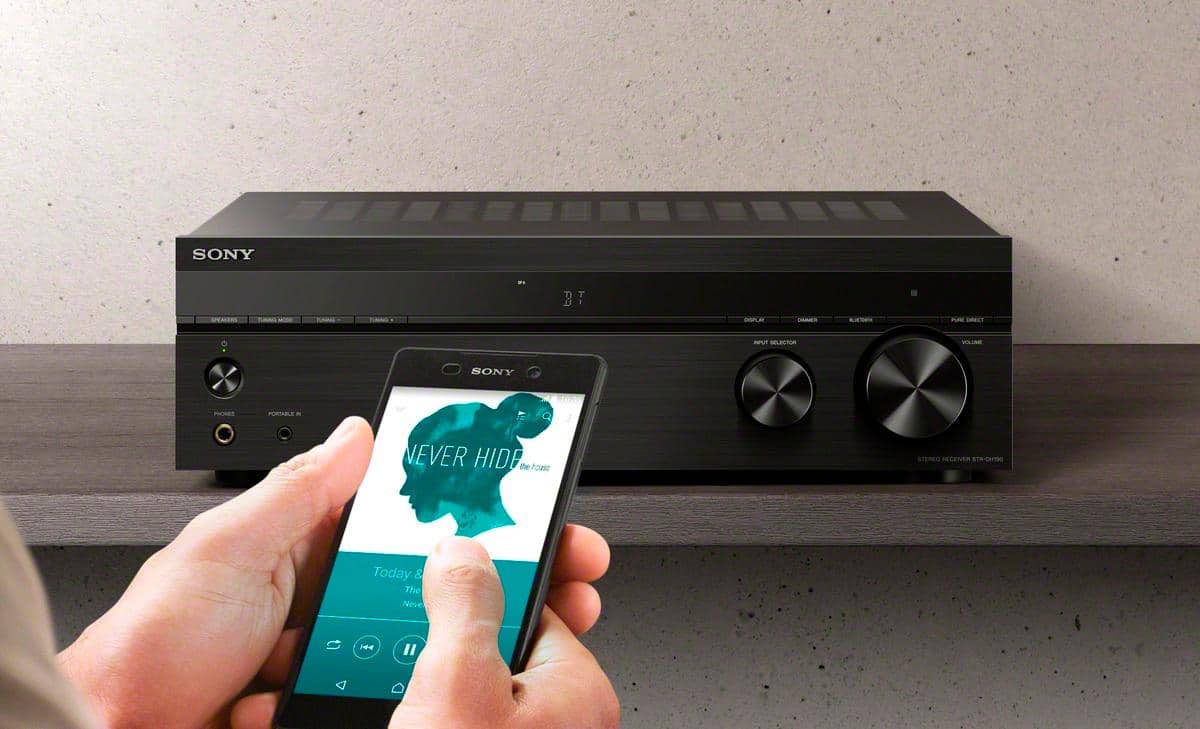
A:AnswerHi BluetoothHeadphones, Unfortunately, you cannot connect your Bluetooth Headphones to this unit. You can connect from a smartphone or tablet that has a BLUETOOTH function and listen to it via
this receiver. -Sam
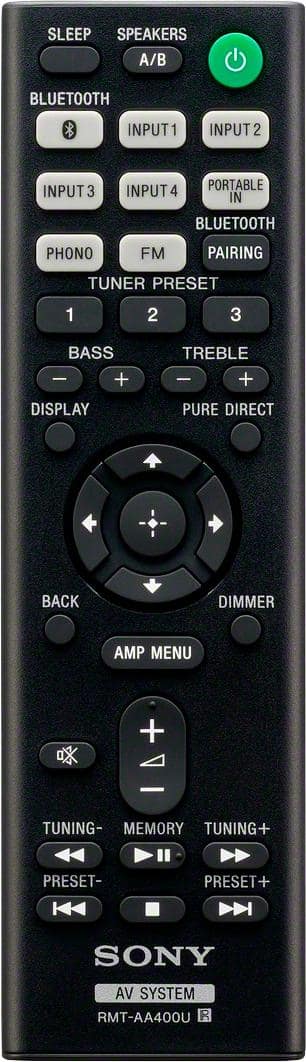
A:AnswerThe receiver has Bluetooth. So it sees my phone as another audio source. After I paired, my device to the Sony receiver, it plays the music on my phone through the entire system. There is a [Portable In] button on the remote that comes with the Sony Receiver.
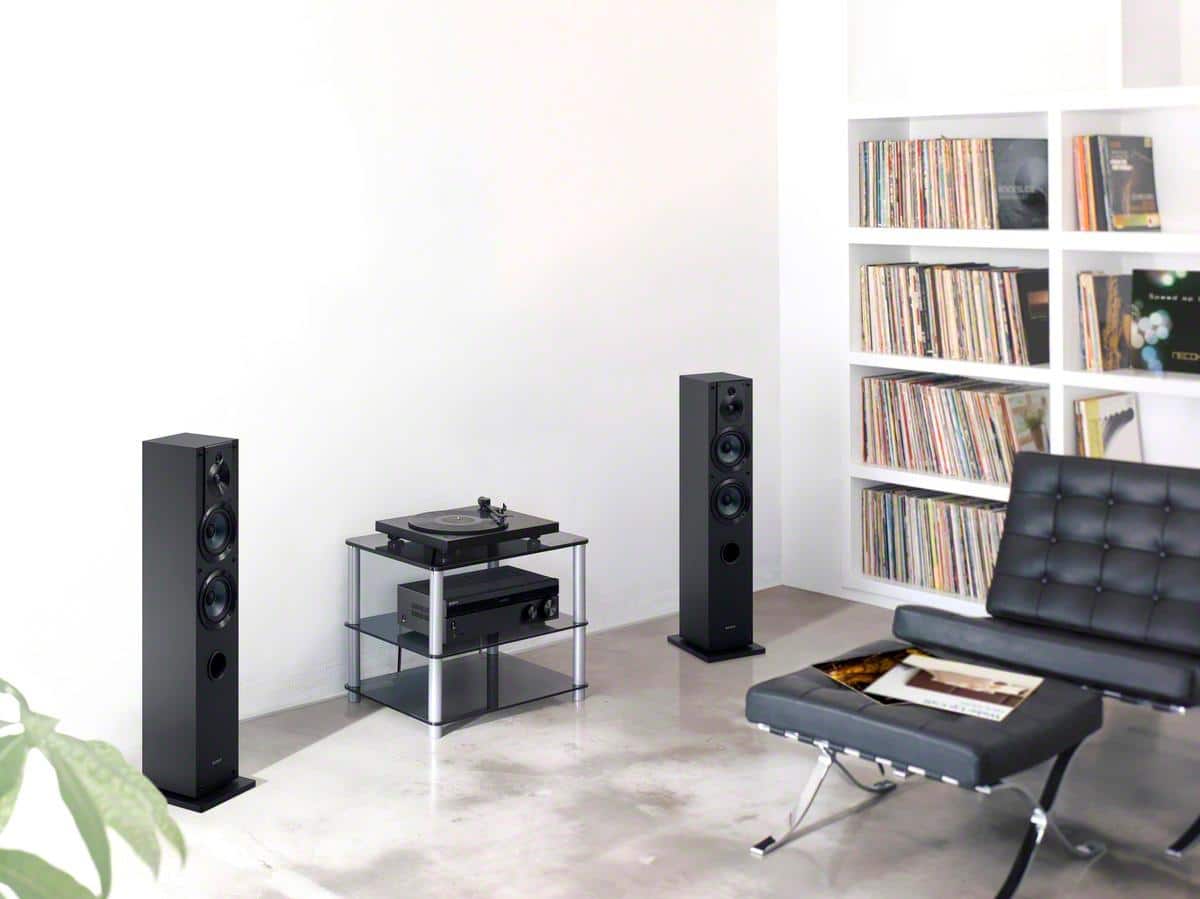
A:AnswerHi JLGB, Yes, this unit has multiple audio inputs to hook up your cassette player and turntable all at the same time. Please refer to this link for further information: https://www.sony.com/electronics/support/res/manuals/4726/f63b8edb2b154409daa55875111f95e4/47269071M.pdf (page 15). -Sam
A:AnswerHi Robby, Unfortunately, the unit will not automatically turn on during audio playback on a device connected to the audio input of the receiver. -Sam
A:AnswerSurprisingly - this has been a great buy. I am long time fan/believer of SONY products. I bought this reciever to connect it to my Samsung TV and as well as my Turntable. I have some great powered JBL speakers connected to the reciever. The sound is absolutely great and crisp for my liking. Bluetooth is great as well and connects easily to my Android phone (GALAXY S9+).
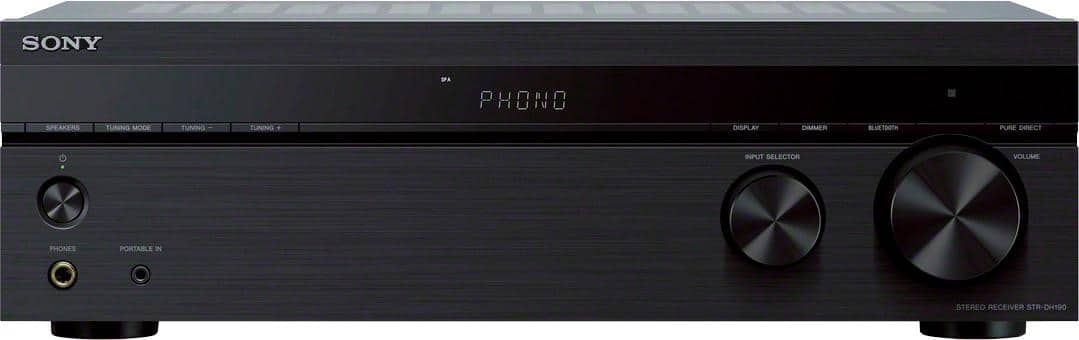
A:AnswerHi Cari, Yes, you can hook up the STRDH190 to your CD player and the A+B function lets you connect two pairs of speakers. You can easily switch between A or B or use all of them together at the same time. However, if two sets of speakers are used together, then you cannot control the volume separately. -Sam
A:AnswerHi Npol79, The STR-DH190’s A+B function lets you connect two pairs of speakers. You can easily switch between A or B or use all of them together at the same time. Thanks! -Sam