A:AnswerHi Richard,
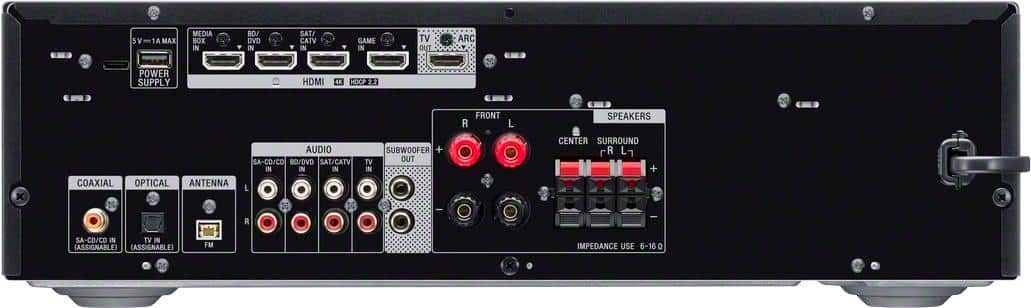
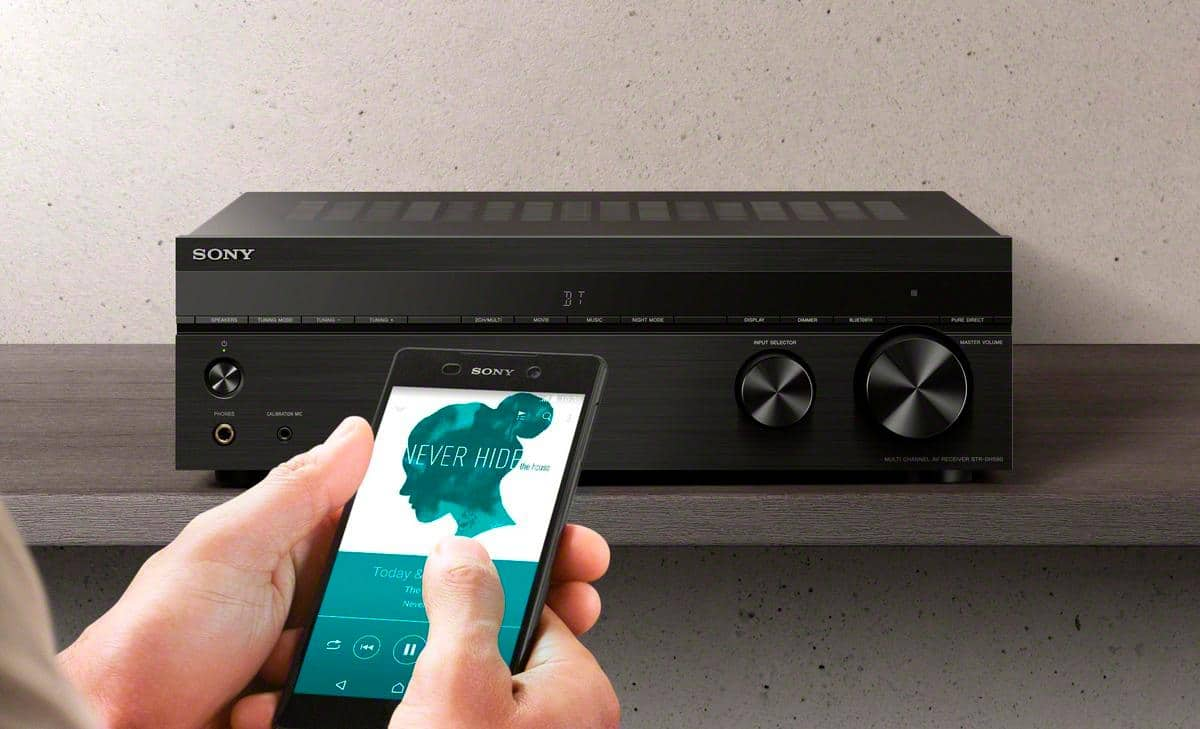
You cannot connect a wireless speaker to this AV receiver. For bluetooth, you can only use it with your phone to play music through the AV receiver speakers. Also, the AV receiver doesn't have a phono input. The turntable must have a built-in amplifier or an in-line amplifier must be used to connect the turntable to another input on the stereo system.
Regards,
David
A:AnswerI have an LG TV purchased in 2021, so I do not know if this is relevant. When I turn my TV on, the receiver automatically picks up that there is input and automatically turns on or off accordingly. It however does not adjust the volume for the receiver through the TV's remote. I do not know if this is different for a Sony receiver talking to a Sony TV.
A:AnswerAll you have to do is run a 2.1 HDMI cable Directly to the TV, from there you’ll want to run a HDMI cord from your arc port on your TV to your receiver that way you can bypass the restriction from the receiver. You’ll have HDR and 48gbps/120 Hz capabilities as long as your TV and HDMI cable can support it. Enjoy!
A:AnswerThis unit is not equipped with a phono input. You can purchase an external phono preamp,then connect to any of the aux inputs on this unit. Cd input for example. Then you can play your Lp’s from the record player through this unit.
A:AnswerYes you can. It not only has HDMI inputs, but it also has RCA audio jack inputs.
The only audio device you probably could not connect would be a turntable, unless it had a pre-amp output.
A:AnswerHi DonnaC,
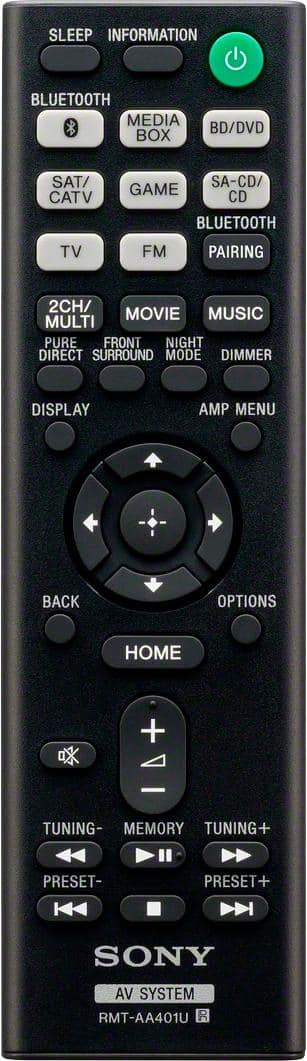
We are sorry to hear what happen with your remote control. For us to better assist you, please email us at [email protected] with the following details:
Name:
Best Buy Username:
Model Number:
Issue:
Telephone Number:
Regards,
David
A:AnswerHi everyone. This Receiver does NOT support earc, it only does arc which has a bitrate of somewhere in the 600-800kbpa range. E(arc) supports 37mbps. Thats 37x more bandwidth! Huge difference and everyone saying it is earc is wrong. This is a big freaking deal, difference between me doing dolby digital while watch netflix and having full DOLBY ATMOS support. Do not buy this product if thats what you want. I am returning tomorrow
A:AnswerHi Cowboymac99, Thank you for your inquiry. Unfortunately, this receiver doesn't have a speaker switch function. I would suggest checking out the Sony STRDH190 for the AB speaker switch function to easily switch between A or B or use them all together at the same time. Hope this helps! -Sam
A:AnswerHi Hoops, Thanks for your inquiry. Yes, you can connect your turntable to one of the RCA audio input of the unit. To connect a turntable that only has a PHONO output jack, you need to connect a phono equalizer (not supplied) between the turntable and this receiver. Hope this helps! -Sam
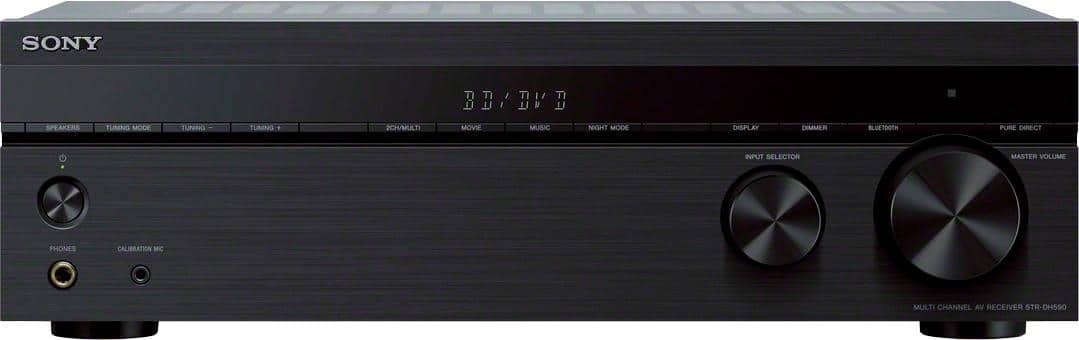
A:AnswerHi Corvallisjohn, Thanks for your inquiry. You can connect your headphones to the headphone jack in the front panel of the receiver. Unfortunately, you cannot get sound from the headphones and speakers at the same time. Hope this helps! -Sam
A:AnswerHi RobVols, Thanks for your inquiry. Please make sure you have selected the corresponding sound field to get surround sound. For more details, please refer to this link: https://helpguide.sony.net/ha/strdh59/v1/en/contents/TP0001553111.html
If you are unable to resolve your concern, please email us at [email protected] with the following details:
Name:
Username:
Model Number:
Issue:
Telephone Number:
Sincerely,
Sam