A:AnswerHi Frenchy, No, it only supports Region 1 (DVD) and Region A (BD). You may refer to this link for more information (General Features):
https://docs.sony.com/release//specs/BDPS1700_mksp.pdf
~Ralph
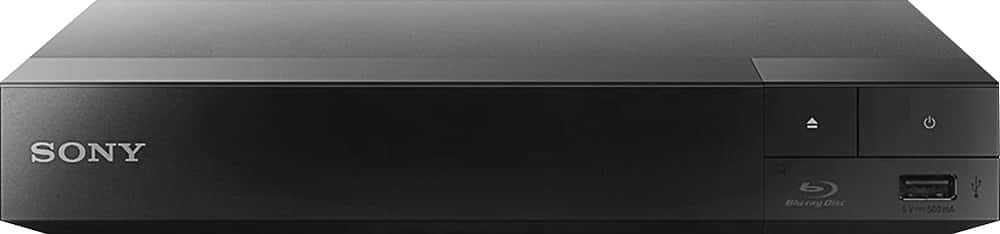
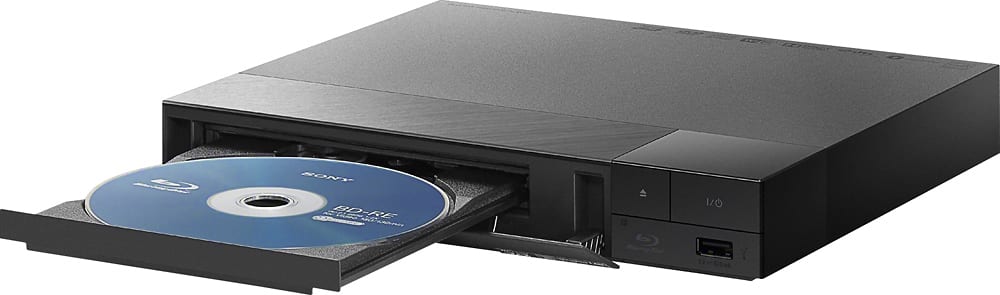
A:AnswerHi, FormerRedhead, This Blu-ray player plays sounds and videos (music files and movies). It will only play one disc at a time and definitely one of the best Sony players. Check out the specifications for more details:
https://docs.sony.com/release//specs/BDPS1700_mksp.pdf
Regards,
Vincent
A:AnswerHi Shilo, No, this unit only supports Region 1 DVDs. You may refer to the link below for more information:
https://docs.sony.com/release//specs/BDPS1700_mksp.pdf
~Ralph
A:AnswerHi birdmom, yes. That is actually how the setup should go even if already have a cable box connected to your TV. As long as you have an HDMI port for this Bluray player, it will allow you to play Region 1/A plain DVDs and Bluray discs. You may refer to this link for its full specs: https://docs.sony.com/release//specs/BDPS1700_mksp.pdf Thanks, -Mark
A:AnswerHi Newbreed32, You can repeat a certain DVD by pressing the playback information and select repeat type.For more information, please visit the next link and check page 20.https://docs.sony.com/release//Manual_4579663131.pdf.Thank you.- Jay
A:AnswerHello jerry, thank you for your message. NOTE: While the player is turned on, press STOP, HOME, and then TOP MENU button on the remote to lock or unlock the tray. Oscar.